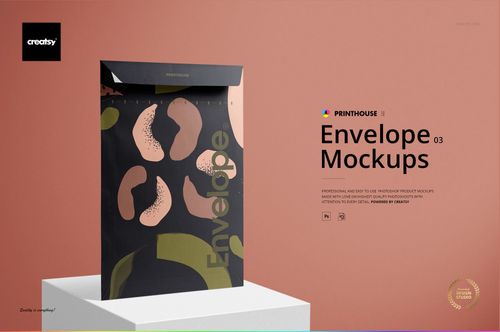
Bubble Mailer Mockup Set
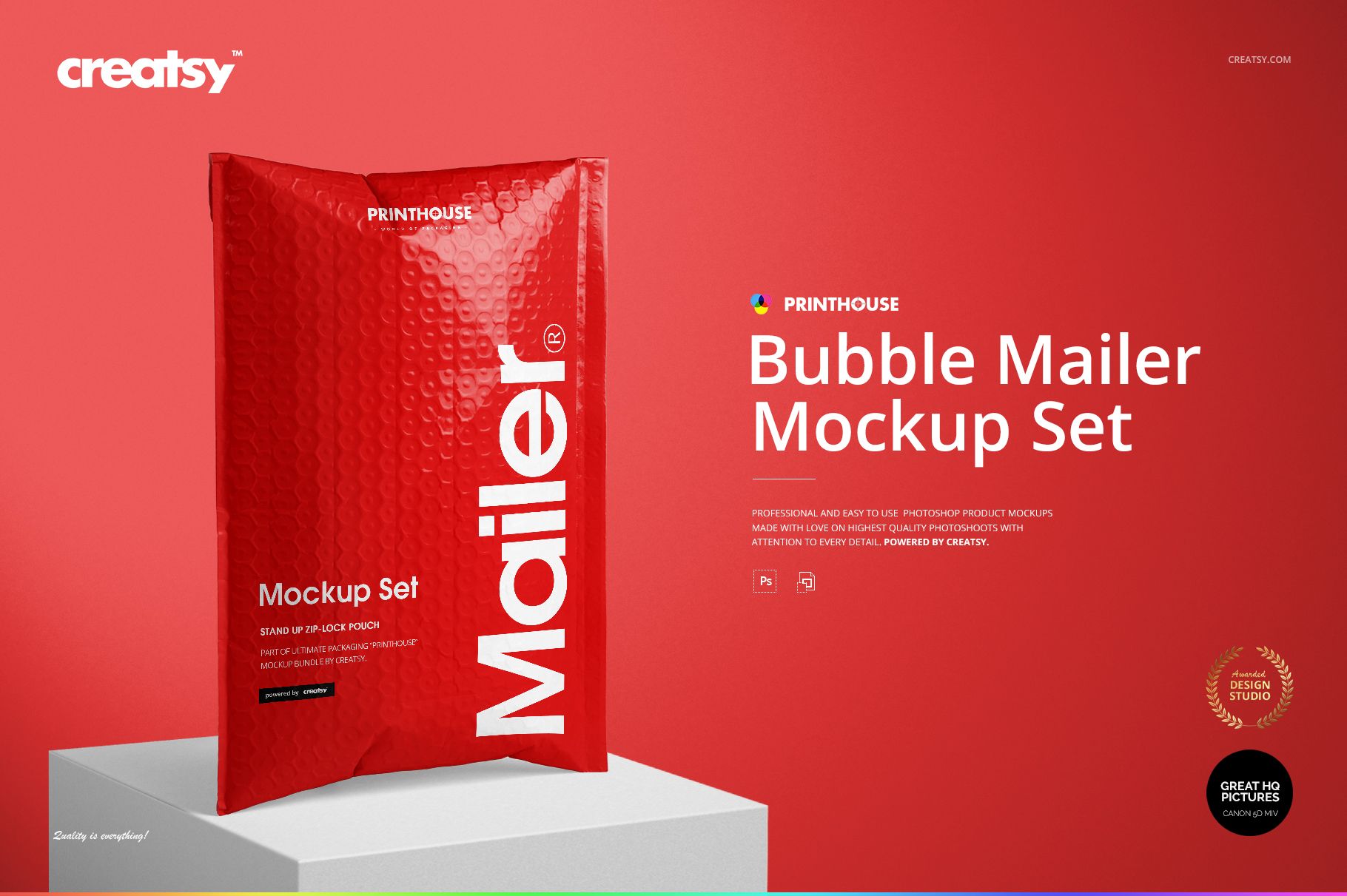
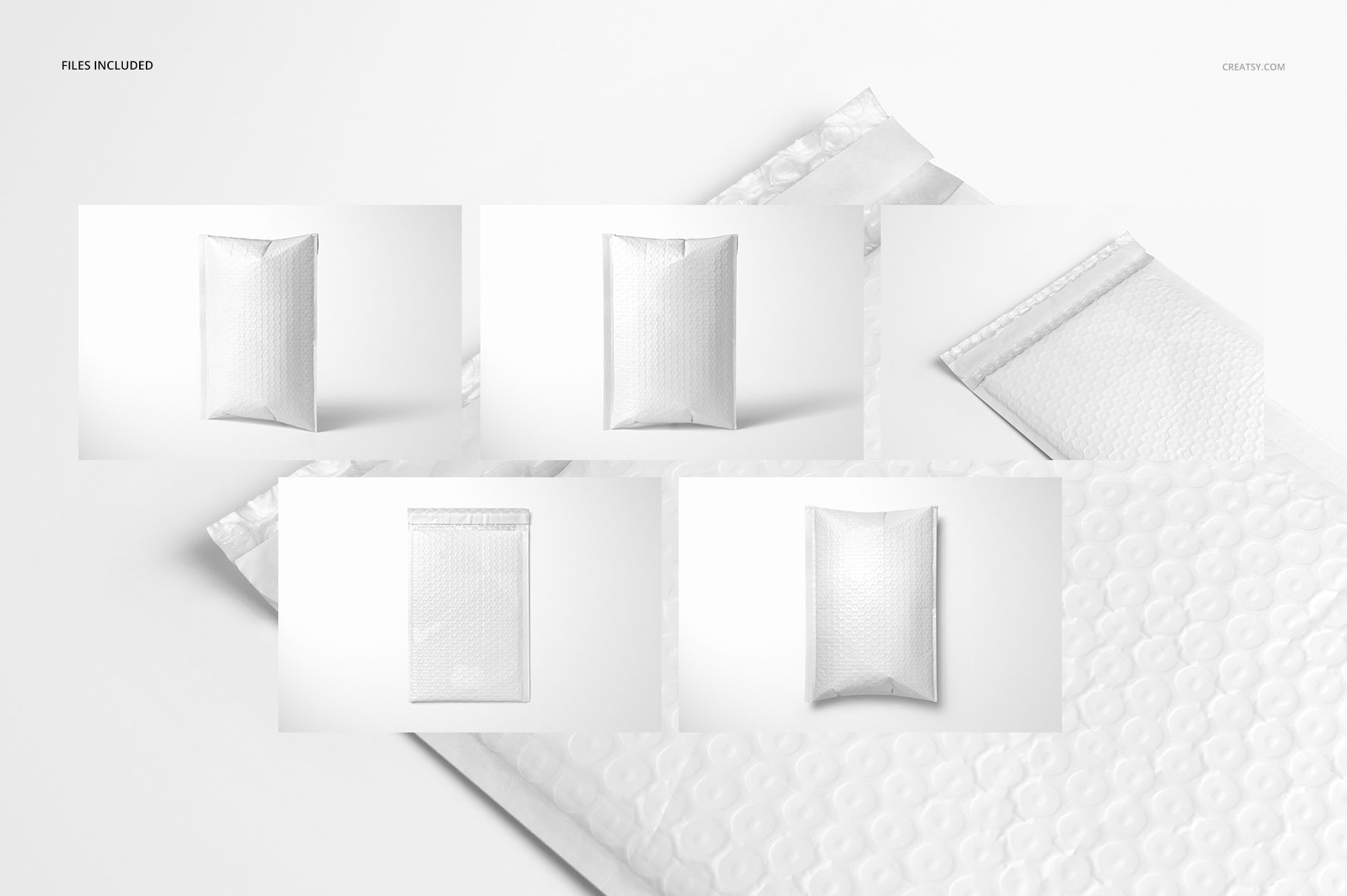
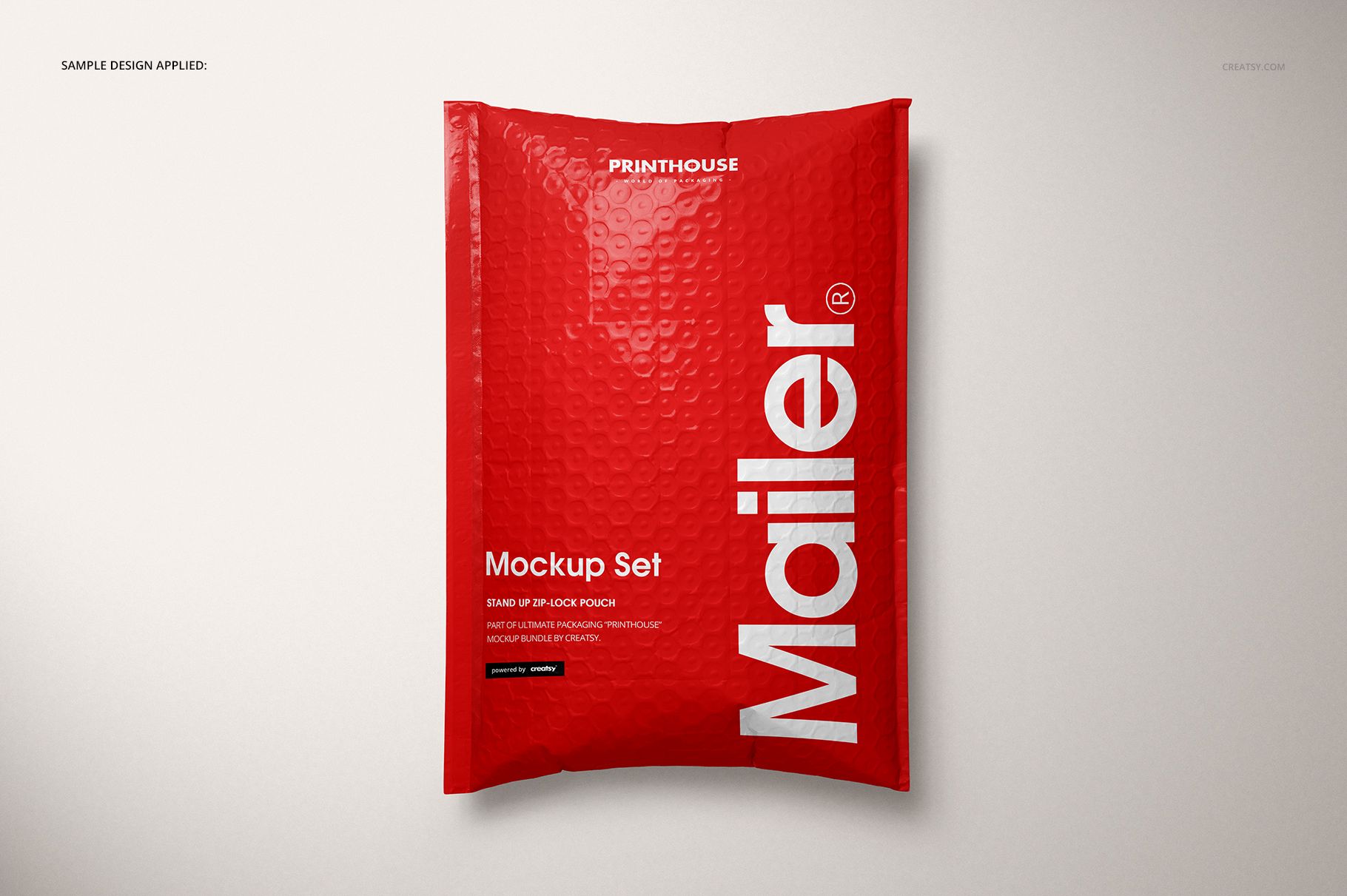
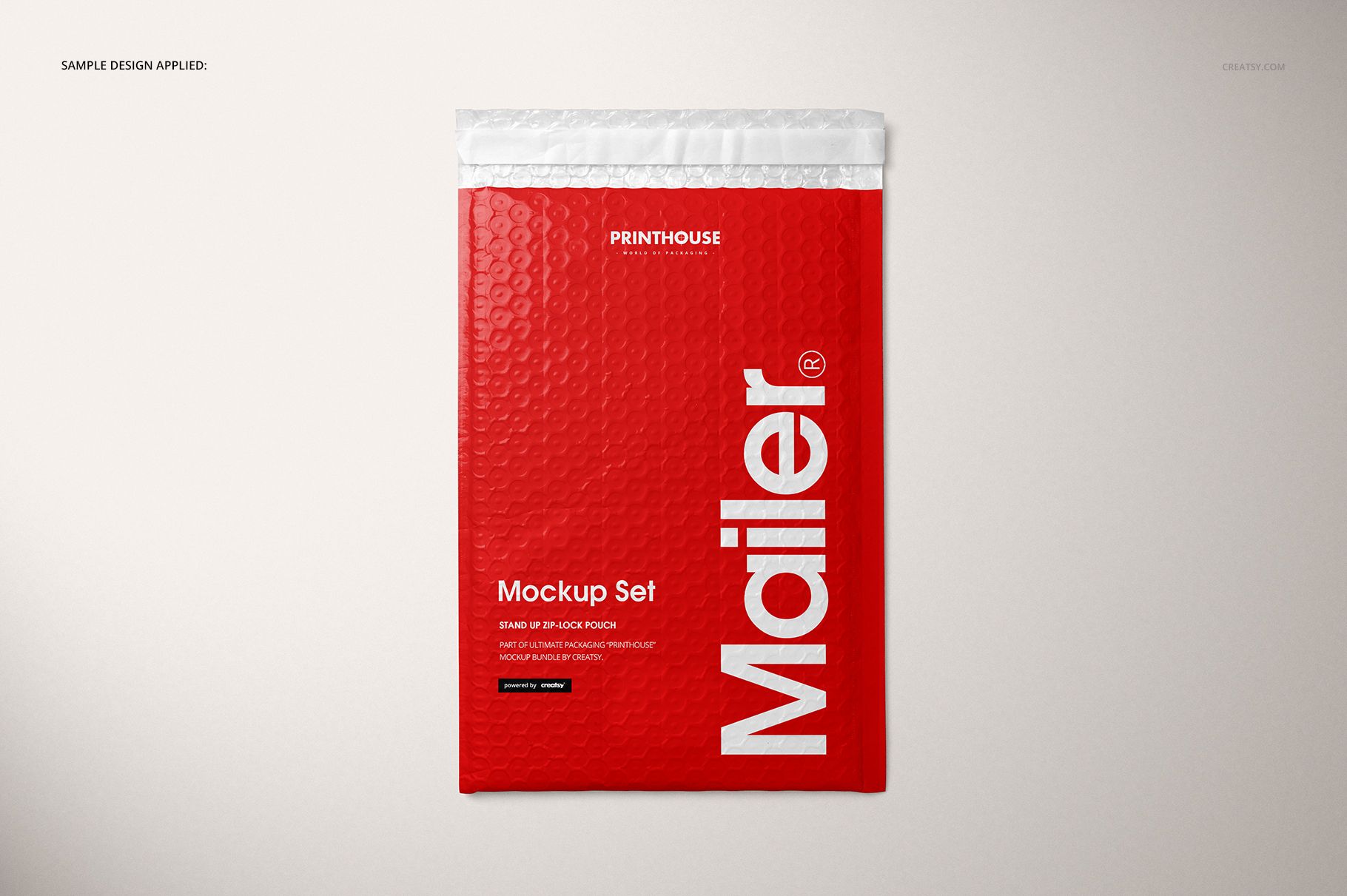
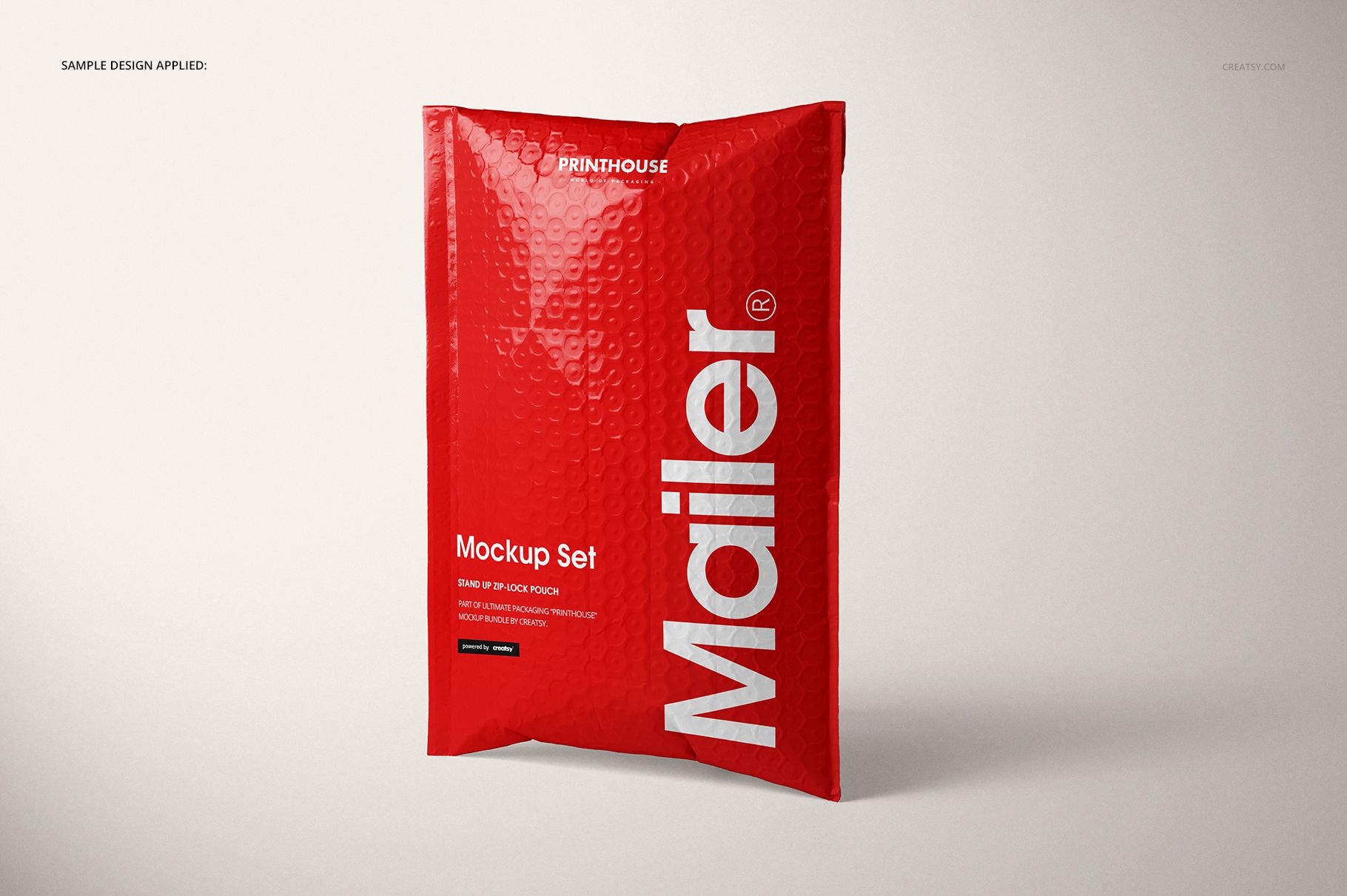
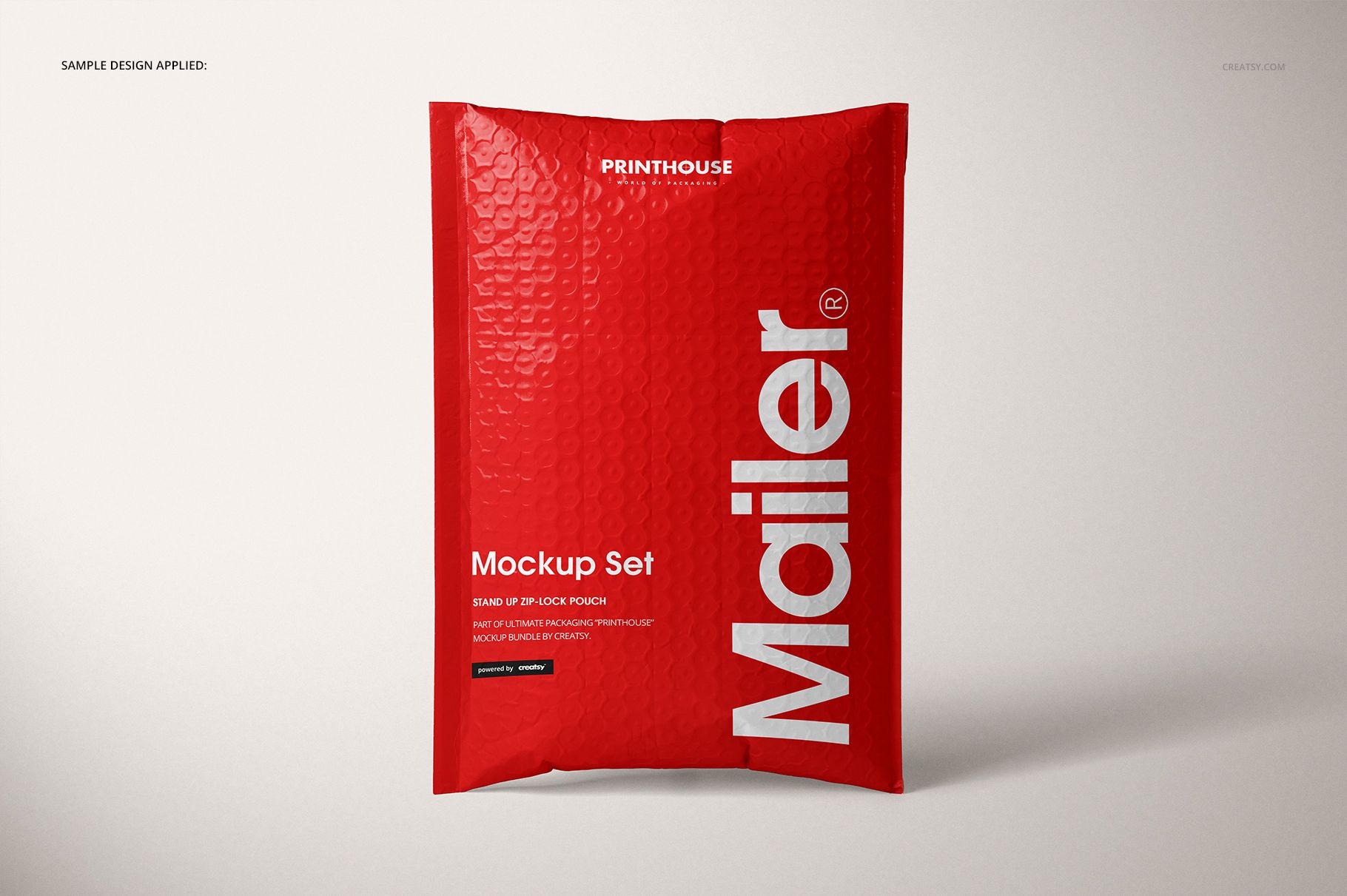
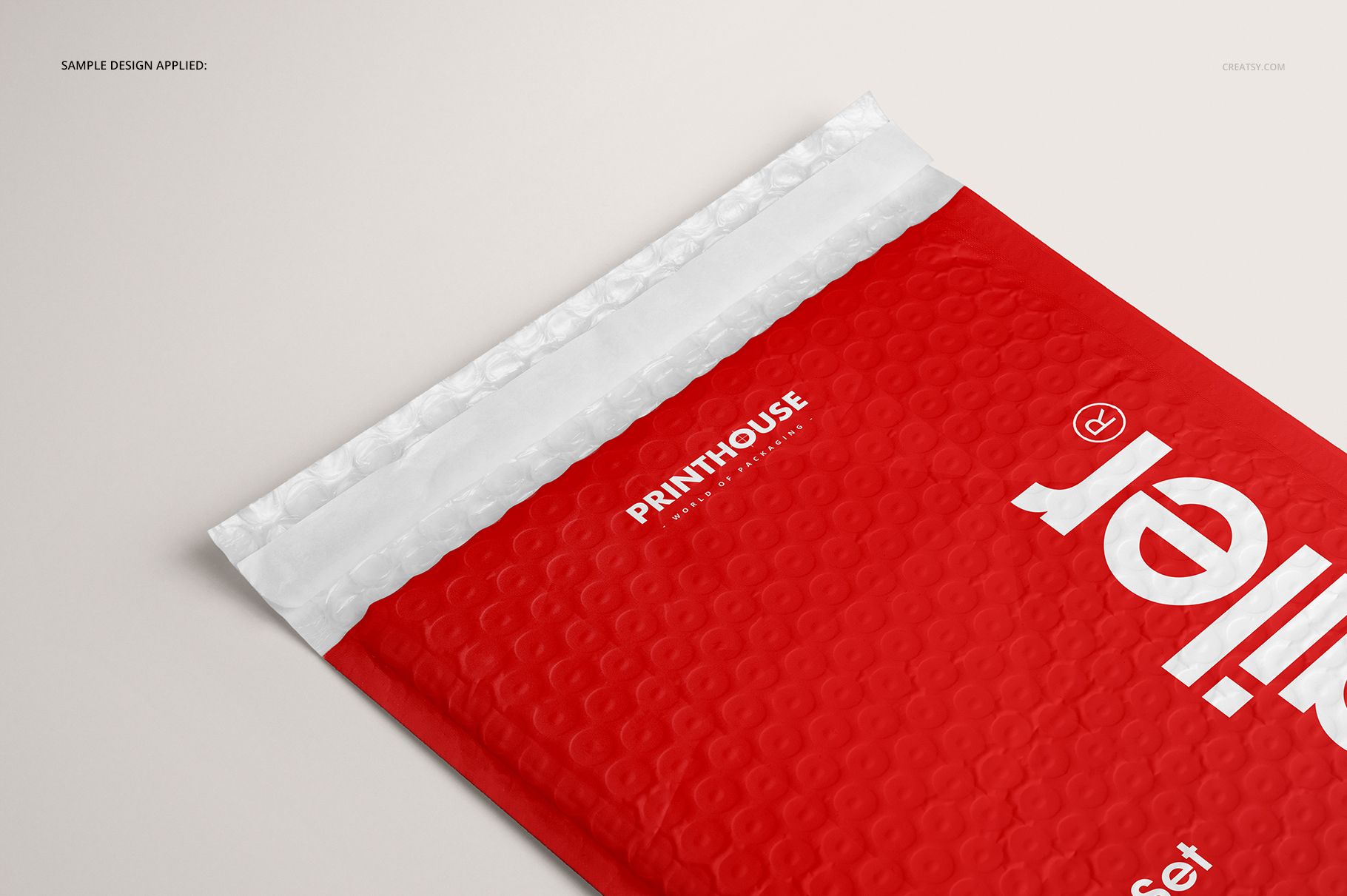
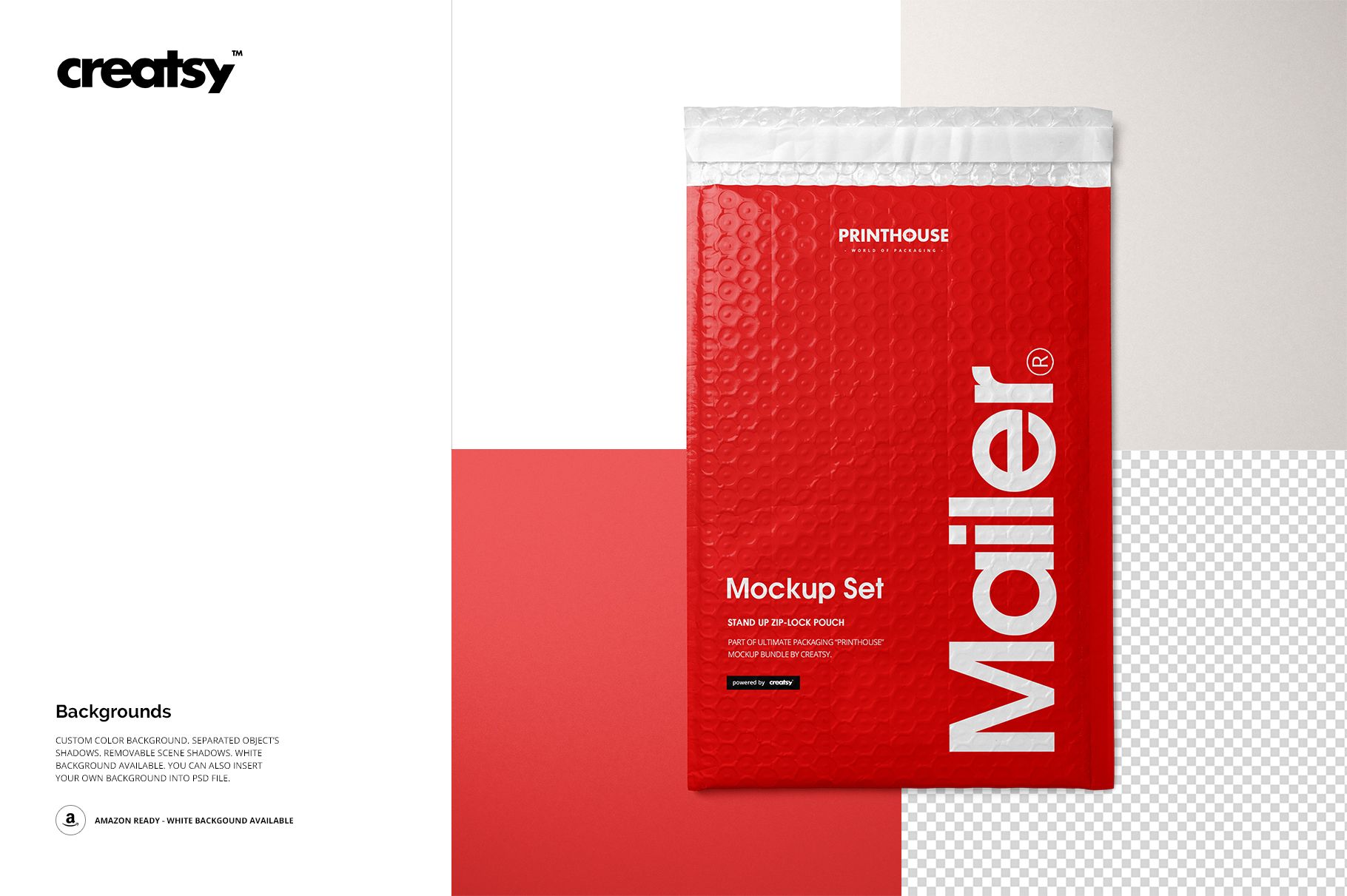
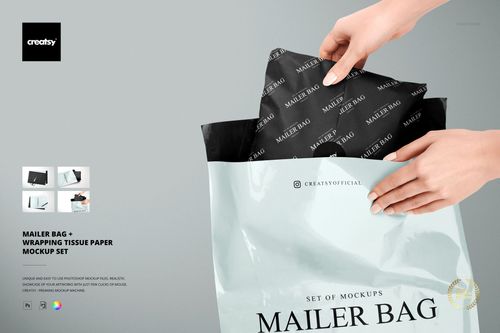
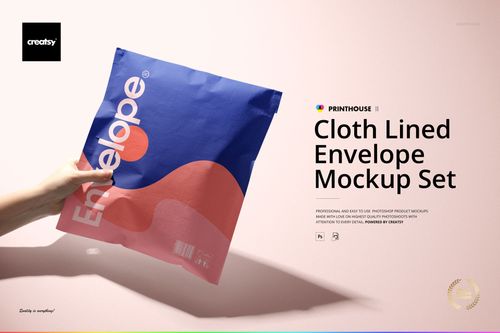
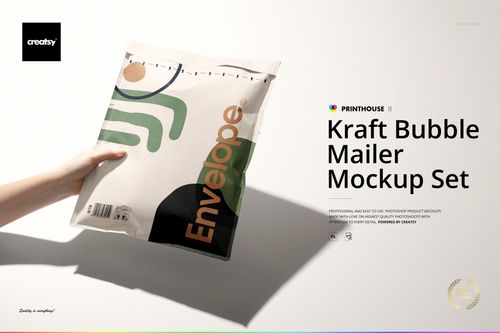
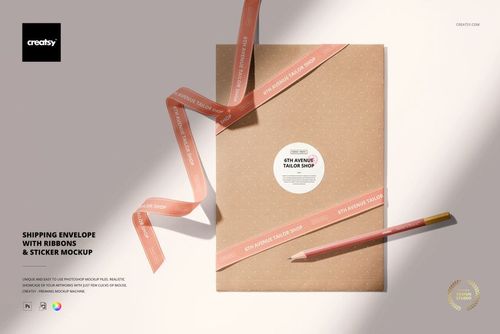
Raised bubble texture gives a padded envelope its character, but it also changes how small lettering and fine patterns read. Bubble Mailer Mockup Set brings that surface into focus with five PSD views: Top Front, Top Back, Standing Front, Standing Angled, and Closeup. Show the overall package, turn attention to its closure, and finish with a detailed look at your artwork across the textured surface.
What Is Included
5 layered PSD mockups with separate front, back, standing, angled, and close-up views.
5 JPG scene images and a Guide.jpg instruction image, for 11 files in total.
6000 × 4000 px mockup resolution at 300 dpi.
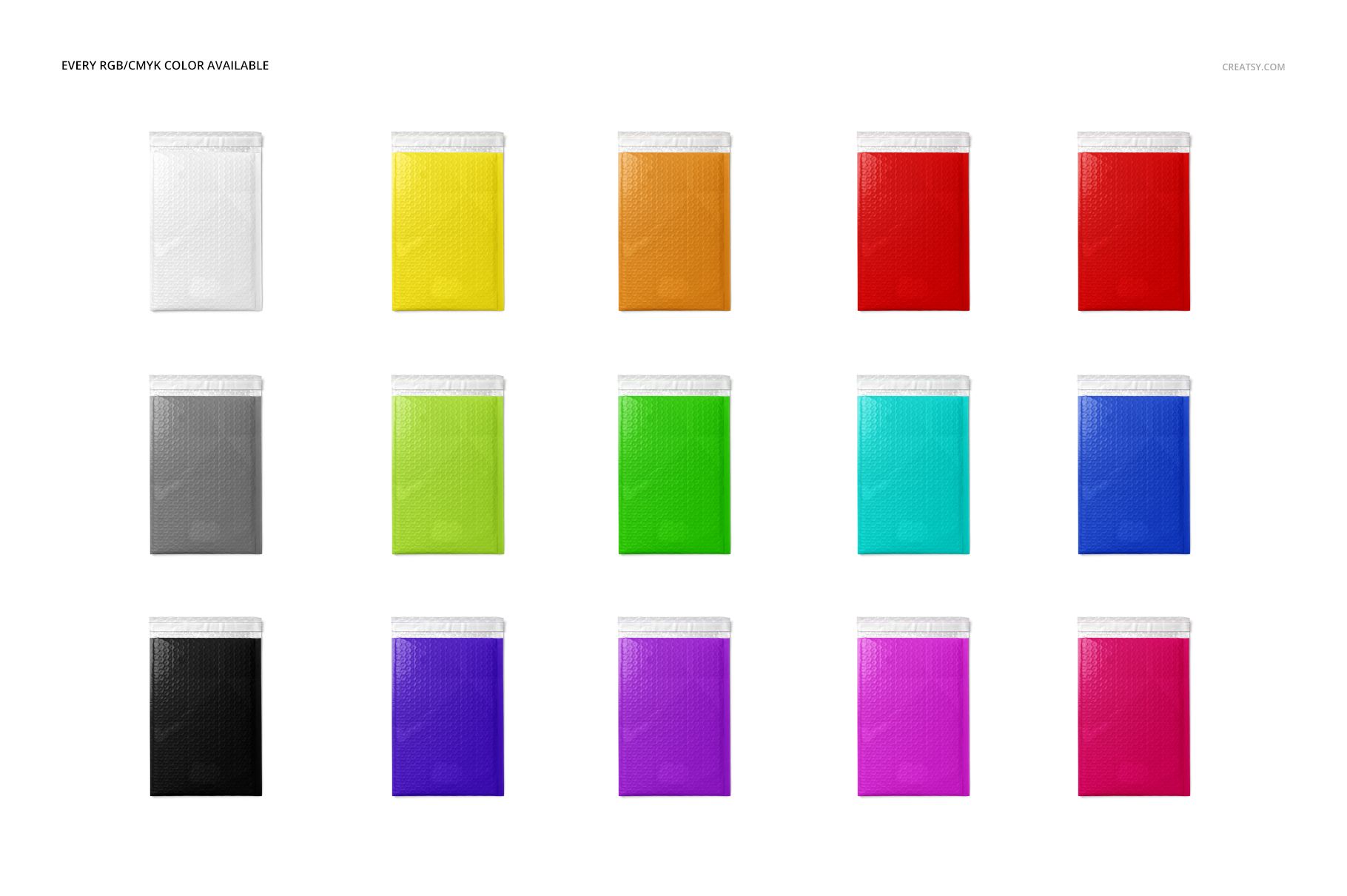
Smart Objects for artwork, editable mailer colors, and background options.
From Package Shape to Surface Detail
The standing views give the mailer a defined silhouette, while the top views show its broad face and the white closure strip. The close-up makes the bubble pattern and highlights easier to inspect. Together, these views help you present a design at two levels: the brand seen from a distance and the detail a customer notices up close.
Easy Smart Object Editing
Use Adobe Photoshop CS6 or later to open a PSD, place your artwork in its Smart Object, and save the object to update the scene. Adjust the mailer color and choose a white, colored, or imported background. Separate object shadows and removable scene shadows support different presentation styles. Edit each PSD individually to carry the same design through the set.
Perfect For
Padded shipping envelope branding and packaging pitches.
Logo, typography, and surface-pattern presentations.
Client approval galleries, print-shop portfolios, and e-commerce visuals.
This is a digital mockup, not a physical bubble mailer or a production template. The sample artwork shown in the previews is not included.