Laminated Non-Woven Tote Bag 02 Mockup Set
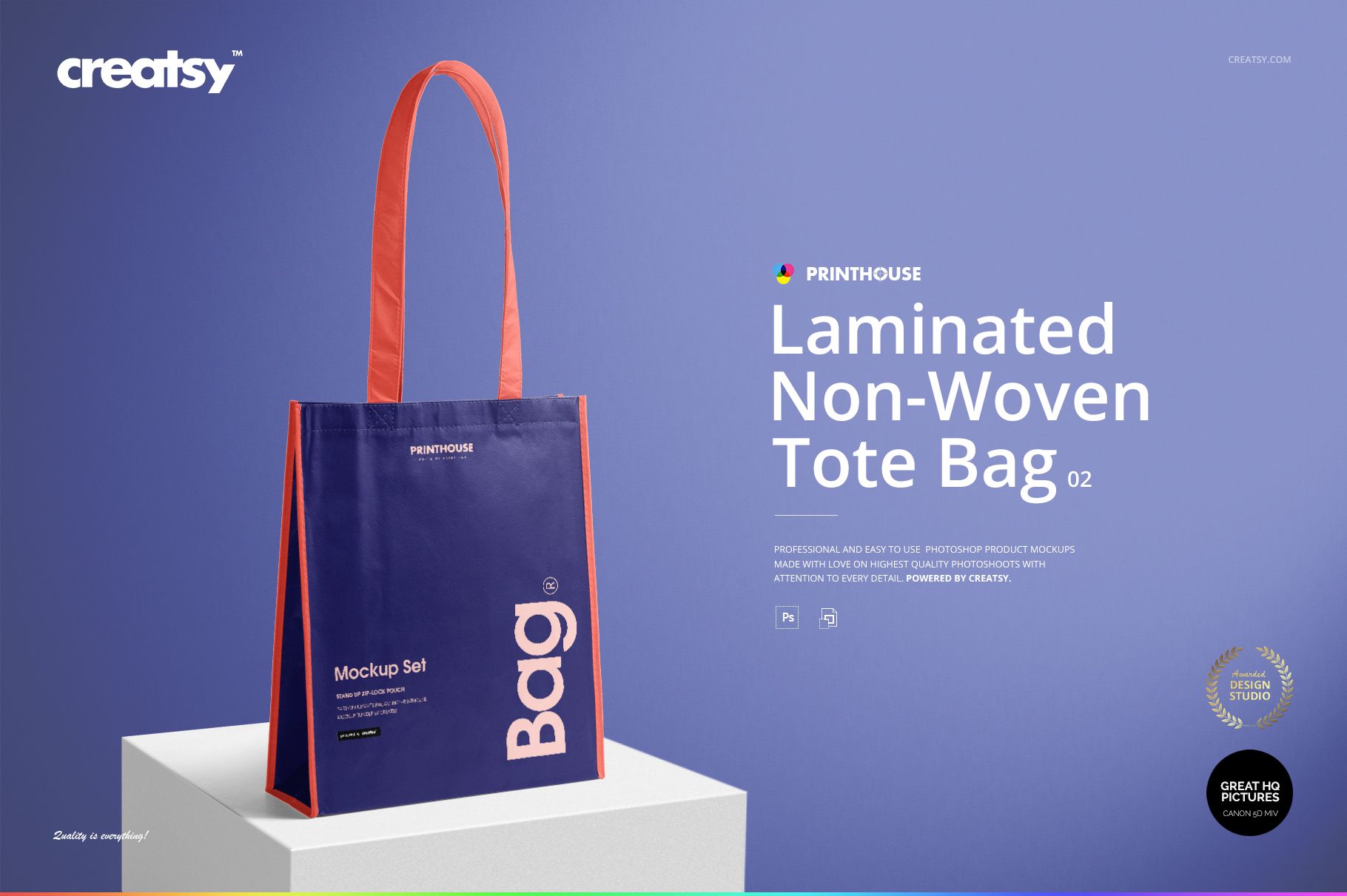
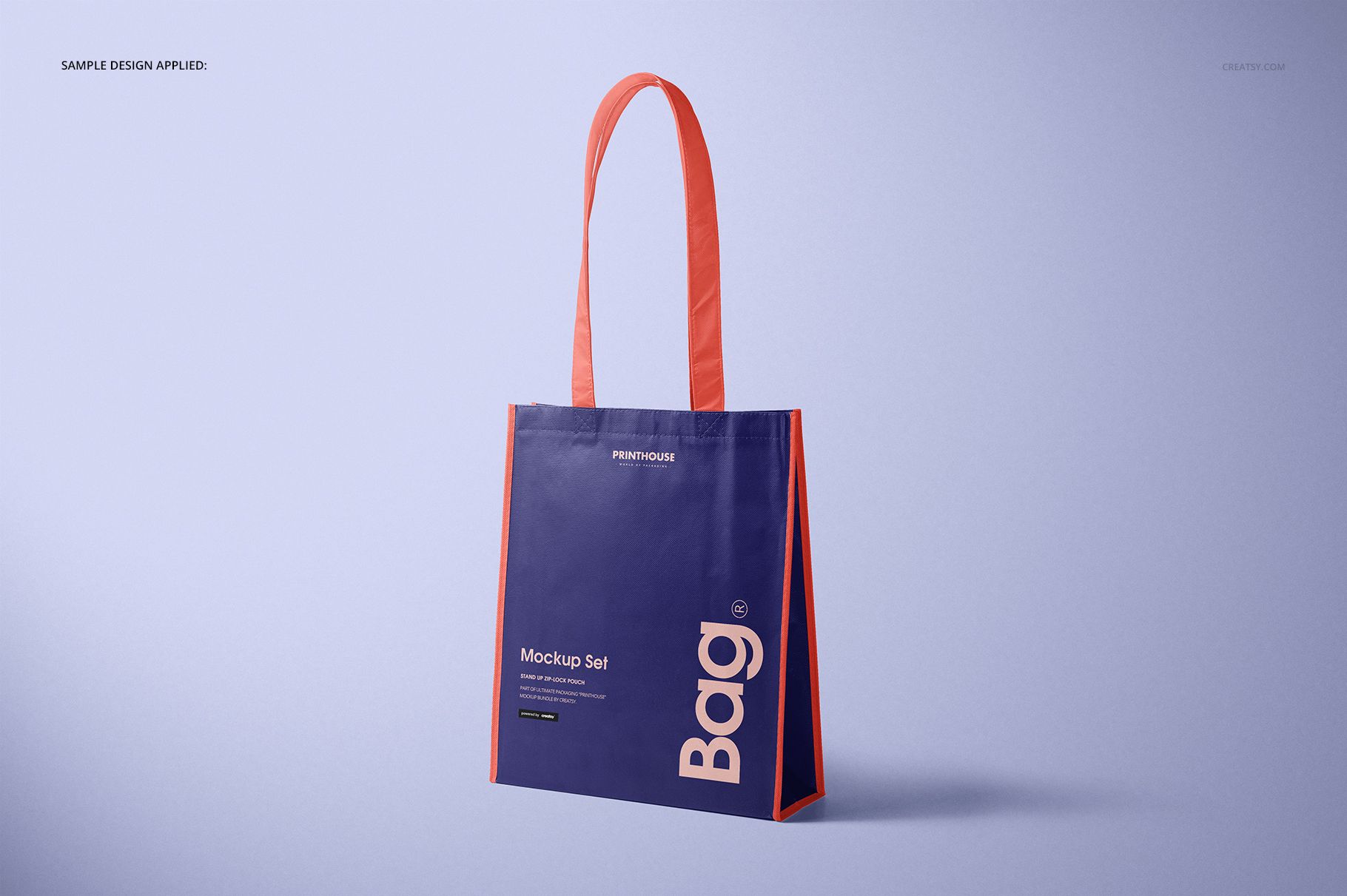
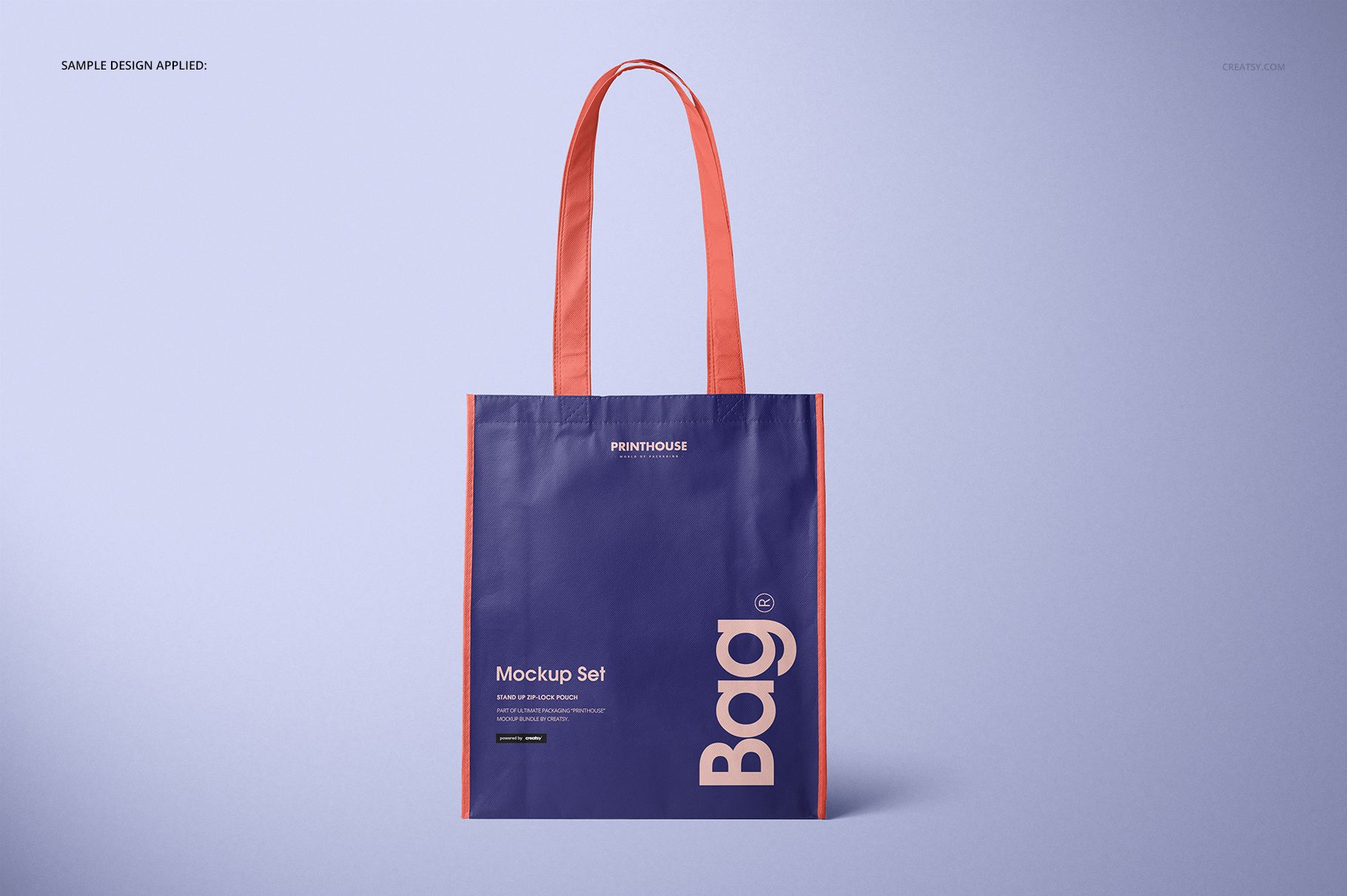
A tall retail shopper needs more than a flat logo preview. This set places artwork on a laminated non-woven bag with long handles and a body measuring approximately 38 cm high without handles, 33 cm wide, and 12 cm deep. The realistic surface, stitched edges, folds, and side gusset make it easier to assess scale, hierarchy, and color contrast before presenting the concept.
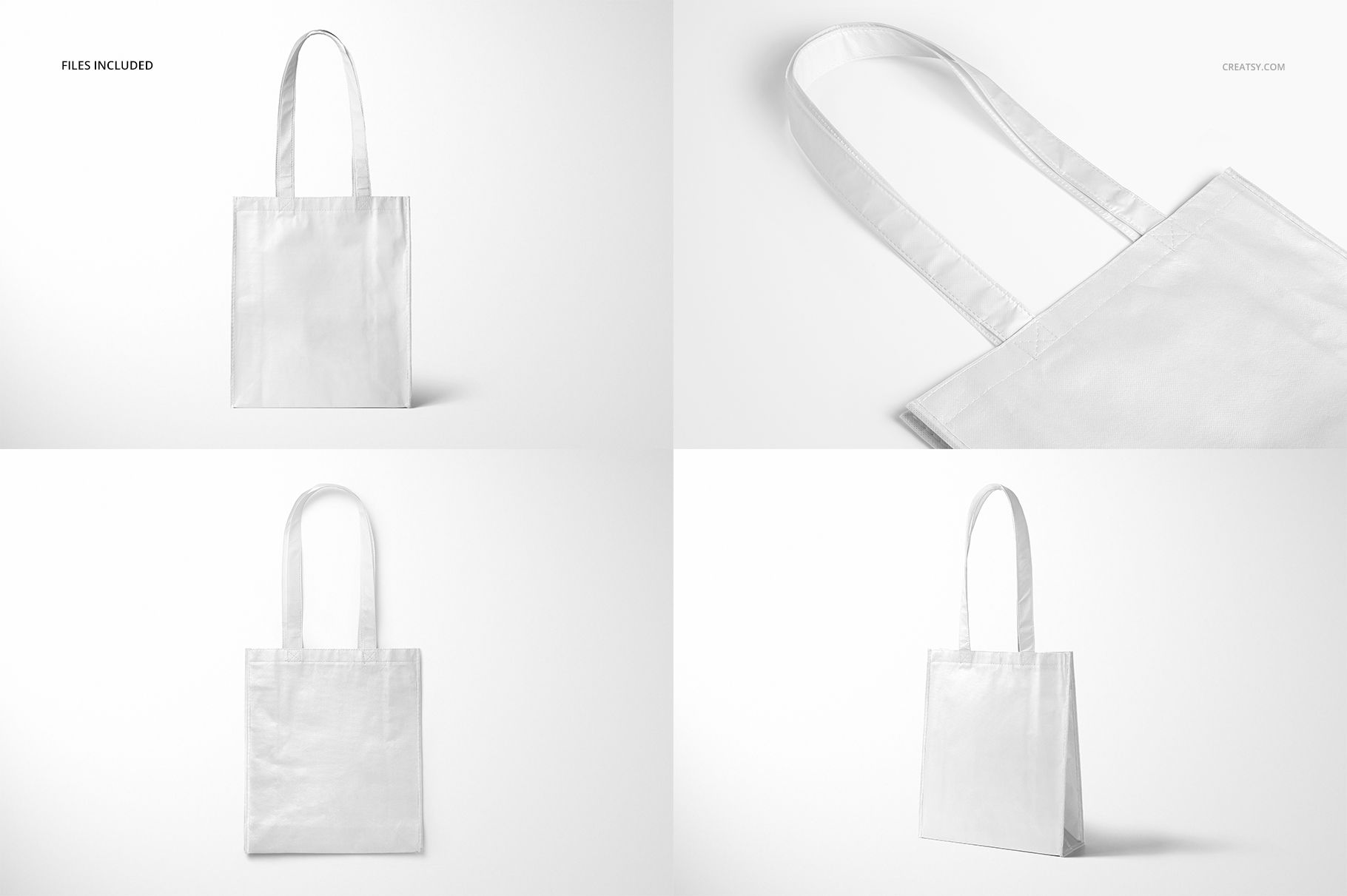
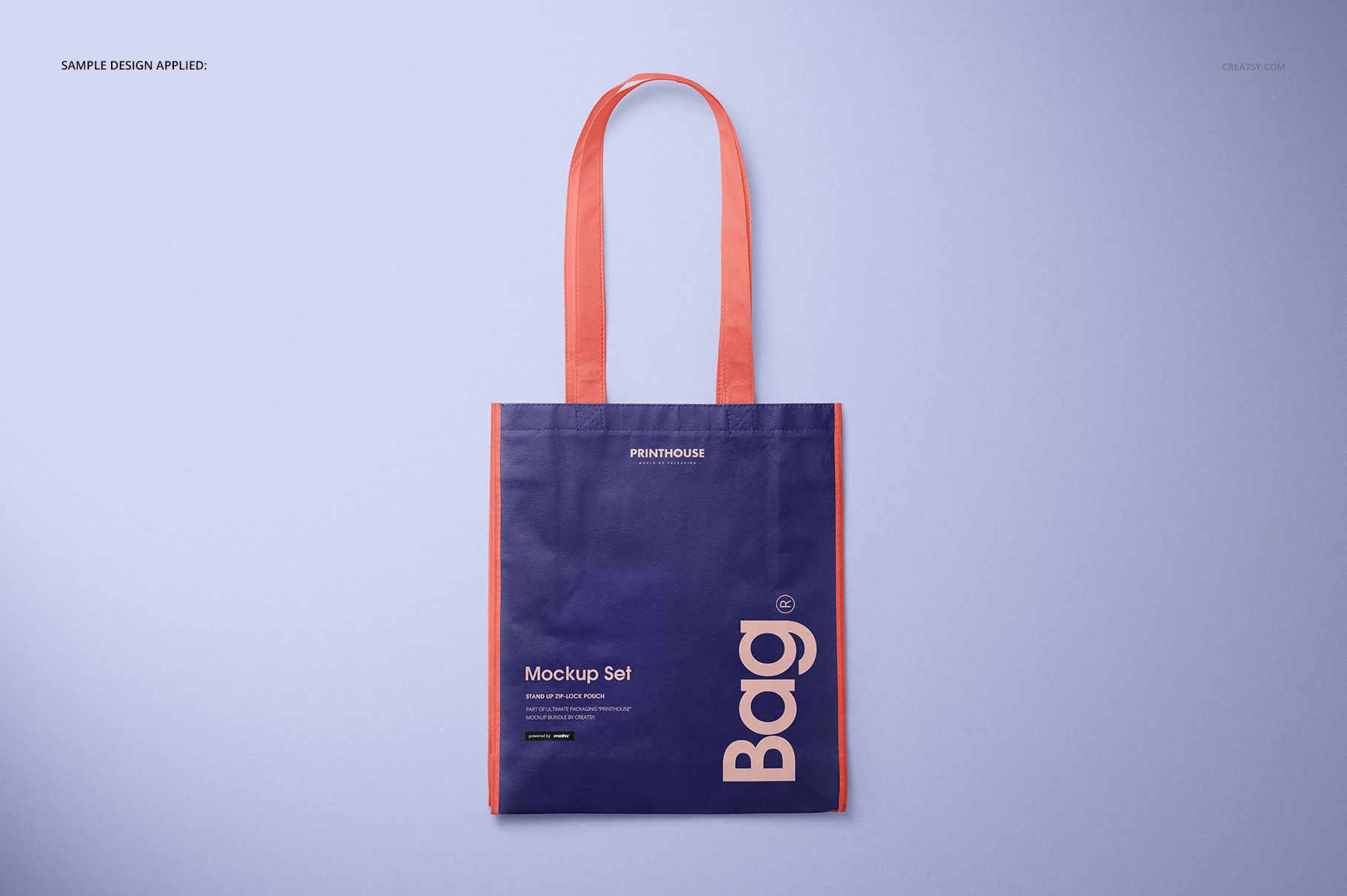
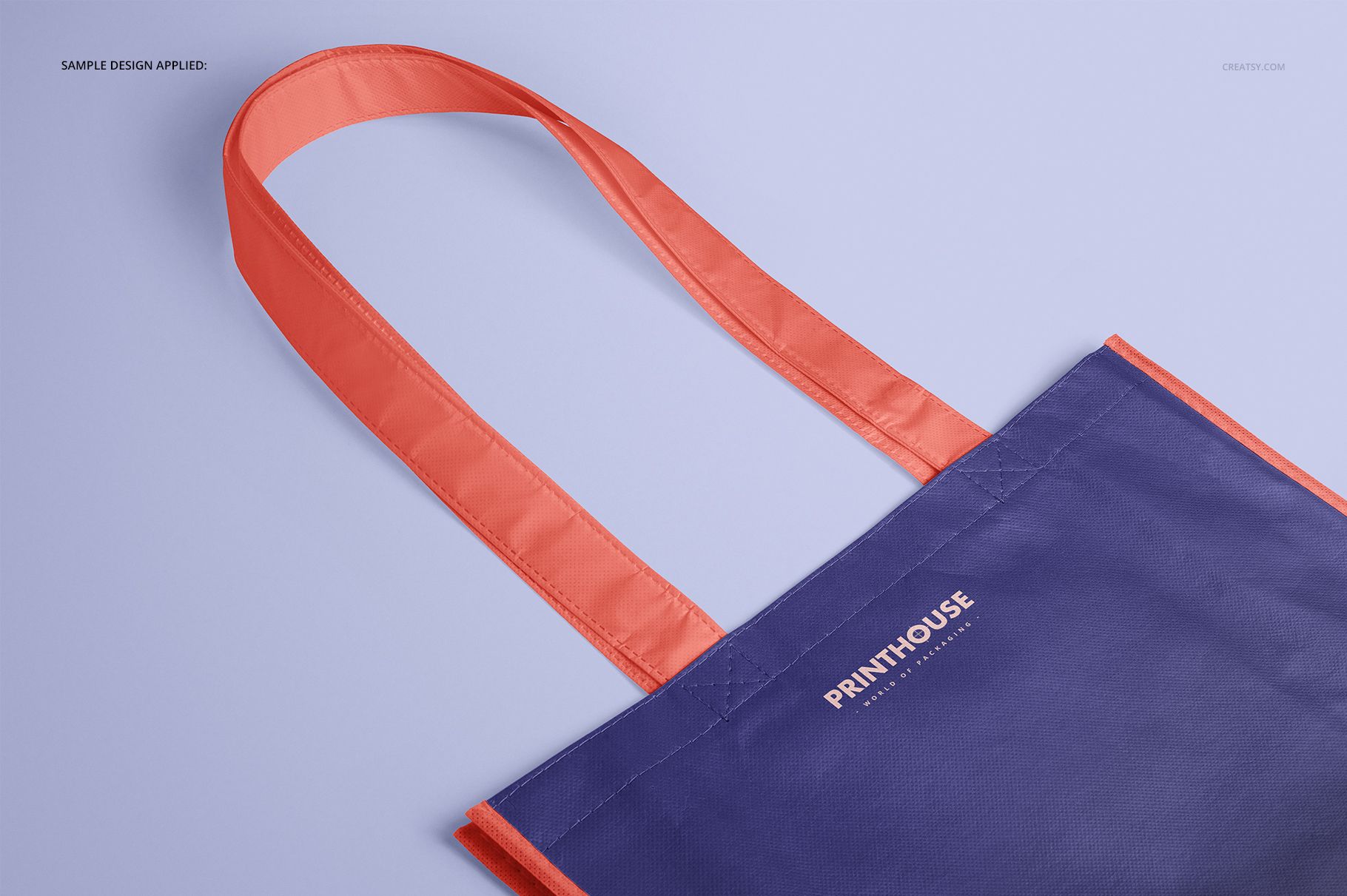
Four complementary perspectives create a practical approval sequence. Begin with the Front view for logo clarity, use Angled to reveal the gusset, inspect construction and artwork detail in Close-up, then add Top to complete the product story.
What Is Included
4 layered PSD mockup files: Front, Angled, Top, and Close-up
4 matching JPG scene previews at 6000 × 4000 px
1 JPG guide at 1918 × 1414 px, 9 files in total
Landscape PSD scenes at 6000 × 4000 px and 300 DPI
Package size: 1.46 GB on Windows and 1.56 GB on Mac
Compatibility with Adobe Photoshop CC 2015 or newer
Color Range for a Laminated Finish
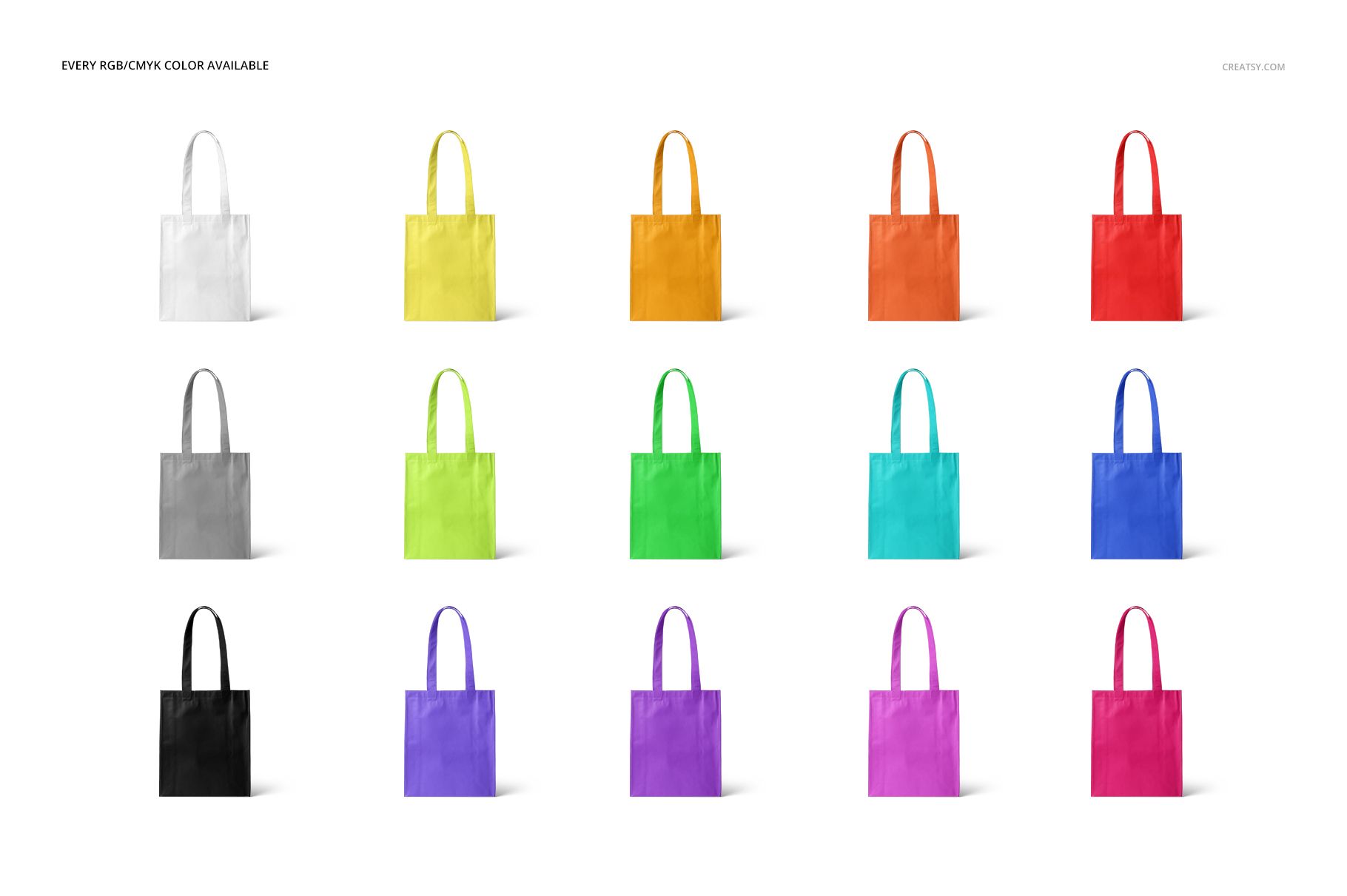
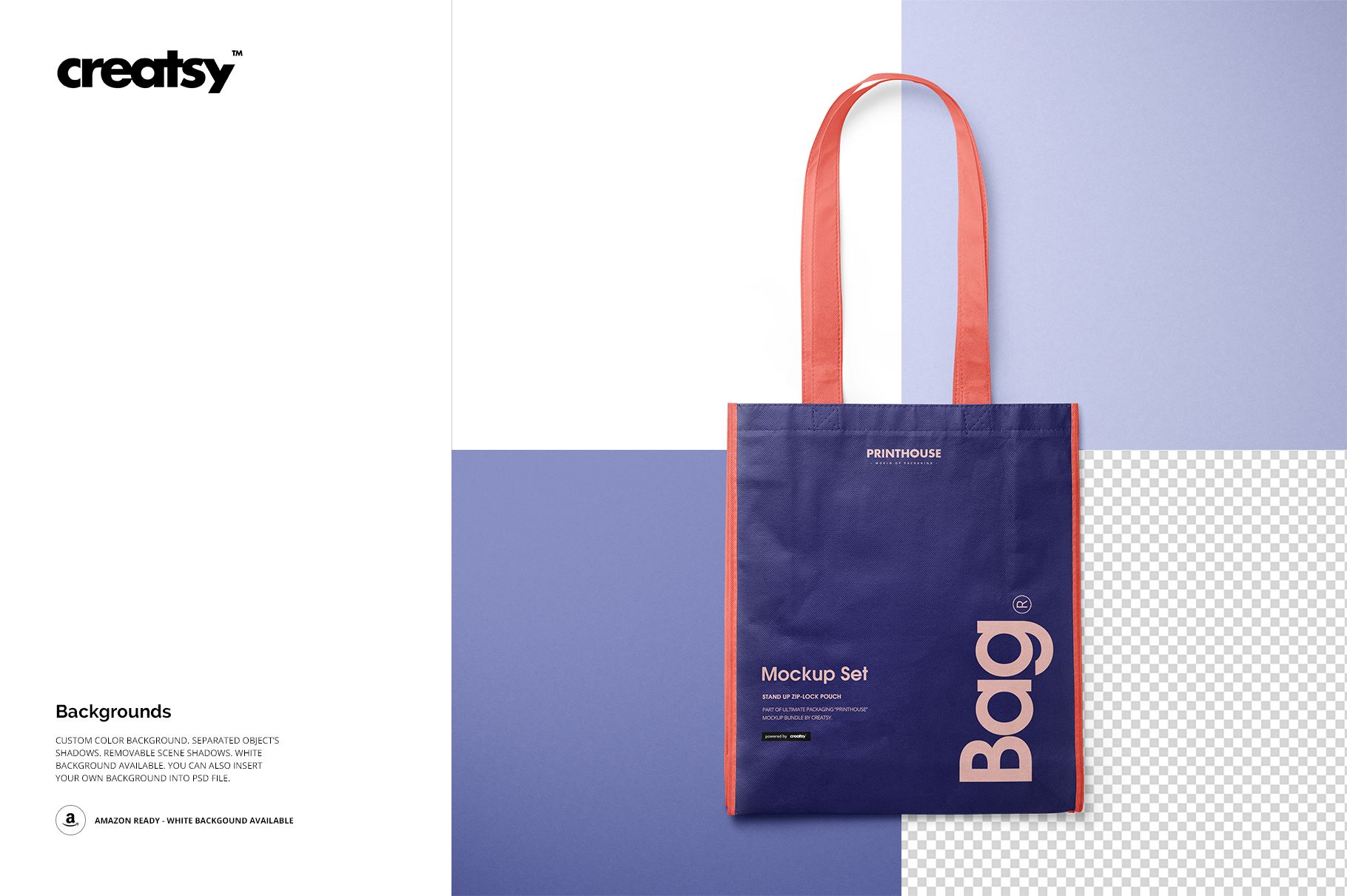
The color controls support RGB and CMYK choices, from clean neutrals to saturated campaign palettes. Preview examples show how contrasting body, handle, trim, and side colors can change the character of the tall shopper while its laminated highlights remain visible.
Easy Smart Object Editing
Open one of the four PSD scenes in Adobe Photoshop.
Place your logo, typography, illustration, or repeating pattern in the Smart Object.
Save the Smart Object and adjust the bag colors or background.
Review folds, seams, highlights, and artwork scale before export.
Useful For
Retail and promotional bag branding
Surface pattern and illustration presentations
Client approvals for color and artwork scale
Print shop and promotional supplier previews
Portfolio case studies and ecommerce galleries
This is a digital mockup set. The sample typography and artwork shown in the previews are for demonstration only and are not included.