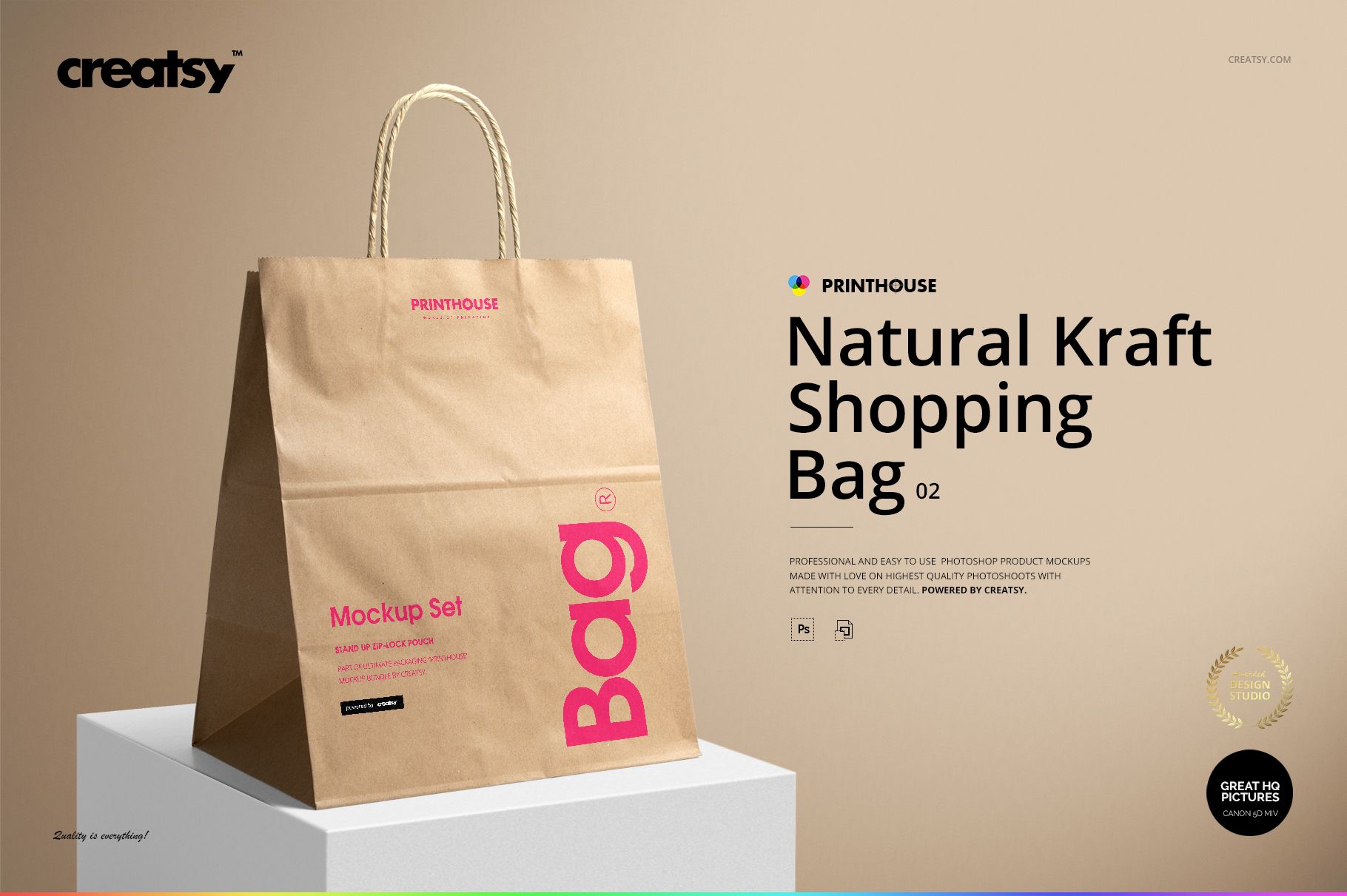
Natural Kraft Shopping Bag 2 Mockup Set
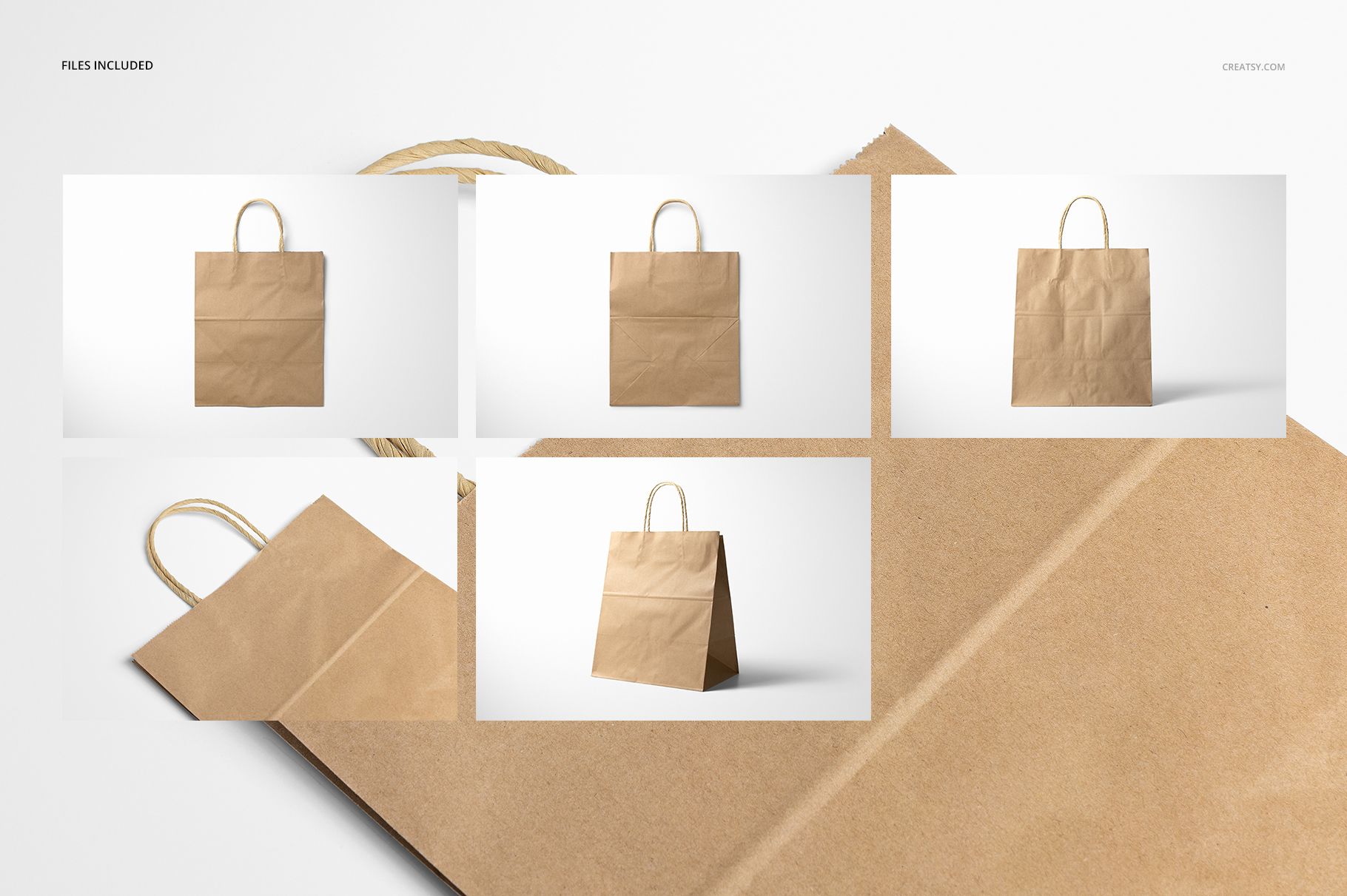
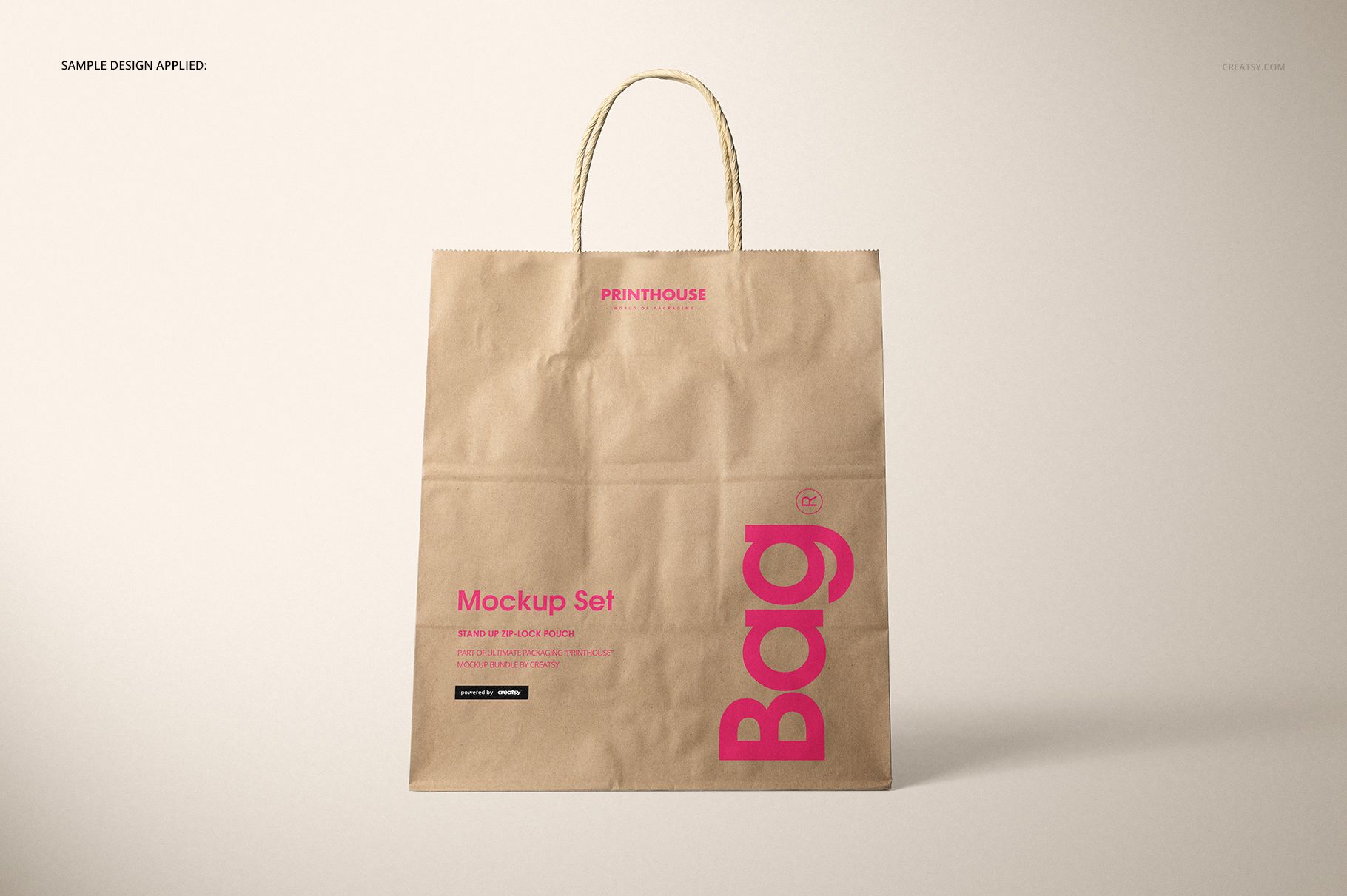
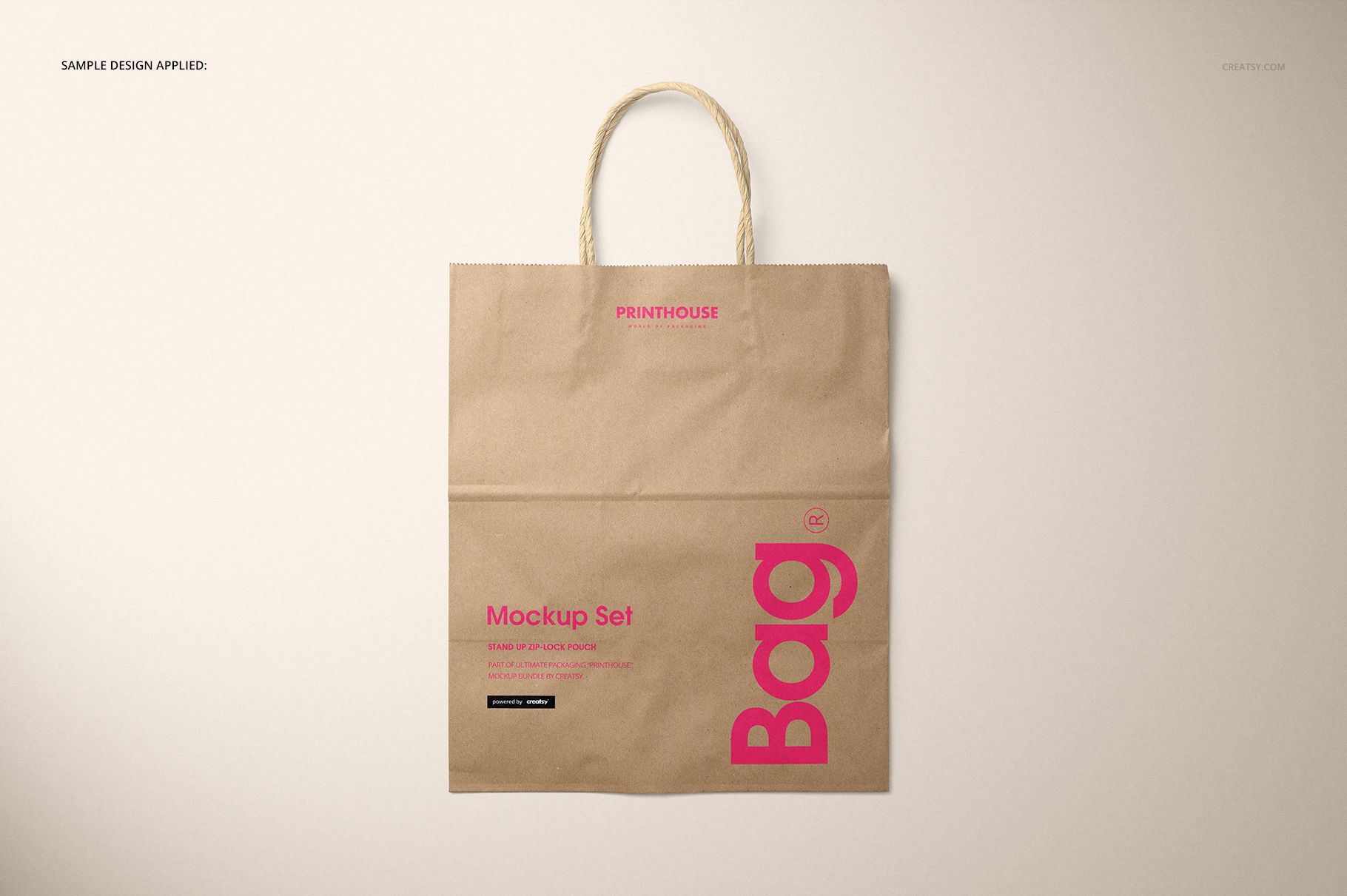
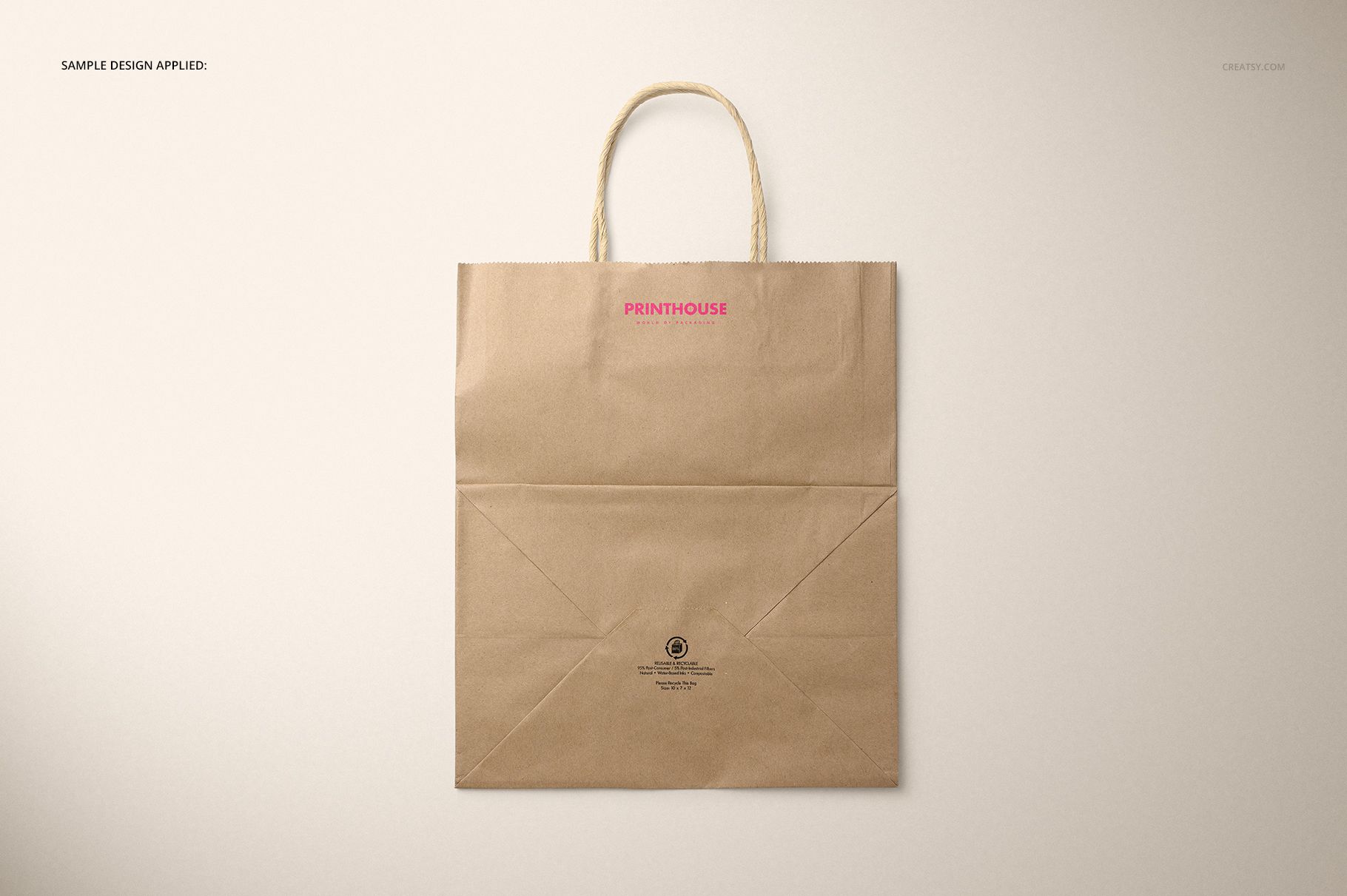
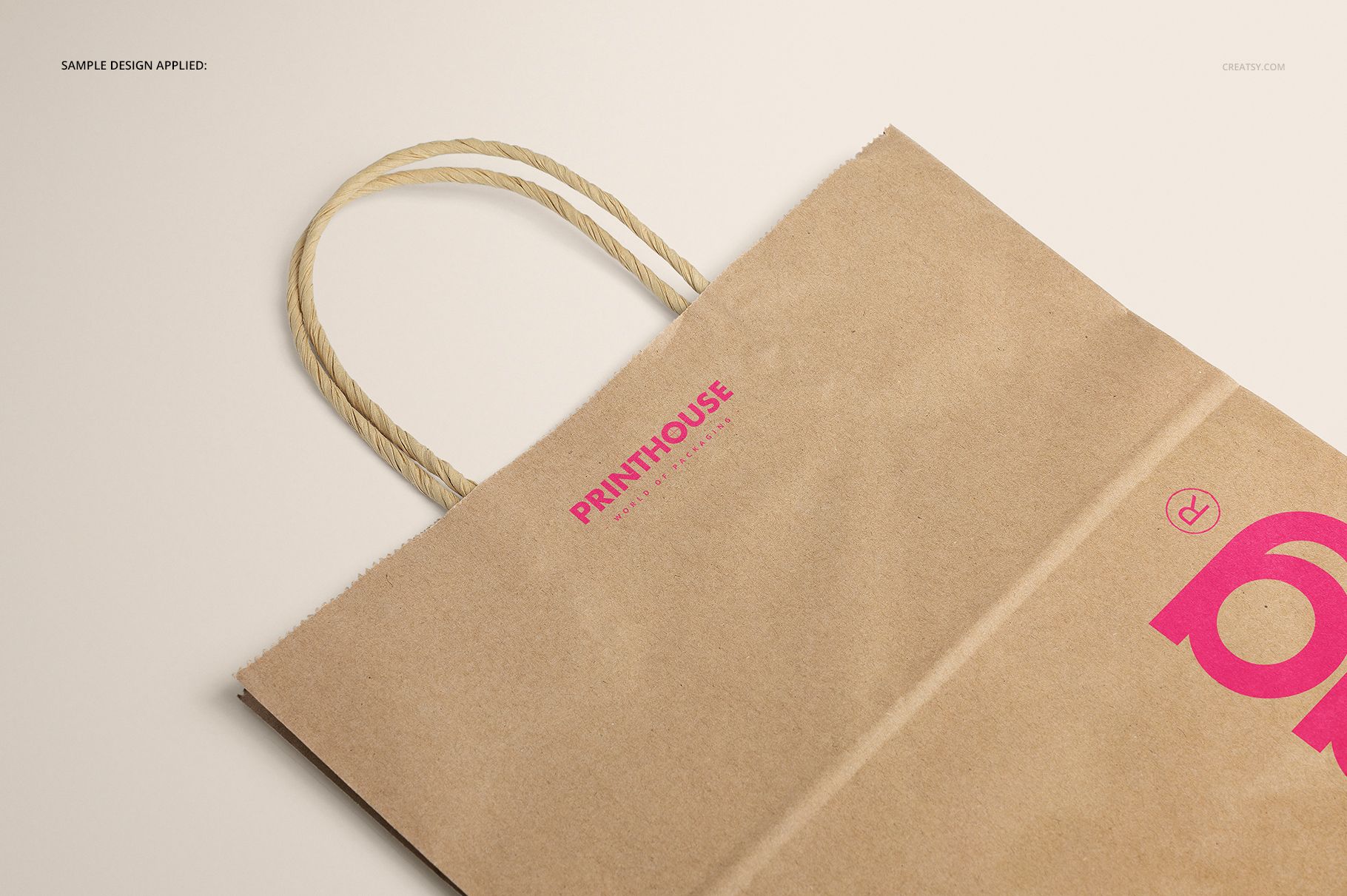
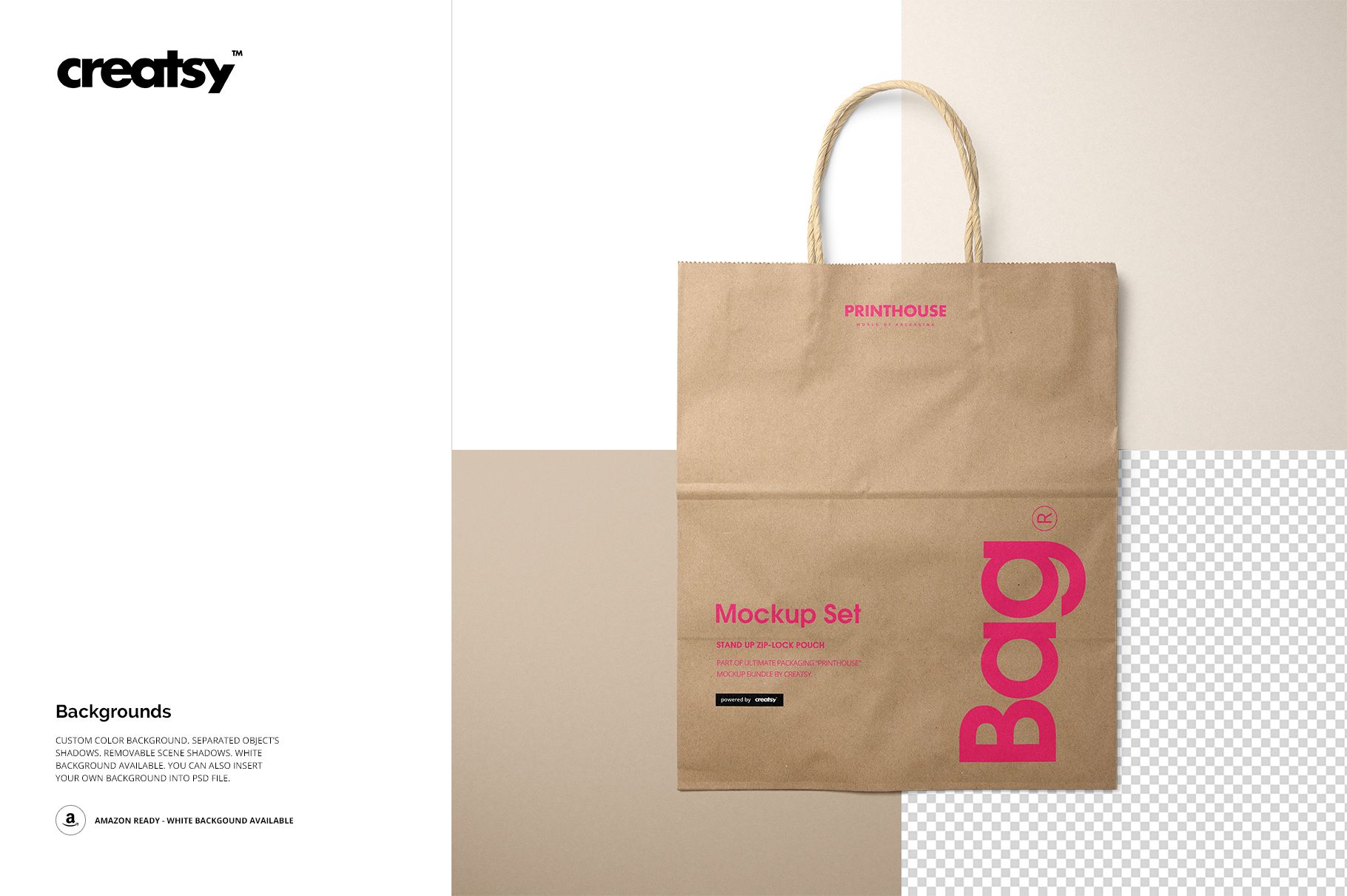
Built for upright artwork rather than a broad front panel, this tall kraft shopping bag gives logos, stacked typography, and vertical patterns room to breathe. Five coordinated PSD scenes show the same 10 x 7 x 12 inch carrier from the front, at an angle, from above, from the back, and in closeup.
What Is Included
5 layered PSD scenes: Front, Angled, Closeup, Top Front, and Top Back
5 matching JPG previews plus 1 JPG guide, 11 files in total
Main scenes at 6000 x 4000 px and 300 DPI
A tall bag format measuring 10 x 7 x 12 inches
2.31 GB for Windows and 2.48 GB for Mac
Use the Tall Proportions Deliberately
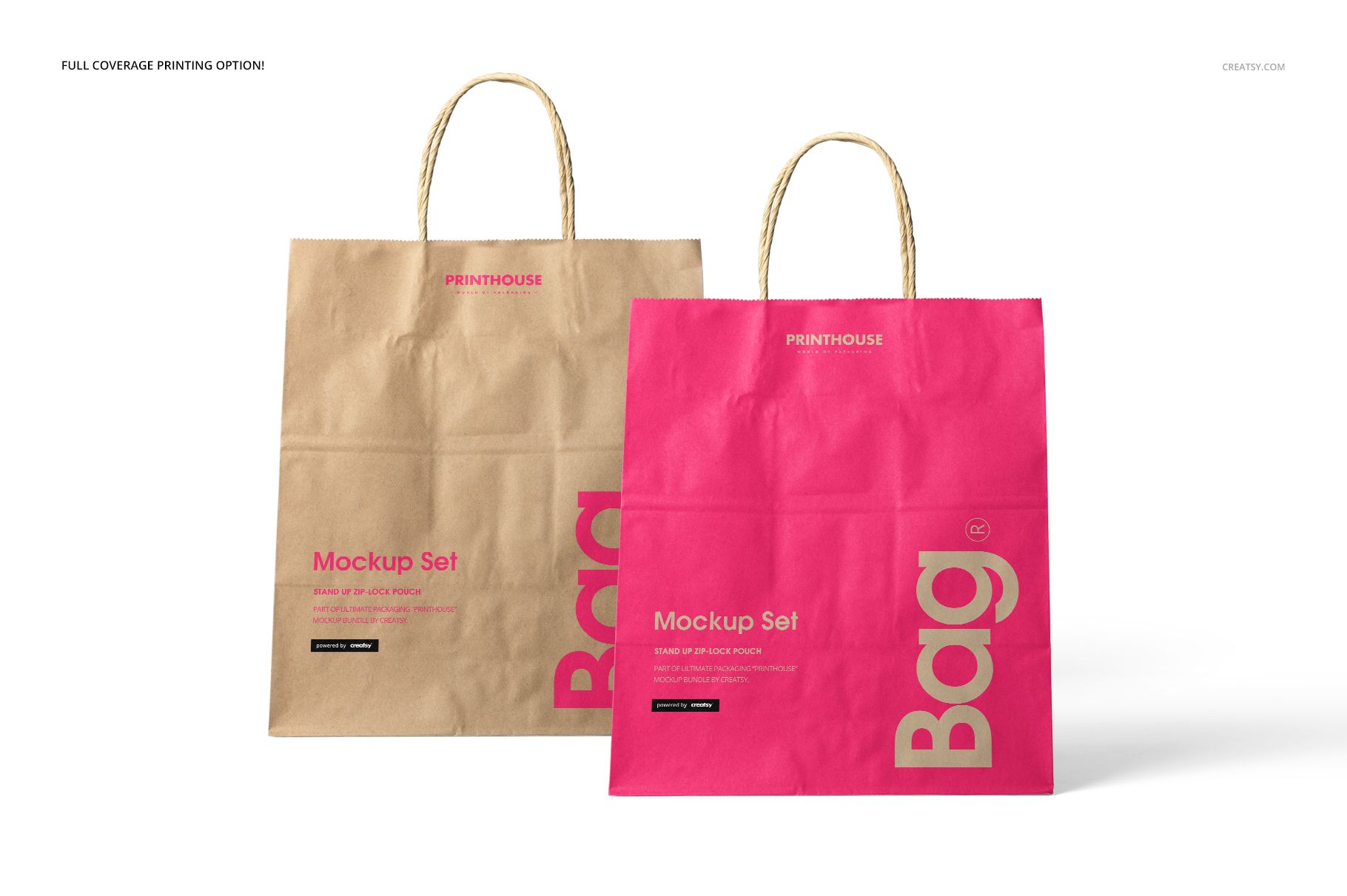
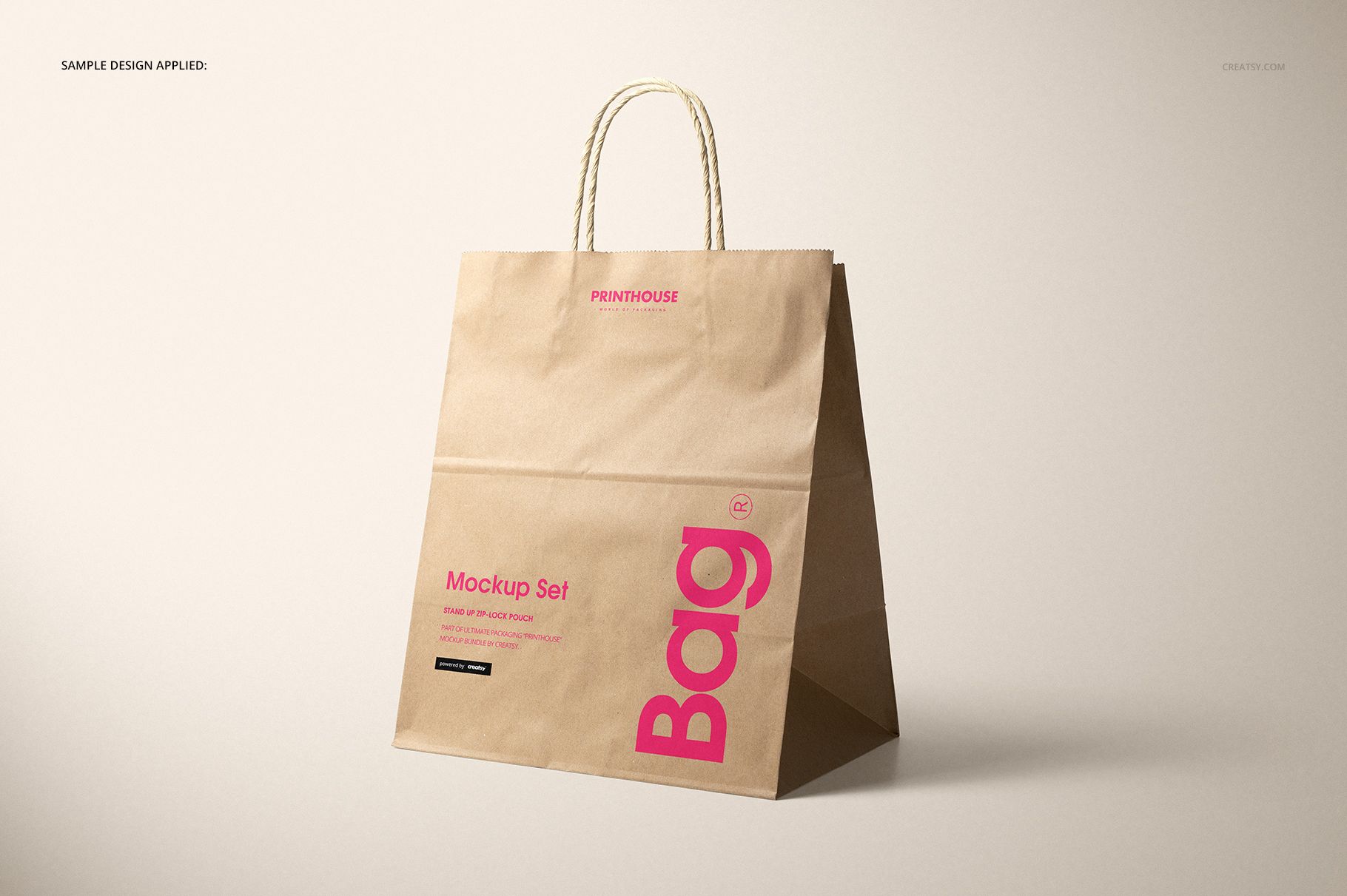
The narrower silhouette supports vertical marks, repeating patterns, long illustrations, and centered type systems. The angle and top views help reveal how full-coverage artwork approaches folds, side depth, the opening, and twisted paper handles without losing the natural kraft character.
Smart Object Editing Across Five Views
Insert artwork using the designated Smart Objects
Test a compact logo or an all-over print on the kraft base
Choose white, recolor the background, or add your own backdrop
Work with separate object shadows and removable scene shadows
Export a consistent vertical bag presentation from every angle
Useful for Focused Retail Concepts
Choose this set for boutique branding, fashion or gift retail packaging, print approvals, portfolios, and marketplace galleries that benefit from a taller carrier. The PSD files work in Adobe Photoshop CC2015 or newer and Photopea. Sample graphics are not included, and the files are mockups rather than manufacturing templates.