Special Effect Vinyl Record & Cover Mockup Set

ID: 1310466389 | Updated: Sep 17, 2024

Product Details

Special Effect Vinyl Record & Cover Mockup Set

Black vinyl is timeless, but some releases need the record itself to become part of the artwork.

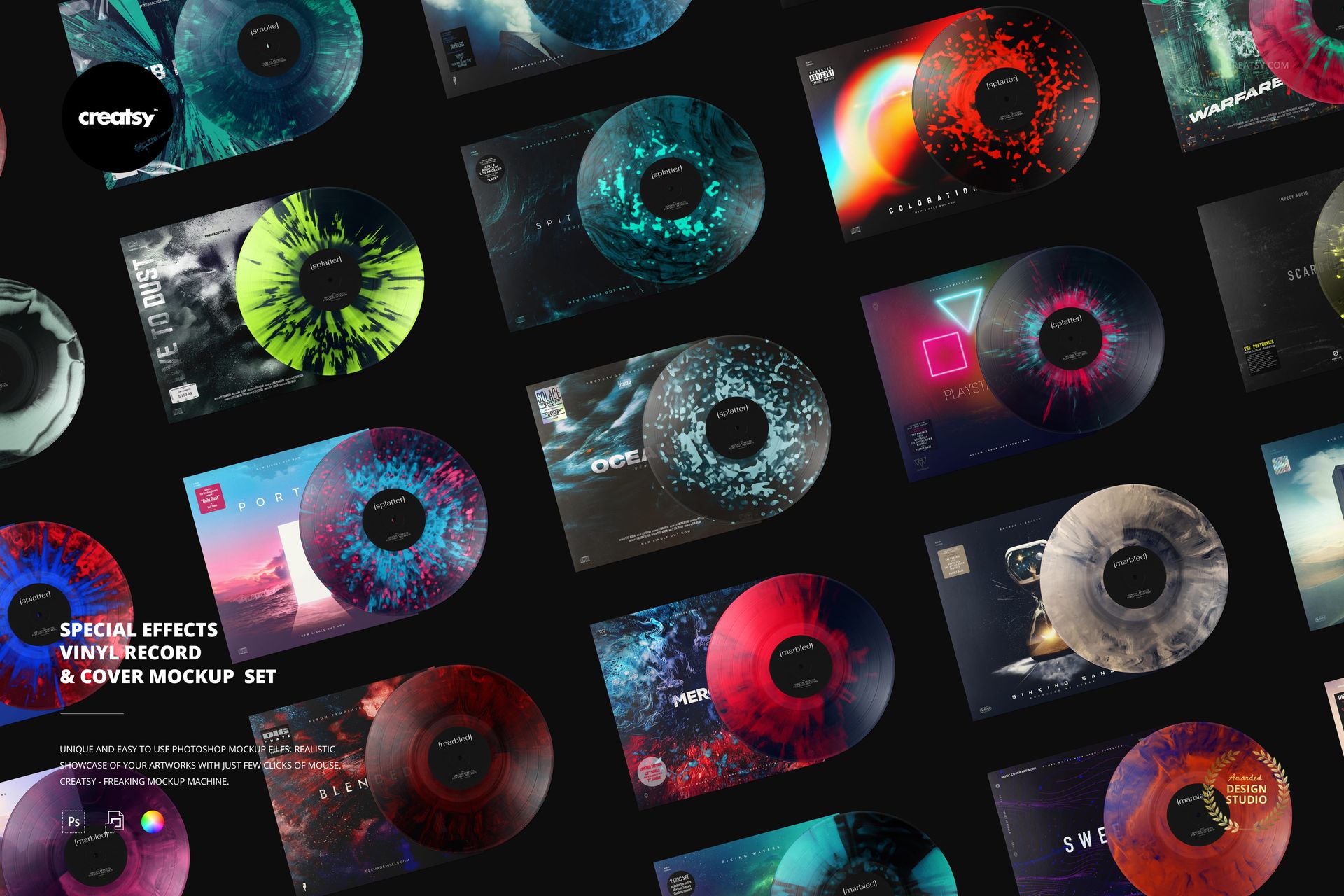
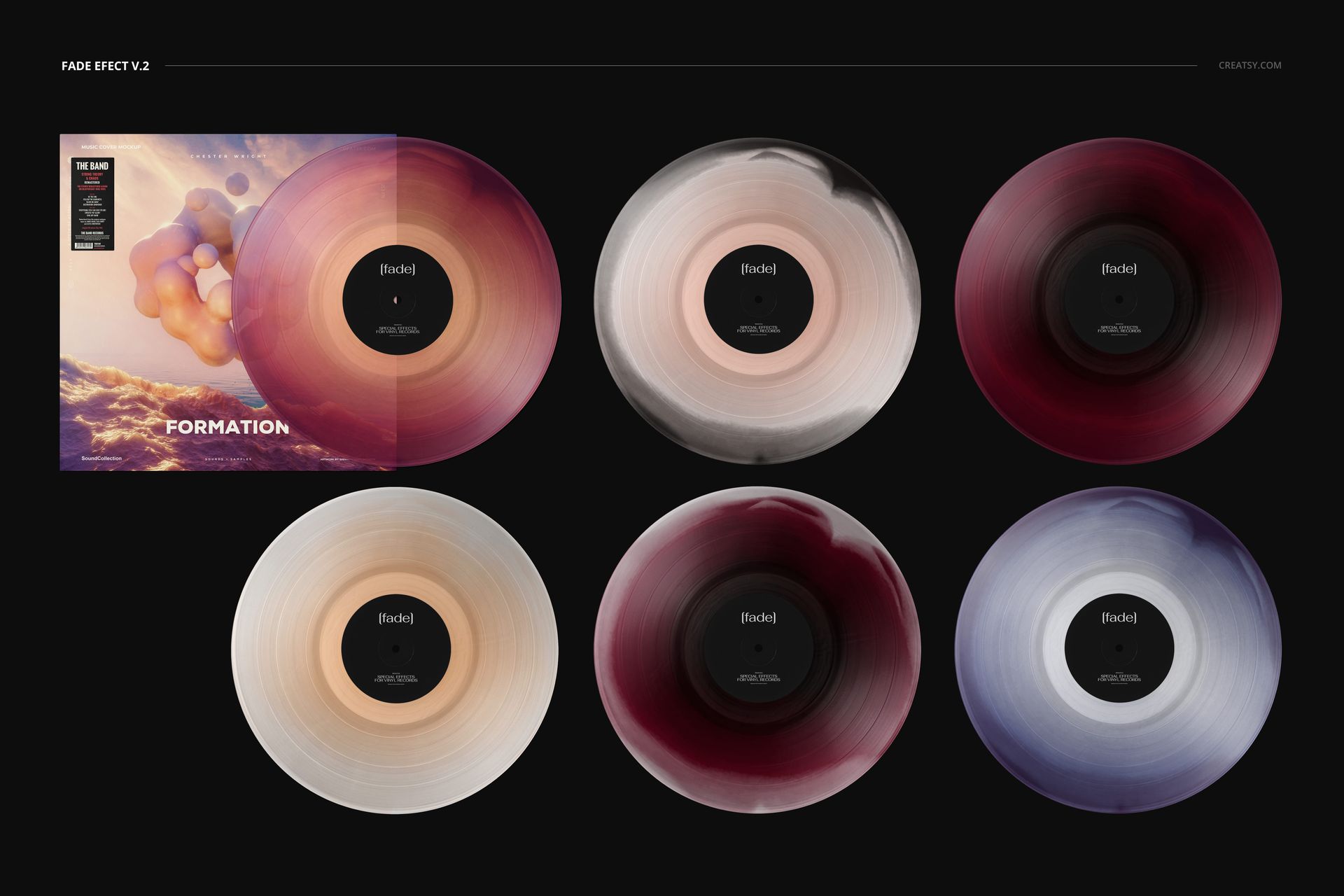
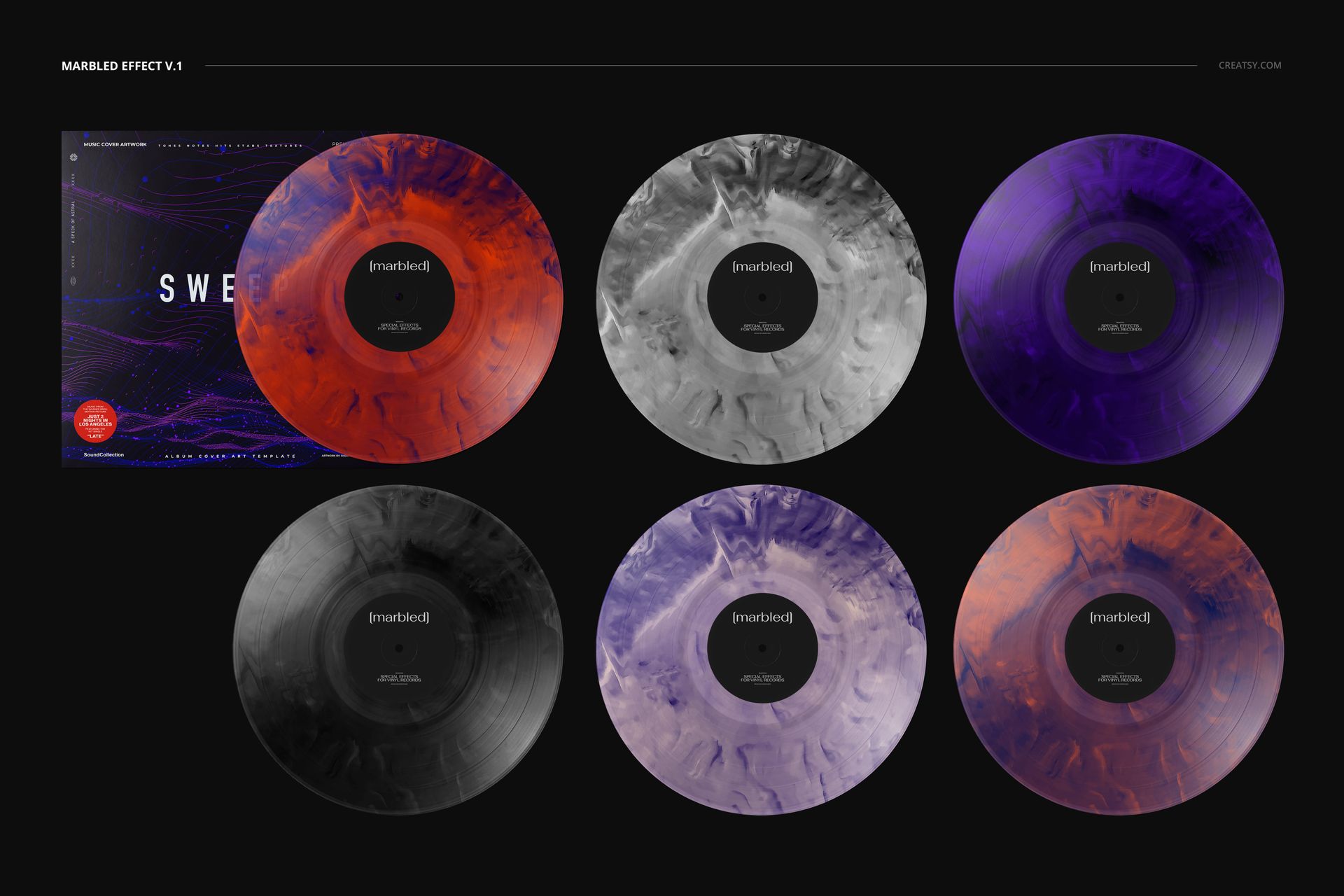
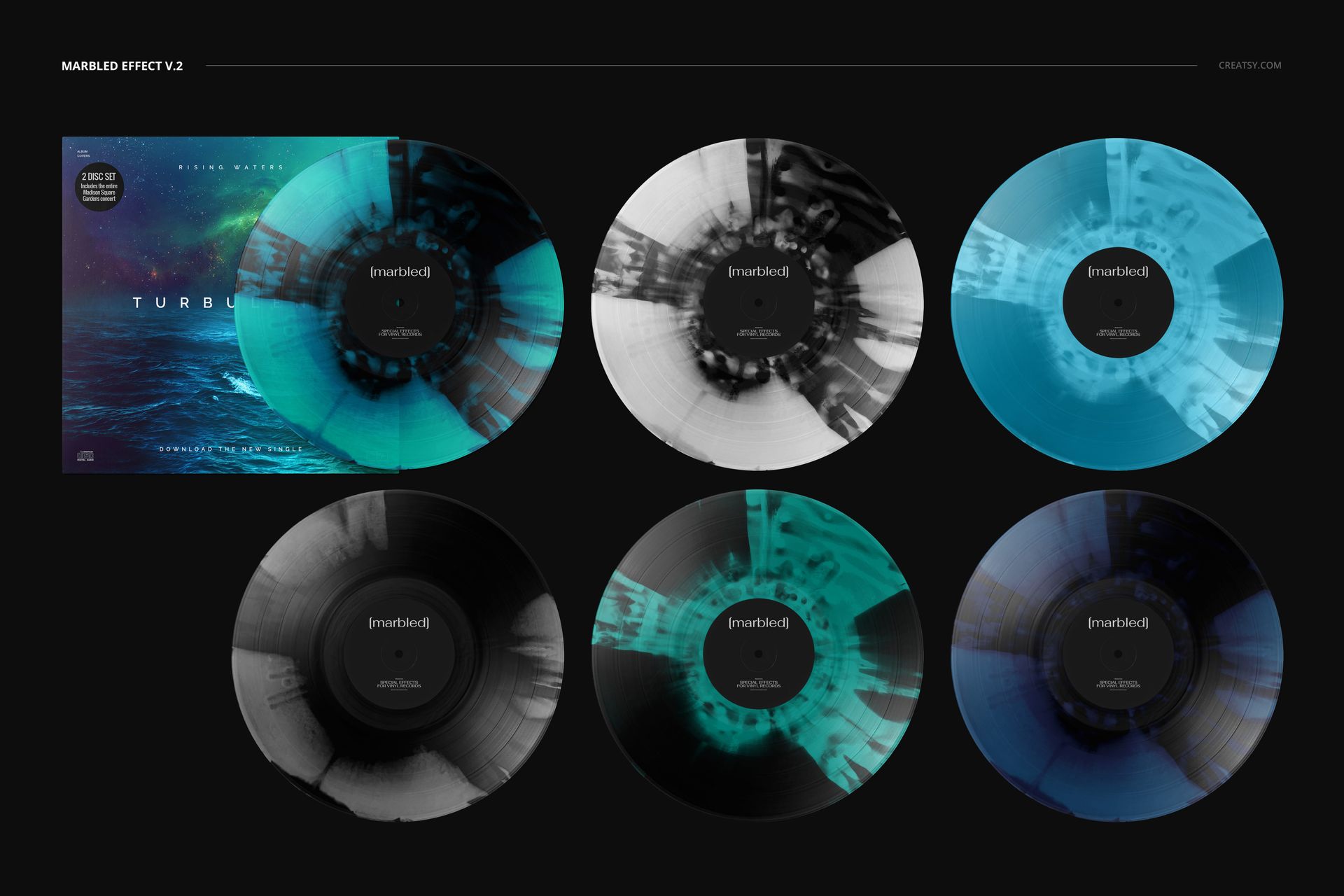
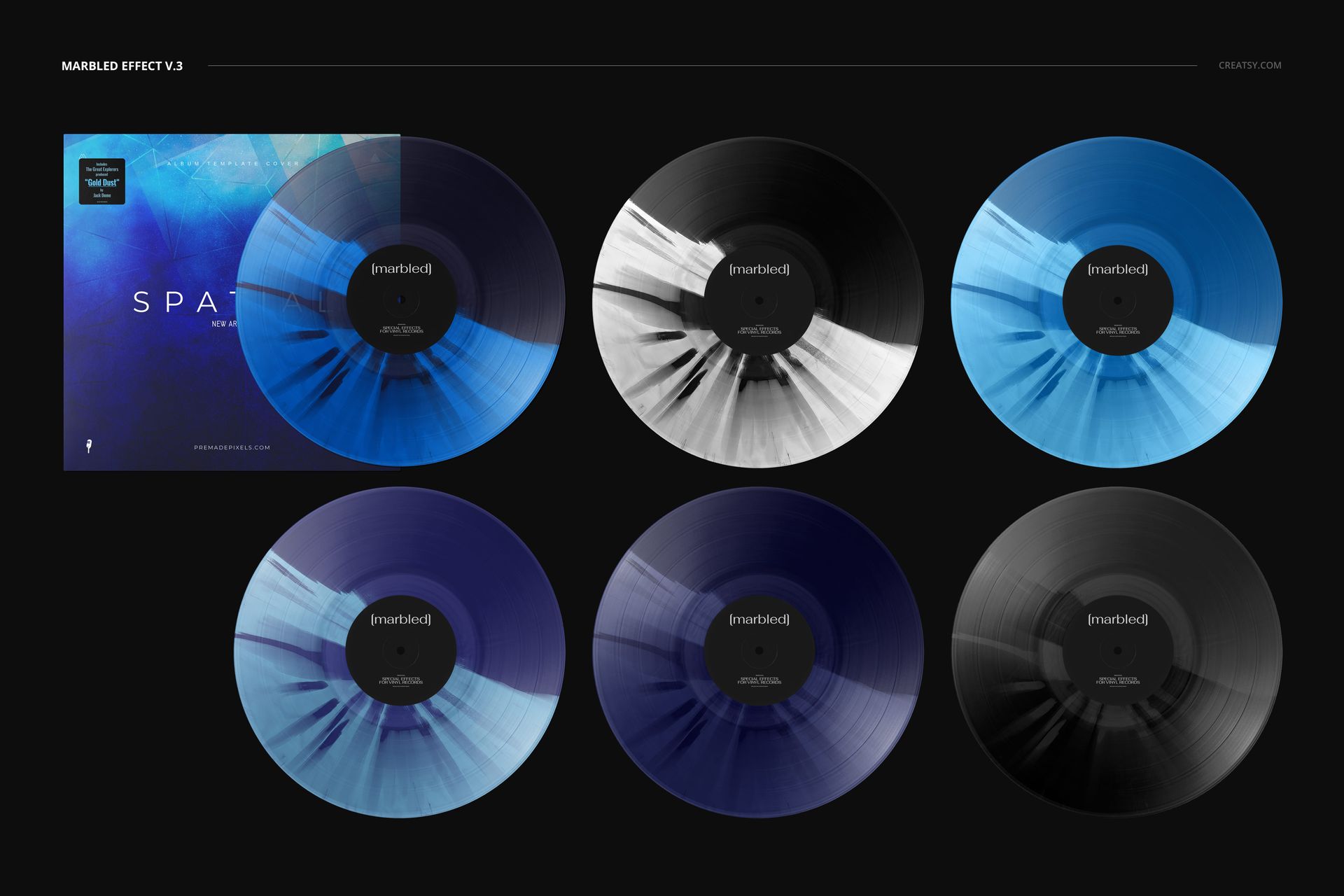
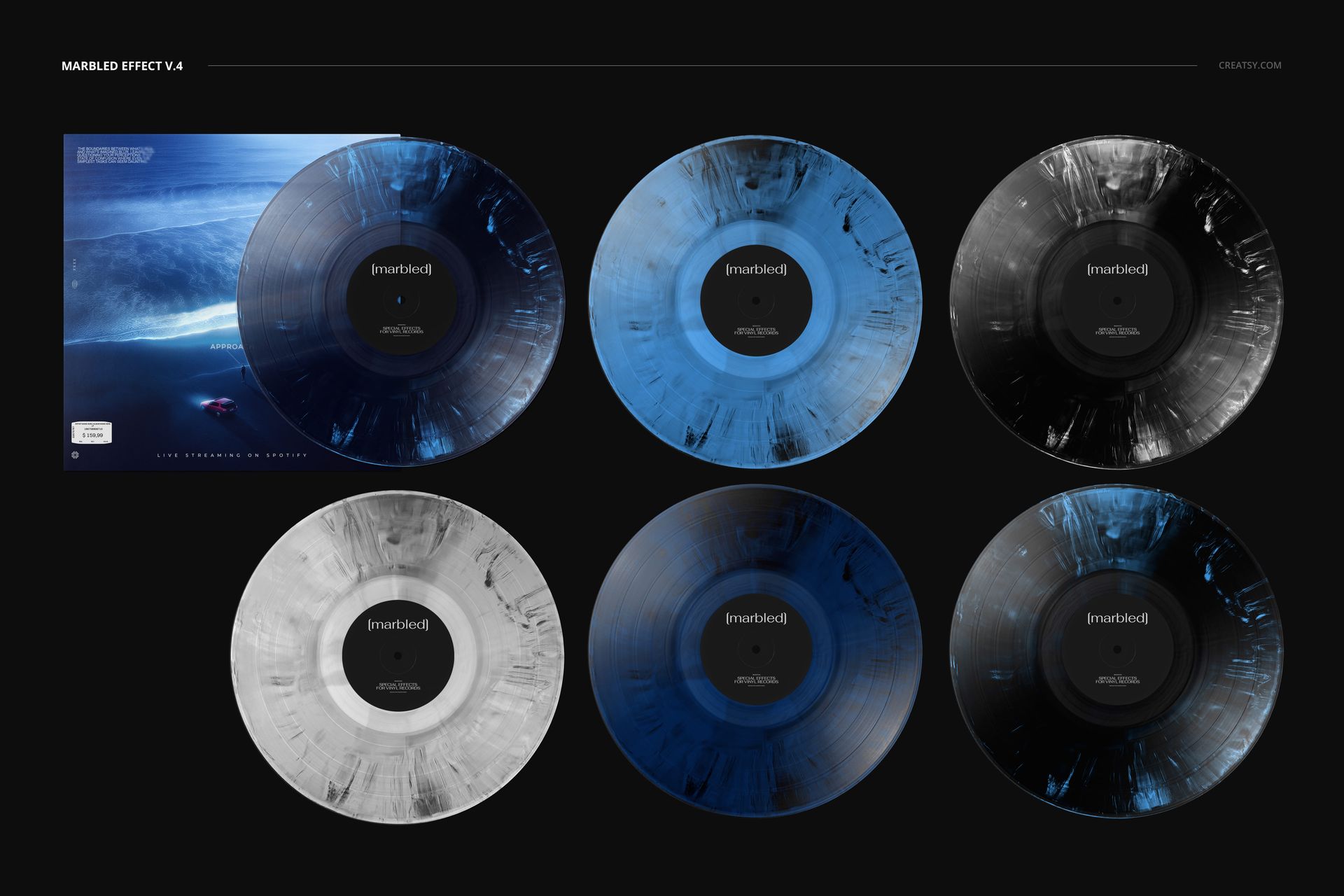
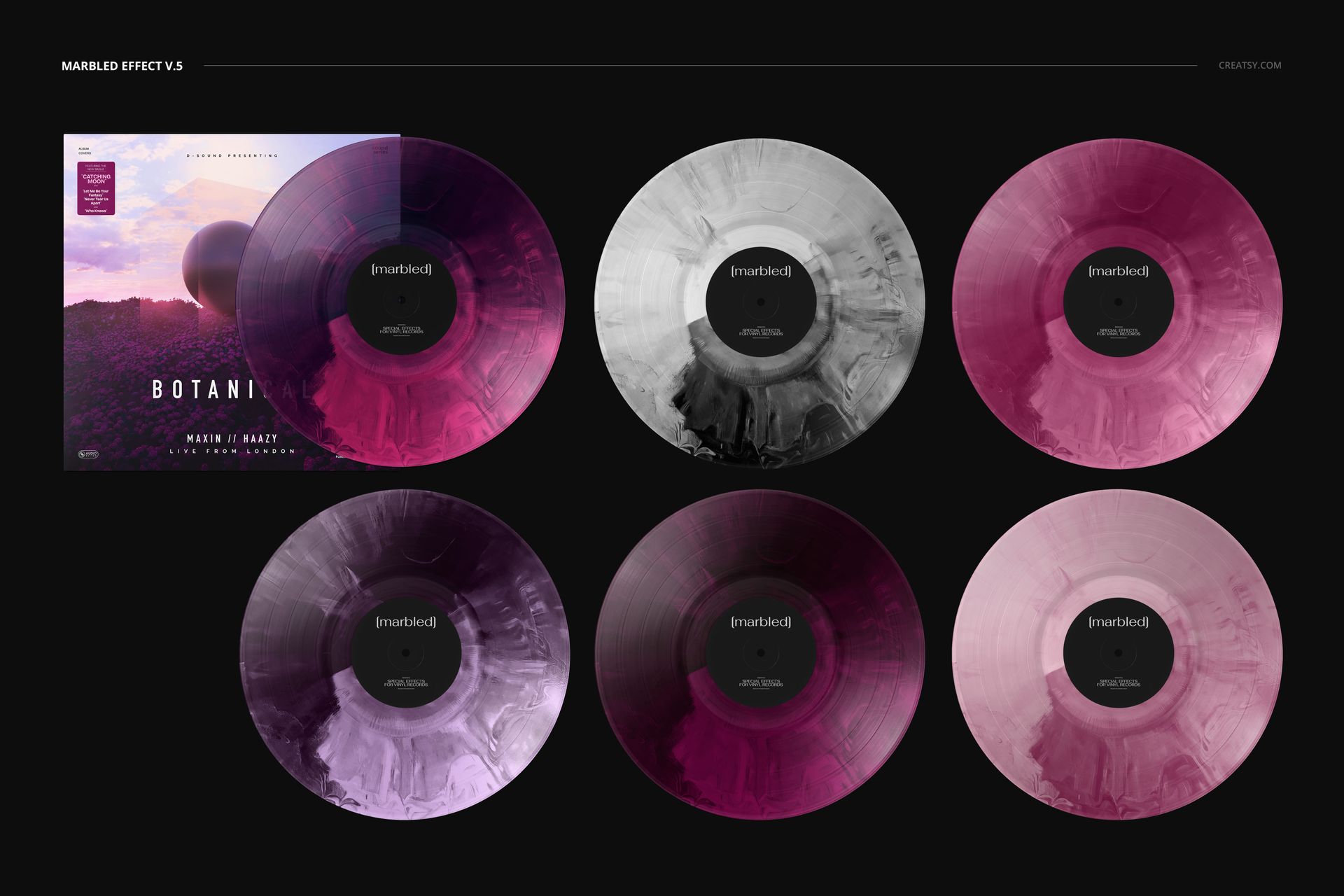
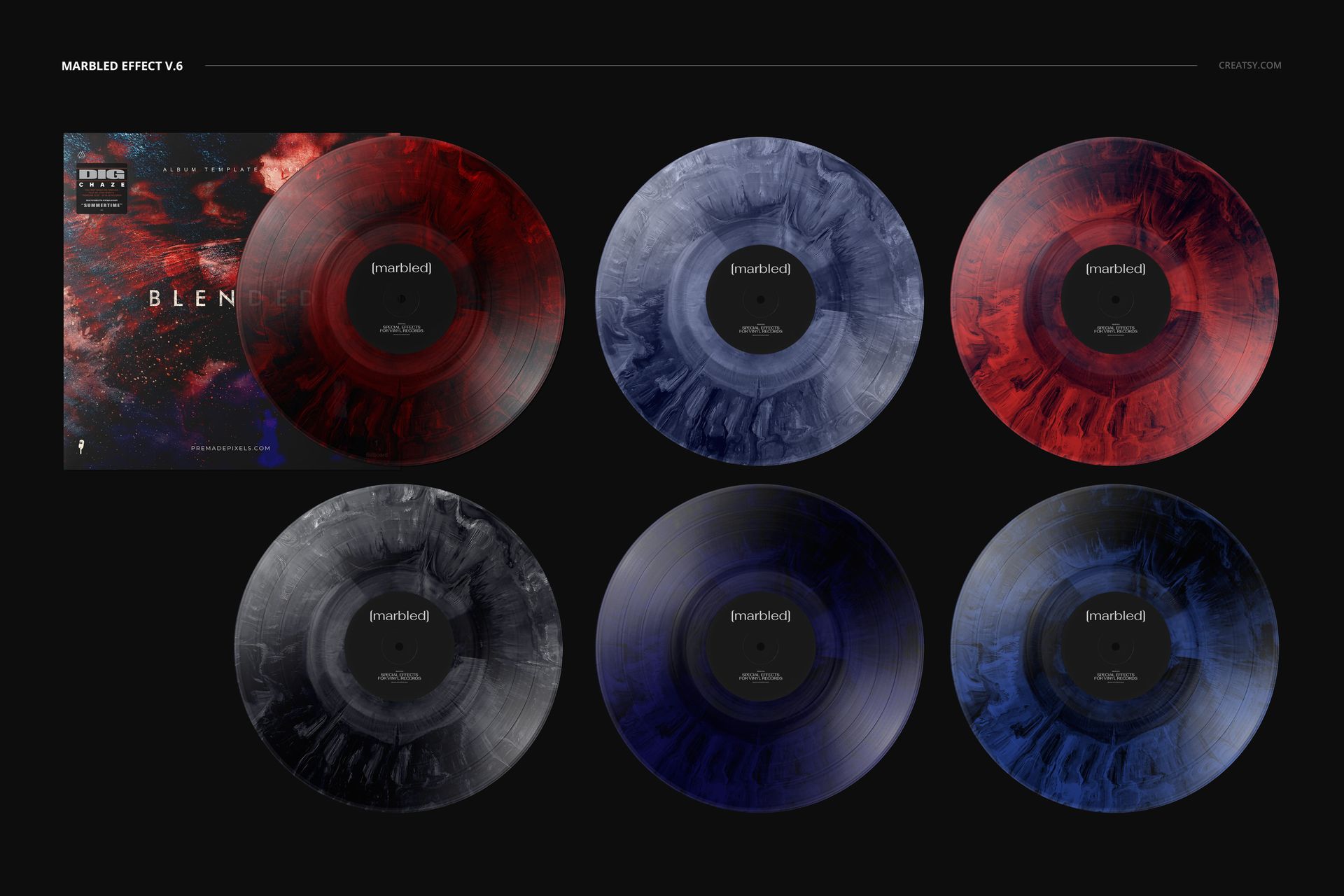
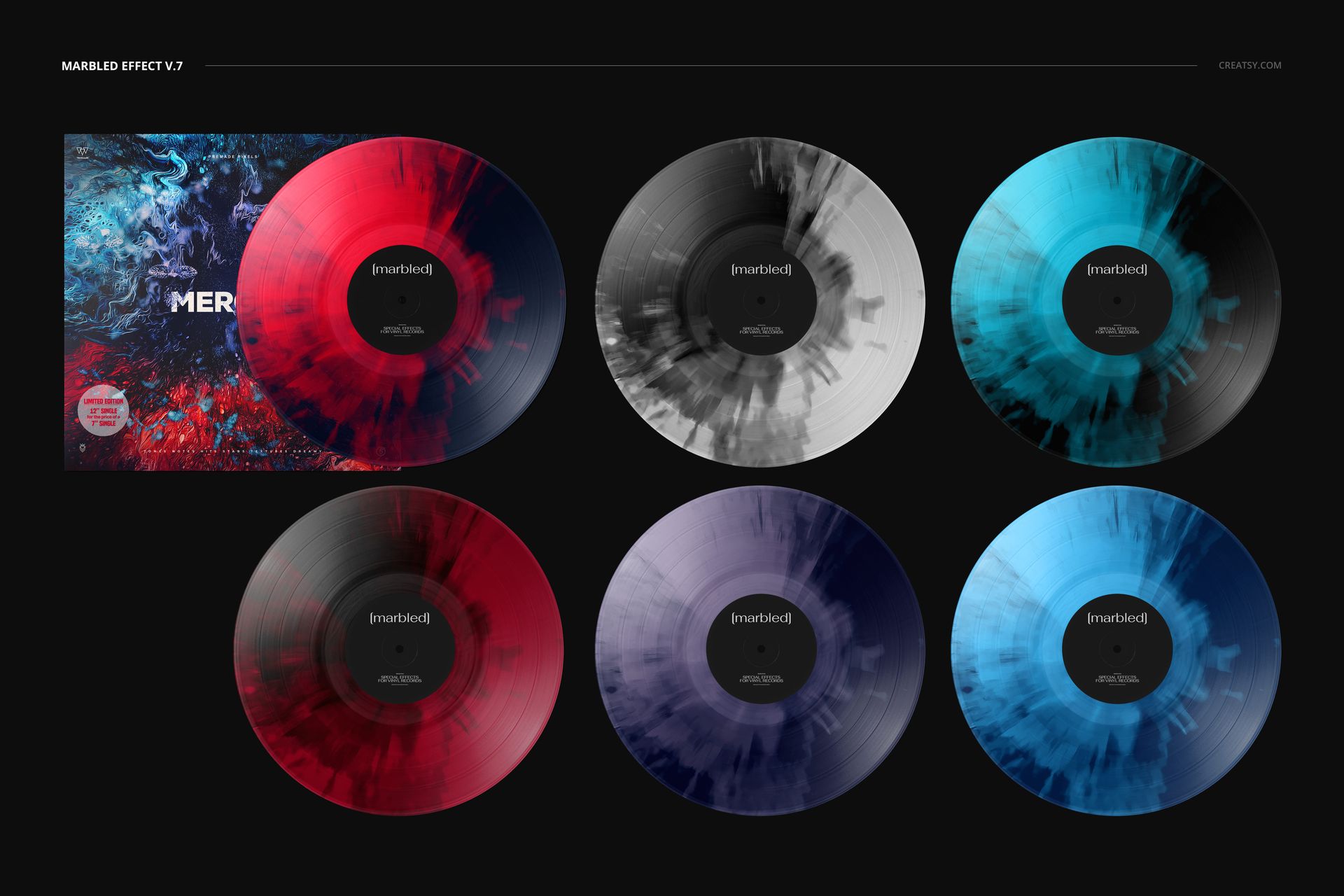
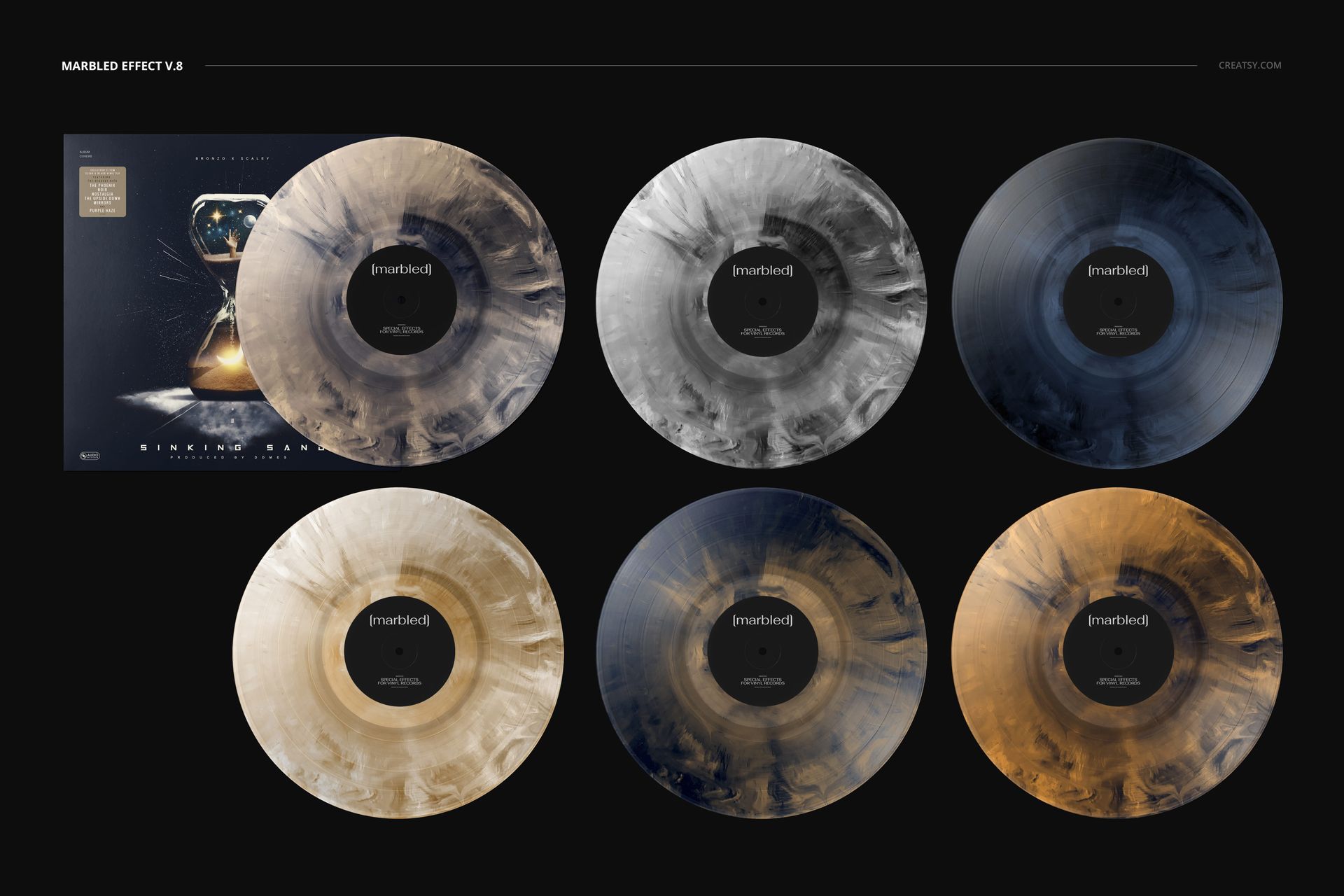
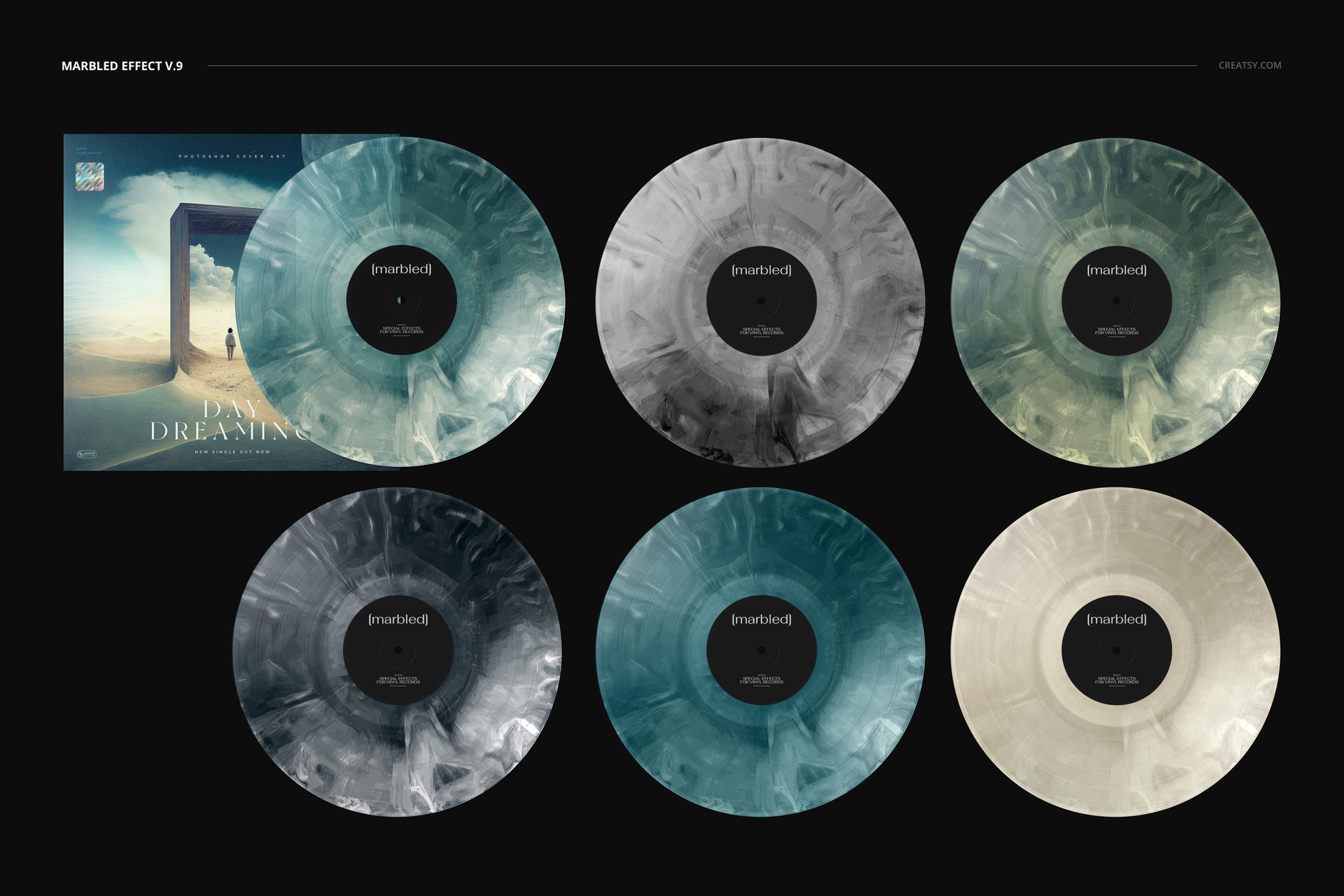
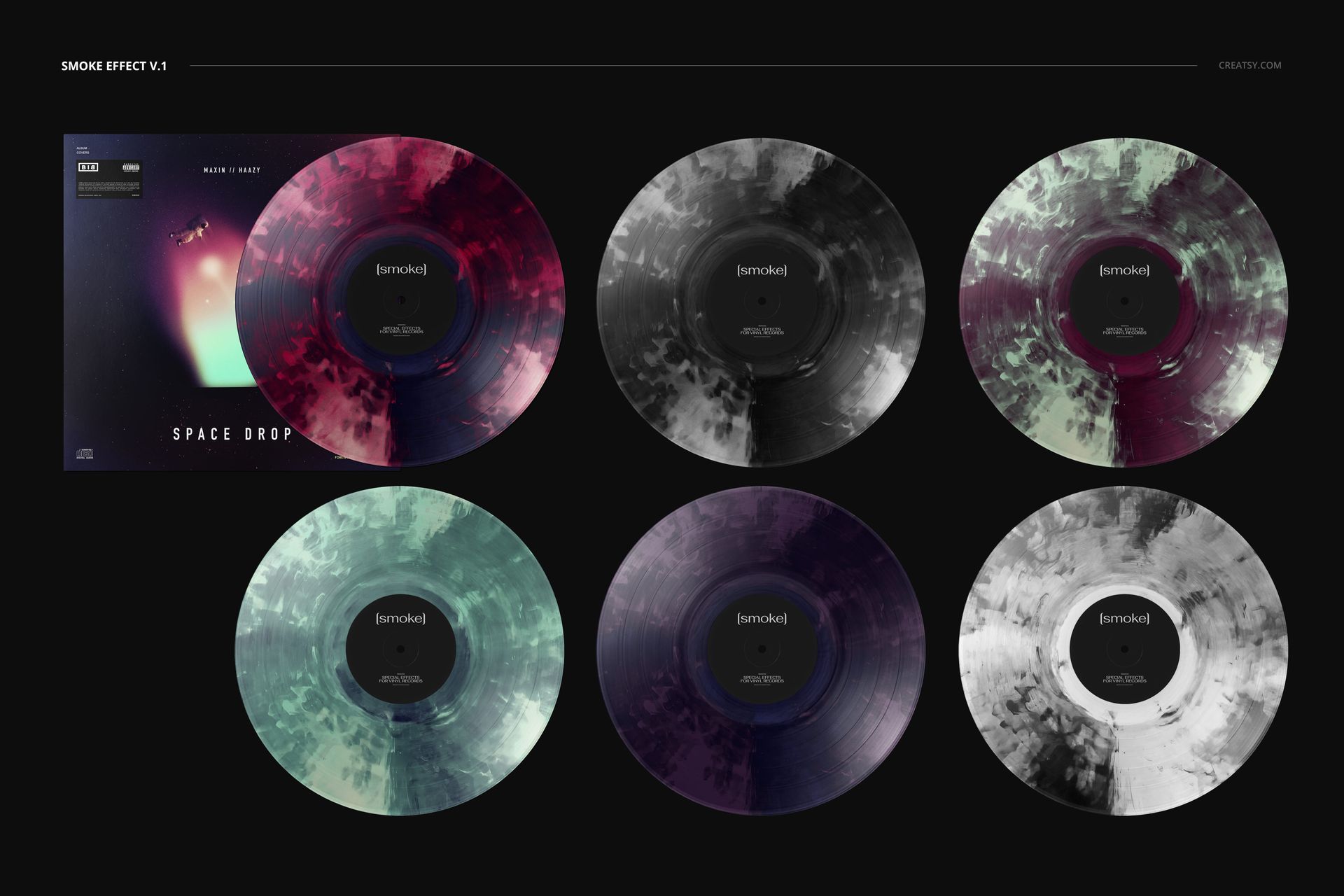
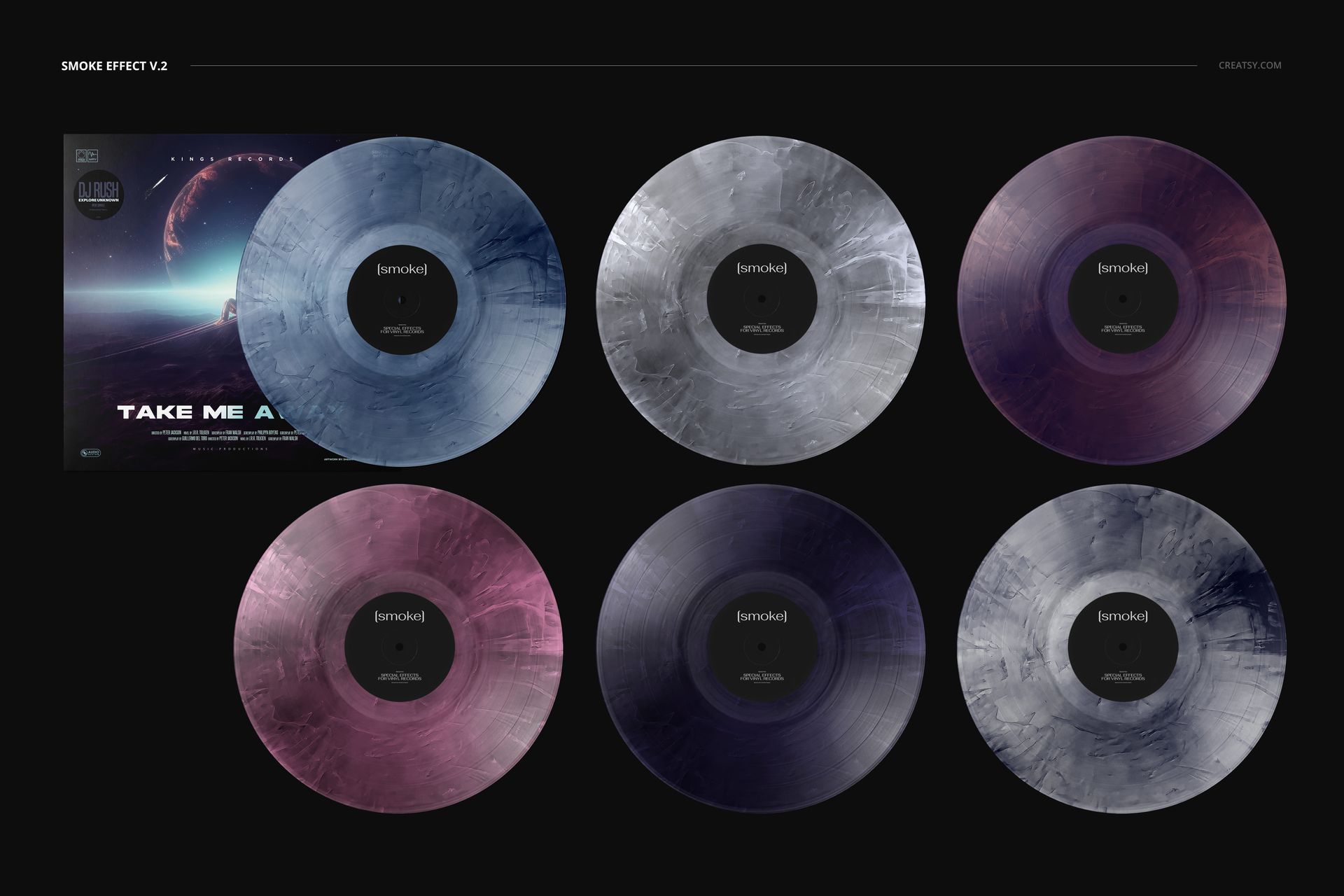
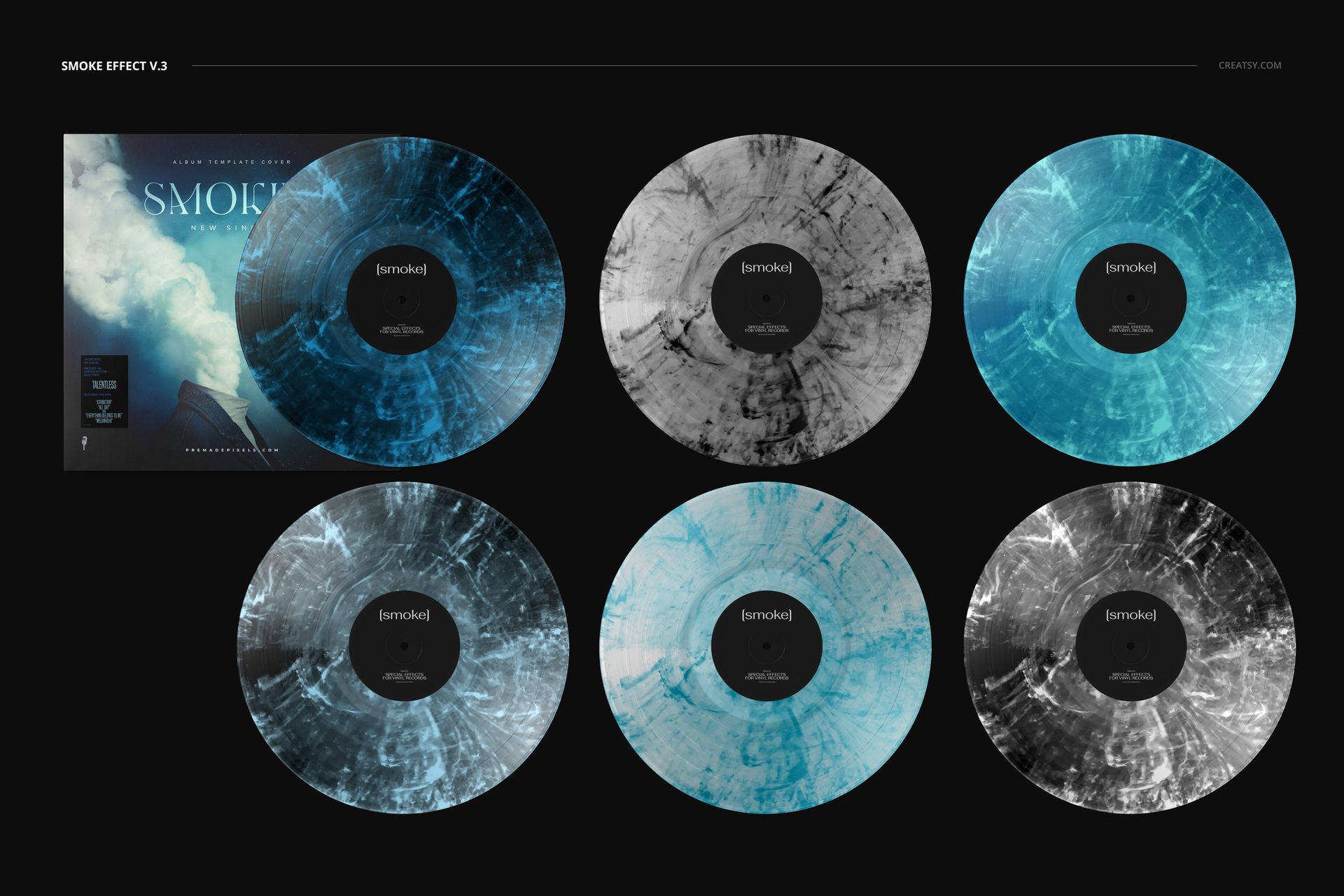
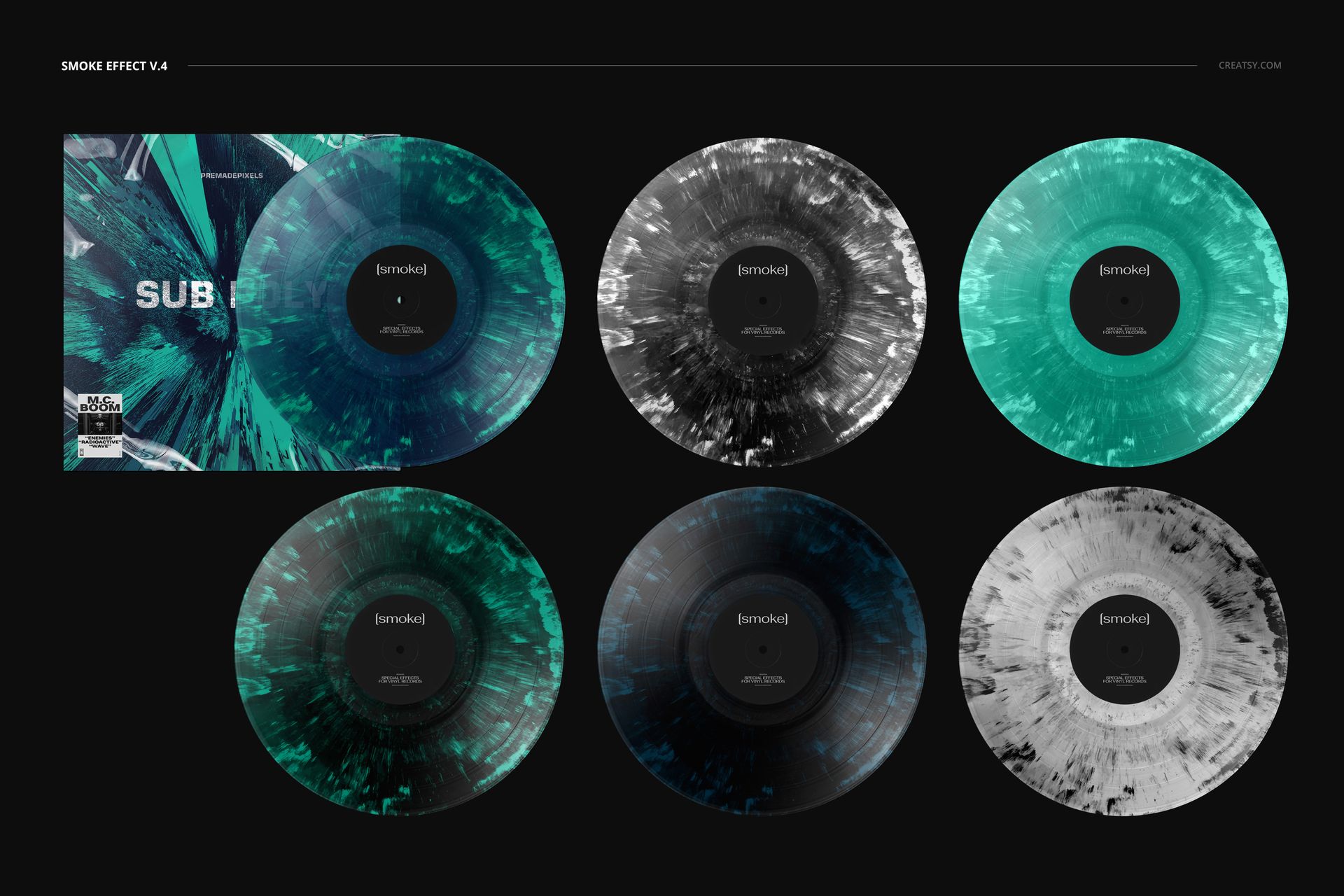
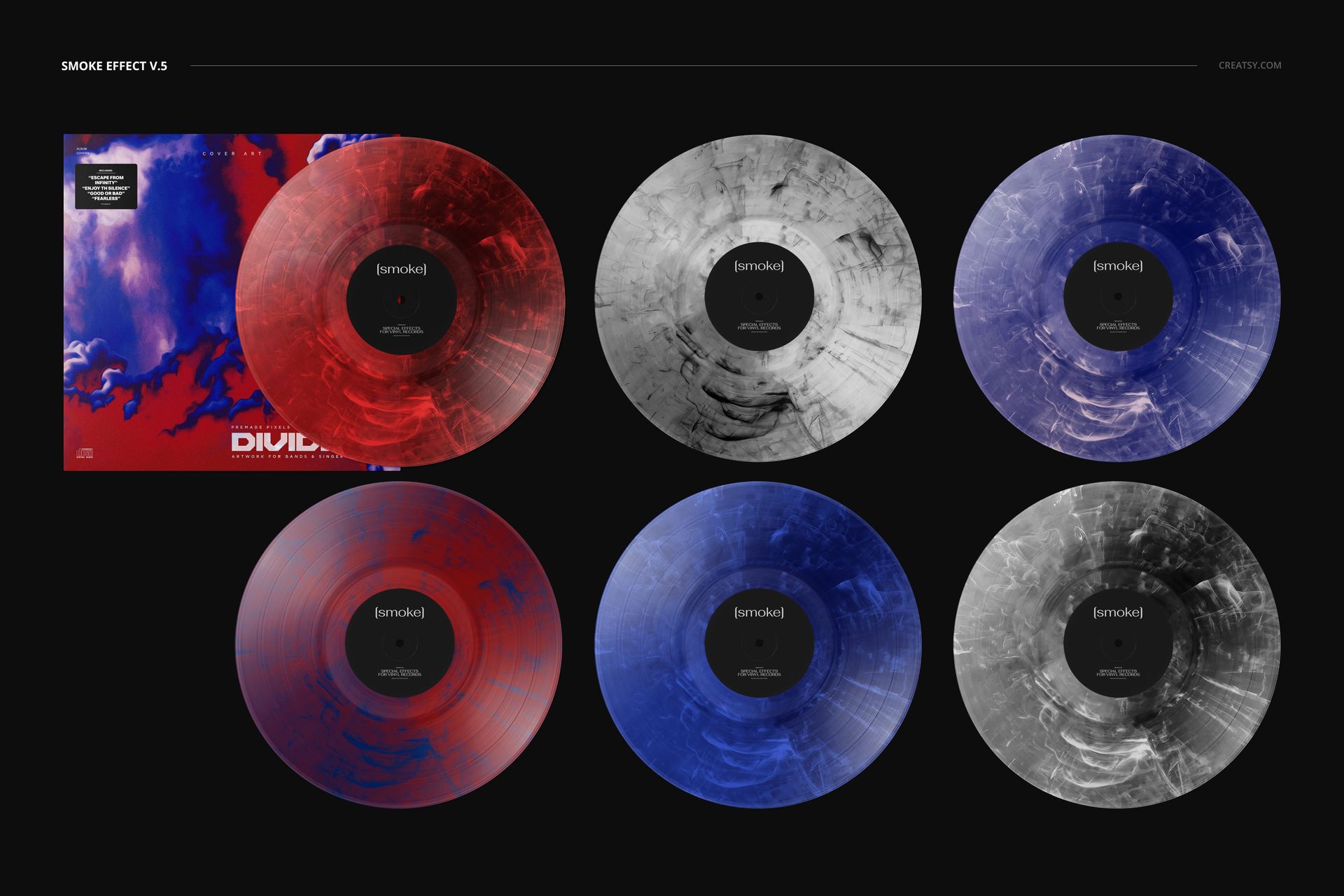
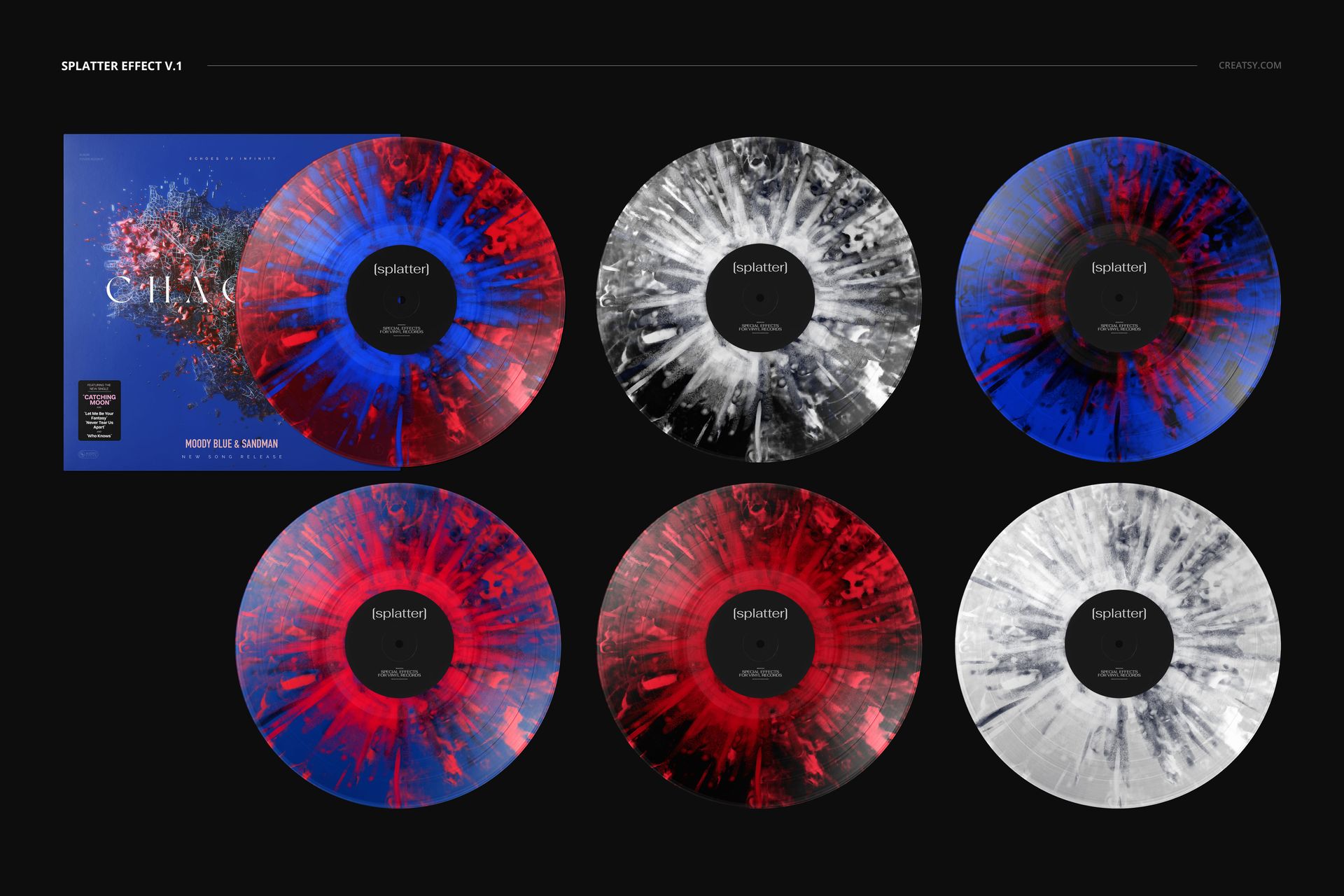
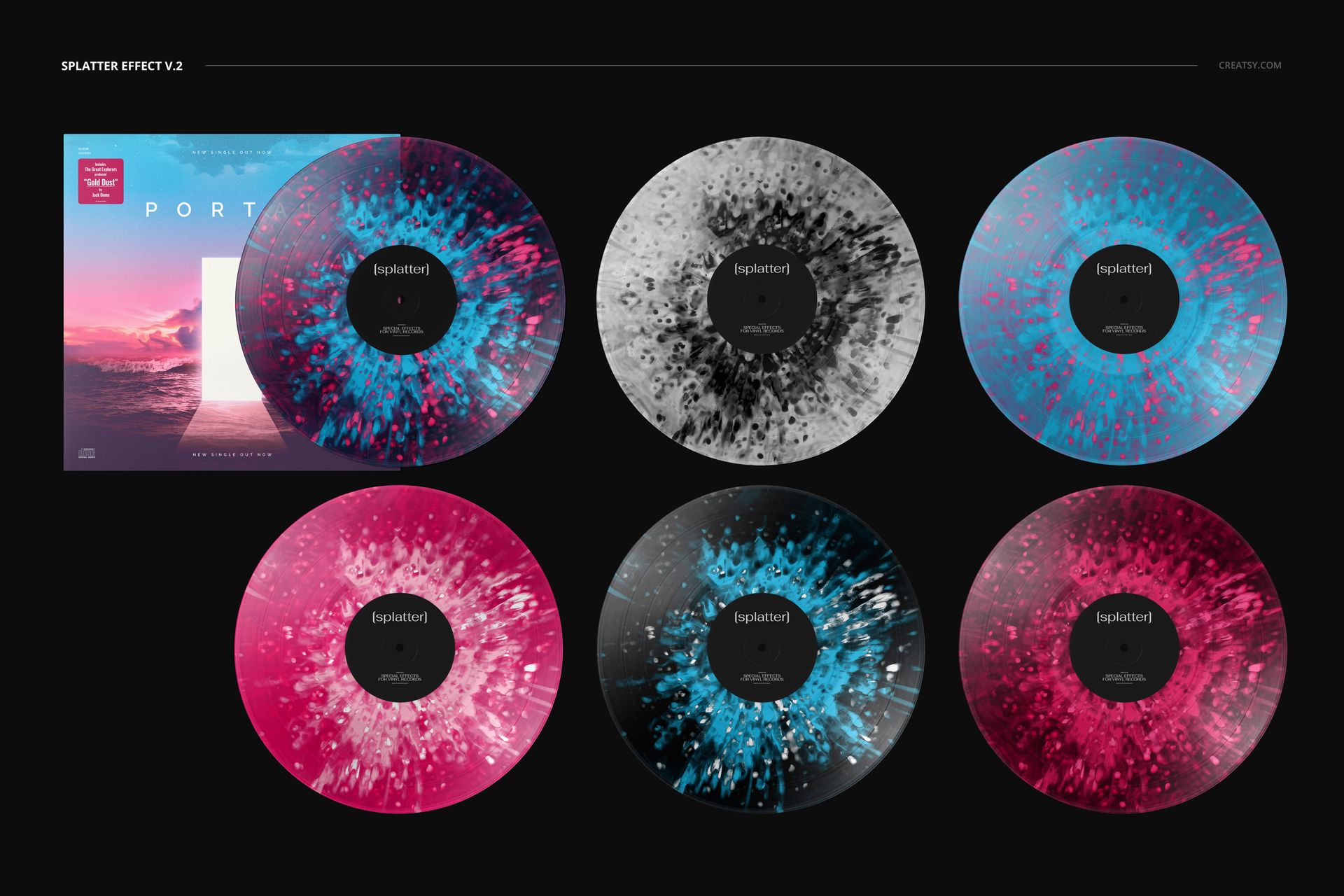
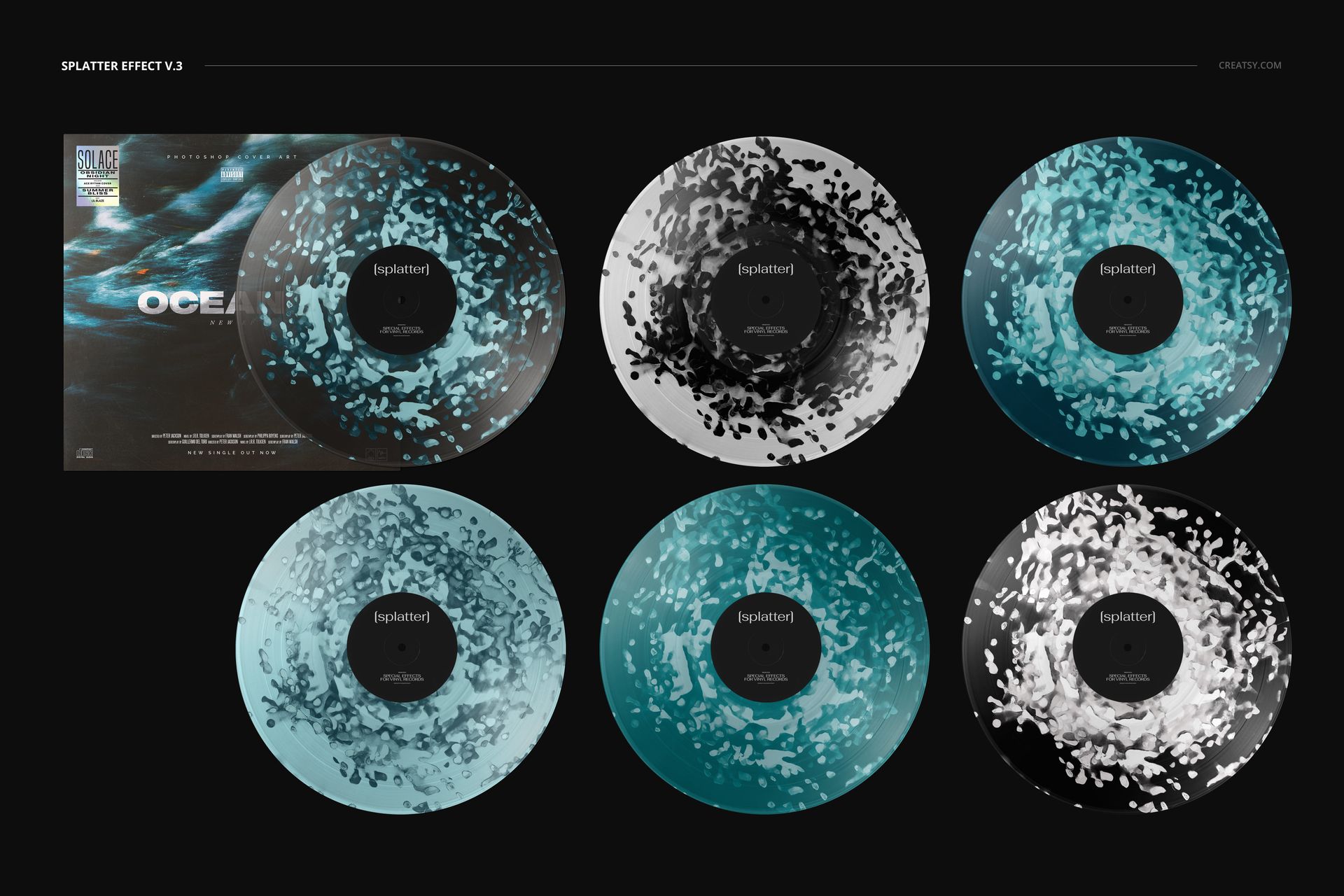
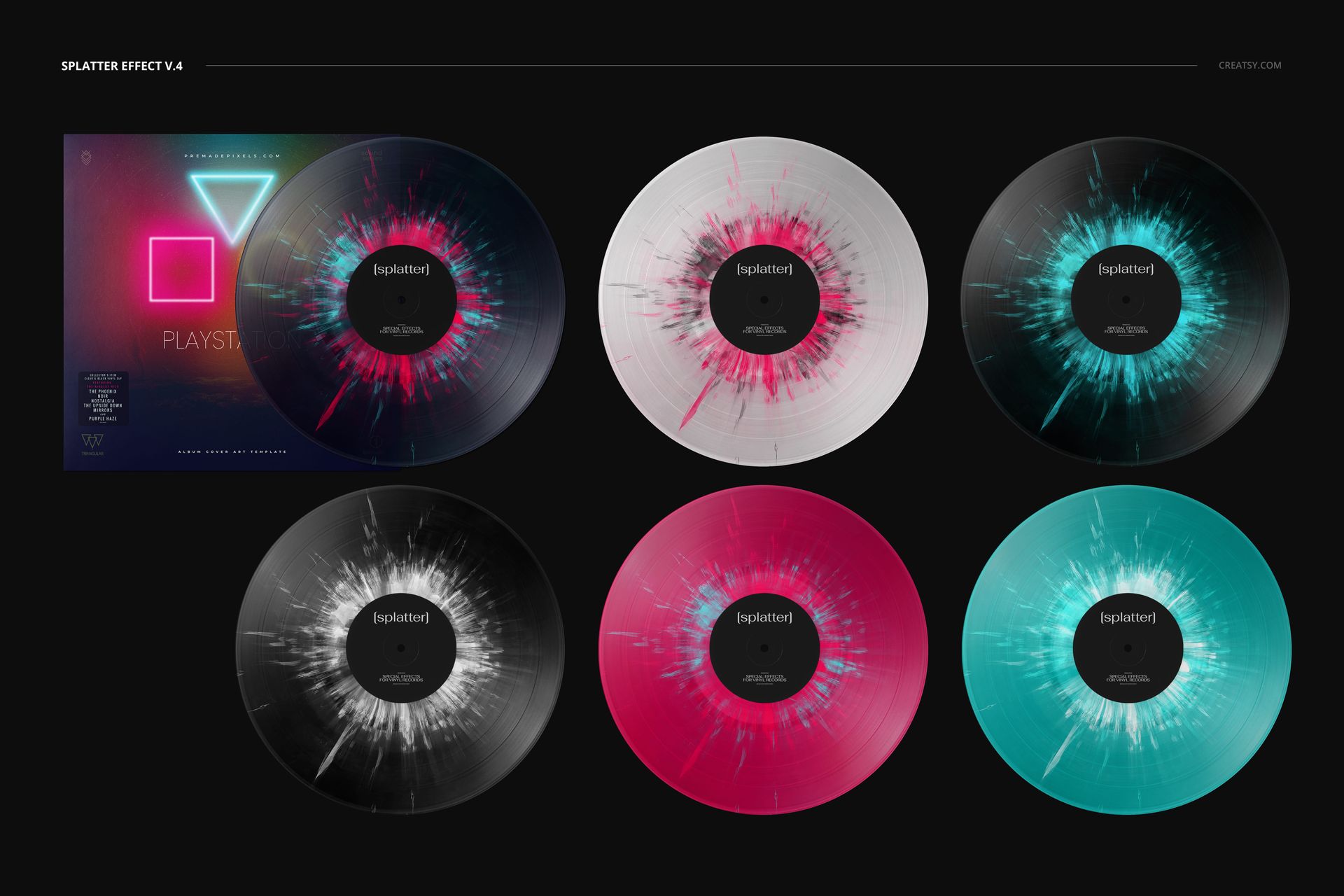
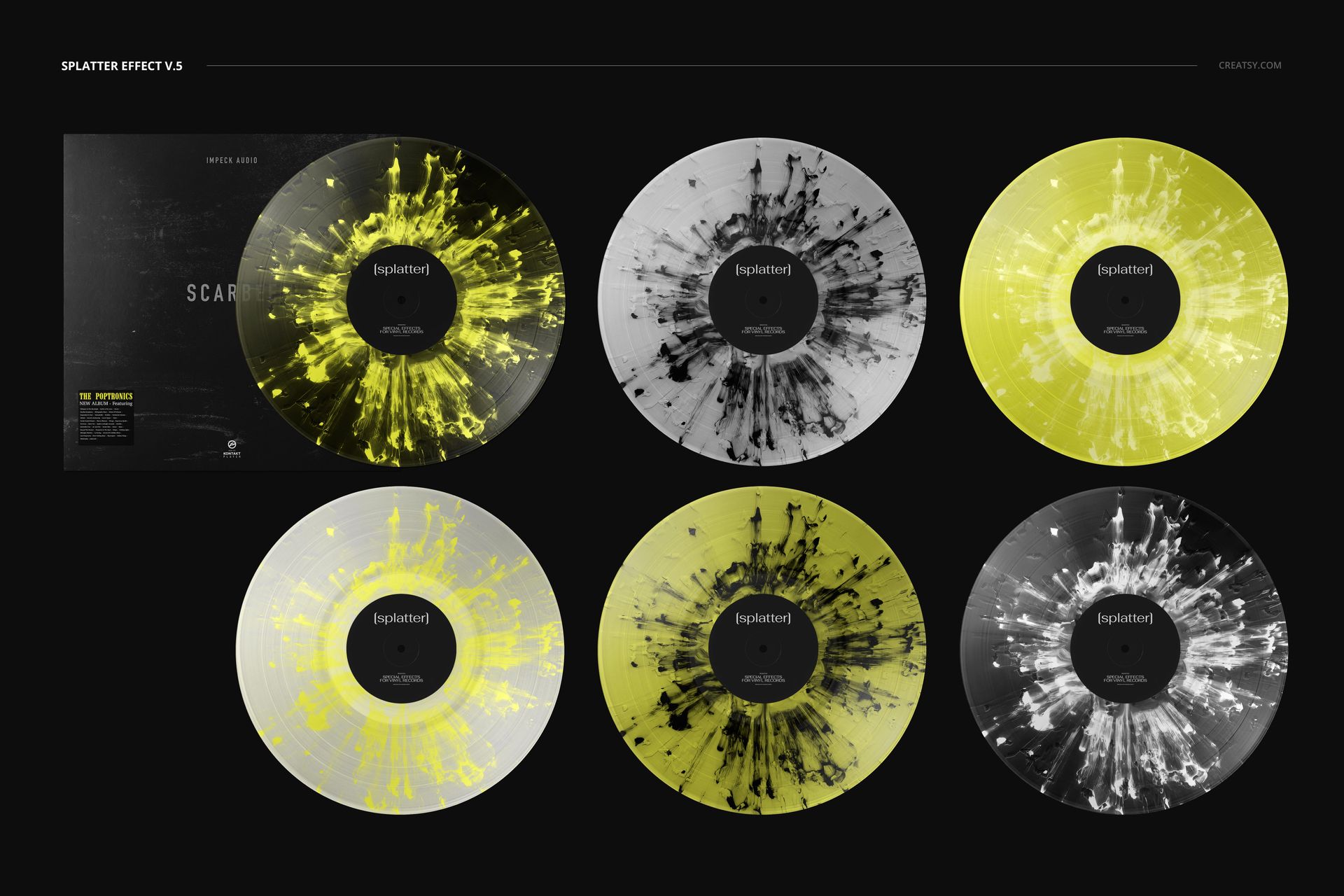
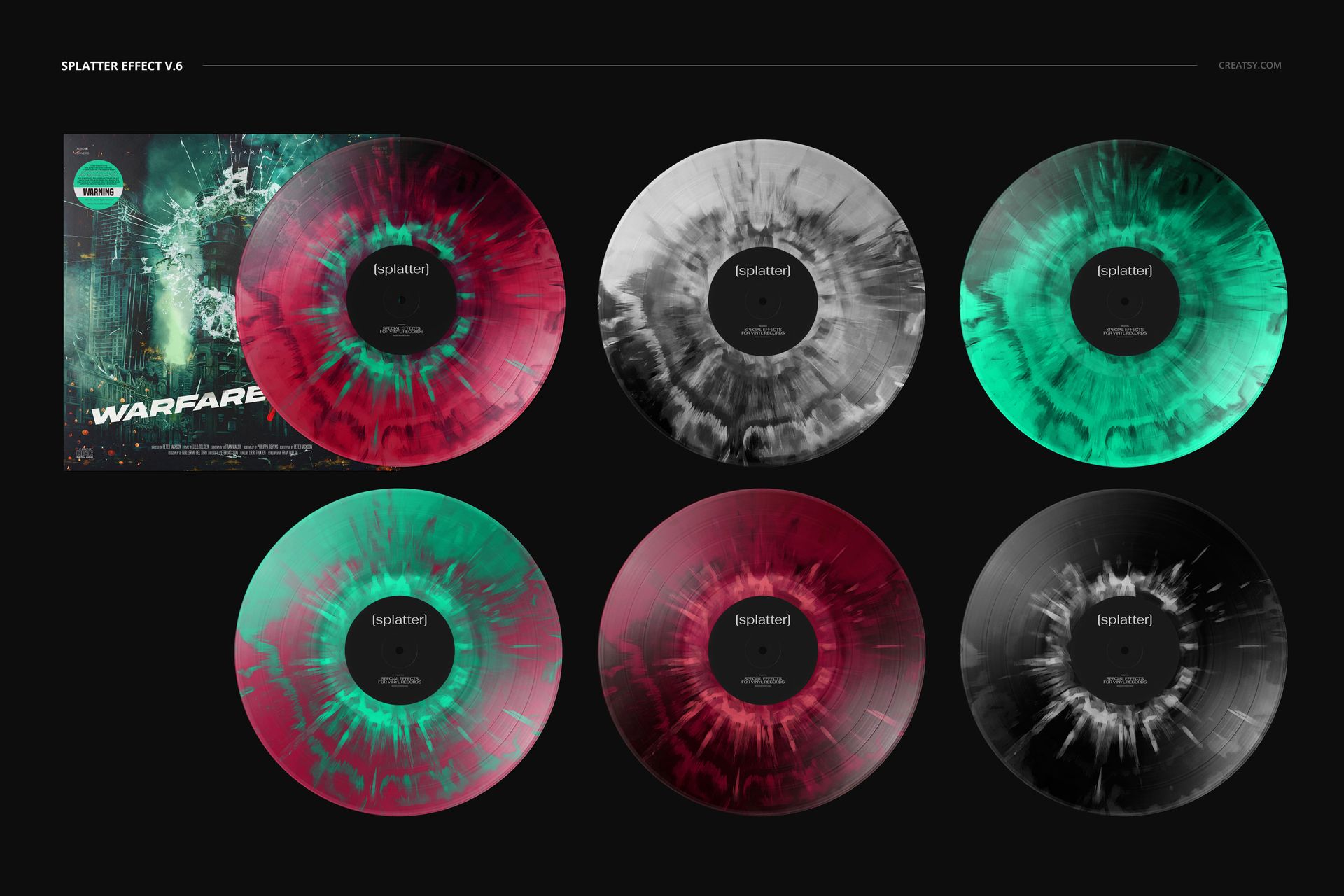
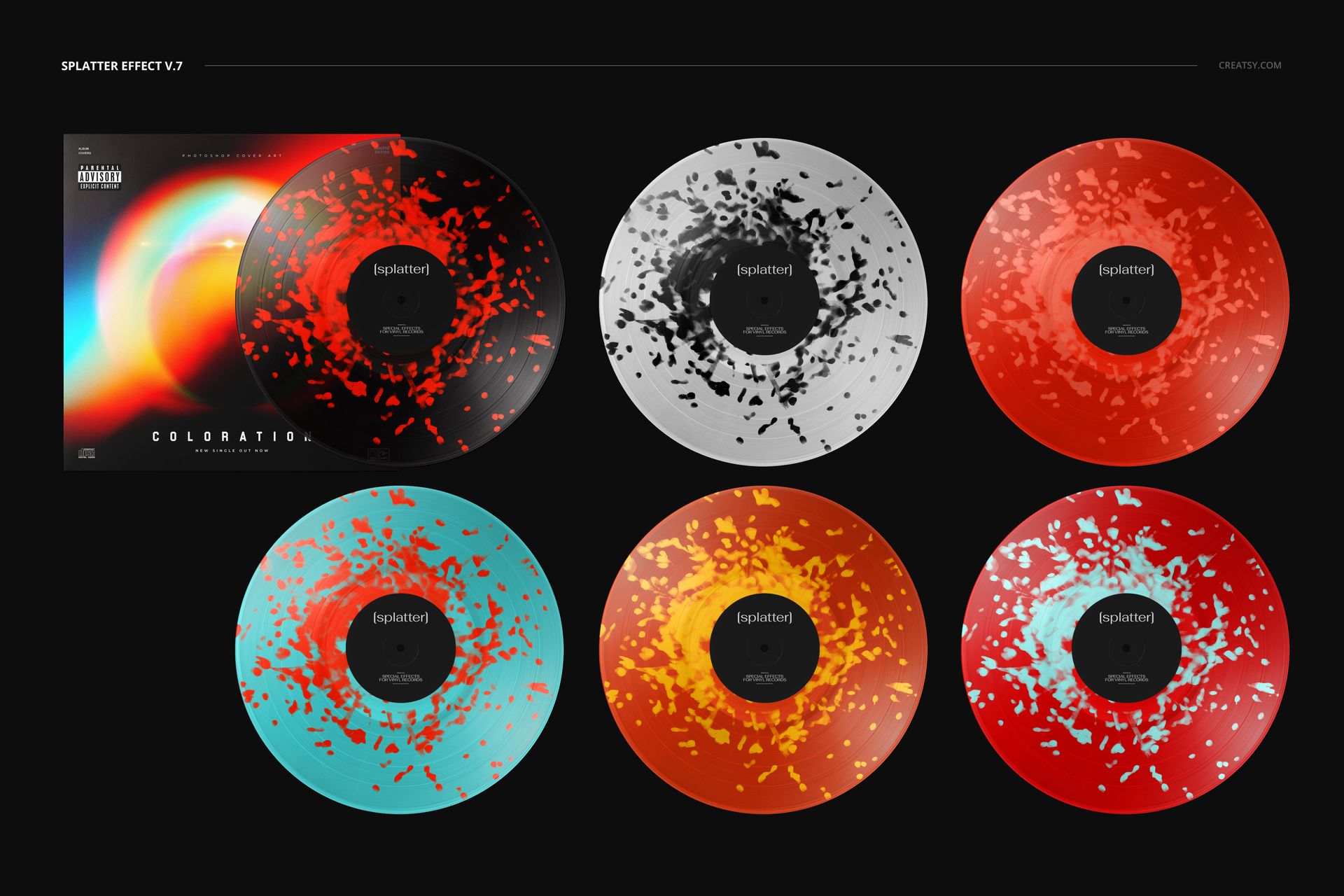
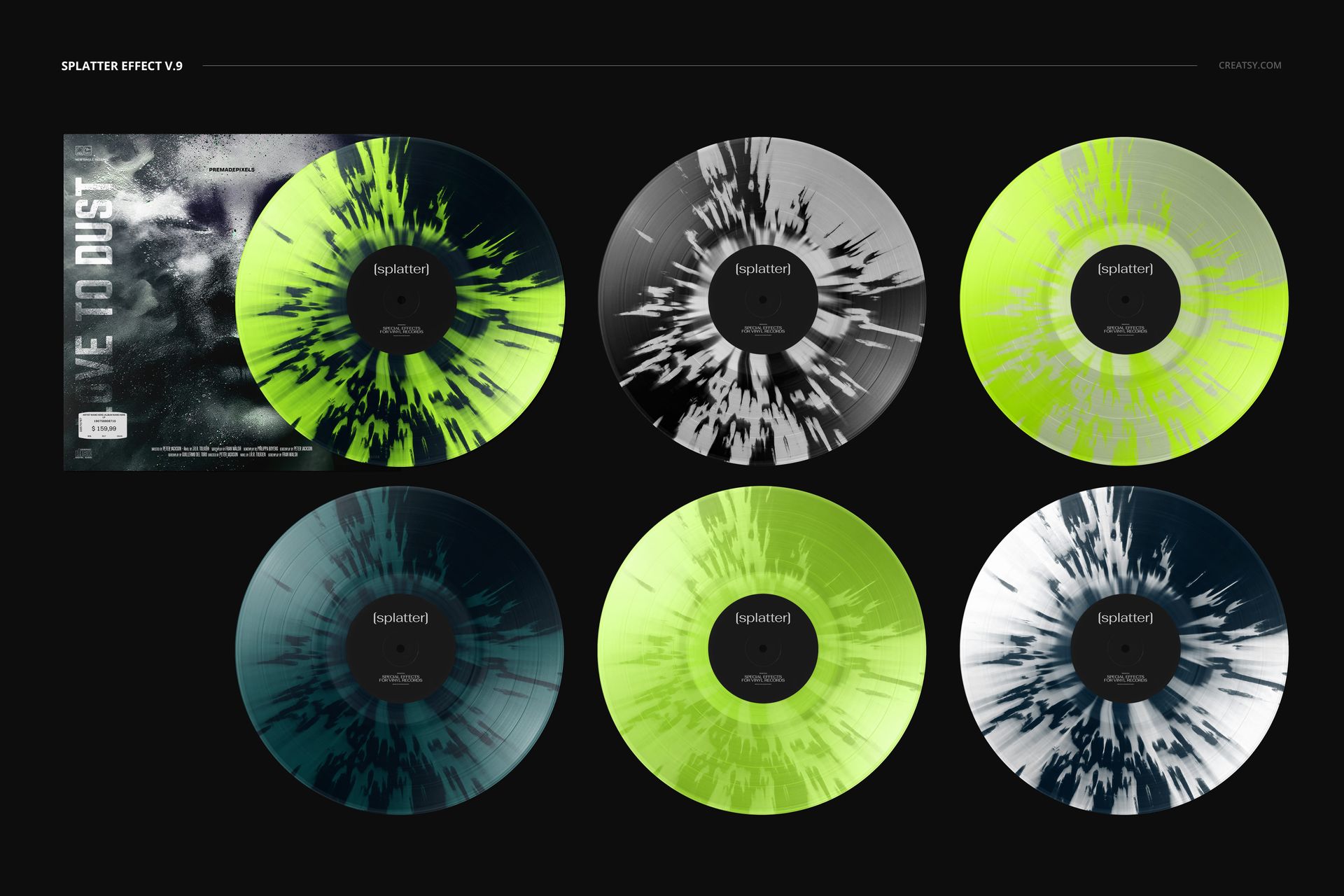
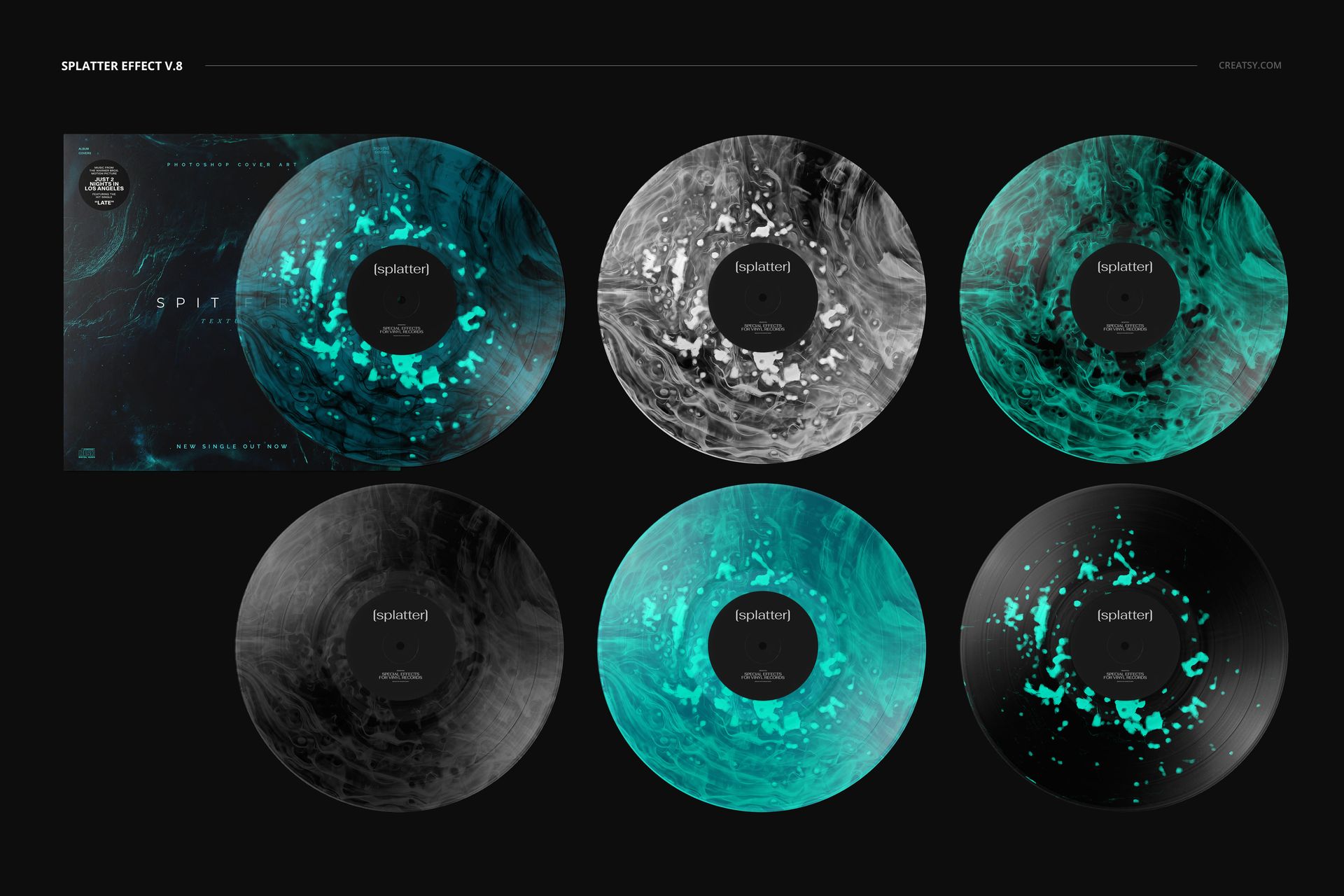
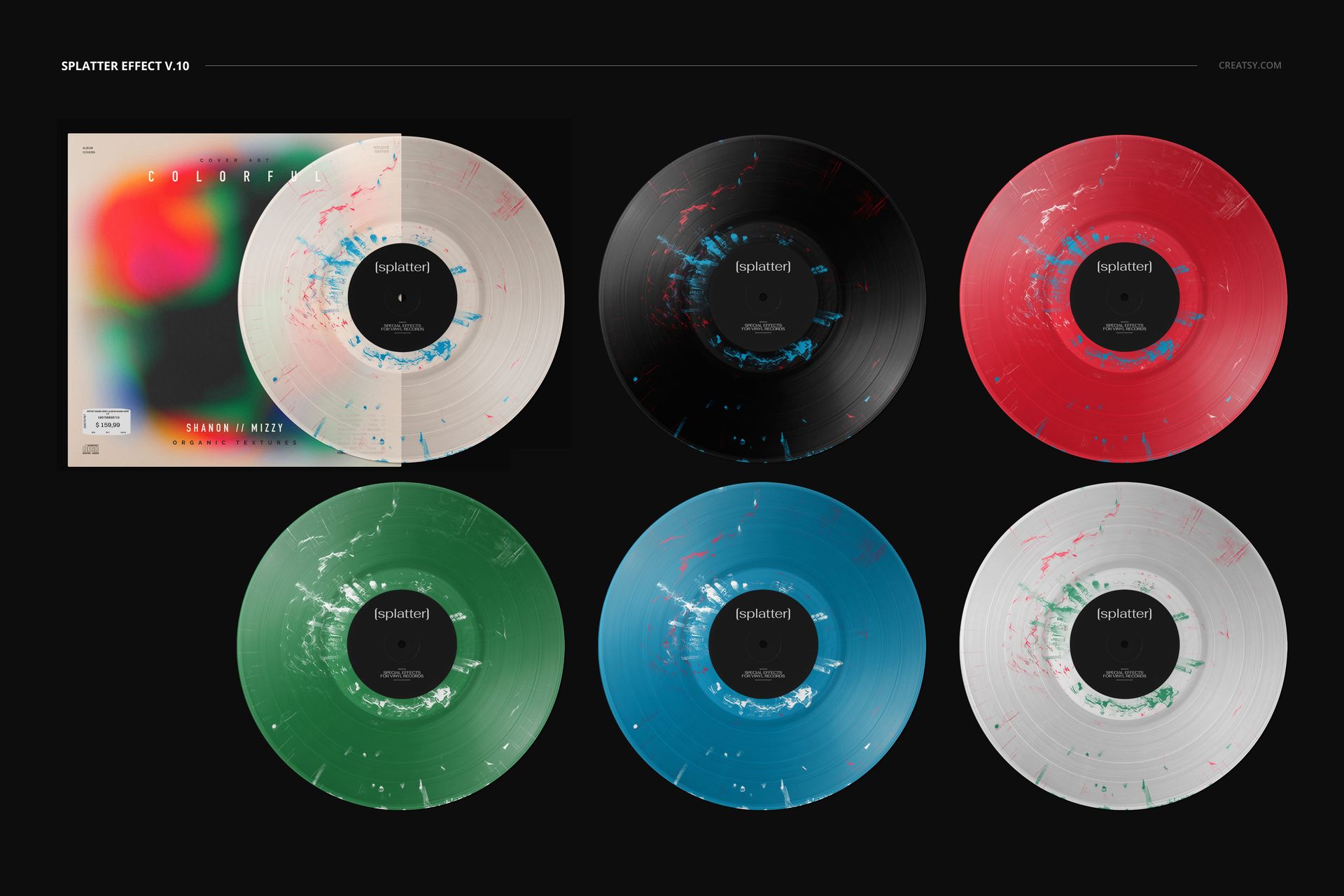
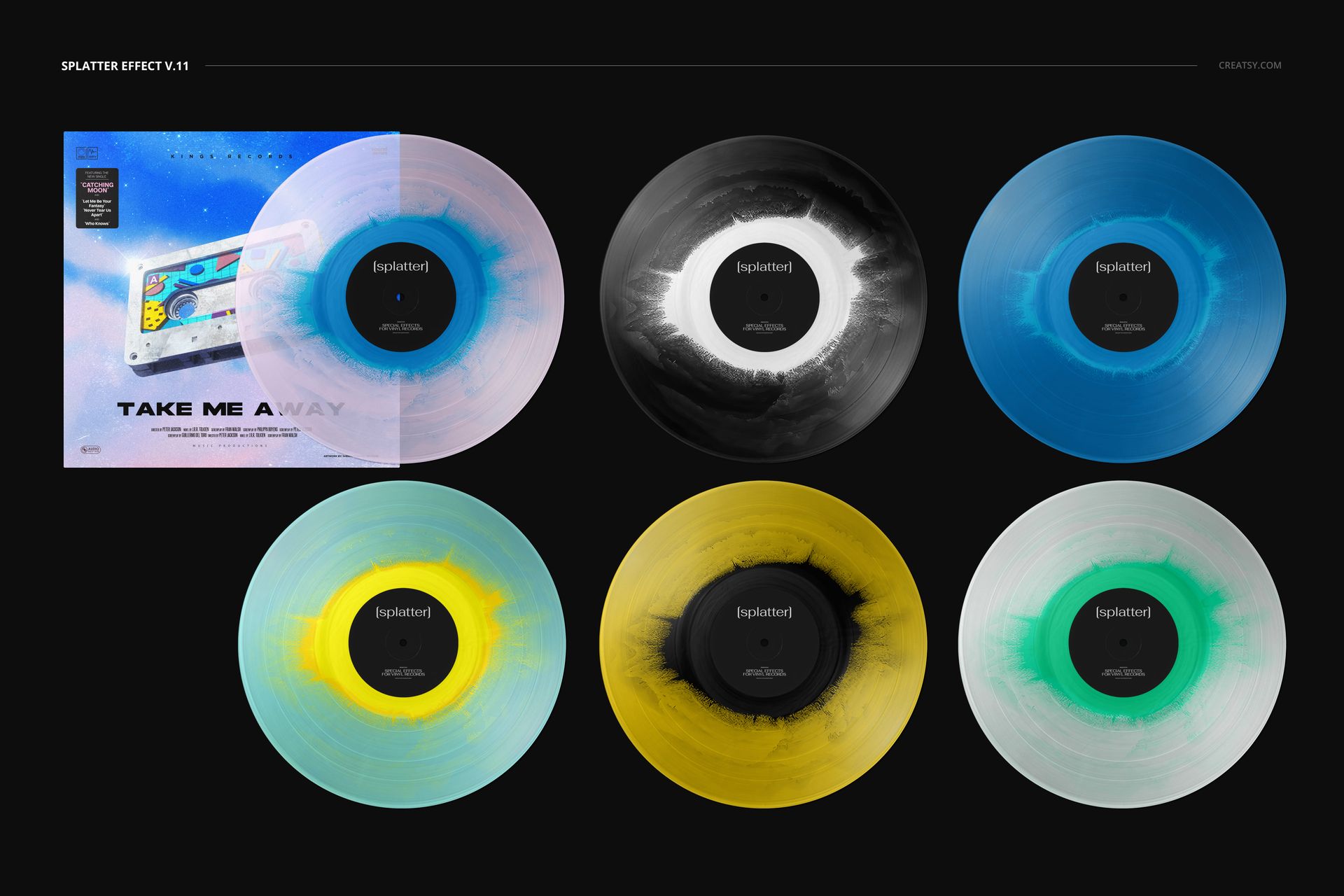
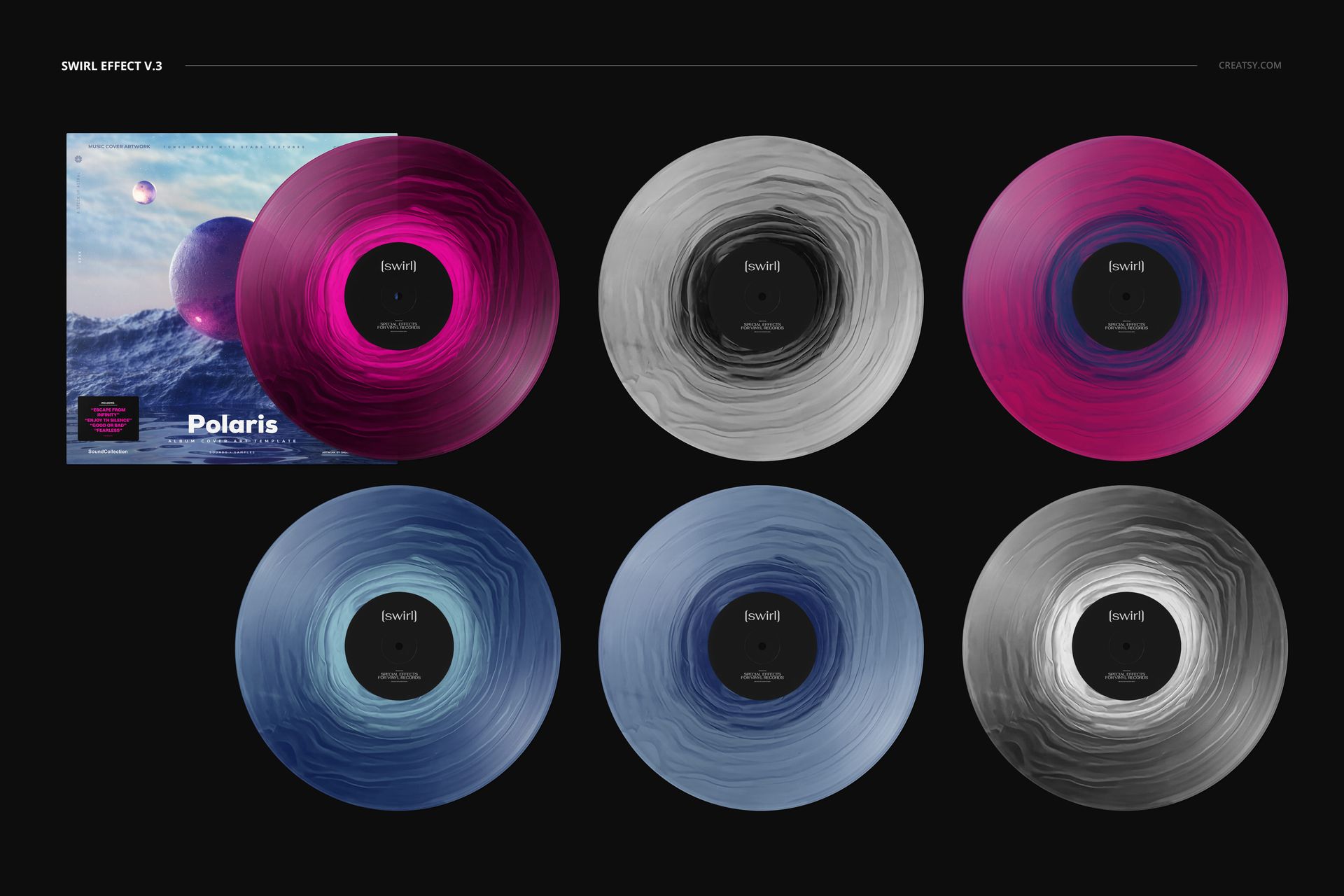
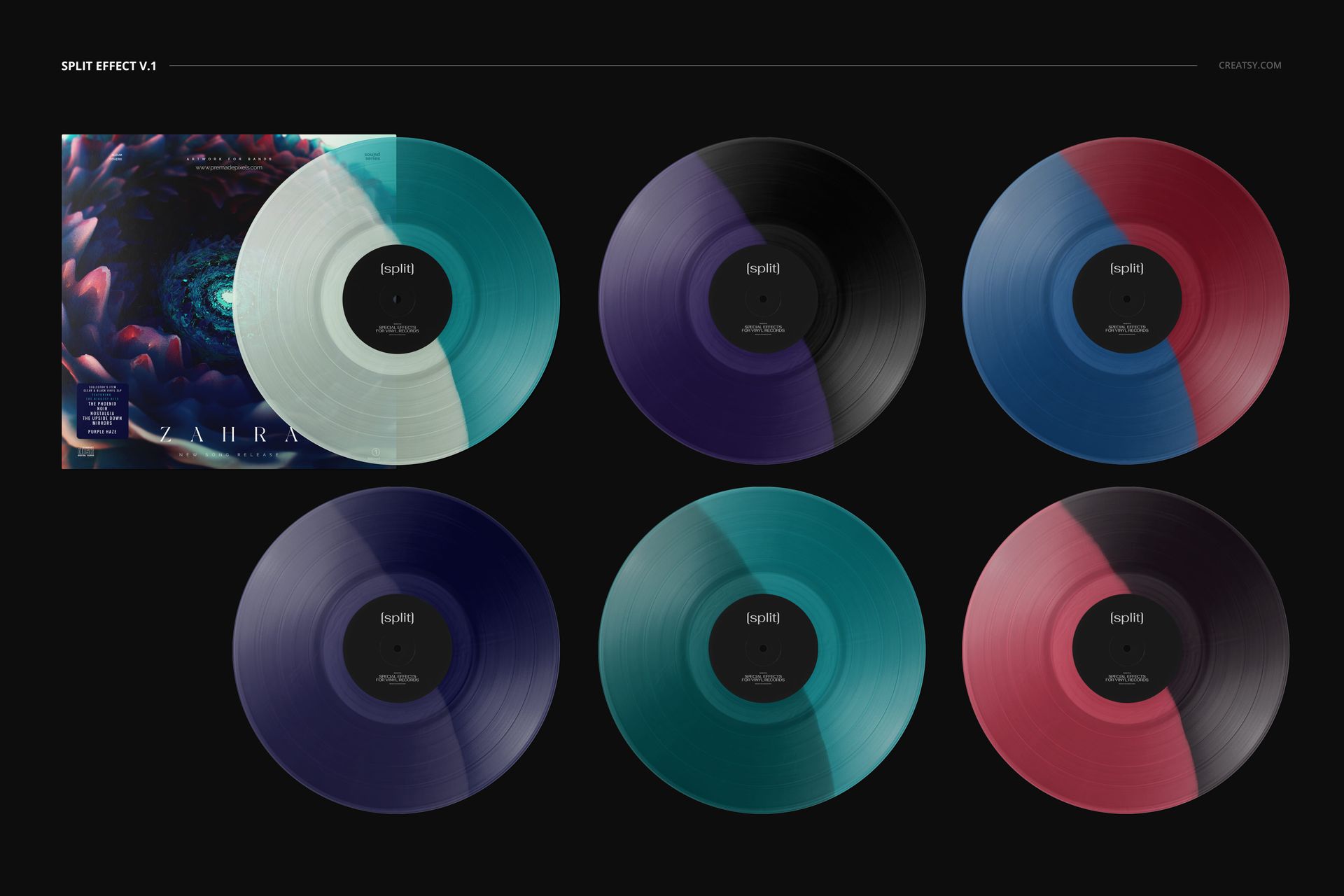
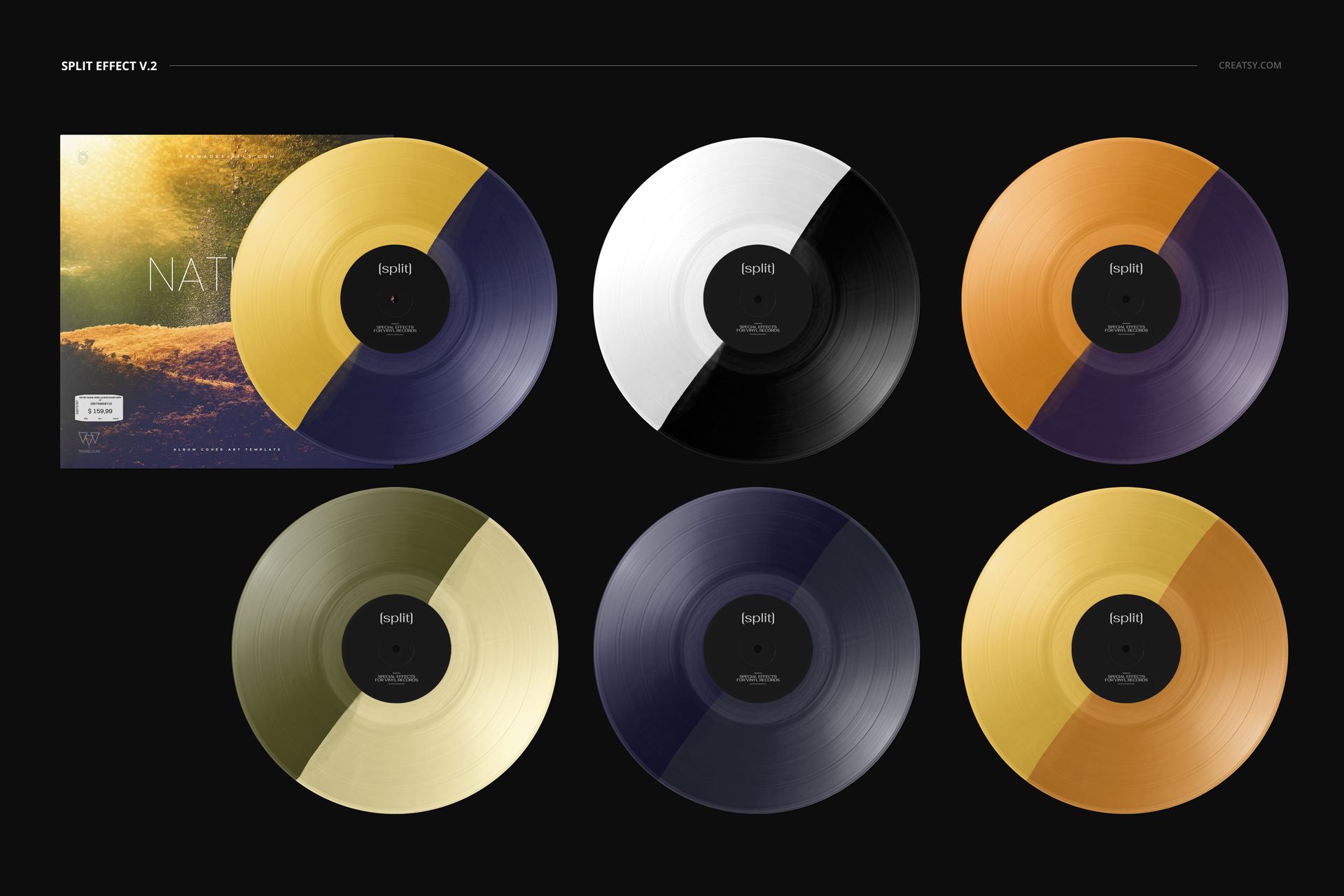
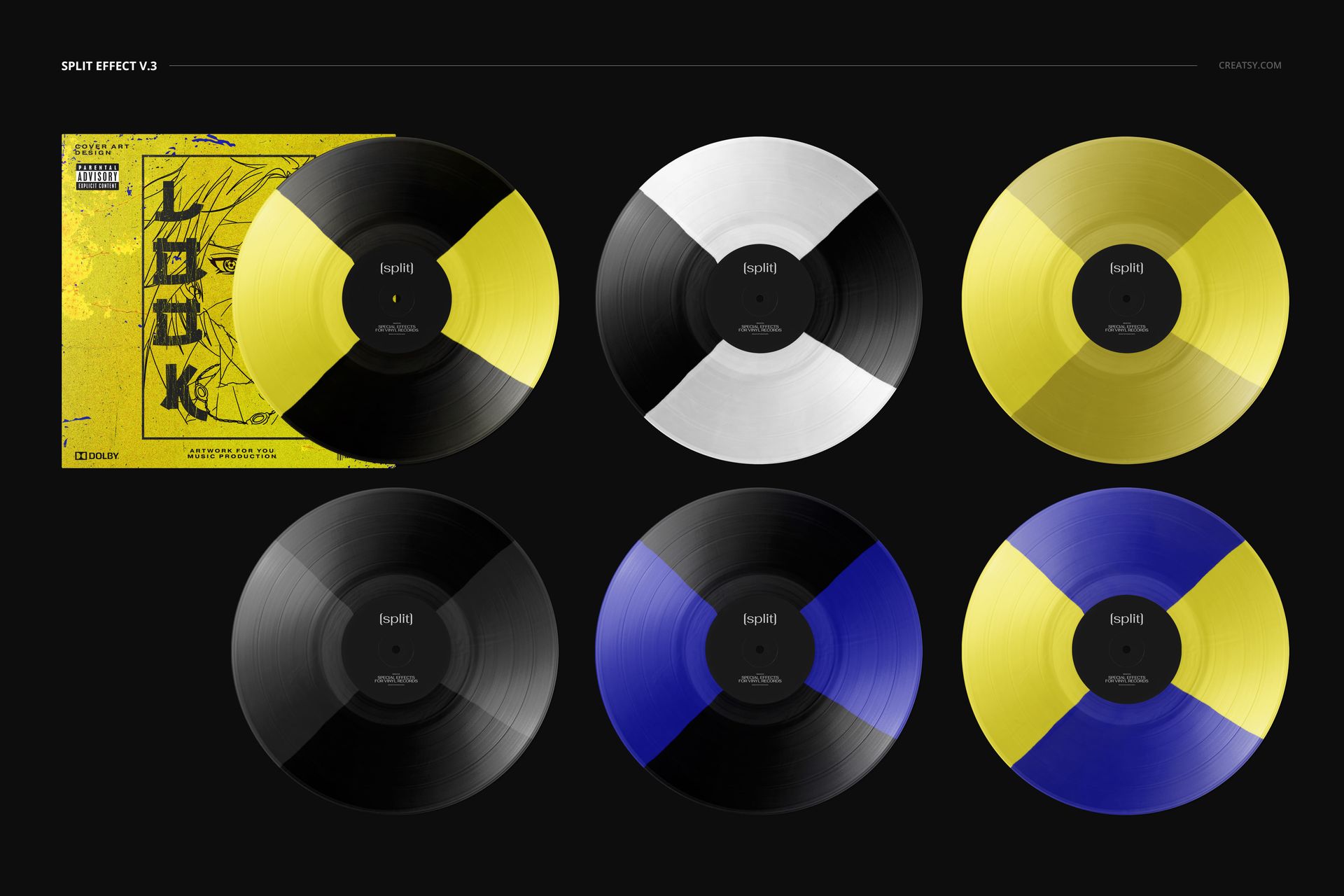
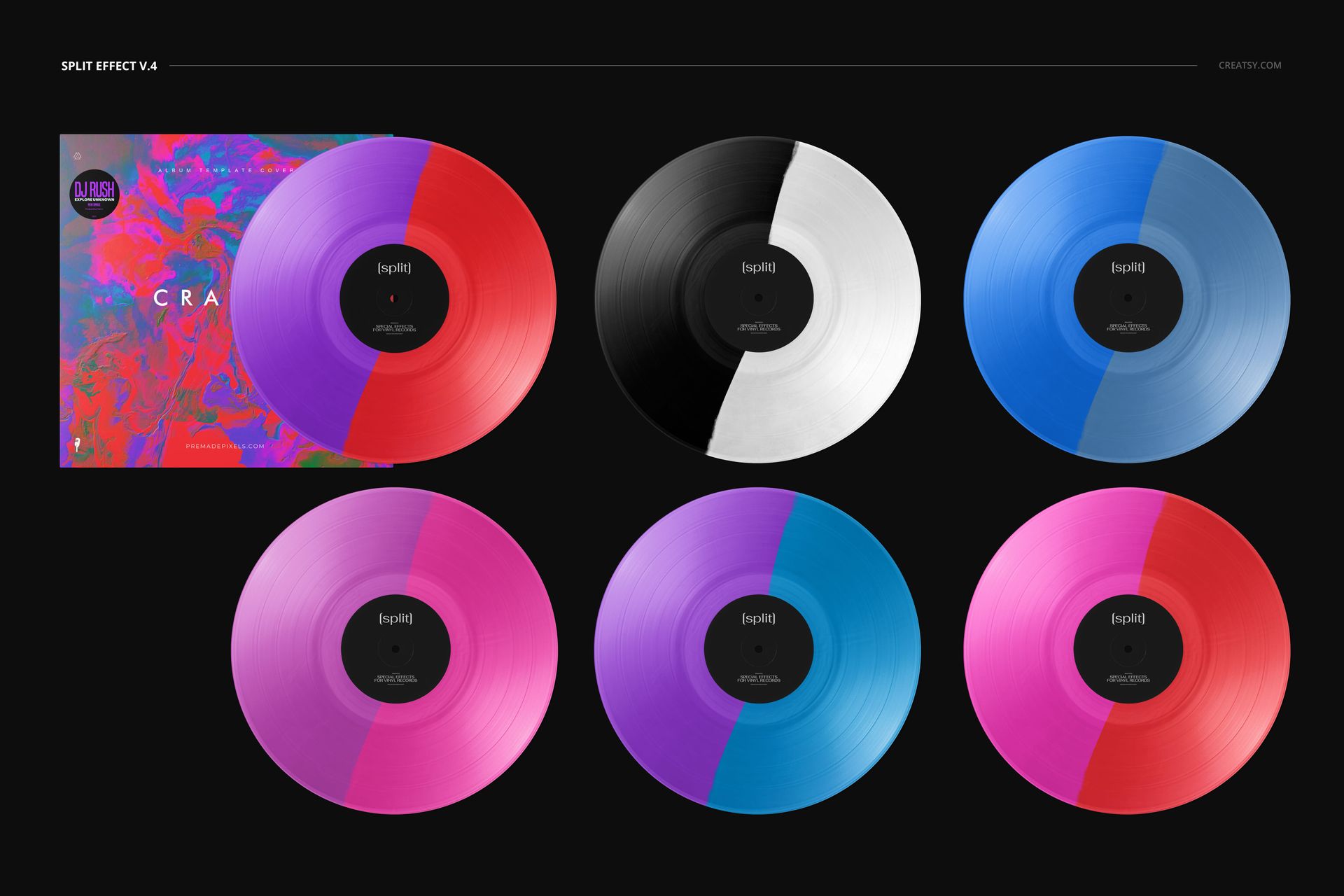
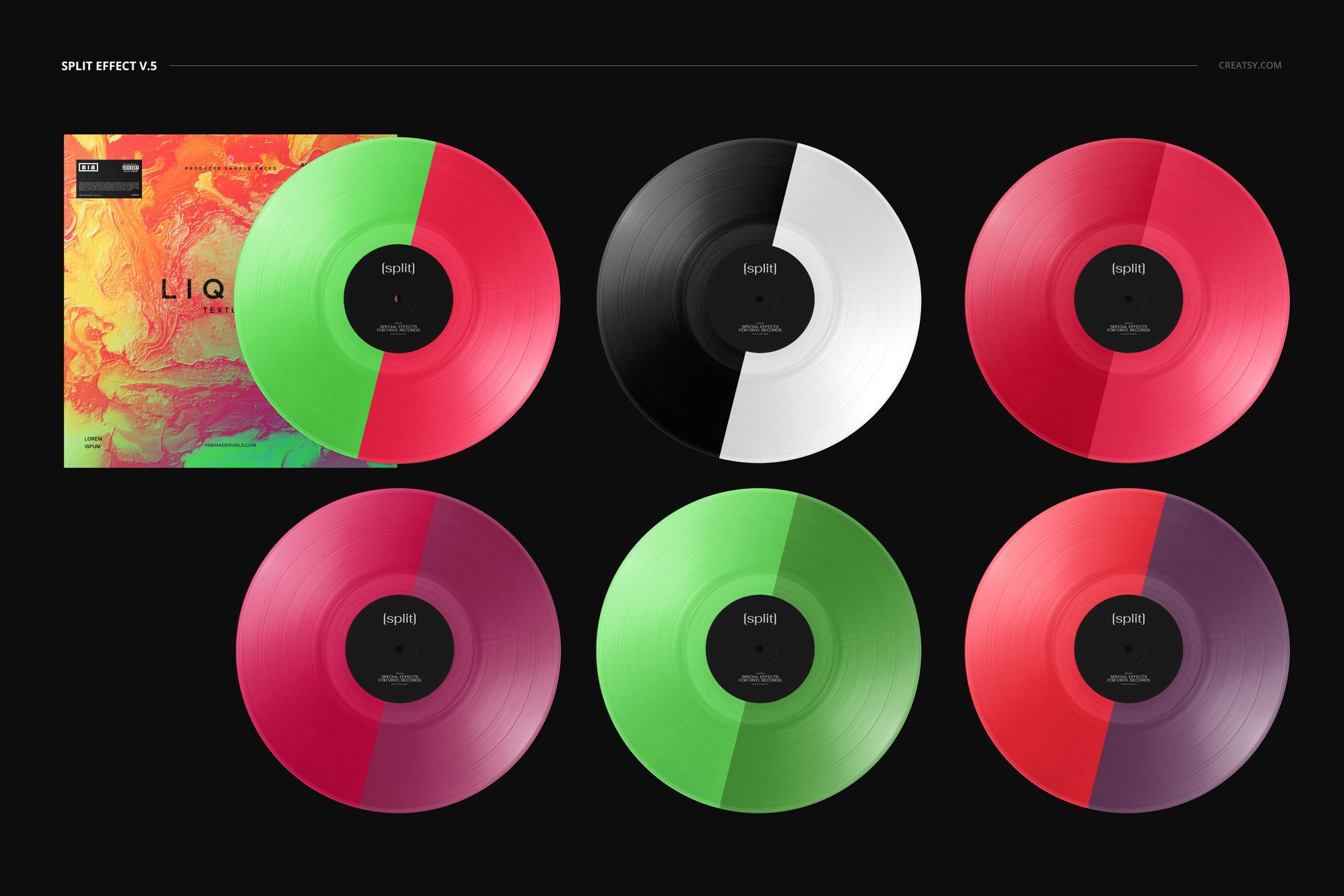
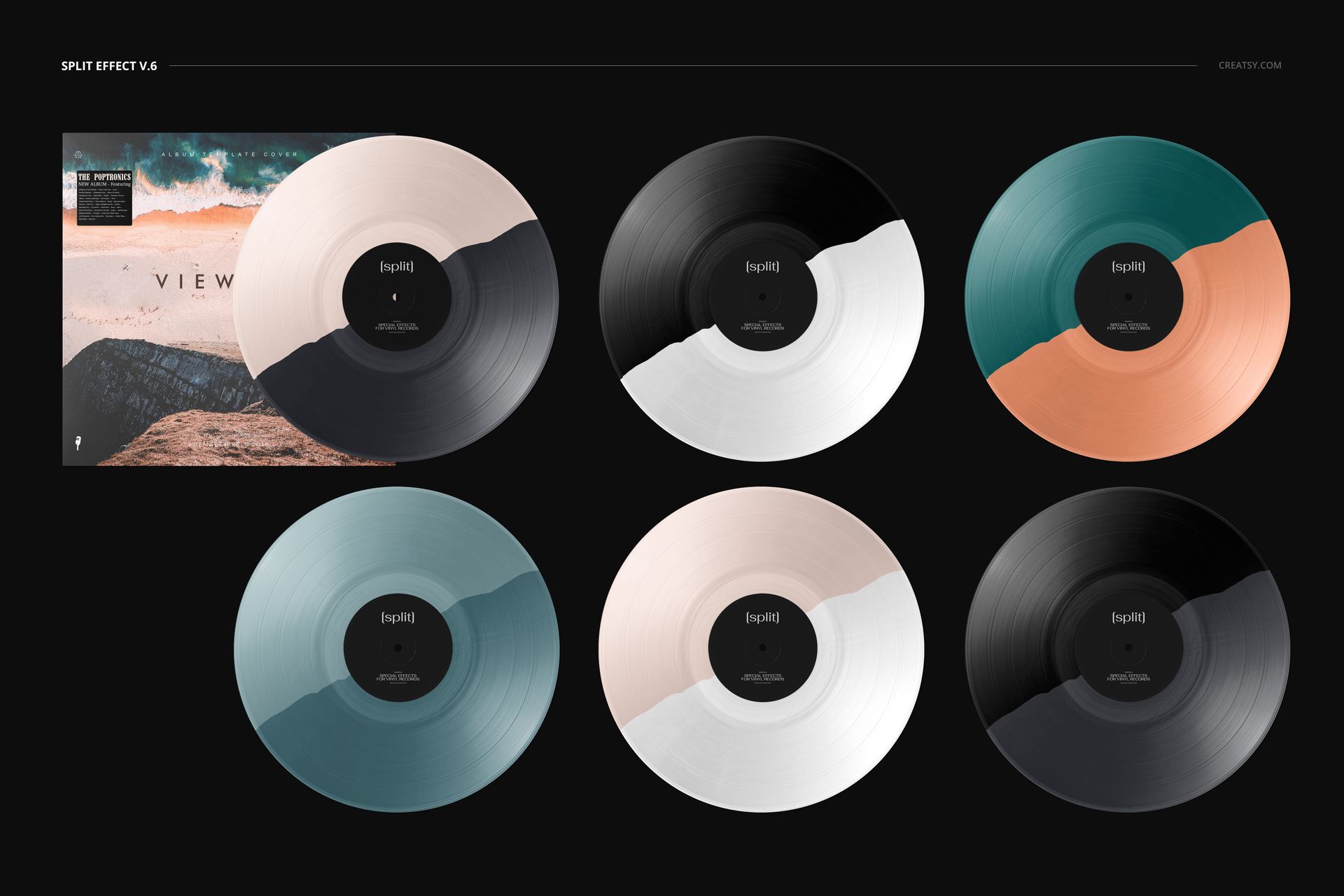
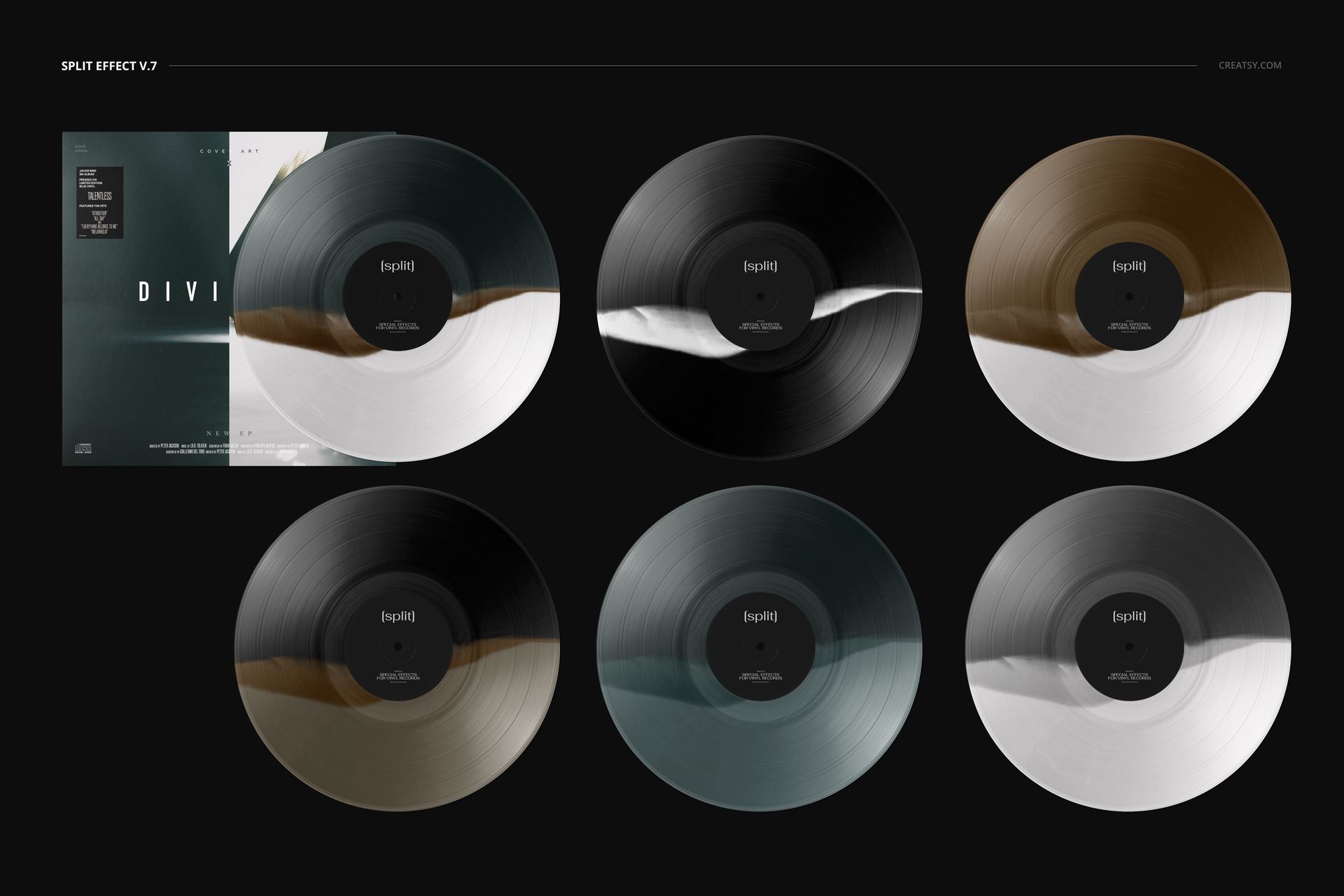
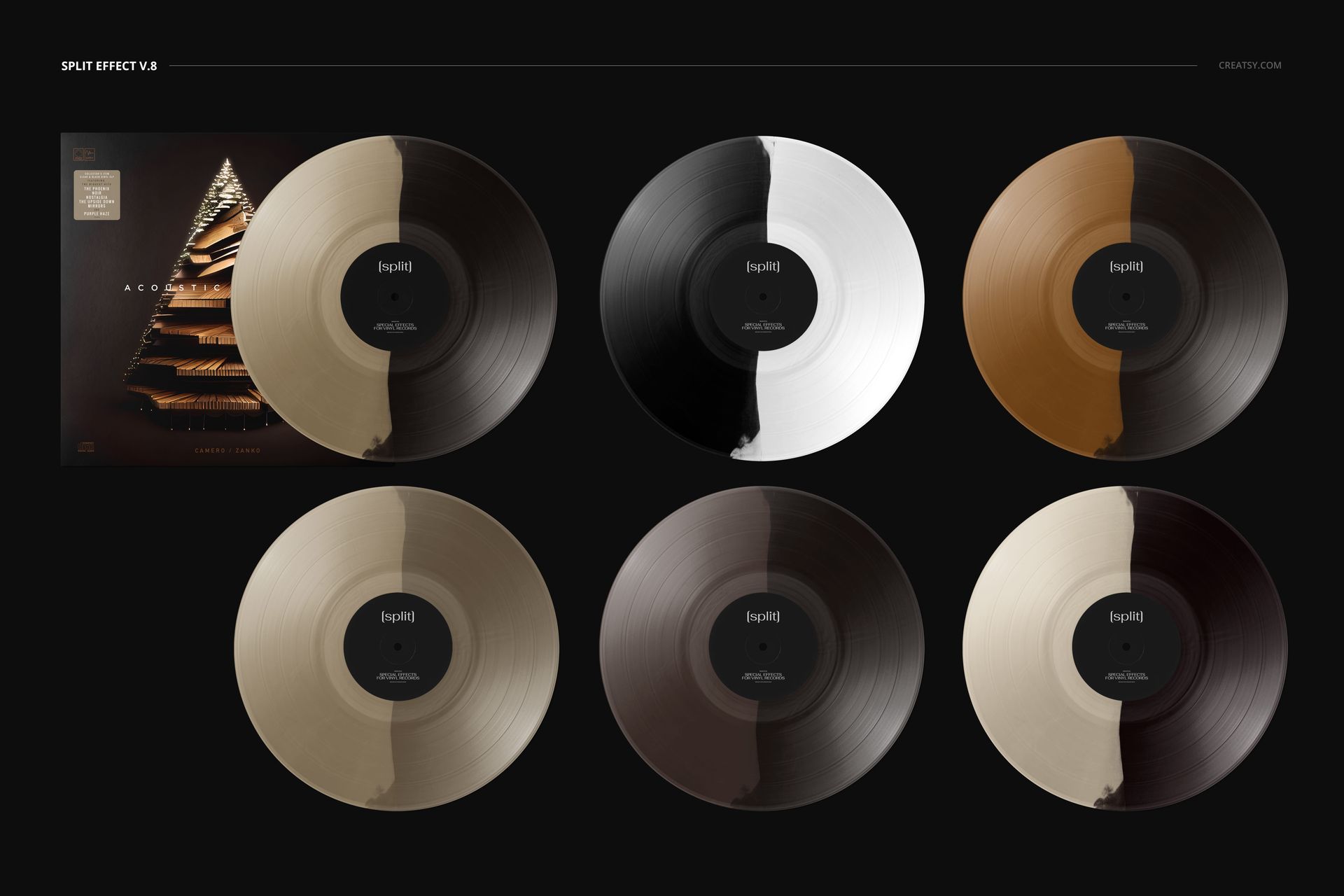
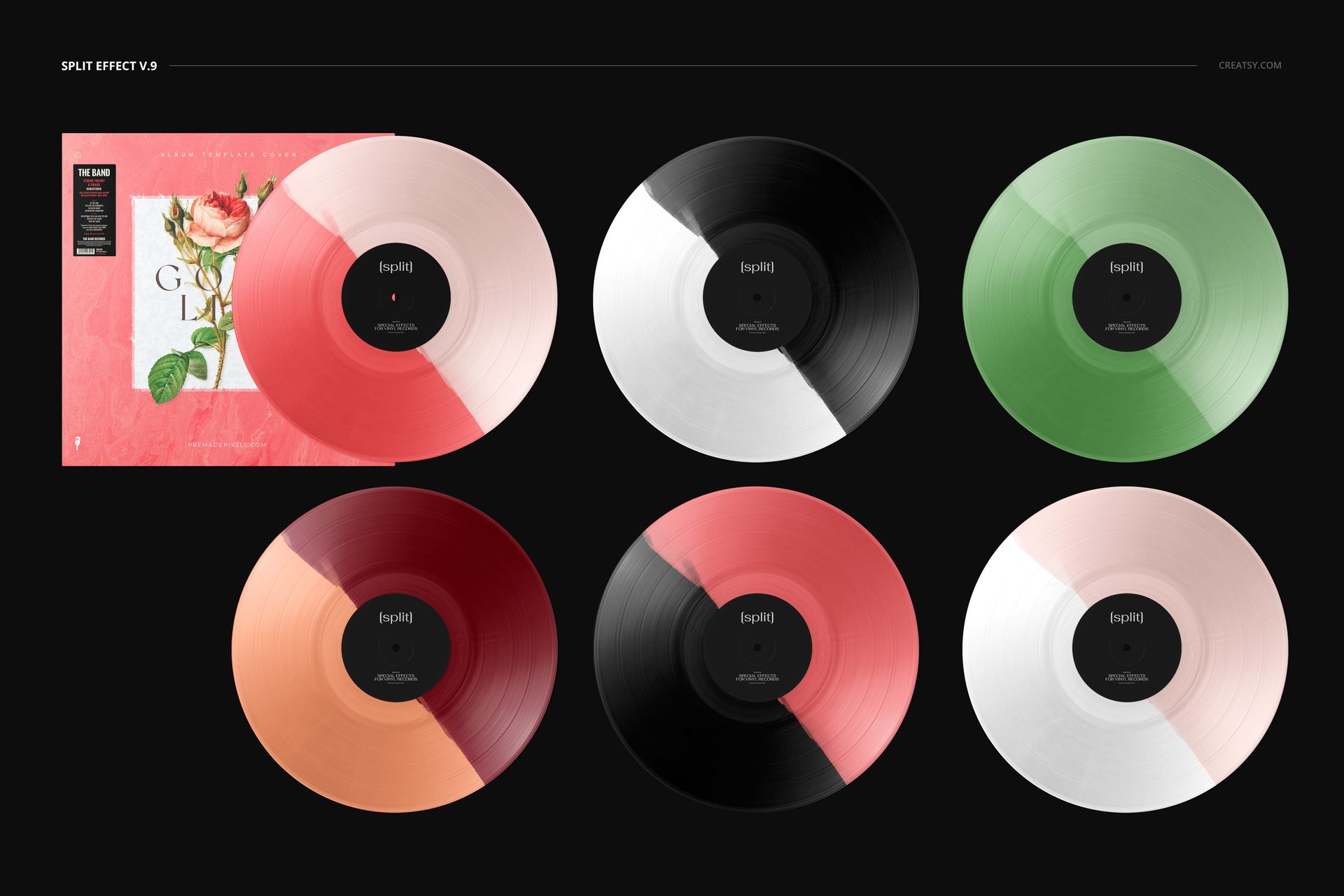
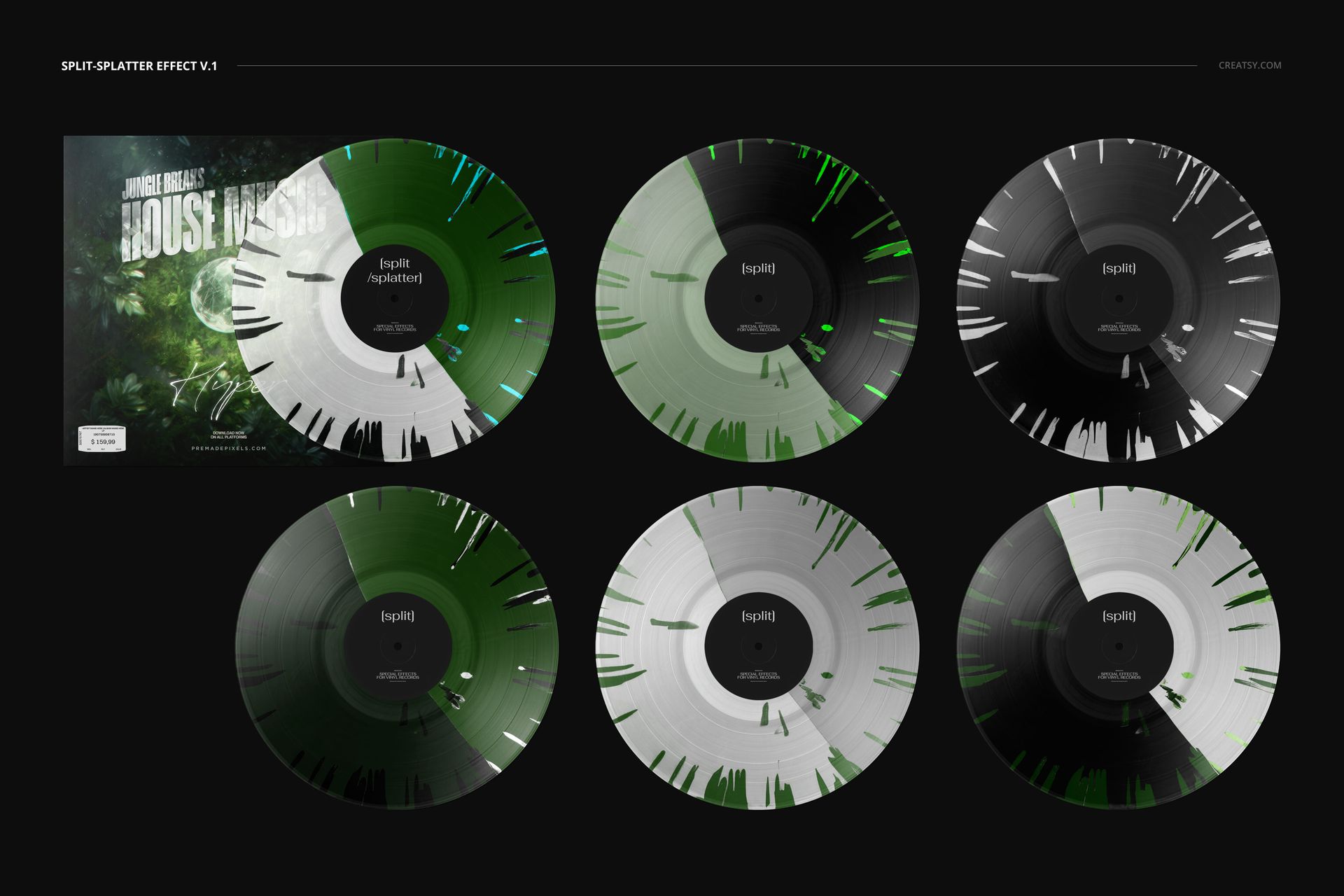
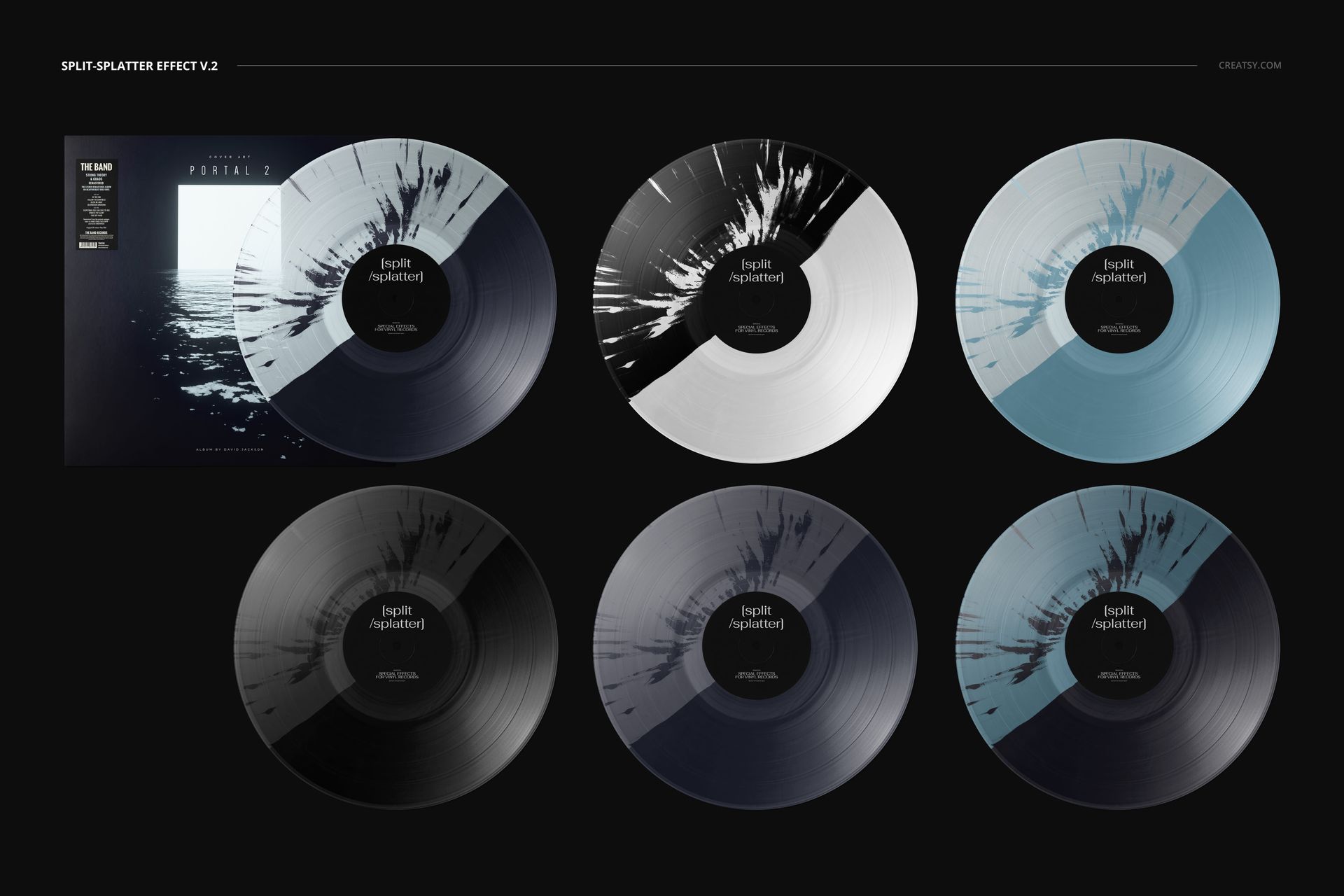
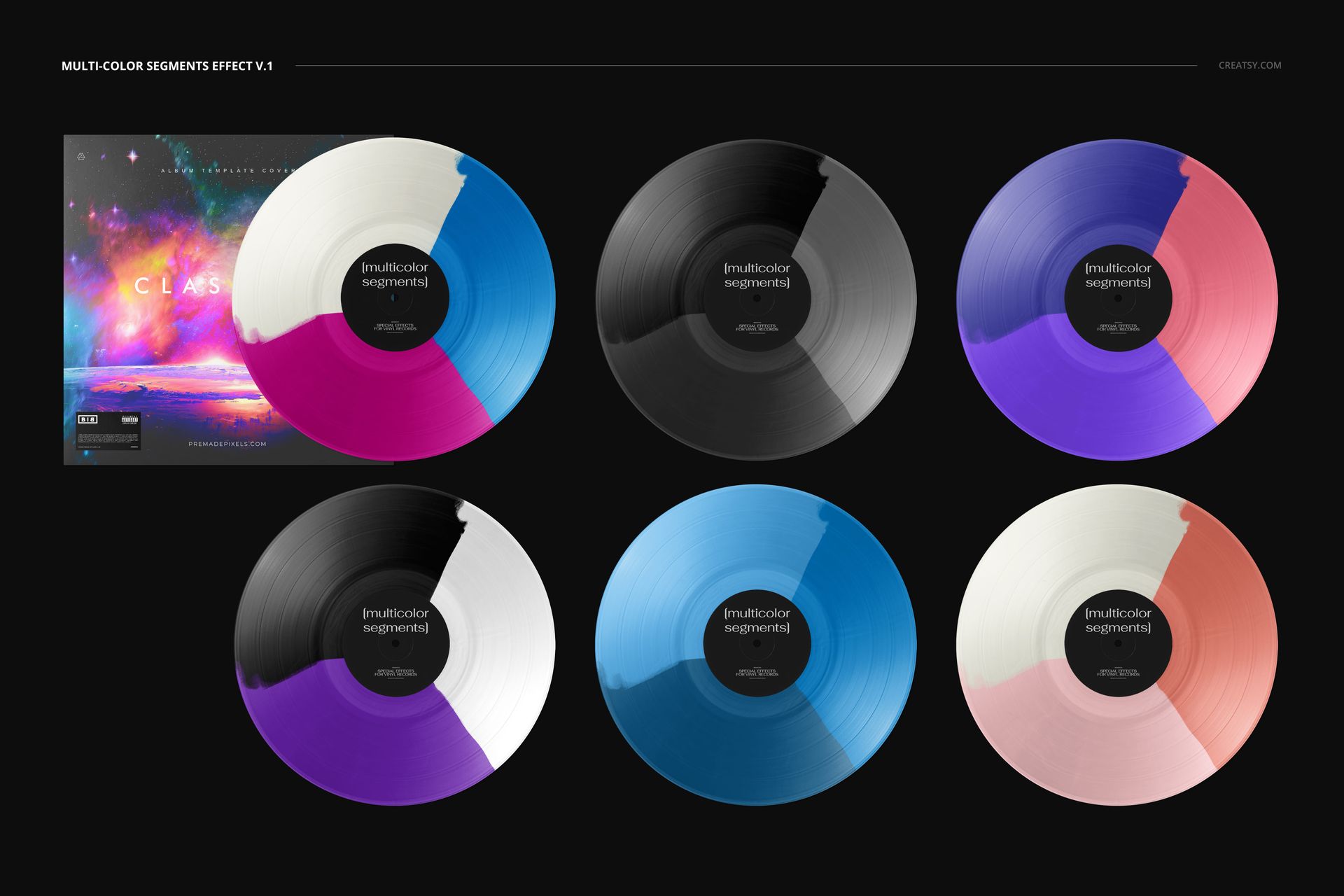
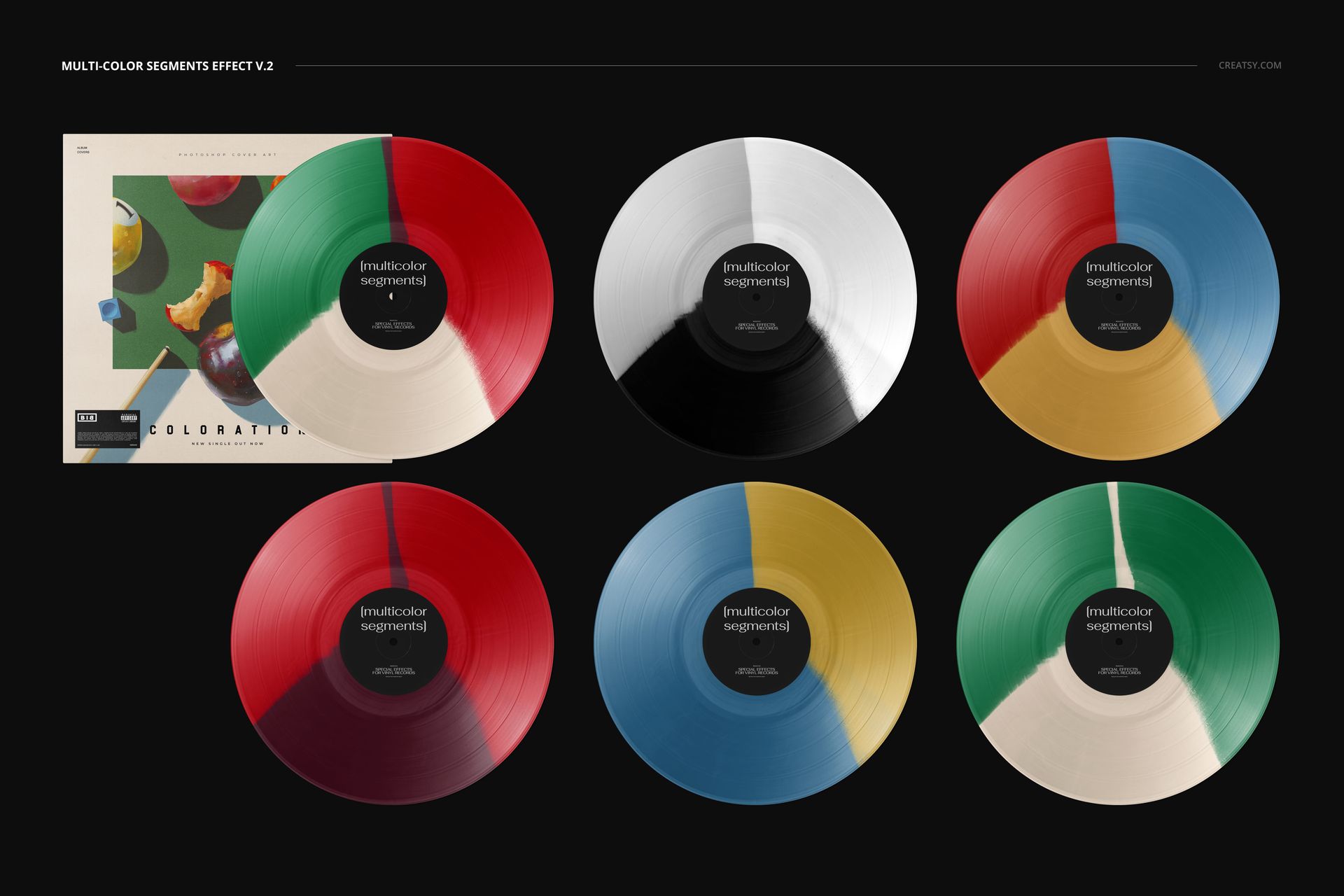
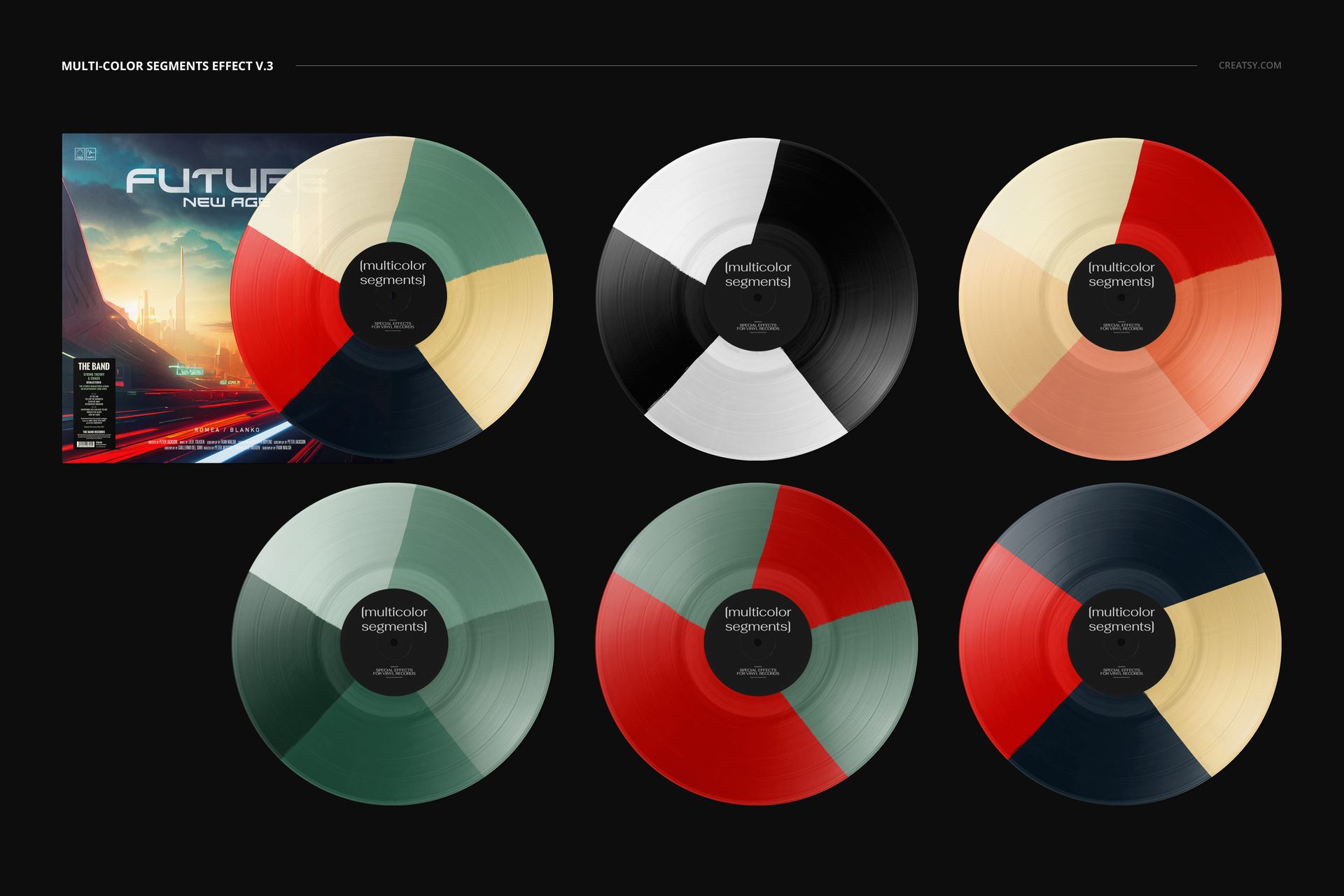
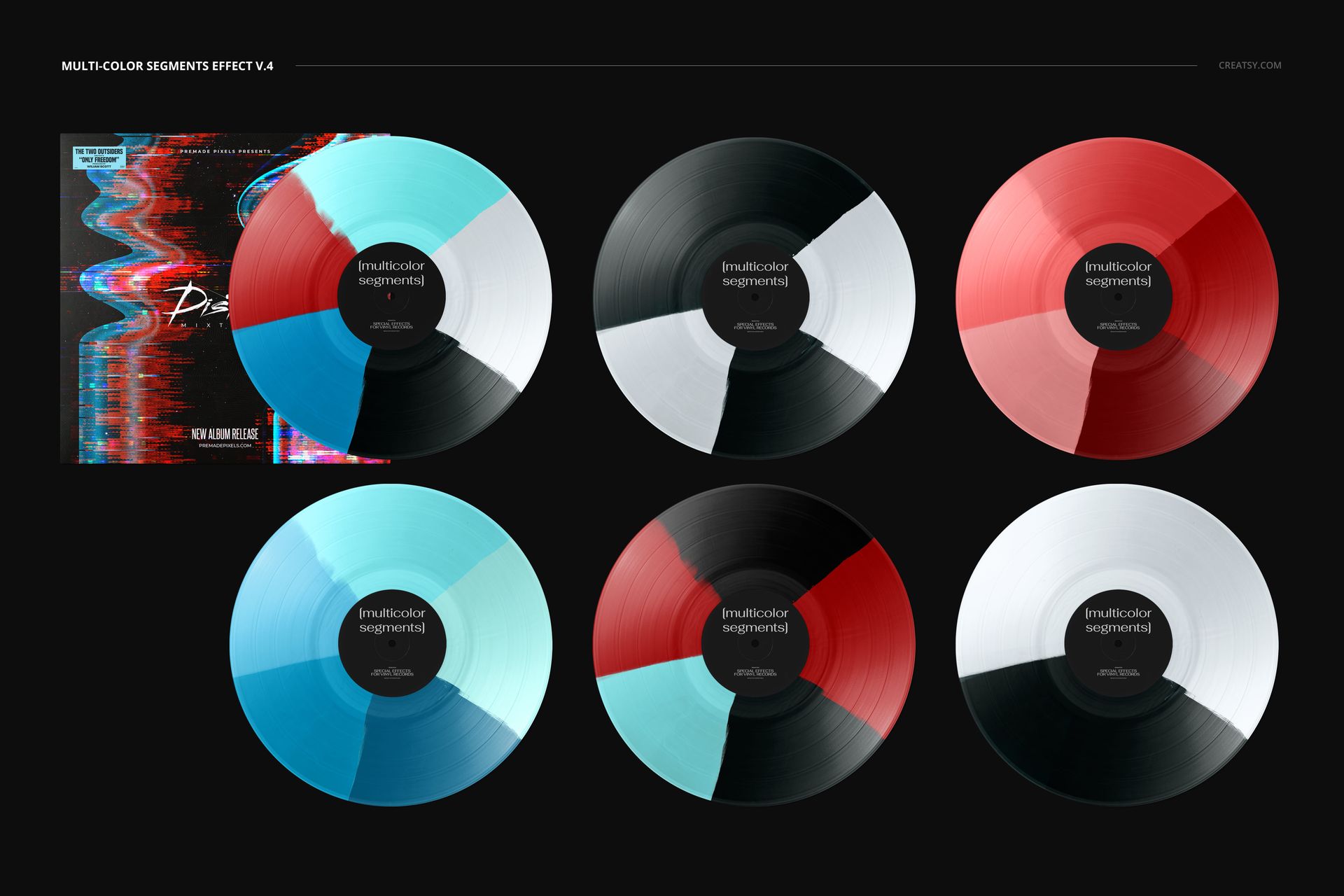
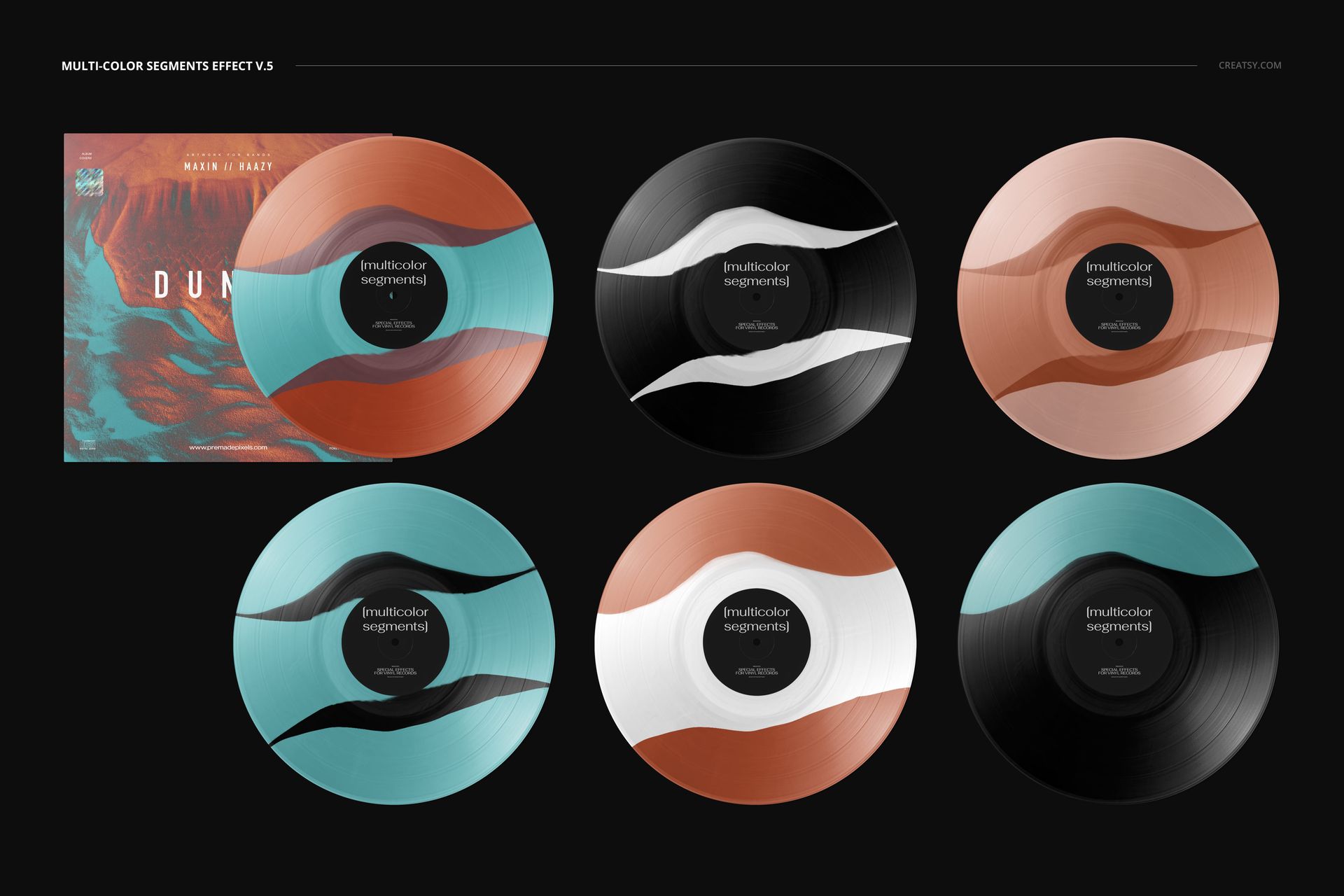
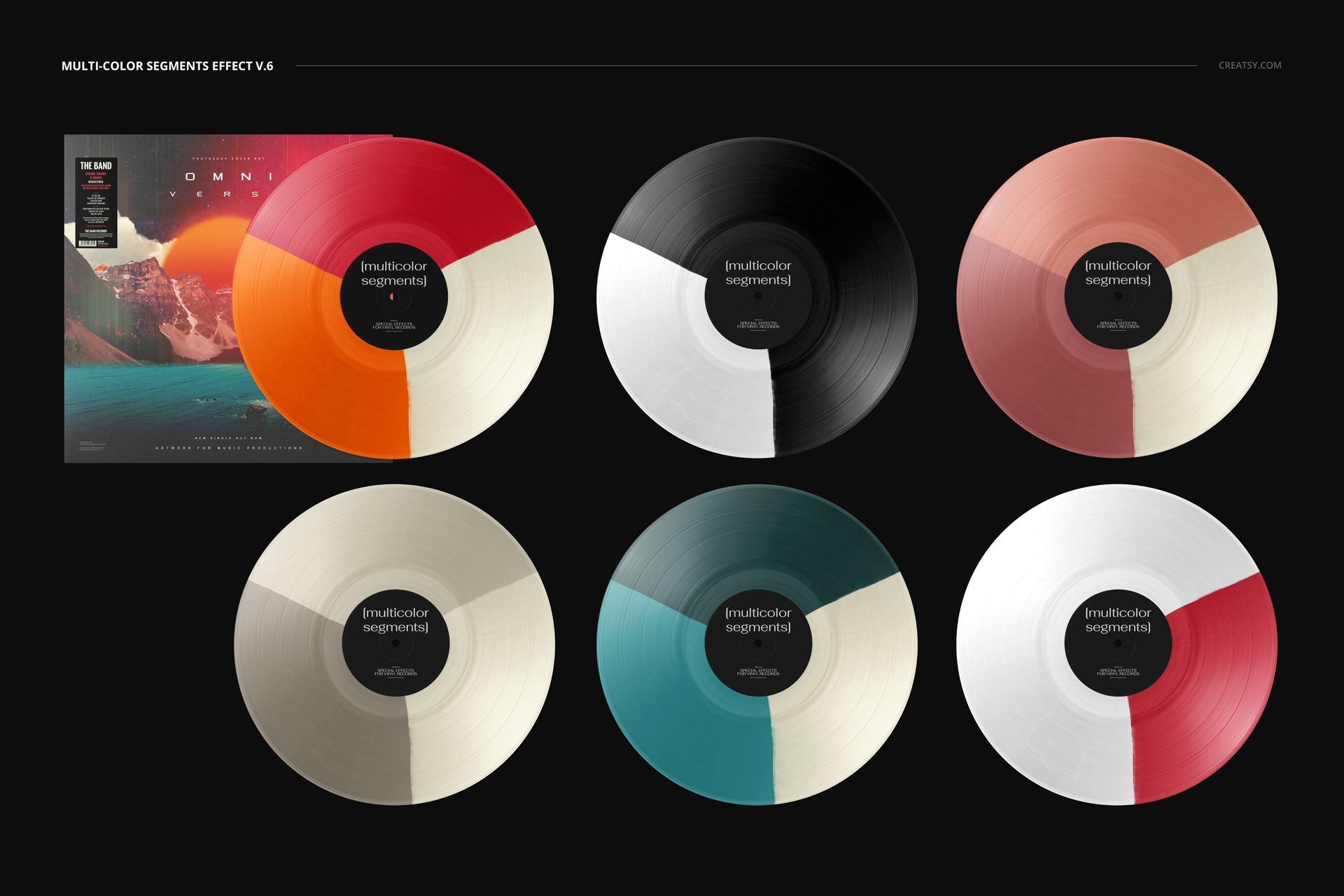
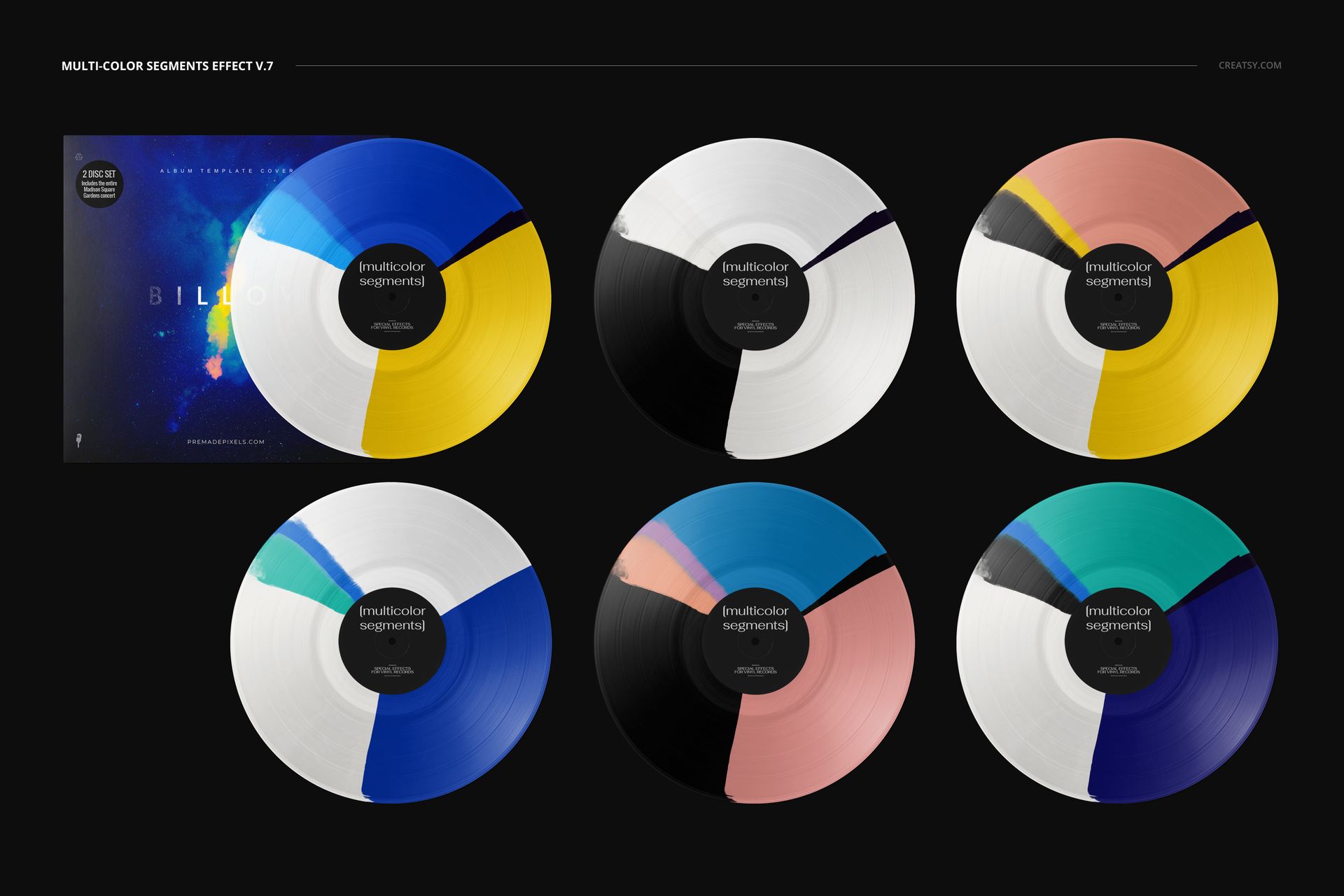
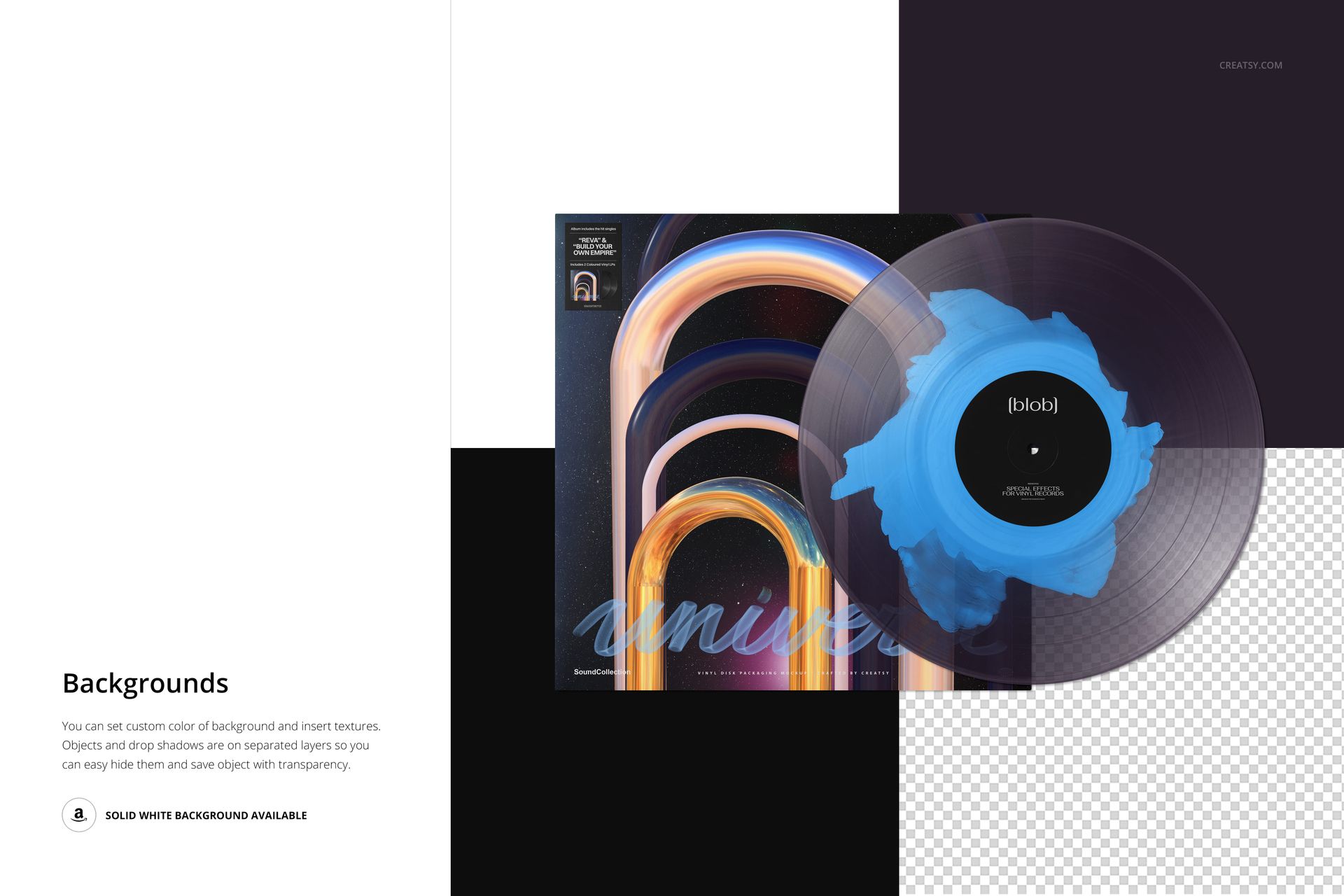
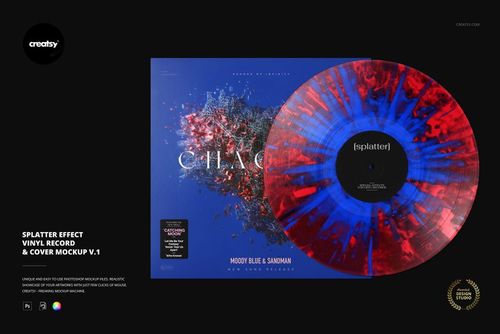
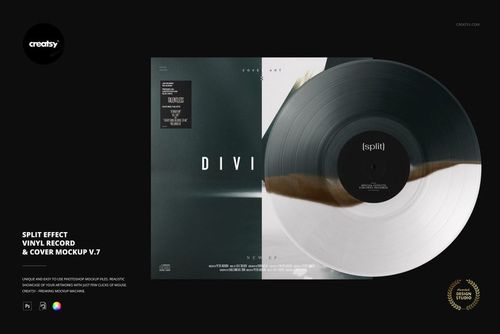
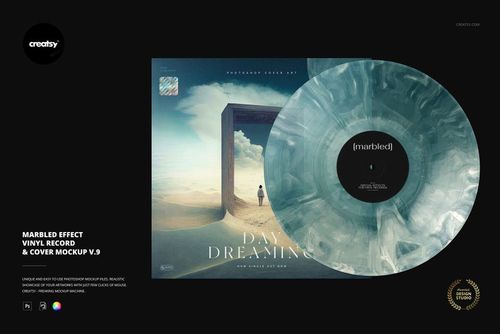
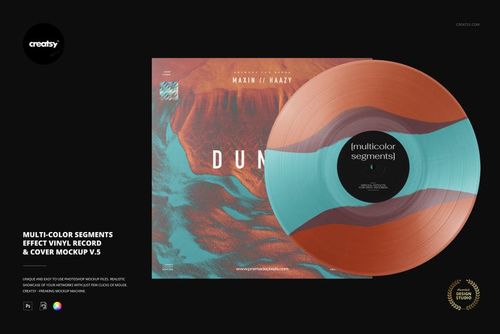
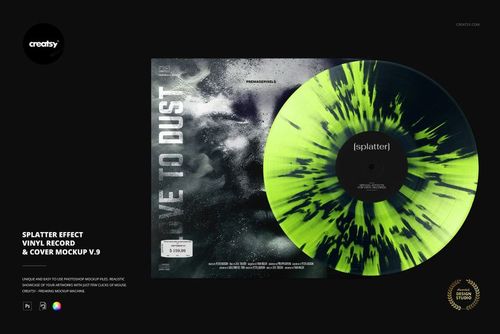
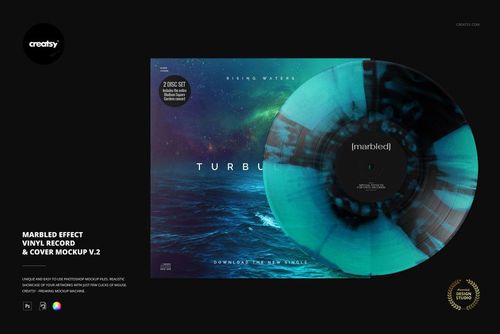
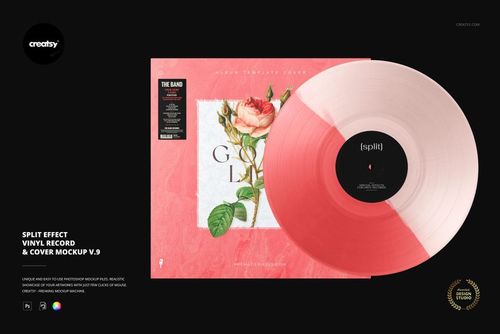
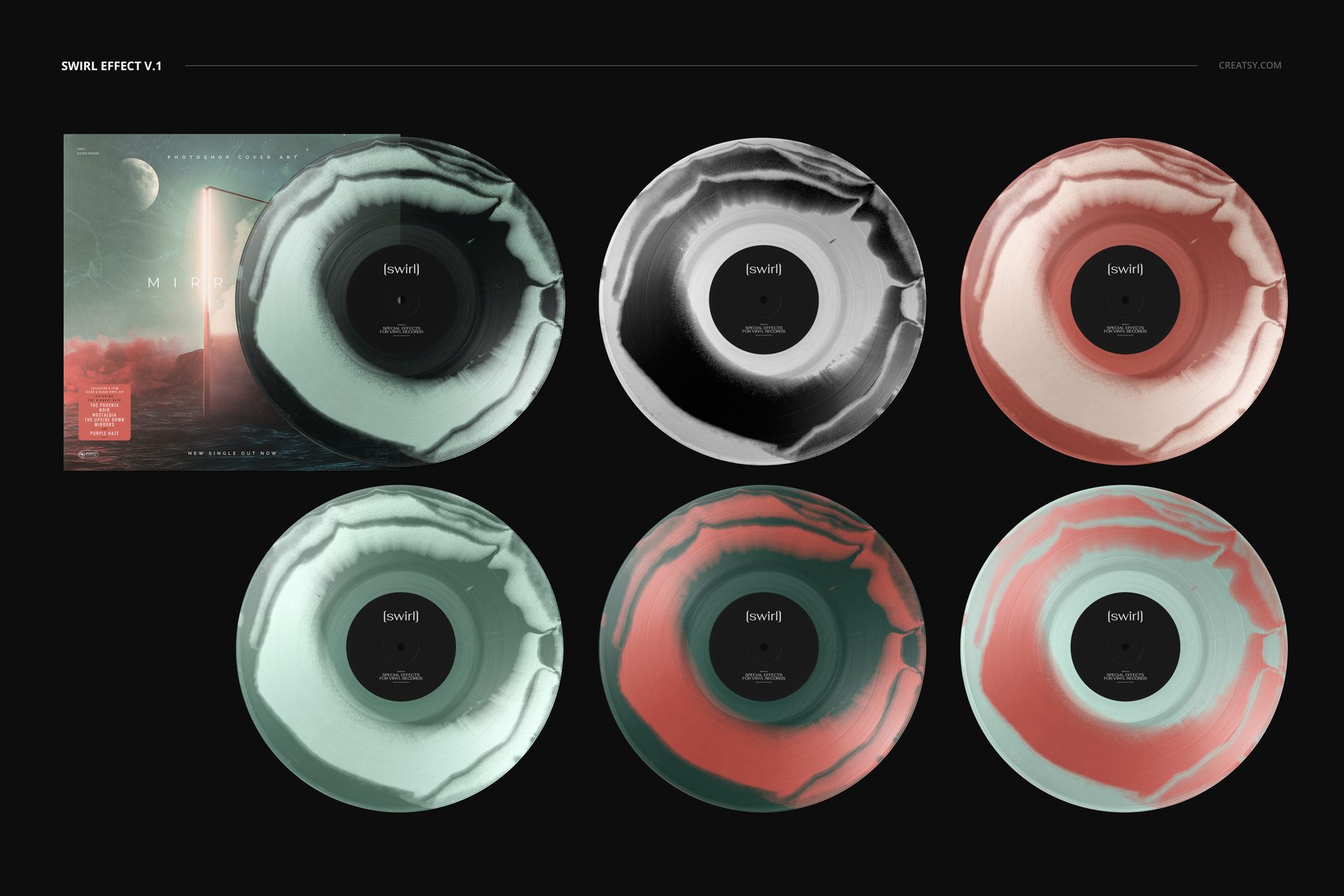
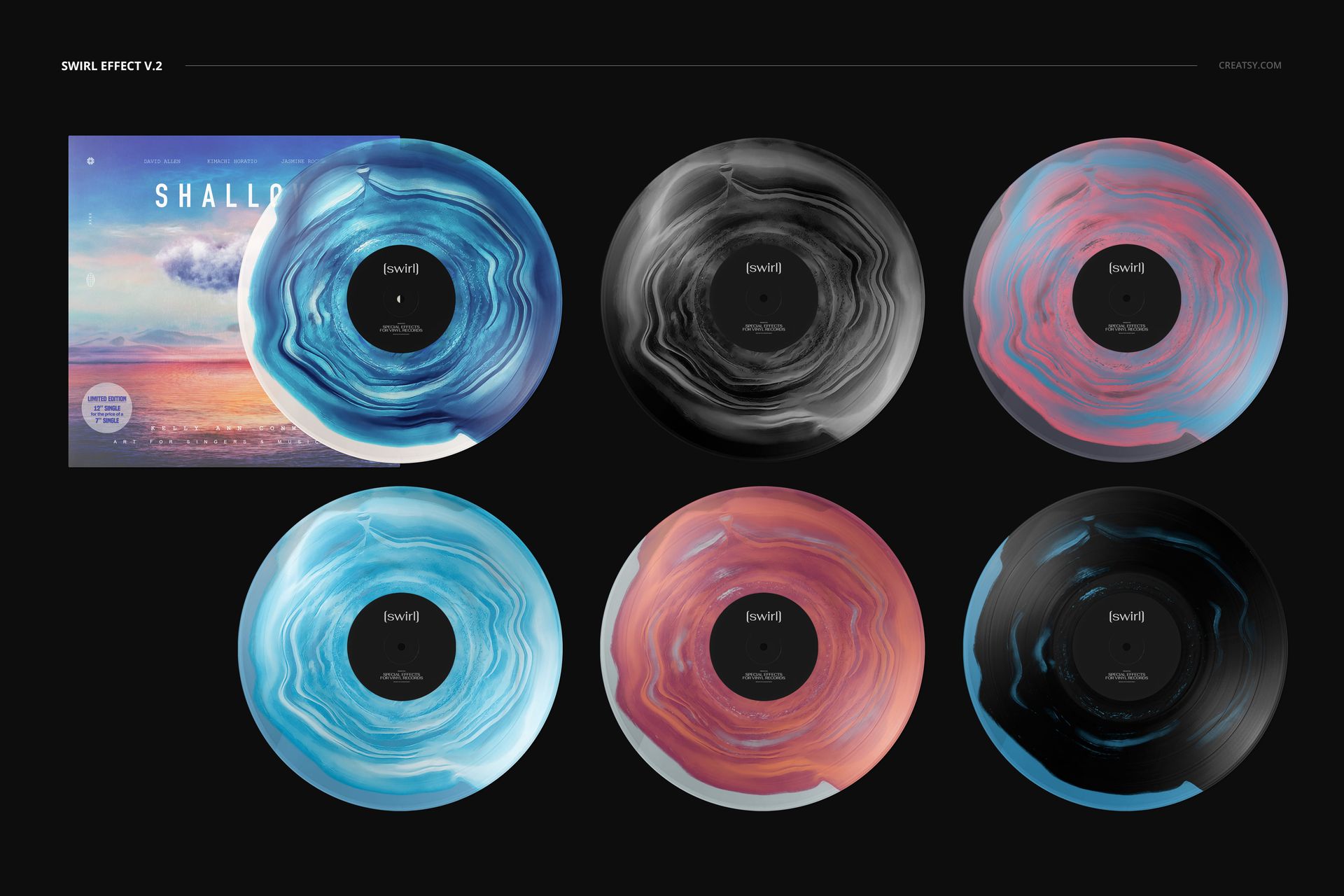
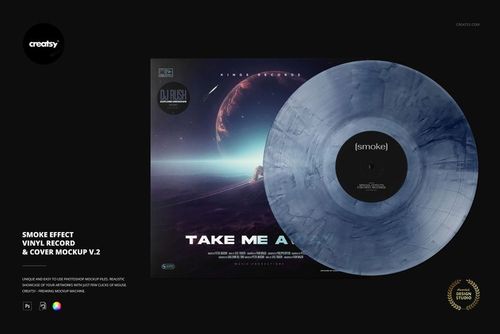
The Special Effect Vinyl Record & Cover Mockup Set brings together 49 high-resolution PSD mockups for presenting album covers alongside vinyl records with distinctive color and material effects. The collection includes marbled, smoke, splatter, split-color, fade, swirl, multicolor segment, split-splatter and blob variations.

Use the set to compare several pressing concepts before production, prepare visuals for different editions of the same album or build a complete campaign around a special vinyl release.

Forty-Nine Mockups Across Nine Effect Families

This collection is designed for variety, not for repeating the same basic record in different colors.

Based on the products currently included in the set, the collection contains:

9 split-effect mockups
9 marbled-effect mockups
11 splatter-effect mockups
5 smoke-effect mockups
7 multicolor segment mockups
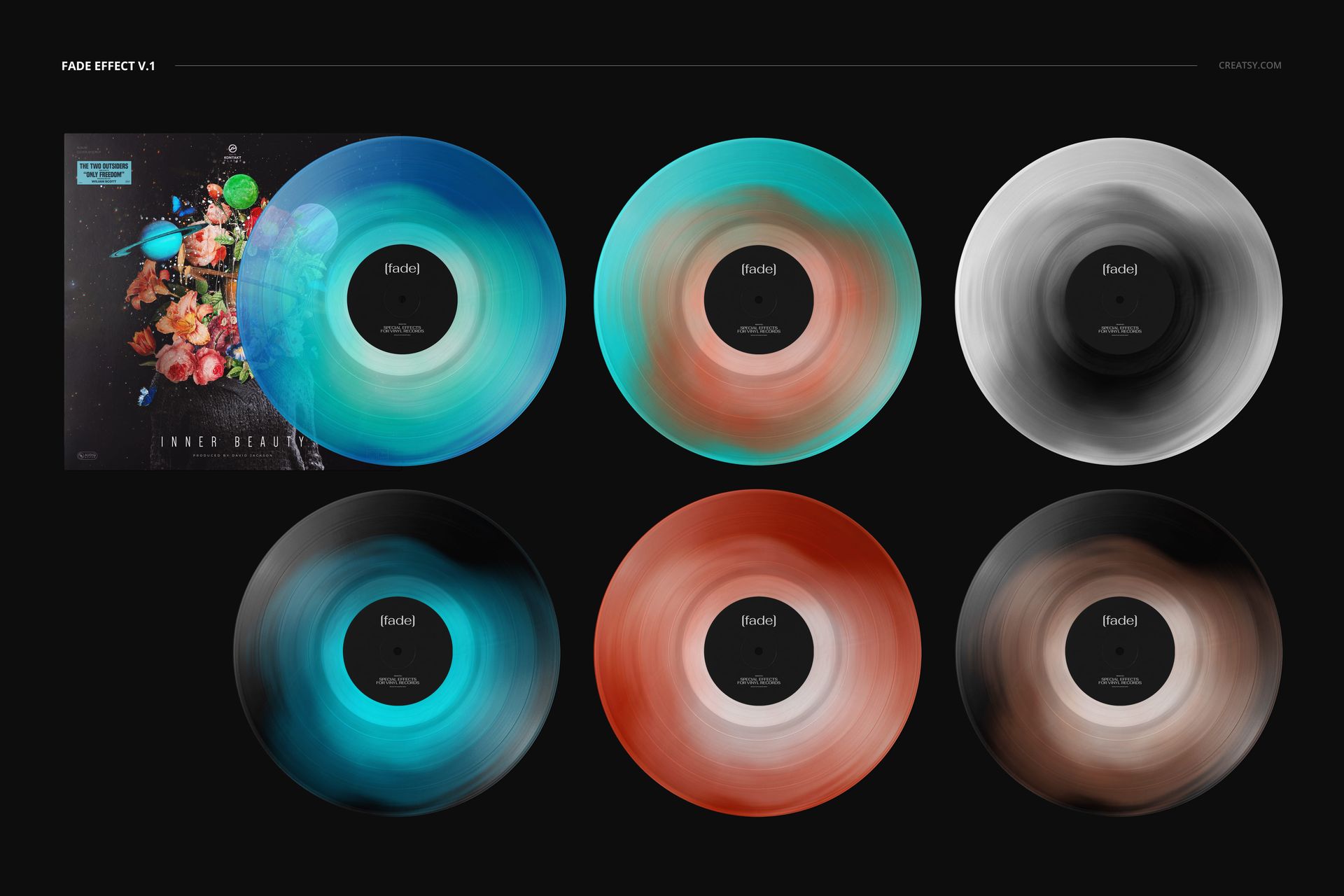
2 fade-effect mockups
3 swirl-effect mockups
2 split-splatter mockups
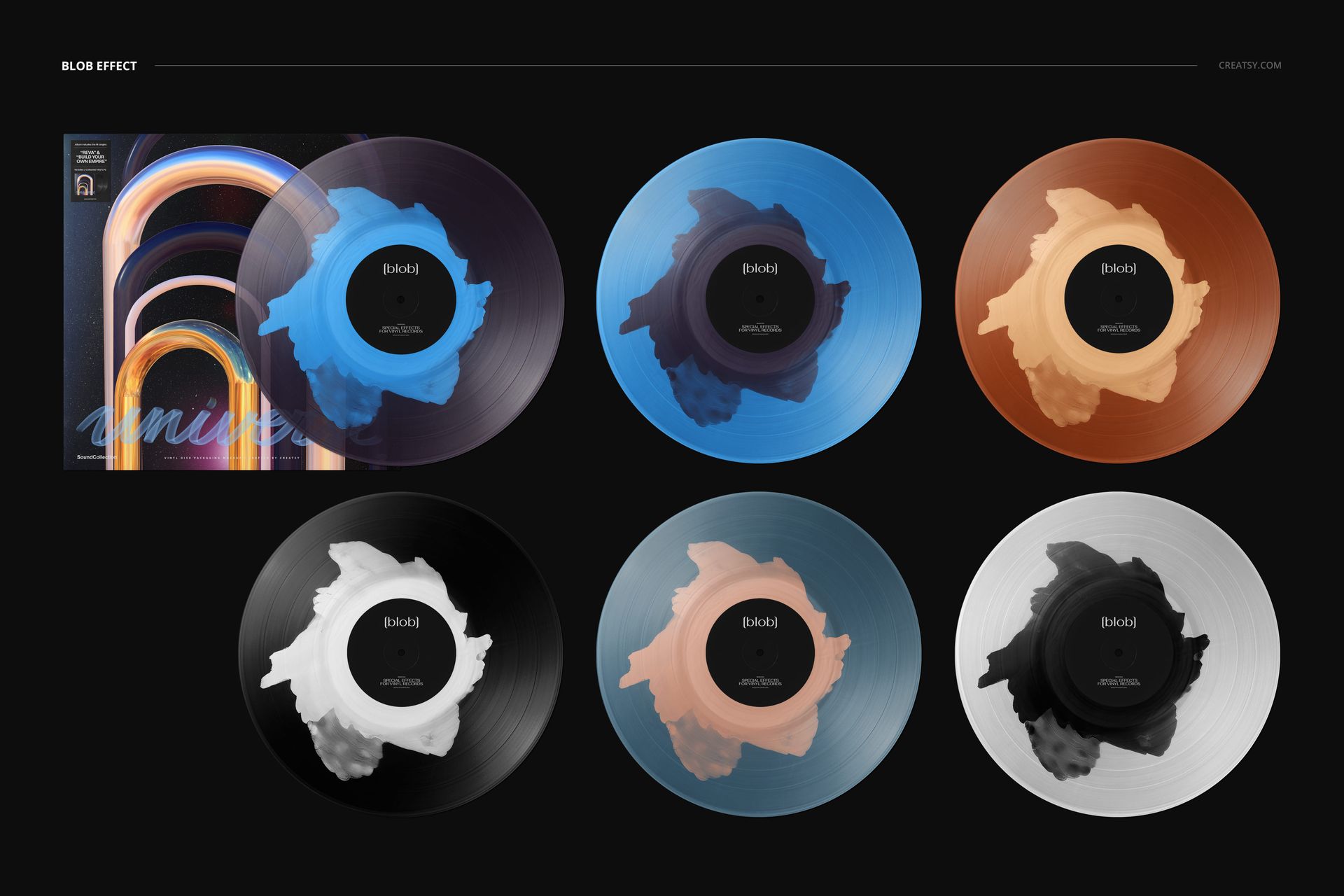
1 blob-effect mockup

Together, these 49 PSD files give you a broad range of visual directions for special editions, collector releases and experimental music packaging.

Find the Effect That Fits the Music

Different vinyl effects create very different impressions.

A marbled record can feel organic, expressive or premium. Smoke effects work well for atmospheric, electronic or cinematic releases. Splatter designs add energy and suit punk, rock, metal and experimental projects. Split-color and segmented records create a sharper, more graphic result, while fade and swirl effects can support softer, dreamlike or psychedelic artwork.

The collection lets you test those directions without rebuilding the same release presentation every time.

Use one cover design across several records to see which effect creates the strongest connection with the music, or prepare multiple editions for a wider product range.

Present the Record and Cover as One Release

A special pressing should feel connected to the album artwork, not like a separate decorative element.

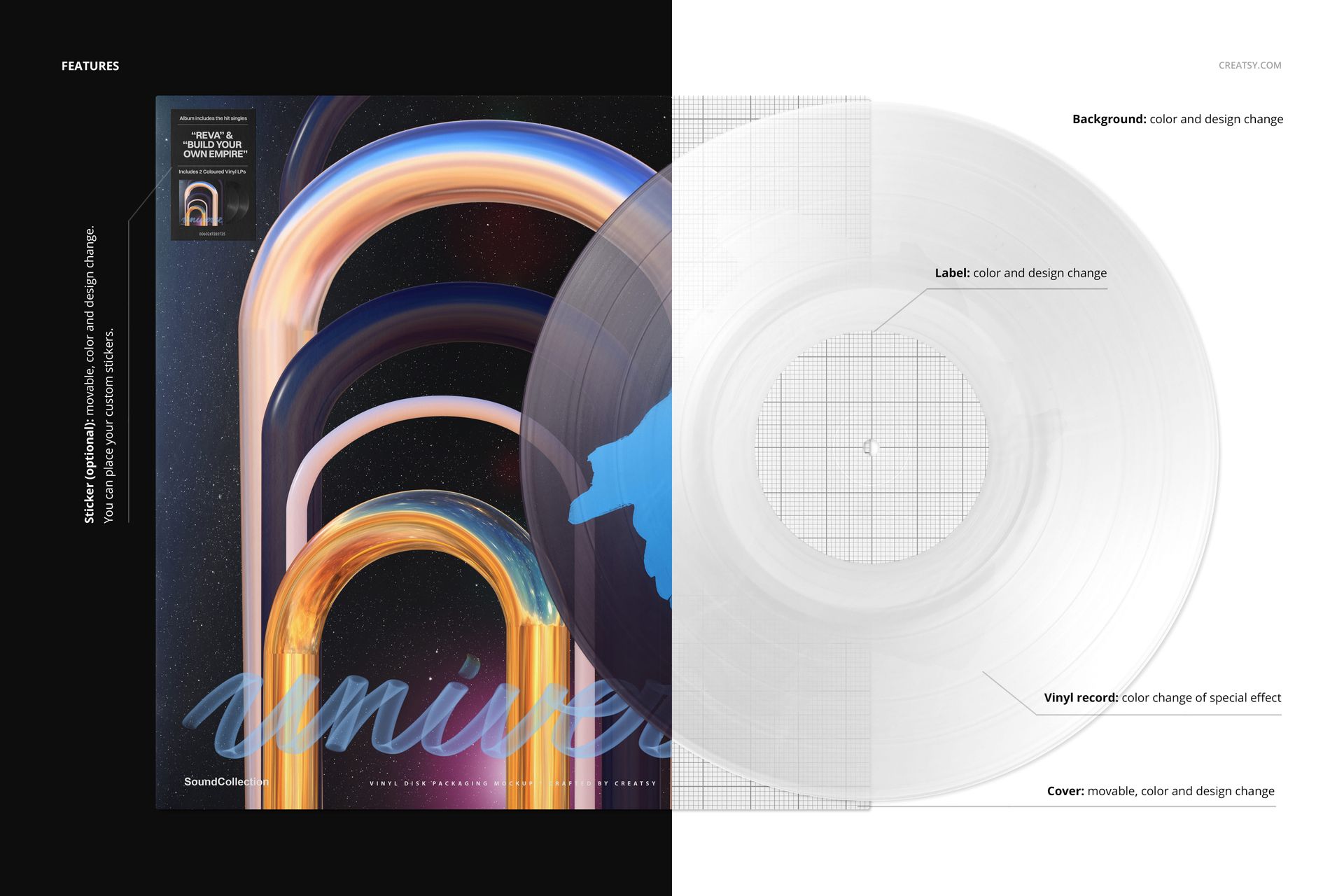
Each mockup combines a vinyl record presentation with an album cover, allowing you to consider the entire release as one visual system. The layered files are intended for adding your own cover artwork and record label designs, so you can evaluate how the sleeve, center label and vinyl effect work together.

This is useful when you need to check:

Whether the record colors complement the cover
How the center label fits the wider identity
Whether the vinyl effect supports the mood of the album
Which pressing works best as the main edition
How several variants look as one collector series
Whether the release feels consistent across all packaging elements

Instead of reviewing a cover and record separately, you can show clients, listeners or collaborators a more complete product concept.

Create Multiple Editions of the Same Album

The set is particularly useful for releases offered in several pressing variants.

You can create:

A standard edition and a limited colored edition
Several region-exclusive pressings
Record store exclusives
Tour-only versions
Anniversary and remastered editions
Collector box set variants
Preorder-exclusive colors
Artist store editions
Subscription club releases
Light and dark colorways
Numbered limited pressings

Using the same cover artwork throughout the collection helps each version remain recognizable while the record effect gives every edition its own character.

Built for Musicians, Labels and Album Designers

The mockup set is a practical choice for:

Independent musicians
Bands and solo artists
Record labels
Album cover designers
Music branding studios
Vinyl pressing businesses
Music marketing agencies
DJs and electronic artists
Record stores
Collectors creating concept releases
Designers building music-focused portfolios
Artists preparing vinyl merchandise

It can be used for a real upcoming release or for a fictional album identity created as a portfolio project.

Make Preorder and Release Campaigns More Visual

A special pressing is easier to promote when customers can see what makes it different.

Use the edited mockups to create:

Album preorder graphics
Release-day announcements
Colored vinyl reveals
Collector edition previews
Record store product images
Bandcamp and ecommerce visuals
Instagram and Pinterest posts
Newsletter headers
Press kit images
Label catalogs
Tour merchandise announcements
Vinyl reissue campaigns
Portfolio case studies
Client approval presentations

A single effect can become the hero image for the release, while several mockups can be combined into a carousel or comparison graphic showing all available editions.

Compare Concepts Before Production

Producing a custom vinyl pressing requires decisions about colors, transparency, segmentation and the relationship between the physical record and the packaging.

These mockups help you explore the visual direction before committing to manufacturing. You can compare several concepts, narrow down the strongest option and present the idea more clearly to clients or collaborators.

Use them to evaluate:

Color combinations
Visual contrast
Cover-to-record consistency
Center label artwork
Collector appeal
Campaign potential
Differences between pressing editions
The overall mood of the release

The mockups are designed for presentation and concept development. They should not replace technical proofs, color samples or manufacturing specifications supplied by the vinyl pressing plant.

Easy Smart Object Editing

Open the selected PSD in Adobe Photoshop CC2020 or newer, or in Photopea. Double-click the relevant Smart Object, place your artwork and save the file. The mockup updates within the original lighting, perspective and product presentation.

The files use organized layers and folders, helping you move between different effects and prepare a consistent set of release visuals without manually masking or warping the artwork.

Because every PSD uses the same high-resolution format, you can place one album identity across multiple effects and build a cohesive visual comparison.

What You Can Showcase

Use the Special Effect Vinyl Record & Cover Mockup Set to present:

Custom vinyl record effects
Album cover artwork
Record center label designs
Limited-edition pressings
Colored vinyl collections
Collector releases
Anniversary editions
Album reissues
Band and artist merchandise
Independent label releases
Music packaging concepts
Vinyl preorder campaigns
Record store product visuals
Client approval mockups
Music design portfolio projects

File Specifications

Product title: Special Effect Vinyl Record & Cover Mockup Set
Category: Music / Vinyl Records
Products included: 49
Editable files: 49 PSD mockups
PSD dimensions: 6000x4000 px
Resolution: 300 DPI
Compatibility: Adobe Photoshop CC2020 or newer and Photopea
File formats listed: PSD, JPG and PDF
Package size: approximately 4.02 GB for Windows and 4.31 GB for macOS
Layer structure: well organized
Editing workflow: Smart Objects
Exact editable features: shown in the product screenshots
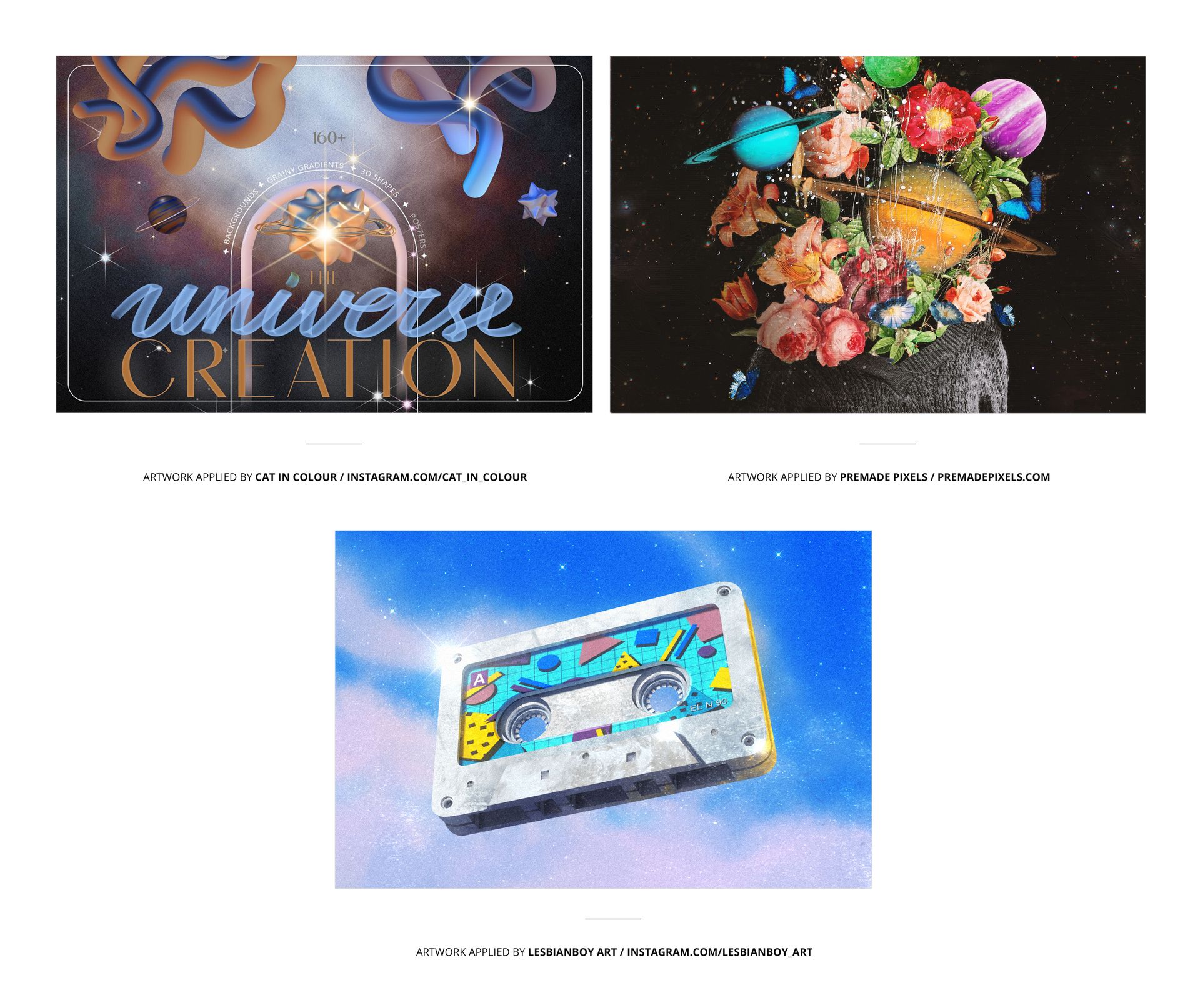
Preview artwork: used for presentation only and not included with the mockup files

Give Every Vinyl Edition Its Own Identity

A special pressing should feel like a meaningful part of the release, not simply a different color added at the end.

The Special Effect Vinyl Record & Cover Mockup Set gives you enough variety to explore several creative directions, compare collector editions and build a complete campaign around the physical record. With 49 PSD files covering nine effect families, you can move from a first pressing concept to a polished album presentation without creating every vinyl effect from scratch.

Whether you are launching a new album, planning a reissue or building a music packaging portfolio, this collection helps your record, label and cover feel like one finished release.

File details

Compatibility
PhotopeaAdobe Photoshop
Products in bundle
49
Package size
4.02 GB4.02 GB|4.31 GB4.31 GB
Files type
.psd, .jpg, .pdf
Files size
6000x4000
INCLUDED/49
All 49 products in this bundle

MEET THE SHOP

Creatsy logo

Creatsy

Poland
4.7 (672)

Bring your ideas to life.

We're a family-run studio in Katowice, Poland, making PSD mockups by hand since 2016. Everything in this shop starts in our own studio. We shoot the photography, build the 3D, and put together every Smart Object PSD ourselves - then we test it, organize the layers, and only ship it once it actually works...

GO TO SHOP

HOW IT WORKS

3 clicks. That's it.

No tutorial needed. If you can copy-paste, you can use this.

  1. 1OpenDouble-click the smart object inside the PSD - in Adobe Photoshop, or free in your browser with Photopea.
  2. 2PasteDrop in your pattern, print, or artwork. Any design, any style.
  3. 3SaveHit save and the mockup wraps it in for you - shadows, folds, and lighting included.

FROM IDEA TO IMAGE

Built for real workflows

Skip the photo shoot Show your artwork on the real product type for approvals or listings - no studio, no model, no sample.

See it on the product, not a swatch Drop your file into the smart object and the scene's lighting and folds wrap around it, so you judge the real thing before you commit.

Smart Objects

Edit once and you're done. Your artwork drops into a smart object and the mockup updates itself - no masking, no warping by hand.

Perfectly Organized

Named layers and folders you can actually navigate. Find what you need, change what you want, and get out fast.

Print-Ready

High-resolution files built to hold up on screen and in print. Exact size and DPI are in this product's Details above.