Splatter Effect Vinyl Record & Cover v.8 Mockup
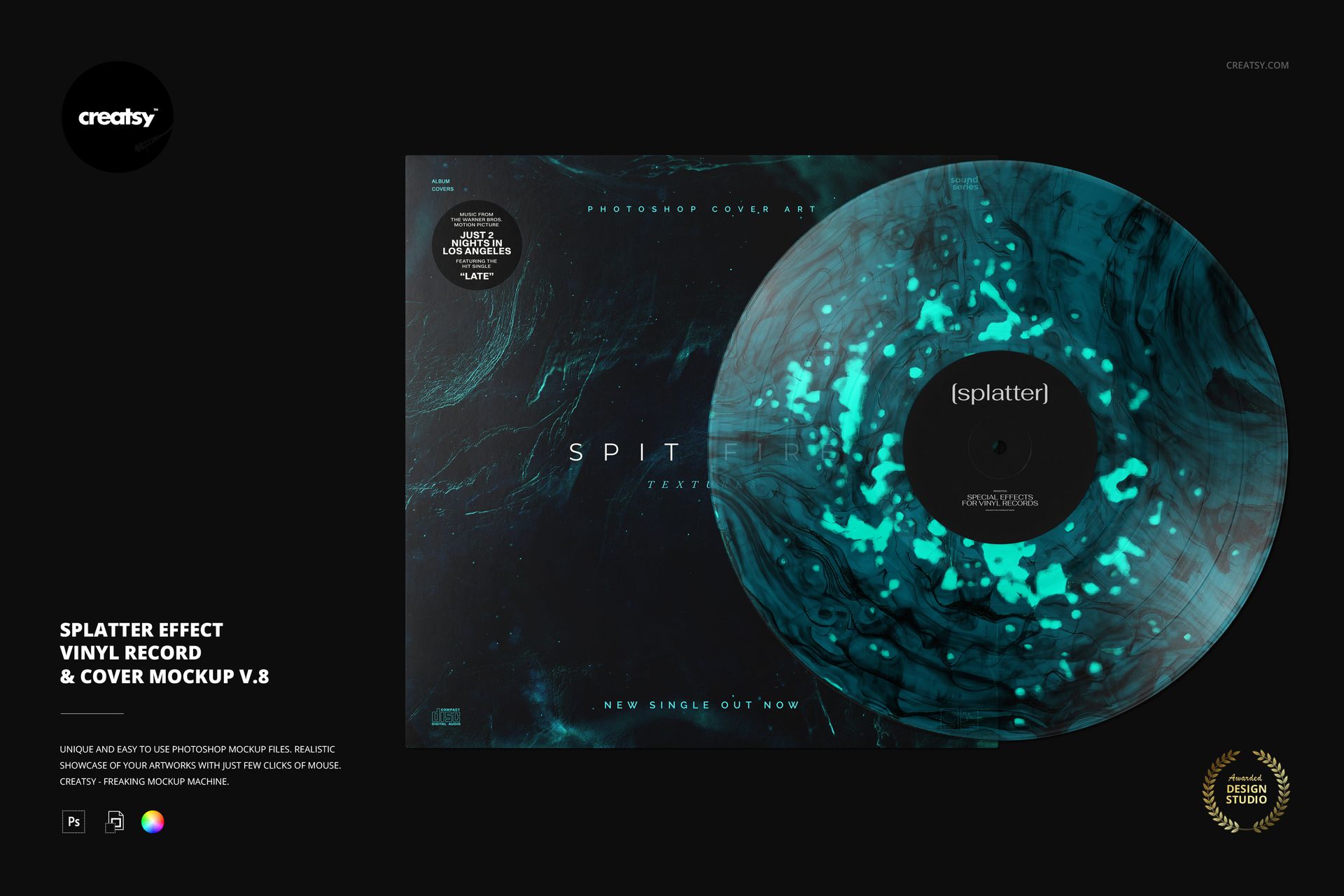
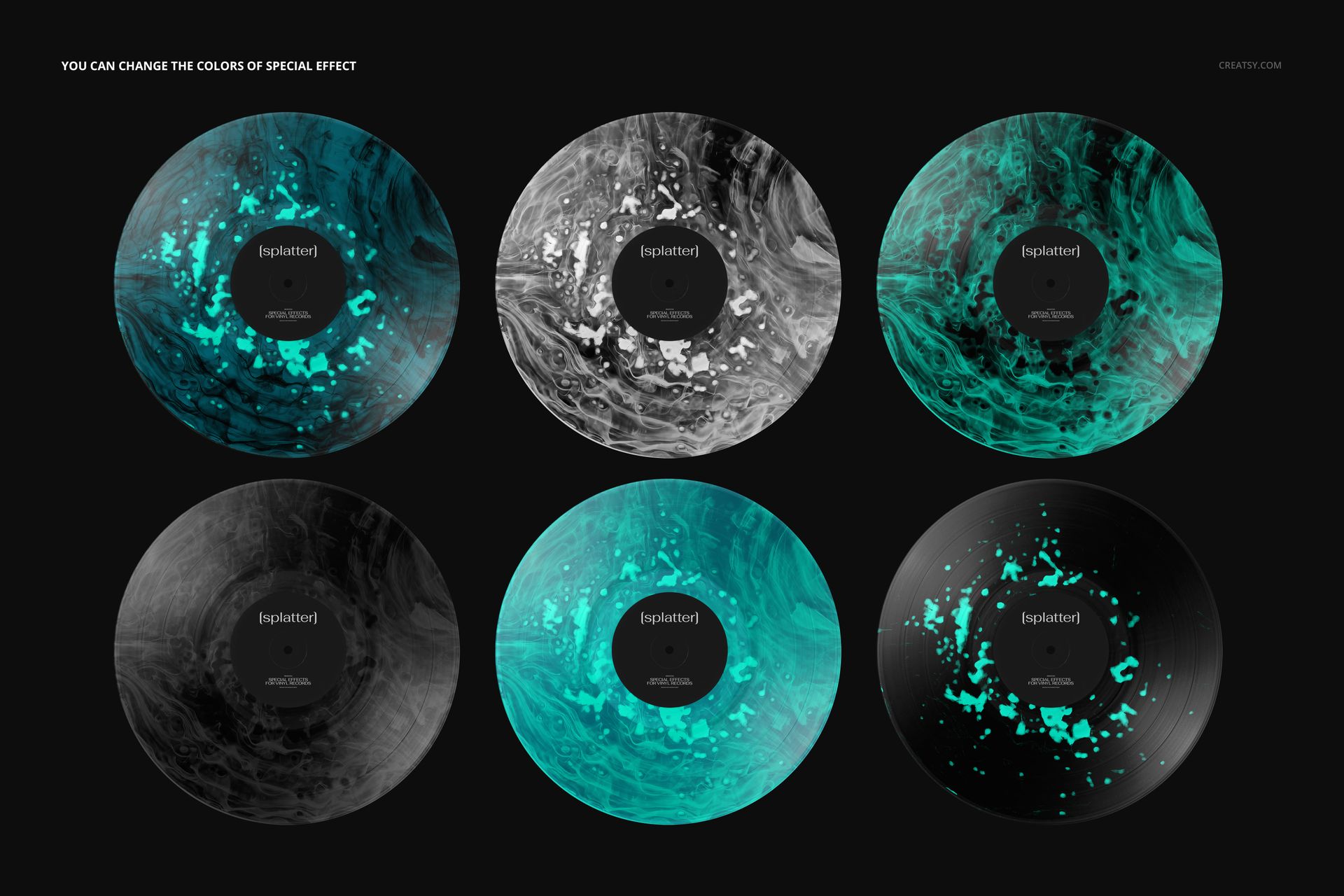
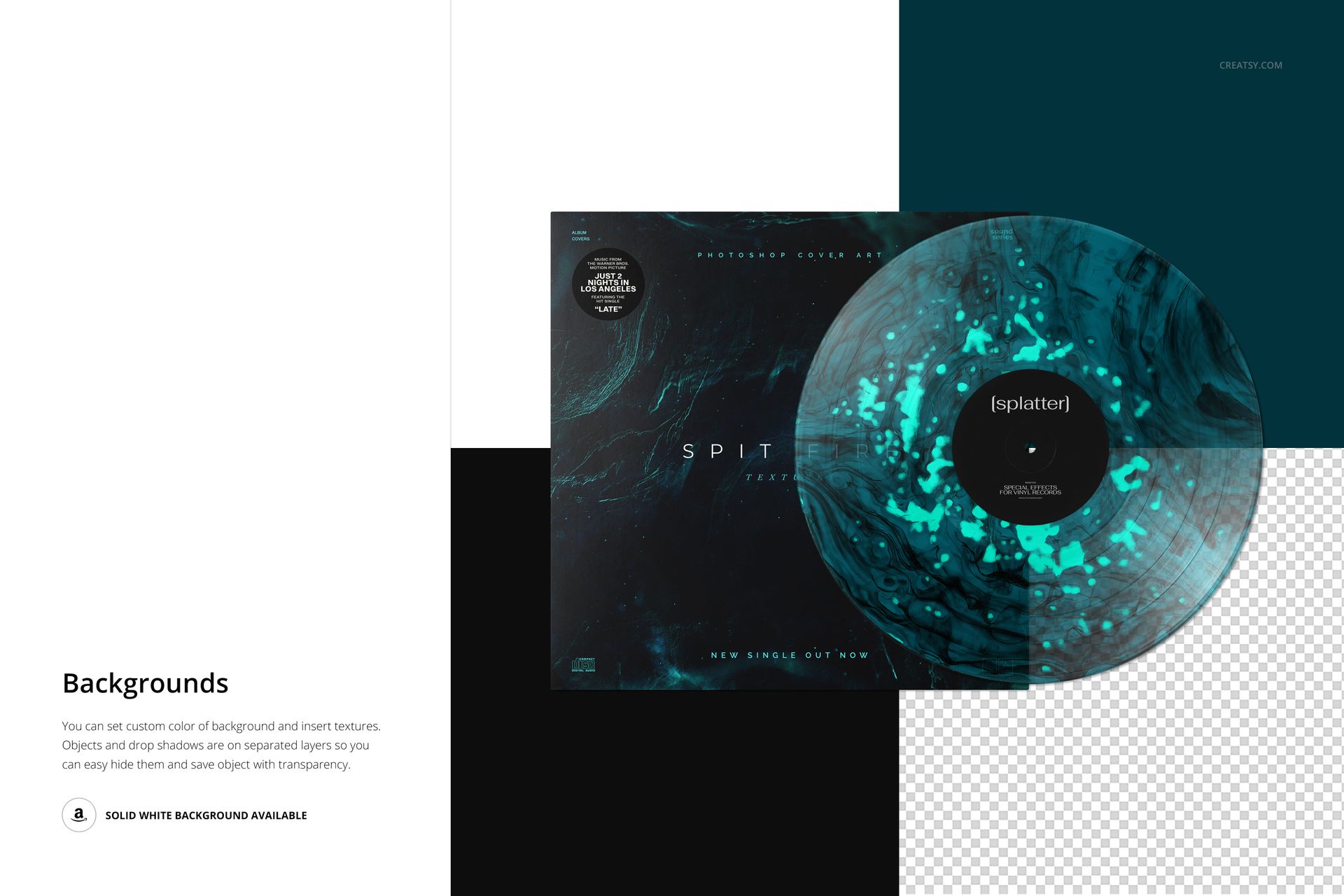
Build a textured pressing concept around scattered flecks and organic, flowing marks. This version 8 splatter vinyl record mockup places the disc partly over an album cover, with the center label visible. The preview combines a dark sleeve with teal accents, but the special-effect colors are editable rather than limited to that palette.
What Is Included
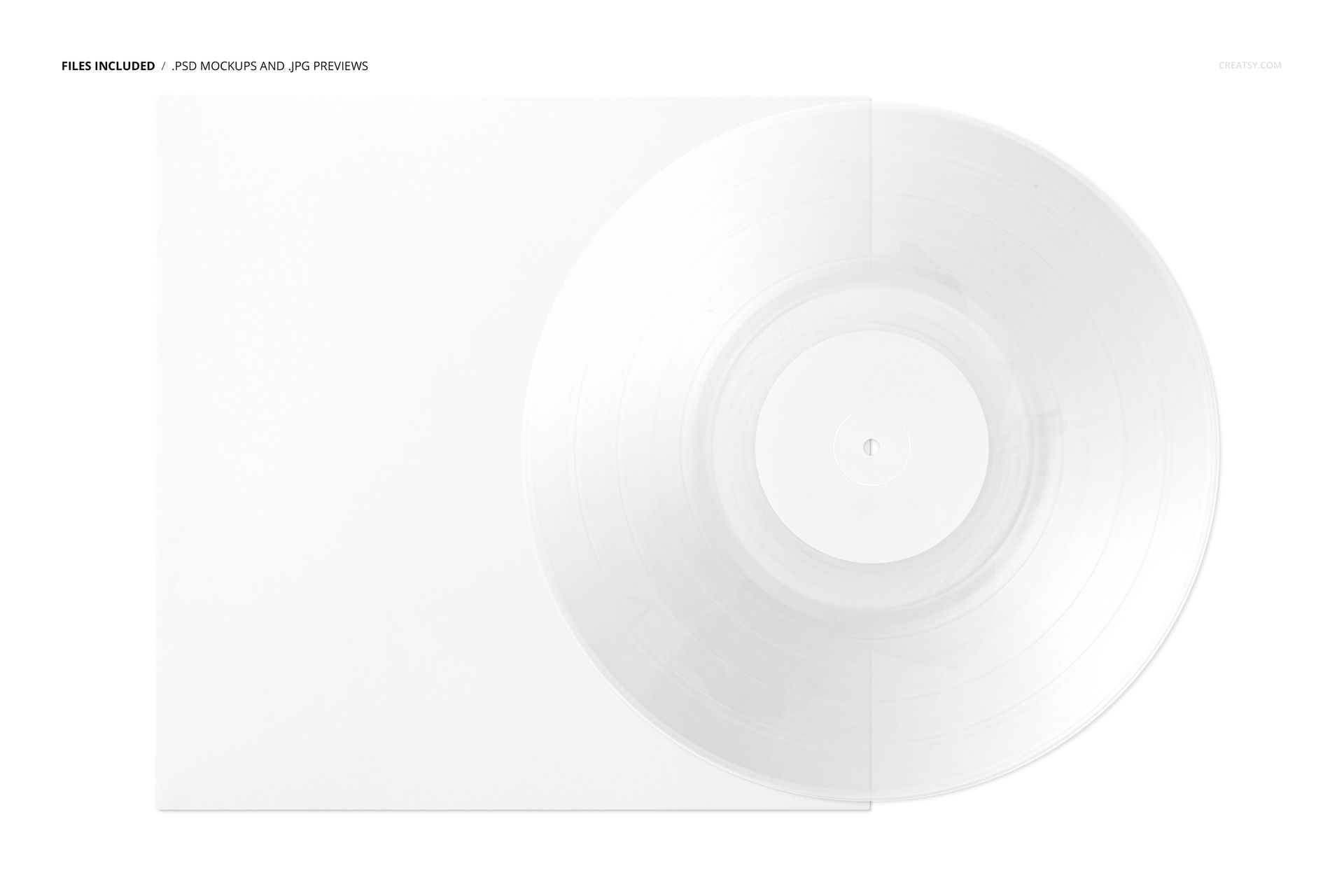
1 layered PSD, 6000 × 4000 px at 300 DPI.
1 JPG preview, 1 PDF user manual and 8 Switzer OTF font files.
11 files in total, including one editable record-and-cover scene.
A More Dispersed Splatter Treatment
Version 8 combines small irregular marks with broader flowing texture, rather than the strong radial burst of version 9. Use that difference when choosing how much visual activity should surround your label. A subdued palette can complement detailed sleeve artwork; greater contrast can make the record itself the main feature.
Easy Smart Object Editing
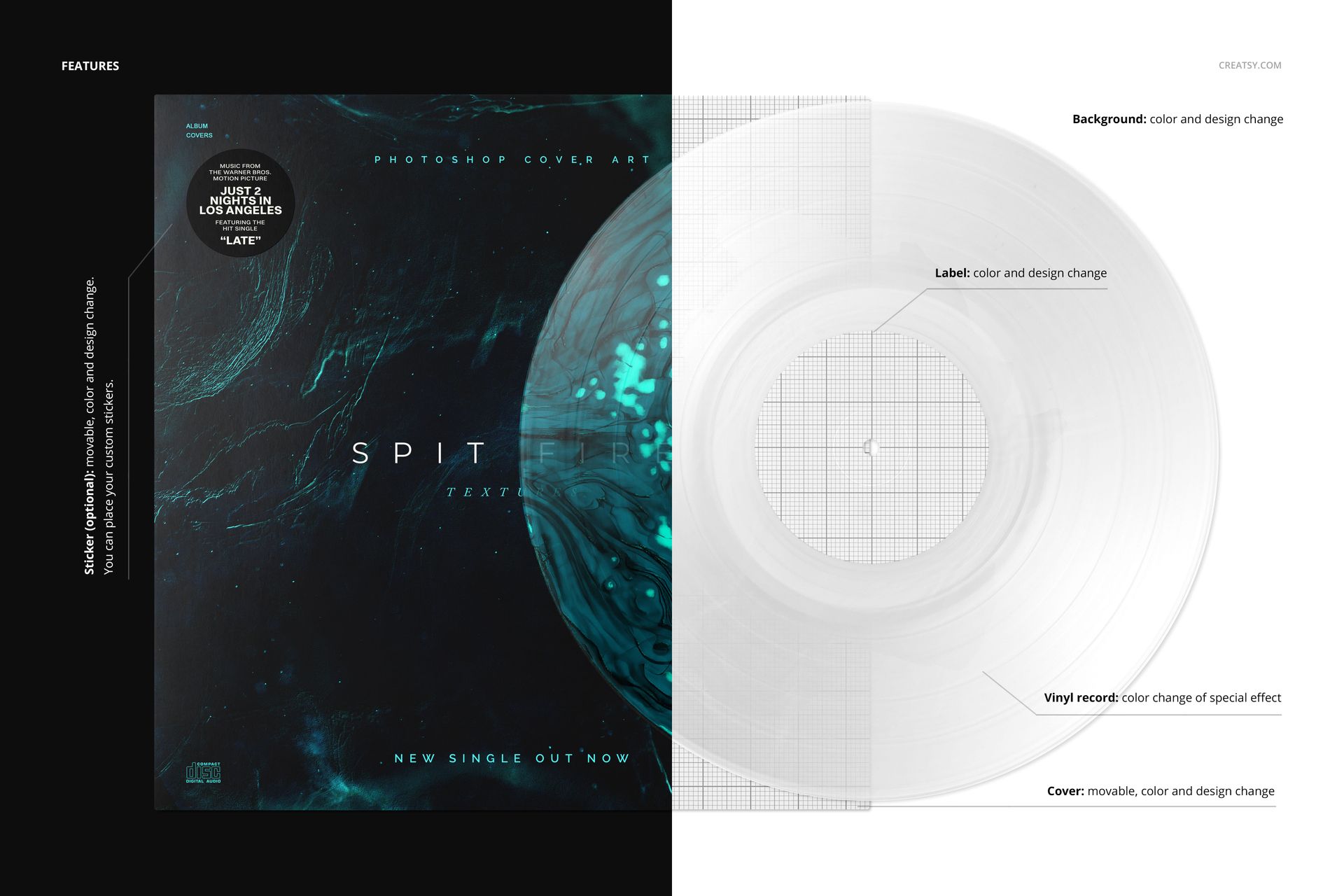
Add your artwork to the relevant Smart Objects in Adobe Photoshop CC2020 or newer, or Photopea, then save those objects to update the presentation. Change the label, movable cover and background colors or designs, and customize the optional movable sticker. The organized layer structure and PDF manual support the editing process.
Perfect For
Prepare a textured vinyl-edition reveal, compare color concepts for an independent release, or present music packaging in a portfolio. The front-facing arrangement keeps the relationship between the sleeve, label and disc easy to review without a location-based scene.
This product is a digital PSD mockup. The gallery colorways demonstrate the same scene, not additional PSDs. Physical records and sample cover artwork are not included.