Swirl Effect Vinyl Record & Cover Mockup
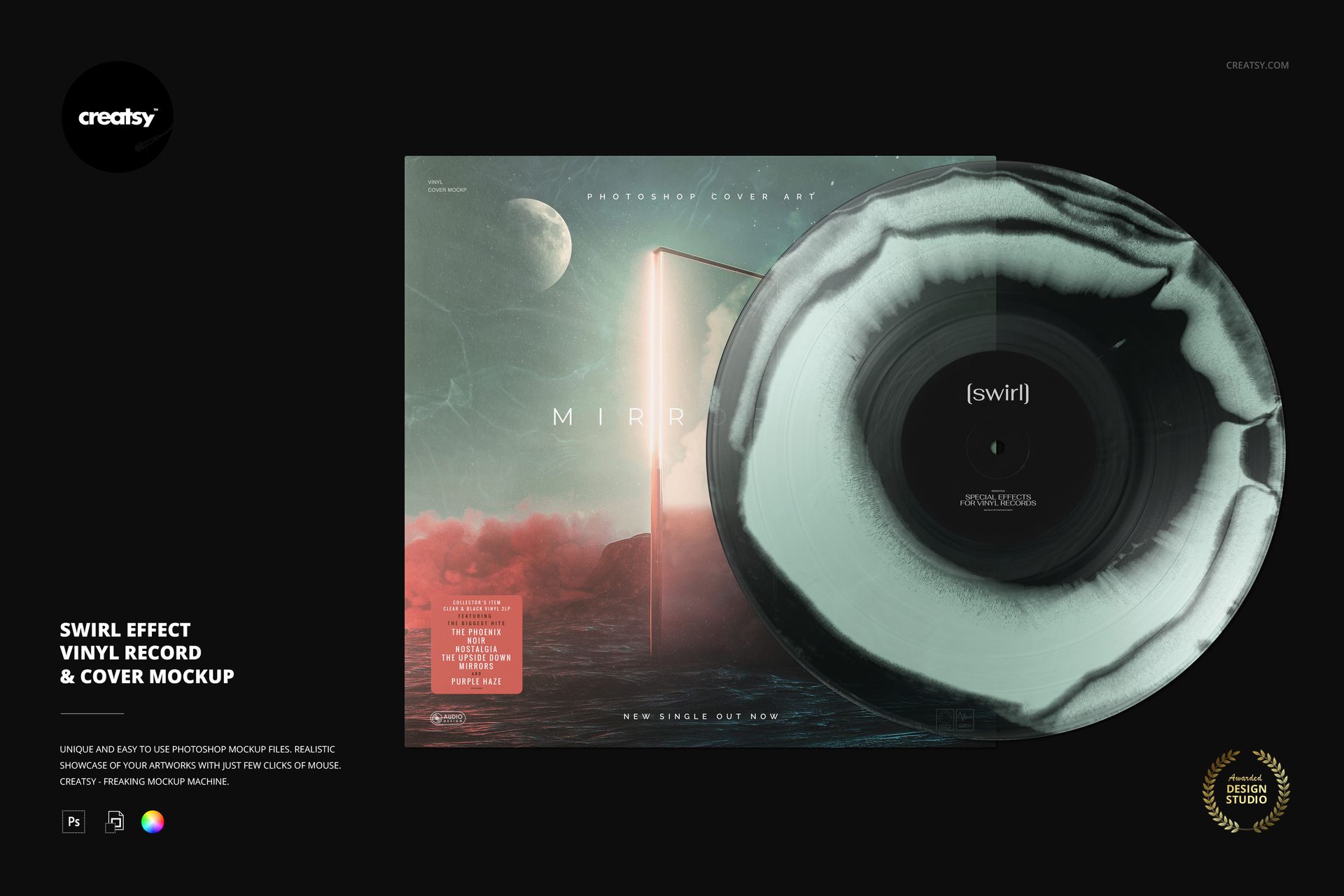
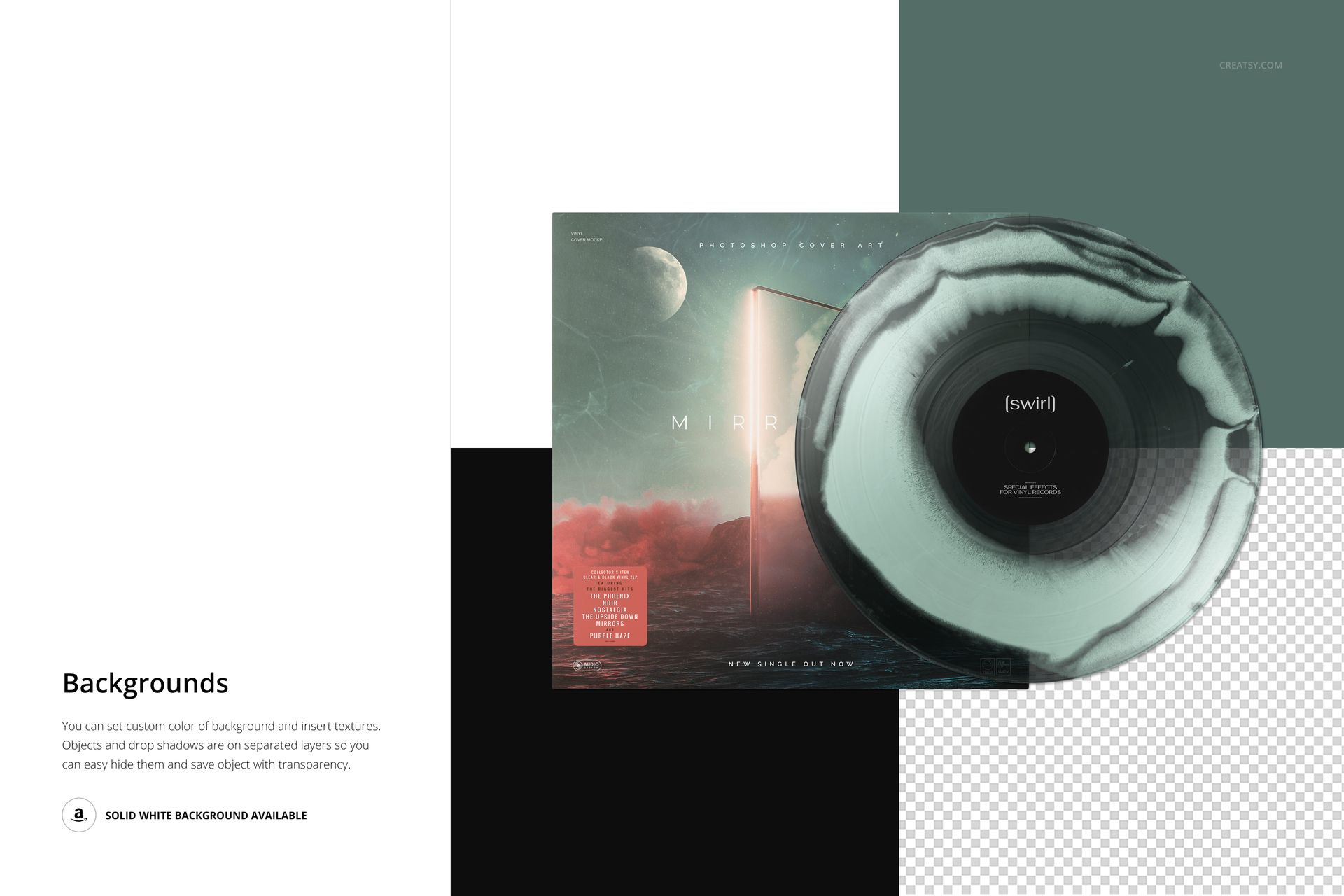
Soft, irregular rings give this front-facing swirl vinyl record mockup a flowing appearance. The disc overlaps its square album cover, bringing the effect, center label and sleeve artwork into one clear presentation. Use it to explore an atmospheric color edition without hiding the cover behind props or a busy setting.
What Is Included
1 layered PSD mockup, 6000 × 4000 px at 300 DPI.
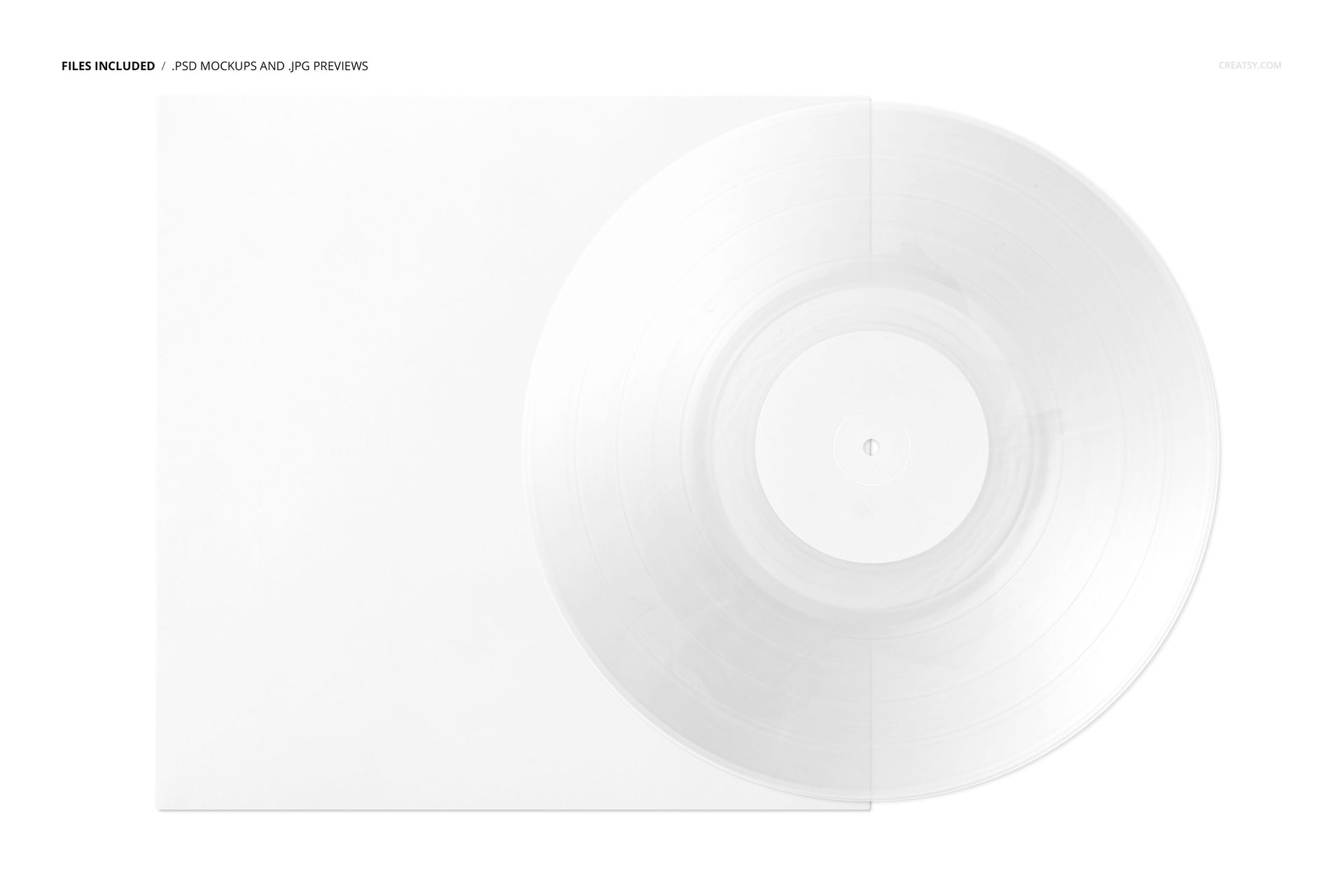
1 JPG preview and 1 PDF user manual.
6 Oswald OTF font files, for 9 files in total.
A Flowing Alternative to Splatter
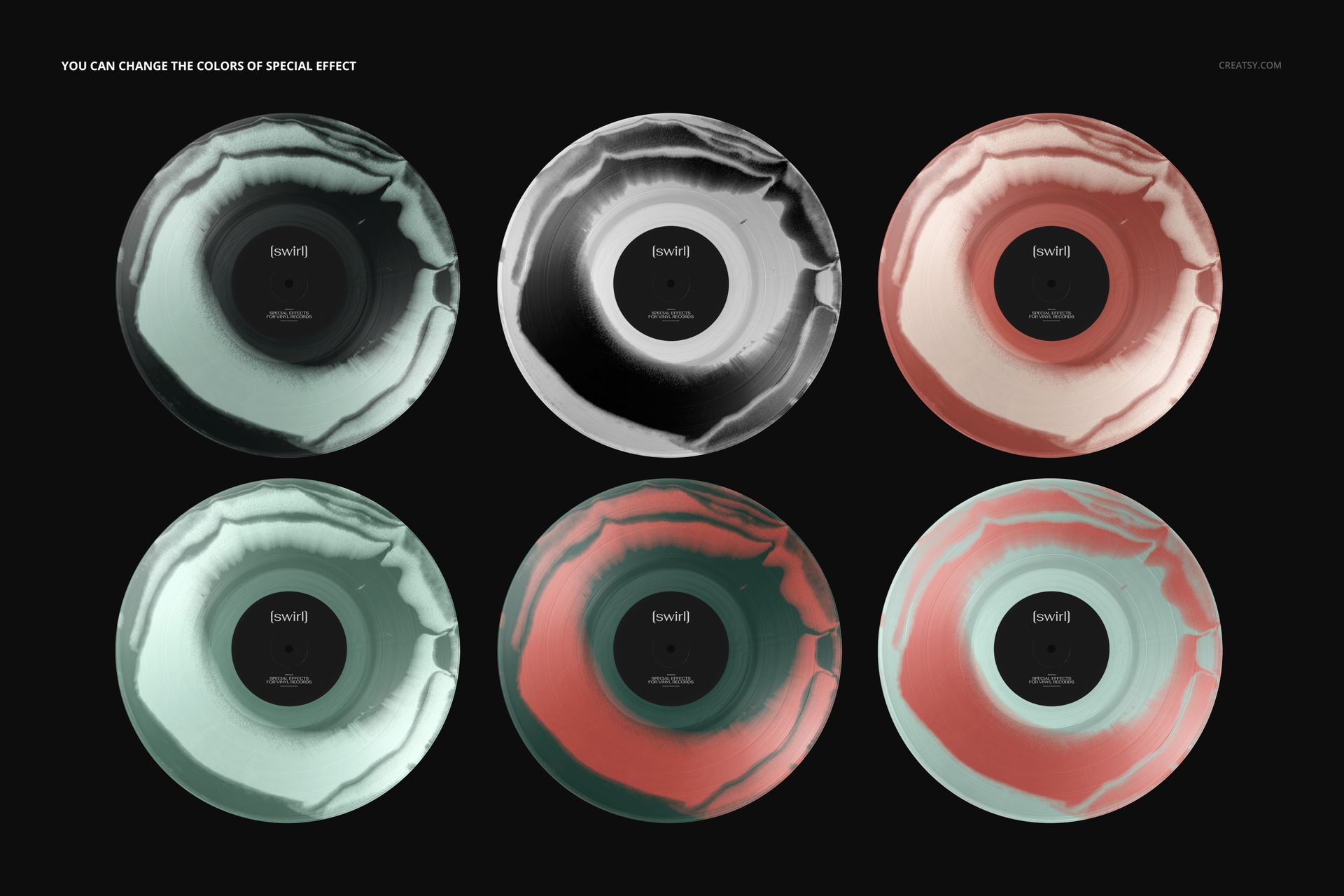
The swirl treatment follows broad, uneven bands around the label, rather than scattered flecks or a radial burst. Change the effect colors to connect the record with a key tone in your artwork. The previews demonstrate several colorways of the same editable scene, not multiple PSD files.
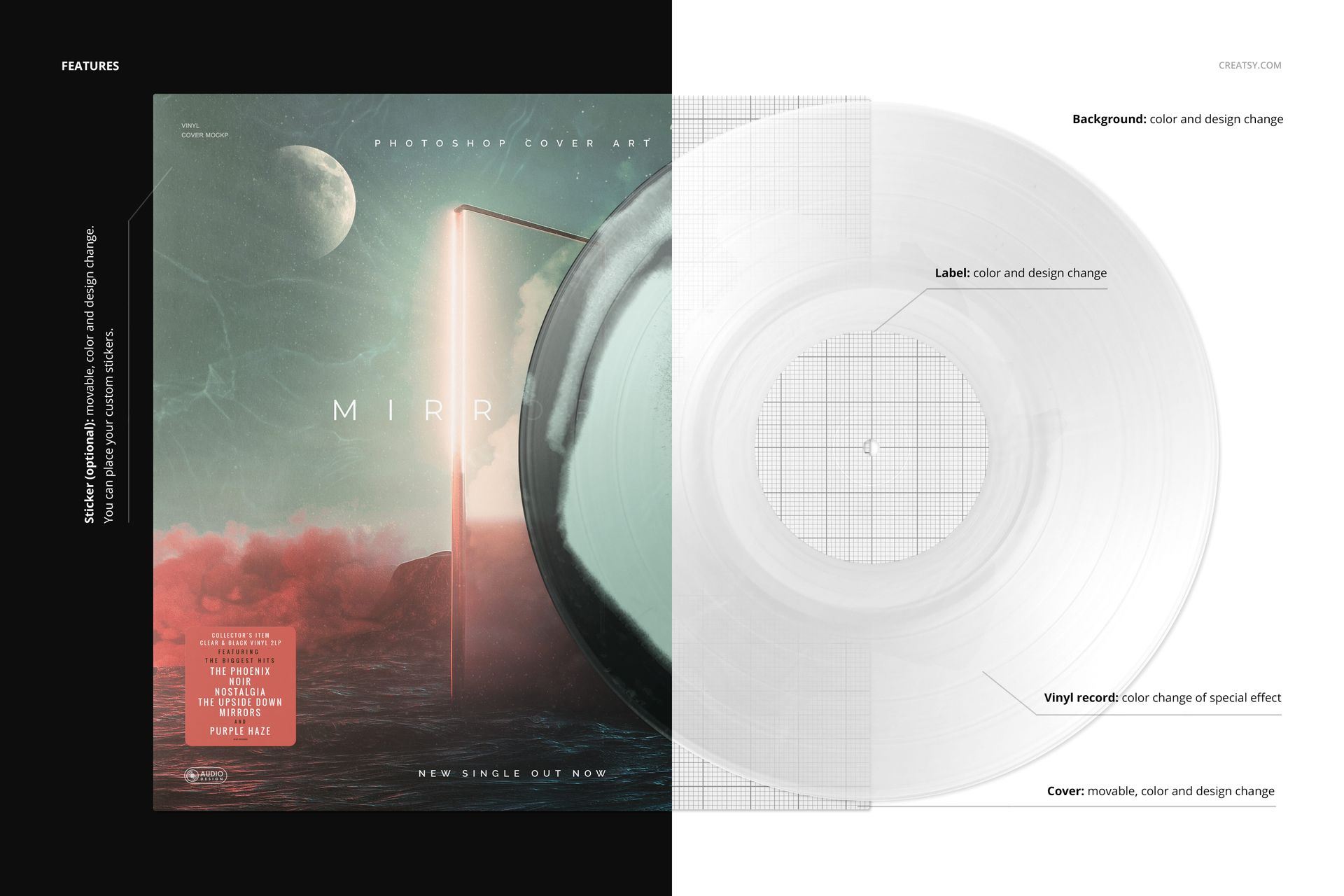
Customize the label, movable cover and background with your colors and designs. An optional movable sticker provides space for your own edition information or release message. Keep it clear of important cover details when presenting the artwork for approval.
Easy Smart Object Editing
Work in Adobe Photoshop CC2020 or newer, or Photopea. Open the relevant Smart Object, add your artwork and save the object to update the mockup. Organized layers keep the available color and presentation controls easy to locate; refer to the included PDF and feature screenshots.
Perfect For
Present ambient, electronic or psychedelic album concepts, build a limited-edition reveal, or show a client how cover art and colored vinyl can share a visual direction. The landscape canvas gives you room to prepare a full record-and-sleeve presentation.
Digital download only. The example album artwork is not included, and no physical record or packaging is supplied.