Split Splatter Effect Vinyl Record & Cover Mockup v.1
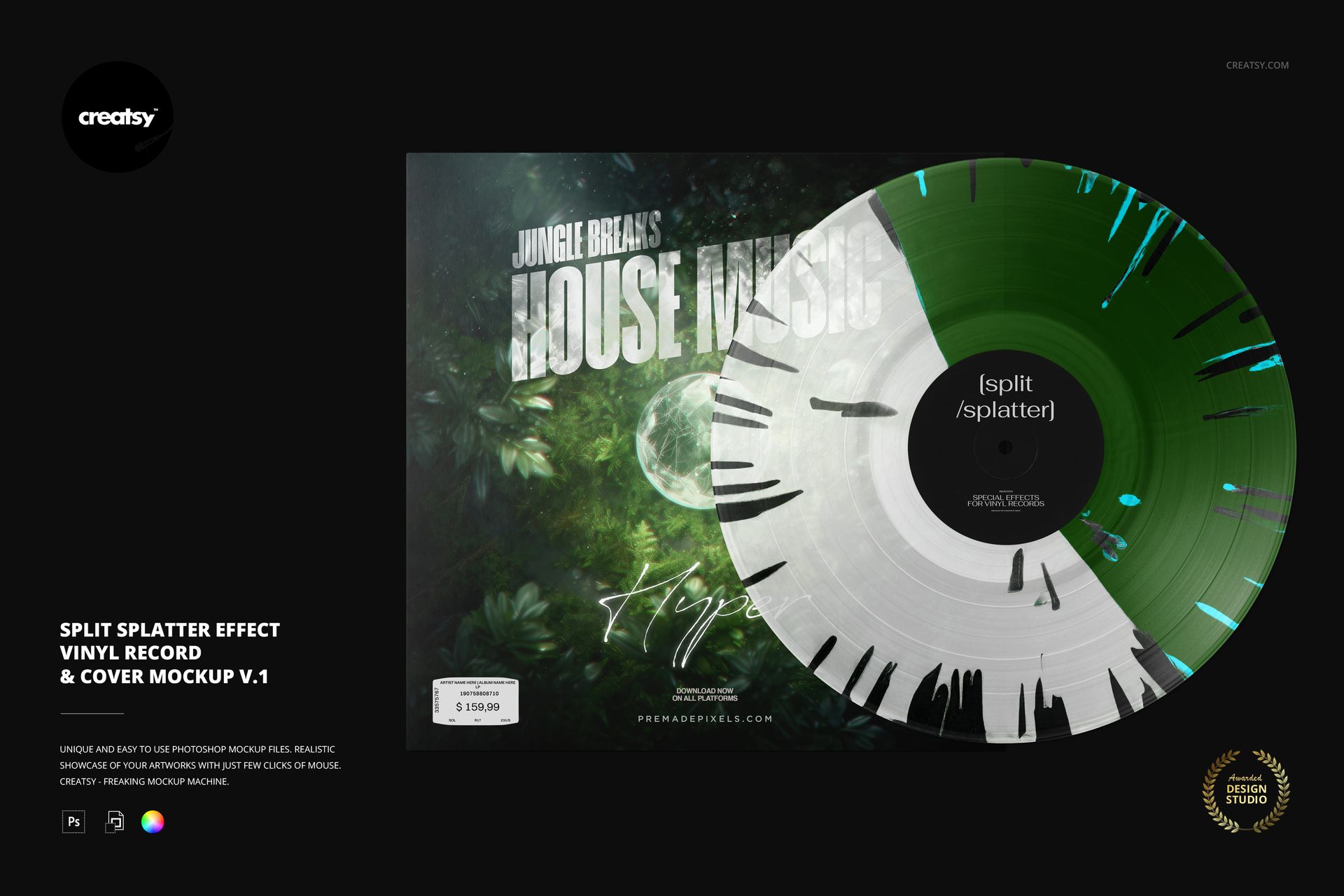
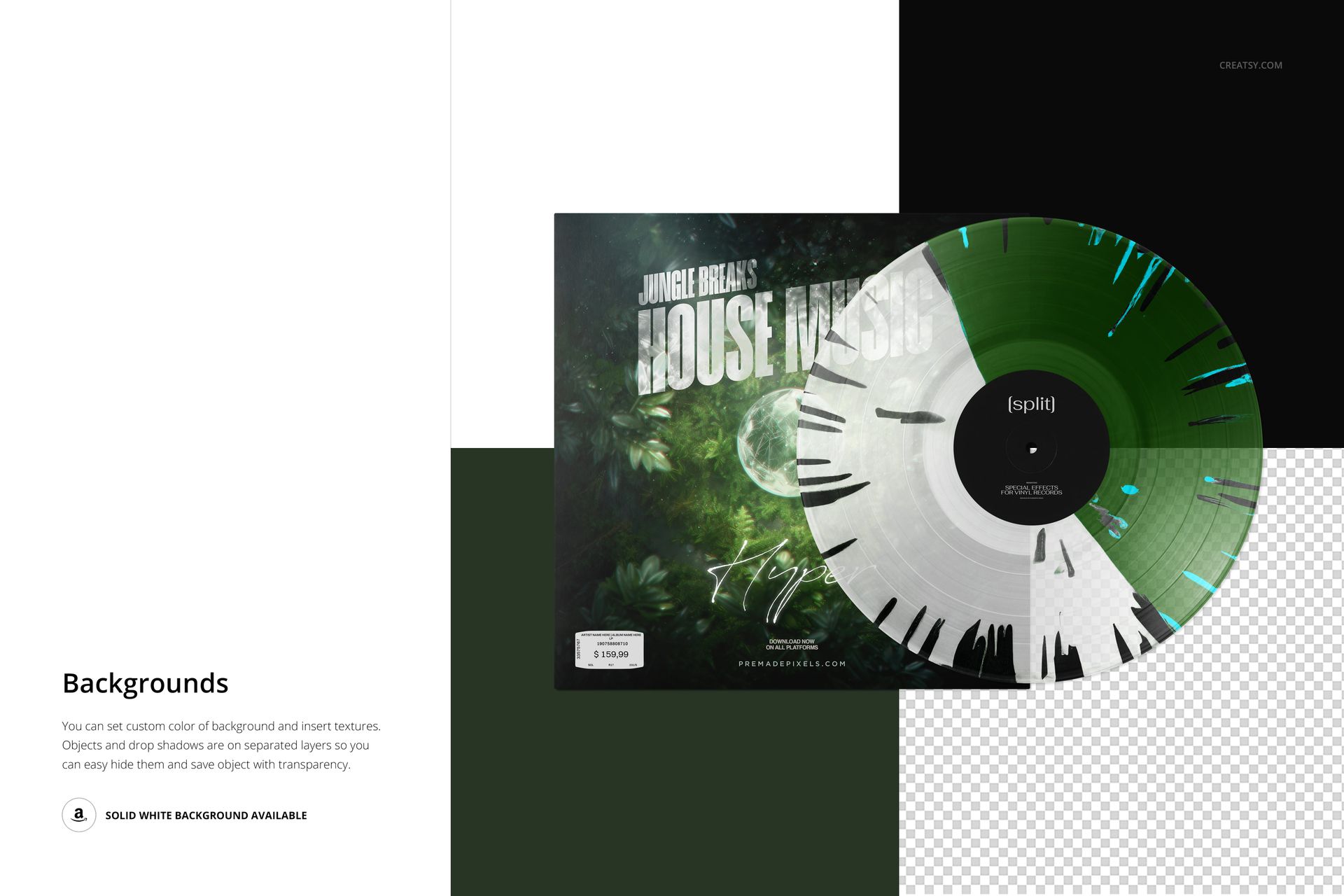
Present a two-color vinyl concept with splatter streaks distributed around the disc’s outer edge. This split splatter vinyl record mockup pairs a front-facing record with a square cover, giving music artwork a packaging context while retaining the groove detail and contrasting color areas. Version 1 uses splatter across both halves, rather than concentrating it on one side.
Files Supplied
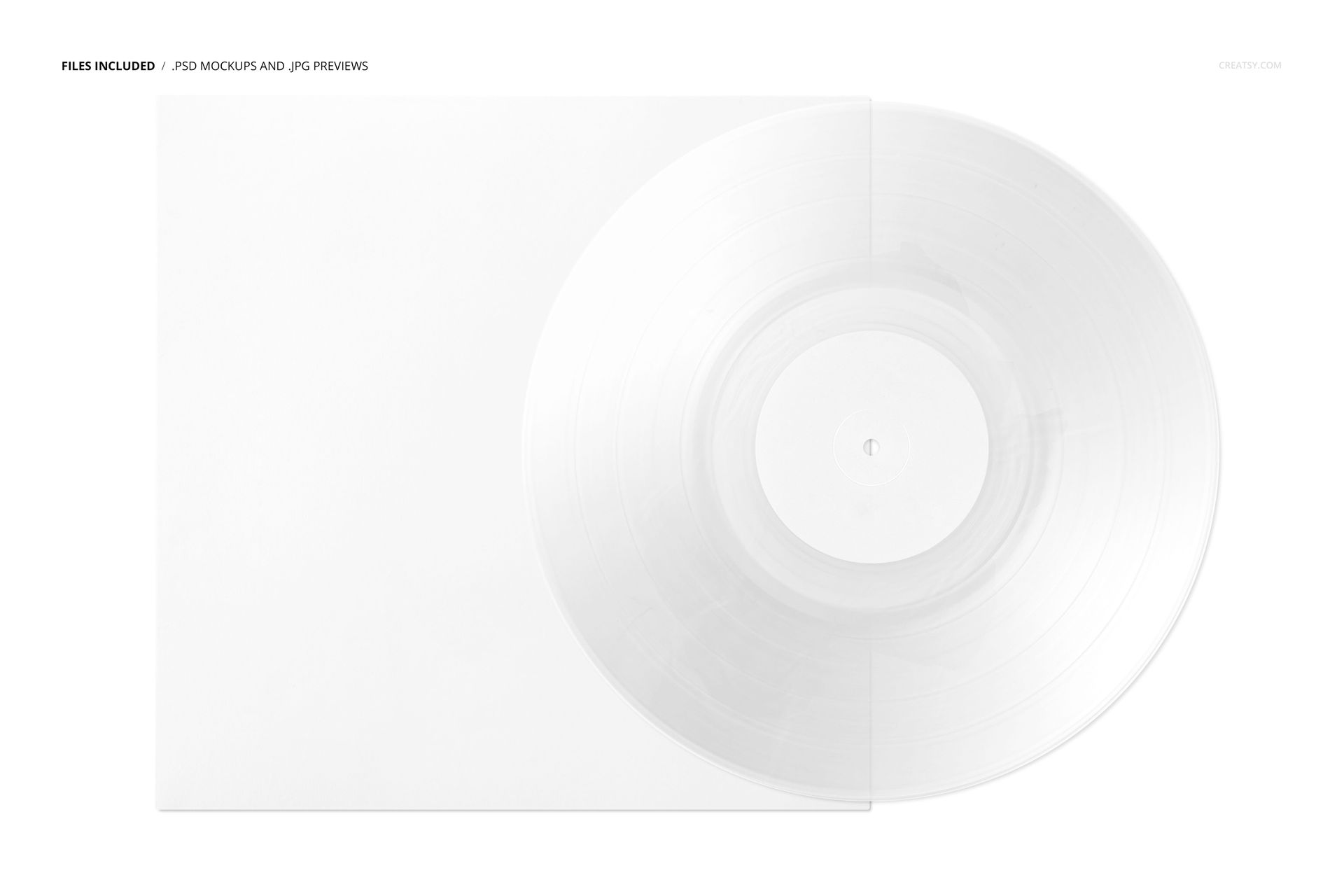
1 layered PSD scene at 6000 × 4000 px, 300 DPI.
1 JPG preview plus a PDF user manual.
8 Switzer OTF font files; 11 supplied files altogether.
From Sleeve Artwork to Splatter Colors
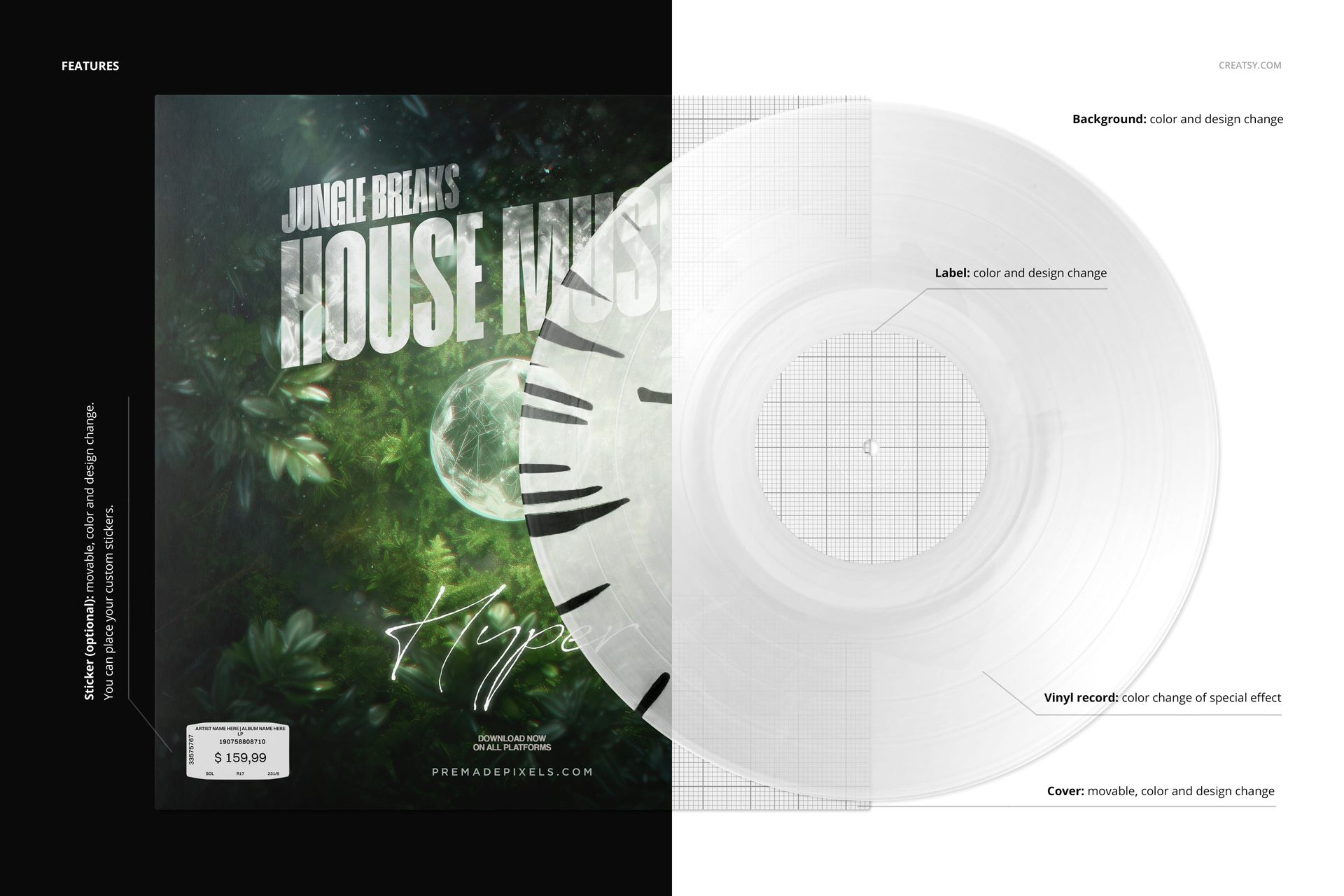
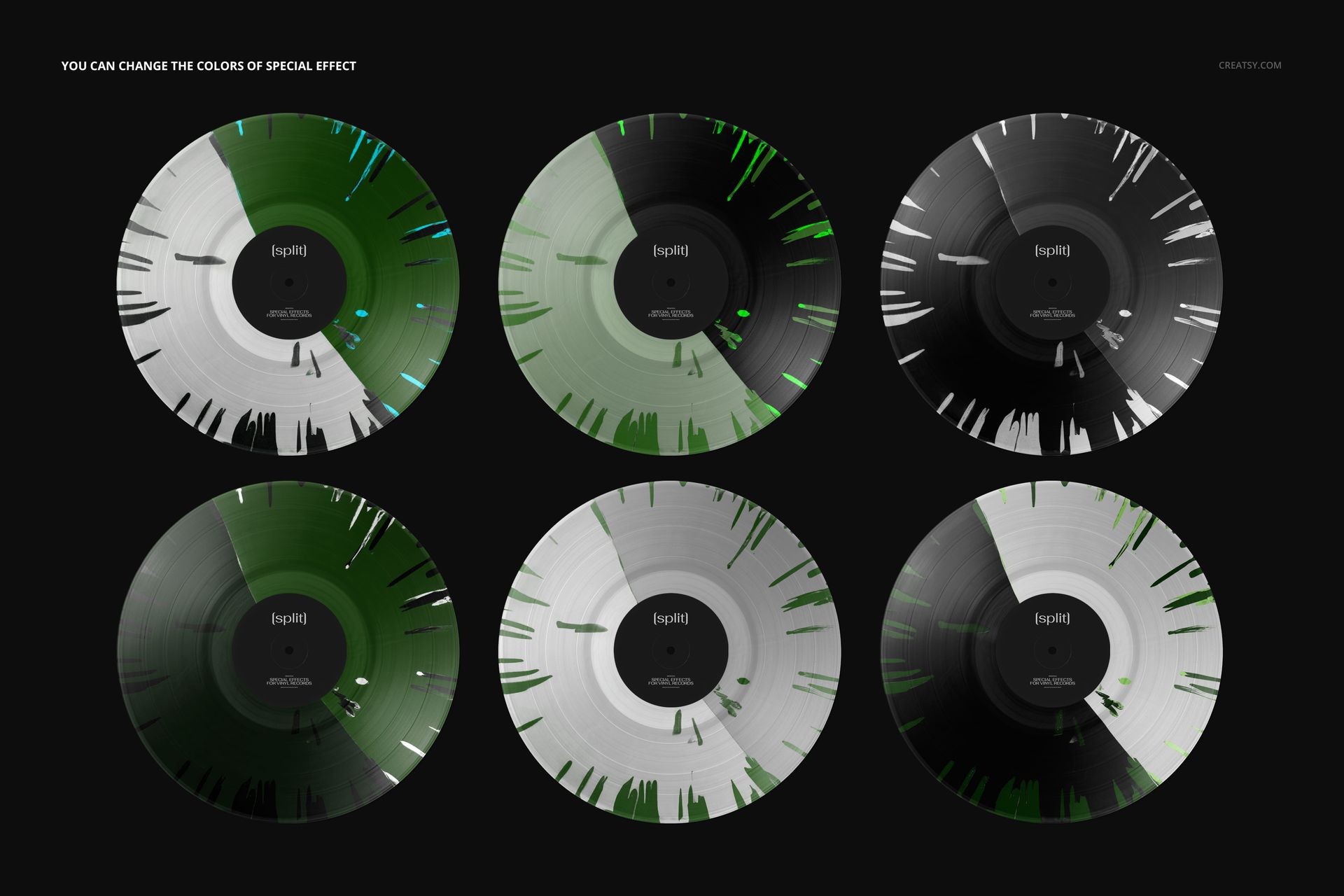
Customize the vinyl effect colors, center label and cover design. Move the cover to adjust its relationship to the record, and include or hide the optional sticker. The sticker has editable color and artwork, can be moved and supports custom designs. A matching accent on the sleeve and disc can make an experimental pressing concept feel connected to the album.
Prepare a Flexible Album Presentation
The organized PSD layers work in Adobe Photoshop CC2020 or newer and Photopea. Use the included manual as an editing reference, choose a background color or texture, and use separate object and shadow layers when exporting with transparency. The scene suits music-label pitches, artist portfolios and release announcements. This download is a digital presentation tool, not a record, pressing specification or print-ready sleeve template. The artwork featured in the previews is not included.