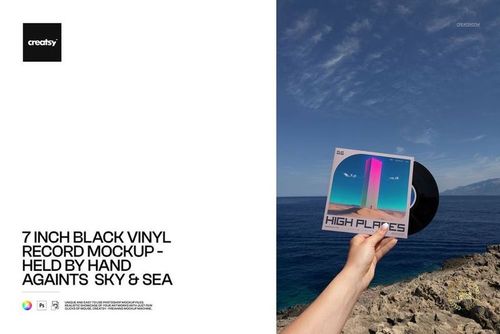
7 inch Black Vinyl Record Mockup Set (outdoor)

Product Details
7 inch Black Vinyl Record Mockup Set (outdoor)
Take your record release beyond the studio.
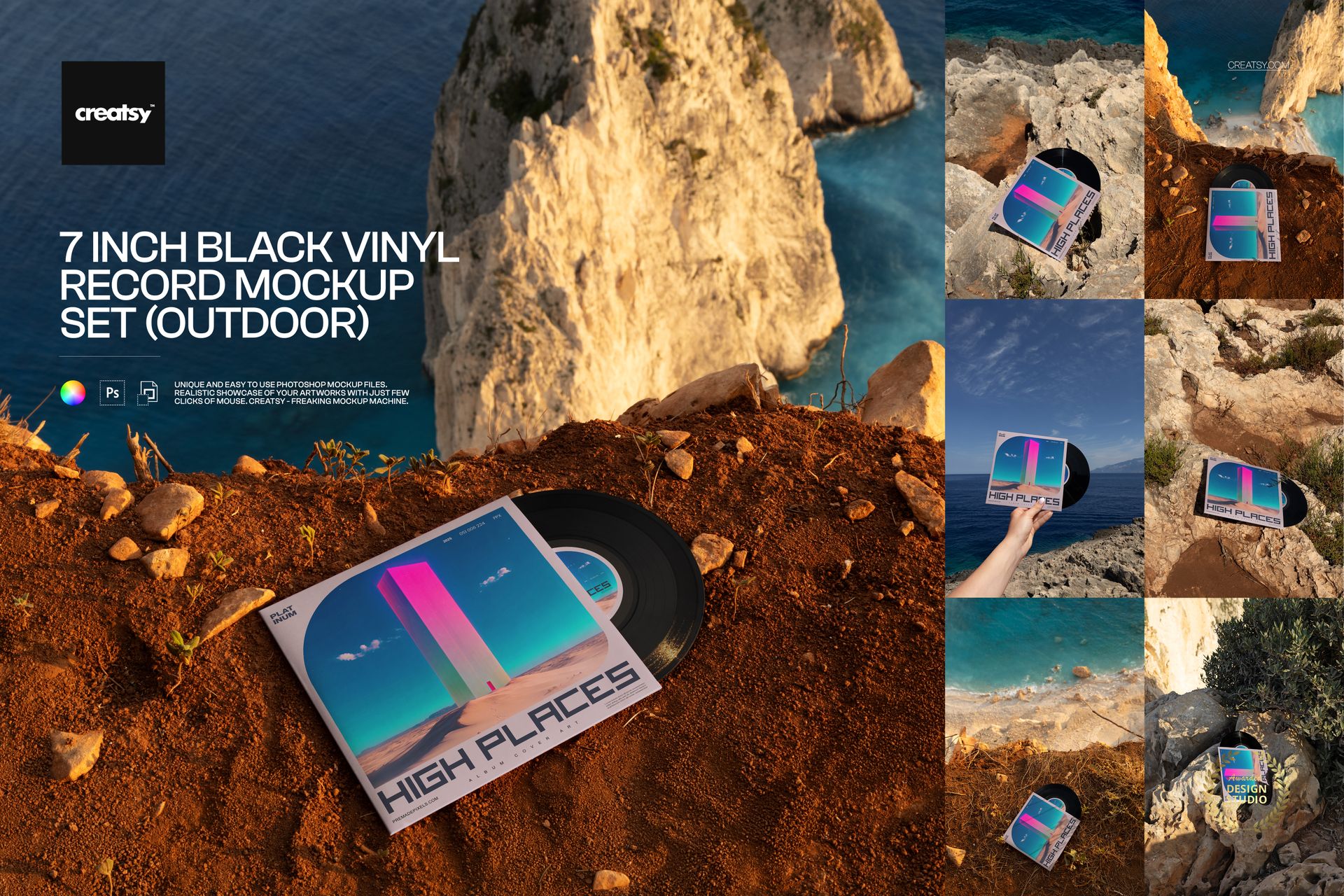
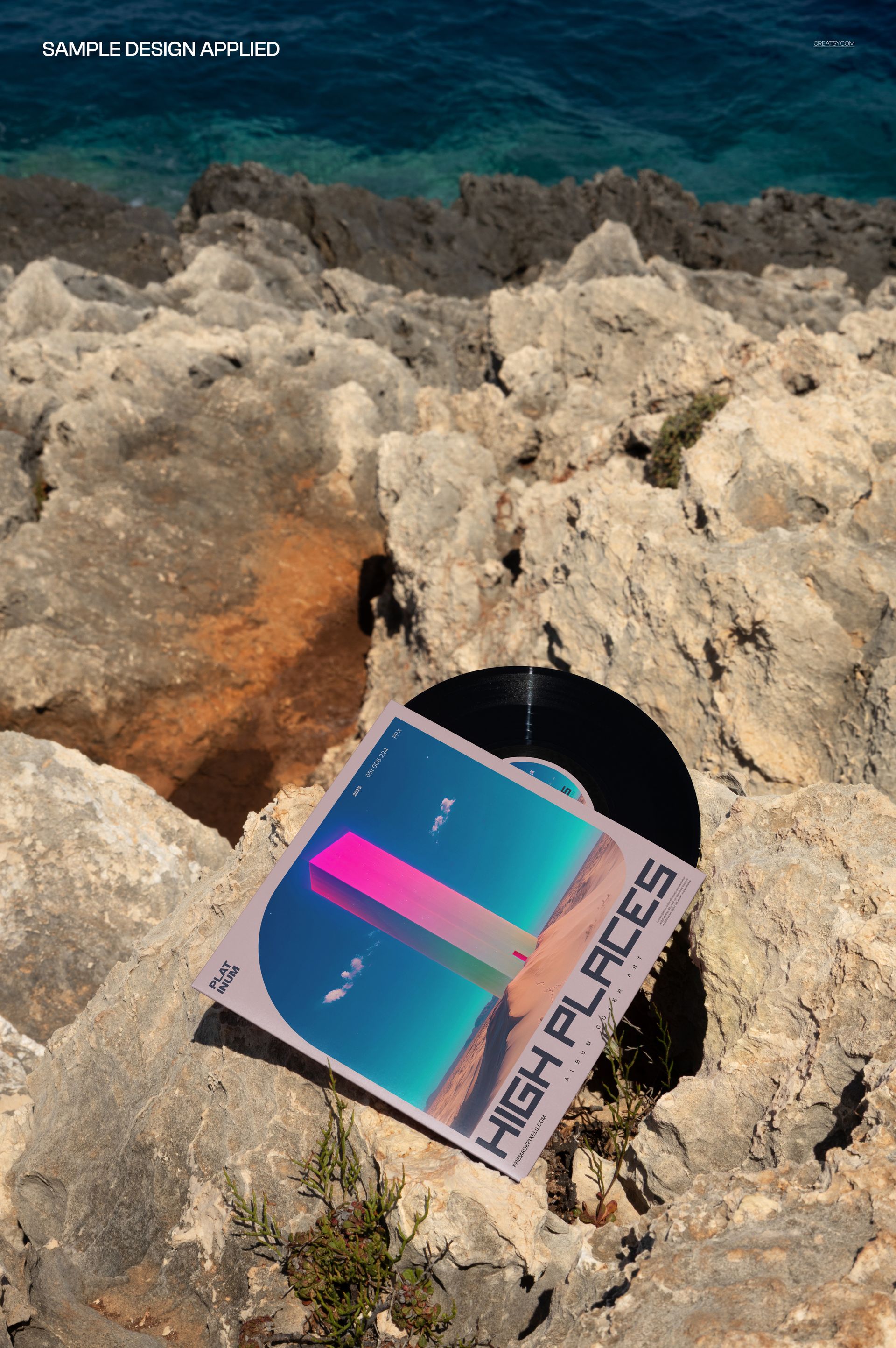
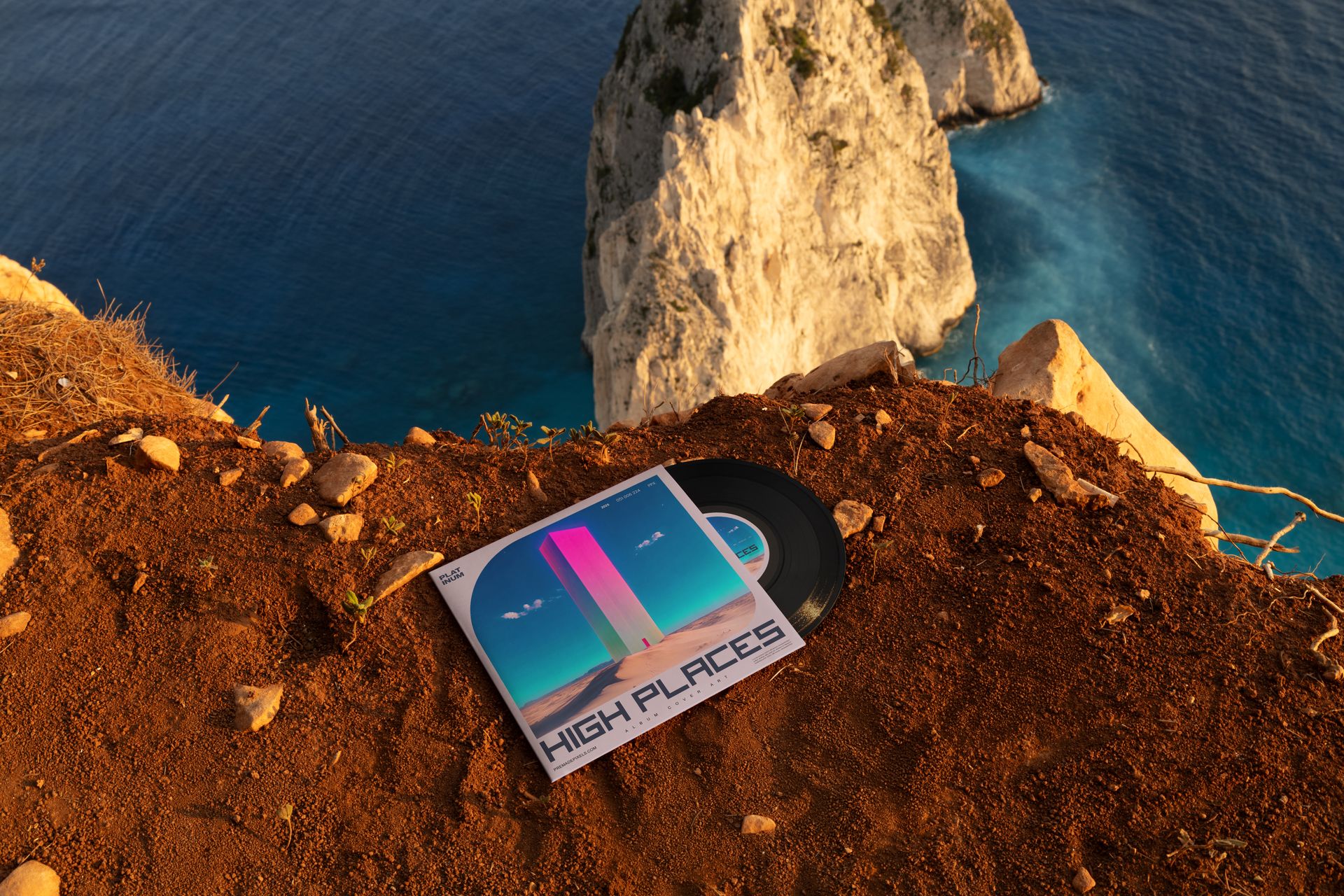
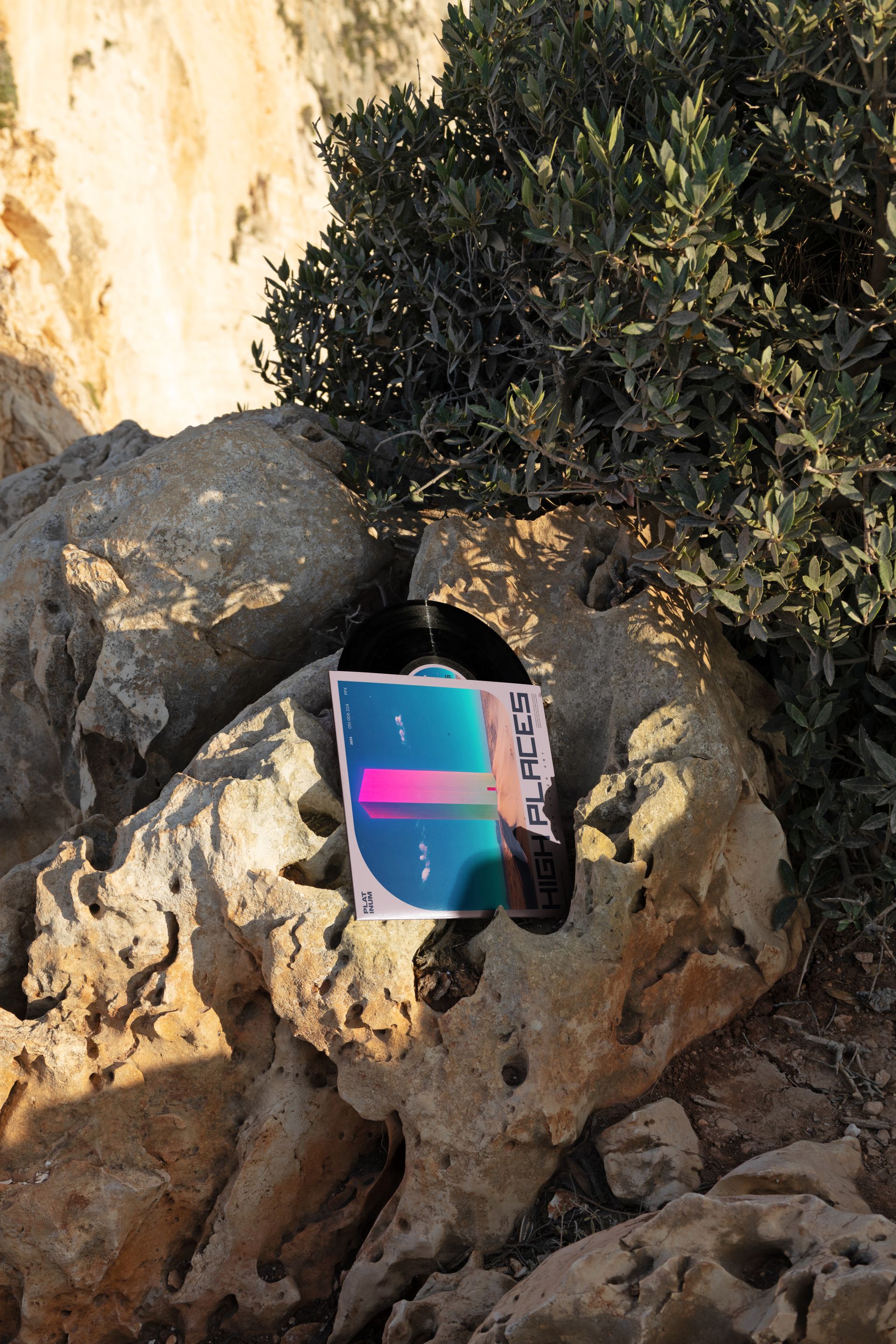
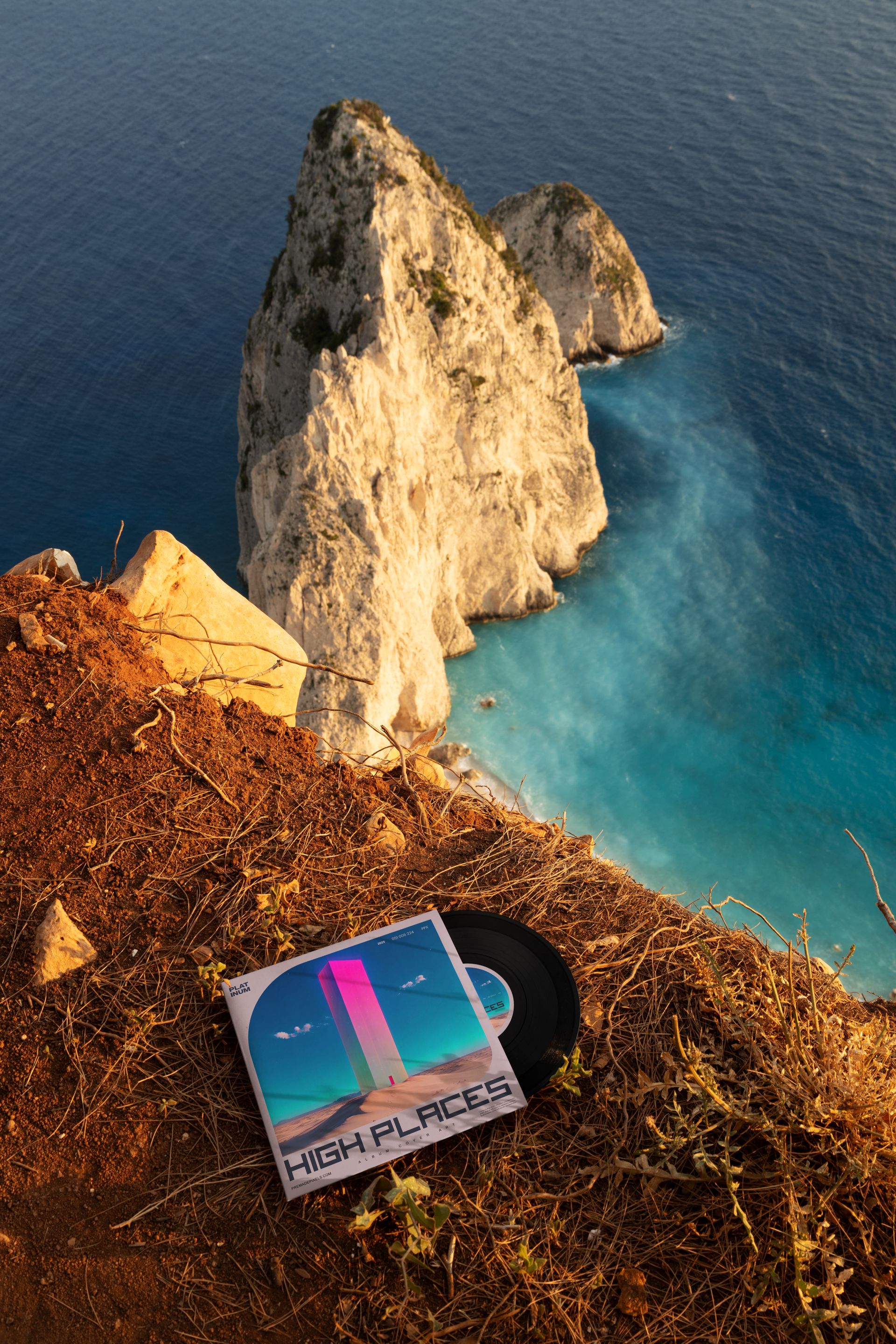
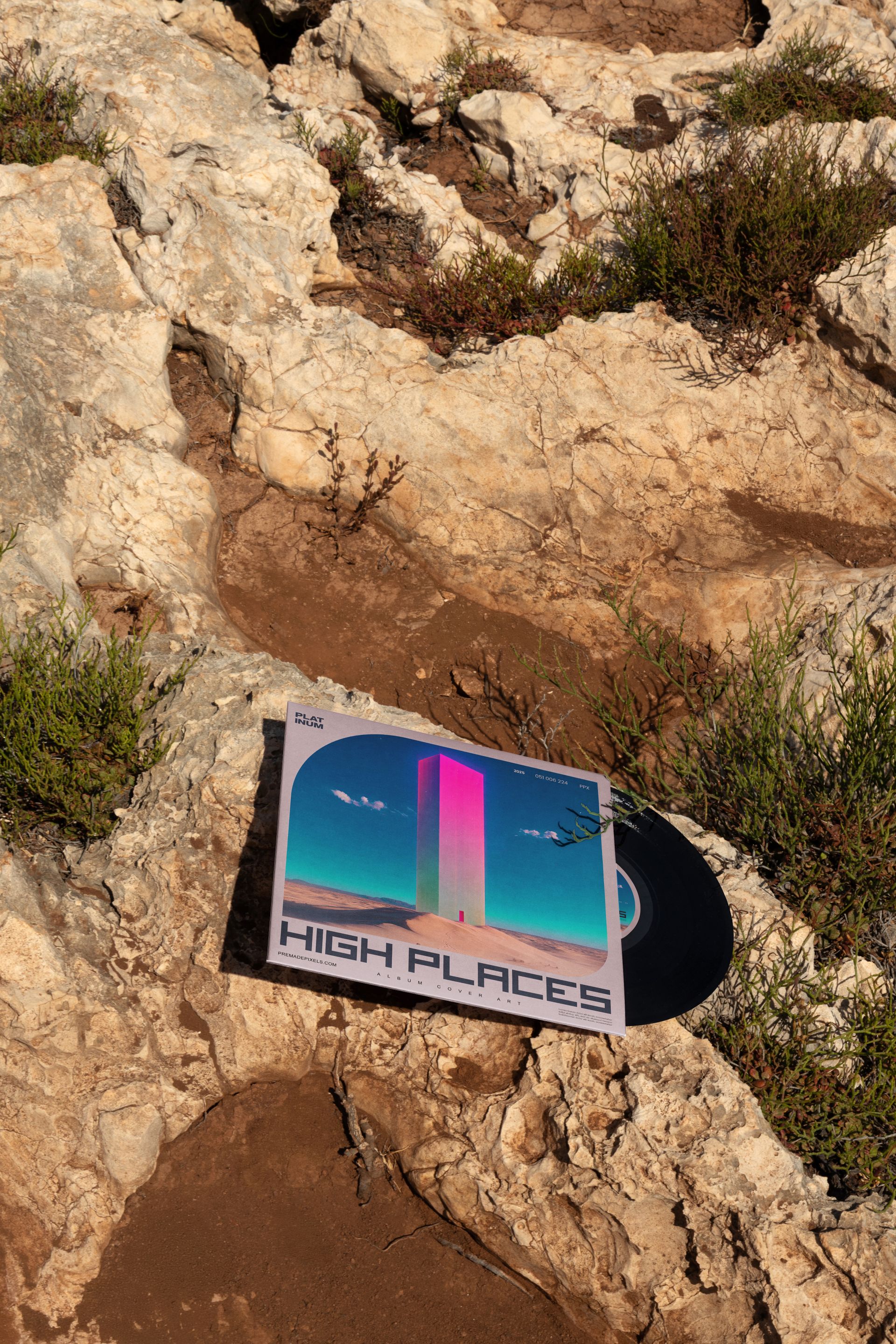
The 7 inch Black Vinyl Record Mockup Set (outdoor) includes eight editable PSD scenes that place black vinyl records and their covers in rugged coastal landscapes. Rocky ground, cliff edges, open sky, sea views and a hand-held composition give the artwork a stronger sense of place than a standard isolated product shot.
The collection is built for 7-inch releases, including singles, limited editions, artist merchandise and smaller-format record projects that deserve a full visual campaign rather than one basic mockup.
Eight Outdoor Scenes, One Complete Release Story
Each scene presents the record from a different perspective or location.
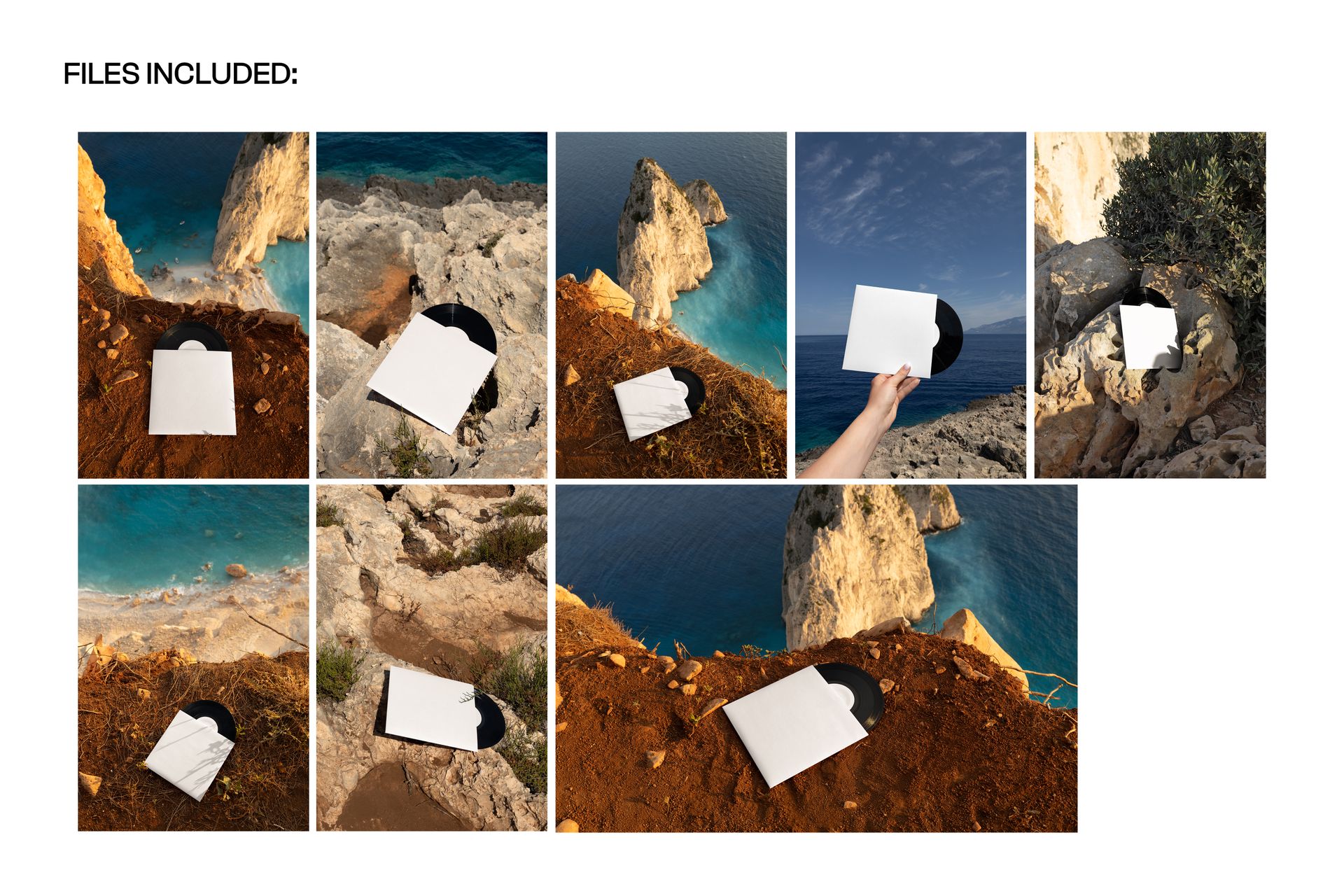
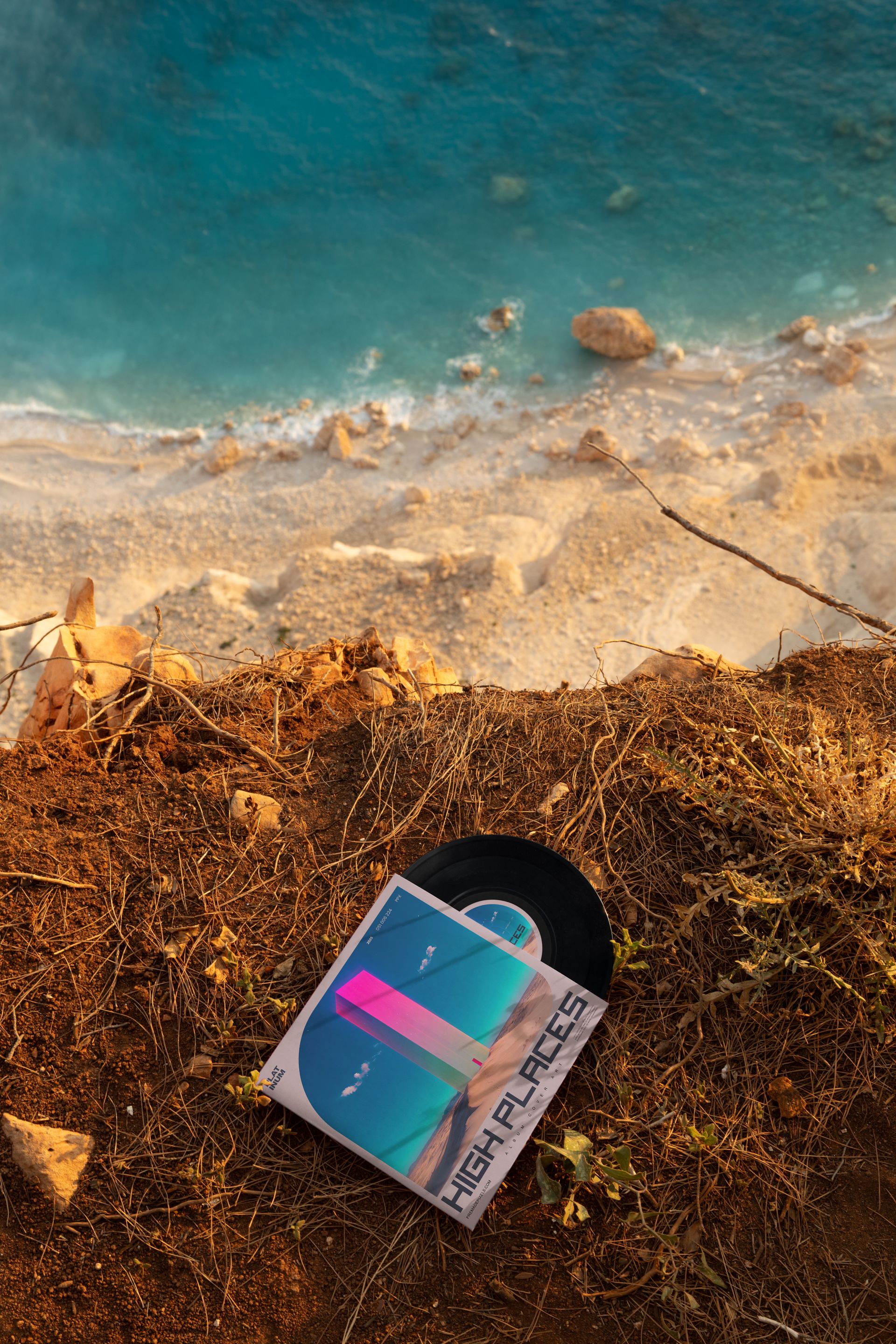
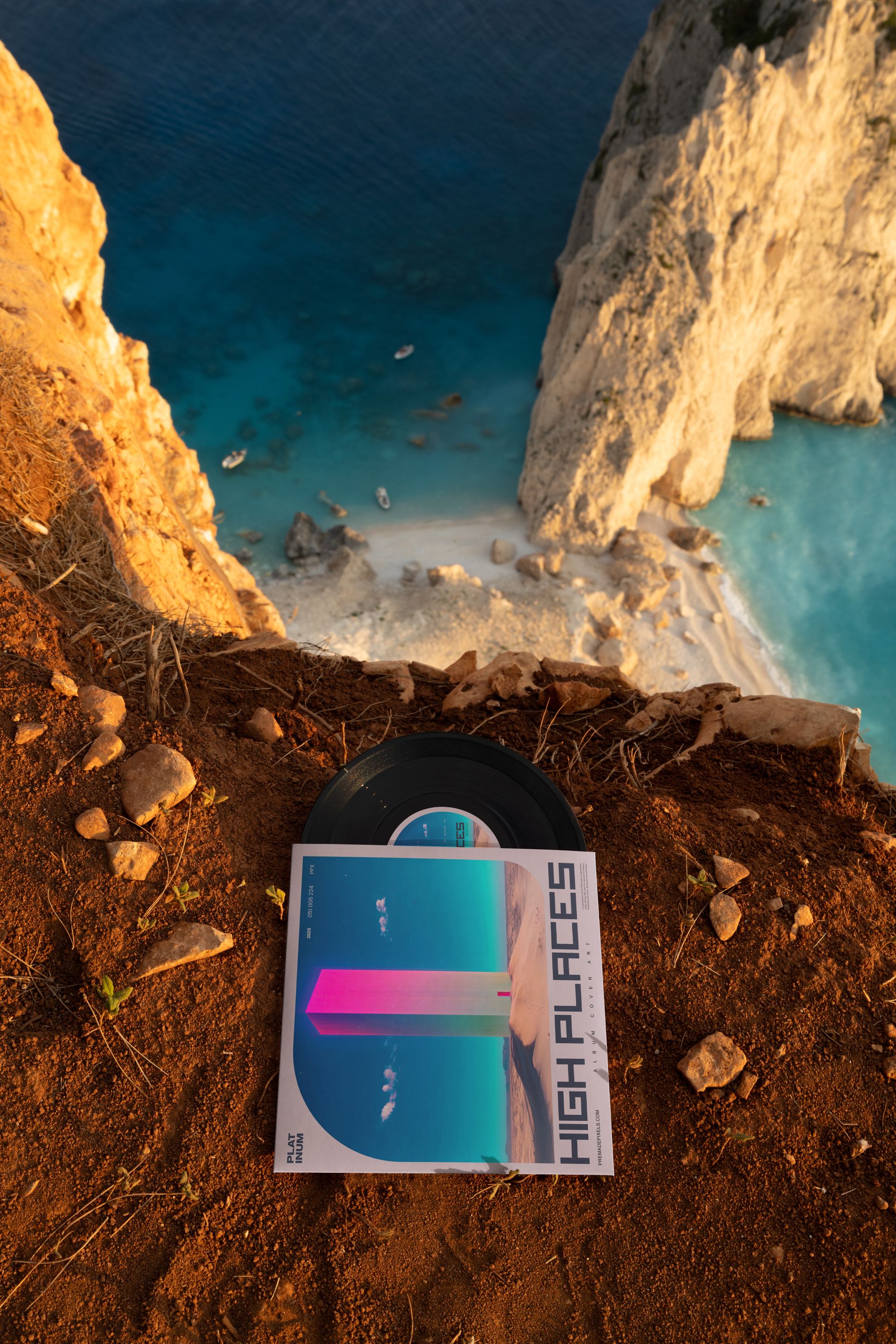
The included mockups show the vinyl leaning on rock, overlooking a beach, resting on rough stone, positioned near a cliff edge, held against the sky and sea, displayed on rock with an ocean view, photographed from above and presented in a wider high-angle landscape composition.
This gives you enough variety to build a complete gallery with:
A clear hero image
A closer product presentation
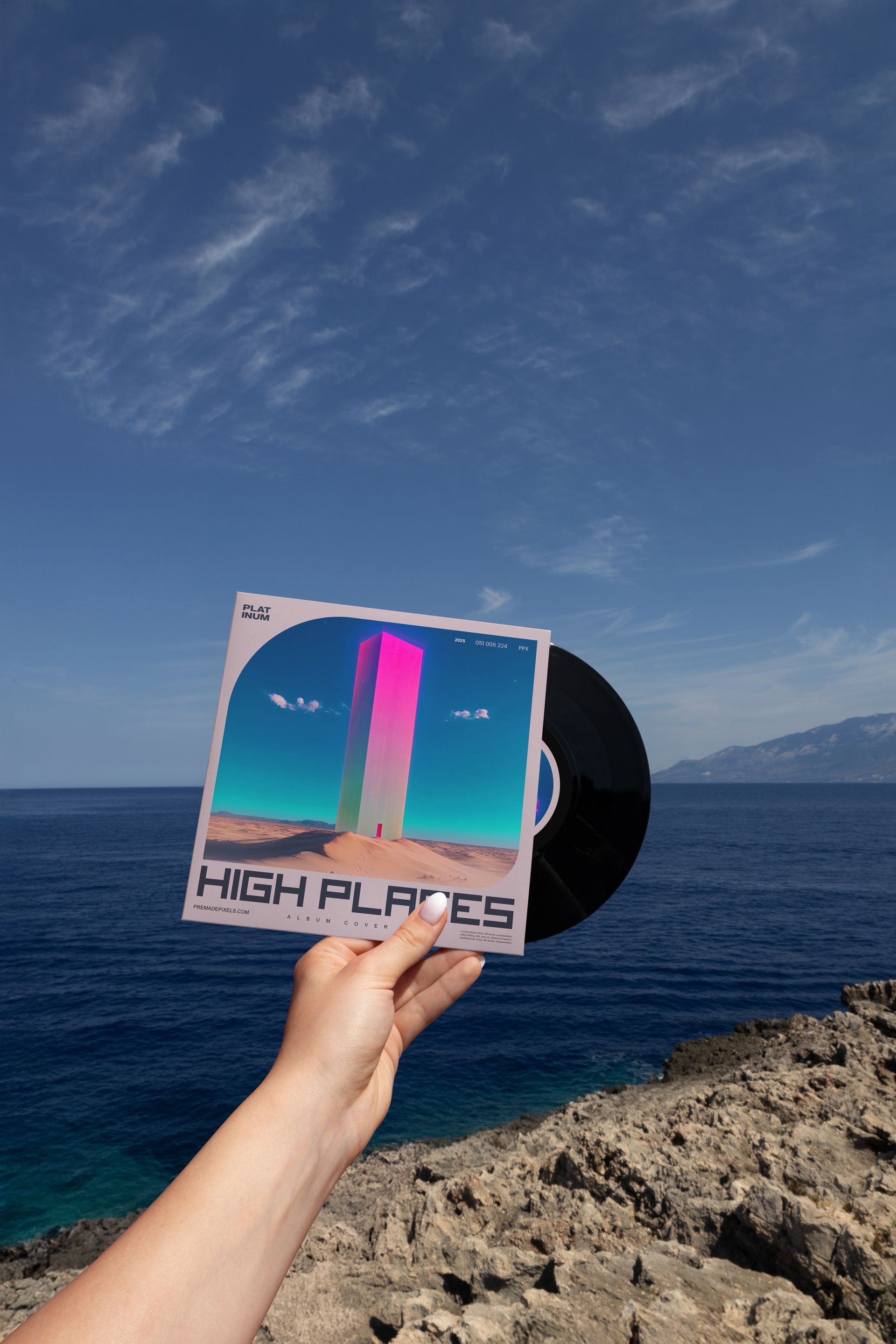
A hand-held lifestyle shot
A dramatic cliffside campaign visual
A top-view record composition
A wider landscape image
Several sleeve and label artwork views
Coordinated social media content
The scenes feel connected because they share an outdoor coastal direction, but each one offers a different visual rhythm.
Designed Around the 7-Inch Format
A 7-inch record has different proportions and visual impact than a full-size 12-inch LP.
The smaller sleeve creates a compact artwork area, while the record and center label become more prominent within the overall product presentation. This makes the set particularly useful for:
Single releases
Double-sided singles
Short-format music projects
Limited pressings
Collector editions
Record store exclusives
Tour merchandise
Anniversary releases
Independent artist campaigns
Promotional records
Concept releases
Music design portfolio projects
The mockups help you see whether the cover remains readable at the smaller format and whether the label design feels balanced against the black vinyl.
Black Vinyl Keeps the Focus on the Release Identity
Special-effect and colored records can become the main visual attraction. Black vinyl creates a different result.
Its familiar, understated appearance keeps attention on the album artwork, typography, center label and wider campaign direction. It can support many genres and visual styles without forcing the presentation into a specific color palette.
Use it with:
Minimal album artwork
Bold graphic covers
Photography-led releases
Illustrated sleeves
Experimental typography
Electronic music branding
Rock and alternative artwork
Indie and folk releases
Ambient or cinematic projects
Retro-inspired single covers
Contemporary record label identities
The dark record surface can provide a strong contrast with colorful sleeve artwork, while quieter designs can create a more restrained, classic presentation.
Let the Location Support the Music
The outdoor environment can become part of the story behind the release.
Rocky cliffs and open water can suggest distance, freedom, travel, isolation, summer or a connection with a specific landscape. A hand-held record against the sky feels personal and spontaneous. A top-view composition on rough ground feels more editorial and tactile.
This makes the set useful when the album identity is connected with:
Nature and landscape
Coastal locations
Travel and exploration
Summer releases
Outdoor culture
Environmental themes
Independent music
Alternative lifestyles
Atmospheric storytelling
Location-inspired artwork
The scenery adds emotion without introducing a detailed interior, model or studio styling that could conflict with the artist’s visual identity.
Present the Record and Cover as One Product
A vinyl release is more than the artwork printed on the sleeve.
The cover, black record, center label and physical scale of the product need to feel connected. These mockups help you present those elements together so viewers can understand the complete release at a glance.
Use them to evaluate:
Cover artwork placement
Center label design
The relationship between sleeve and label colors
Typography legibility
How the artwork reads outdoors
The visual hierarchy between record and cover
Whether the design remains recognizable from a distance
How several campaign images work together
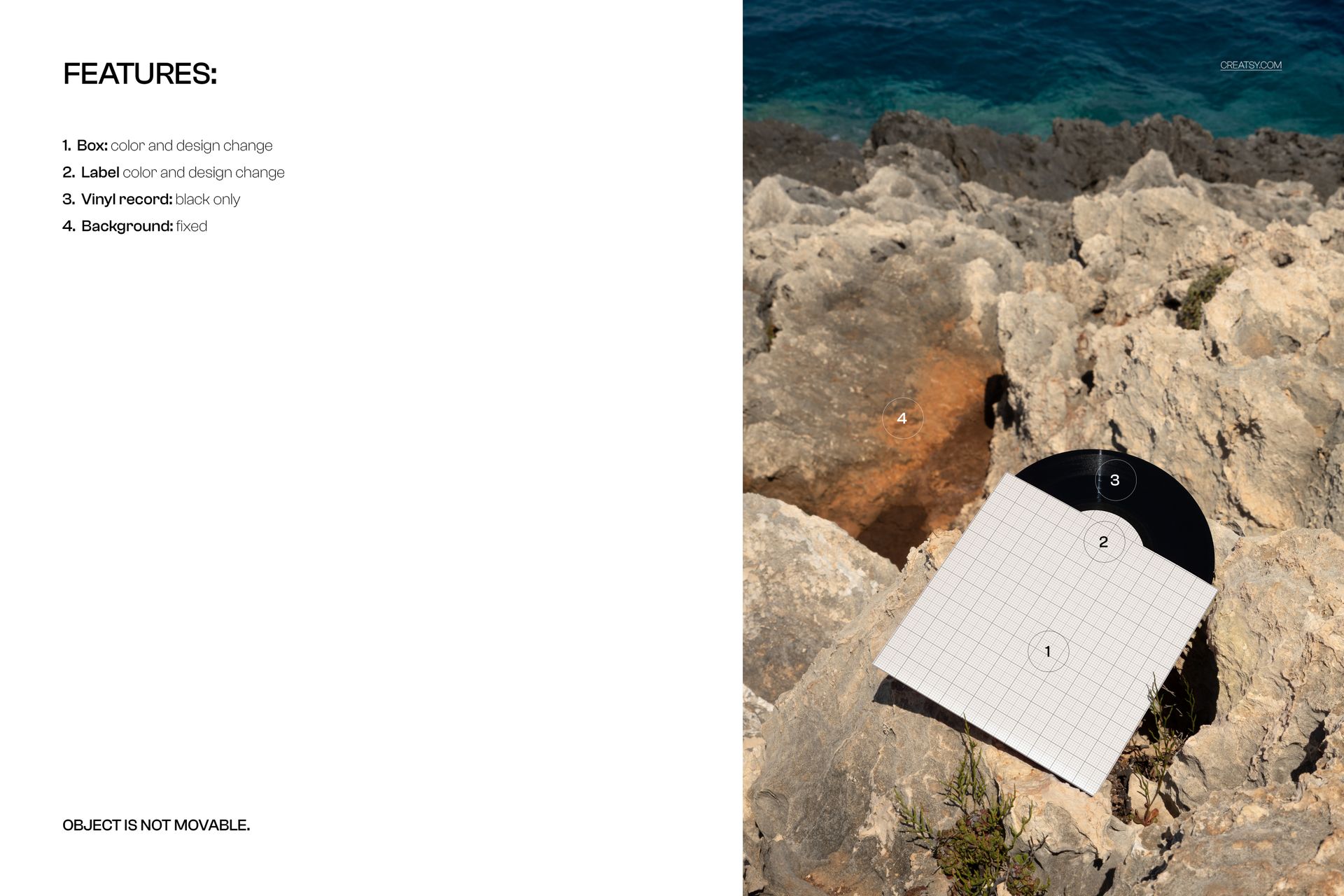
Check the screenshots for the exact editable areas available in each individual PSD.
Made for Musicians, Labels and Album Designers
The set is a practical choice for:
Independent musicians
Bands and solo artists
Record labels
Album cover designers
Music branding studios
Record stores
Vinyl pressing businesses
Artist management teams
Music marketing agencies
DJs and producers
Illustrators working with musicians
Graphic designers building music portfolios
It can be used for a real upcoming release or for a fictional music identity created as a branding or packaging case study.
Build a Full Outdoor Release Campaign
One mockup may be enough for an approval email. Eight coordinated scenes give you enough material for a launch.
Use the edited visuals for:
Album and single announcements
Preorder graphics
Release-day posts
Record store listings
Artist websites
Bandcamp and ecommerce pages
Instagram carousels
Pinterest graphics
Newsletter headers
Press kits
Digital catalogs
Tour merchandise campaigns
Record label presentations
Behance portfolio projects
Client approval decks
Start with the strongest cliff or hand-held scene as the main campaign image. Follow it with cleaner record and sleeve views that show the artwork more closely.
Compare Several Artwork Directions
Because the set includes consistent product styling across different locations and angles, you can use it to test more than one design concept.
Apply the same cover and label design to all eight scenes to create a cohesive release gallery.
Alternatively, compare several cover directions in the same outdoor environment. This can help clients and collaborators focus on the artwork rather than reacting to completely different mockup styles.
You can review:
Several album cover concepts
Alternative label designs
Light and dark sleeve artwork
Typography variations
Different release color palettes
Standard and limited-edition designs
Several artists from one record label
A wider collection of single releases
Straightforward Smart Object Editing
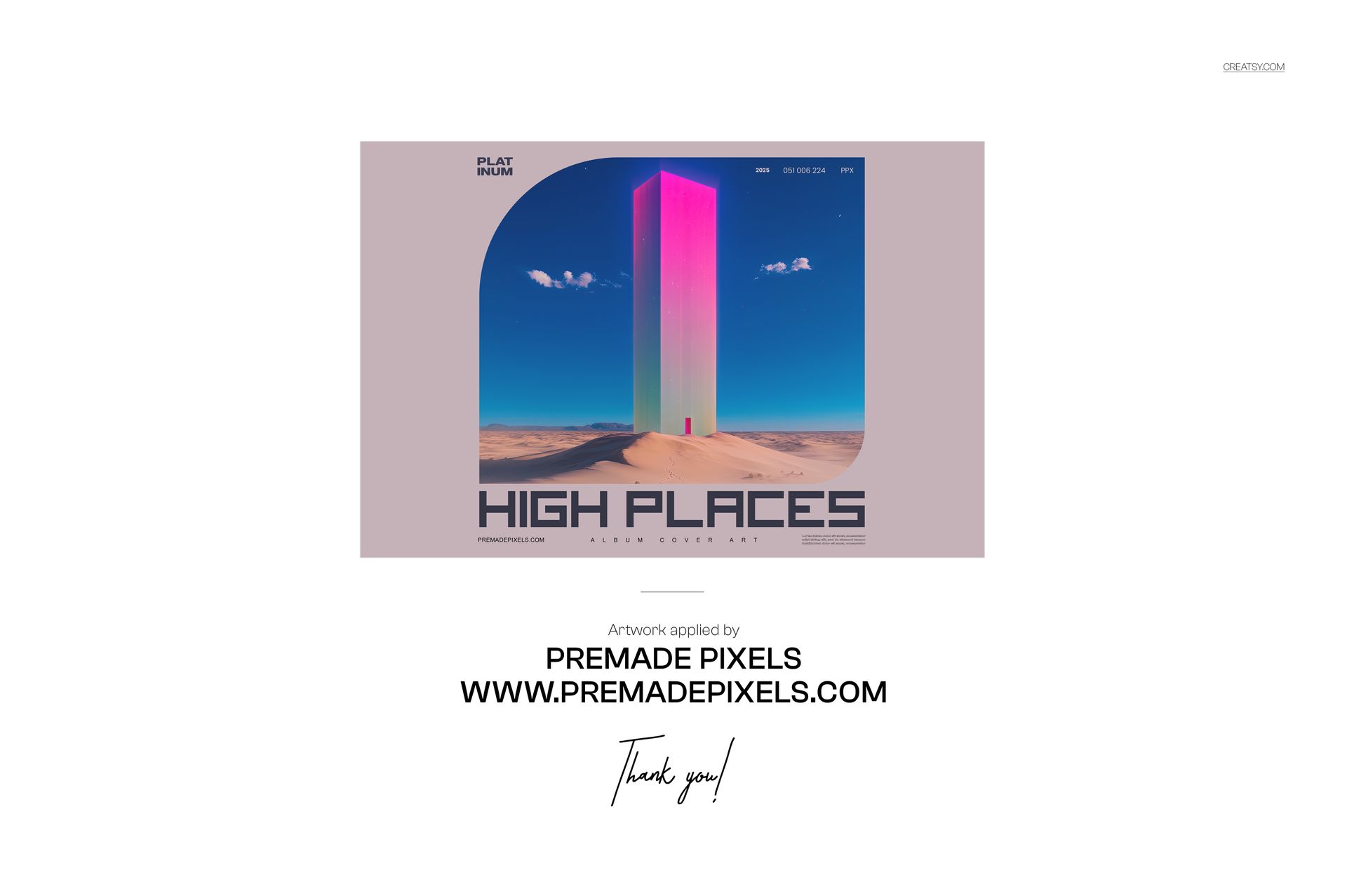
Open a PSD in Adobe Photoshop or Photopea, double-click the relevant Smart Object, add your cover or label artwork and save the file. The mockup updates within the existing product perspective, shadows and lighting, without requiring manual warping or rebuilding the outdoor scene.
The organized layer structure makes it easier to reuse one release identity throughout the entire set and export a consistent collection of campaign images.
Included Outdoor Mockups
The set contains the following eight products:
7 inch Black Vinyl Record Mockup - Leaning on Rock
7 inch Black Vinyl Record Mockup - Overlooking Beach
7 inch Black Vinyl Record Mockup - on Rough Stone
7 inch Black Vinyl Record Mockup - On Cliff Edge
7 inch Black Vinyl Record Mockup - Held by Hand Against Sky & Sea
7 inch Black Vinyl Record Mockup - On Rock with Sea View
7 inch Black Vinyl Record Mockup - Vertical Cliff Top View
7 inch Black Vinyl Record Mockup - High Angle Landscape
File Specifications
Products included: 8
Editable files: 8 PSD mockups
PSD dimensions: 6000x4000 px
Resolution: 300 DPI
Supporting format: JPG
Editing workflow: Smart Objects
Layers: well organized
Compatibility listed on the page: Adobe Photoshop, Photopea and Affinity Photo
Package size: approximately 799 MB for Windows and 838 MB for macOS
Exact customization features: shown in the product screenshots
Give a Small Record a Bigger Visual World
A 7-inch single may be physically smaller than an LP, but the release campaign does not have to feel limited.
The 7 inch Black Vinyl Record Mockup Set (outdoor) gives the record space, atmosphere and a distinctive coastal setting. Eight coordinated scenes allow you to present the same release from multiple perspectives and create a campaign that feels more complete than a single isolated product image.
Use the set when the artwork needs to feel connected with a location, mood or wider story, not simply placed against another neutral studio background.
File details
- Compatibility
- Products in bundle
- 8
- Package size
- 799 MB

|838 MB
- Files type
- .psd, .jpg


INCLUDED/8
MEET THE SHOP
Creatsy
Bring your ideas to life.
- $1615$19.00
- $1870$22.00
- $1615$19.00
- $2125$25.00

HOW IT WORKS
3 clicks. That's it.
No tutorial needed. If you can copy-paste, you can use this.
- 1OpenDouble-click the smart object inside the PSD - in Adobe Photoshop, or free in your browser with Photopea.
- 2PasteDrop in your pattern, print, or artwork. Any design, any style.
- 3SaveHit save and the mockup wraps it in for you - shadows, folds, and lighting included.
FROM IDEA TO IMAGE
Built for real workflows
Skip the photo shoot Show your artwork on the real product type for approvals or listings - no studio, no model, no sample.
See it on the product, not a swatch Drop your file into the smart object and the scene's lighting and folds wrap around it, so you judge the real thing before you commit.
Smart Objects
Edit once and you're done. Your artwork drops into a smart object and the mockup updates itself - no masking, no warping by hand.
Perfectly Organized
Named layers and folders you can actually navigate. Find what you need, change what you want, and get out fast.
Print-Ready
High-resolution files built to hold up on screen and in print. Exact size and DPI are in this product's Details above.