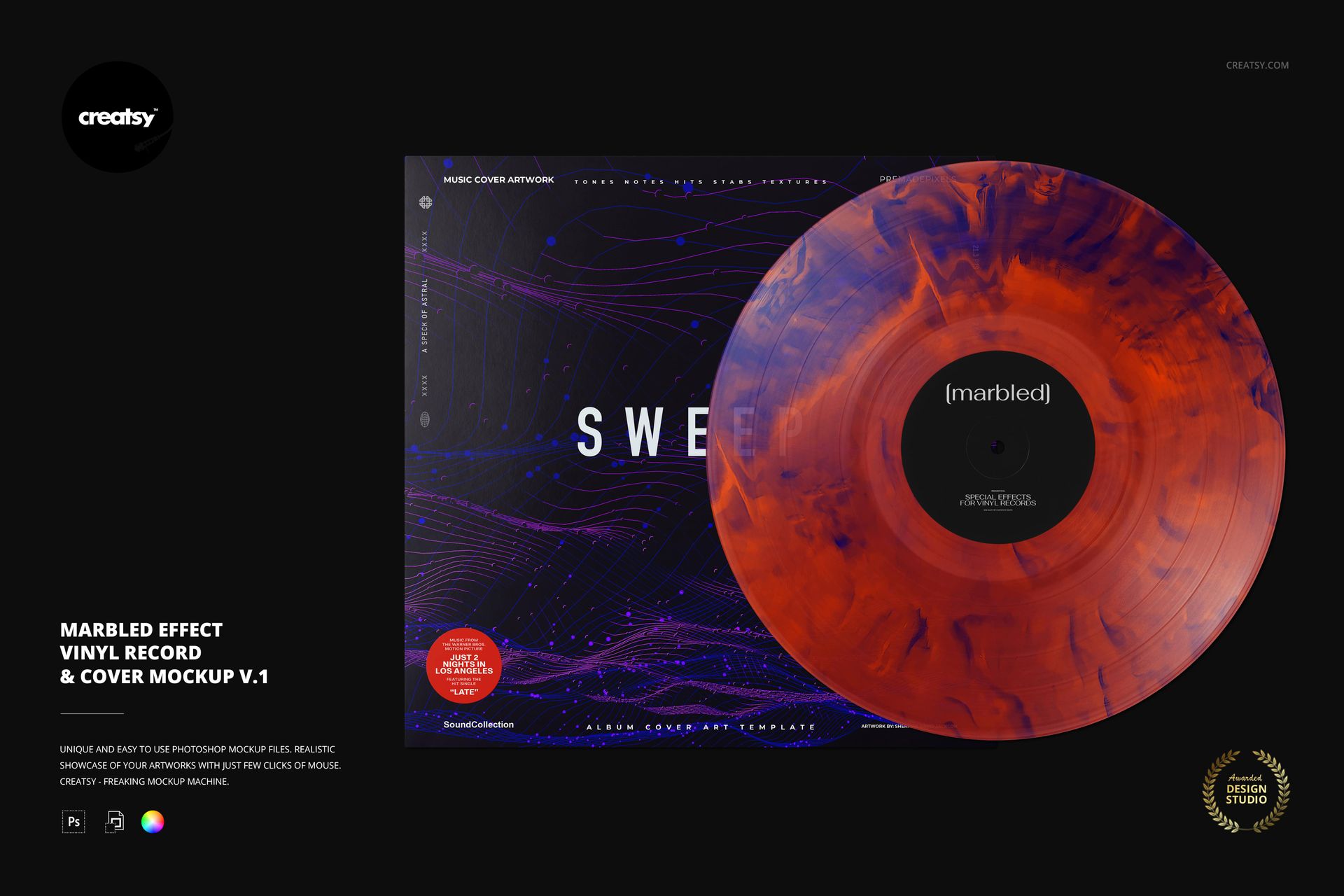
Marbled Effect Vinyl Record & Cover v.1 Mockup
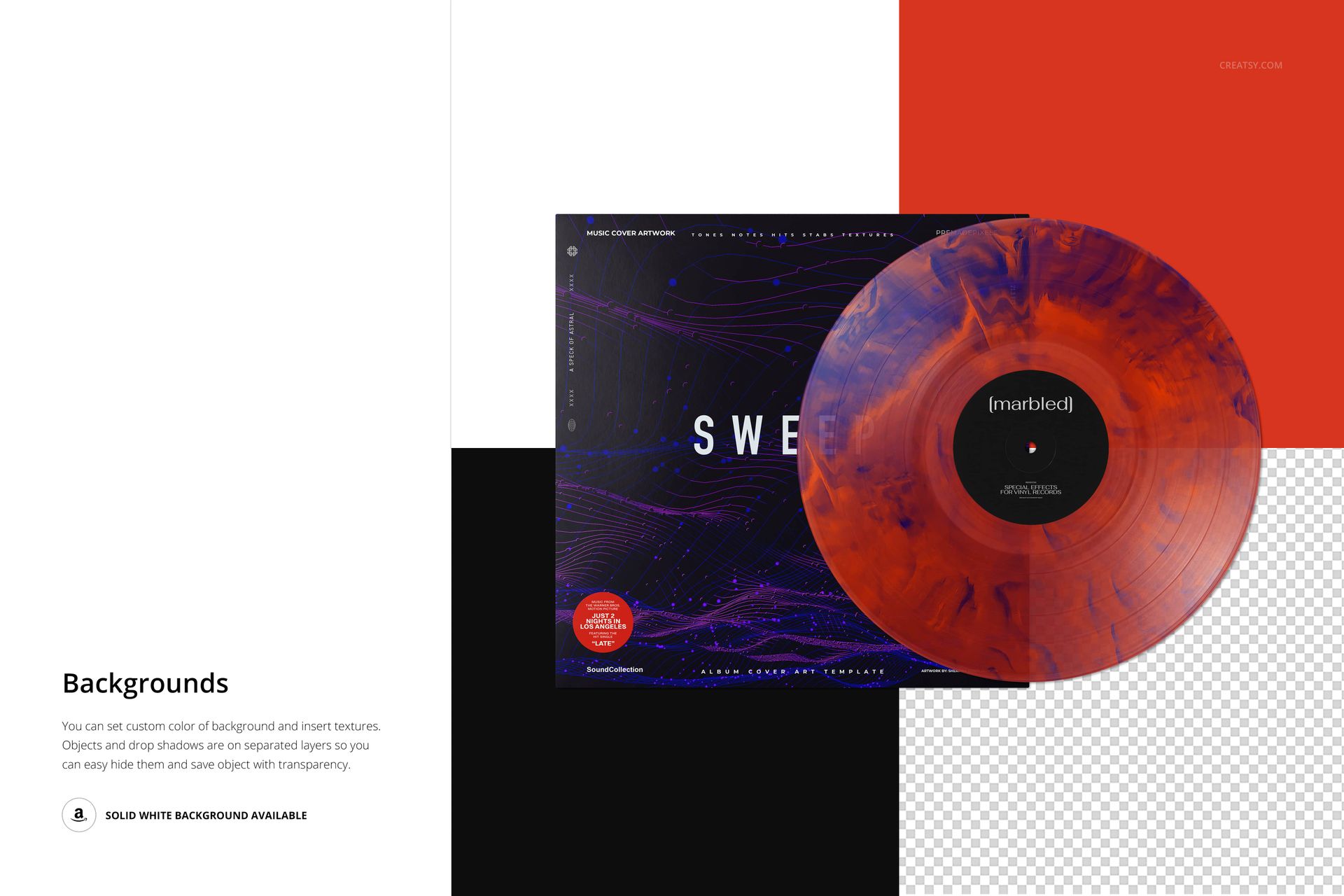
Give an album edition a softer, flowing marble treatment while keeping the record and cover together in one presentation. This layered PSD pairs a front-facing vinyl disc with an overlapping sleeve, making it easy to judge how a textured pressing concept works with your label typography and cover art. The irregular, feathered color areas distinguish version 1 from the other marbled variants.
What Is Included
1 editable PSD scene at 6000 × 4000 px and 300 DPI, in landscape format.
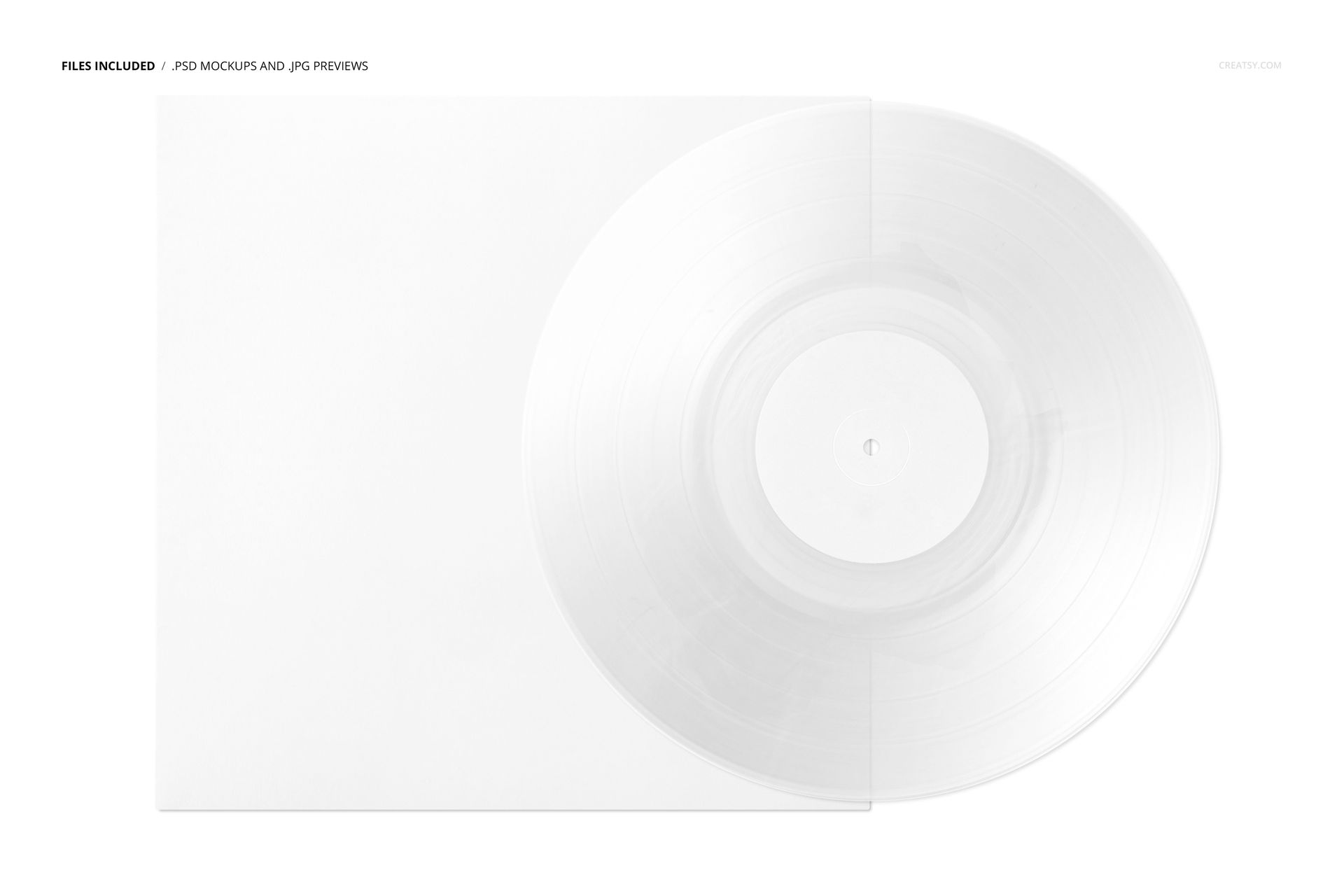
1 small JPG reference preview and 1 PDF user manual.
8 Switzer OTF font files, bringing the archive to 11 files in total.
One Release, a Considered Color Treatment
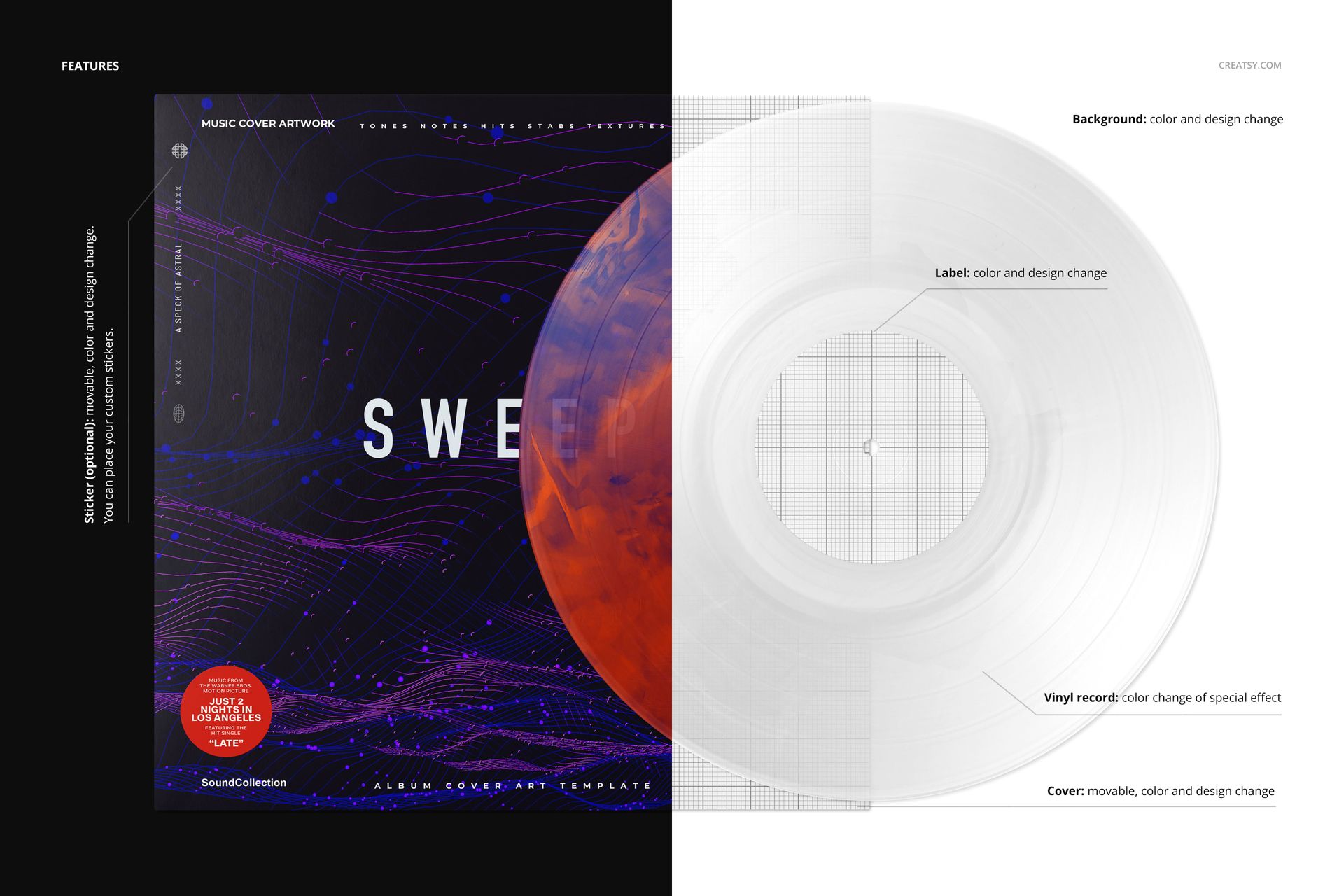
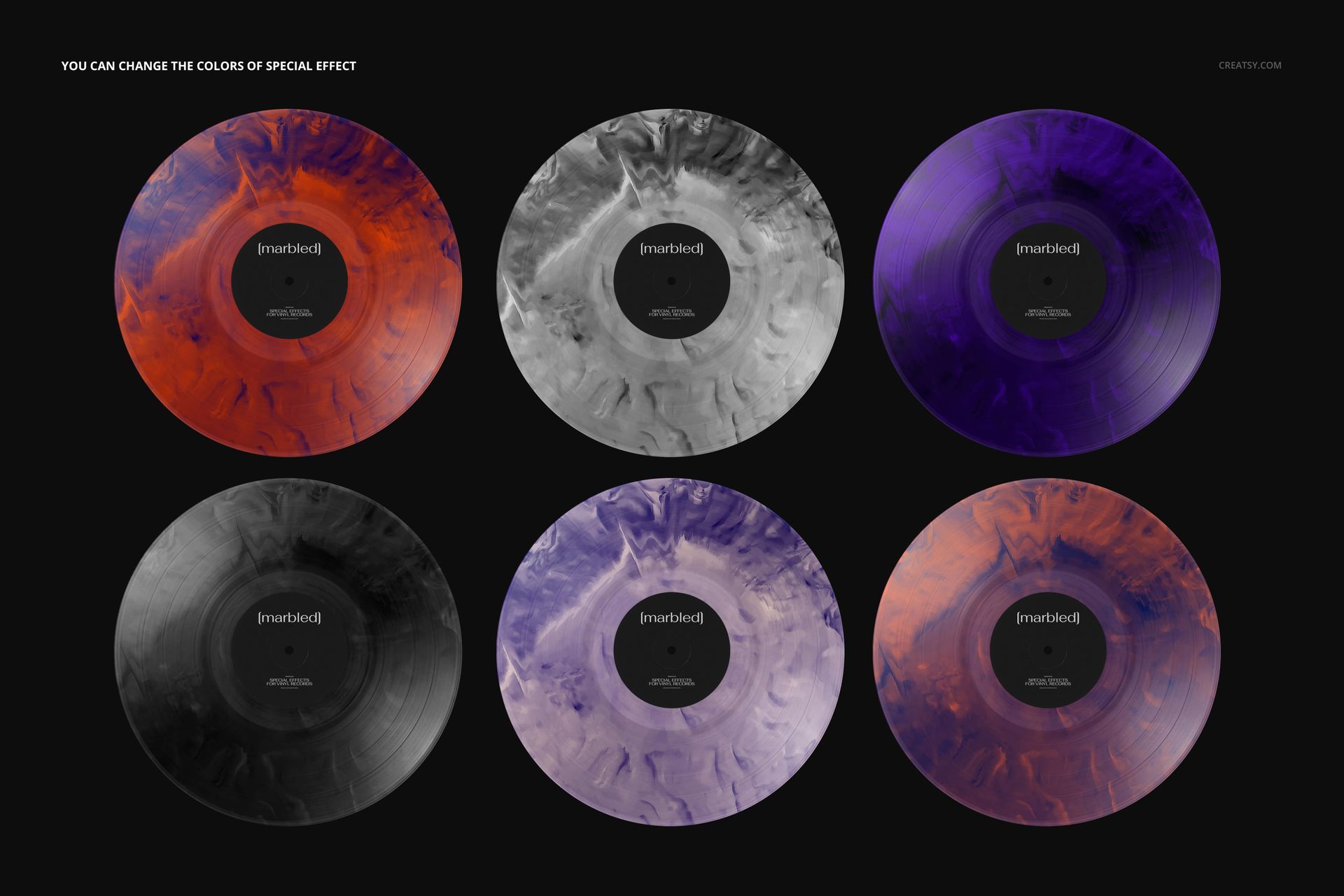
Adjust the marbled effect colors and personalize the label, cover and background with color or design changes. Reposition the cover and the optional sticker to suit your artwork. The sticker also accepts your own design, so an edition message can remain consistent with the rest of the release.
Easy Smart Object Editing
Open the file in Adobe Photoshop CC2020 or newer, or Photopea. Replace the artwork through Smart Objects and use the organized layers for the available color adjustments. Save each edited Smart Object to update its appearance in the scene.
Perfect For
Present album branding, compare special-edition palettes or create a coordinated image for a music portfolio and release campaign. The included scene lets a client review the disc and sleeve as a single visual identity.
Digital mockup files only. No physical record is supplied, and the sample artwork in the previews is not included.