Splatter Effect Vinyl Record & Cover v.4 Mockup
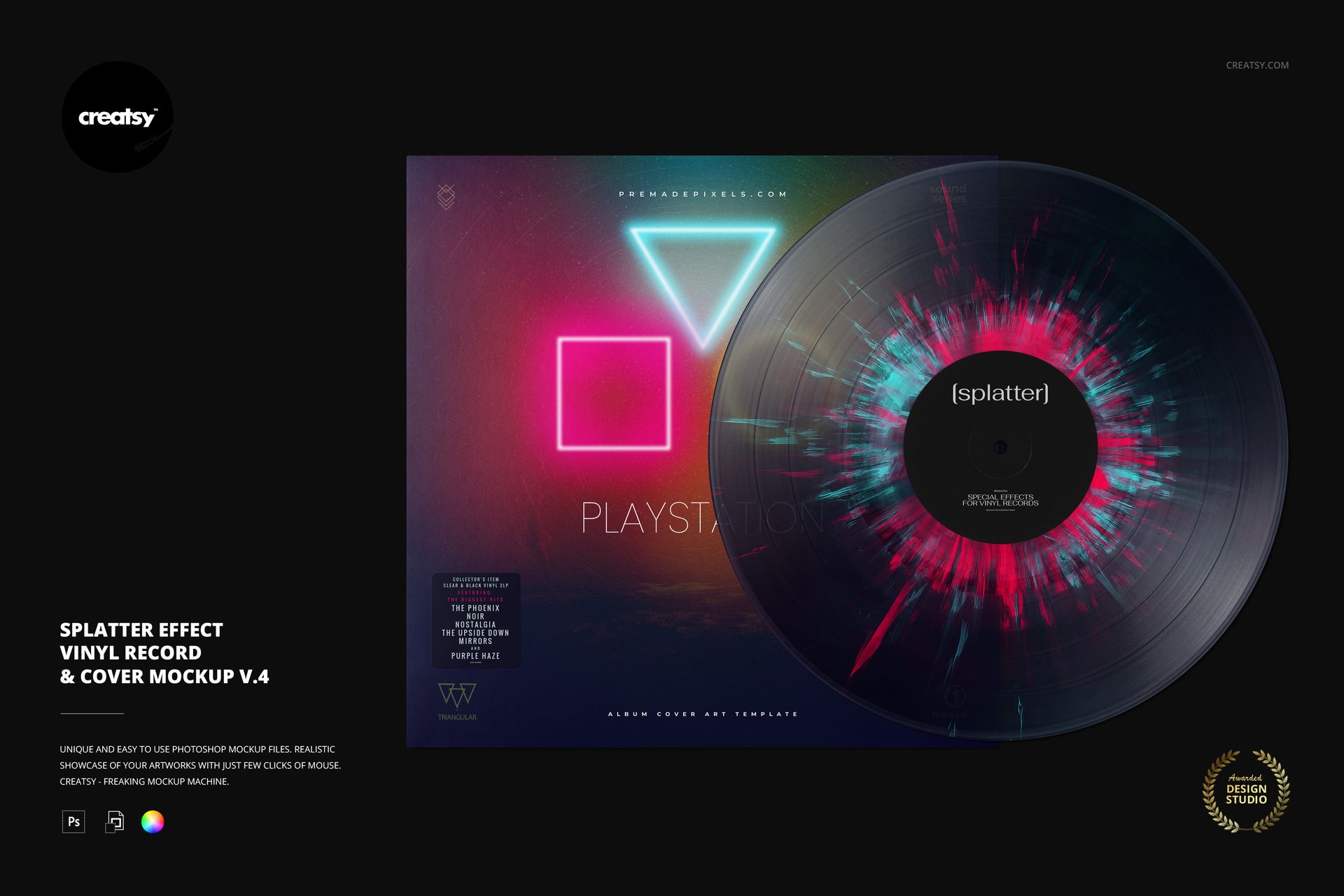
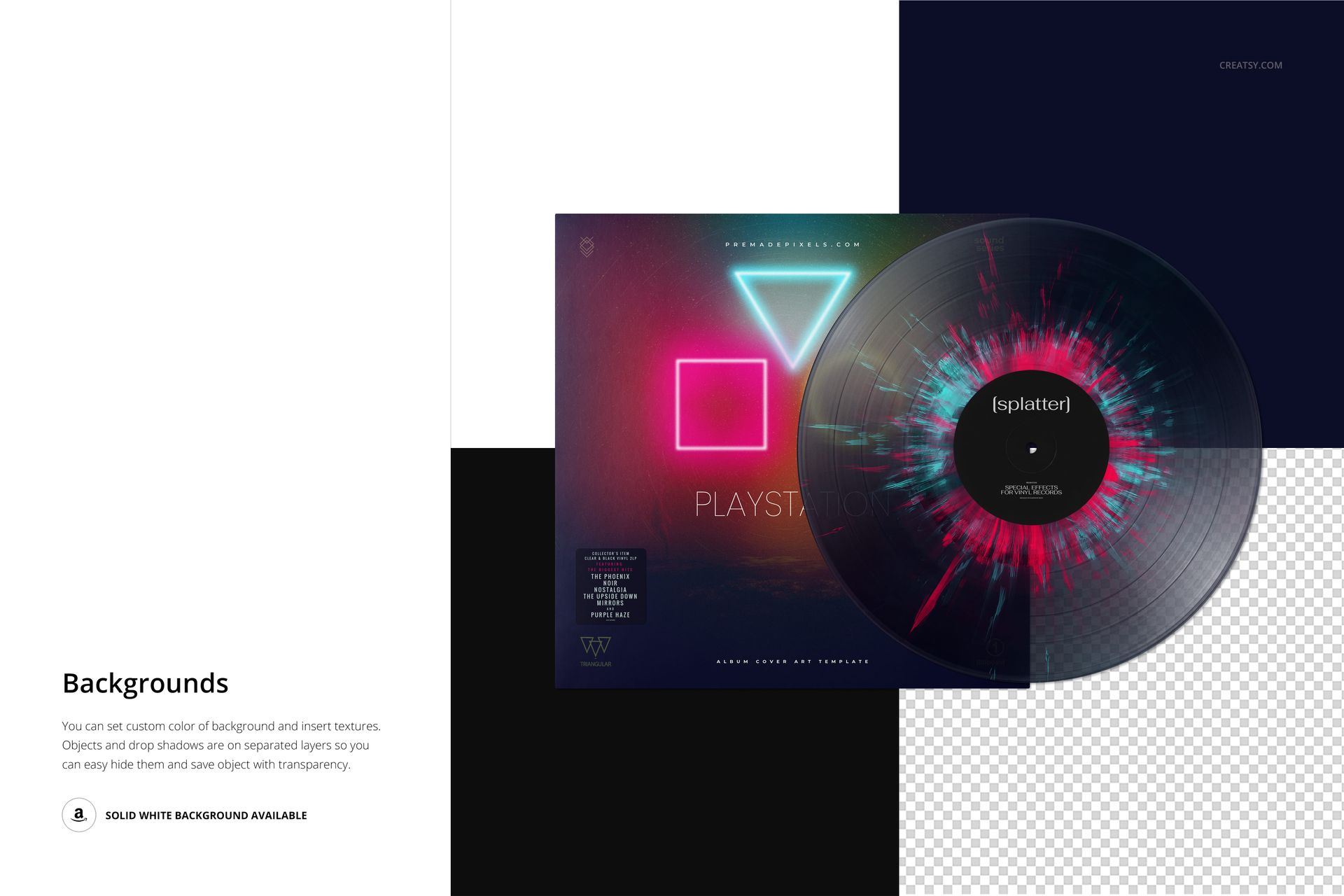
Develop an album presentation around a compact, fine-streaked splatter effect. In v.4, irregular color marks cluster around the center label and extend into the grooved disc surface. The record overlaps its square cover, letting you show a distinctive vinyl treatment alongside the sleeve artwork in one coordinated image.
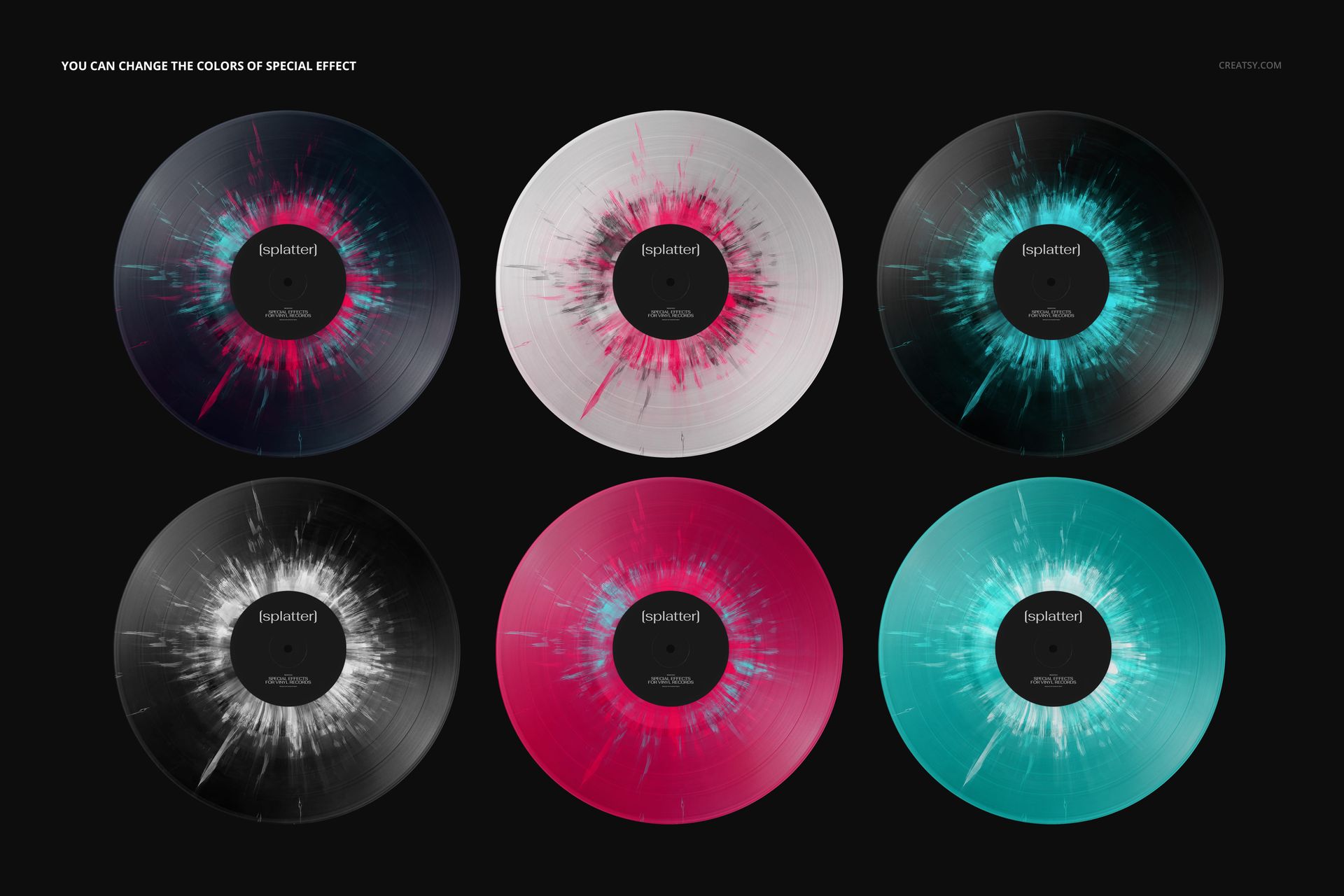
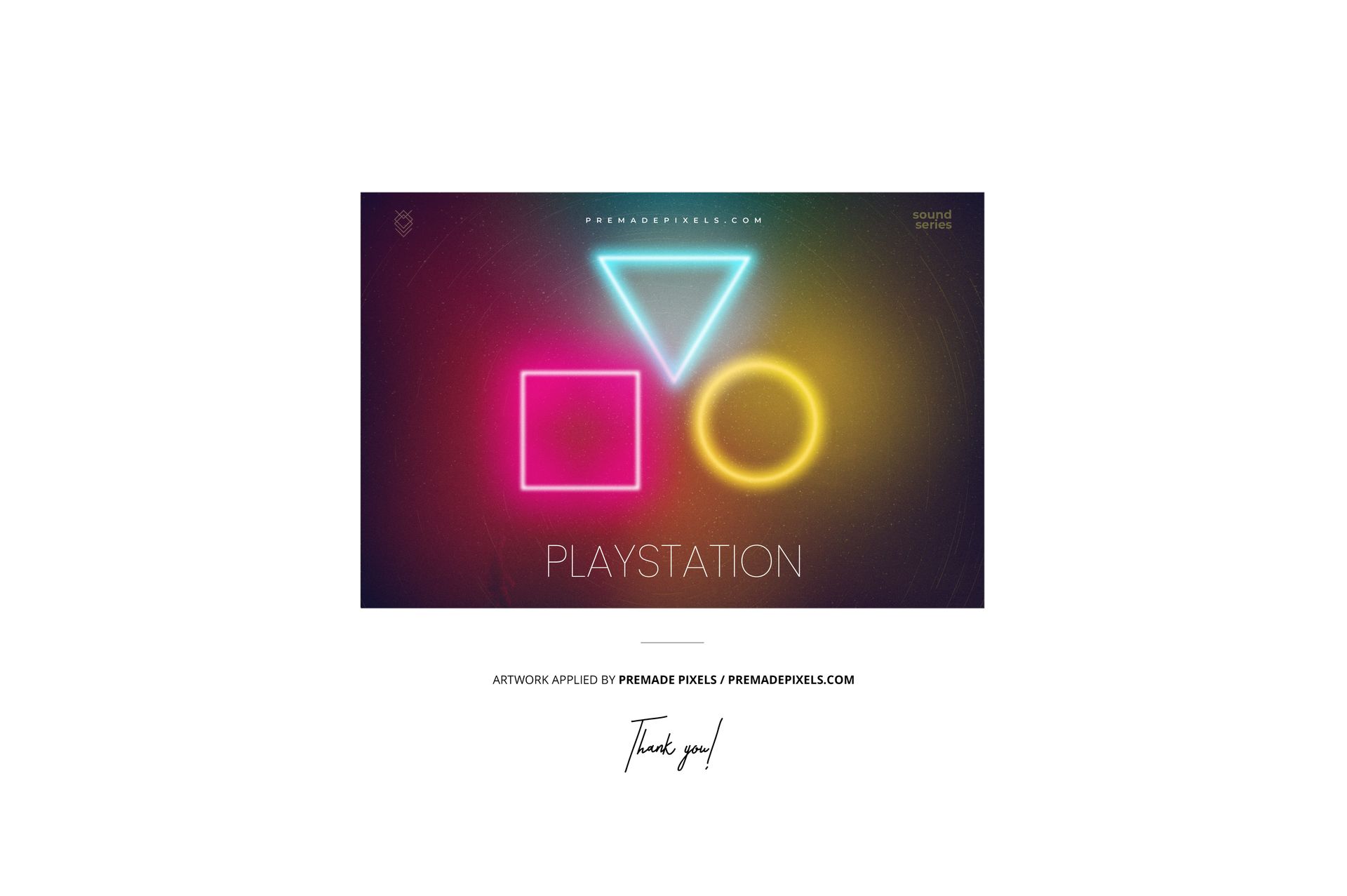
The pink and cyan preview is one color example, not a required style. Recolor the effect to match your release identity, place your own label and cover designs, and choose a background that keeps both surfaces readable. This is a single vinyl record mockup with multiple customization options, not a pack of separate colorway files.
What's Included
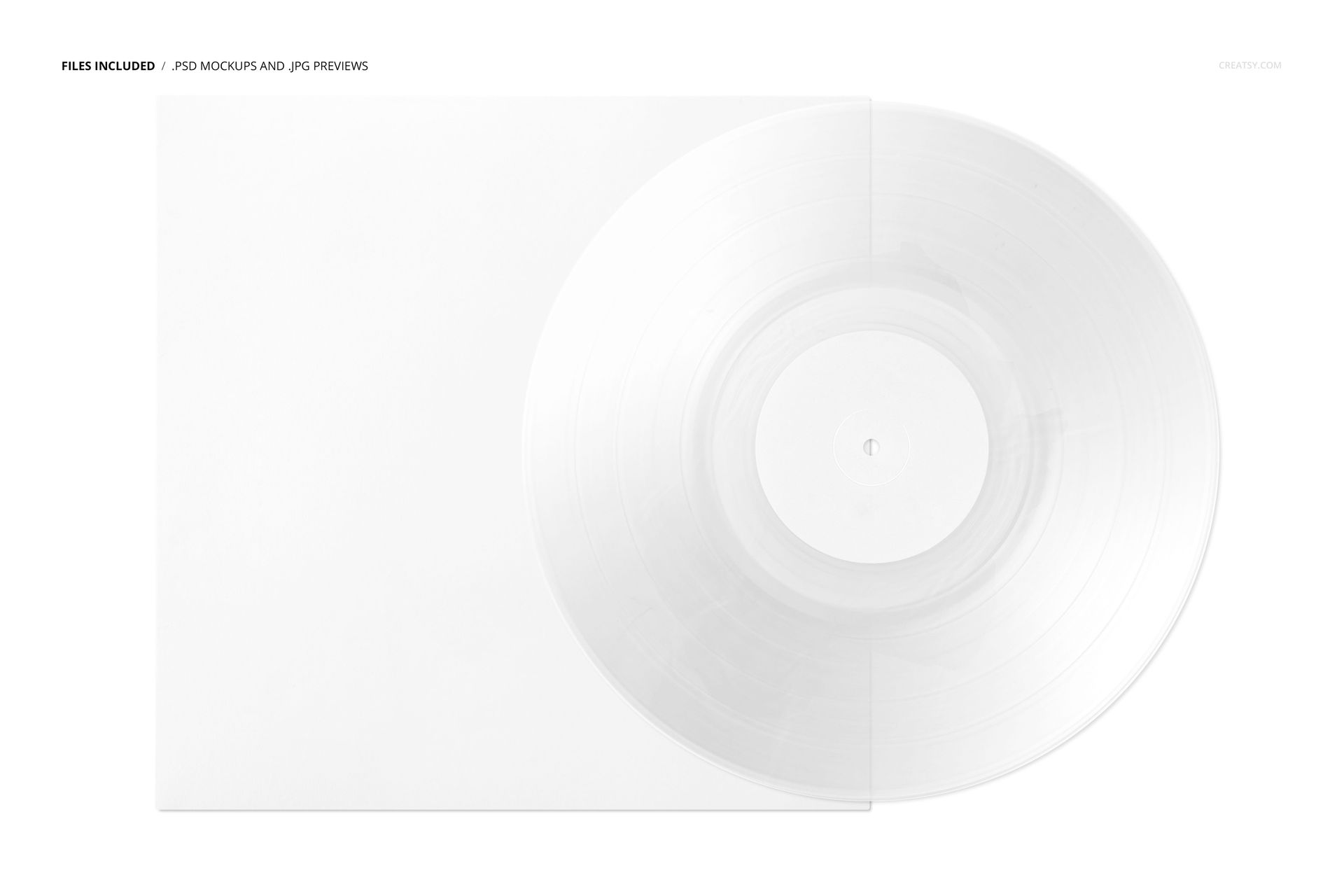
1 layered PSD, 6000 × 4000 px at 300 DPI, with well-organized layers.
1 JPG reference preview, a PDF user manual and 6 OTF font files from the Oswald family.
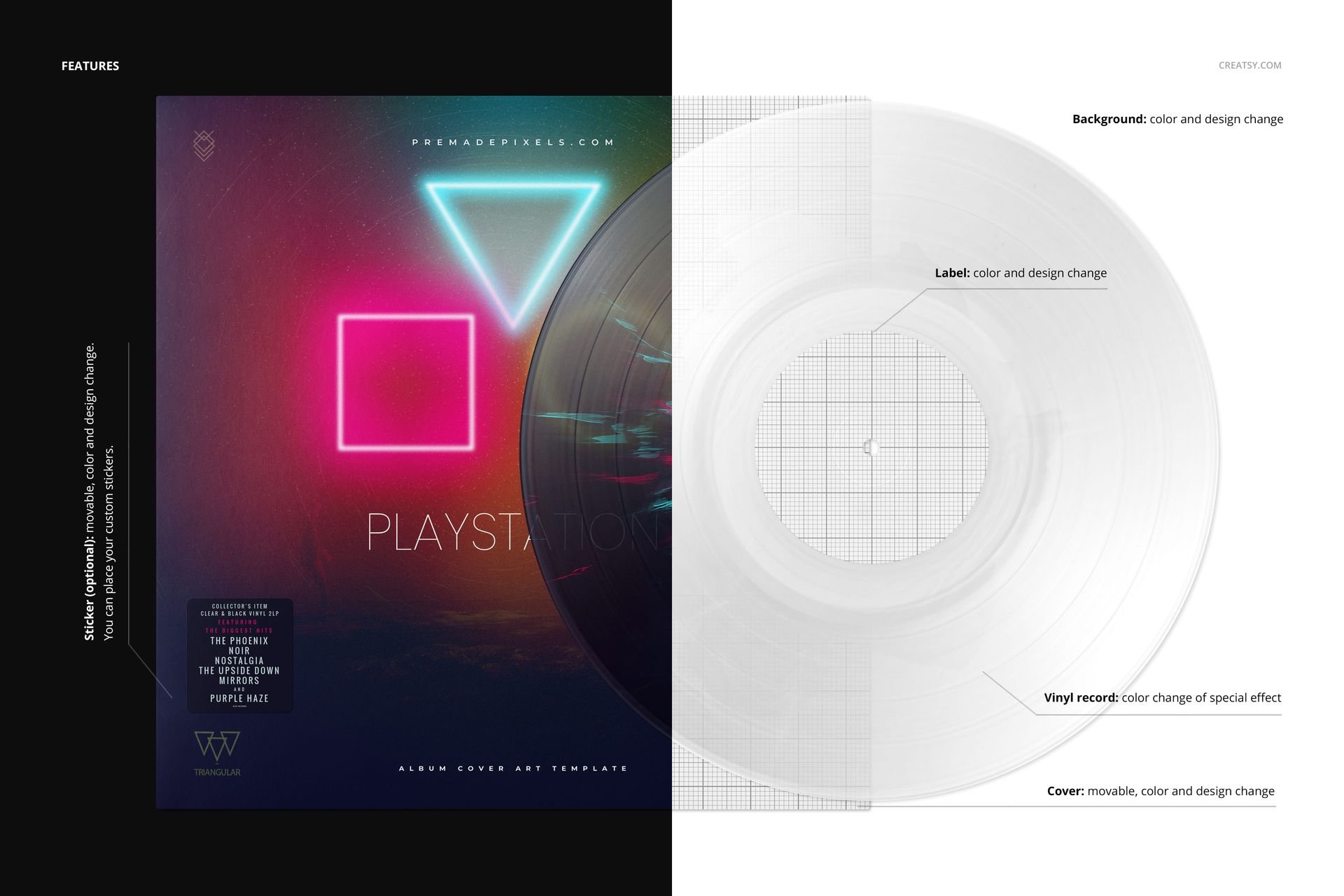
Editable vinyl effect colors, plus center-label color and design replacement.
A movable cover with color and artwork controls, and an optional movable sticker with editable color and design.
Customizable background color and design for building a consistent presentation.
Support for Adobe Photoshop CC2020 or later and the free online editor Photopea.
Perfect For
Use v.4 for electronic music packaging concepts, special-edition proposals, label portfolios and release announcements. The finer radial marks provide a useful contrast to clean typography or geometric sleeve artwork while keeping the circular label central to the composition.
Open the PSD, update the artwork Smart Objects, save them and refine the effect colors. Review the scene at the size your audience will actually see. Check the supplied font usage terms before applying them to a project. This is a digital visualization, not a physical record or production template. The example artwork is not included.