Marbled Effect Vinyl Record & Cover v.9 Mockup
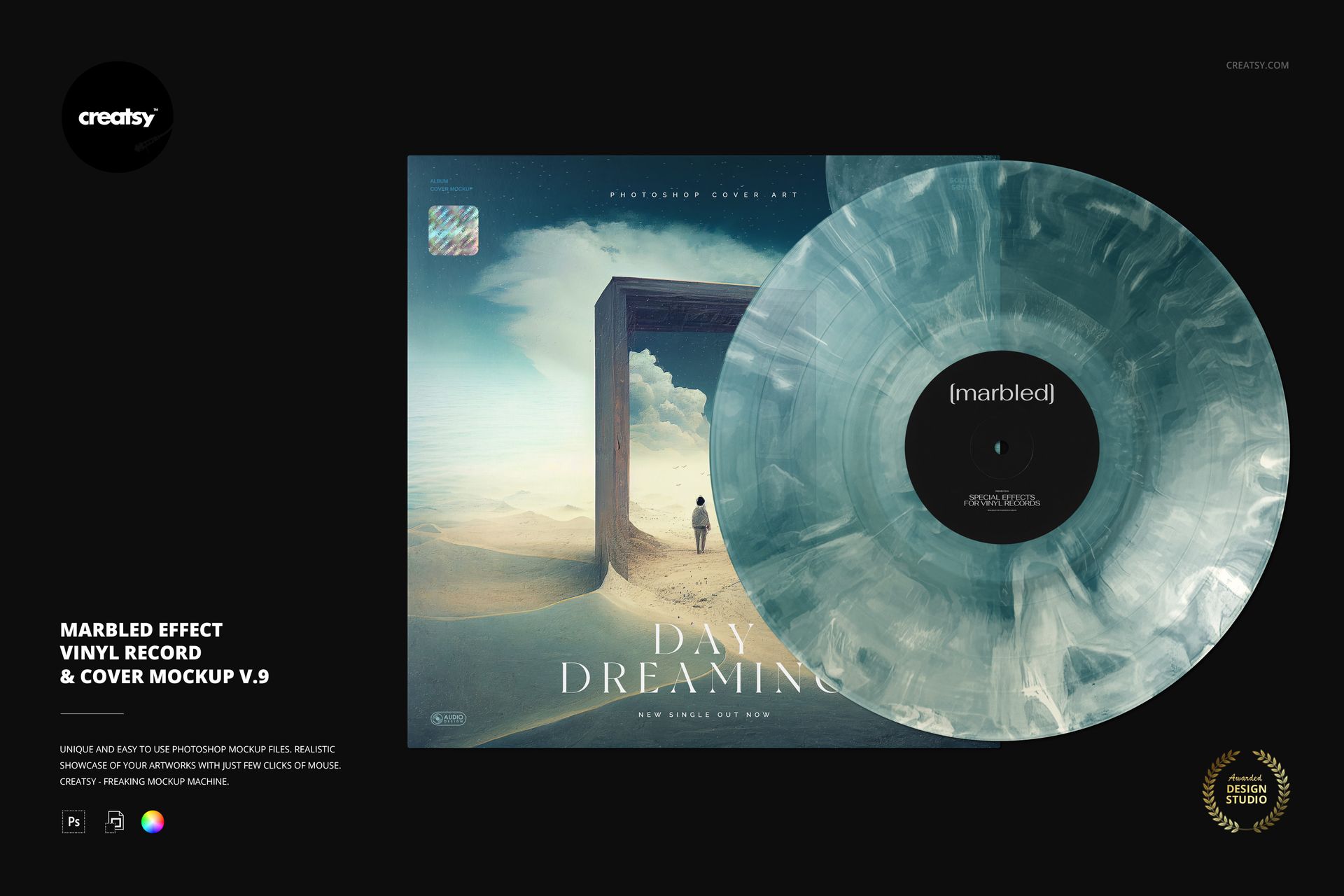
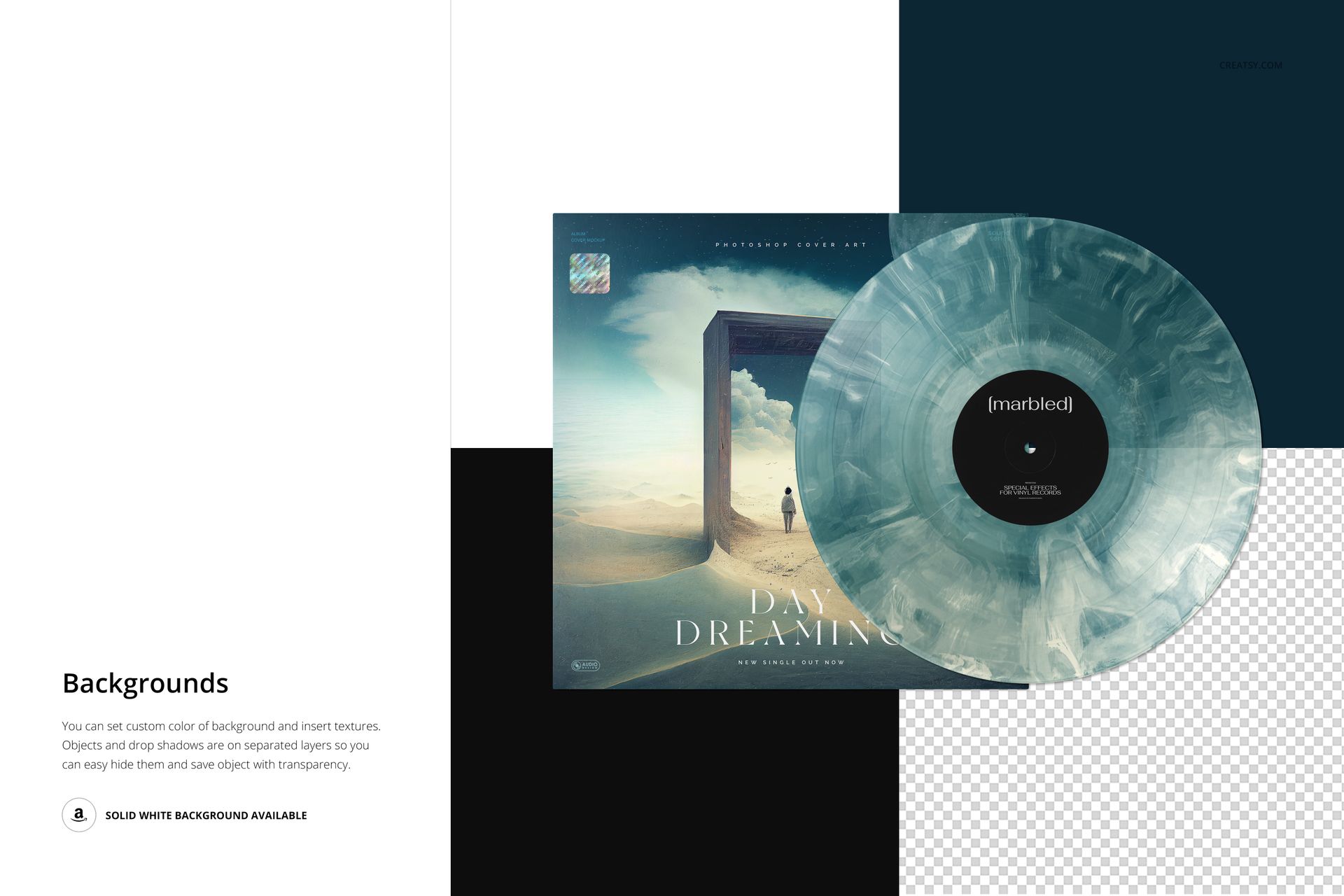
Flowing bands of light and dark give this vinyl a marbled appearance, presented beside an overlapping album cover. The v.9 scene lets you connect an organic disc treatment with your own sleeve image, center-label design and release branding.
Rather than showing the record alone, the composition places the effect in context. You can compare a tonal palette with a more pronounced contrast and see whether the marbling complements the cover’s shapes, colors and typography.
What Is Included
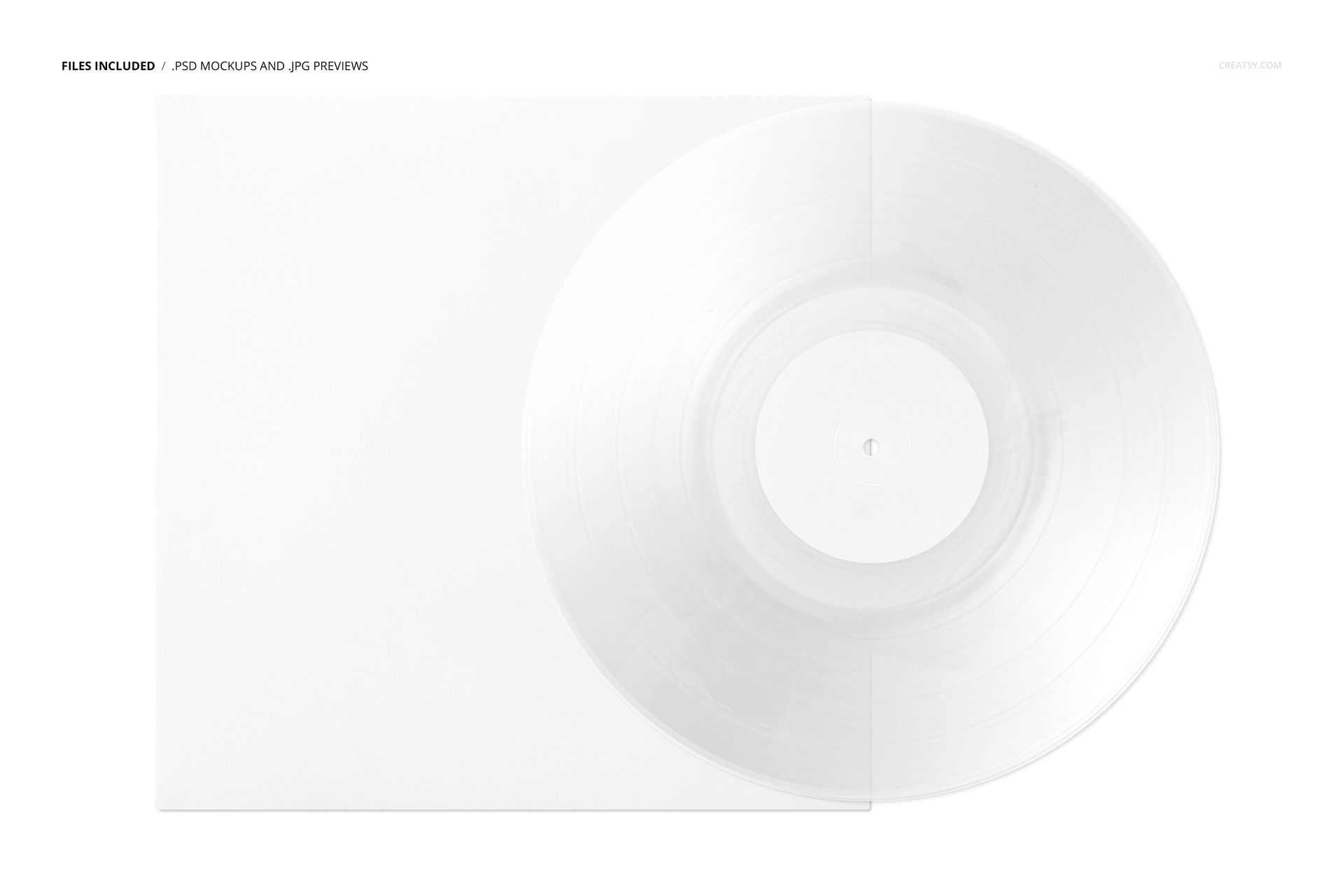
1 layered PSD mockup featuring one vinyl record and cover.
6000 × 4000 px landscape scene at 300 DPI.
1 JPG reference preview and 1 PDF user manual, with 3 archive files in total.
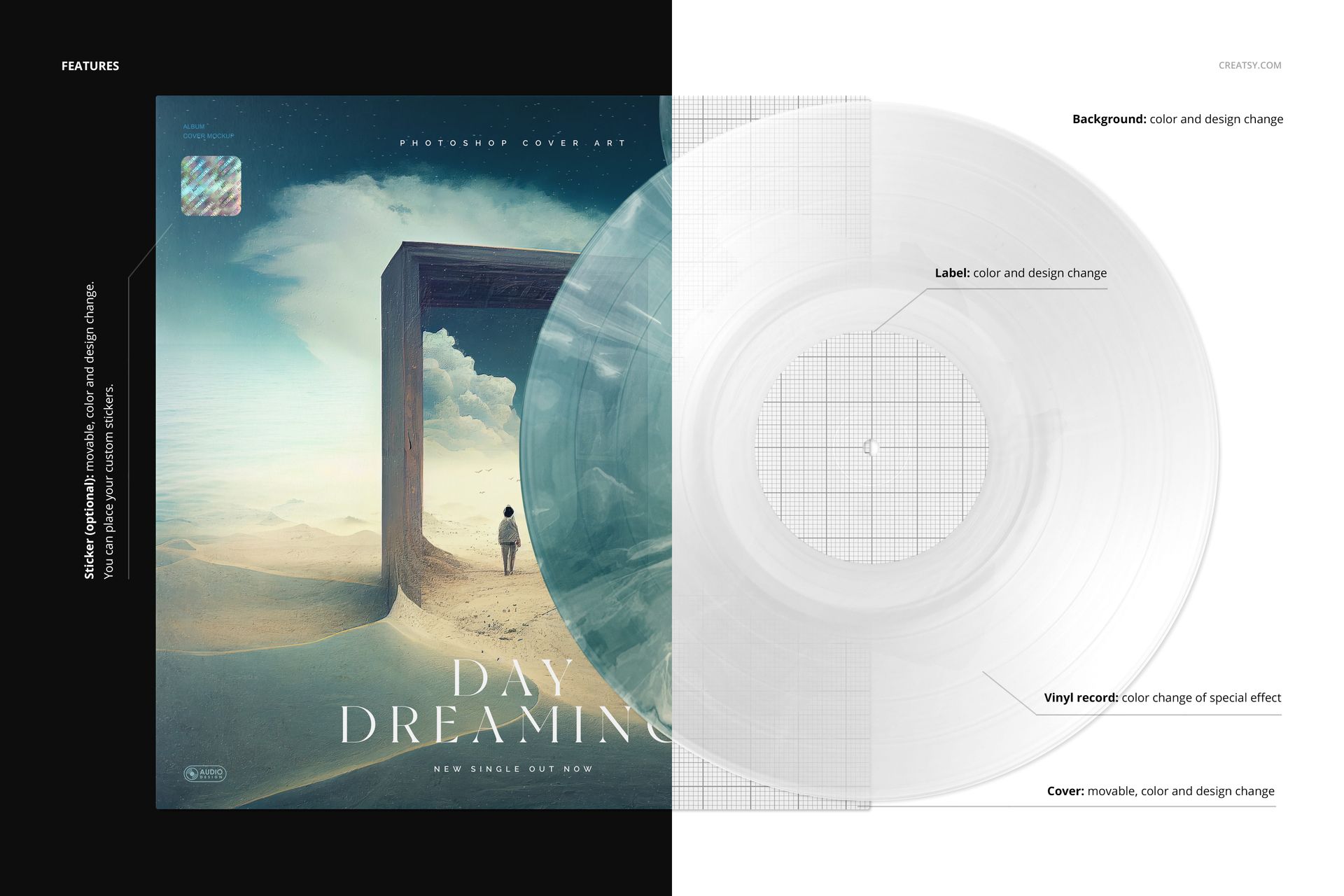
Editable label and cover artwork, special-effect colors and background.
A movable cover and an optional movable sticker with editable color and design.
An Organic Counterpoint to Graphic Artwork
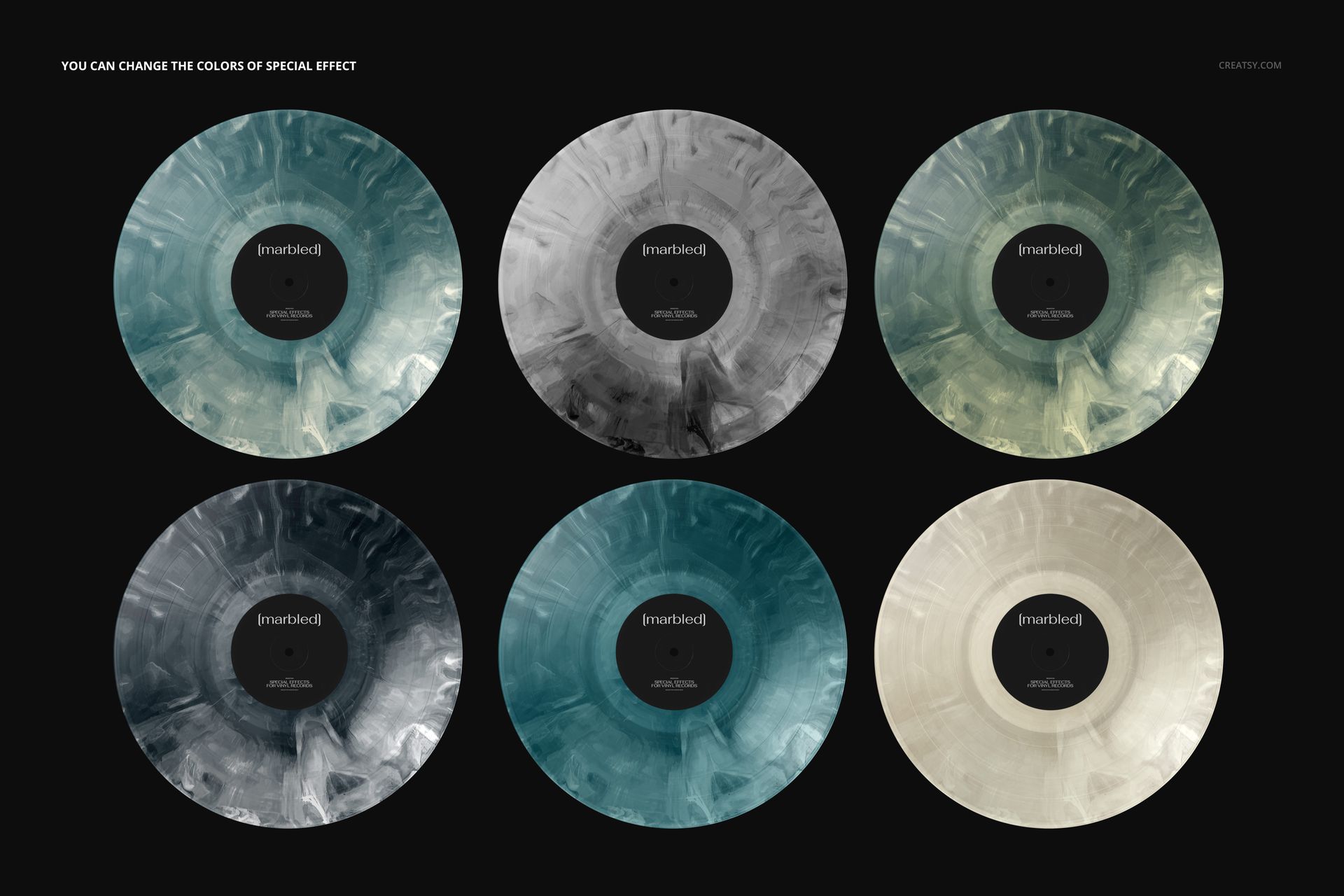
The flowing marbled texture can provide contrast to geometric layouts or echo an illustrative cover. Try the same artwork with different effect colors before choosing the balance you want. The gallery shows color examples of one PSD scene.
Easy Smart Object Editing
Replace the artwork through Smart Objects, then use the organized layers to refine the palette and composition. Compatible with Adobe Photoshop CC2020 or newer and Photopea.
Perfect For
Album designers, independent music labels and musicians preparing marbled-edition proposals, release visuals or portfolio images. This digital download does not include a physical record, fonts or the sample cover artwork.