Splatter Effect Vinyl Record & Cover v.10 Mockup
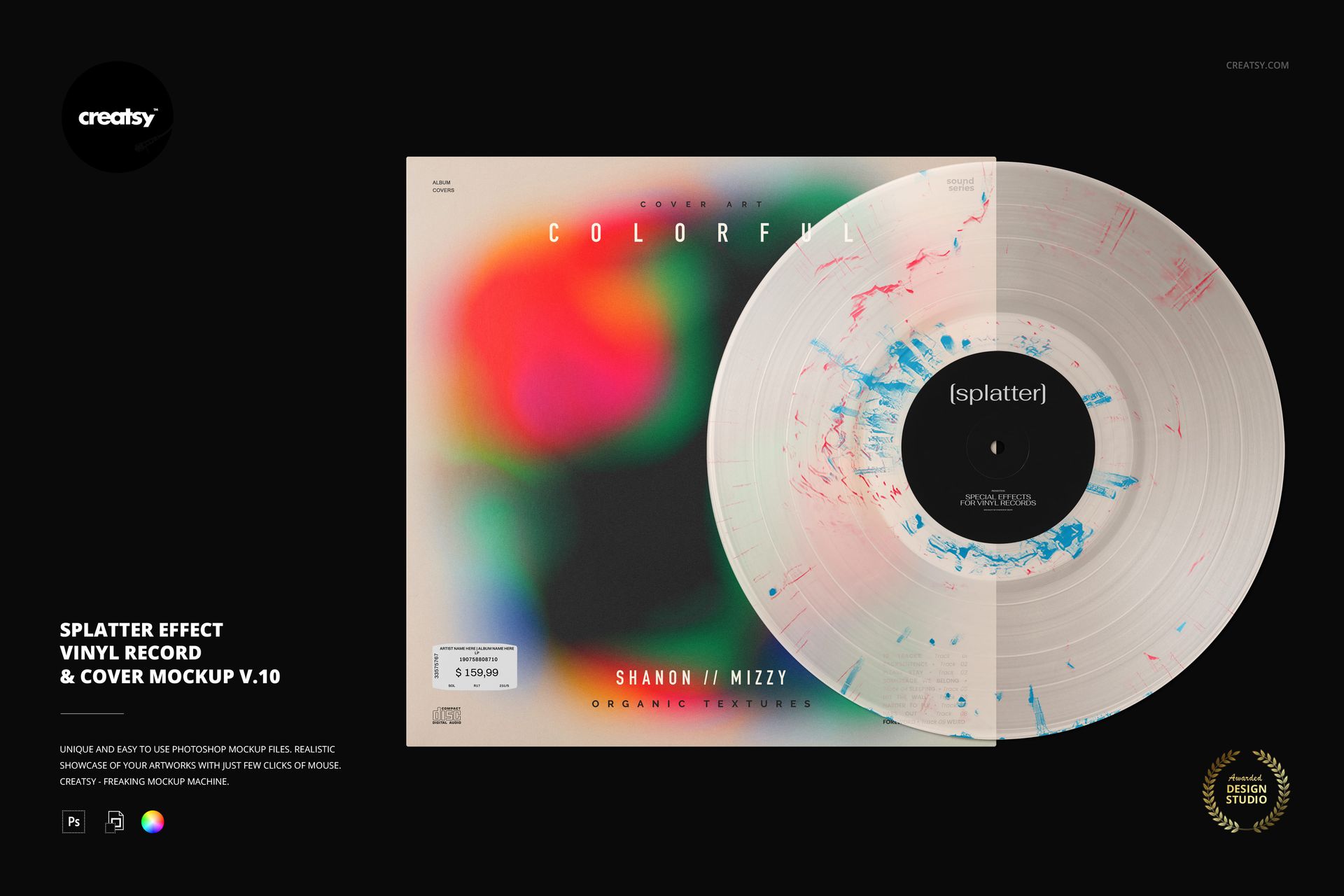
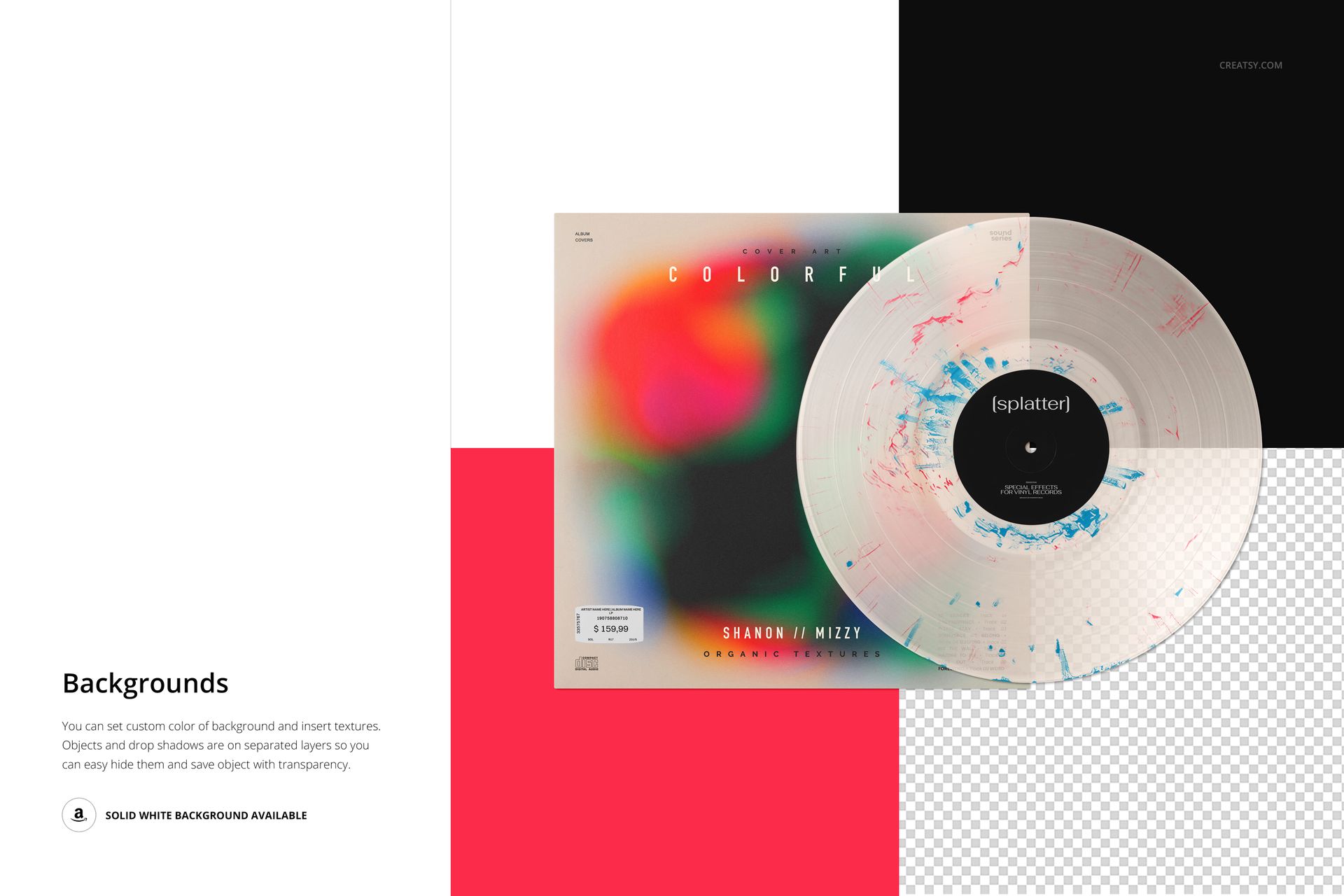
Scattered flecks and broken streaks leave room for the grooves and base color to show through. Splatter v.10 presents this lighter, more dispersed effect beside an editable album cover, with the full record facing the viewer and overlapping the sleeve.
Use this vinyl record mockup to test small color accents against bold artwork, subtle gradients or a minimal cover. The restrained distribution helps you compare the record and packaging without turning the entire disc into a solid block of color.
What Is Included
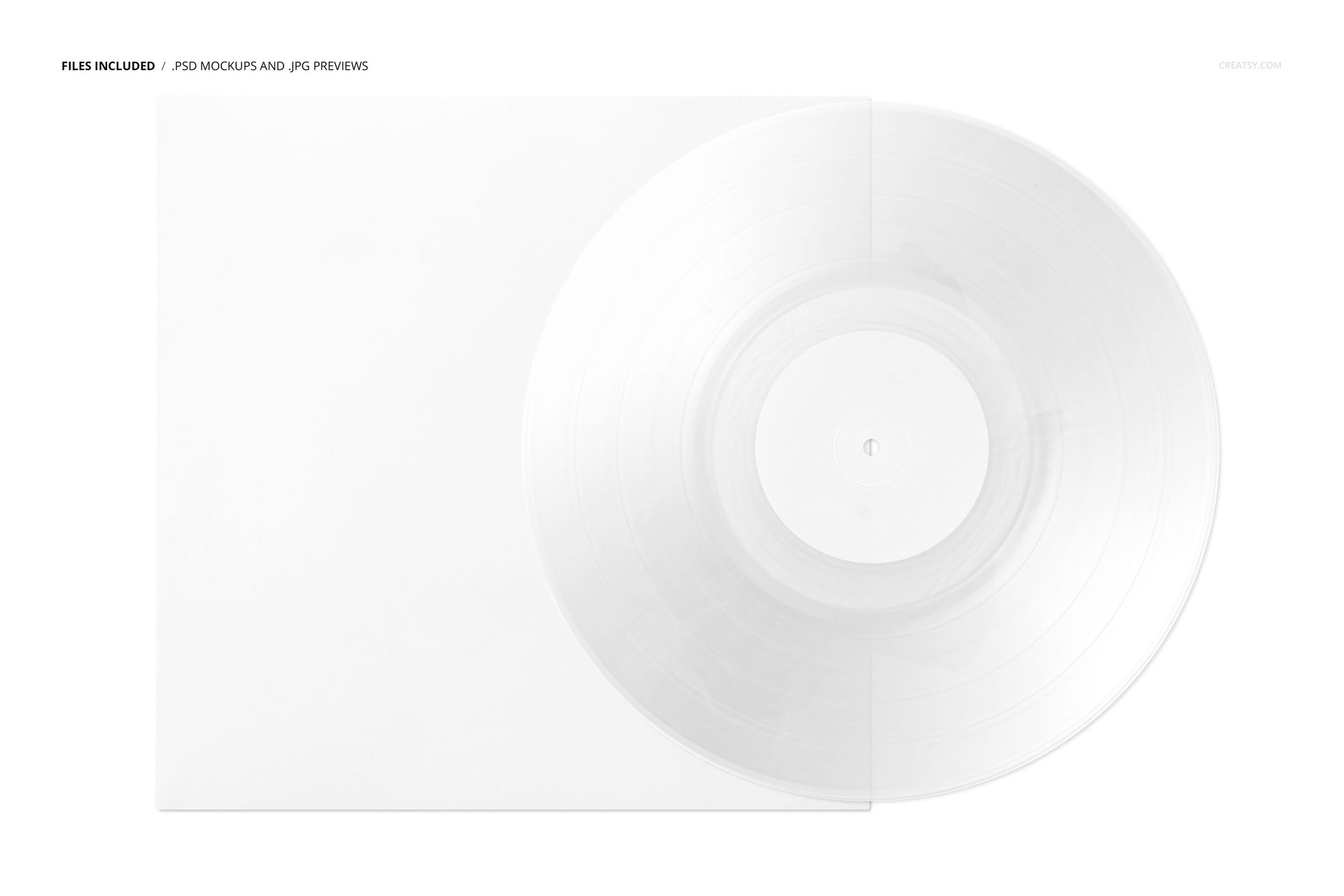
1 landscape PSD scene at 6000 × 4000 px and 300 DPI.
1 JPG thumbnail preview and 8 Switzer OTF font files, 10 files total.
Editing in Adobe Photoshop CC2020 or newer and Photopea.
Coordinate Flecks, Label and Sleeve
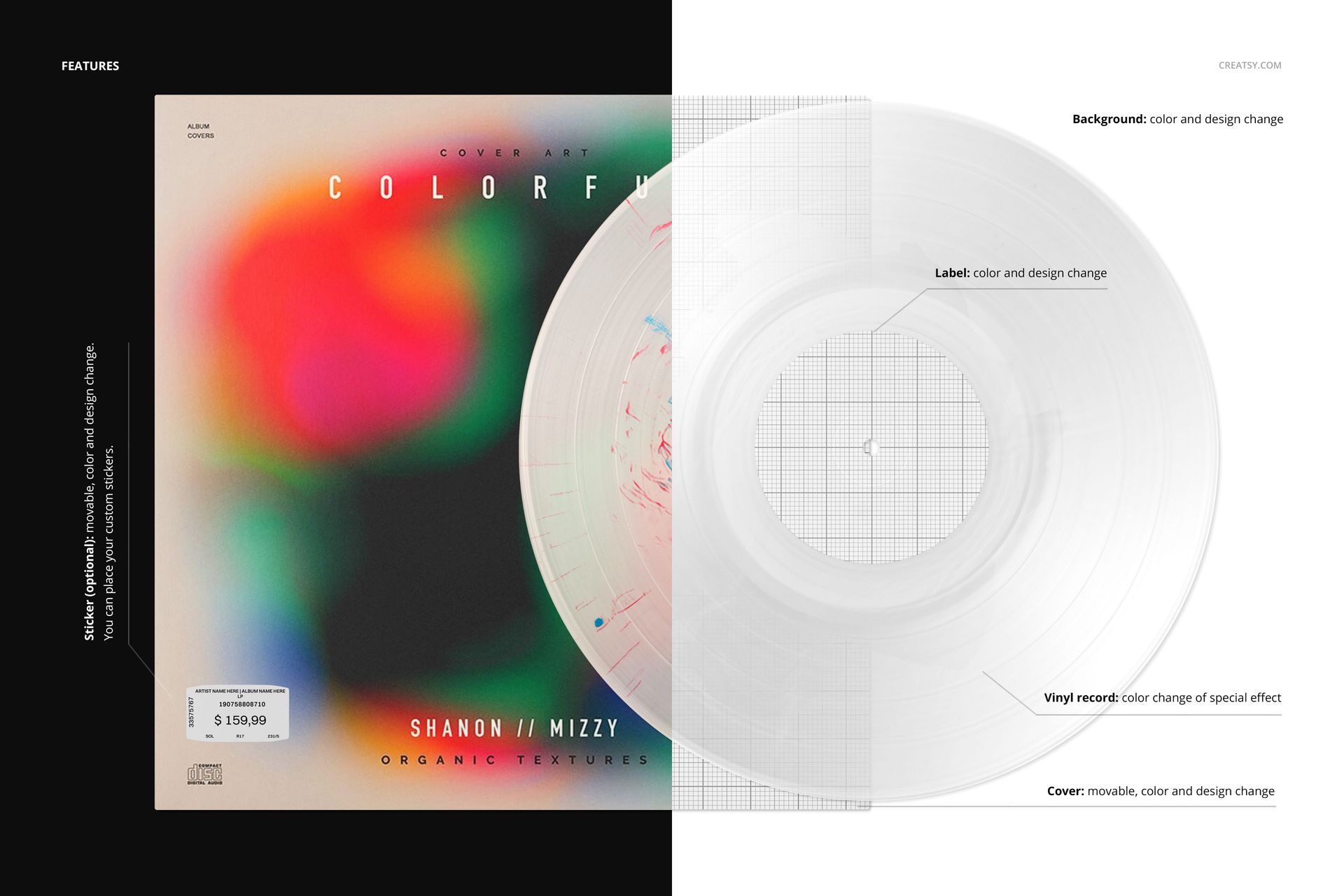
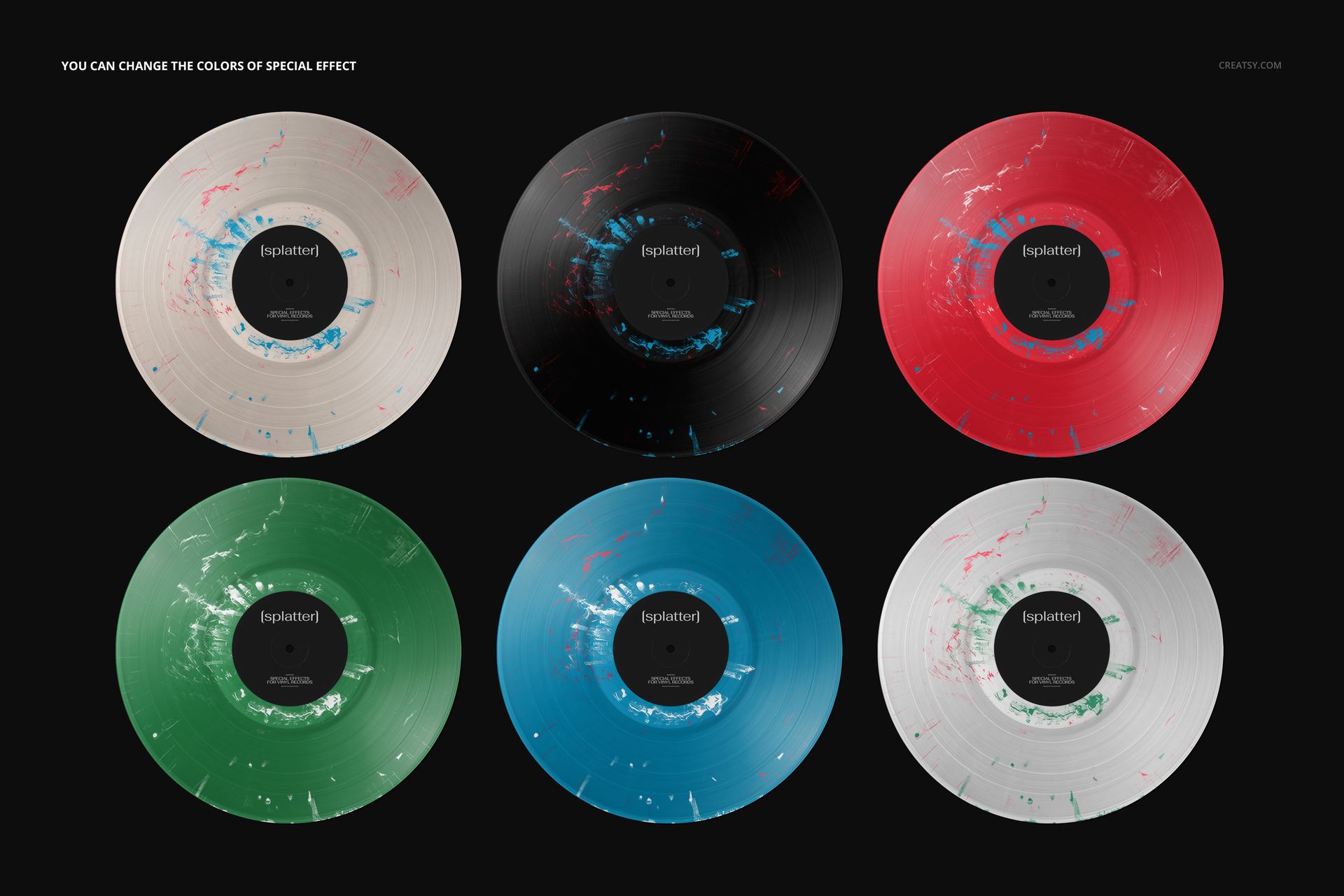
Change the special-effect colors, customize the label color and design, and replace the cover artwork and color. Reposition the cover or use the optional movable sticker with your own design. The background accepts custom colors and textures; objects and drop shadows are separated for presentations with transparency.
A Smart Object Workflow
Insert your artwork into the appropriate Smart Objects, save the changes and review the result in the full scene. Organized layers make it easier to compare a pale record with contrasting flecks against a darker color treatment while keeping the same cover.
Suitable for album-design approvals, independent-label campaigns and music-branding portfolios. This is a digital mockup; physical records and the preview artwork are not included.