Marbled Effect Vinyl Record & Cover v.5 Mockup
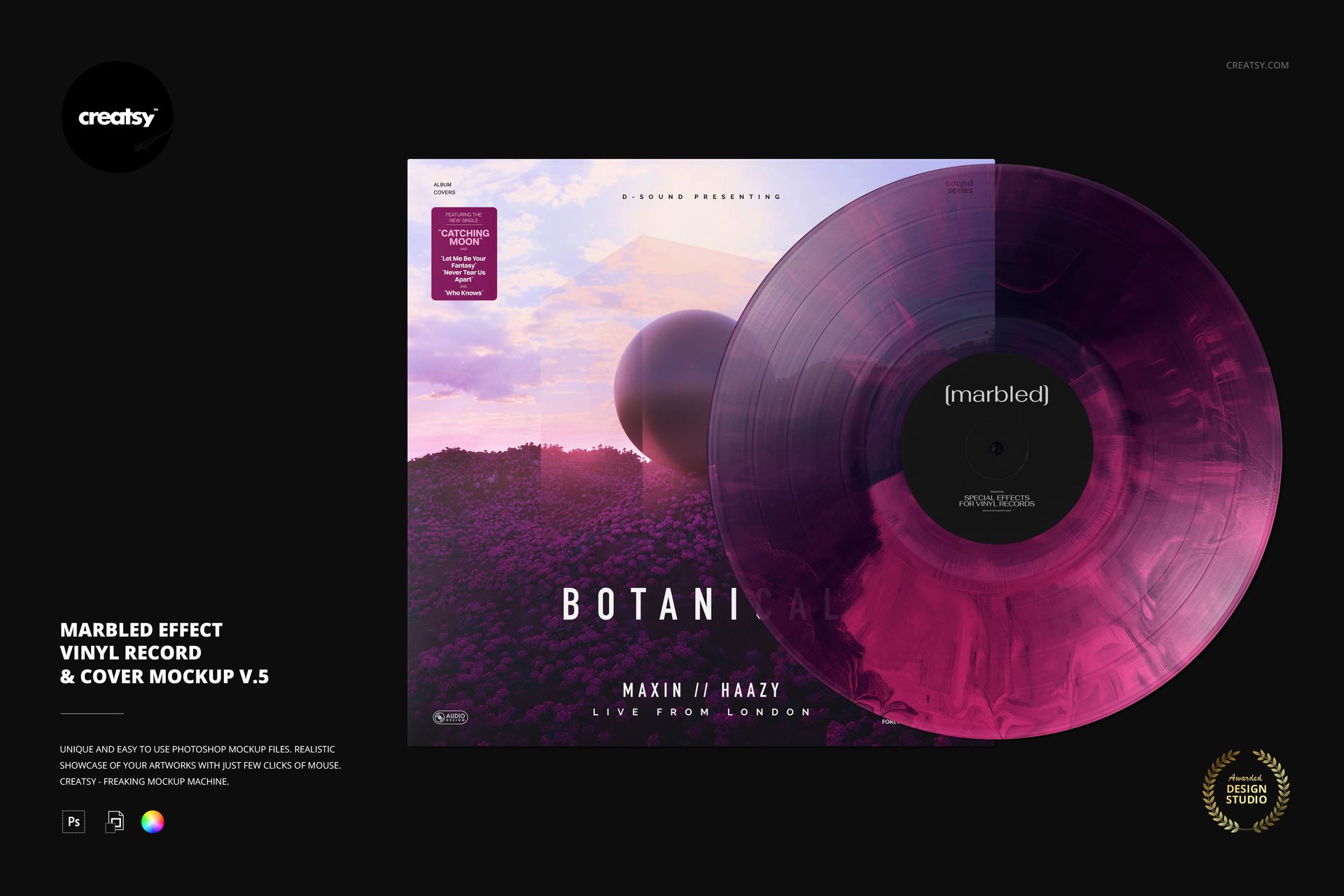
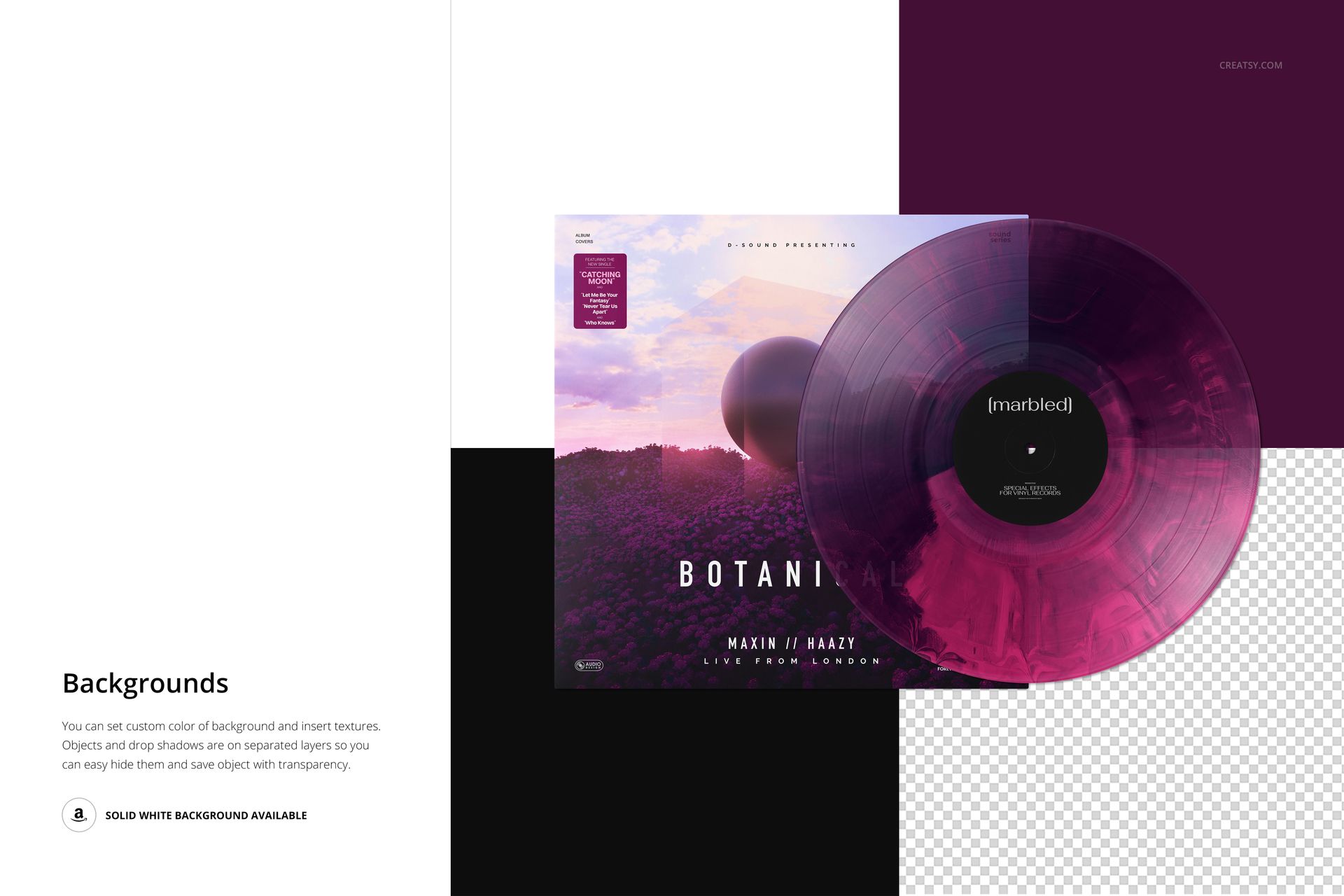
Soft, billowing marbling gives this vinyl record and cover presentation a different rhythm from sharply divided color effects. Version 5 places the disc beside overlapping album artwork, making it useful for comparing a fluid pressing concept with the imagery that inspired it.
What Is Included
1 layered PSD mockup, 6000 × 4000 px at 300 DPI, in landscape orientation.
1 JPG reference preview and 1 PDF user manual.
8 Switzer OTF font files, bringing the archive to 11 files in total.
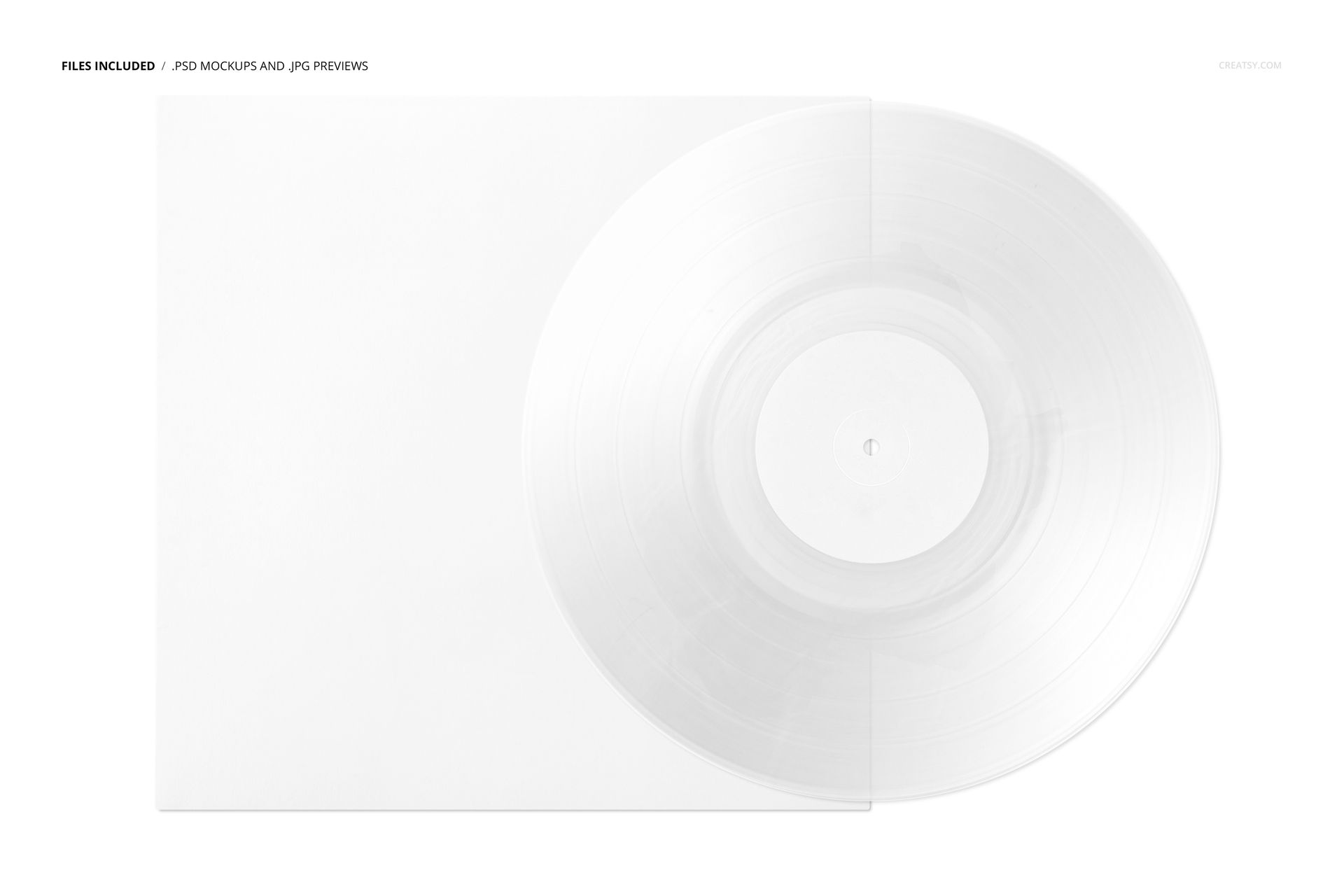
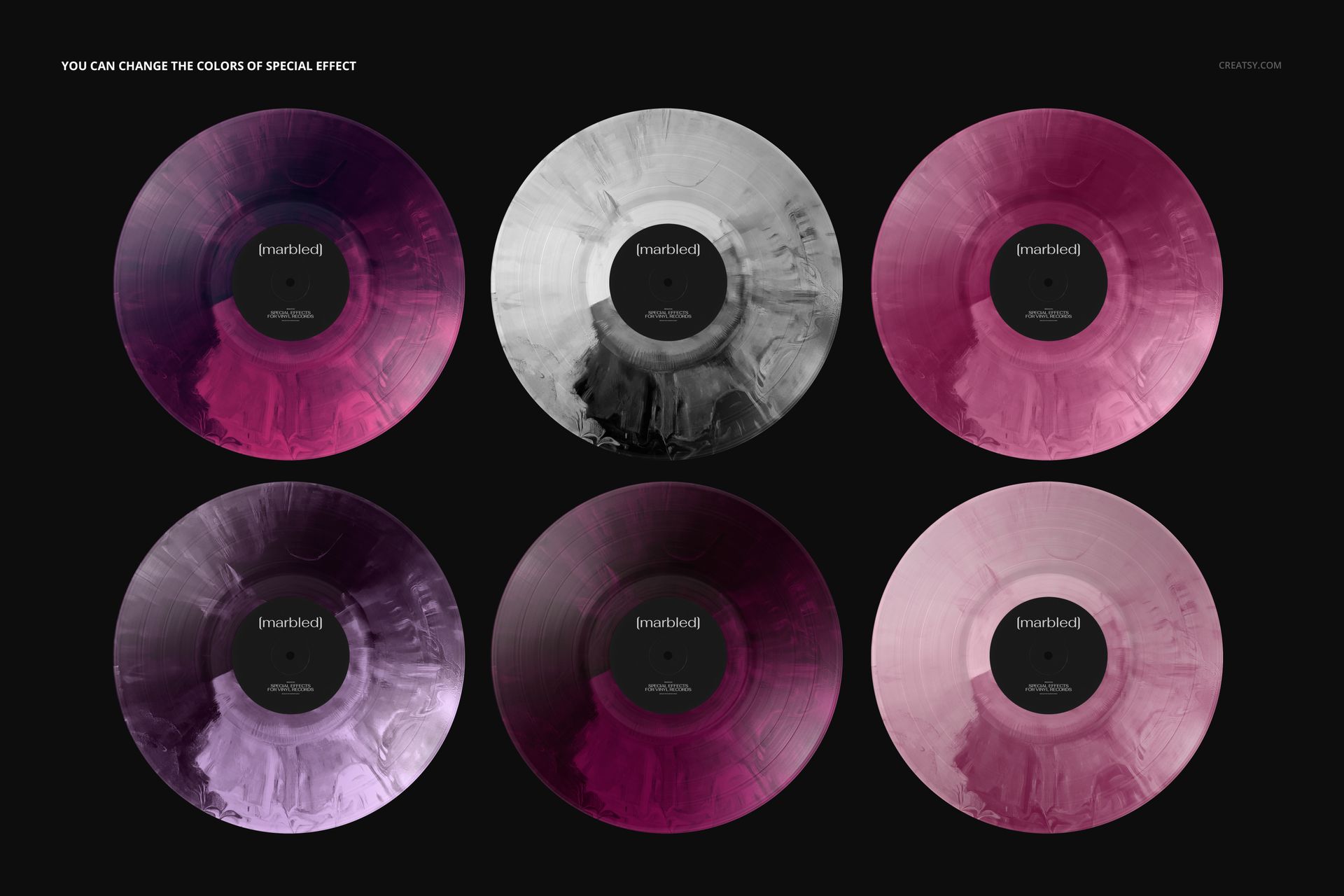
One editable record-and-cover composition; the gallery colorways demonstrate variations of the same scene.
Let the Cover Set the Palette
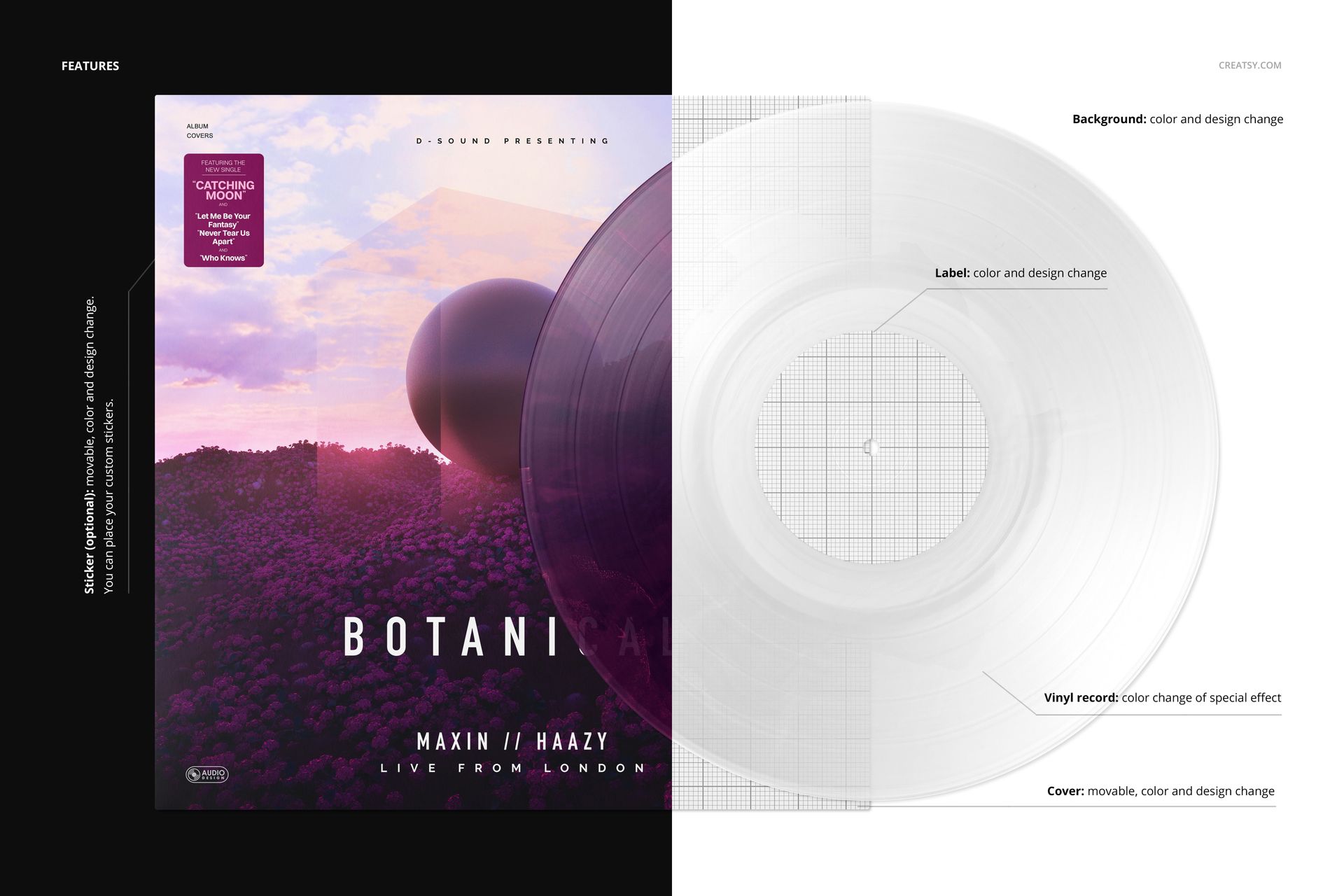
Change the colors of the marbled effect, customize the center label and cover, and choose a background color or design. The cover is movable, and the optional sticker can be moved, recolored or replaced with your own design. Use these controls to give the sleeve and disc a shared visual language without making them identical.
Easy Smart Object Editing
Open the PSD in Adobe Photoshop CC2020 or newer, or Photopea. Replace the artwork in the relevant Smart Objects, save those edits and adjust the available color layers. Well-organized layers keep the presentation easy to revisit when a client requests another palette.
Perfect For
Album designers, independent labels and musicians presenting marbled vinyl editions, release announcements or music-branding portfolios. This is a digital mockup, not a physical record; the sample album artwork is not included.