Smoke Effect Vinyl Record & Cover v.3 Mockup
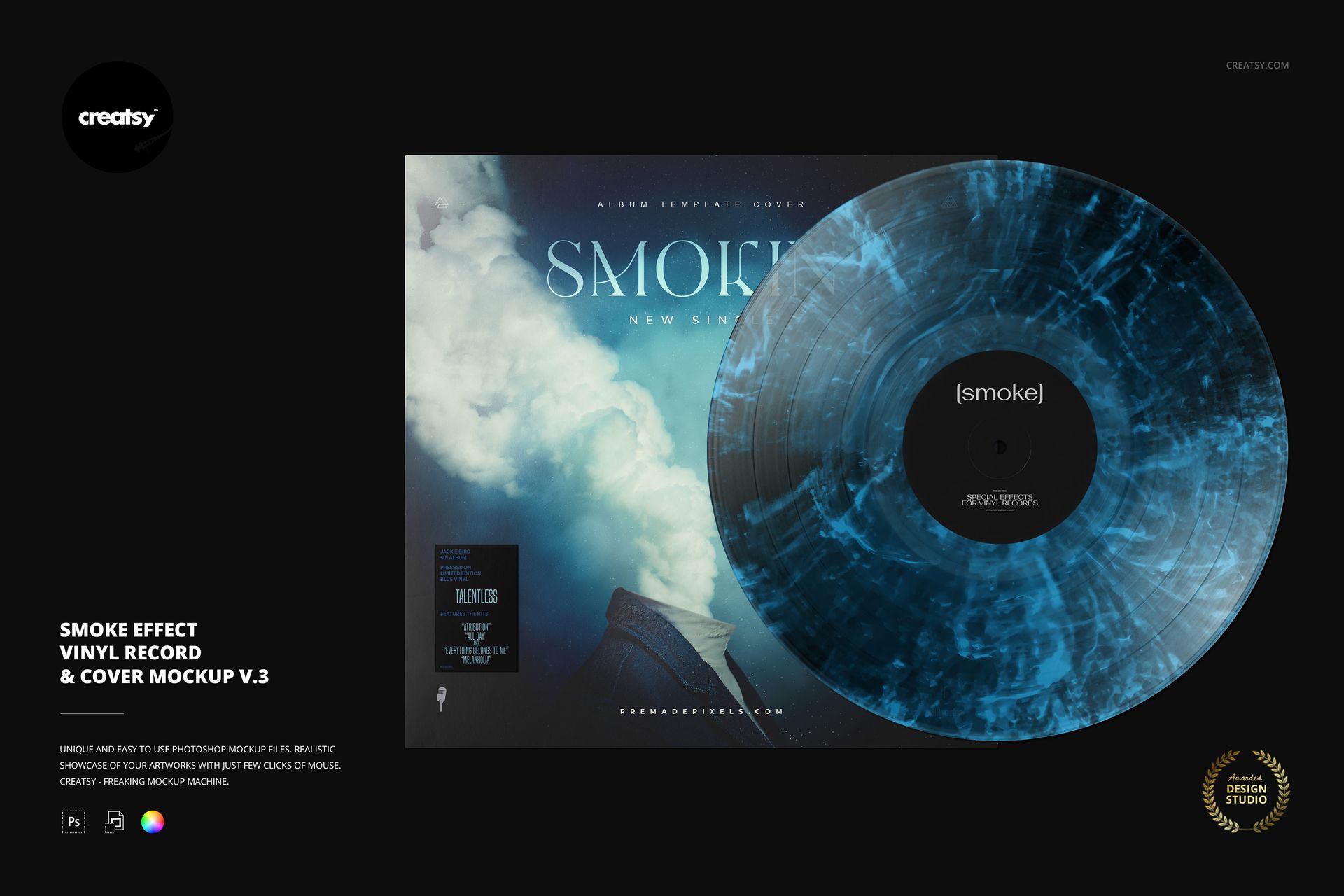
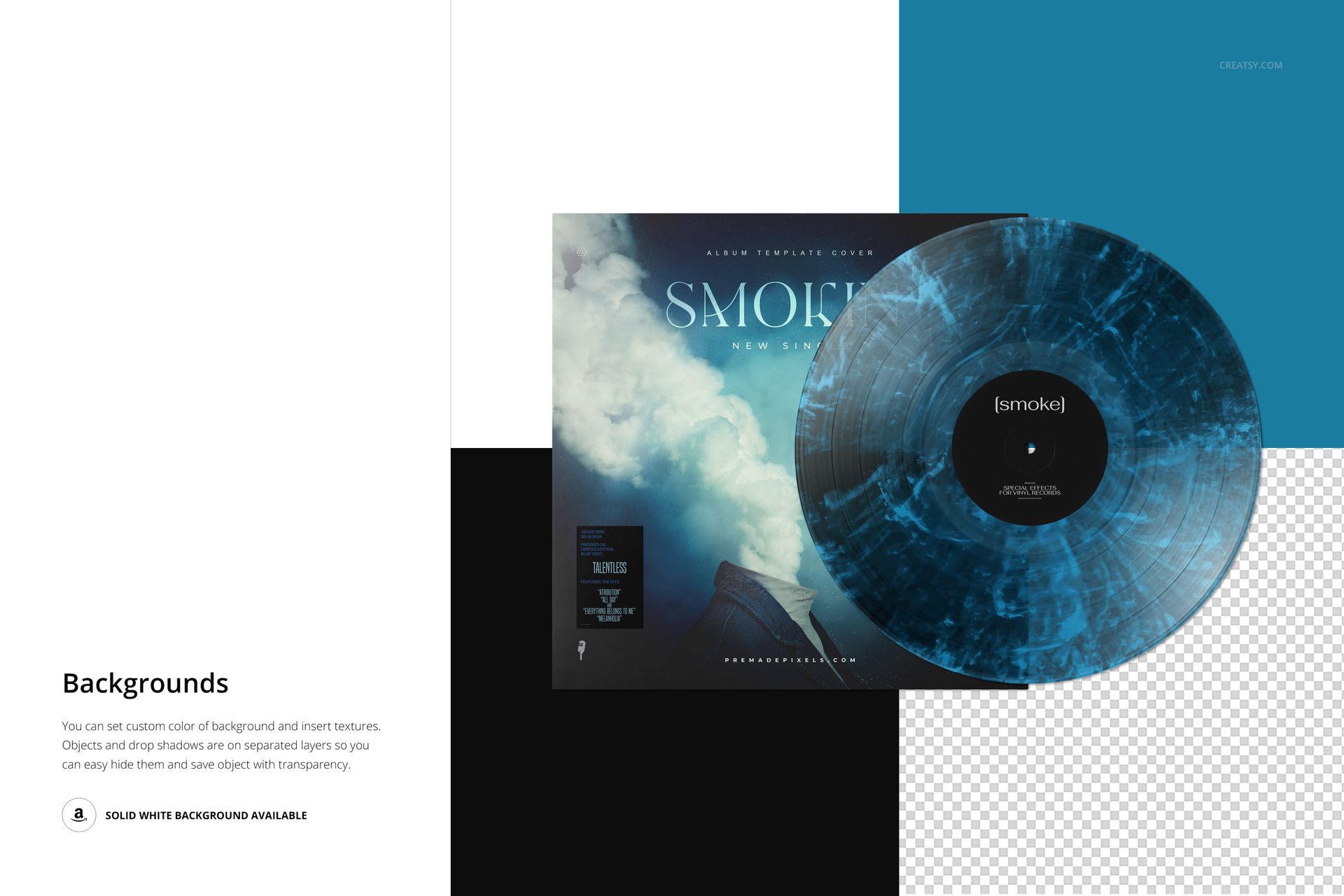
Wispy, branching marks run through the smoky vinyl surface in this v.3 record-and-cover scene. Its fine, irregular texture offers an atmospheric way to present an album without relying on solid color blocks or scattered splatter dots.
The record overlaps the sleeve, making the center label, disc treatment and cover artwork visible together. Use that relationship to test whether a detailed sleeve needs a restrained vinyl palette or a stronger accent picked from the artwork.
What Is Included
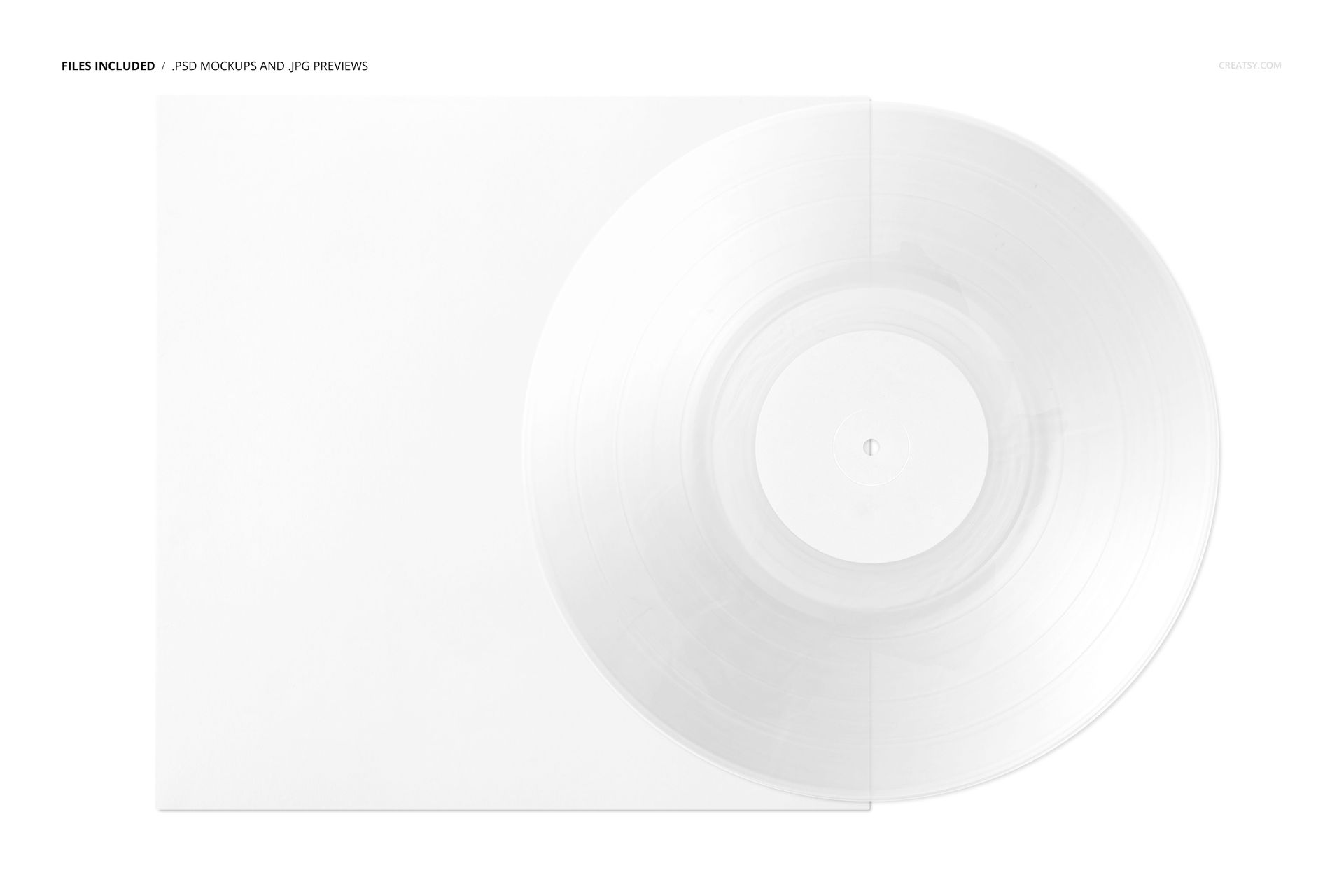
1 layered PSD mockup featuring one vinyl record and album cover.
6000 × 4000 px landscape scene at 300 DPI.
1 JPG reference preview and 1 PDF user manual.
18 OTF font files from the Built Titling and Switzer families.
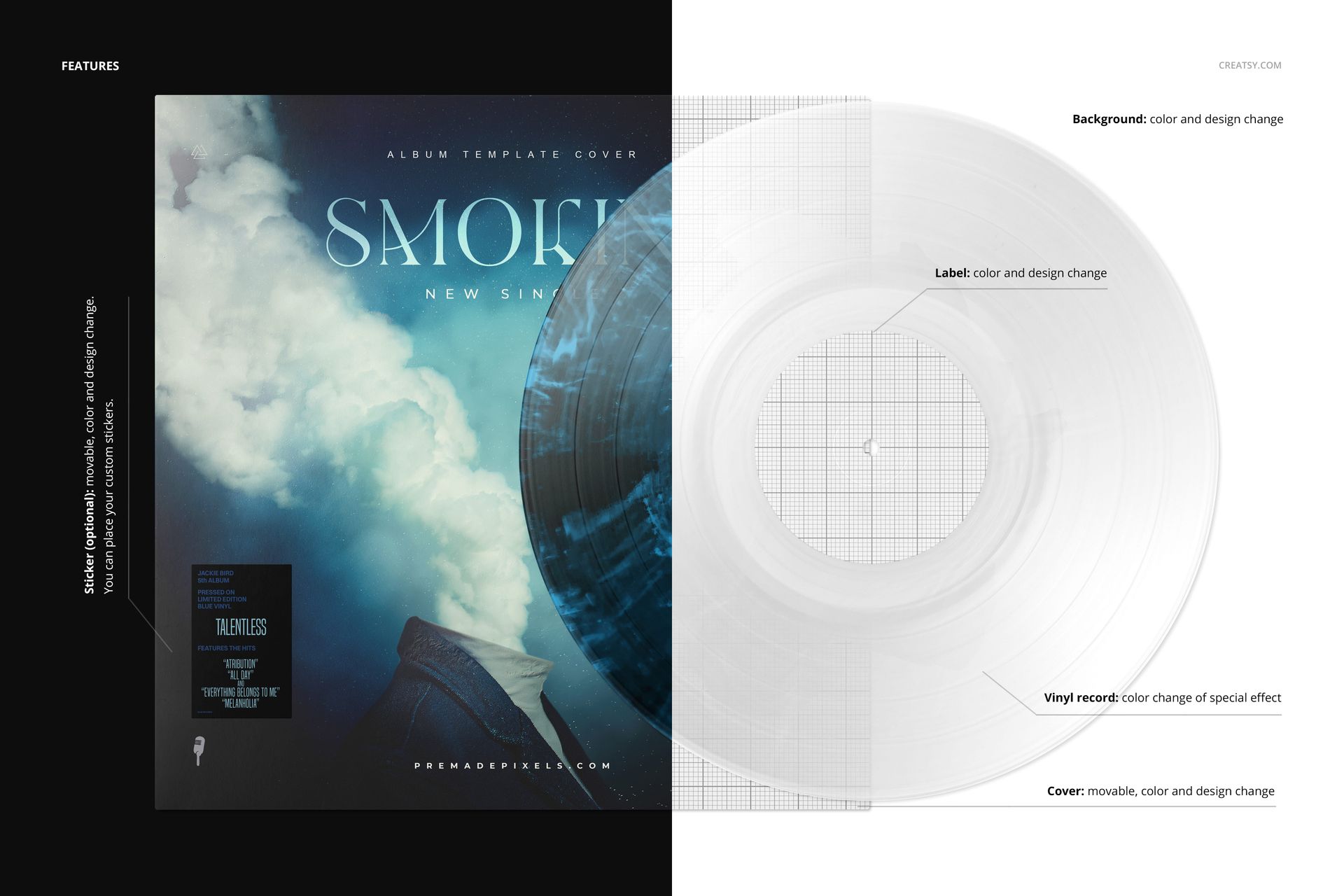
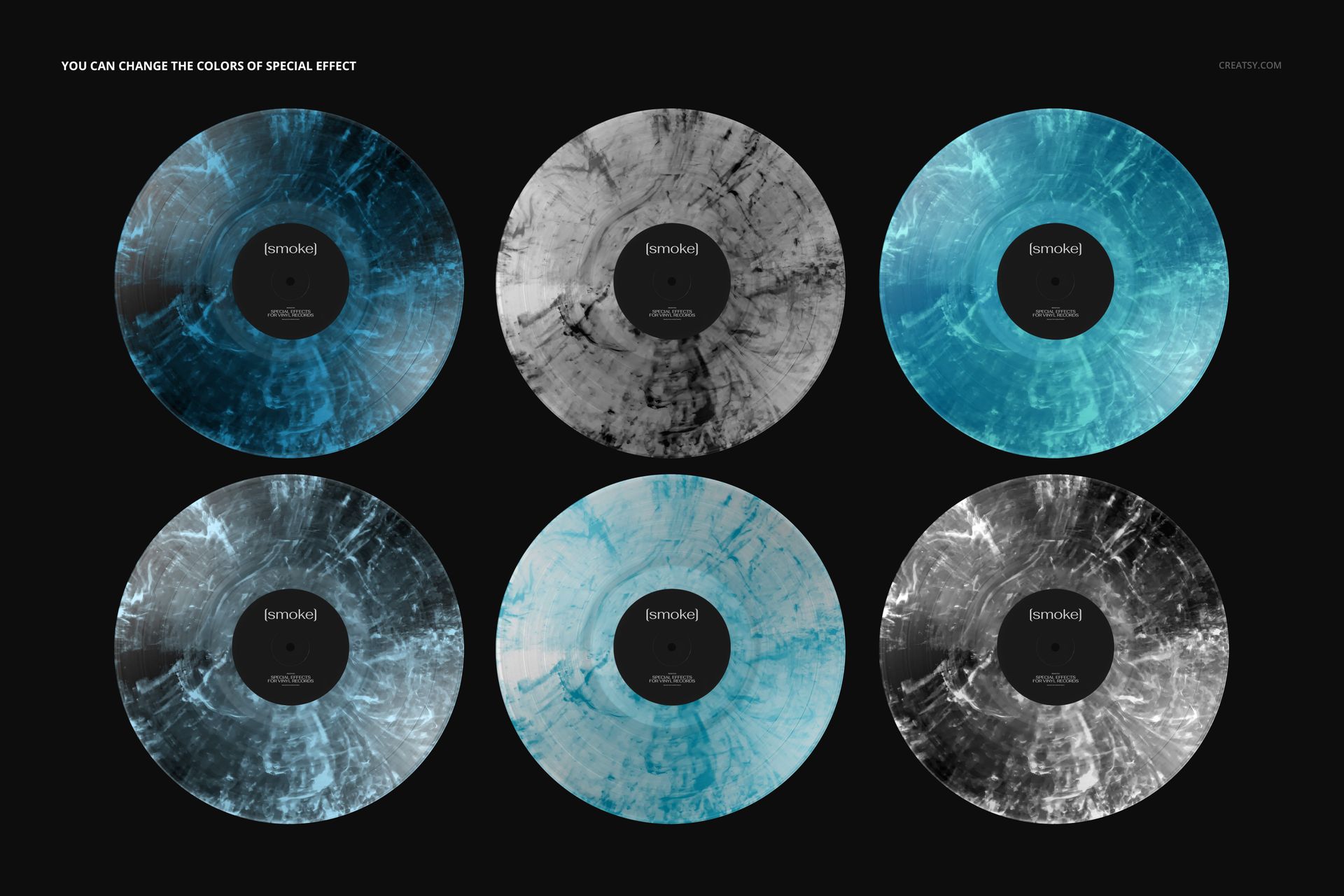
Editable label, cover, background and effect colors, plus an optional editable sticker.
Fine Texture with a Clear Packaging Context
The cover and optional sticker can be moved to suit your composition. Compare related colorways without changing the scene, keeping the sleeve artwork and label consistent while you assess the smoke effect.
Easy Smart Object Editing
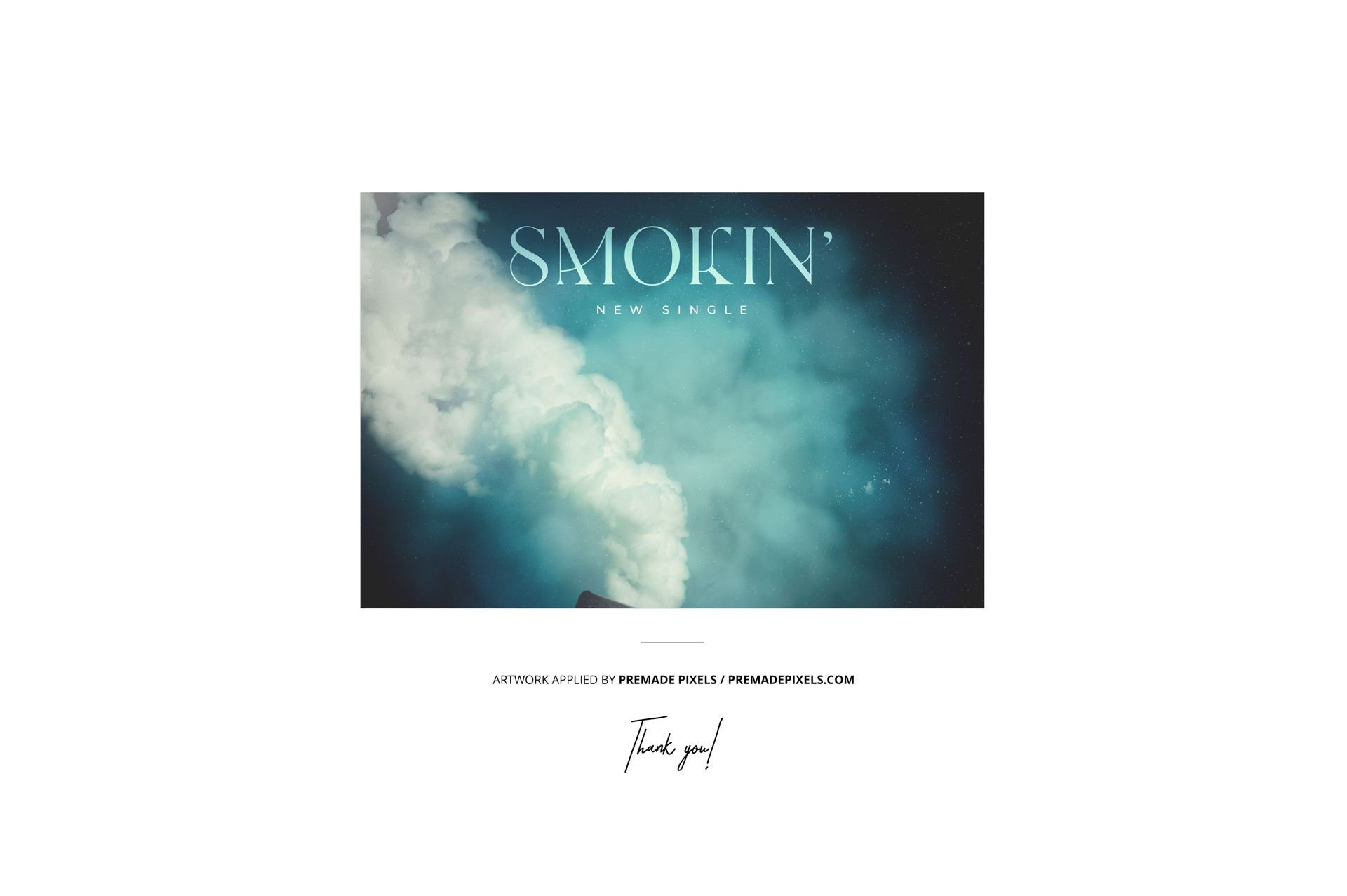
Replace the artwork through Smart Objects and refine the presentation with the organized layers. Adobe Photoshop CC2020 or newer and Photopea are supported. The gallery shows examples of this one editable scene, not multiple included viewpoints.
Perfect For
Album-cover artists, music labels and musicians developing textured vinyl editions, client approval images or release visuals. Digital files only; no physical record or sample cover artwork is supplied.