Splatter Effect Vinyl Record & Cover v.6 Mockup
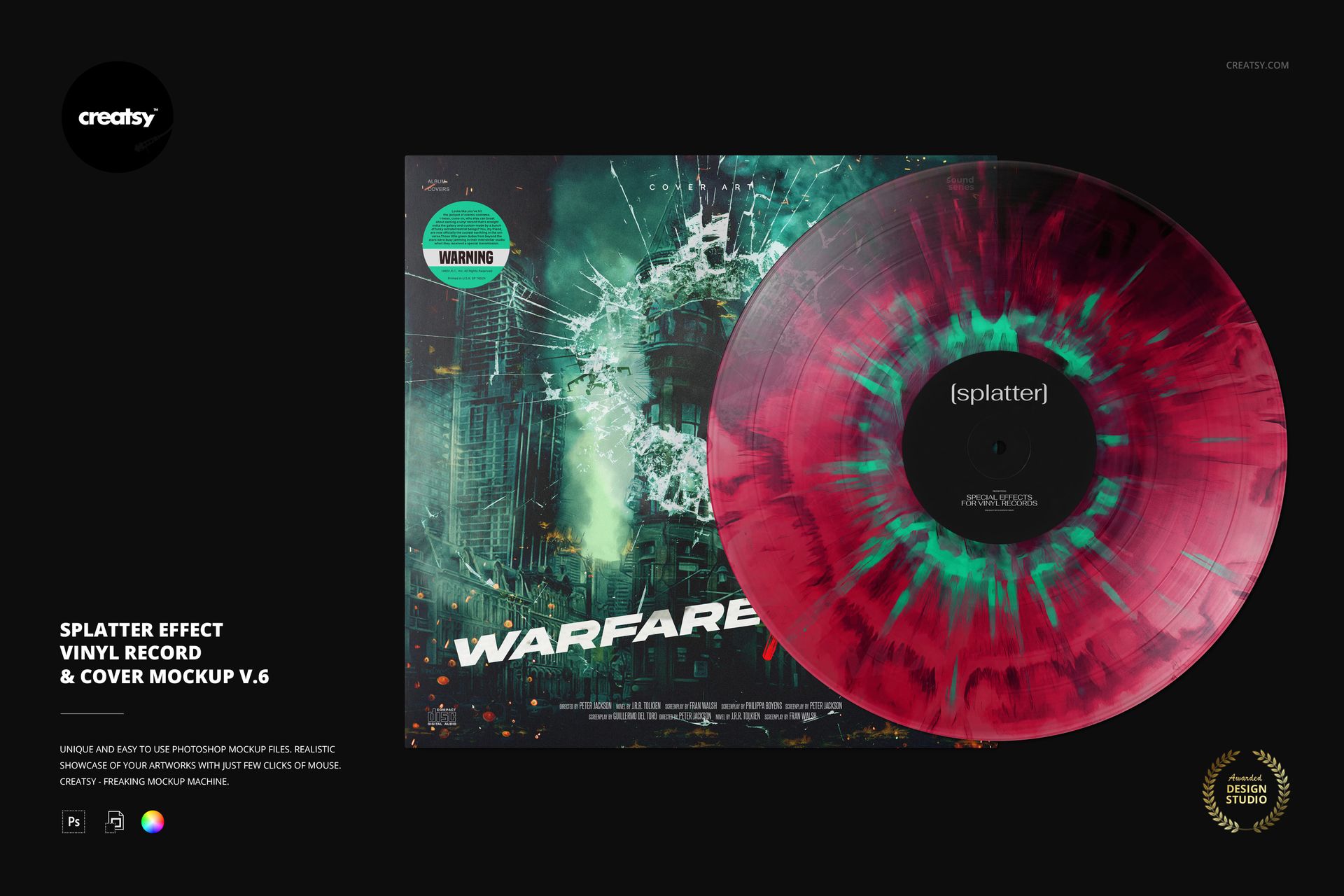
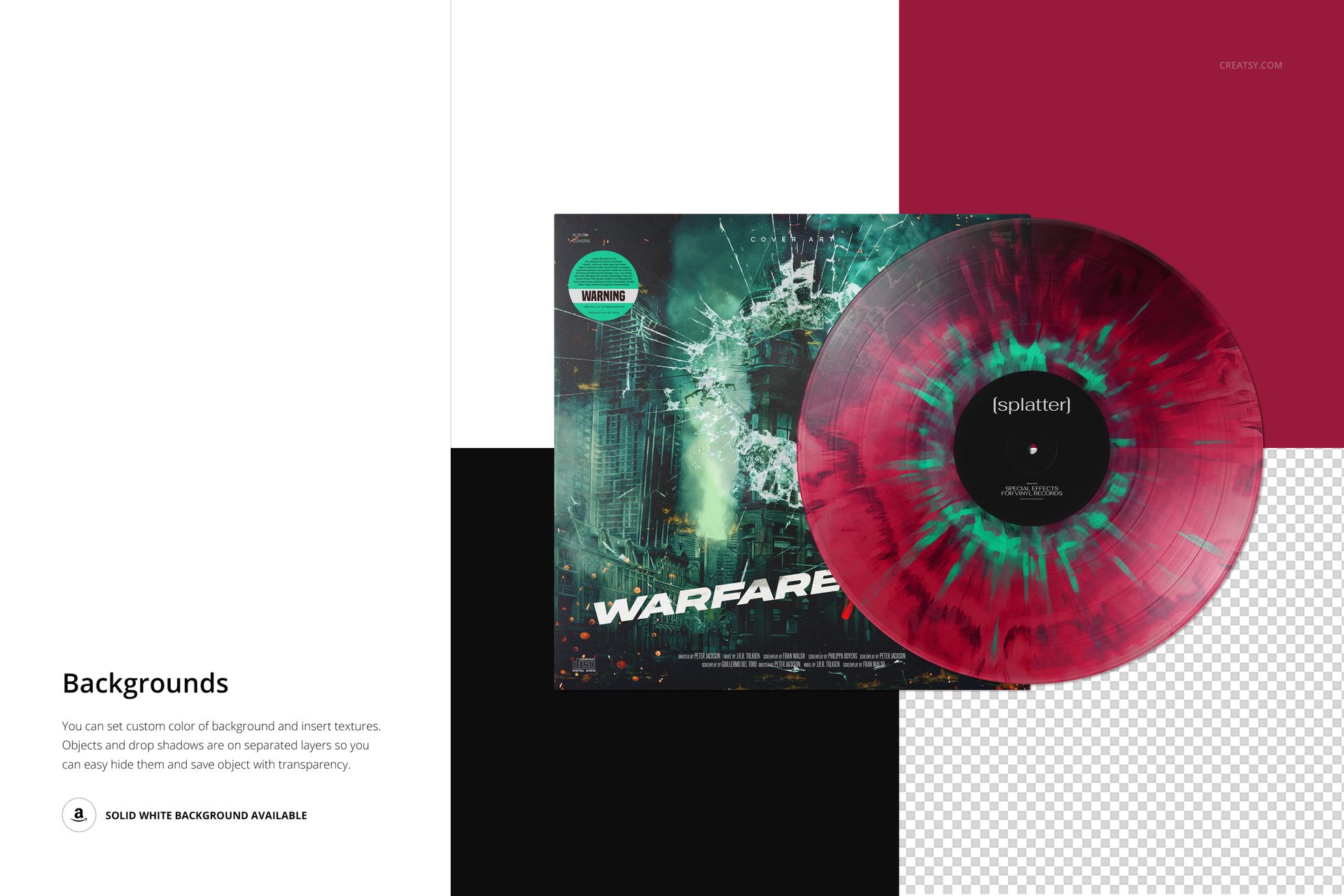
Explore a softer, streaked take on splatter vinyl with v.6. Its irregular radial texture spreads around the label and across the disc, while the overlapping album sleeve gives the color treatment an immediate packaging context. This vinyl record mockup helps you compare an expressive record surface with the artwork that will accompany it.
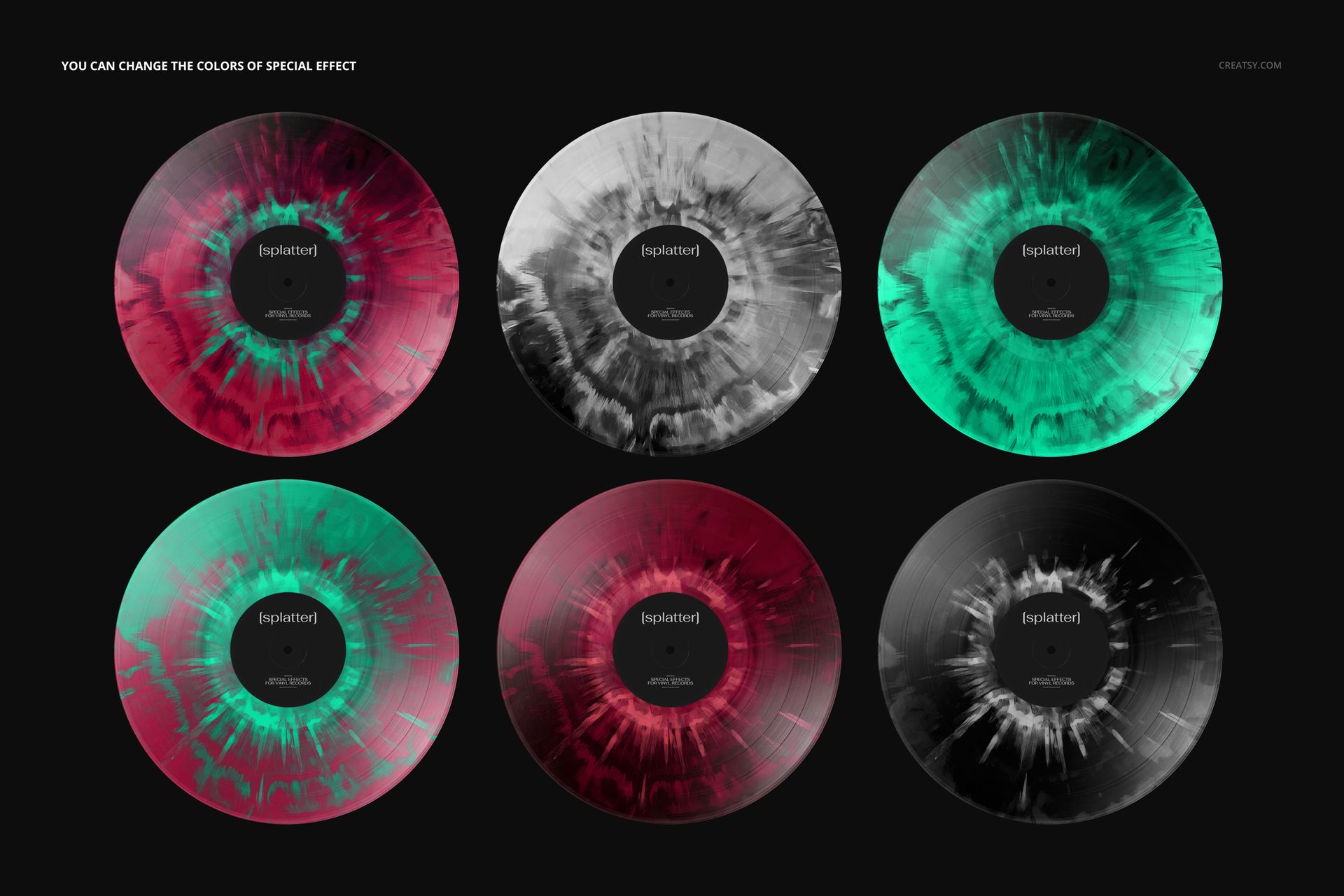
The preview palette is only a starting point. Change the effect colors to connect the disc with a cover photograph, illustration or typographic concept. Keeping the sleeve and label in the same scene makes it easier to judge whether they feel like one release, rather than unrelated design assets.
What's Included
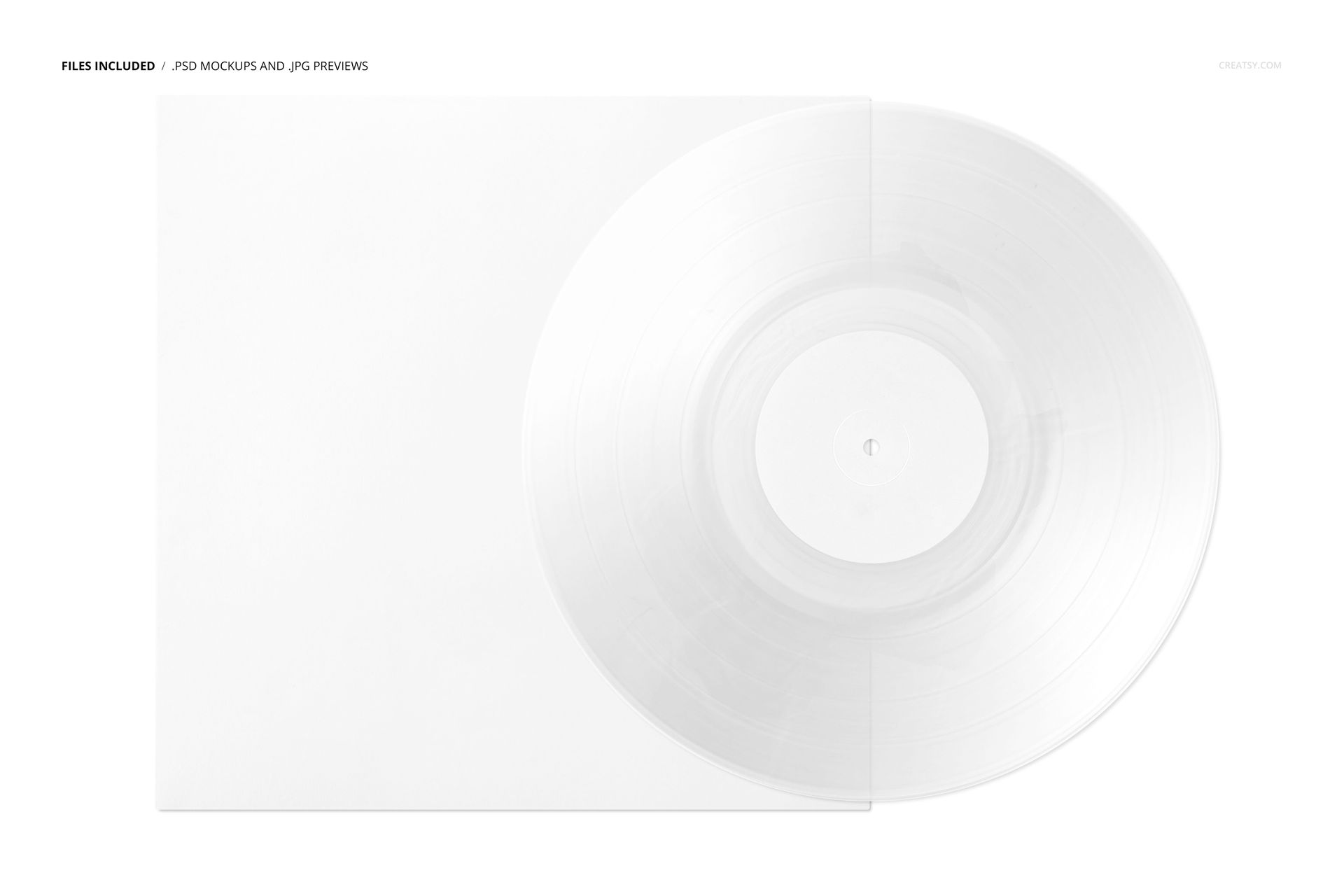
1 organized, layered PSD at 6000 × 4000 px and 300 DPI.
1 JPG reference preview, a PDF user manual and 18 OTF font files from the Built Titling and Switzer families.
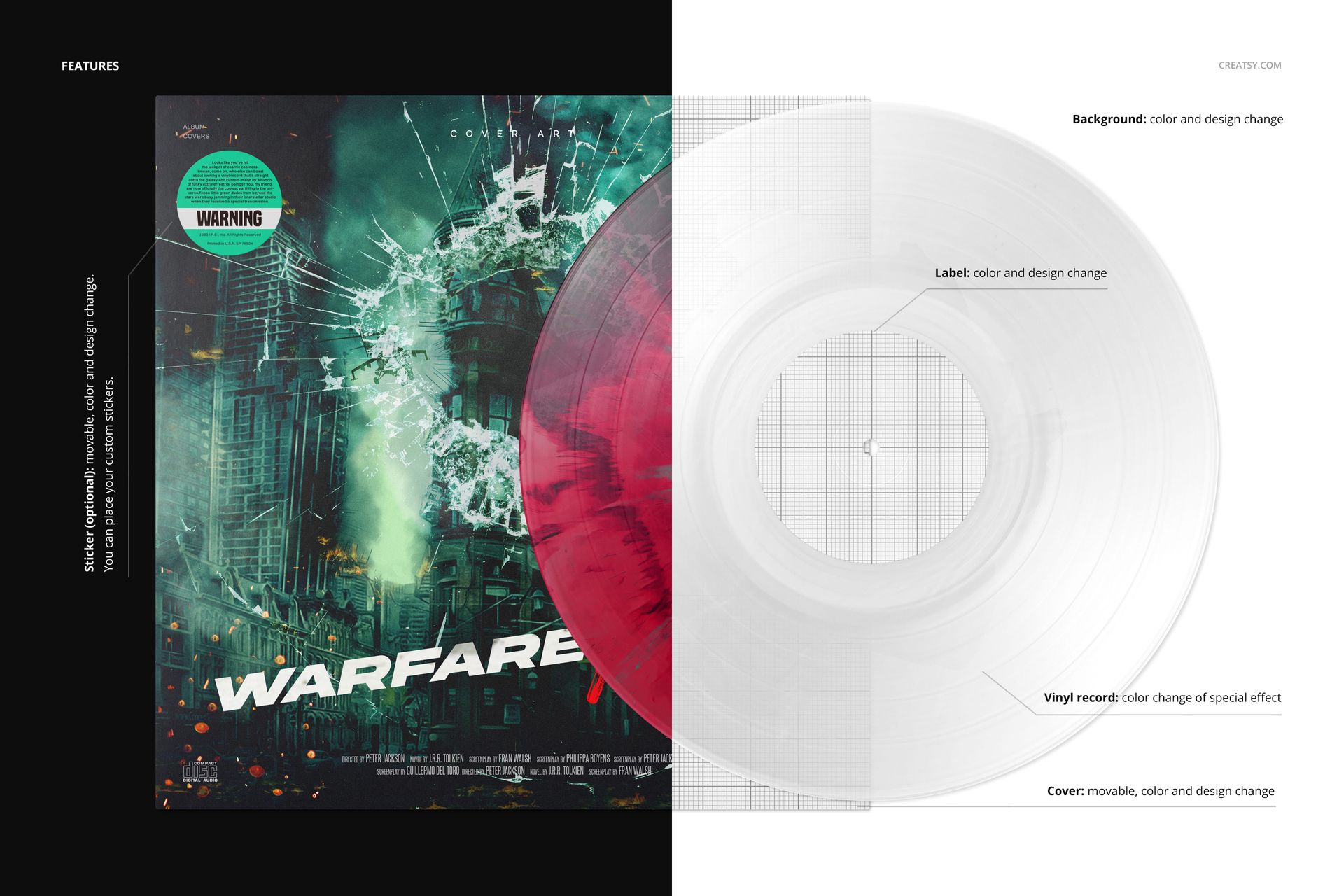
Editable colors for the vinyl effect and editable color and artwork for the center label.
A movable album cover with color and design controls, plus an optional movable sticker with customizable artwork.
Background color and design editing to support light, dark or branded presentations.
Support for Adobe Photoshop CC2020 or later and the free online editor Photopea.
Perfect For
Use this scene for album packaging pitches, alternative colorway reviews, music branding portfolios and release campaign visuals. Its diffuse, radial character can complement photographic covers or provide texture beside a minimal sleeve without requiring a second scene.
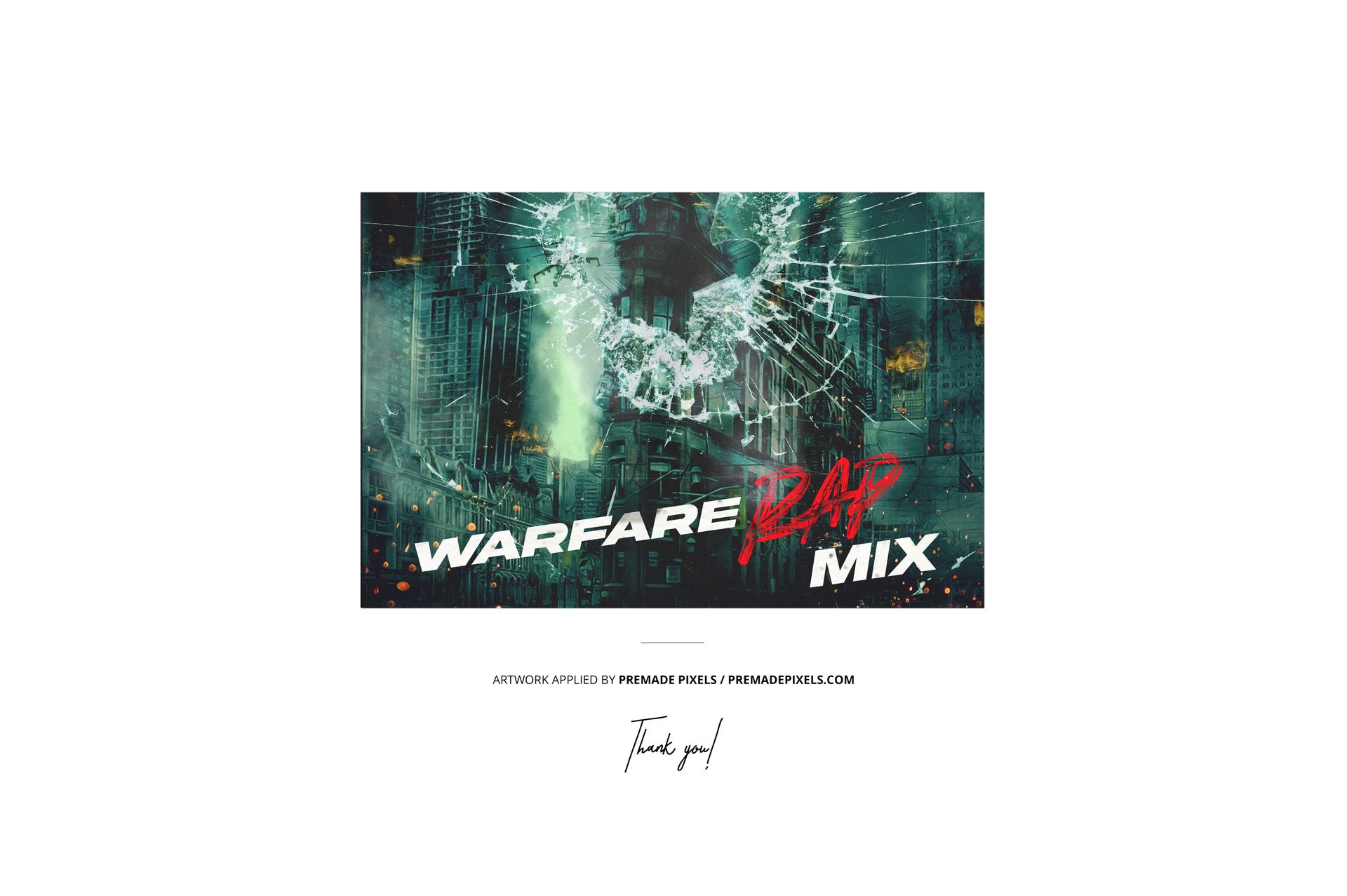
Add your artwork through the Smart Objects, save the edited objects and then refine the effect palette. Review the cover title and center label at the intended display size before exporting your presentation. The included fonts are separate resources; check their usage terms for your project. This is a digital presentation mockup, not a physical product or production template. Preview artwork is not included.