Swirl Effect Vinyl Record & Cover Mockup v.3
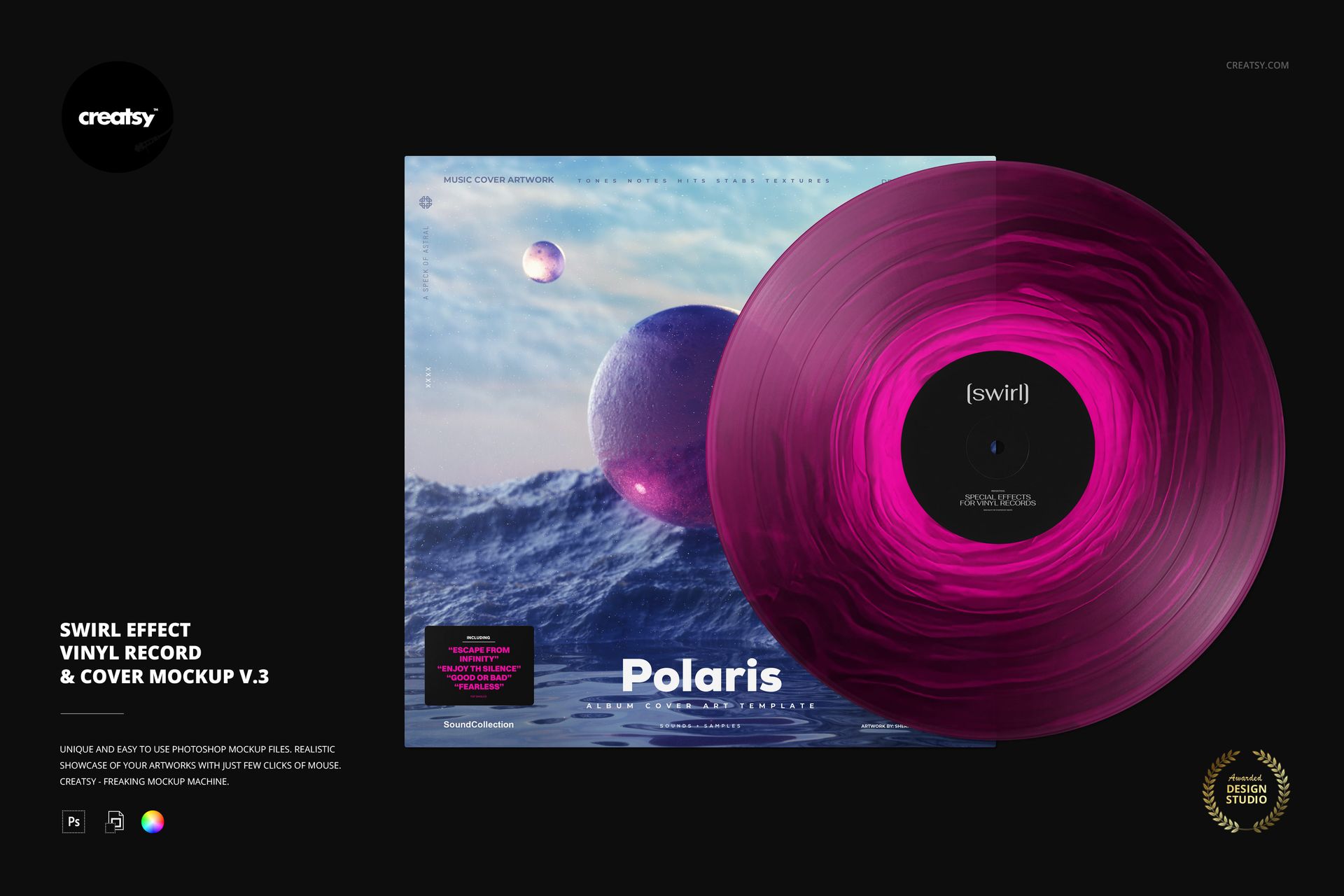
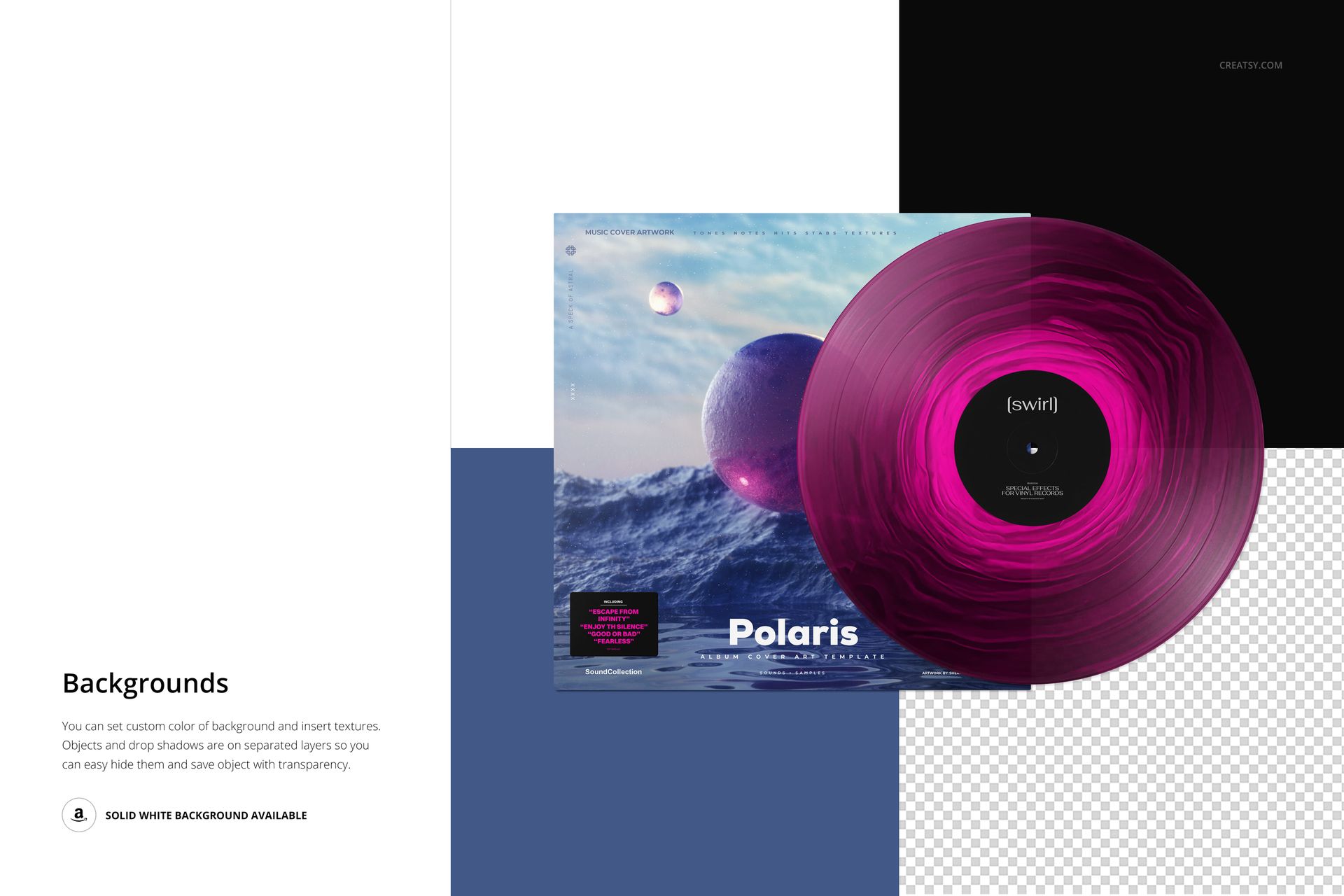
A flowing ring of color makes the record itself part of the album identity. This front-facing swirl vinyl record mockup pairs a circular, marbled effect with a square cover, so you can judge sleeve artwork, center-label typography and a special-edition colorway in one composition.
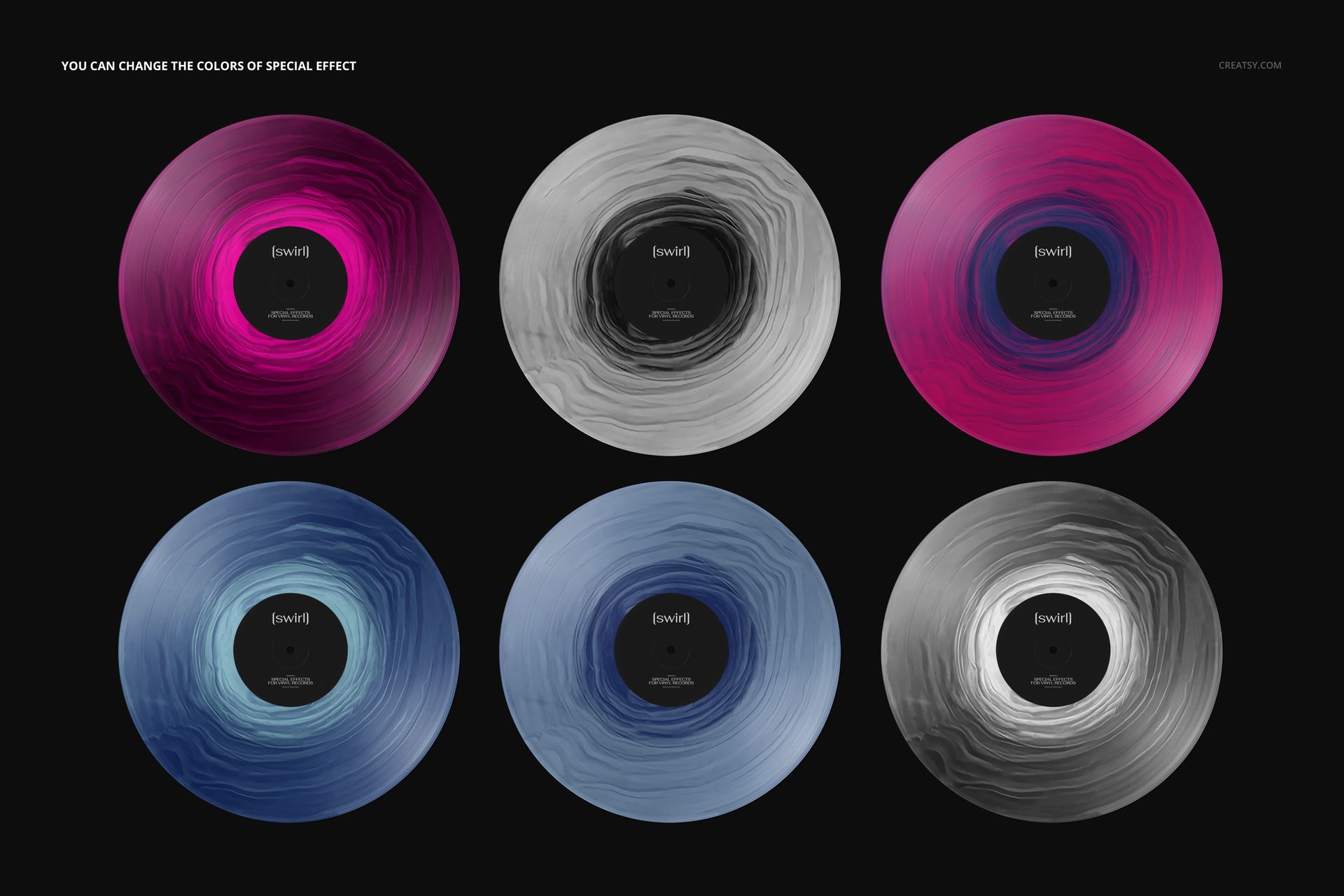
The visible grooves and layered swirl bands bring texture to an otherwise clean product presentation. Use the scene to compare atmospheric palettes for ambient releases, electronic albums or artist-led collector editions.
What Is Included
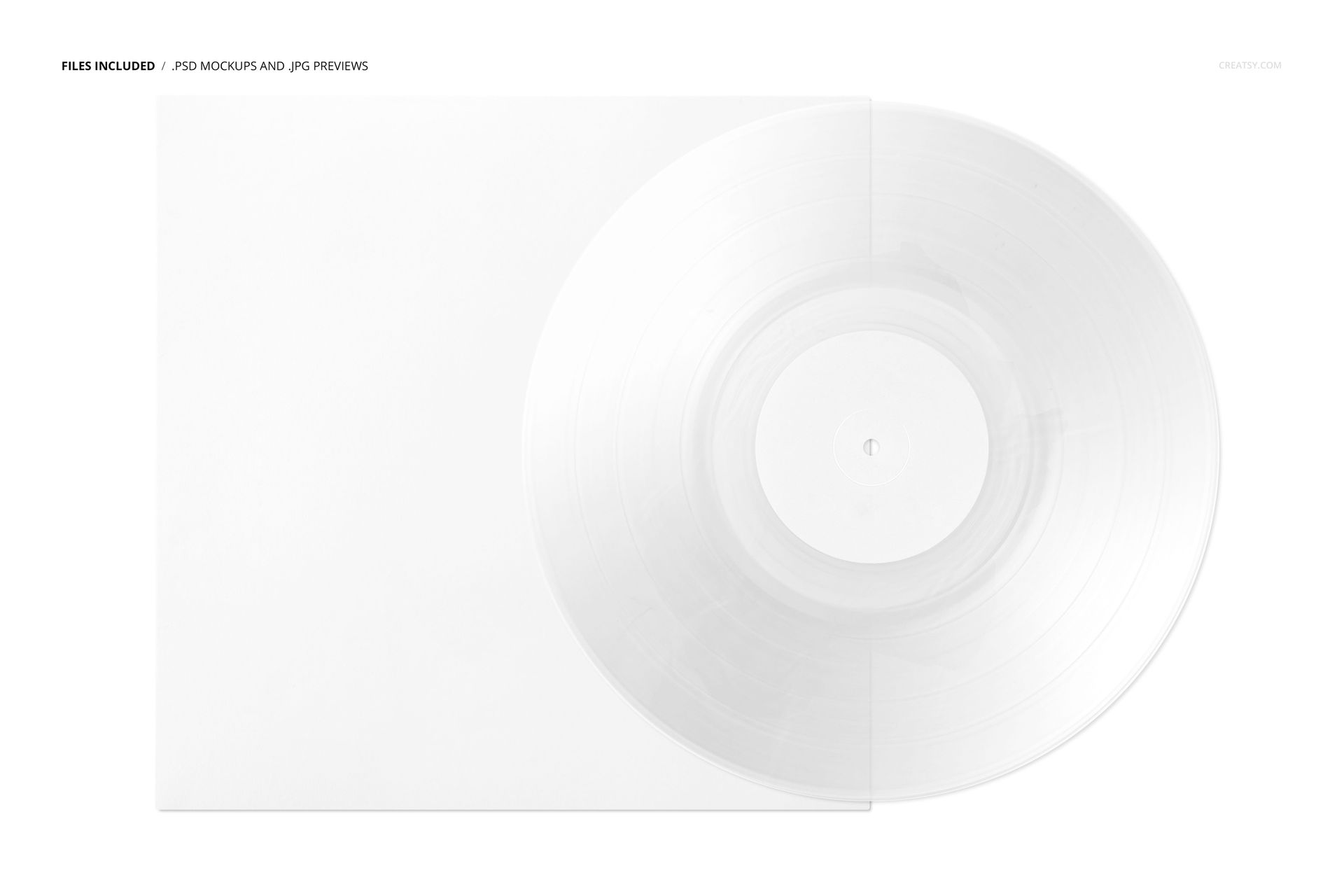
1 layered PSD scene, 6000 × 4000 px at 300 DPI, in landscape orientation.
1 JPG thumbnail preview and 8 Switzer OTF font files, 10 files in total.
Compatibility with Adobe Photoshop CC2020 or newer and Photopea.
Shape the Palette Around Your Cover
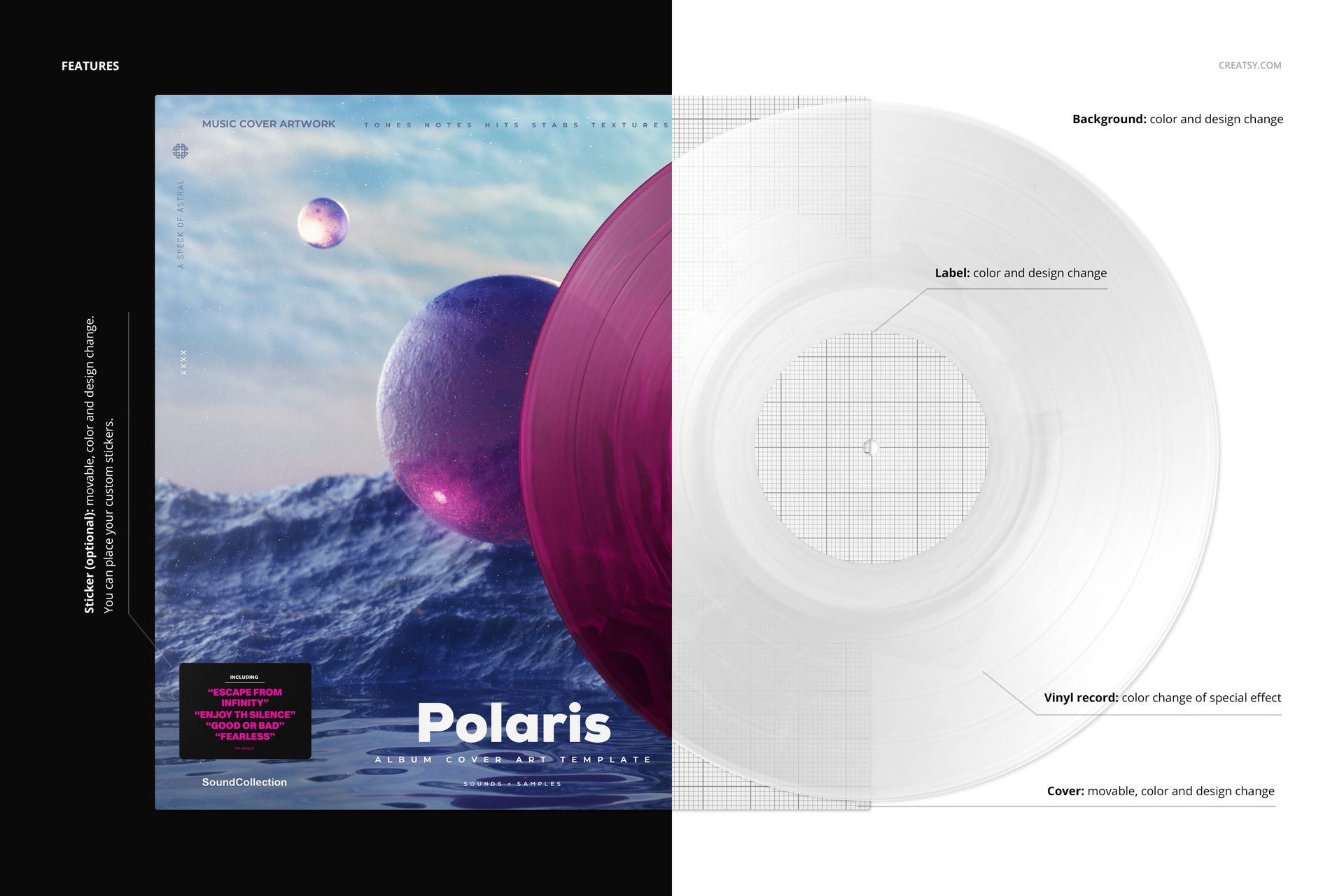
Change the swirl-effect colors, center-label color and design, and cover color and artwork. The cover is movable. An optional movable sticker supports your own color and design, while the background accepts a custom color or texture. Objects and drop shadows are on separate layers for transparent-background presentations.
Easy Smart Object Editing
Open the PSD, replace the artwork in the relevant Smart Objects and save those changes to update the scene. Refine the color palette with the organized layers, then export a presentation image for a release announcement, label pitch or album-design portfolio.
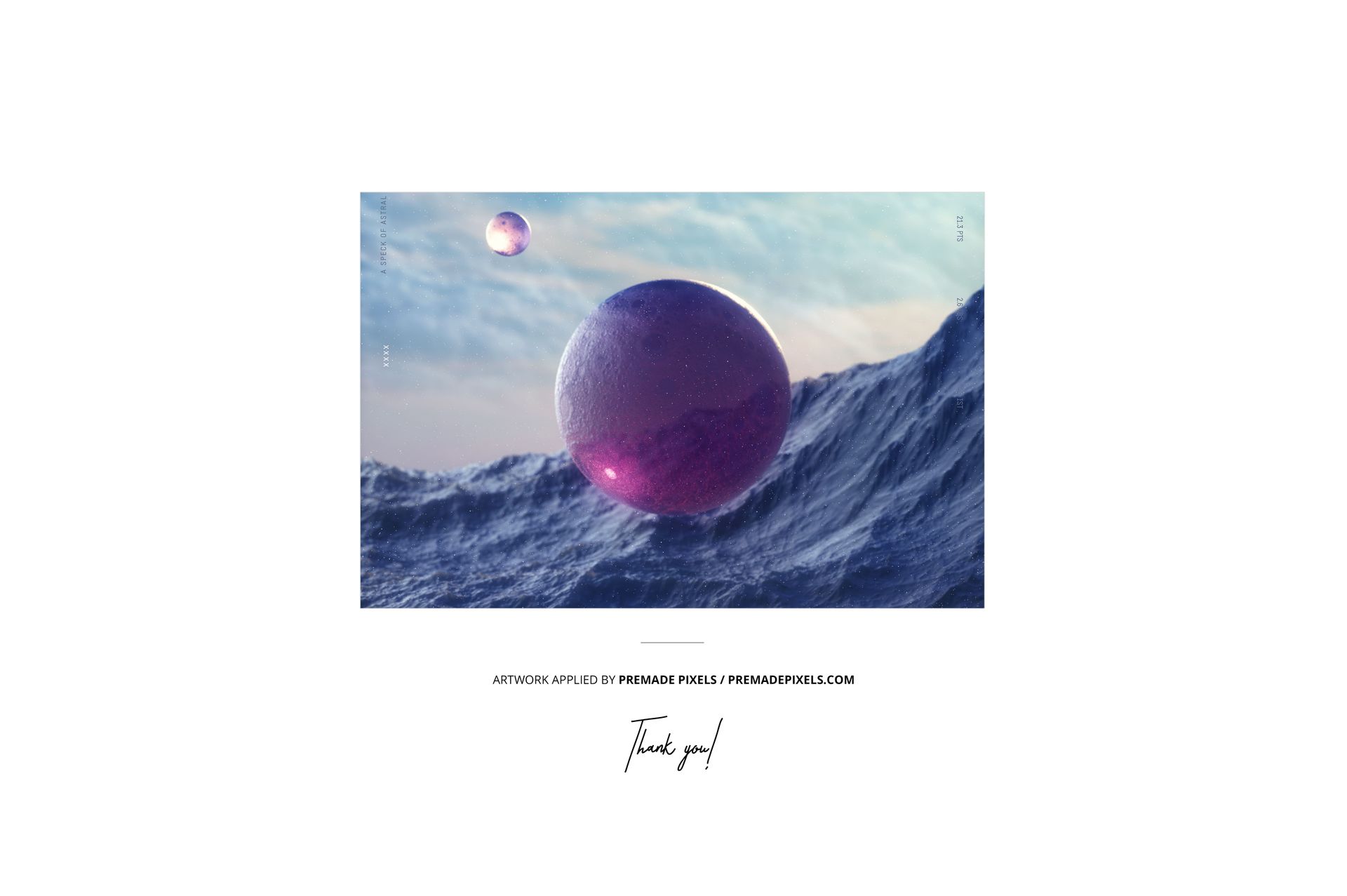
This is a digital mockup, not a physical record. The example artwork shown in the previews is not included.