Splatter Effect Vinyl Record & Cover v.5 Mockup
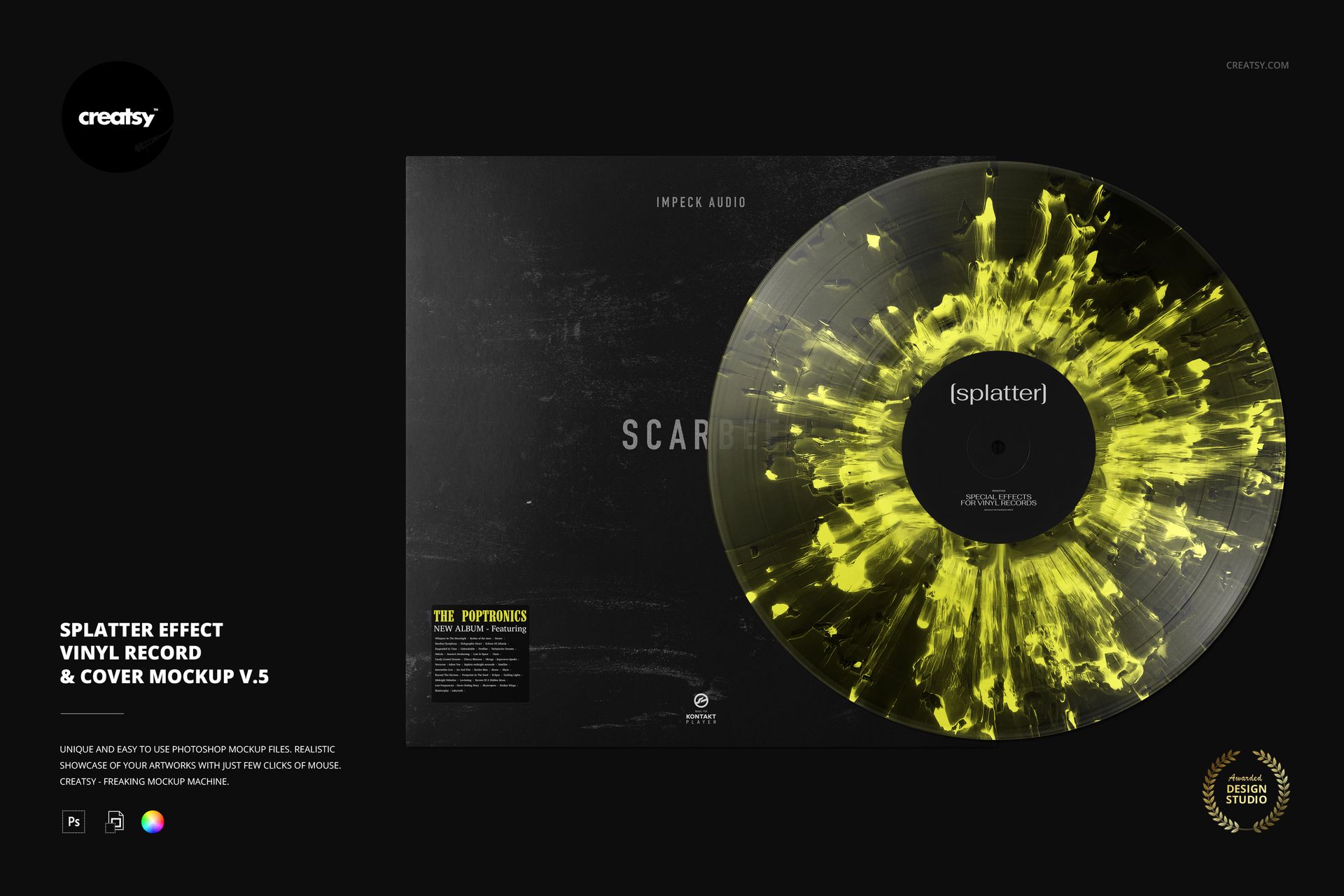
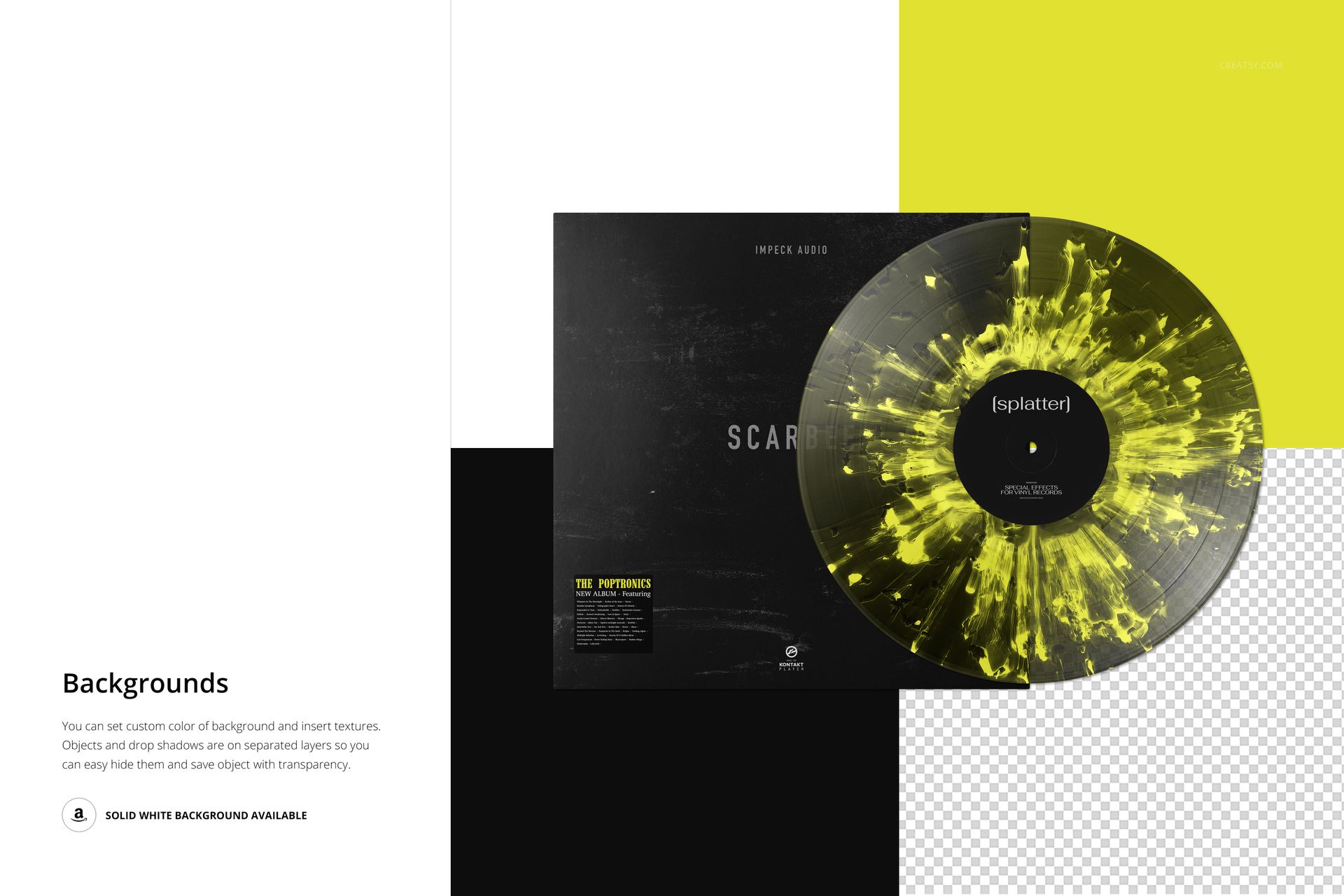
Give a record-edition concept a defined focal point with the pronounced radial splatter in v.5. Irregular streaks and clustered marks radiate around the center label, creating a more forceful treatment than a lightly flecked disc. An overlapping album cover keeps your vinyl colorway and sleeve design visible together.
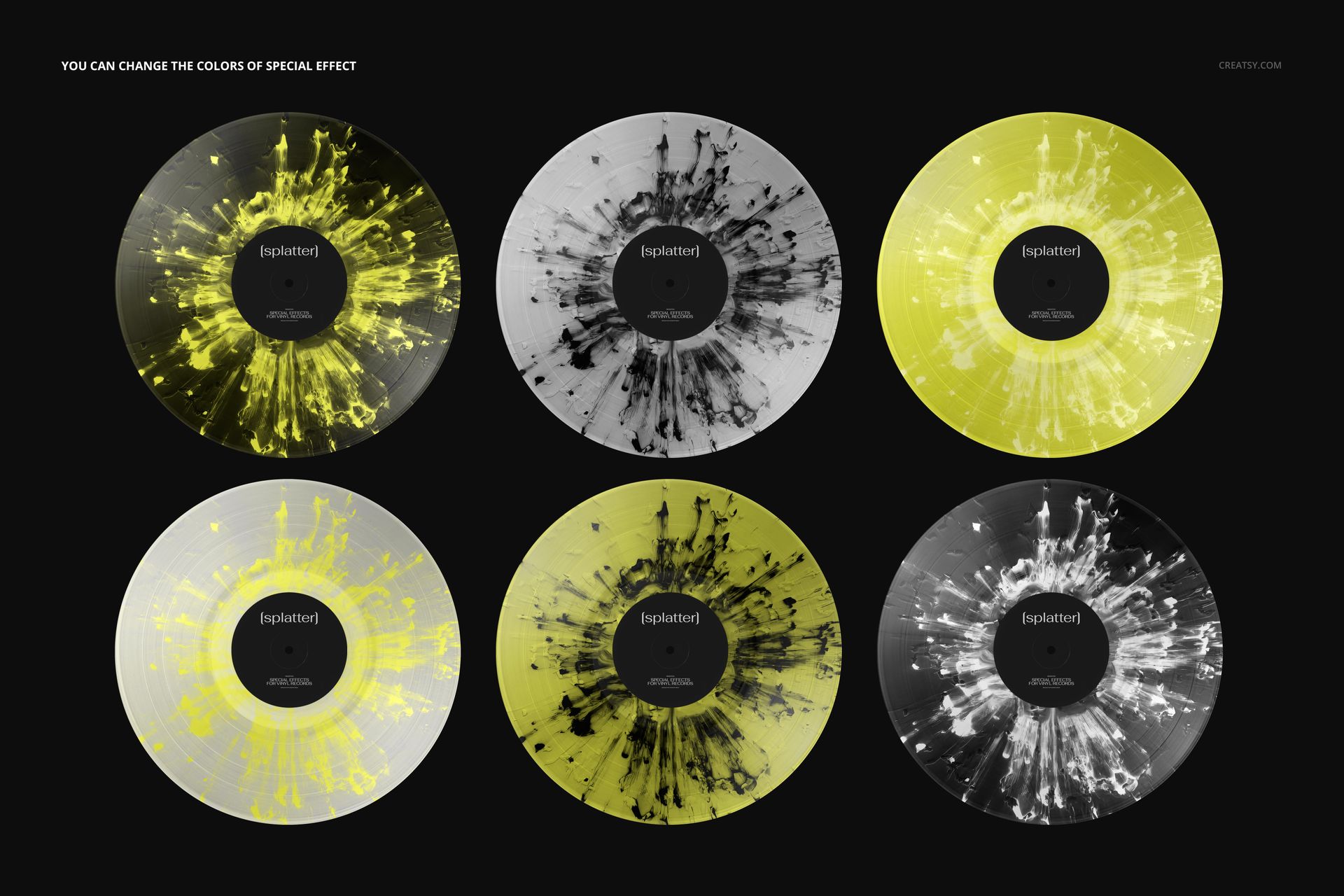
The yellow-and-black preview demonstrates one possible direction, not a fixed palette. Recolor the effect to pick up a sleeve accent, or use a restrained cover to let the record become the main feature. This vinyl record and cover mockup is built for comparing those relationships in a single composition.
What's Included
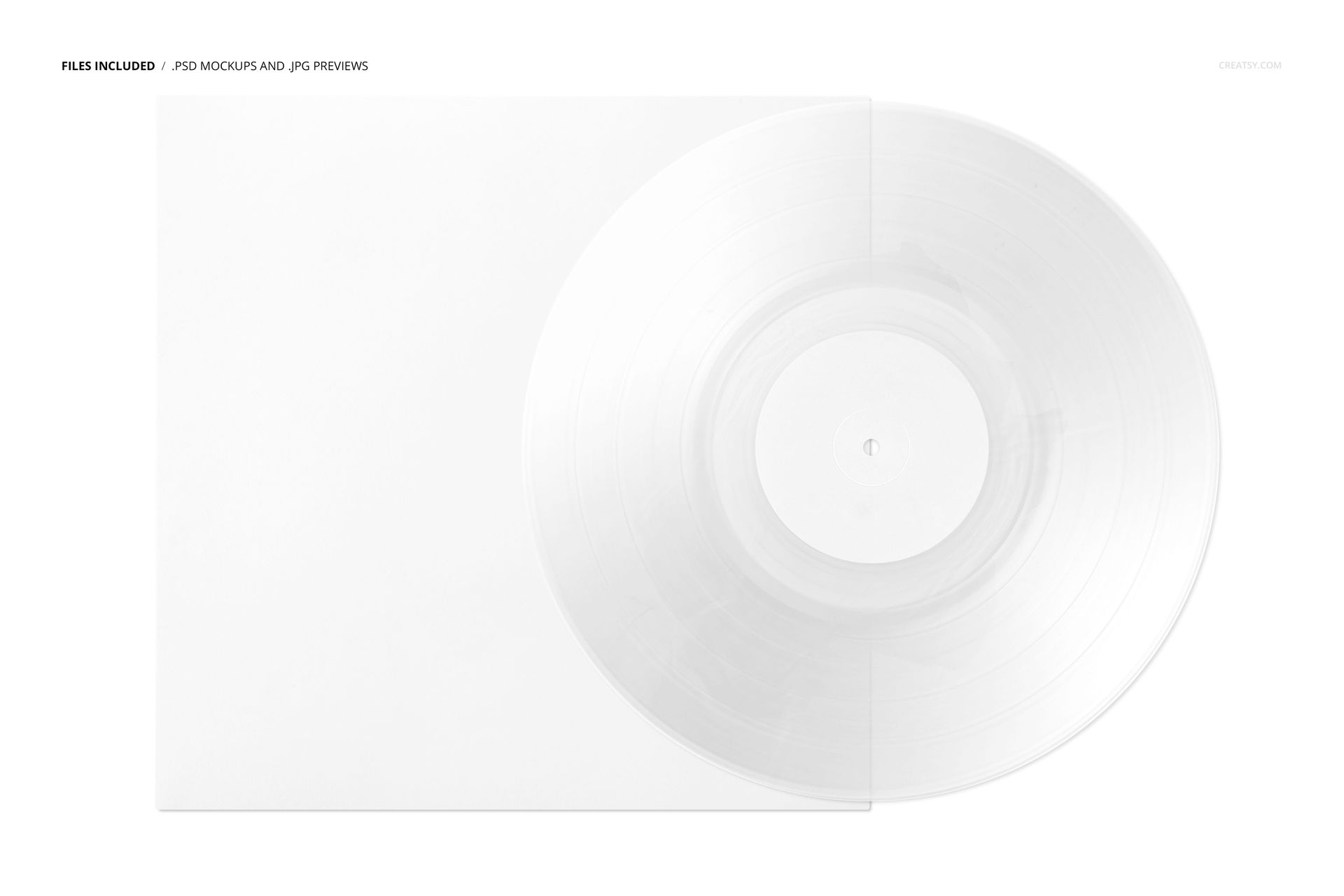
1 layered PSD mockup with organized layers, 6000 × 4000 px at 300 DPI.
1 JPG reference preview, a PDF user manual, 5 OTF files and 1 TTF file, including Veleka and Marlboro font resources.
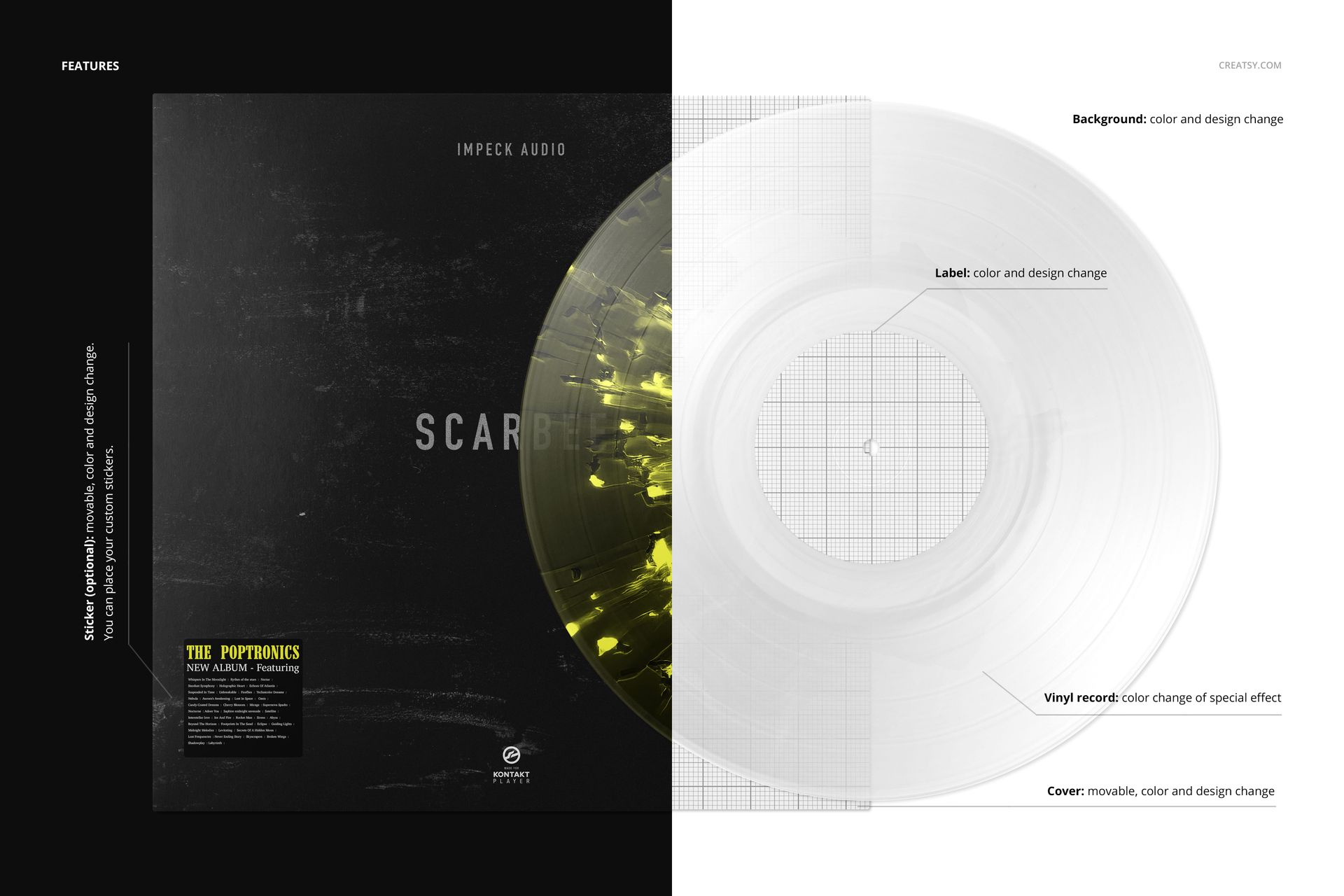
Color controls for the splatter effect and artwork and color editing for the center label.
A movable, customizable album cover and an optional movable sticker with editable color and design.
Background color and artwork customization for your presentation.
Compatibility with Adobe Photoshop CC2020 or later and the free online editor Photopea.
Perfect For
Album designers and independent music teams can use v.5 for limited-edition concepts, label branding proposals, portfolio case studies and release previews. The radial treatment is useful when the disc itself should carry a strong visual identity next to a relatively simple sleeve.
Replace the cover and label artwork through the Smart Objects, save the changes and choose the effect colors. Check font usage terms before using the supplied typefaces in a project. This download is a digital mockup, not a physical record or a manufacturing-ready template. Sample artwork from the previews is not included.