Multi-color Segments Effect Vinyl Record & Cover Mockup v.6
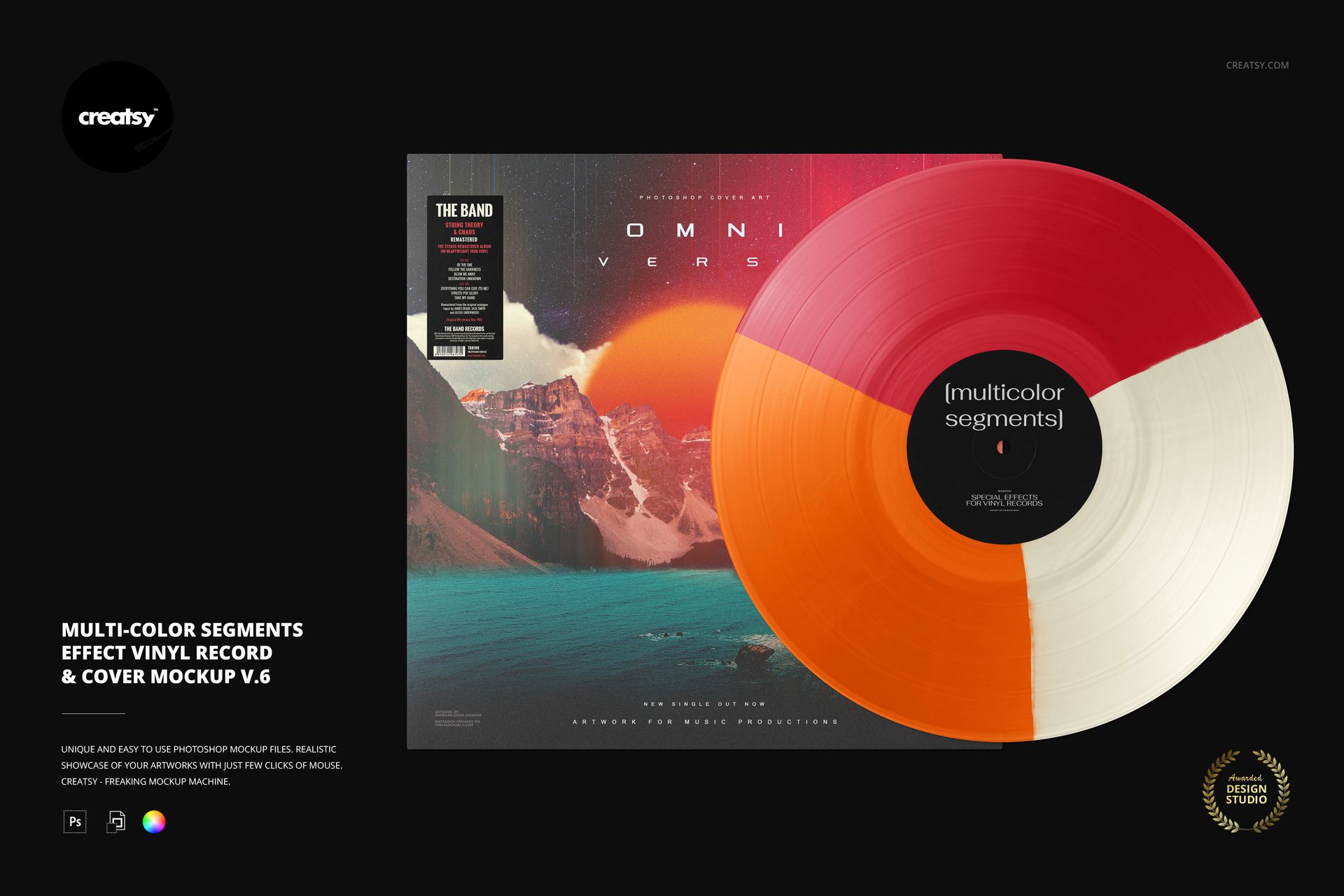
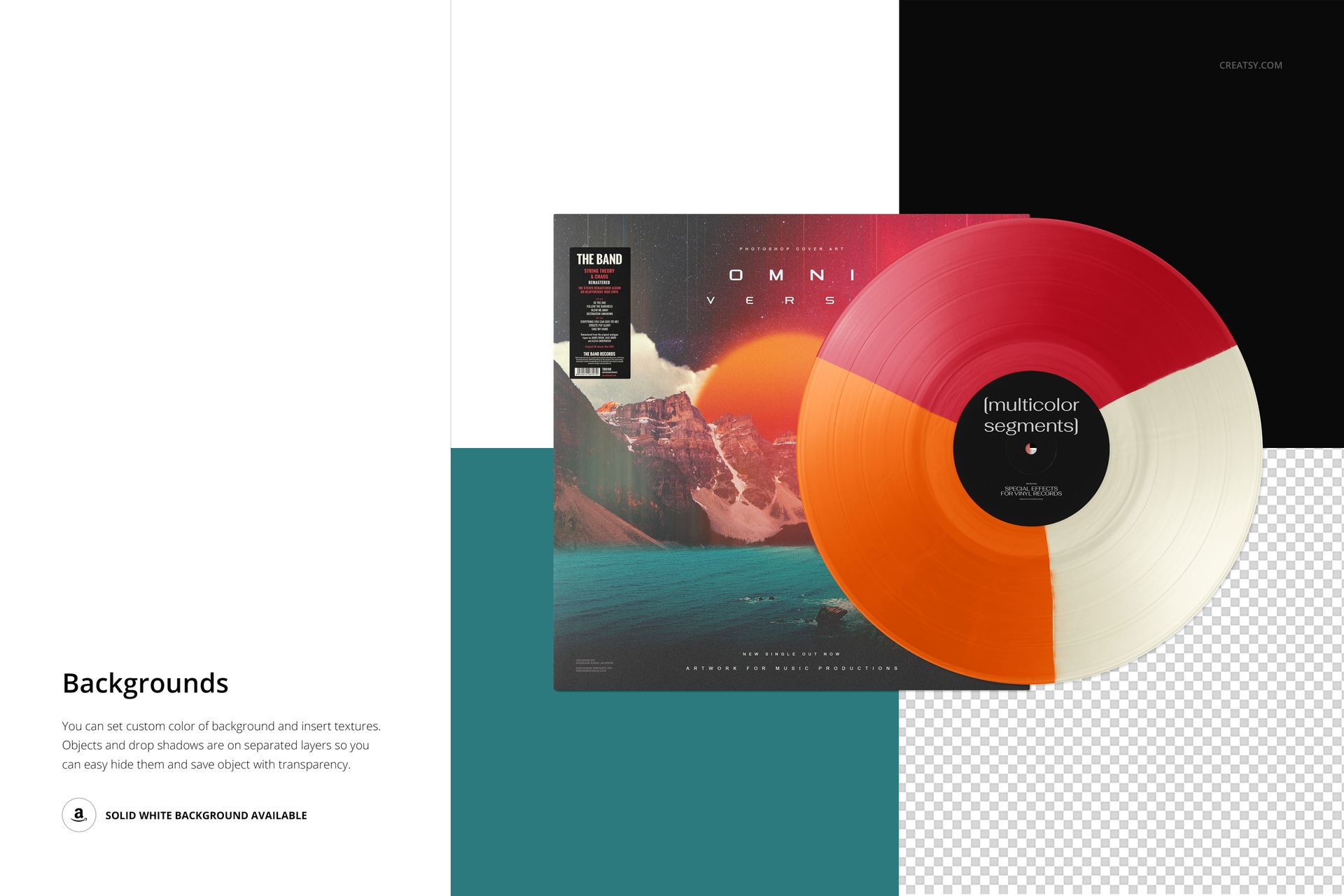
Three broad color sectors turn the record itself into part of your album identity. This front-facing vinyl record and cover mockup places the full disc in front of a square sleeve, so you can judge the relationship between cover artwork, center-label typography and a three-color segmented effect in one image.
What Is Included
1 layered PSD mockup, 6000 × 4000 px at 300 DPI.
1 JPG thumbnail preview and 6 Oswald OTF font files.
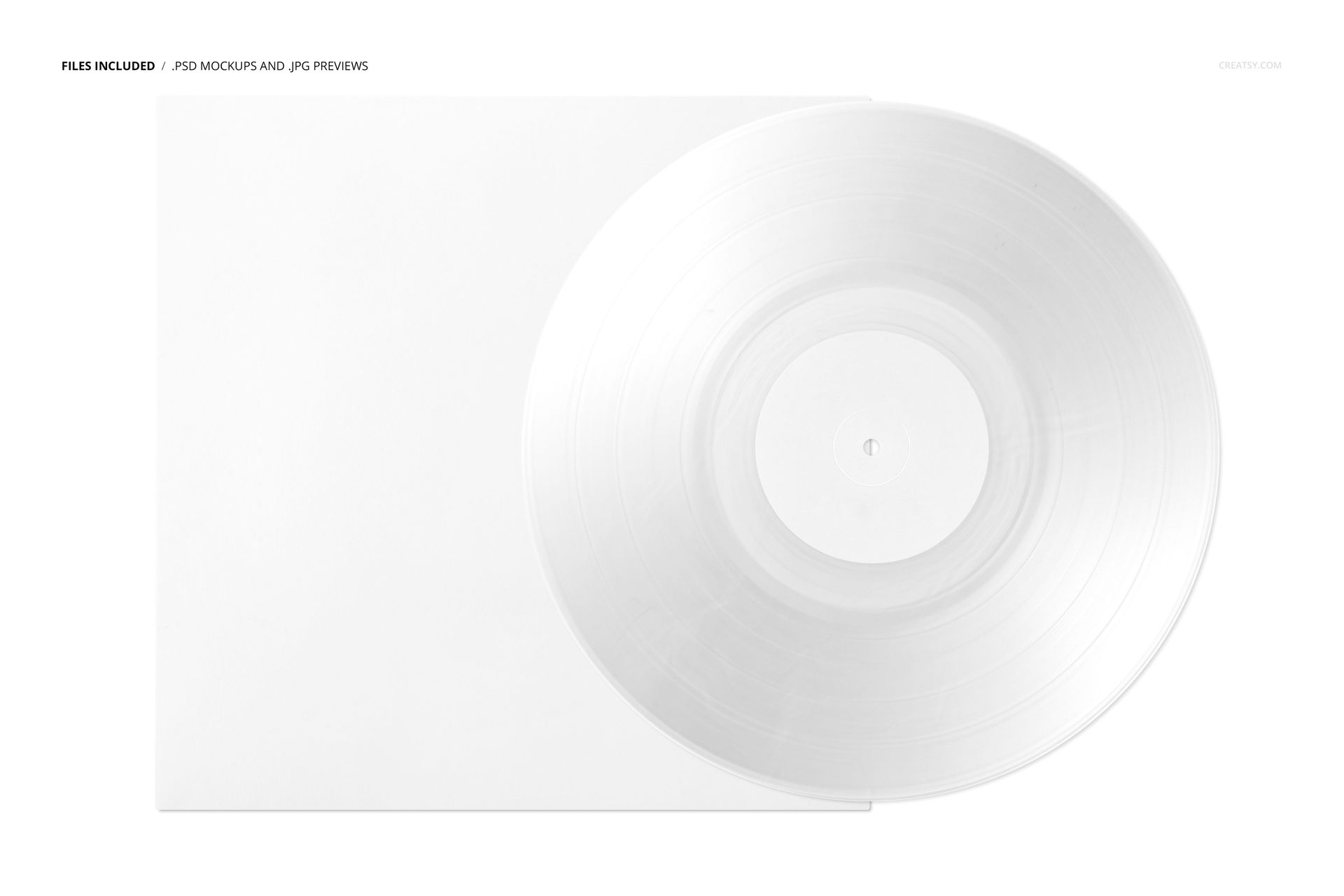
8 files in total, with one editable scene.
Three Sectors, One Coherent Palette
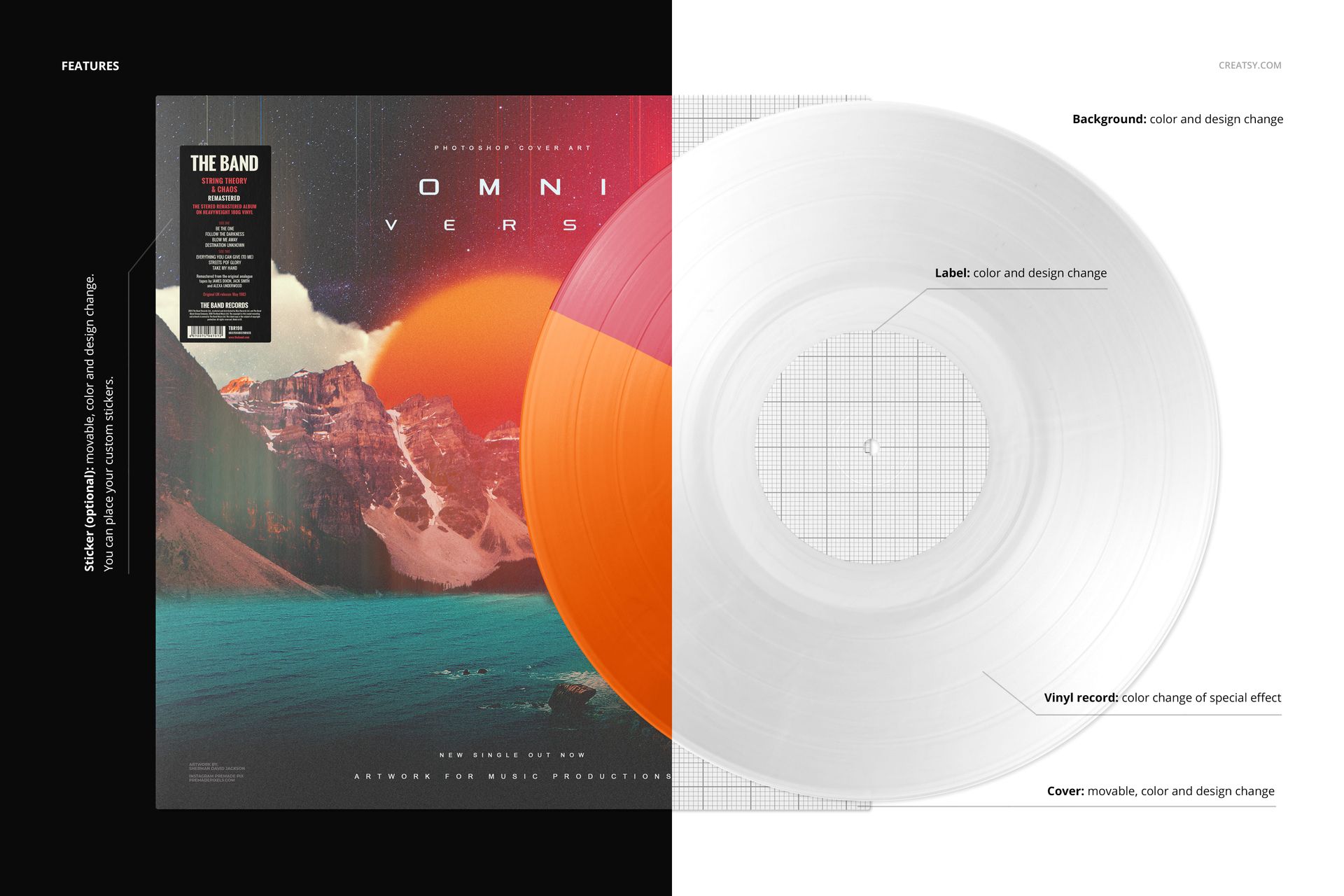
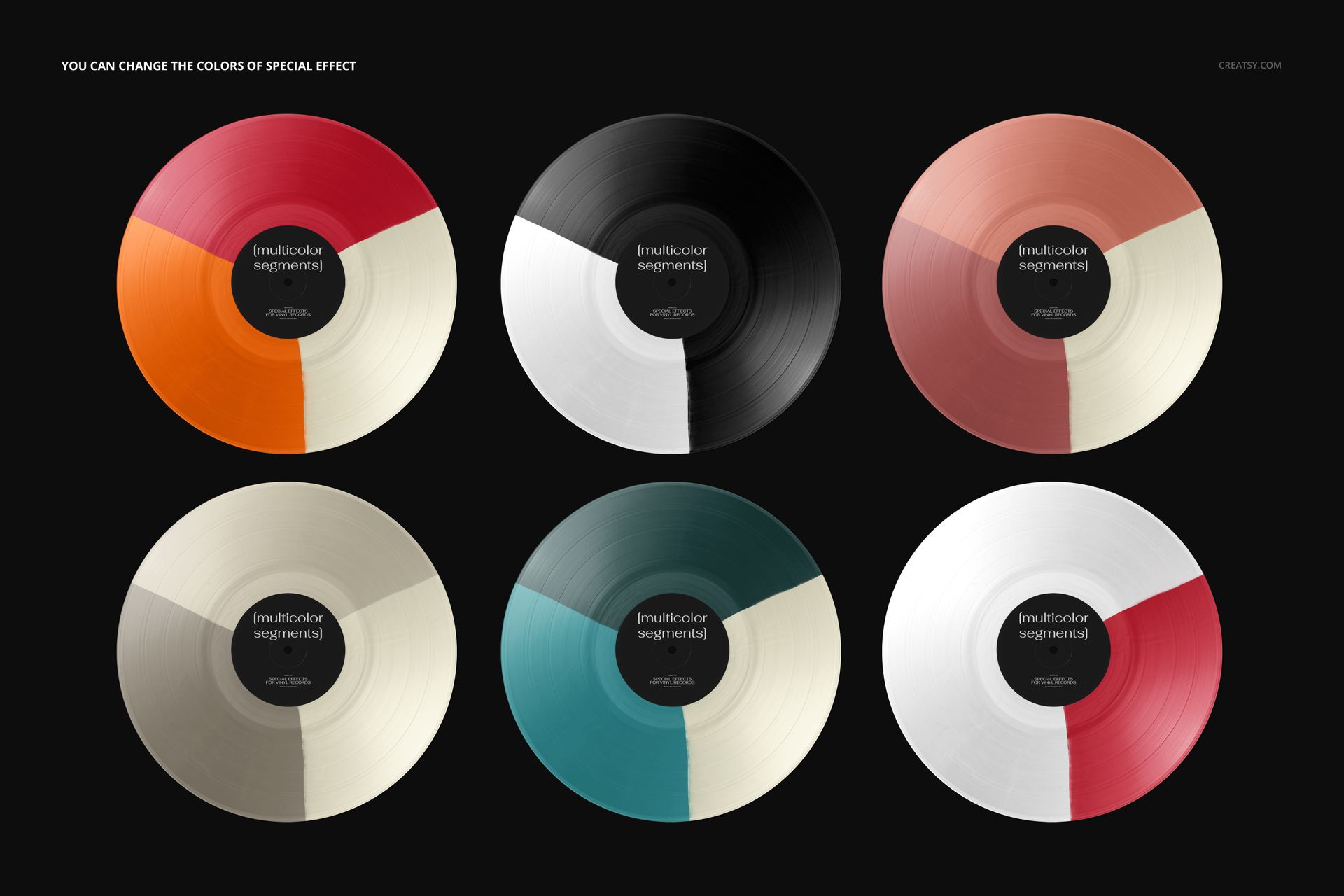
Change the special-effect colors, replace the center-label and cover designs, and adjust their colors. The cover is movable; the optional sticker can be moved, recolored and replaced with your own design. Set a background color or insert a texture. Objects and drop shadows are on separate layers, with transparency available for your exported composition.
Easy Smart Object Editing
Open the PSD in Adobe Photoshop CC2020 or newer, or Photopea. Place your artwork into the relevant Smart Objects, save those edits and return to the main scene. Organized layers keep the record colors, packaging and background adjustments easy to locate.
Use the scene for label presentations, album-release announcements and portfolio comparisons of alternate colorways. This is a digital mockup, not a physical record or production template. Sample cover artwork is not included.