Splatter Effect Vinyl Record & Cover v.7 Mockup
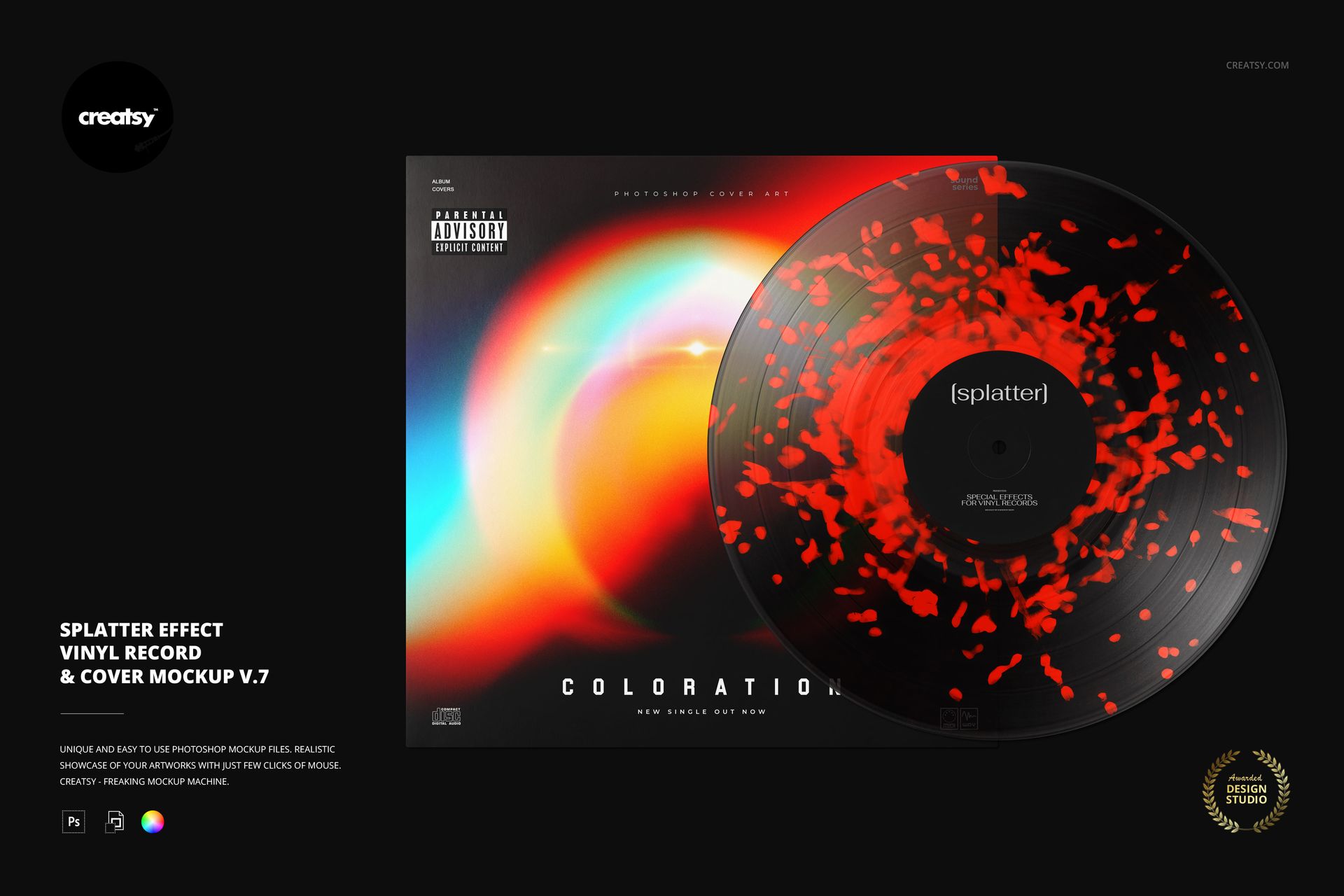
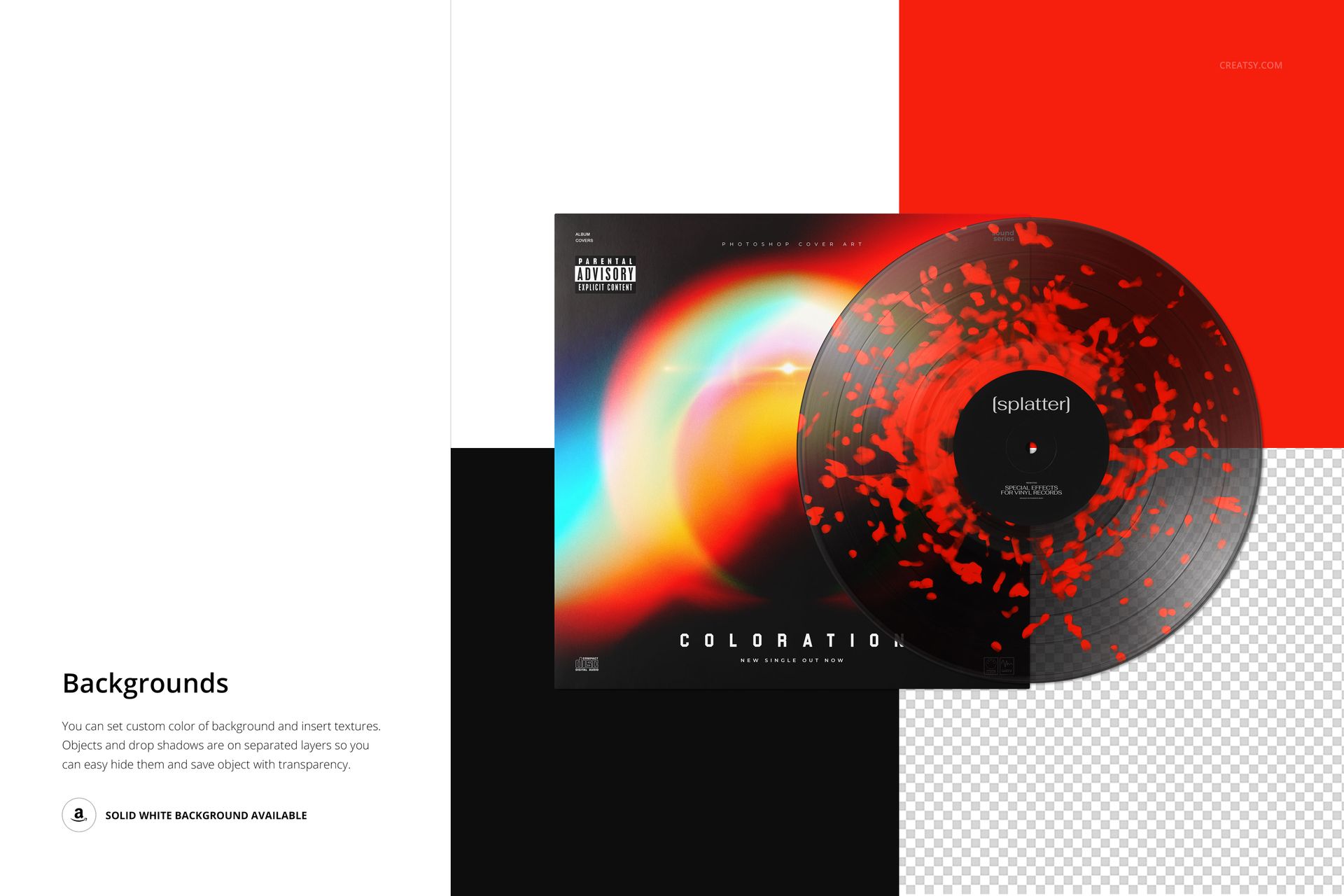
Present a colored vinyl concept through scattered, irregular flecks rather than a uniform surface. This splatter vinyl record mockup pairs the v.7 effect with an overlapping album cover, bringing the disc, center label and sleeve artwork into one clear presentation. The open spaces between the marks help individual colors remain visible.
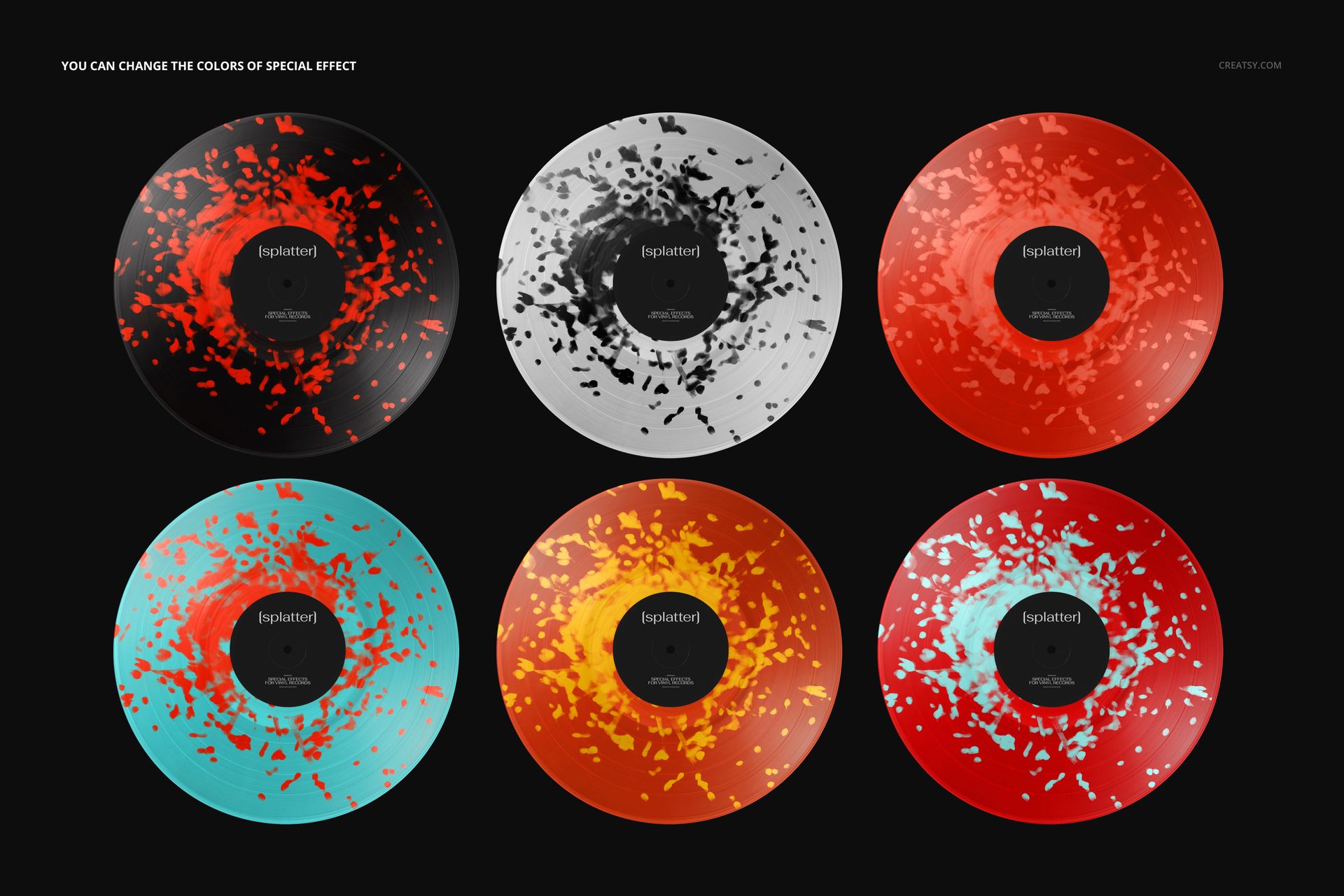
Use the scene to explore how a record edition relates to its packaging. Echo a cover accent in the splatter, or contrast a restrained sleeve with a more expressive disc. The gallery demonstrates several color treatments of this single editable mockup, not separate PSD scenes.
What's Included
1 layered PSD mockup, 6000 × 4000 px at 300 DPI, with organized layers.
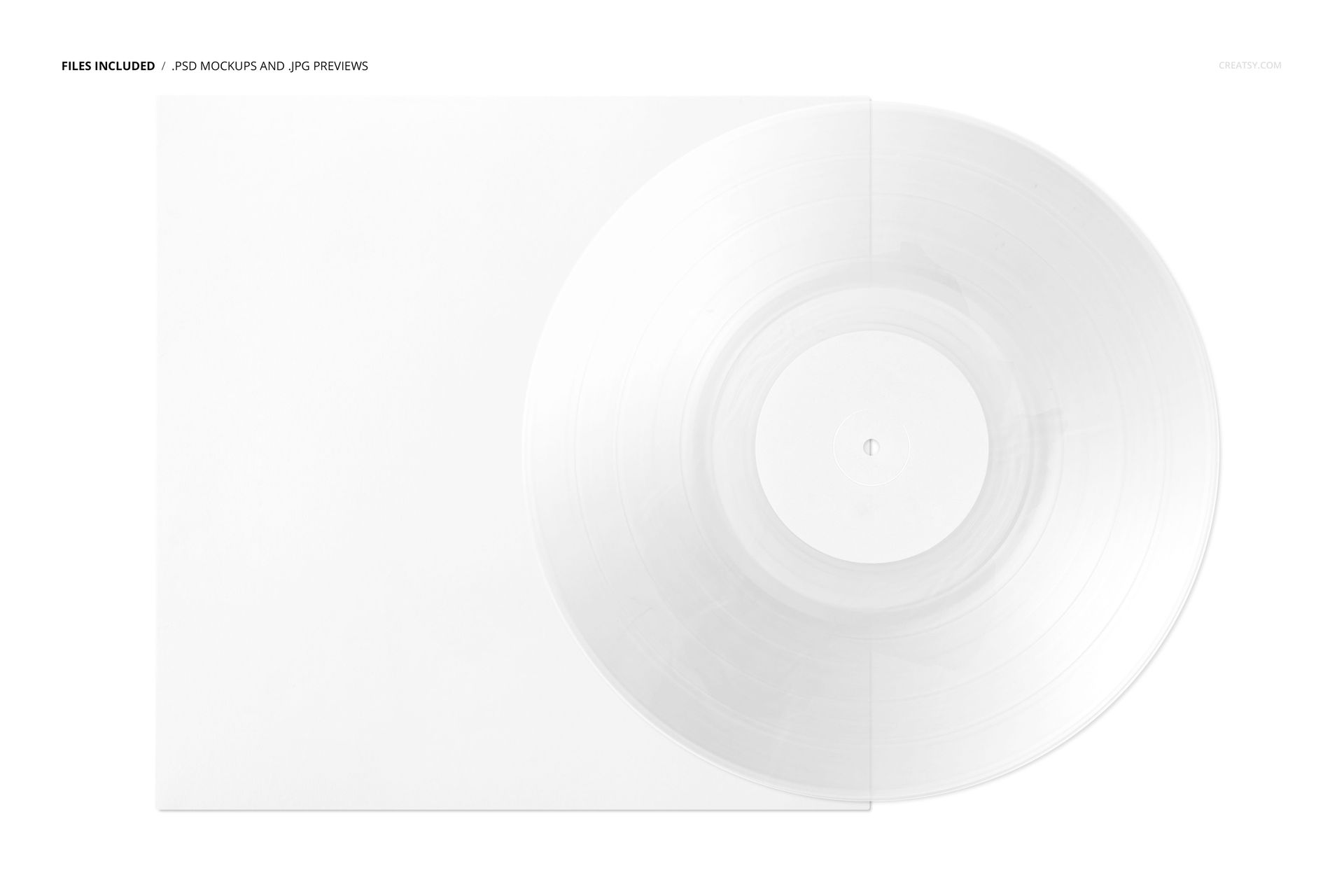
1 JPG reference preview and a PDF user manual.
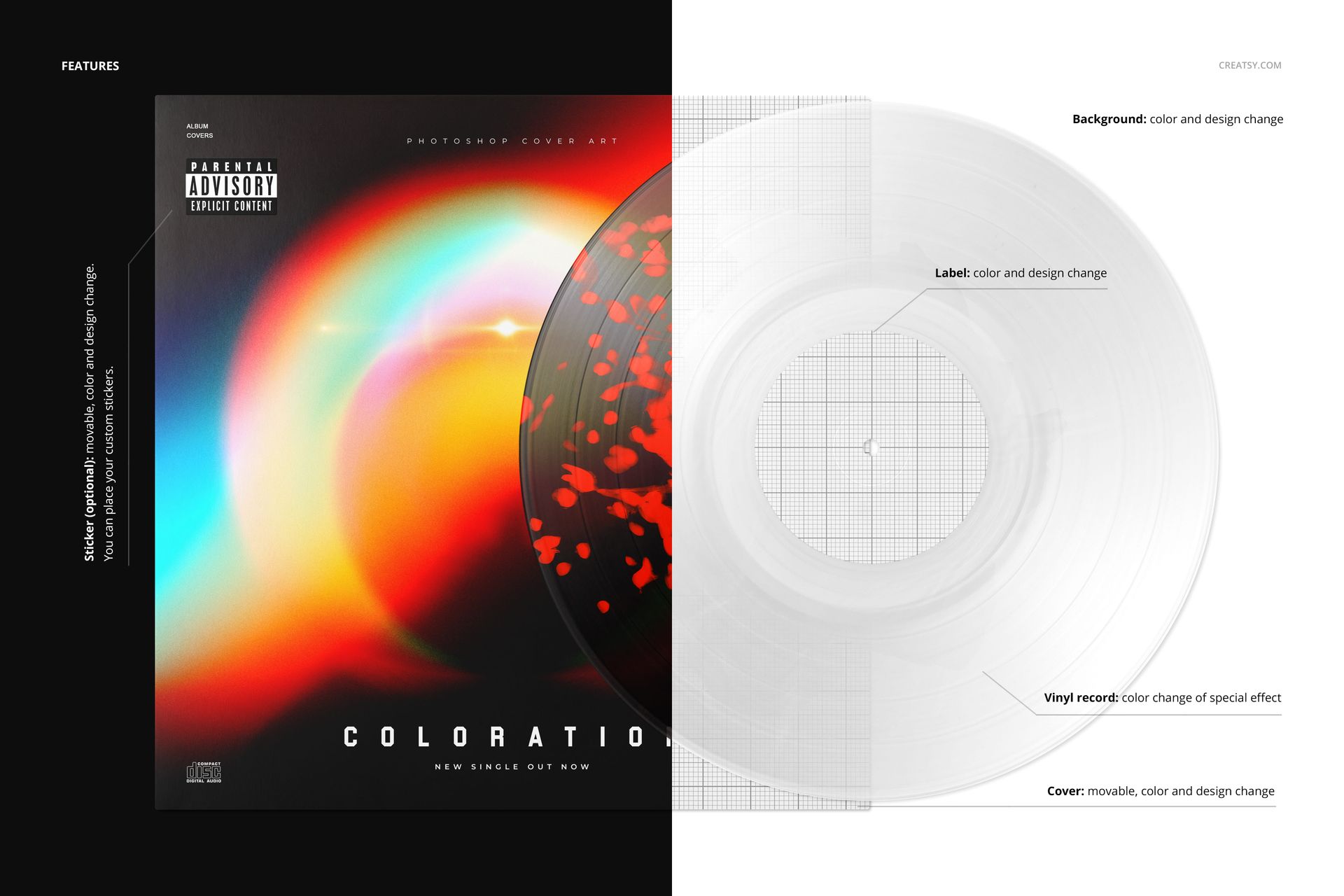
A splatter effect with editable colors, plus a center label with editable color and artwork.
A movable cover with editable color and design; an optional, movable sticker for your own artwork.
Background color and design customization for coordinating the scene with your release.
Compatibility with Adobe Photoshop CC2020 or later and the free online editor Photopea.
Perfect For
Independent labels, album designers and musicians can use this scene for release proposals, portfolio projects, retailer presentations and social announcements. It is particularly useful when the vinyl colorway needs to be understood alongside the cover rather than shown as an isolated swatch.
Open the PSD, place your cover and label designs into the Smart Objects, save those changes and adjust the effect colors. Check the resulting image at both presentation size and thumbnail size before exporting. This is a digital mockup, not a physical record, pressing specification or printing template. The sample artwork shown in the previews is not included.