7 inch Black Vinyl Record Mockup - On Cliff Edge
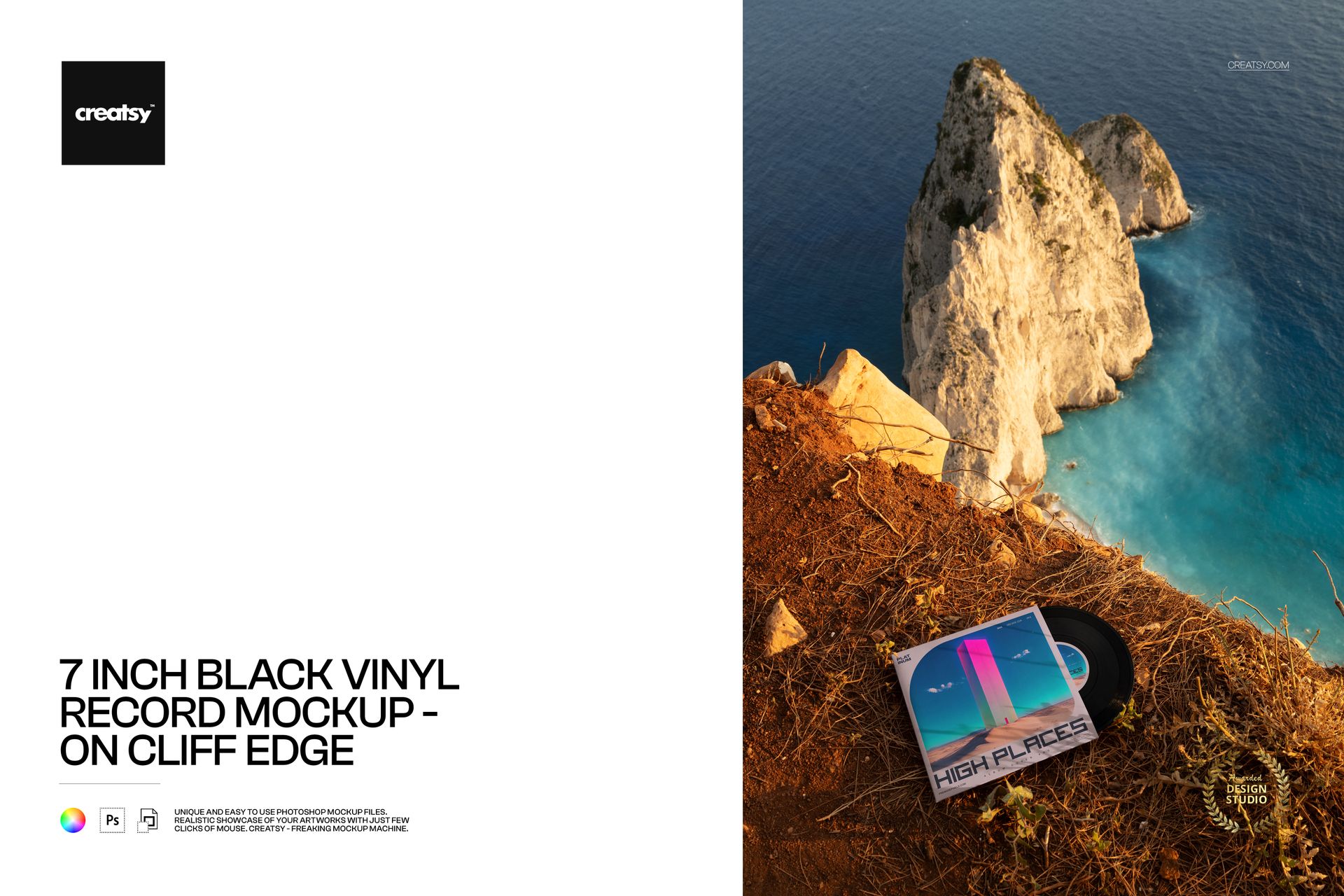
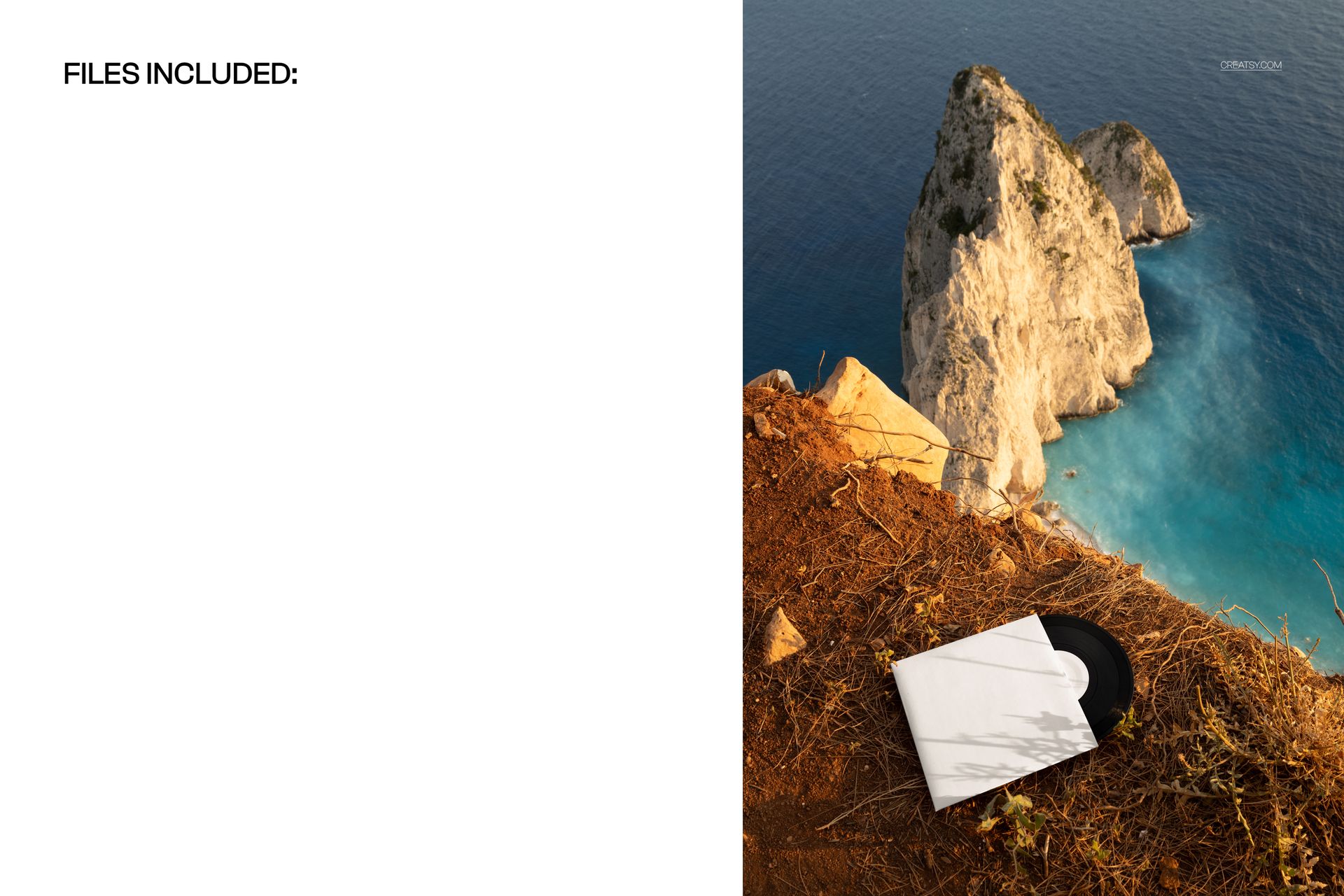
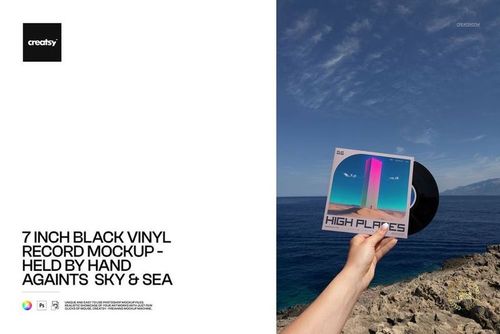
A sleeve at the edge of the frame, a sunlit sea cliff beyond it: this 7-inch black vinyl record mockup turns a release presentation into an outdoor visual story. The record rests on earthy ground above turquoise water, with pale rock formations rising through the portrait composition.
Choose this view when the location should help express the mood of the music. It gives cover artwork a dramatic setting while showing the square sleeve and exposed center label together.
What Is Included
1 layered PSD mockup and 1 JPG preview, 2 files in total.
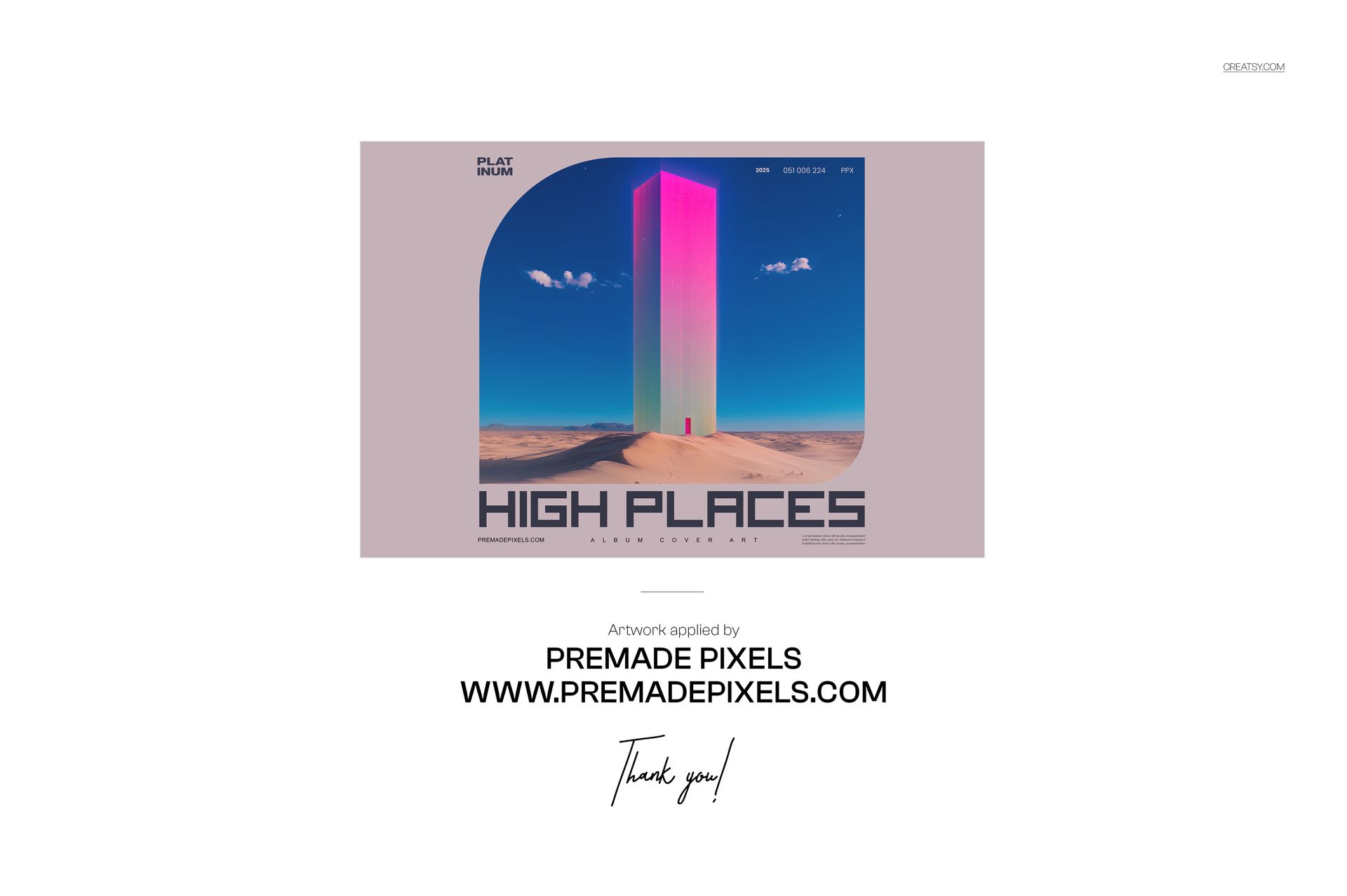
One portrait scene at 4480 × 6720 px and 300 DPI, with sleeve and center label artwork and color editing.
A Vertical Scene with a Sense of Depth
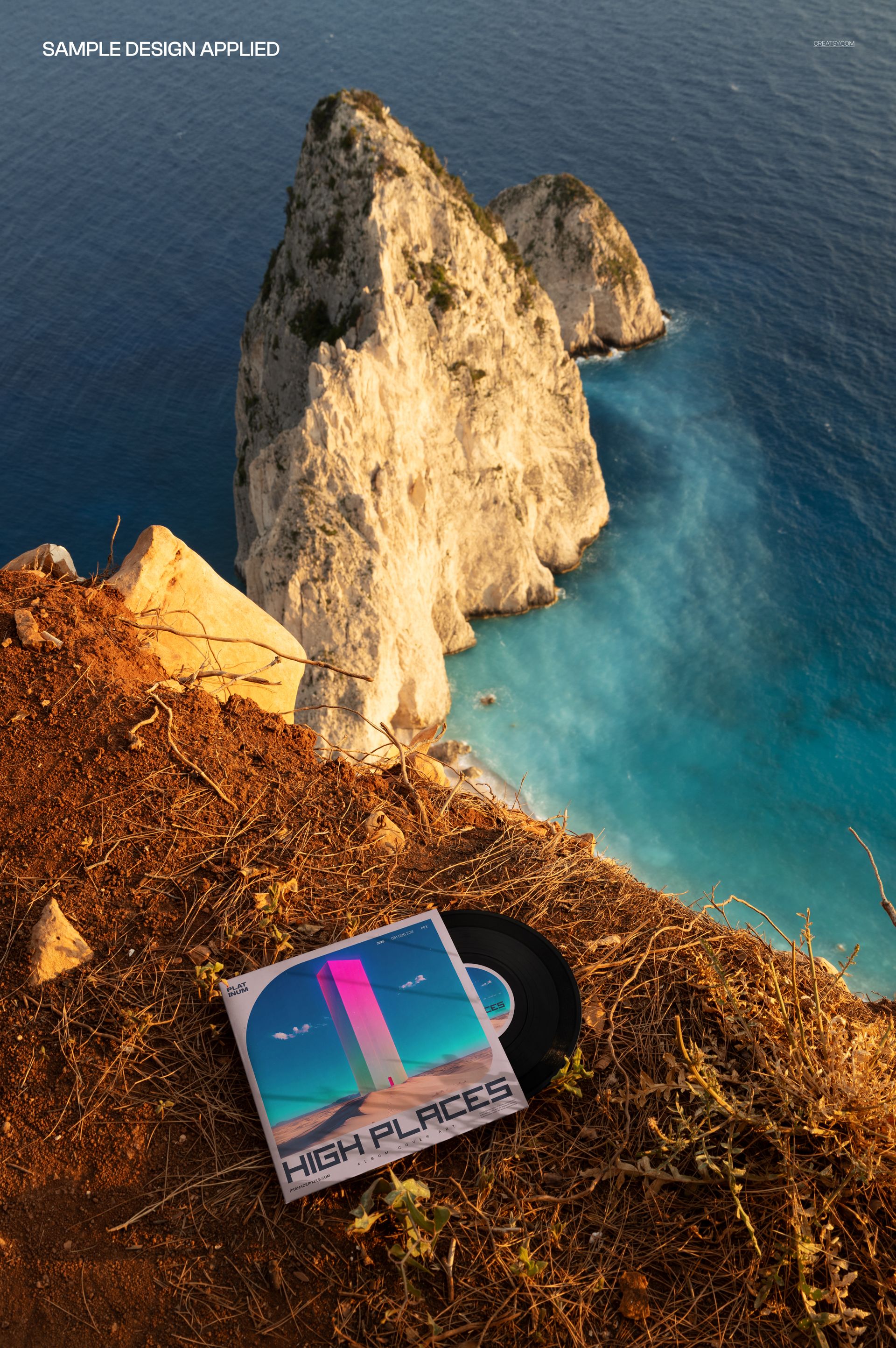
Warm ground in the foreground and blue water below create distinct layers around the packaging. A bold cover motif can hold its own against this detailed landscape, making the scene useful for an atmospheric single announcement or a music design case study.
Easy Smart Object Editing
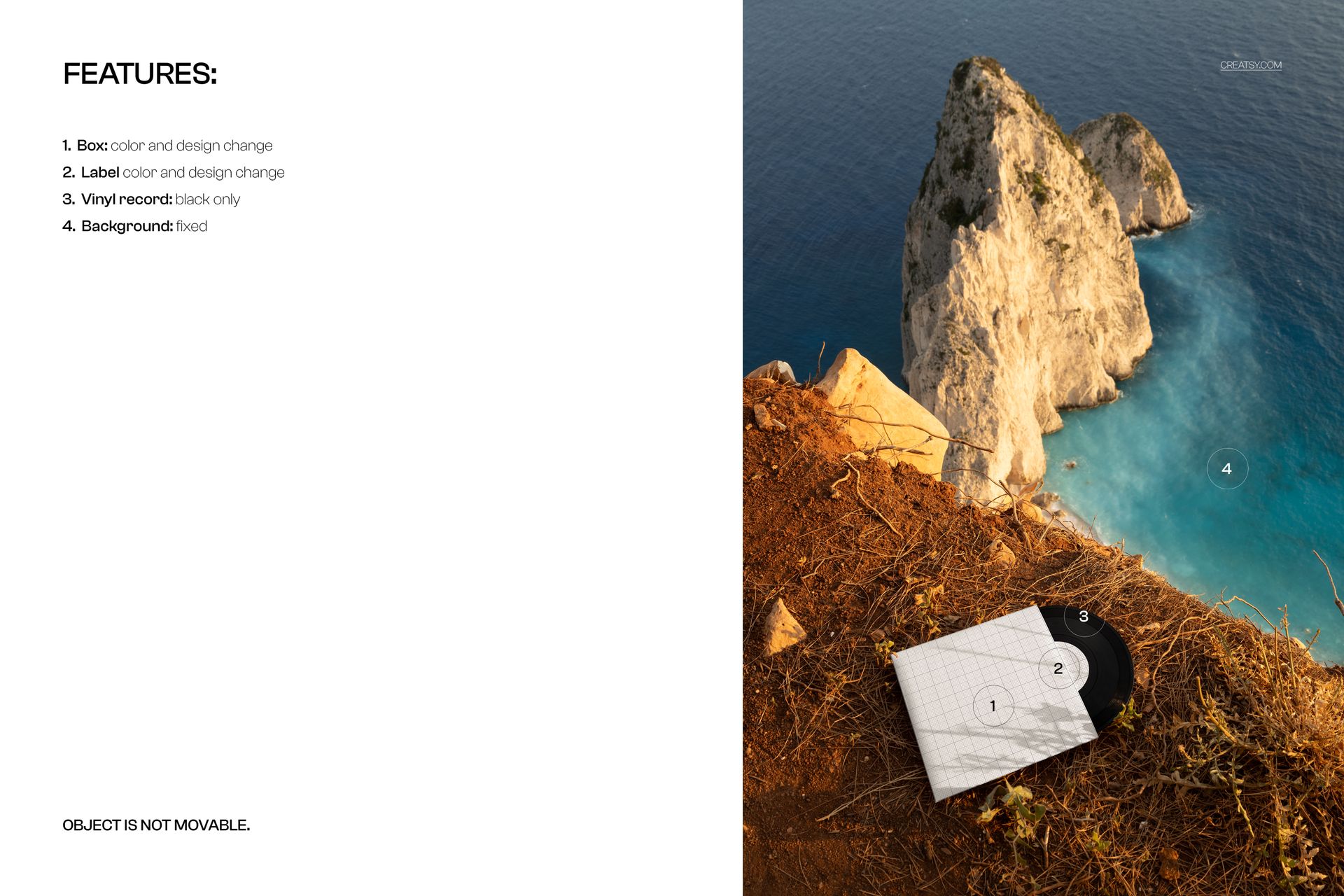
Insert your sleeve and center label artwork through the Smart Objects, then adjust the colors of both surfaces. The layered PSD works in Adobe Photoshop and Photopea. The vinyl stays black, the background is fixed and the objects cannot be moved.
Perfect For
Musicians, independent labels and cover designers preparing release announcements, press-kit artwork, music shop imagery and editorial portfolio presentations.
This is a digital mockup, not a physical record. The sample artwork displayed in the previews is not included.