Multi-color Segments Effect Vinyl Record & Cover Mockup v.4
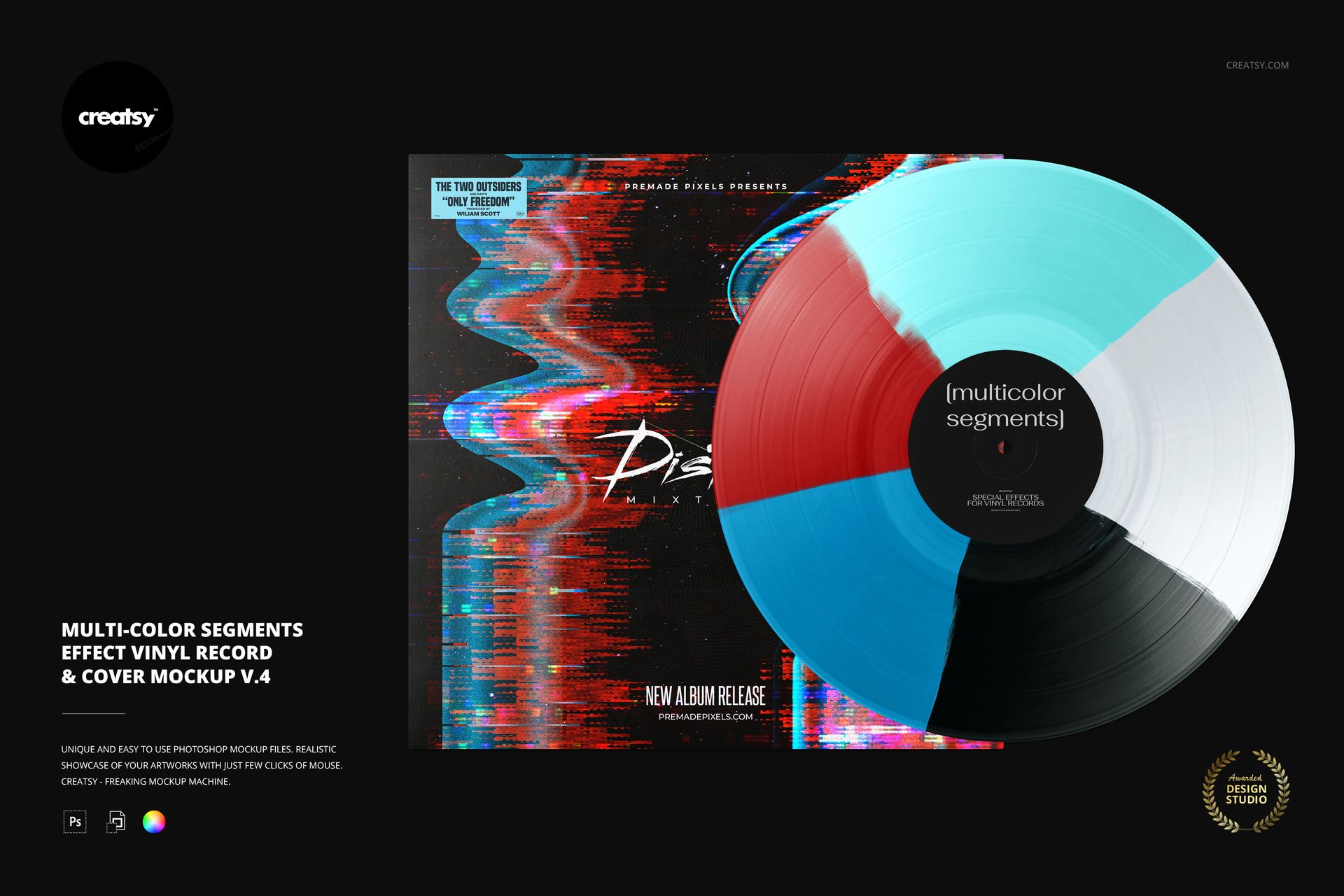
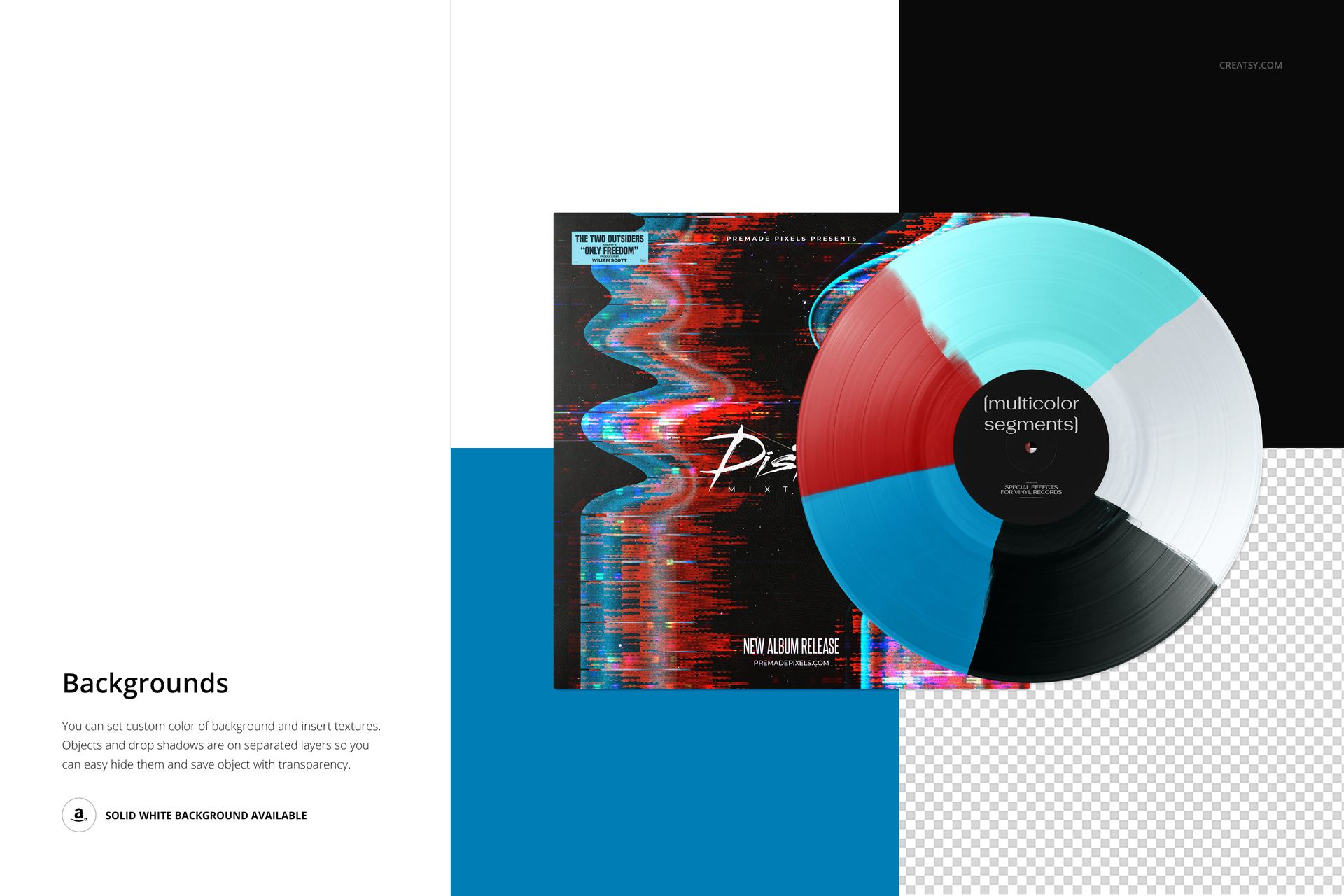
Give a release palette room to develop across five radial color sectors. This vinyl record and cover mockup shows the full segmented disc overlapping a square sleeve, with the center label clearly visible. The five-part effect lets you present a richer color combination alongside the album artwork without changing the scene.
What Is Included
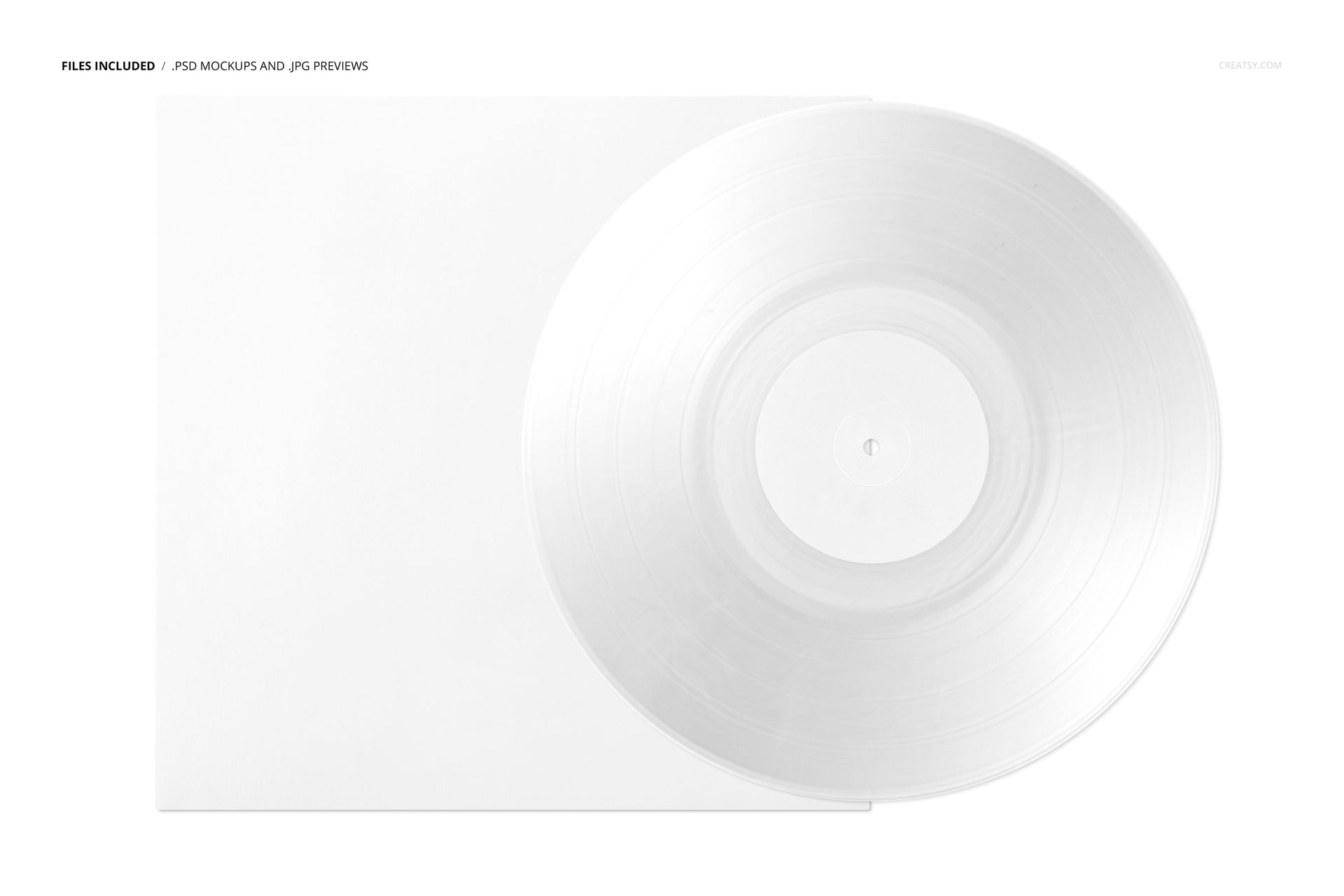
1 layered PSD mockup, 6000 × 4000 px at 300 DPI.
1 JPG thumbnail preview plus 18 OTF font files.
20 files total: one scene, 8 Switzer fonts and 10 Built Titling fonts.
Balance Five Color Areas
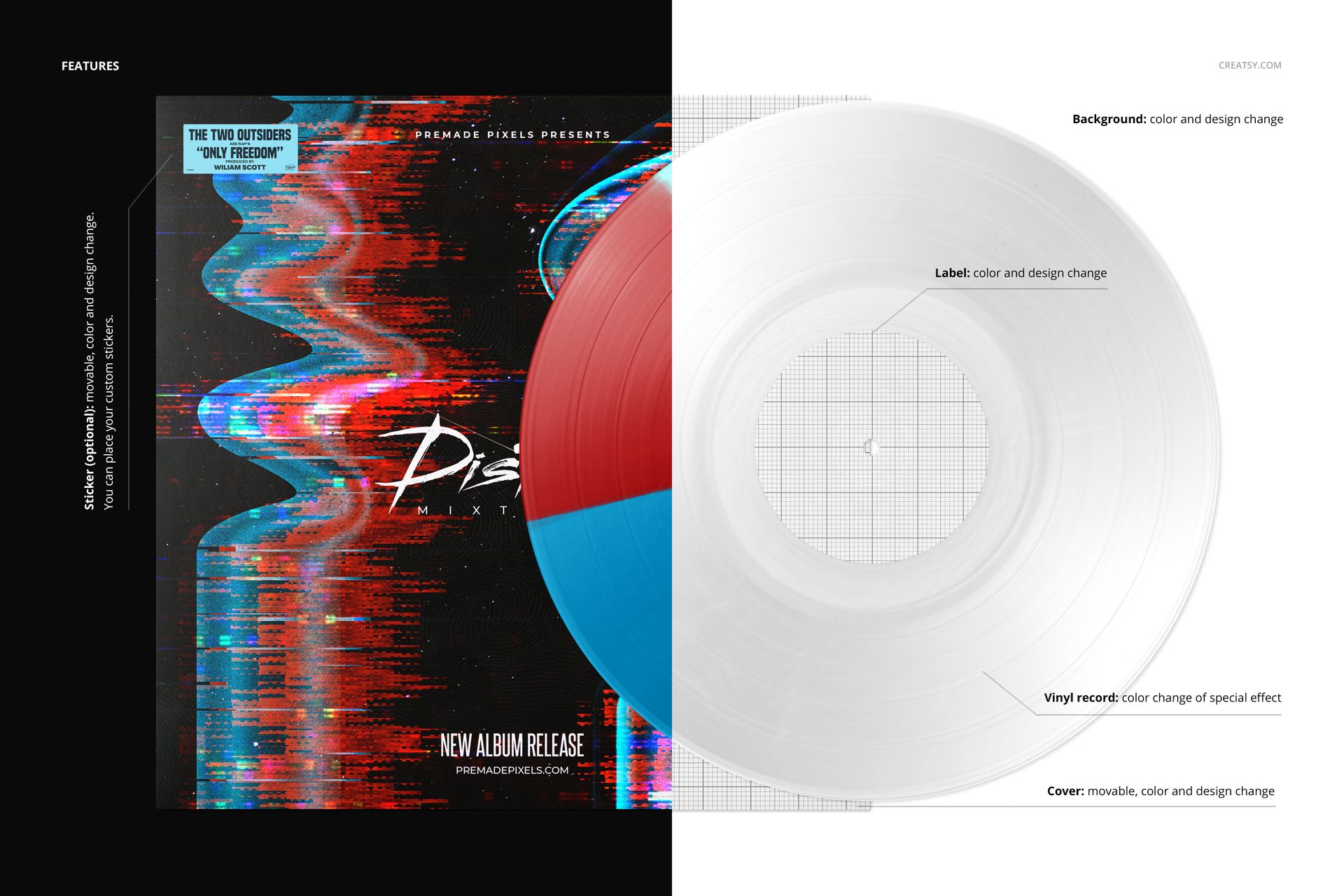
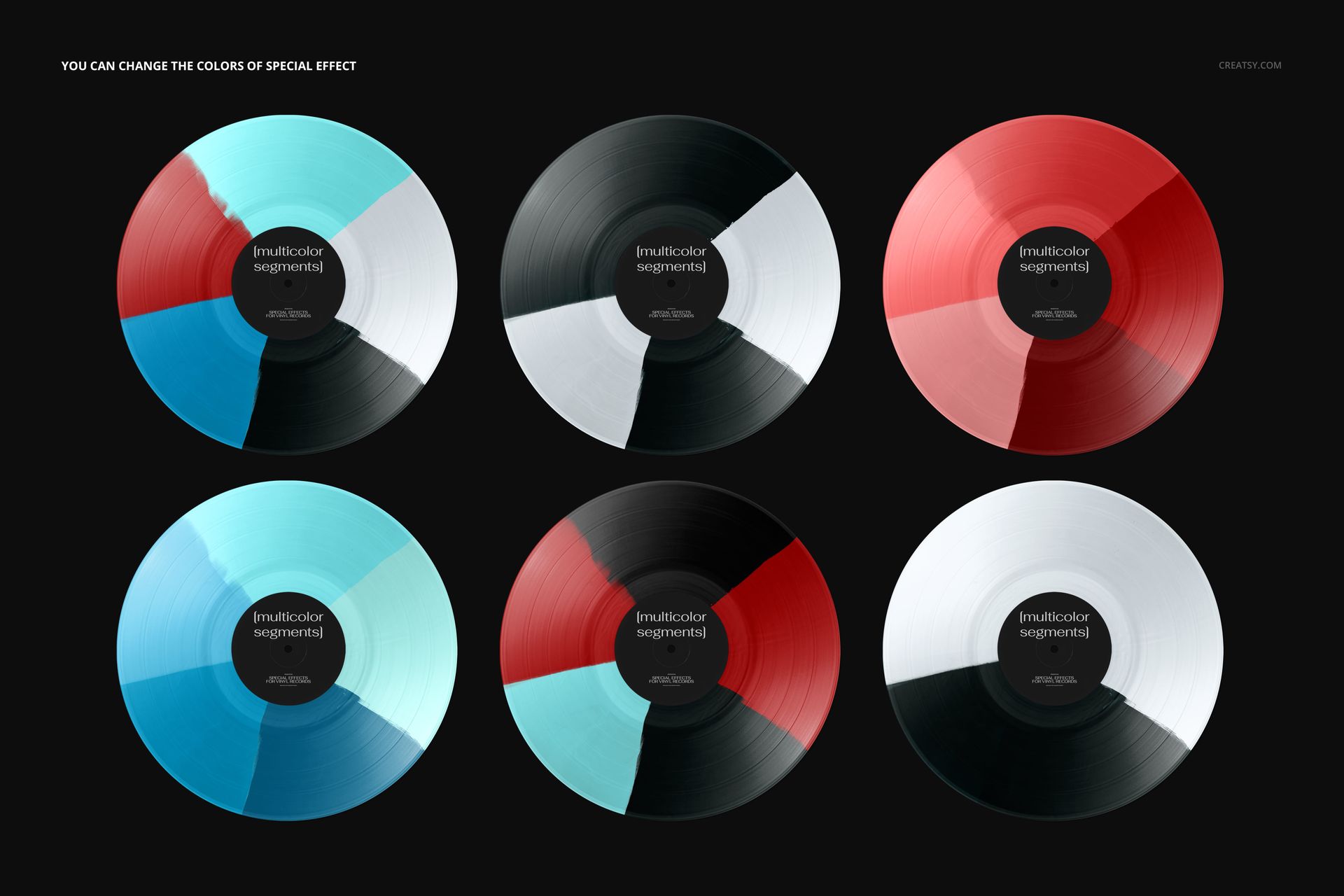
Change the colors of the special effect, then customize the center-label and cover colors and artwork. Move the cover to refine the composition and add your own design to the optional movable sticker. Choose a background color or texture; separate object and drop-shadow layers also support an export with transparency.
Smart Objects for Cover and Label Artwork
The organized PSD works in Adobe Photoshop CC2020 or newer and Photopea. Replace the artwork in the relevant Smart Objects, save the edits and return to the main composition. Use the effect's color controls to test a full multicolor palette or a restrained combination with repeated shades.
A practical scene for album designers, music labels and musicians preparing release concepts, promotional visuals or portfolio images. Digital mockup only; no physical record, production dieline or sample cover artwork is included.