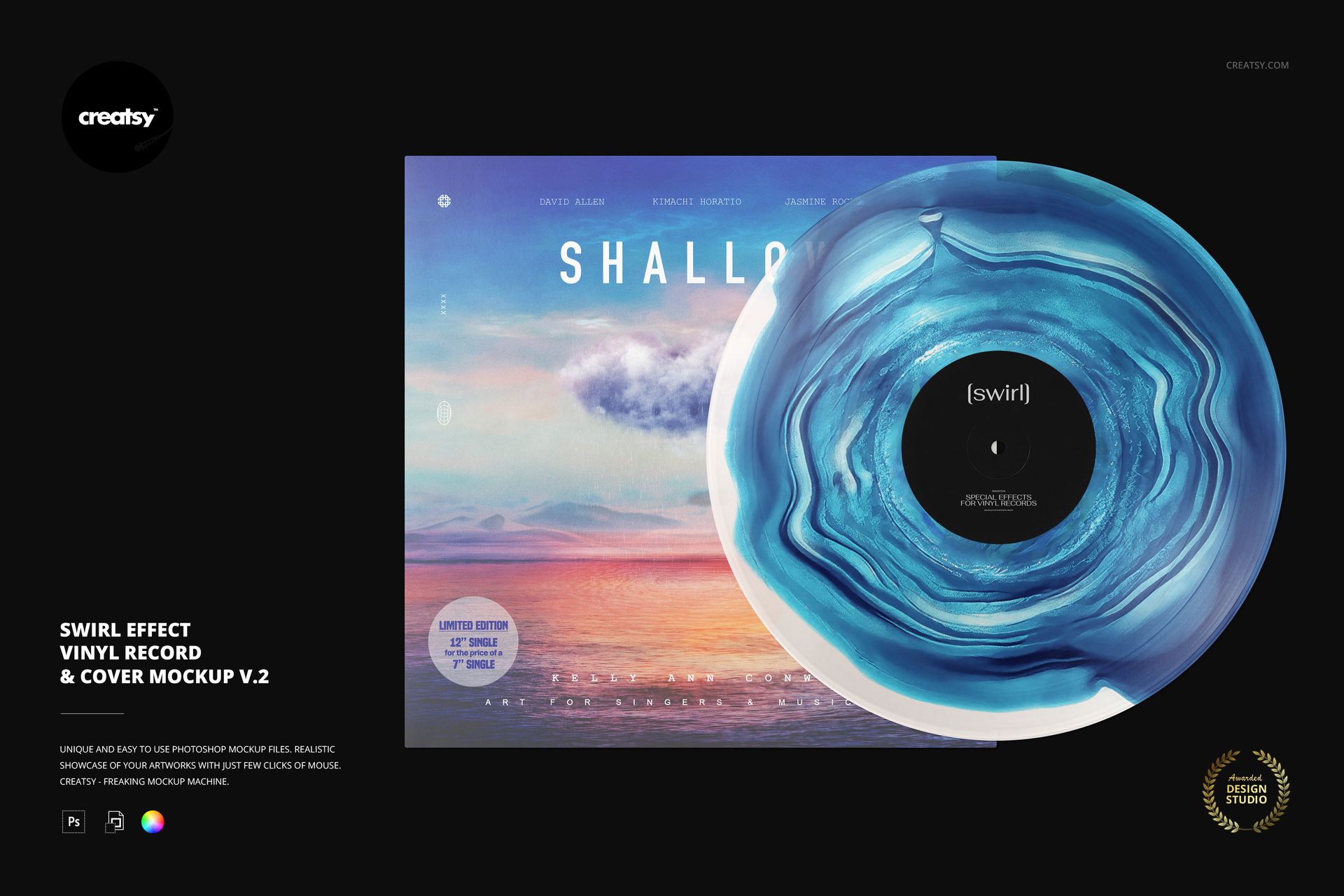
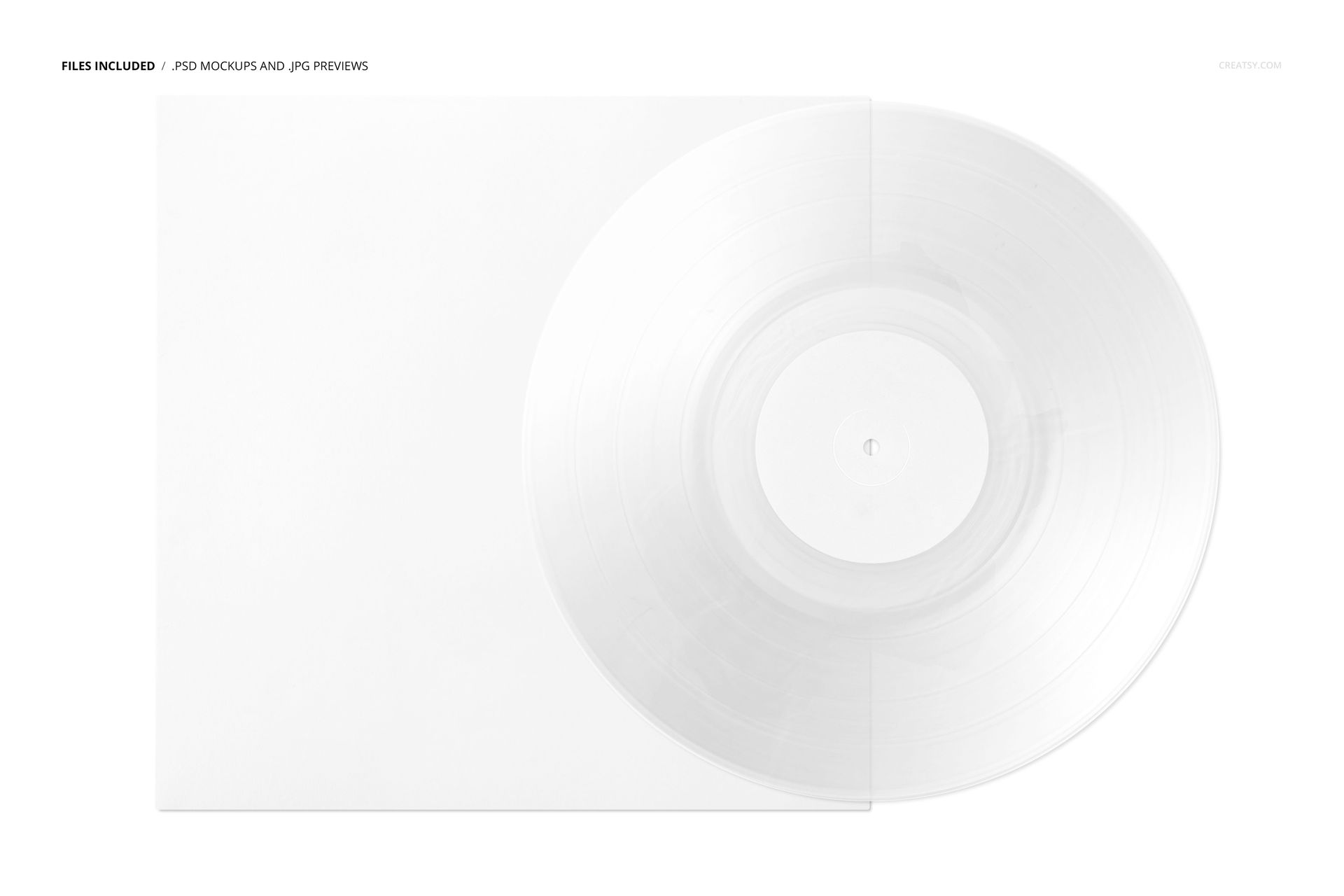
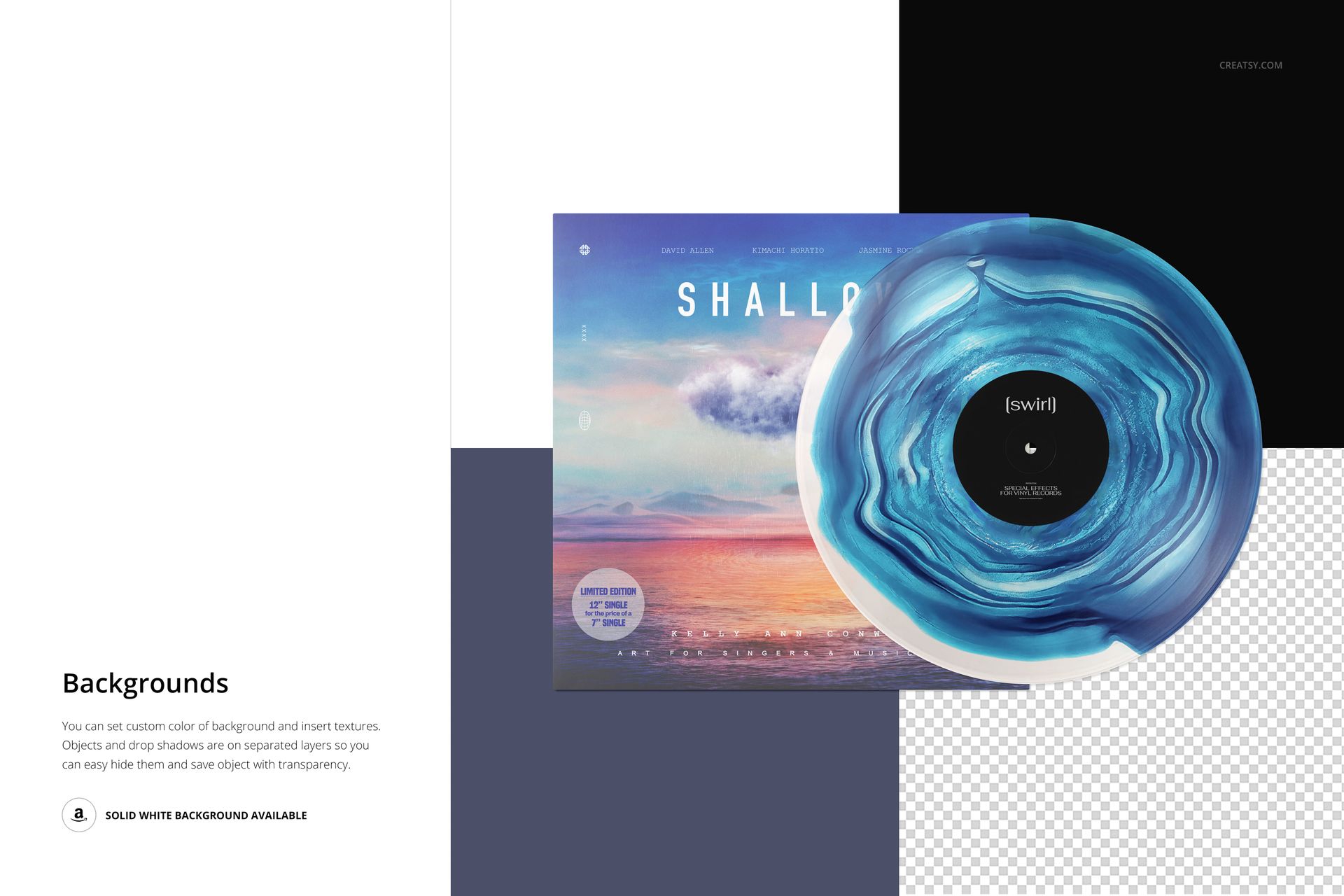
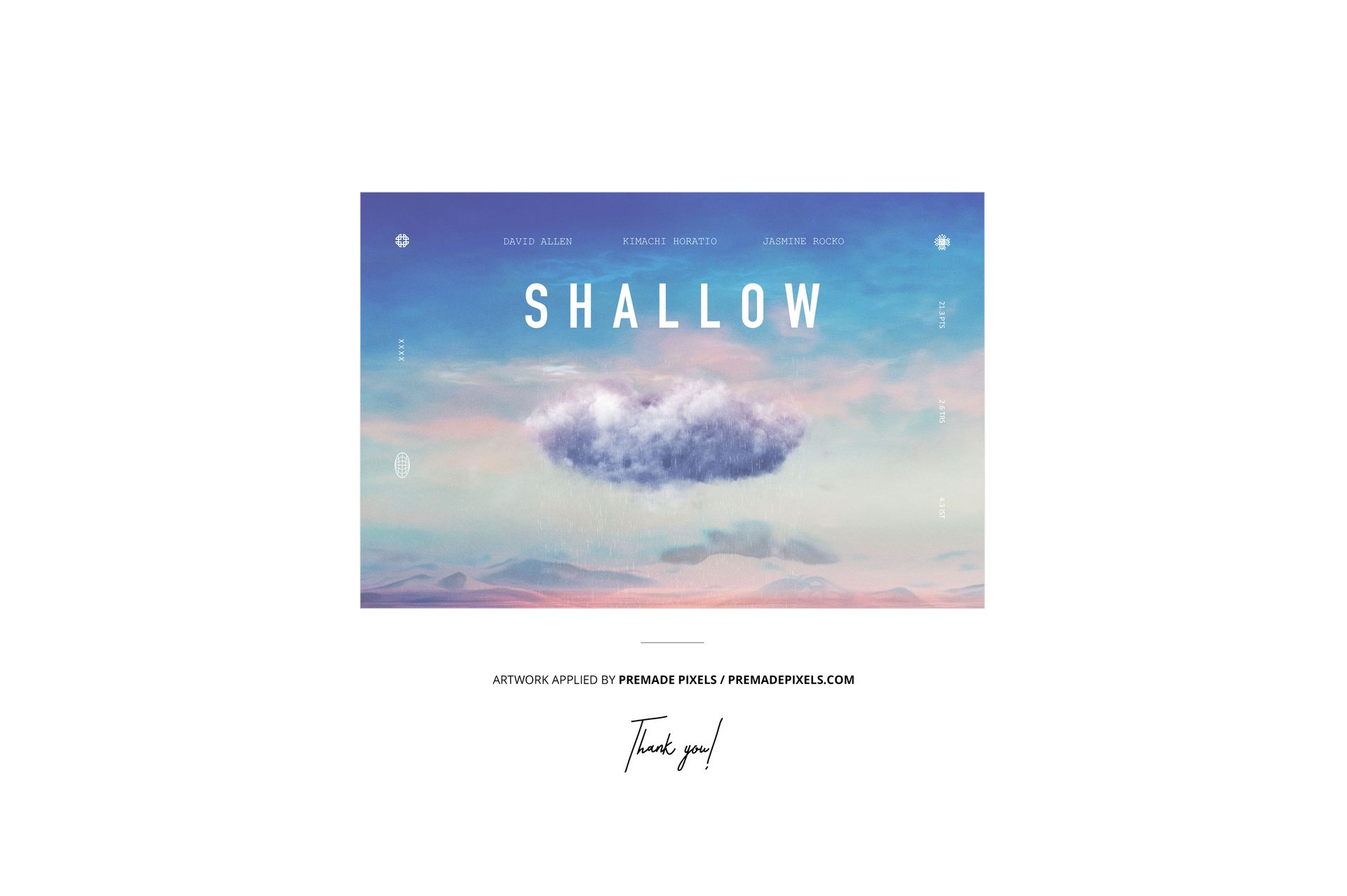
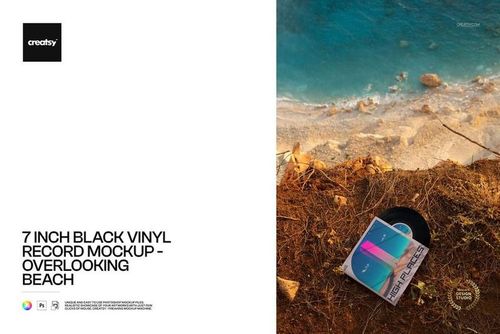
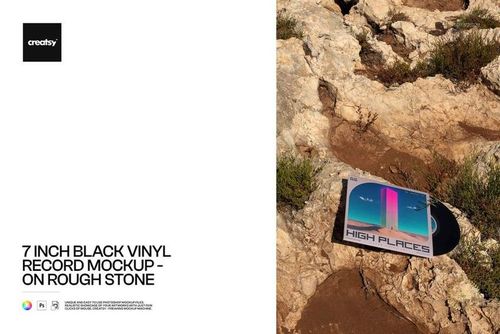
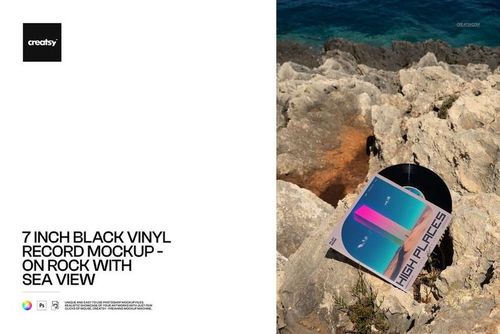
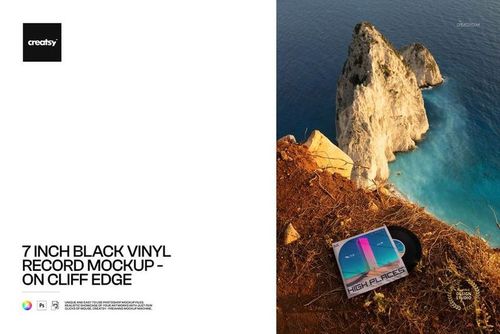
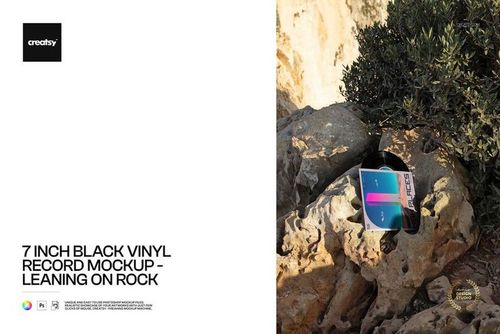
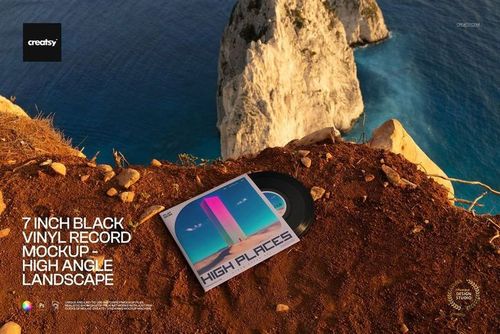
Spin your artwork into a collector’s piece with this free Swirl Effect Vinyl Record & Cover Mockup. Showcase album covers, single artwork, and label designs on a special-effect swirl vinyl set against a clean background. Perfect for indie releases, limited editions, and music merch presentations. Free for commercial use – see license for details.
Highlights
- Format: 1× PSD, 6000×4000 px, 300 dpi
- Workflow: Smart Objects; neat, well-organized layers
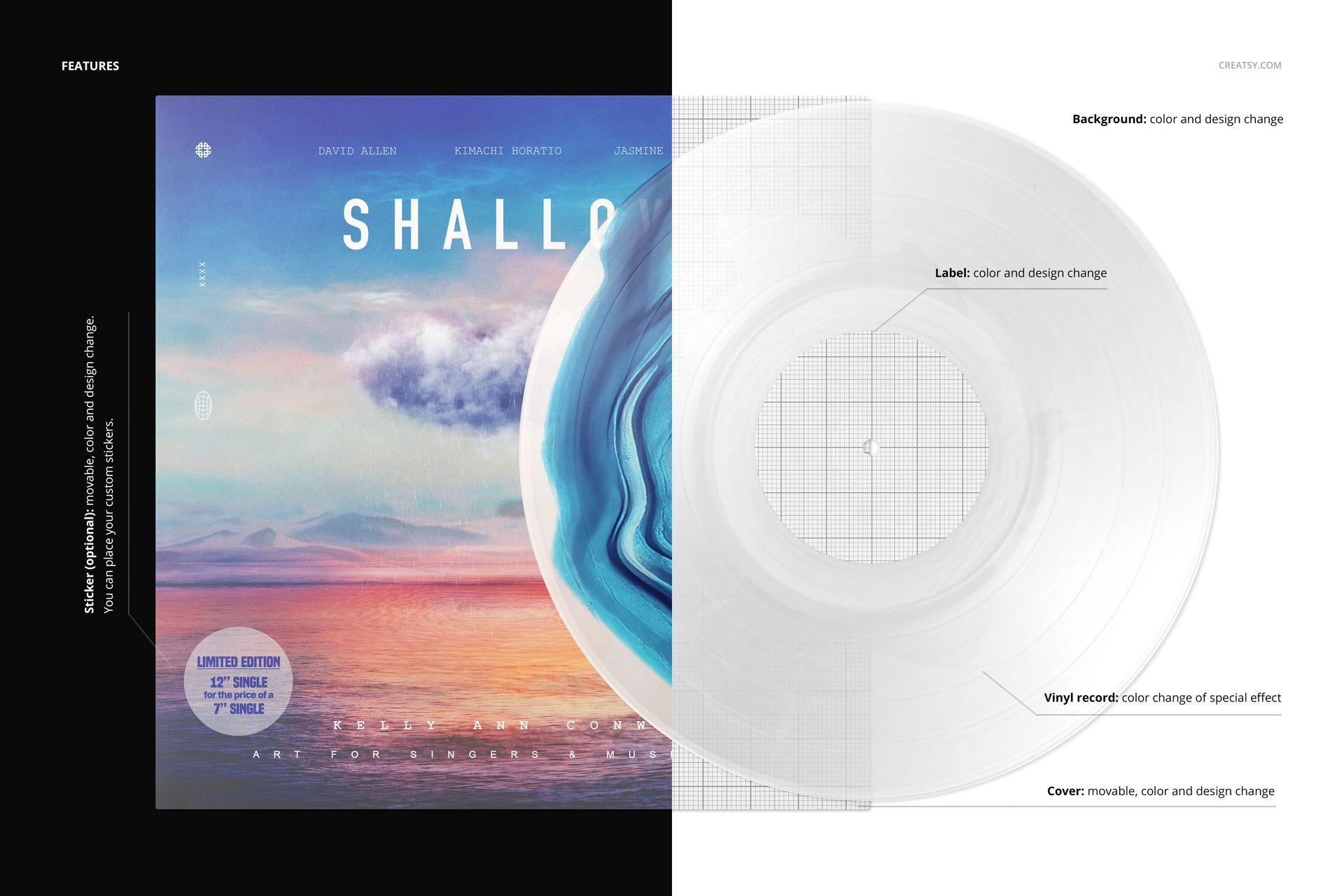
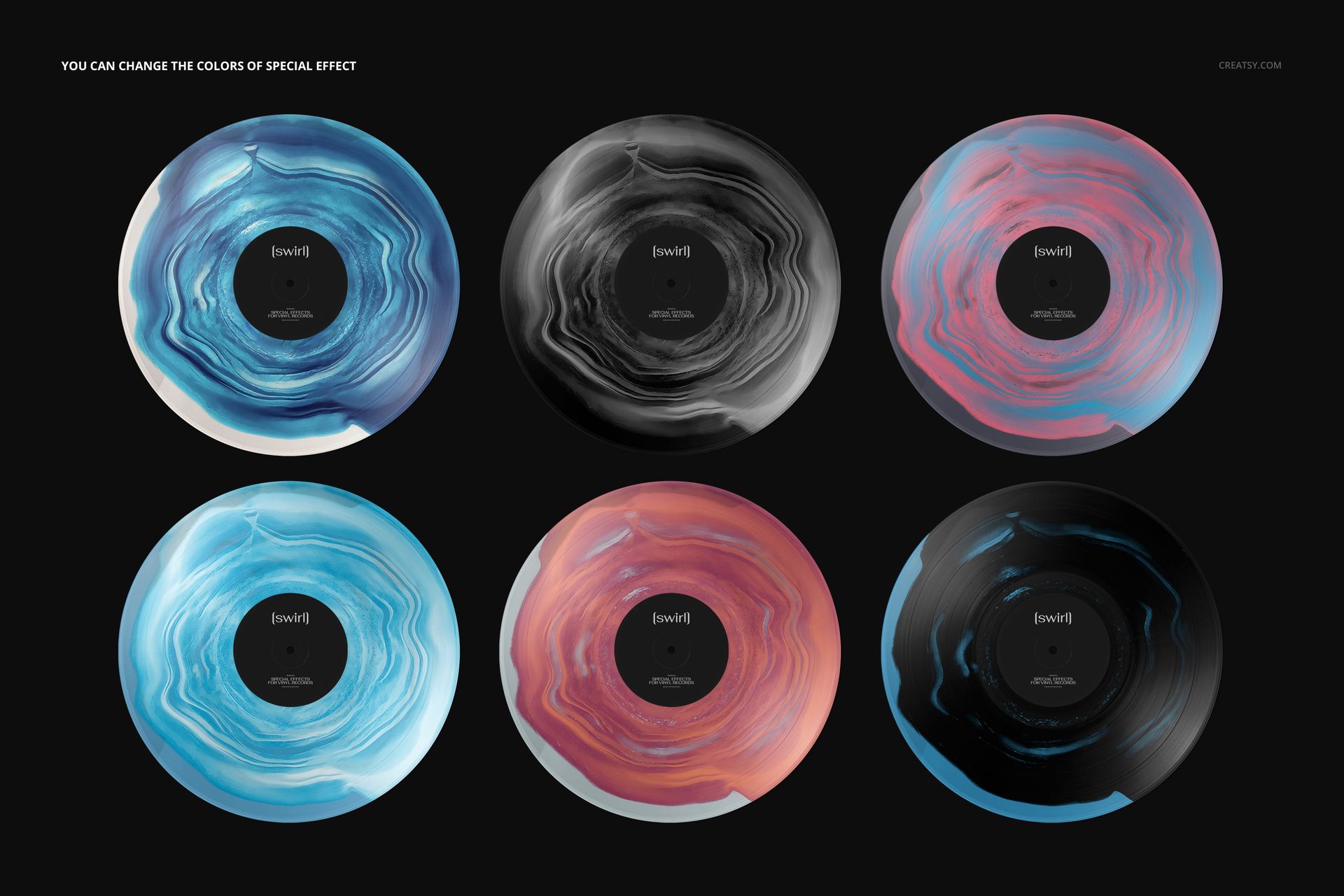
- Editable: Vinyl record swirl effect color; center label (color & design); record cover (color & design, movable); optional round sticker (movable, color & design – add your own promos); background (color & design)
- Scene: large, front-facing cover with translucent swirl vinyl partially overlapping it
- Apps: Photoshop (min. CC 2020) + Photopea (free online editor)
- Use cases: album & single artwork, band merch, label presentations, online shops, social media
- License: free for personal & commercial use (see terms)
What’s inside / Specs
- Files: PSD (+ preview JPG)
- Canvas: 6000×4000 px, 300 dpi
- Layers & controls:
- Smart Object for cover artwork
- Smart Object for center label design
- Swirl vinyl color adjustment layer to match your palette or pressing concept
- Optional sticker layer (on/off, editable design)
- Background color/design layer
- Realistic lighting and reflections preserved on the vinyl surface
- Compatibility: Photoshop CC 2020 or newer; works in Photopea
- Approx. size: ~146–153 MB (archive may vary by compression)
How-to (Photoshop & Photopea)
- Open the PSD in Photoshop (CC 2020+) or Photopea.
- Place your artwork into the cover and label Smart Objects, then Save to refresh the mockup.
- Adjust the swirl vinyl color and background to fit your album mood or branding.
- Turn the sticker on/off and customize it for “Limited Edition,” “New,” or other callouts.
- Export high-resolution JPG/PNG/WebP files for online stores, press kits, or promotional graphics.
License & usage
Free for personal & commercial use (for 1 business, up to 5,000 end products). PSD source files cannot be resold, shared, or redistributed as-is. Please check the full license – “Freebie” row – for complete terms and restrictions.