Split Effect Vinyl Record & Cover Mockup v.6
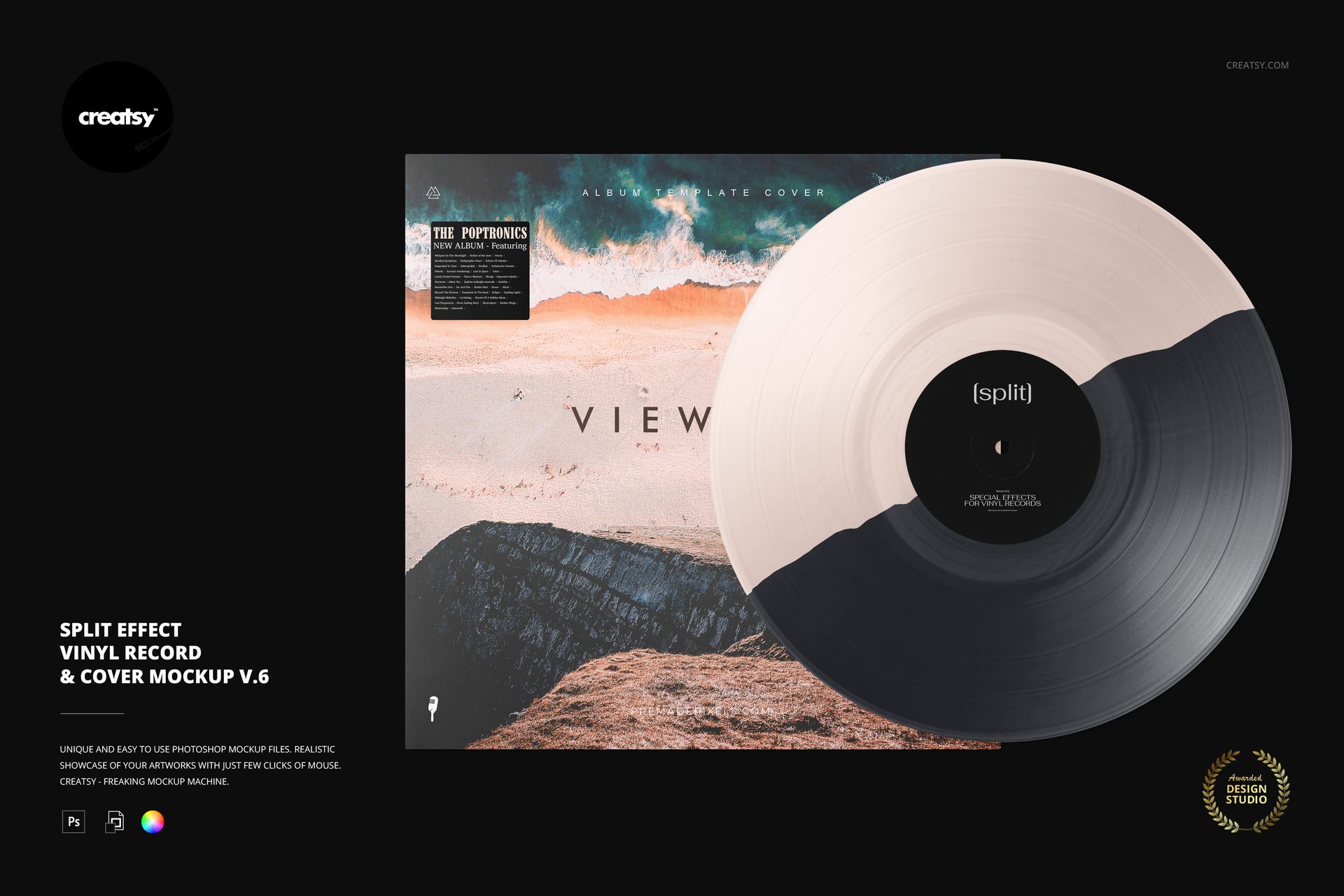
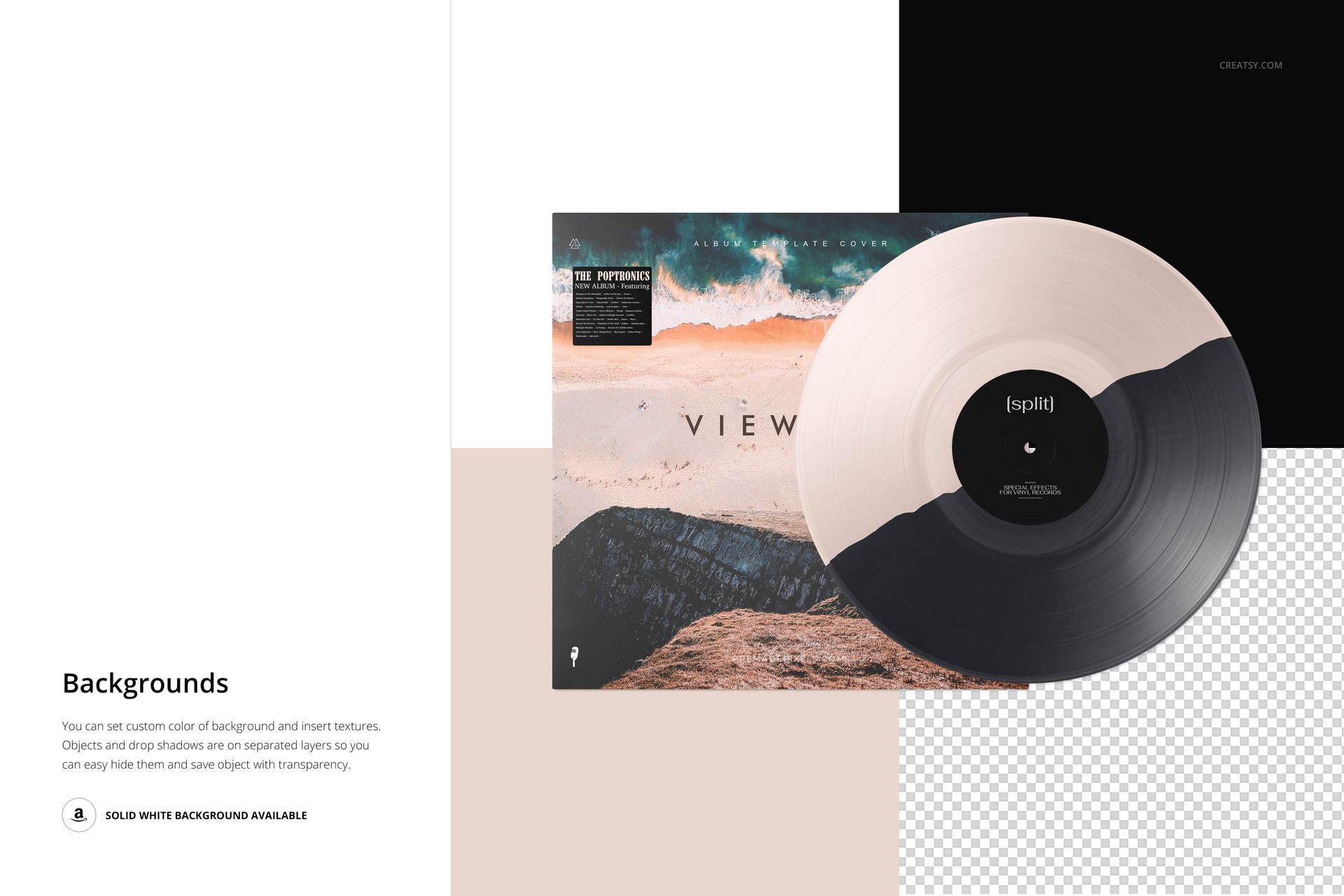
A gently uneven diagonal line gives this two-tone record a different rhythm from a geometric half-and-half design. The full disc sits in front of a square album cover, with the split rising from lower left to upper right. Use this organic diagonal split vinyl mockup to bring a sleeve palette into the record itself.
The arrangement keeps the center label, grooves and cover artwork visible together. It is useful when a musician or label needs to compare a restrained tonal edition with a more contrasting color combination, without changing the underlying presentation.
What Is Included
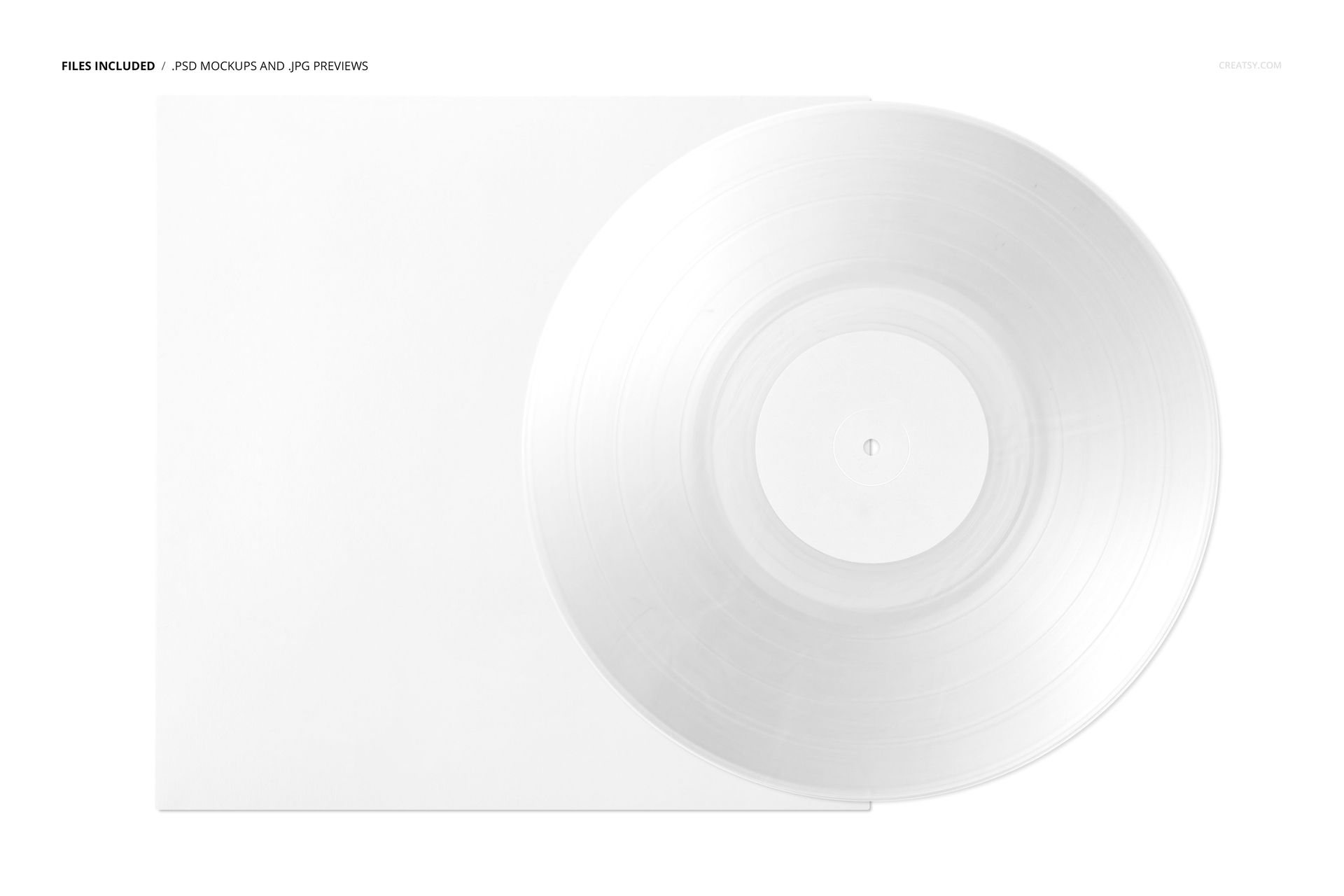
1 layered PSD, 6000 × 4000 px at 300 DPI.
1 JPG preview and 1 PDF user manual.
5 Veleka OTF files and 1 Marlboro TTF font file.
Coordinate the Disc, Label and Sleeve
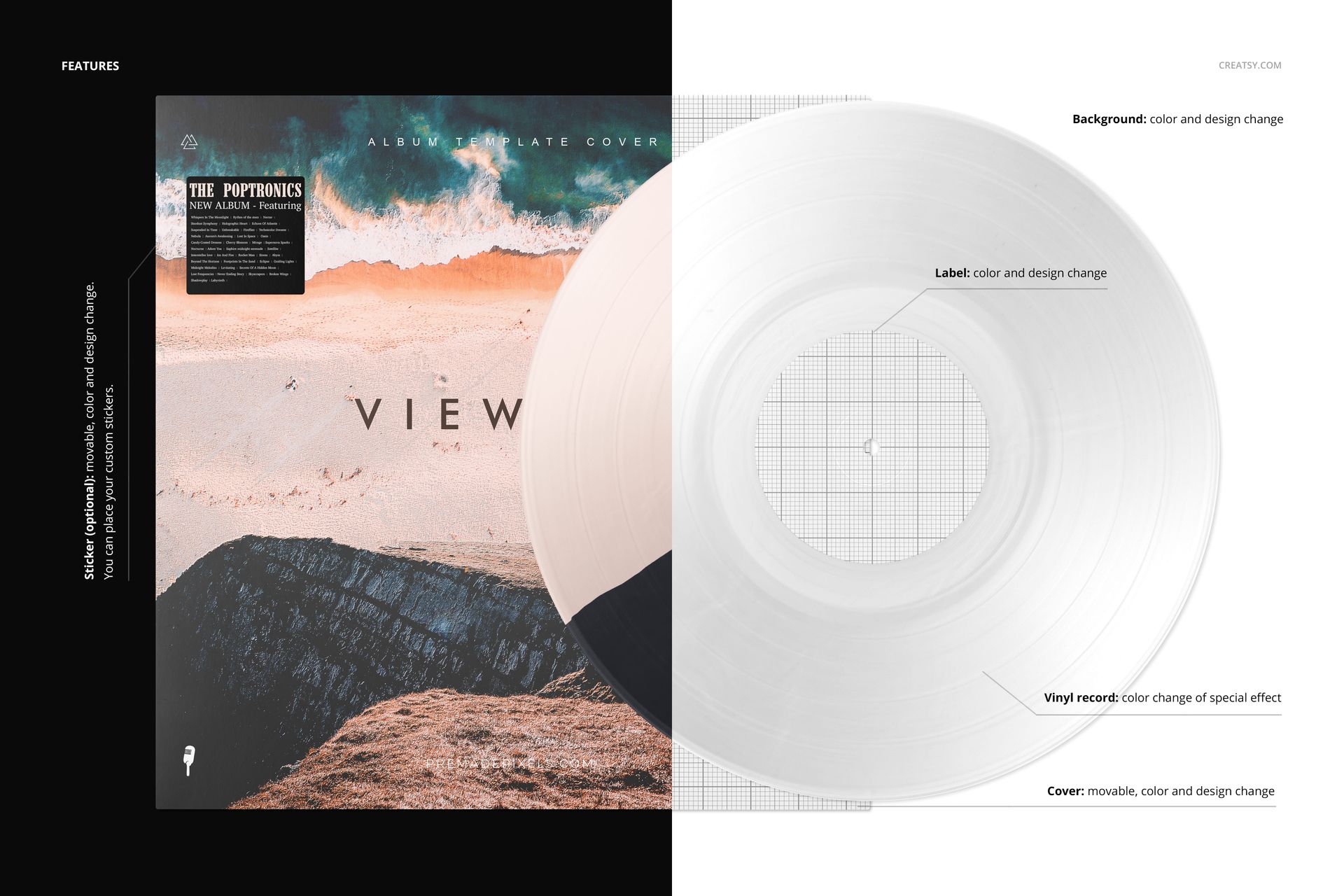
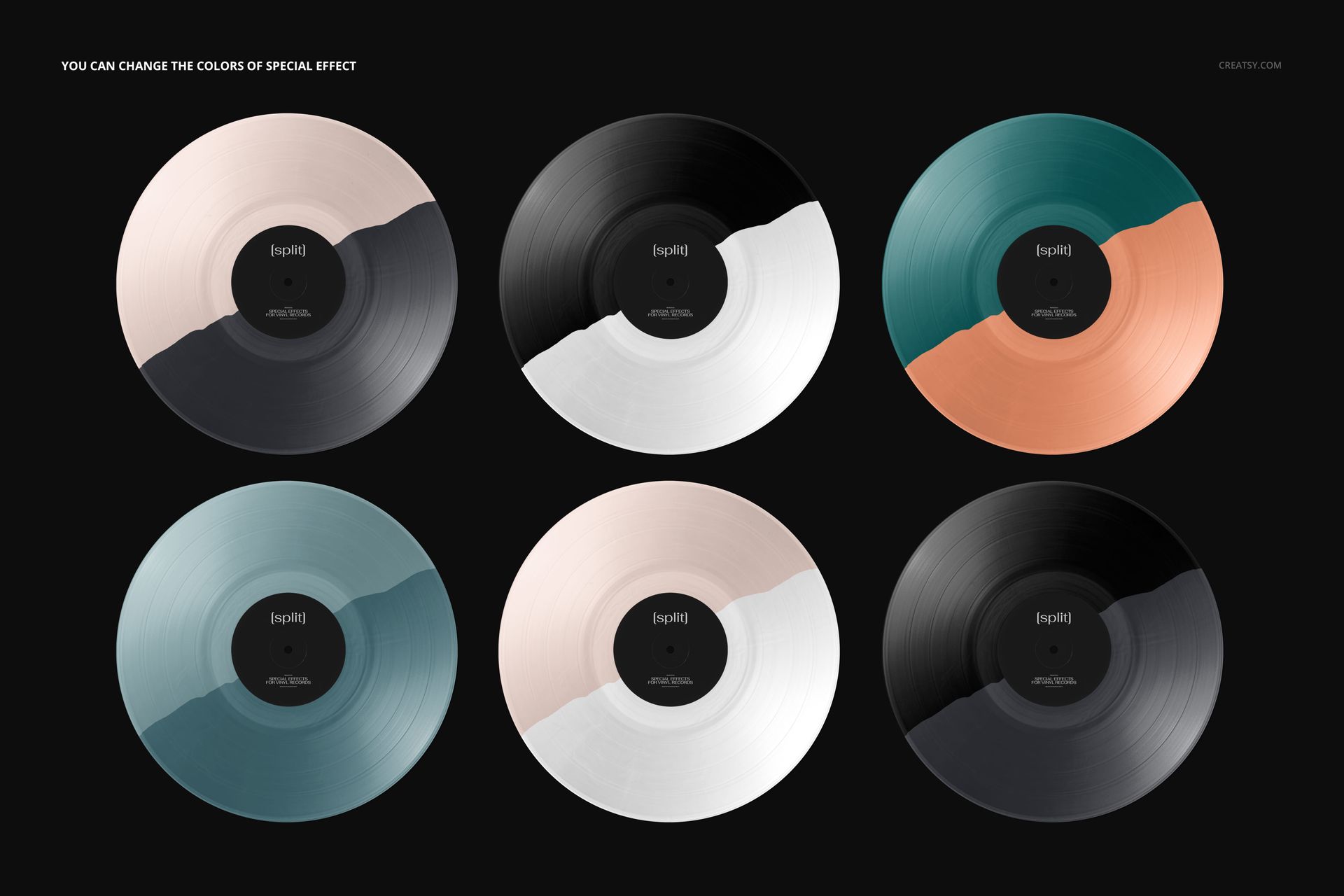
Recolor the split effect and change the center-label and cover designs. Move the cover, customize the optional sticker, and choose a solid or textured background. Objects and drop shadows are on separate layers, allowing a transparent presentation when needed. The illustrated color combinations are examples within one scene.
An Editable Album-Art Presentation
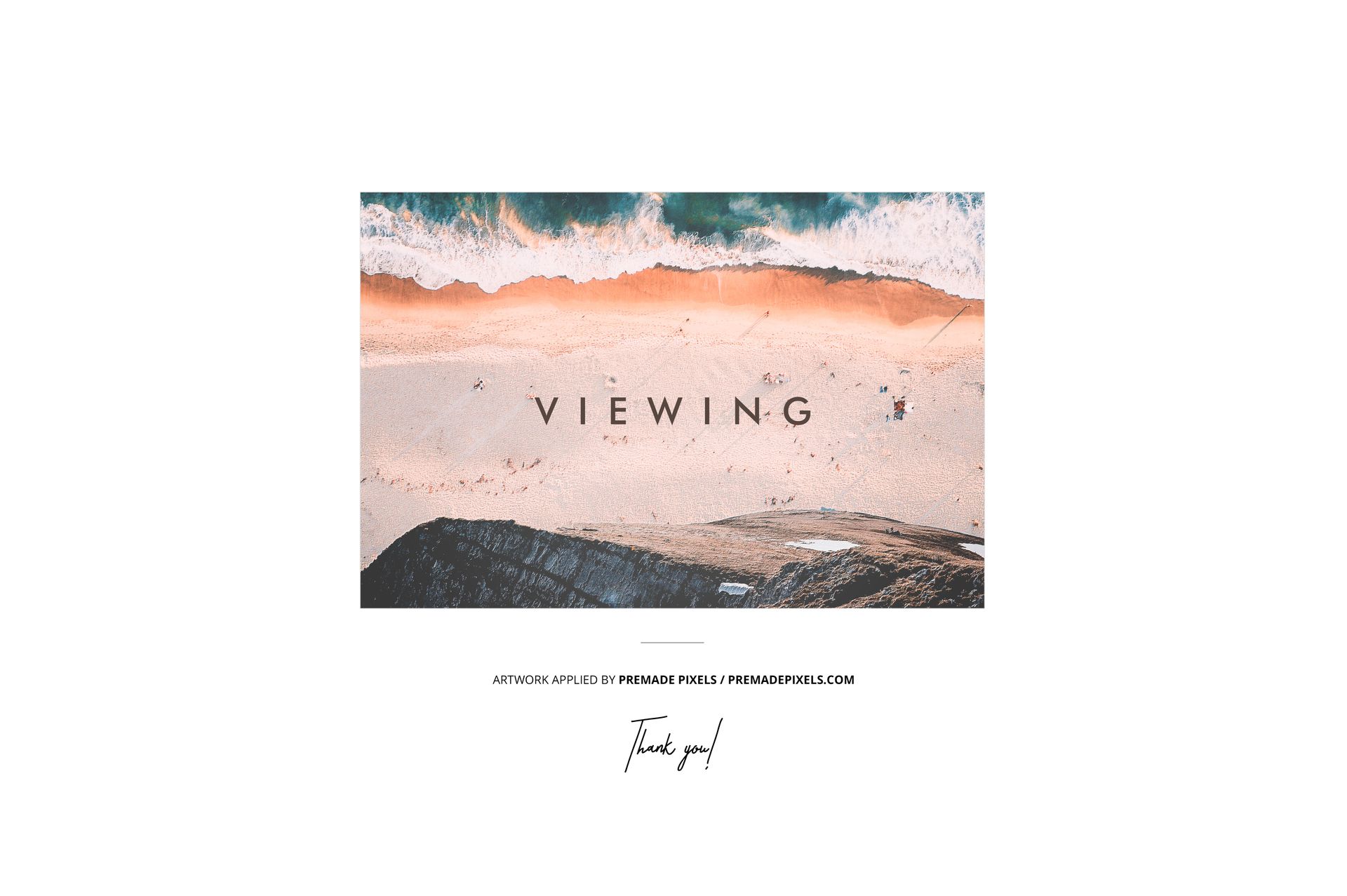
Use Smart Objects to insert your artwork in Photoshop CC2020 or Photopea. Prepare label proposals, music packaging portfolios or release-campaign graphics with one consistent view of the disc and cover. This is a digital design mockup, not a physical record. Sample artwork shown in the previews is not included.