Back to School Mockup Bundle
Product Details
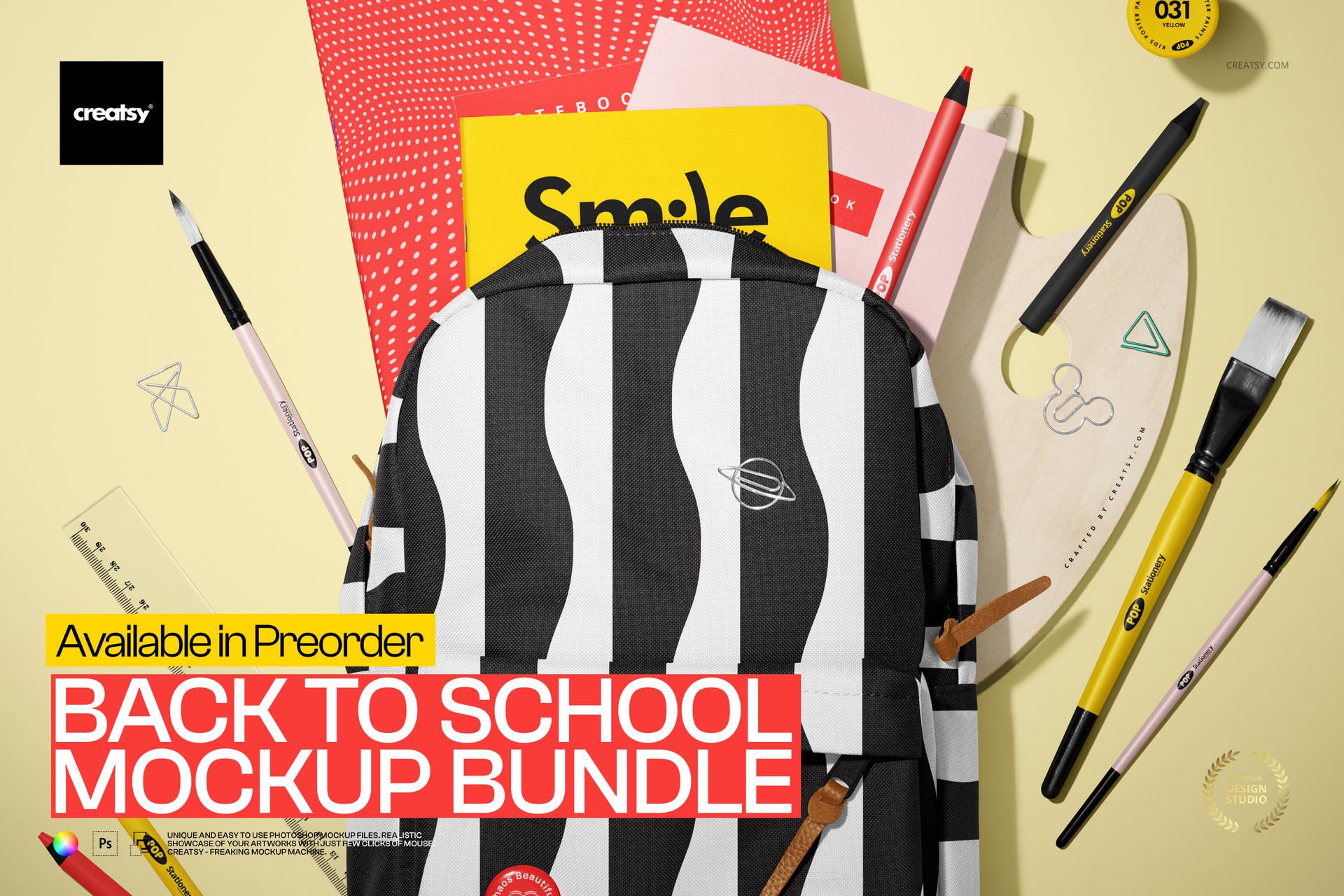
Back to School Stationery Mockup Bundle
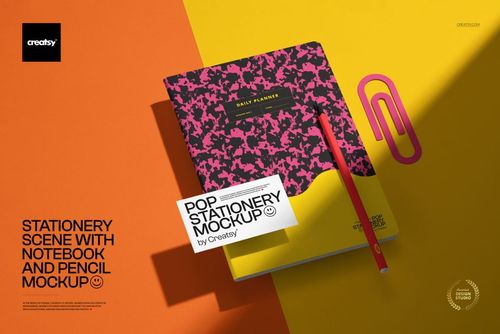
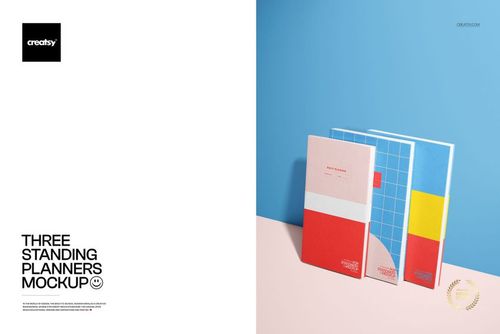
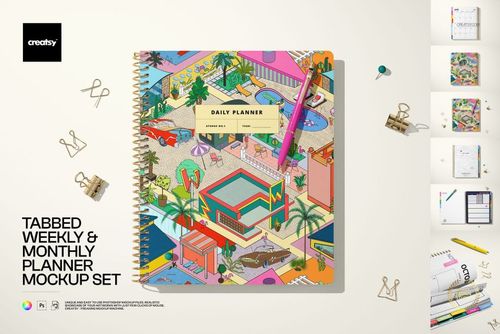
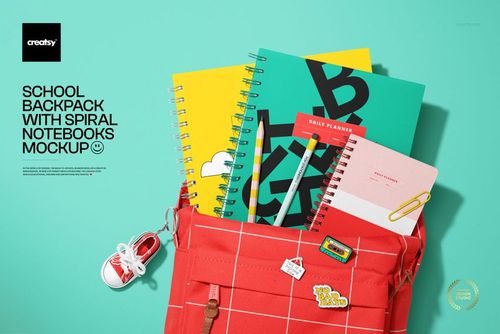
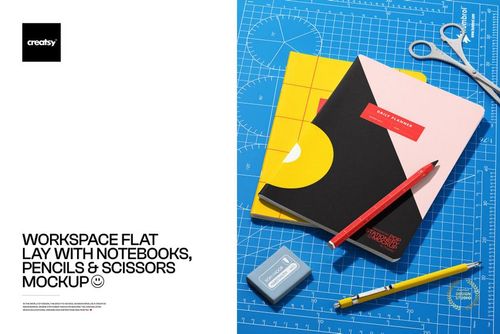
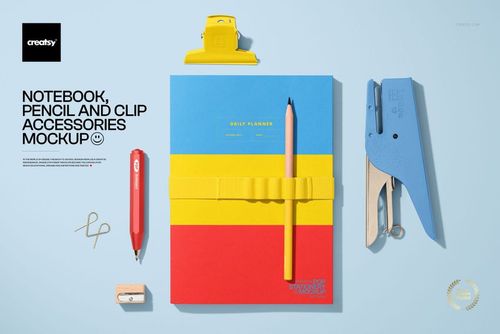
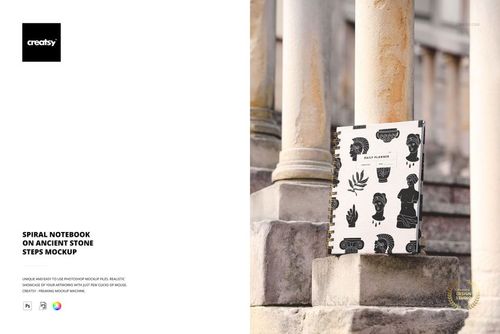
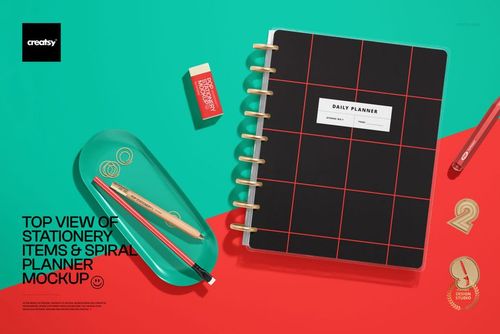
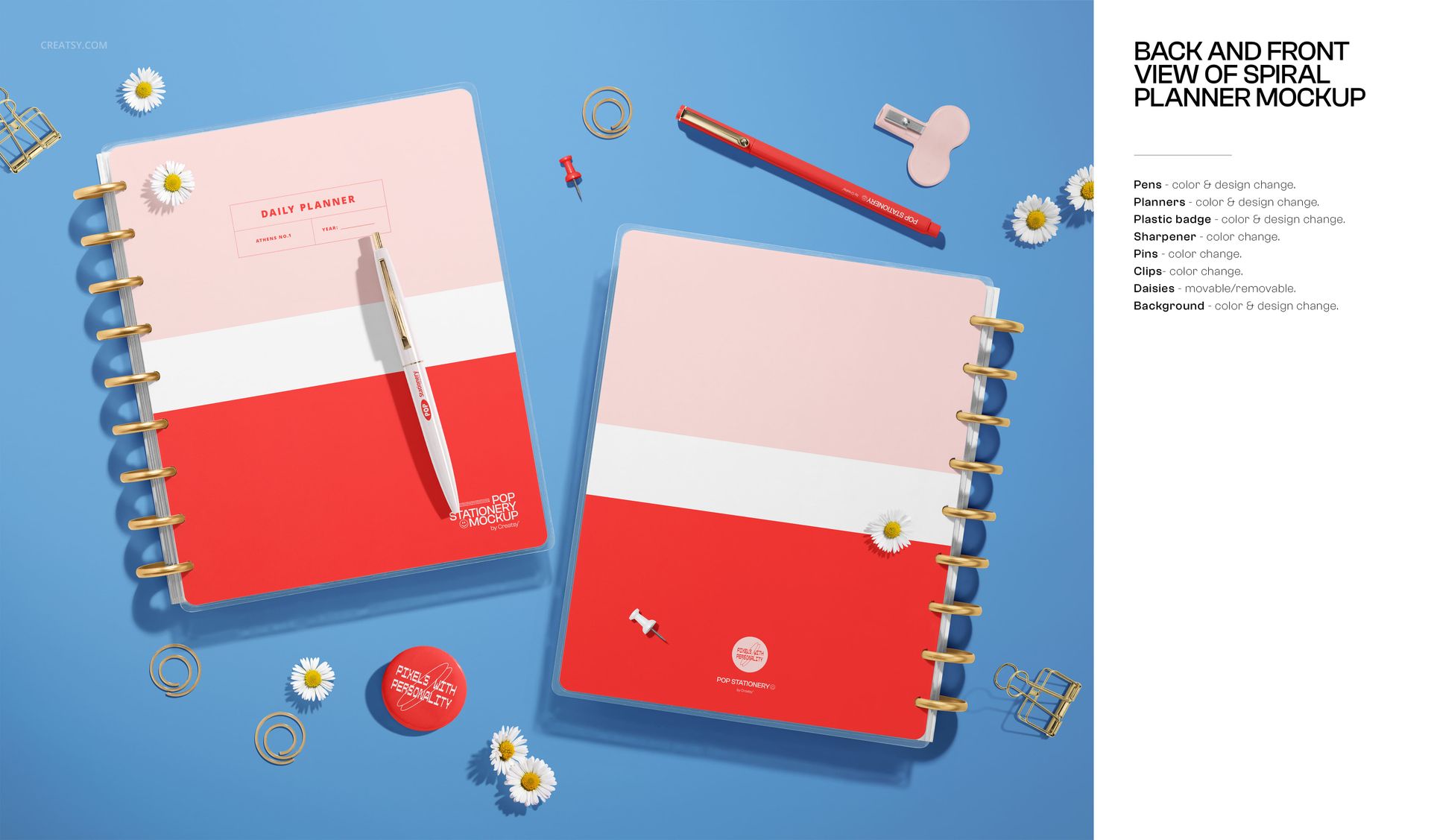
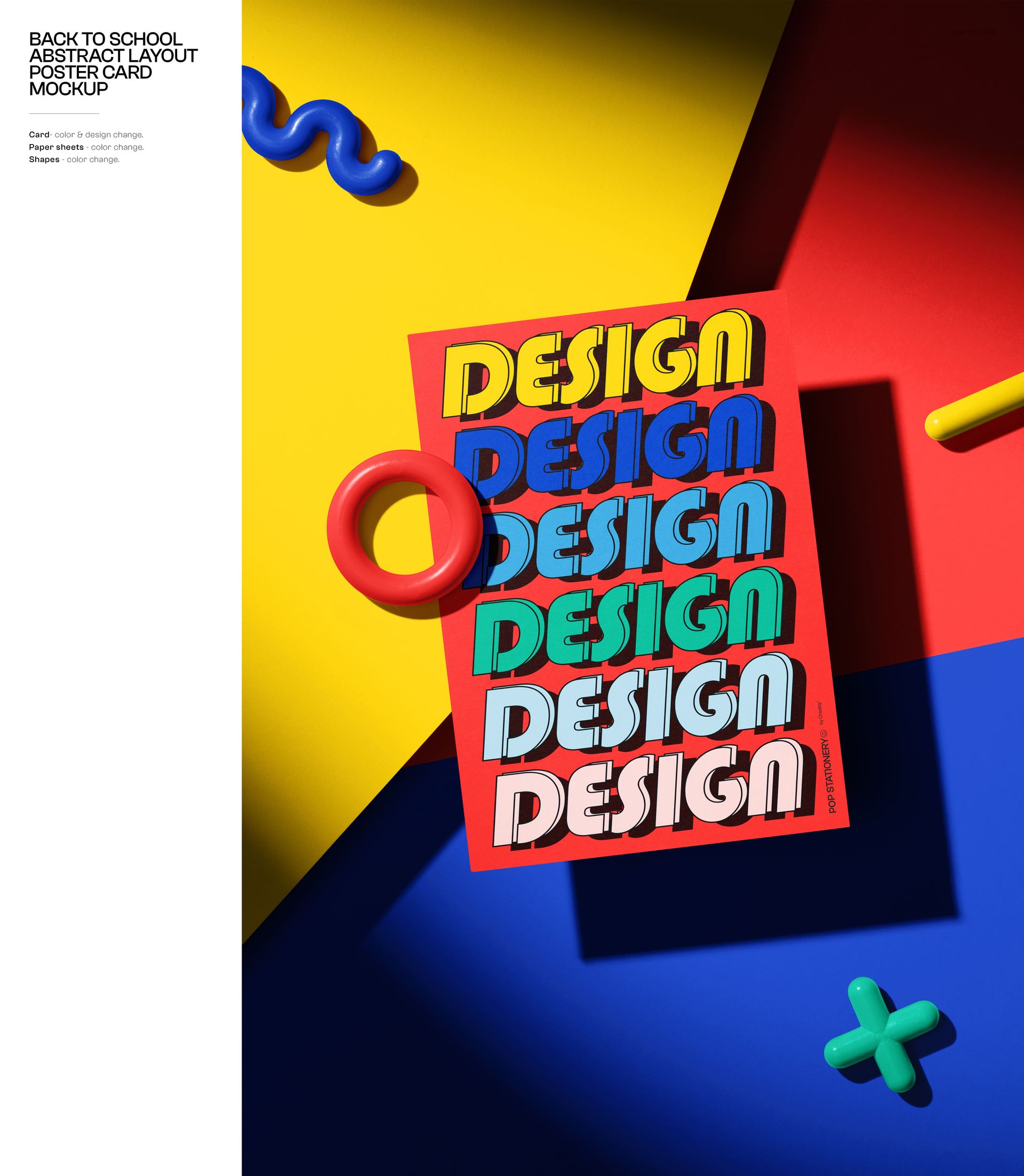
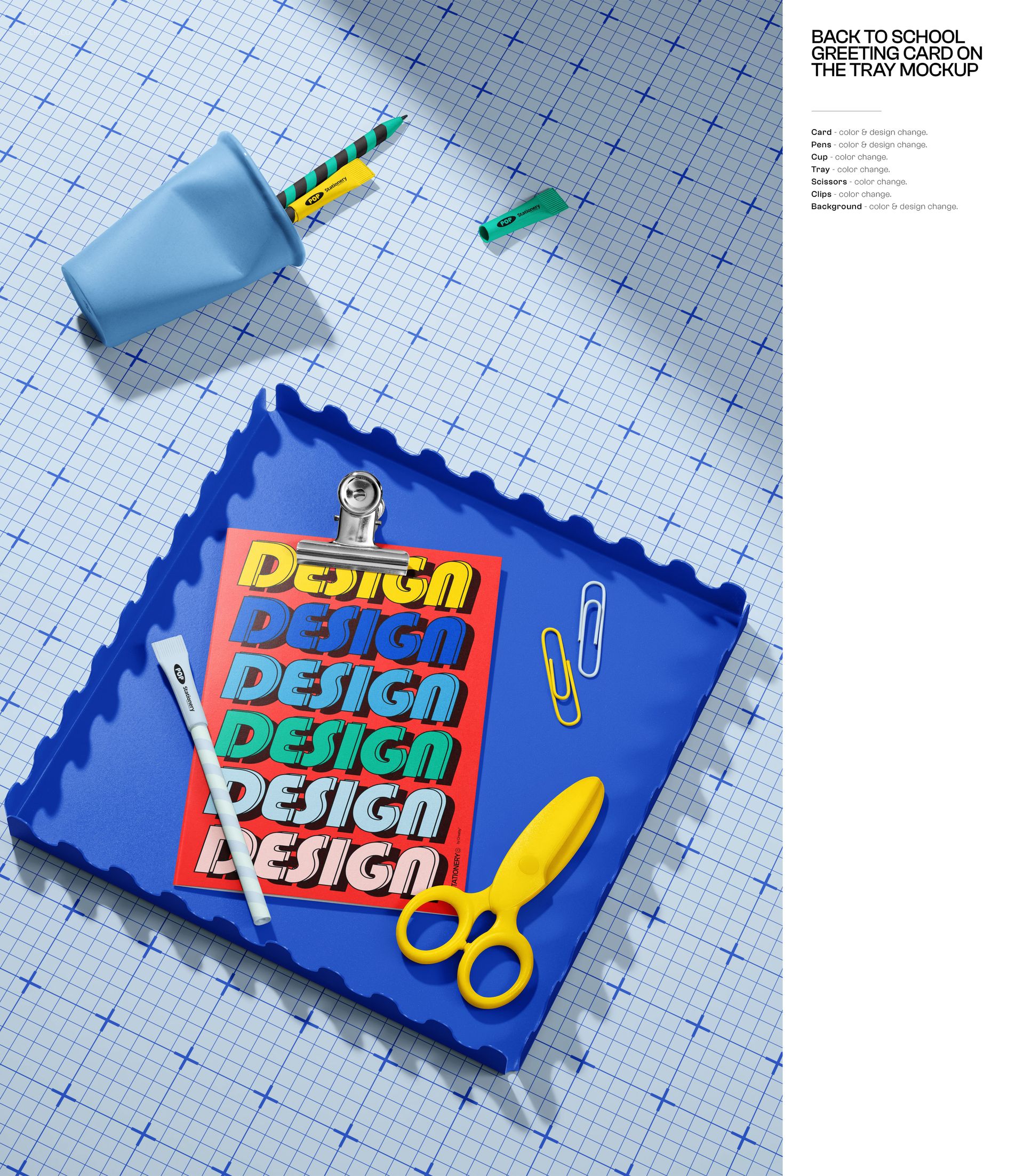
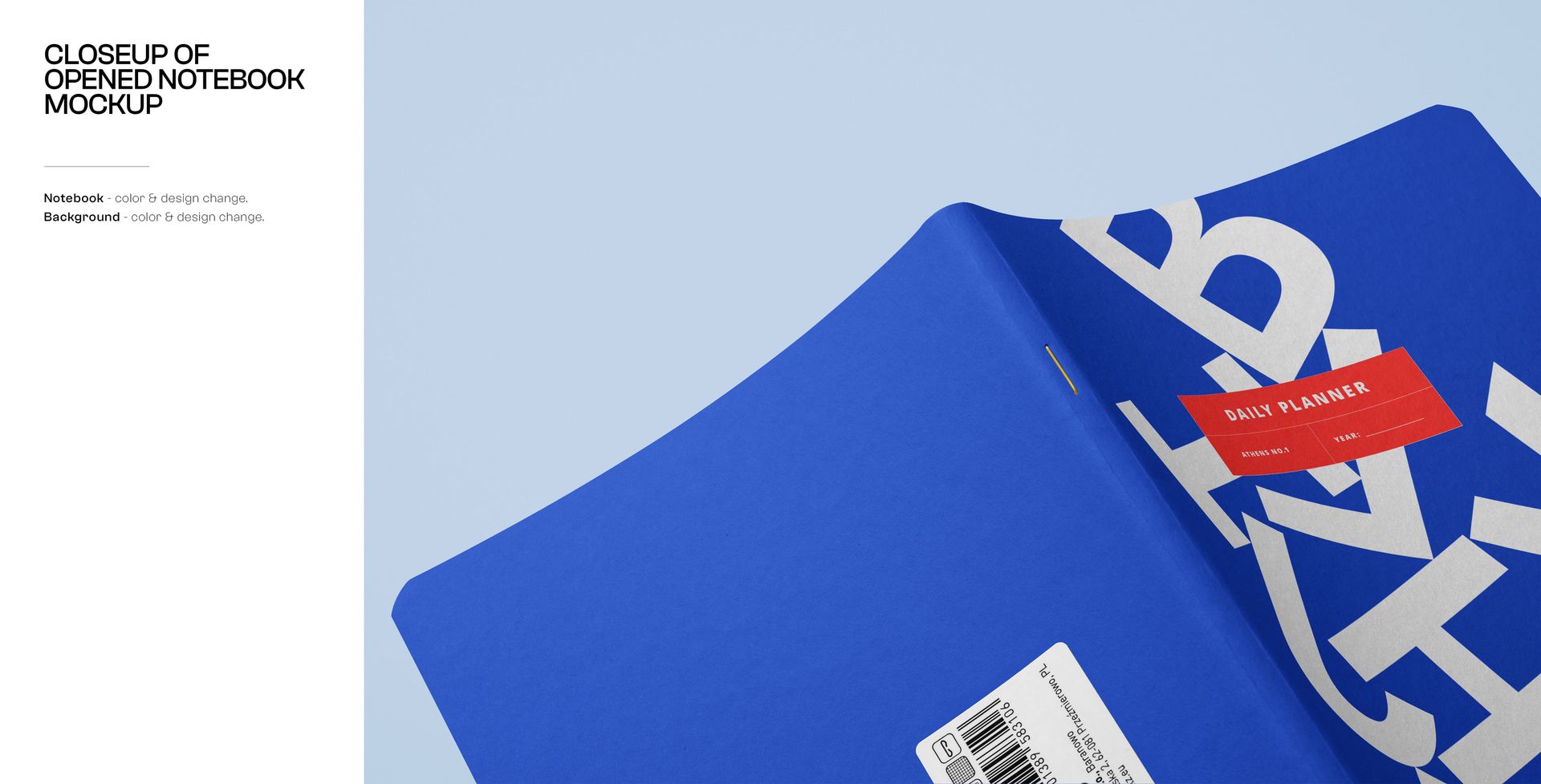
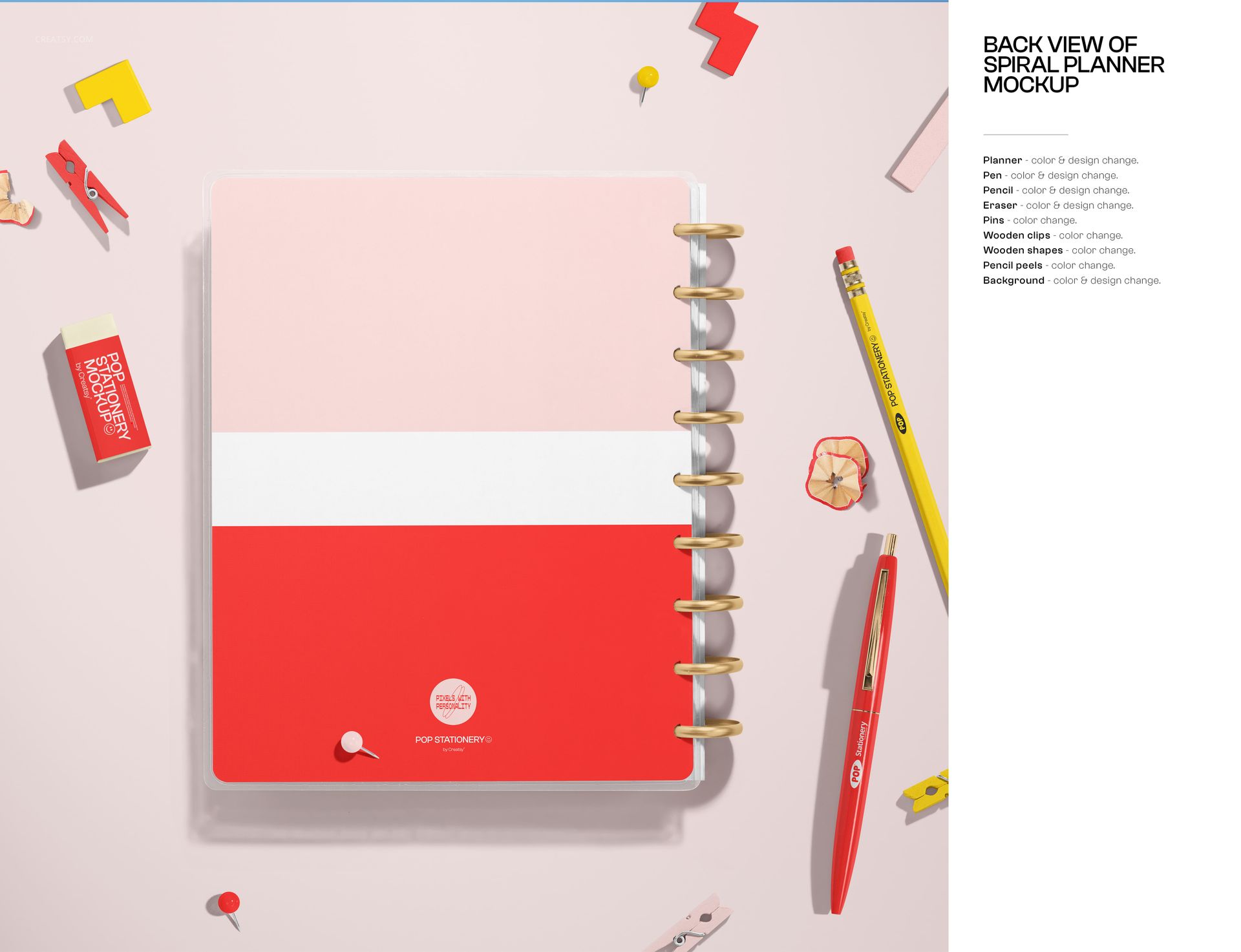
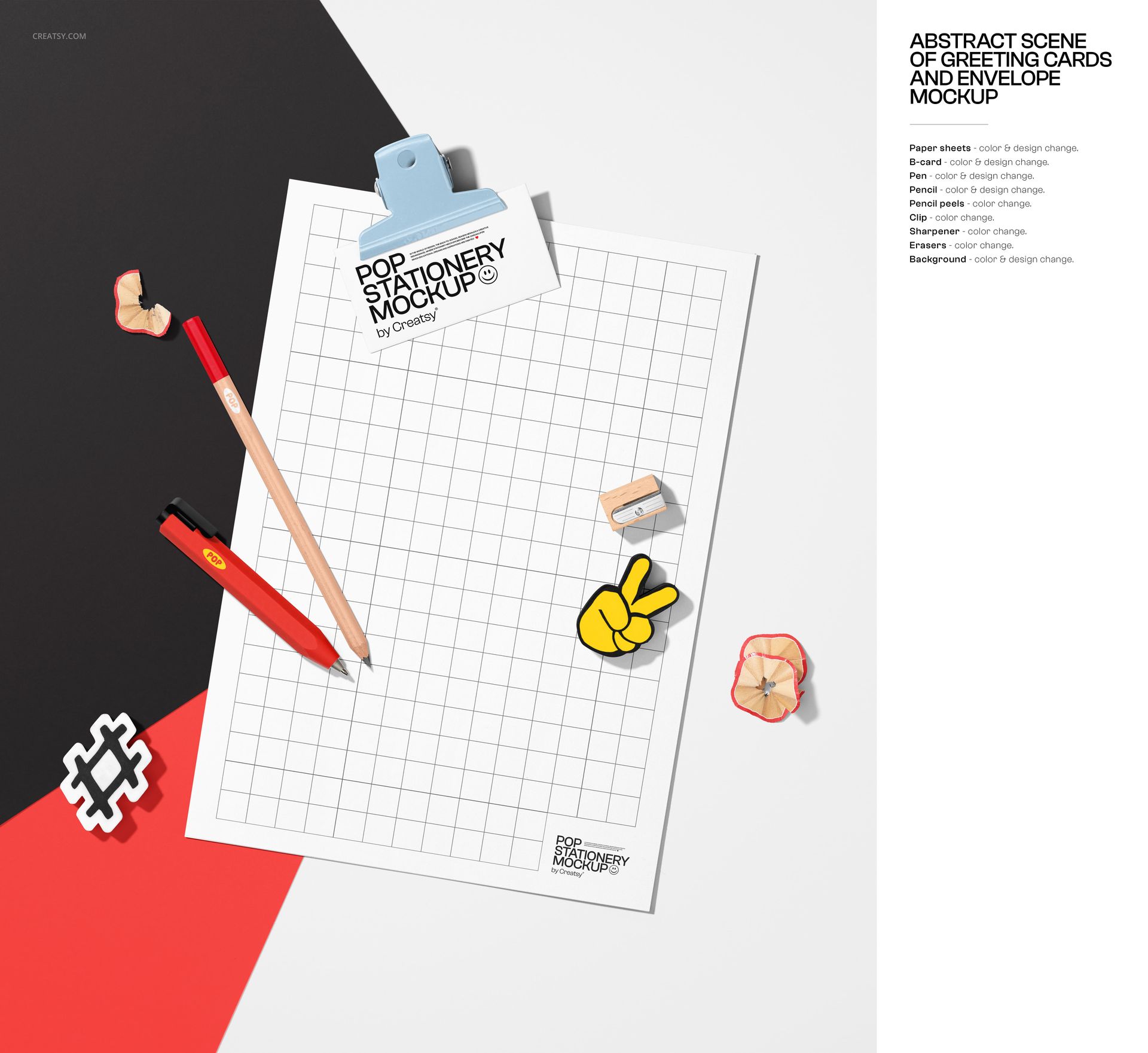
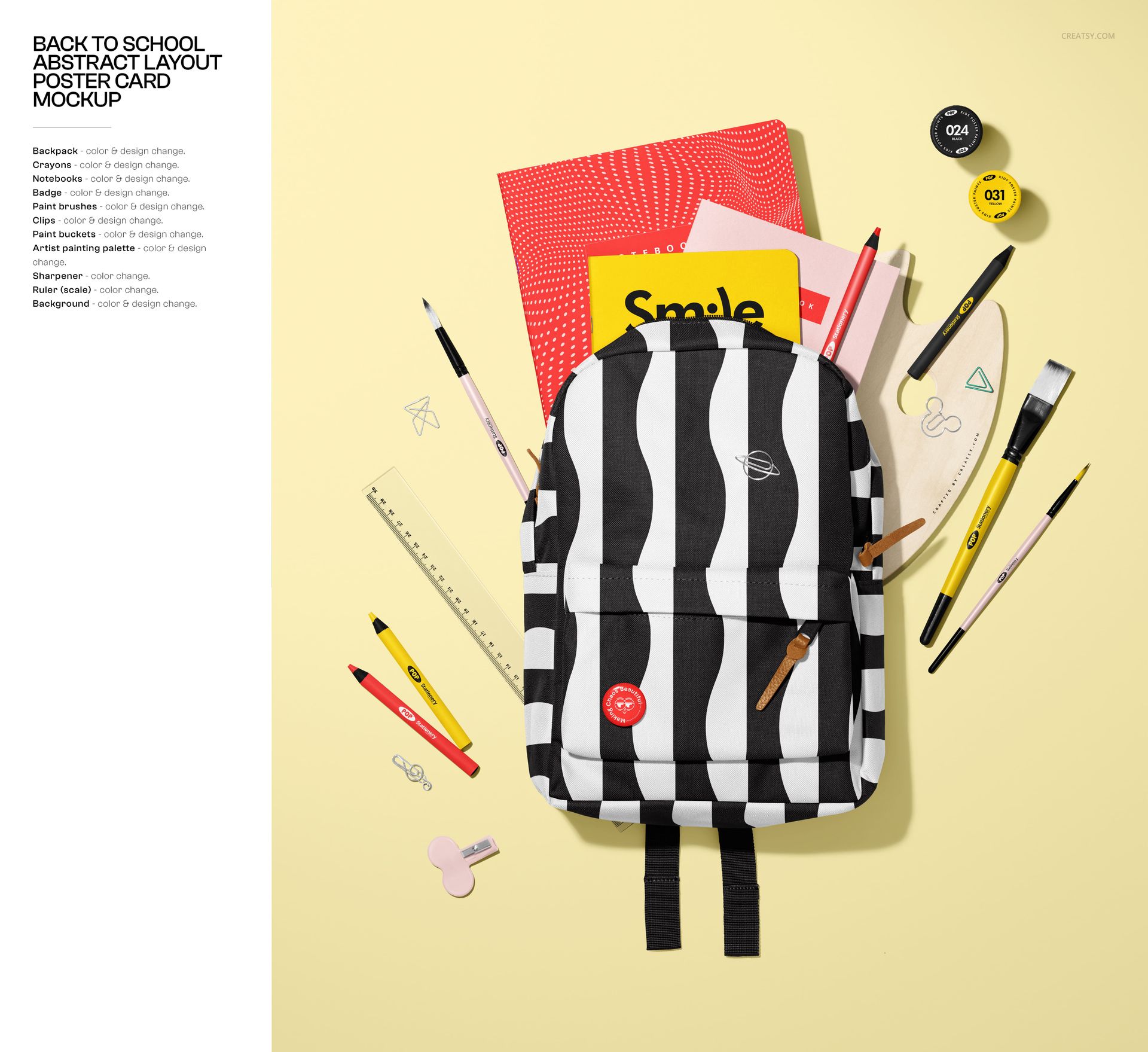
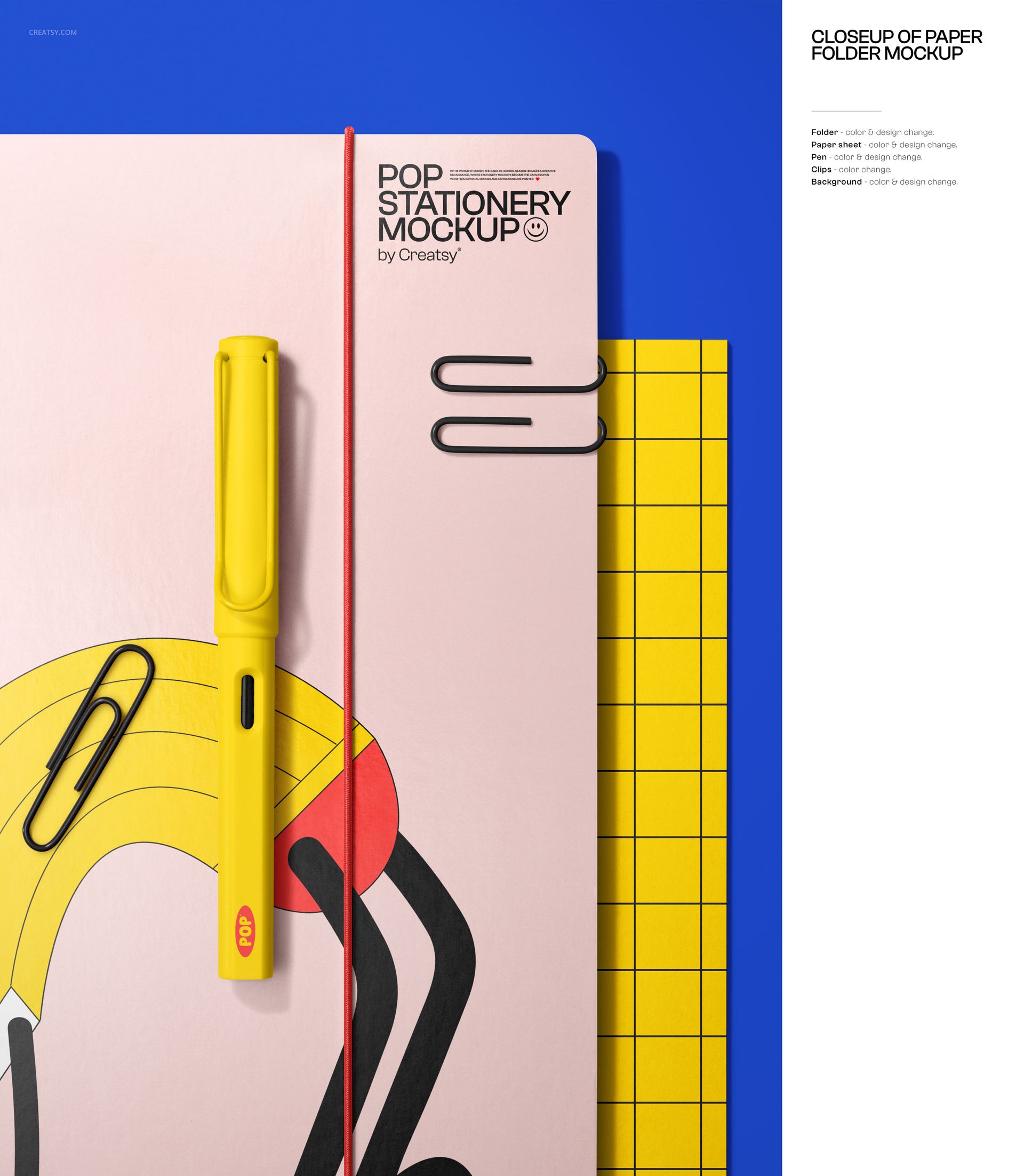
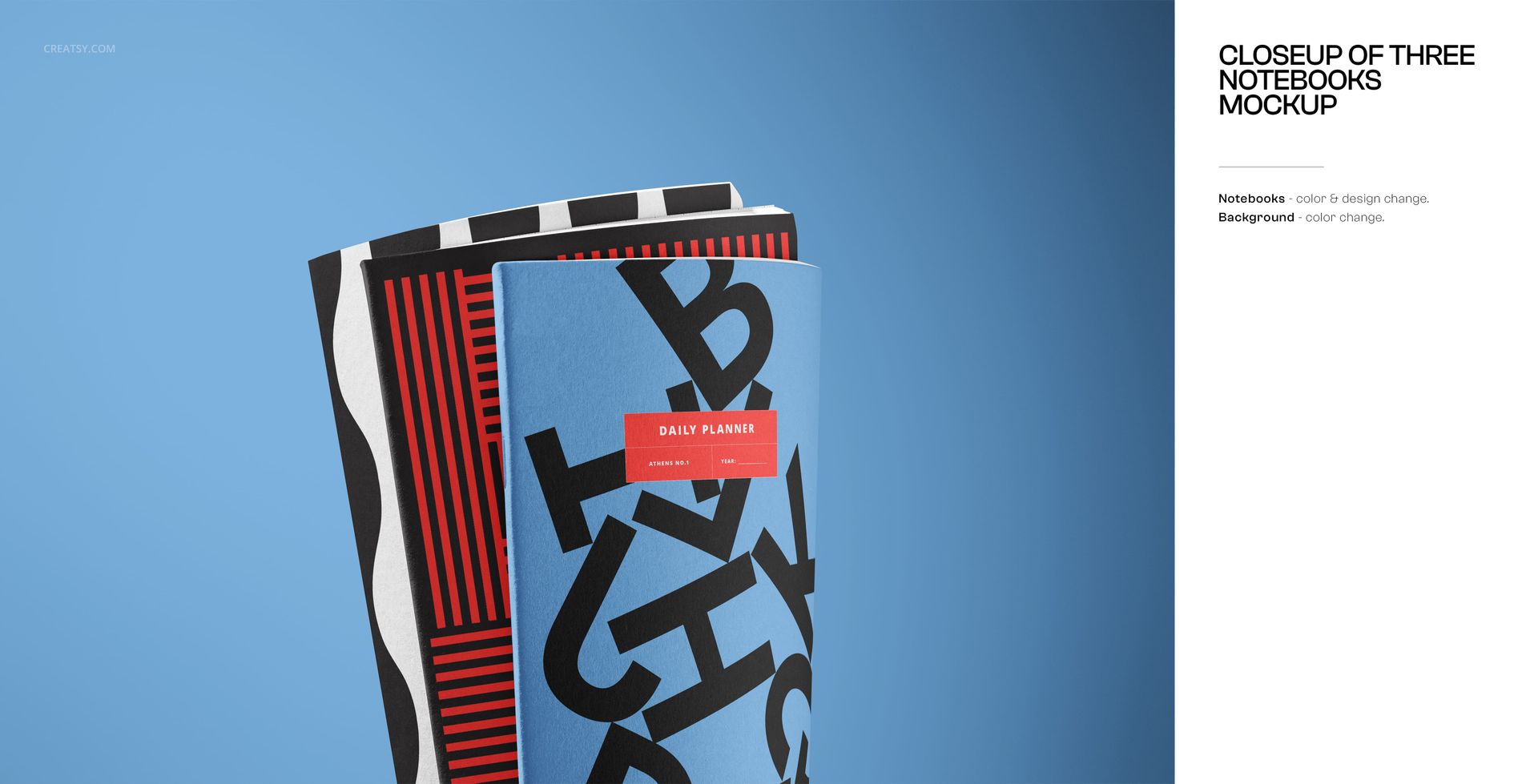
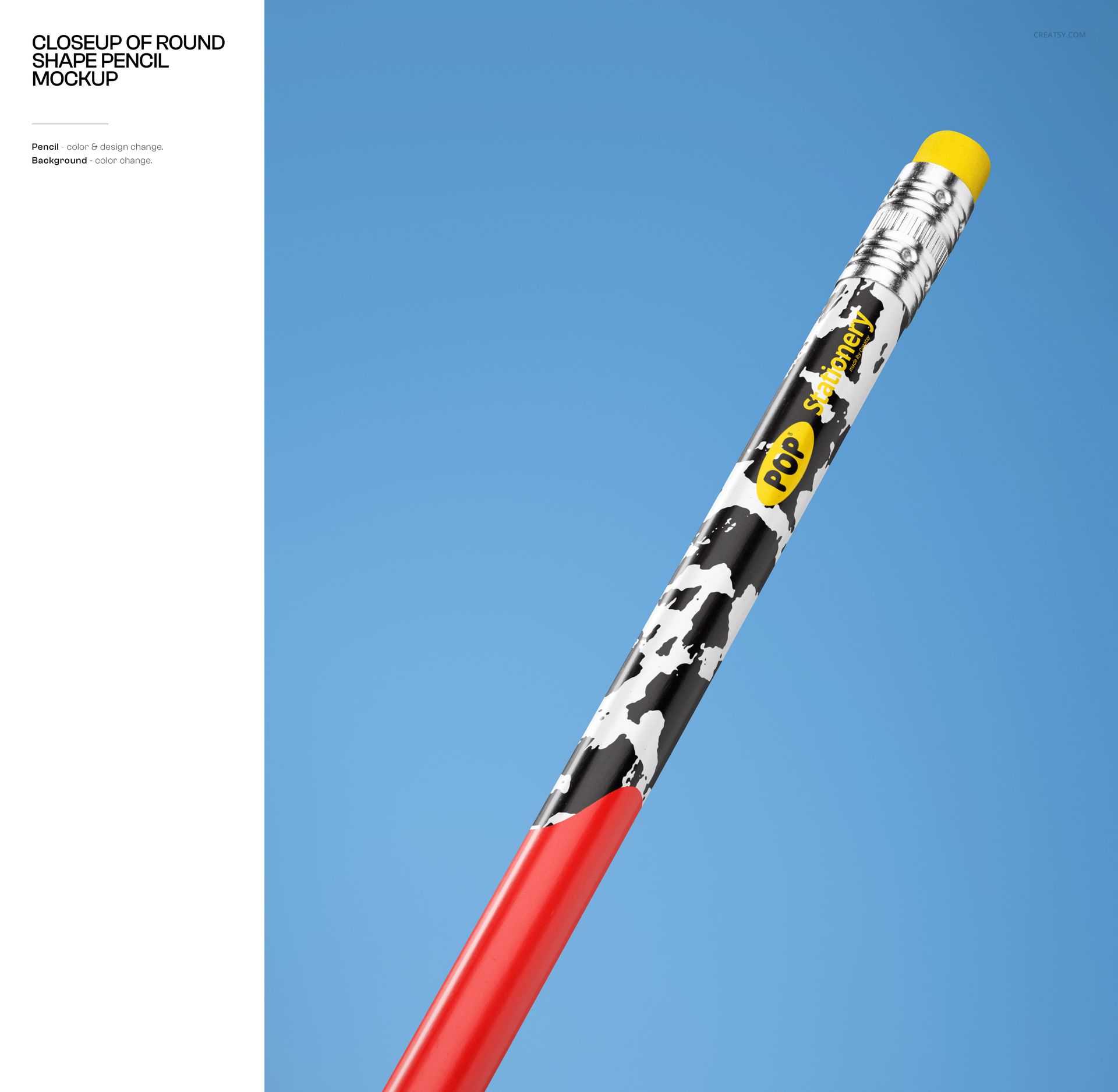
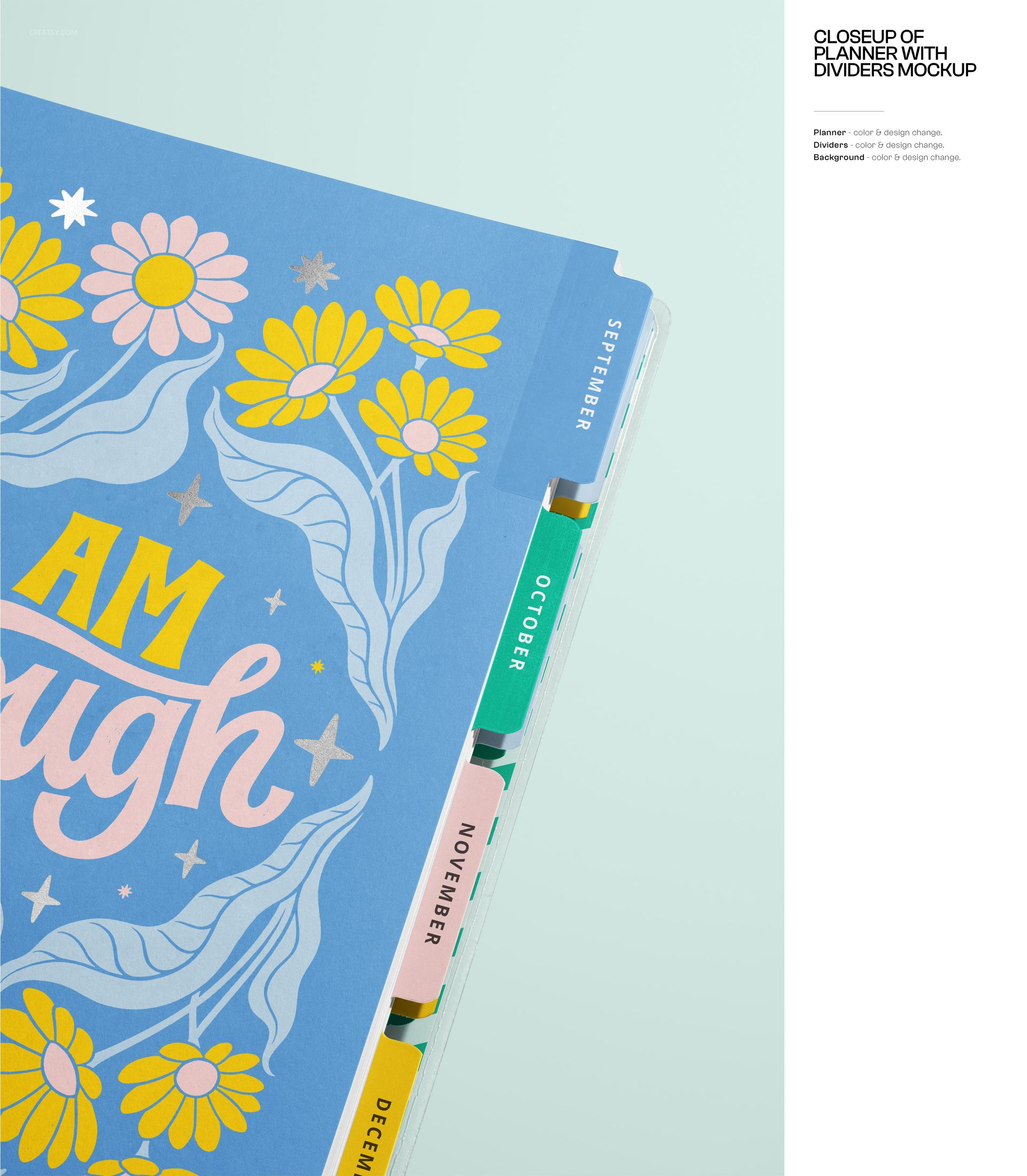
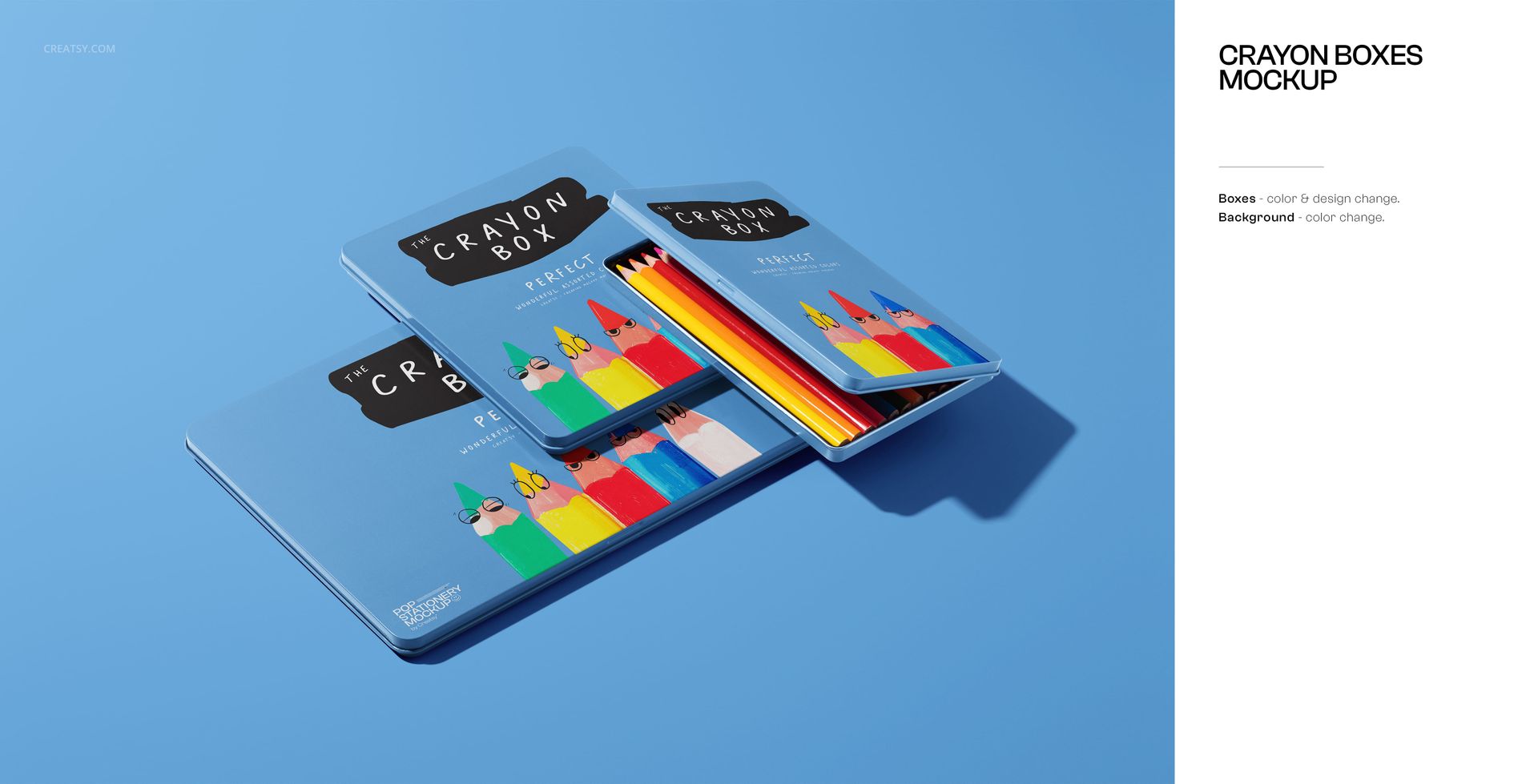
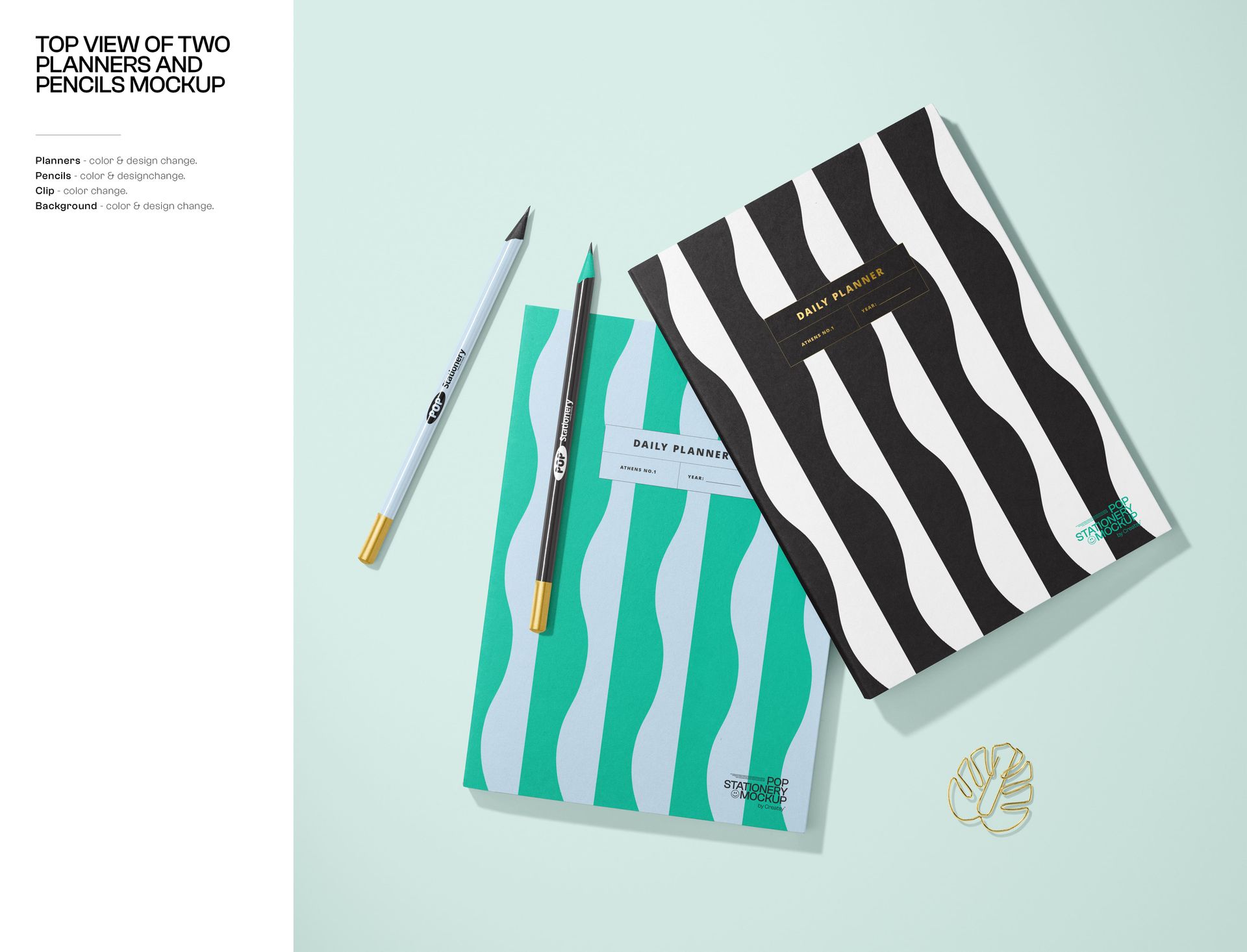
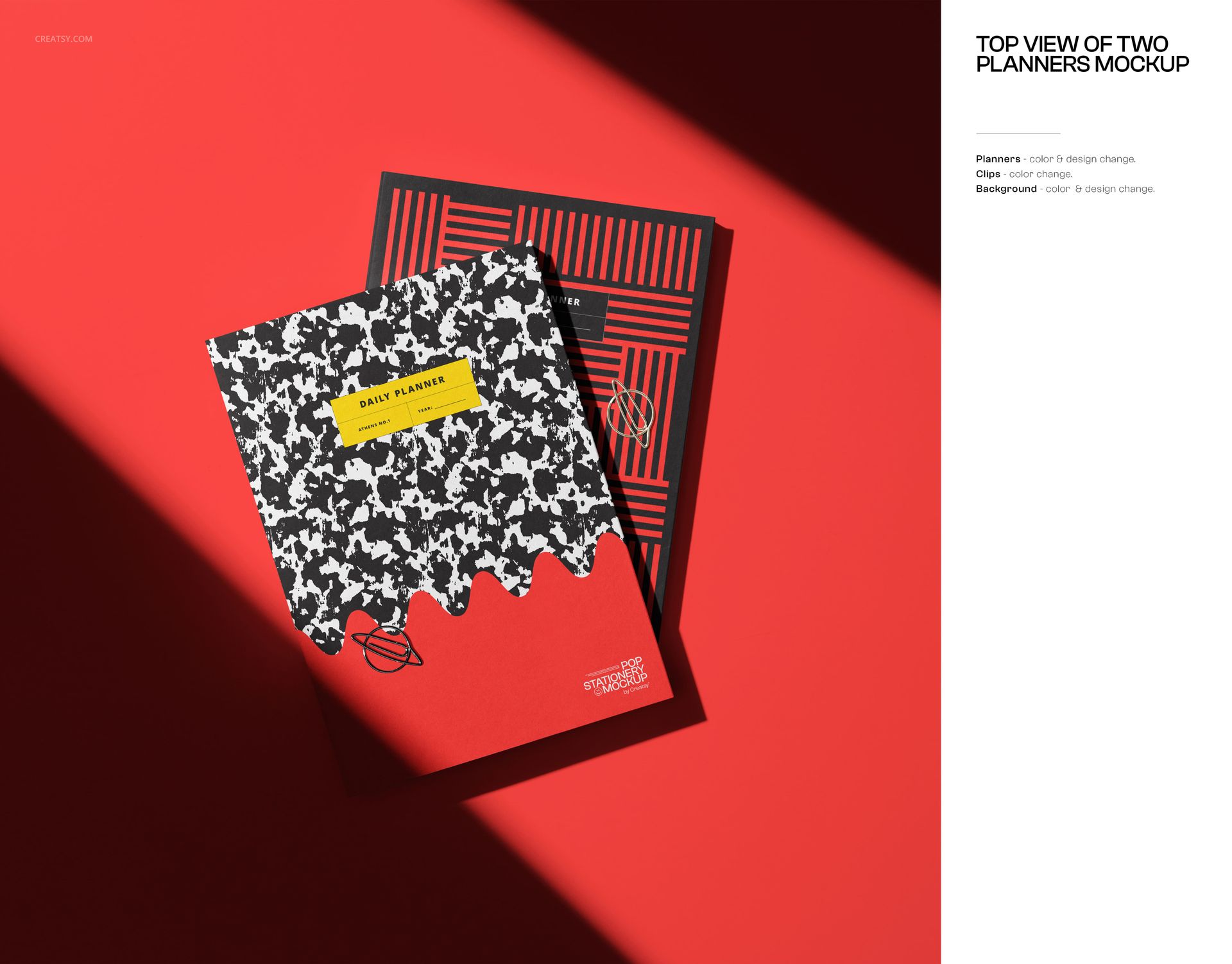
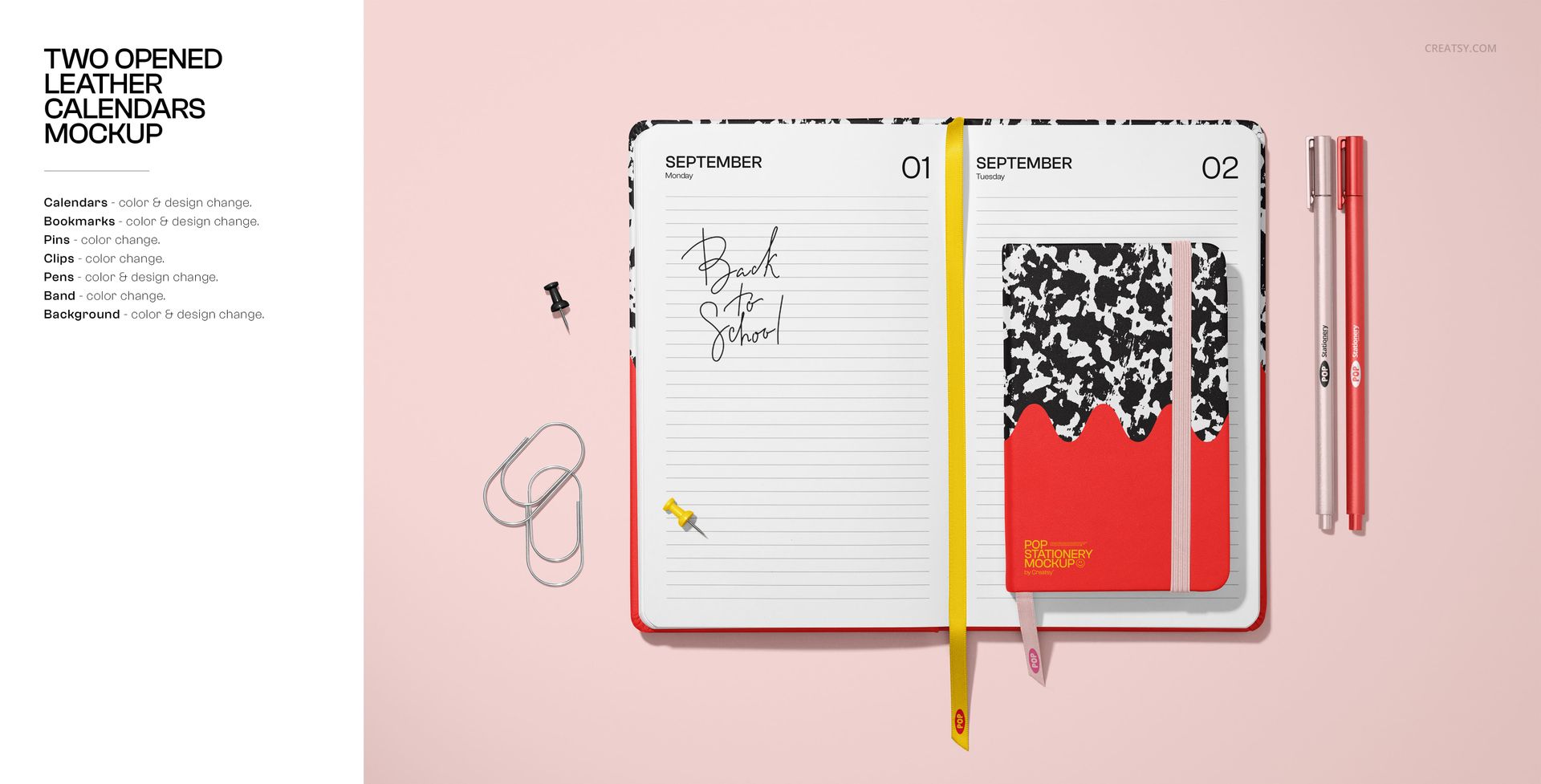
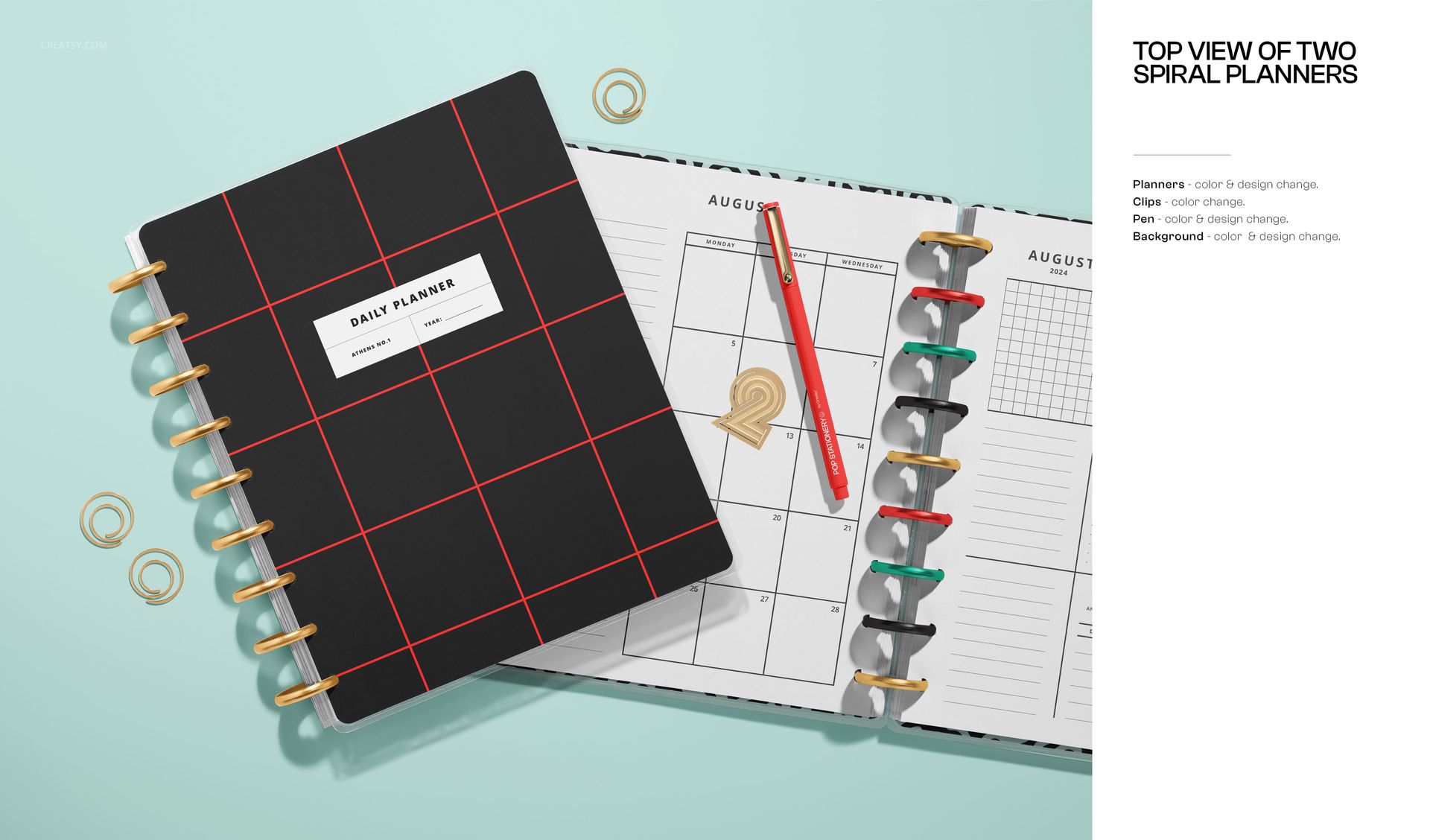
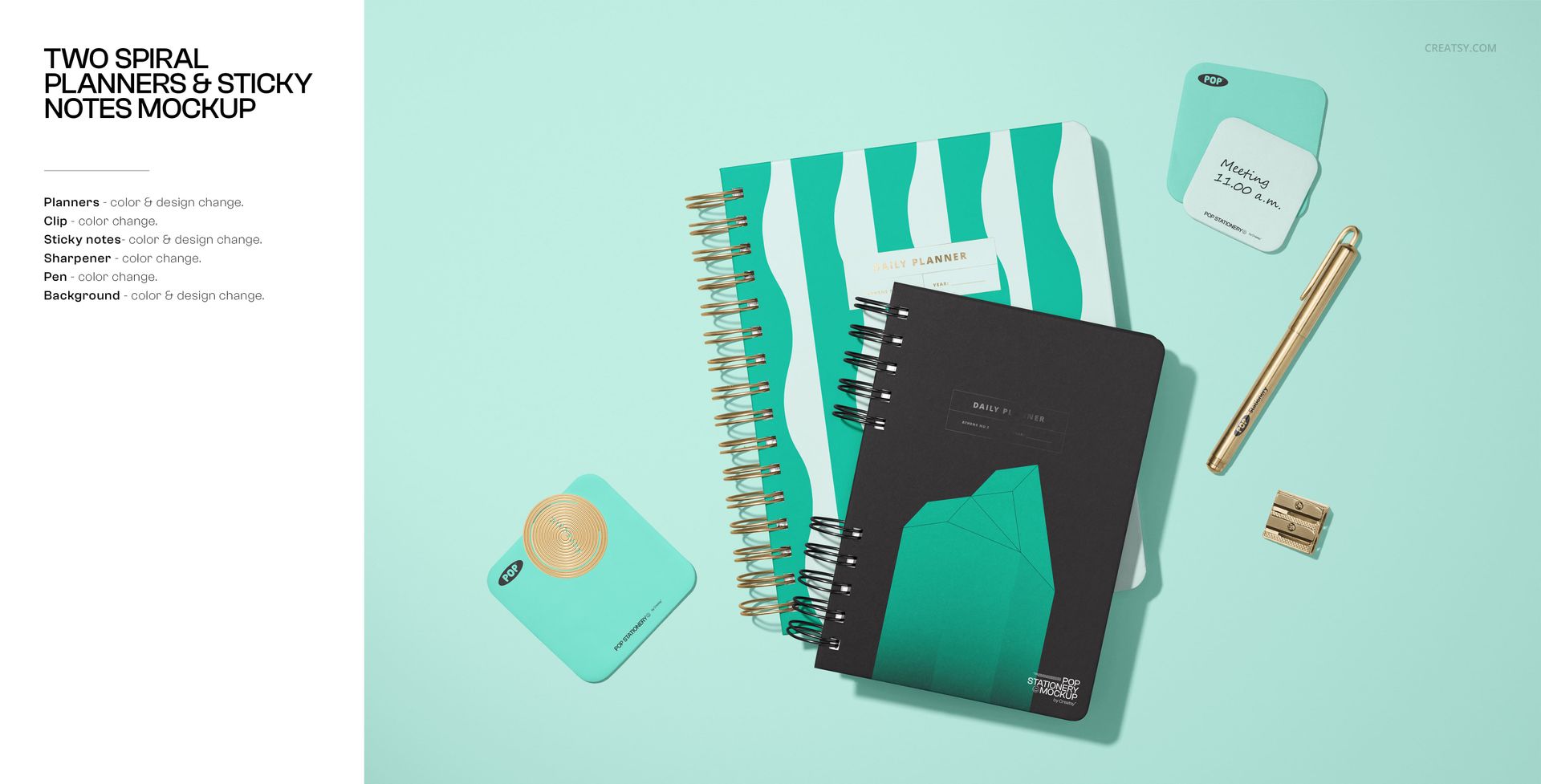
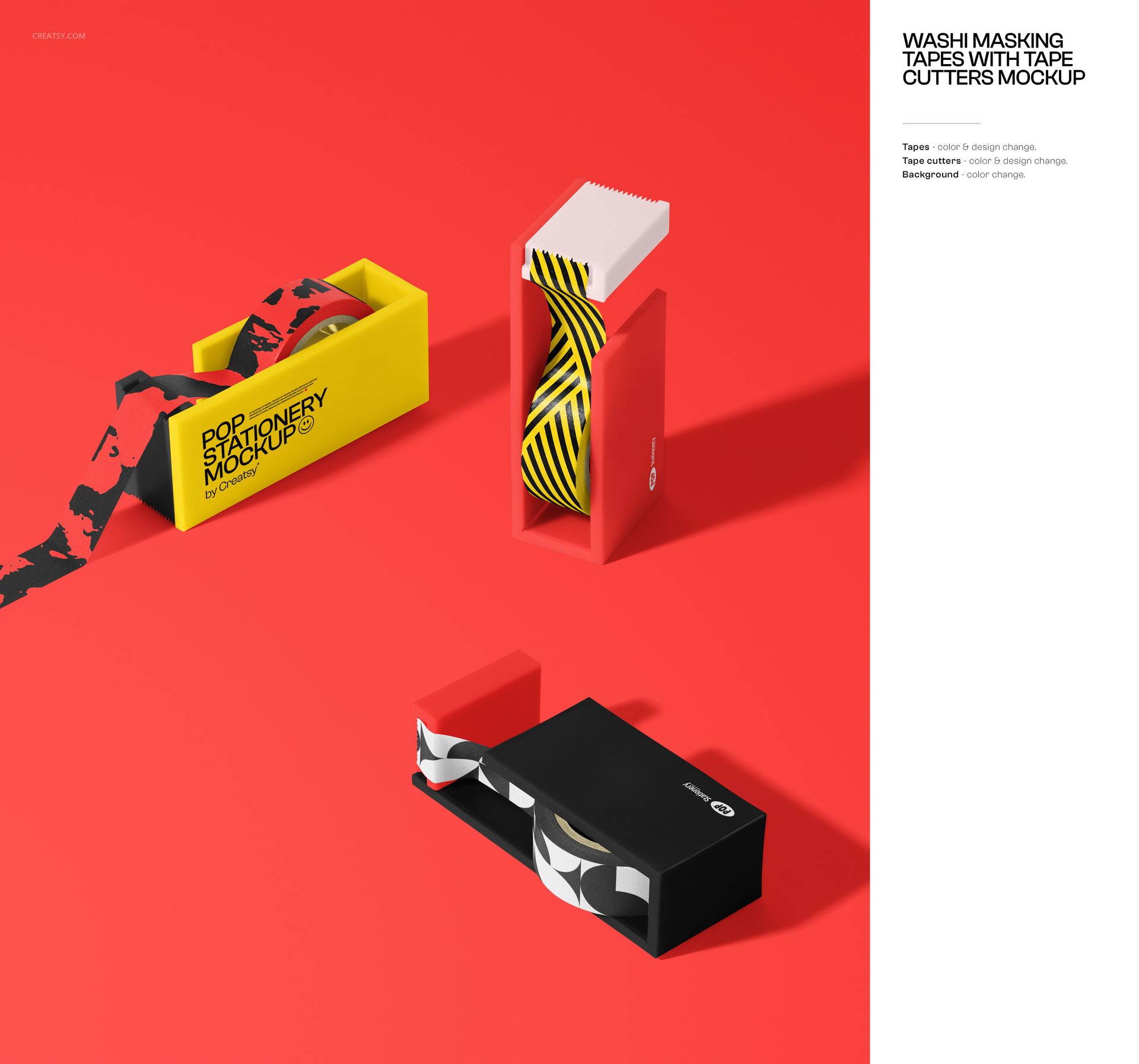
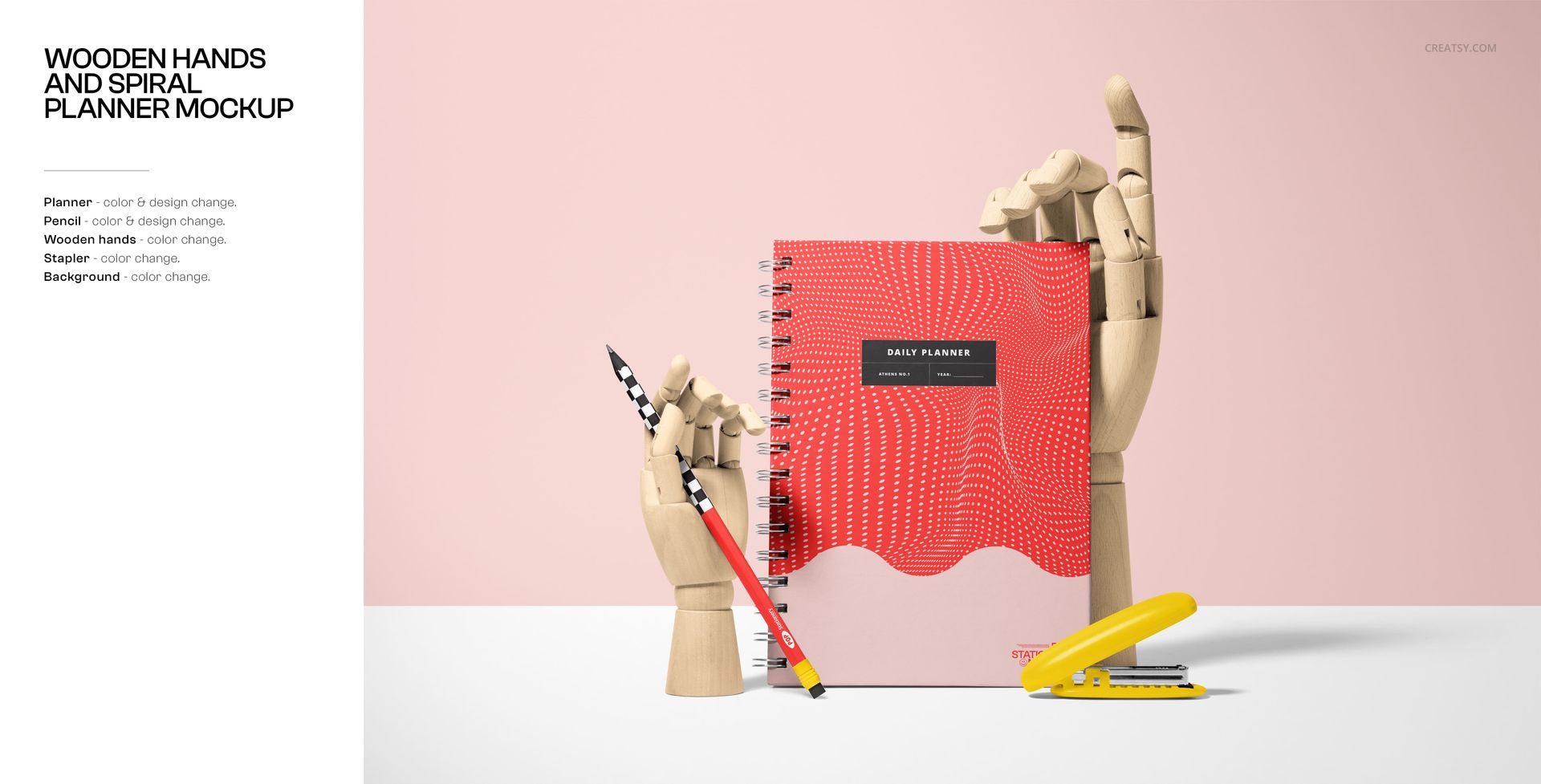
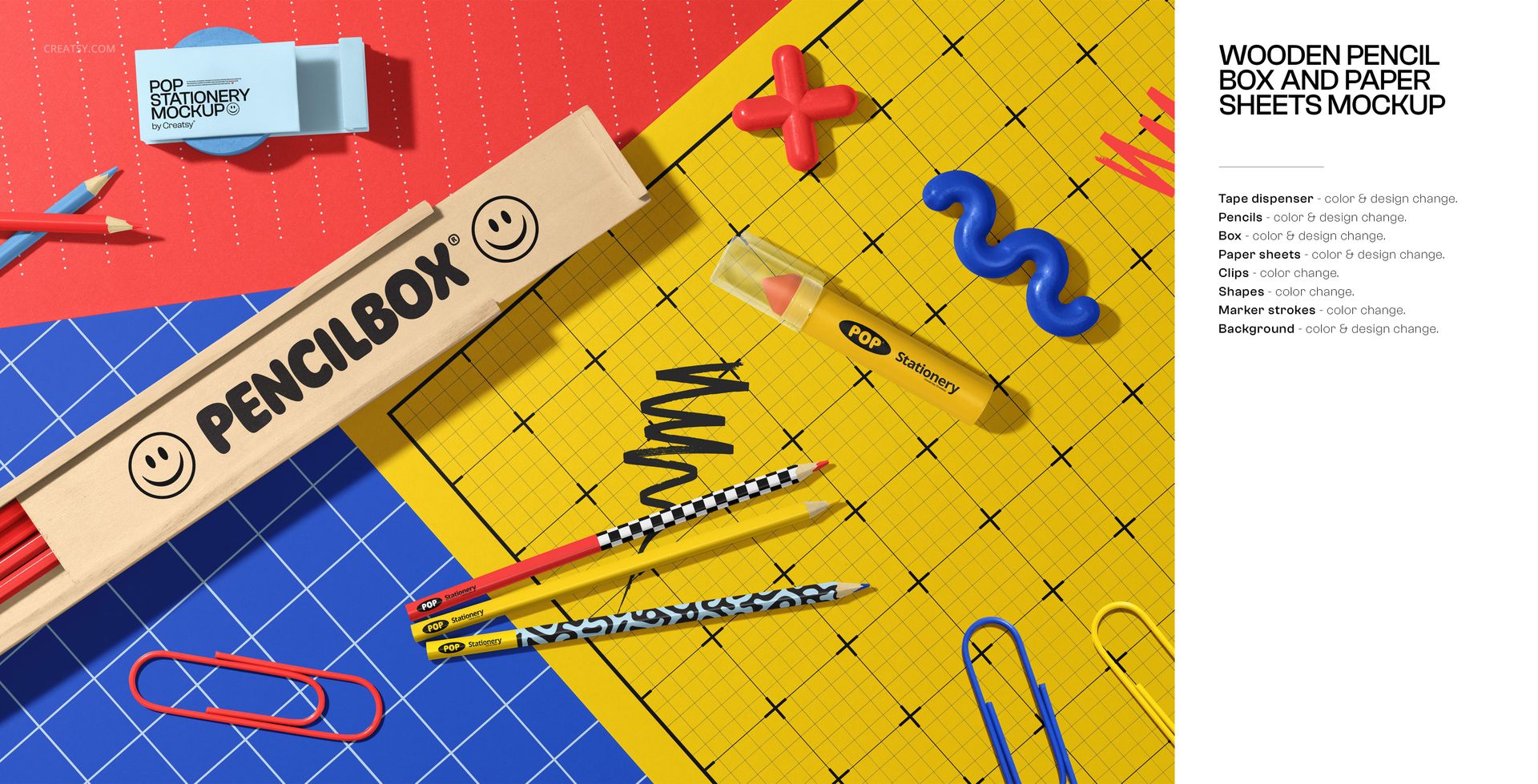
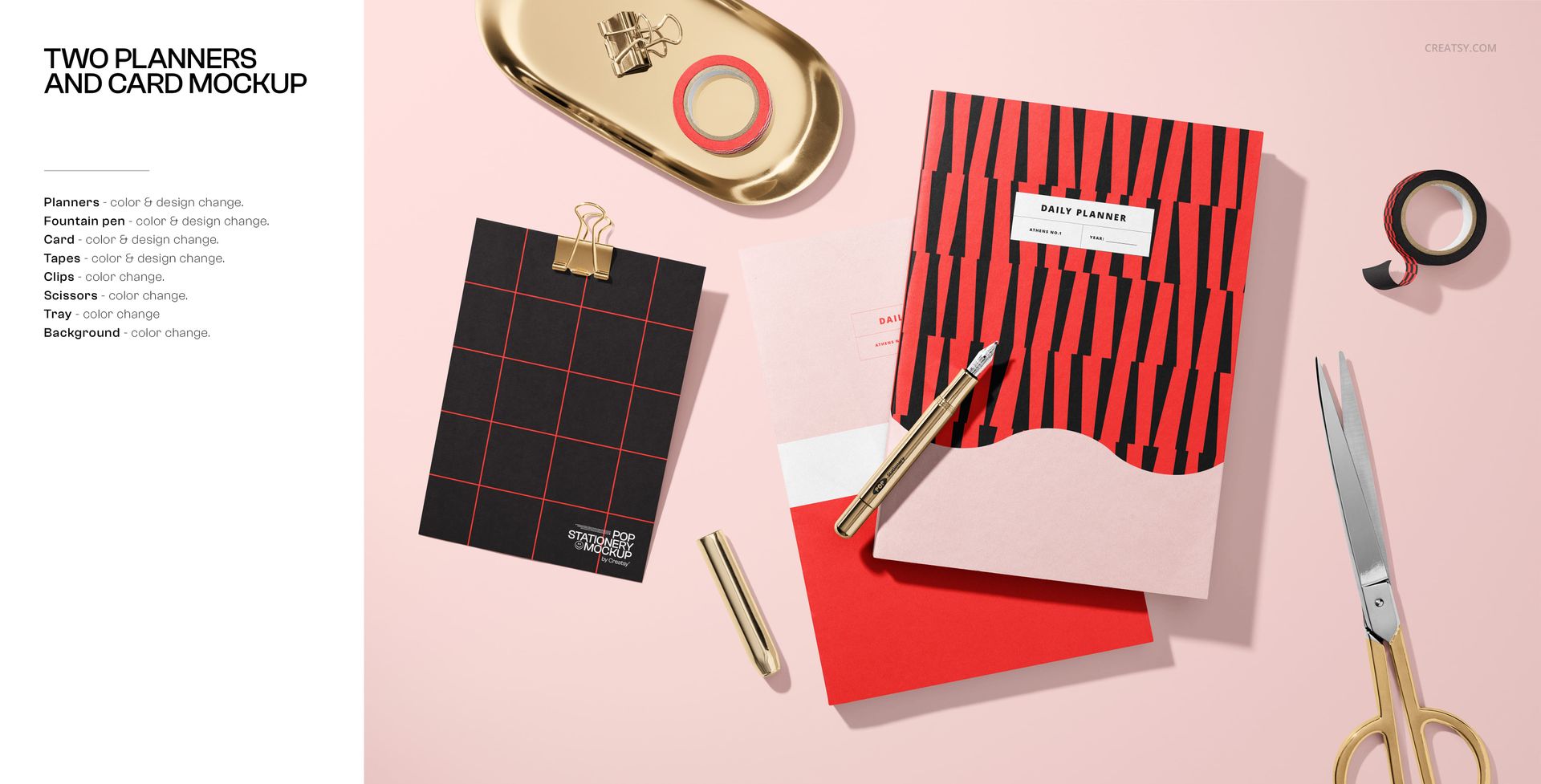
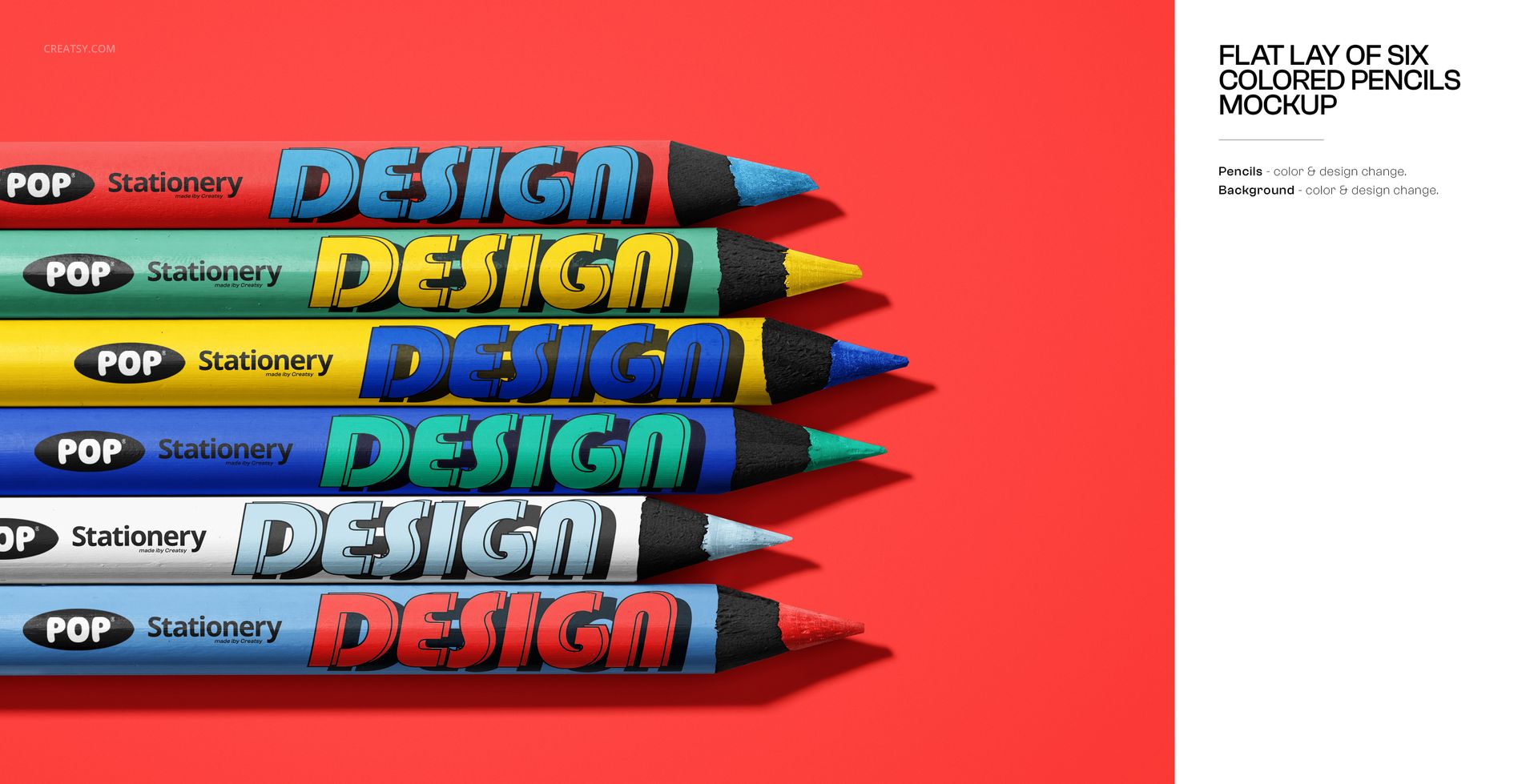
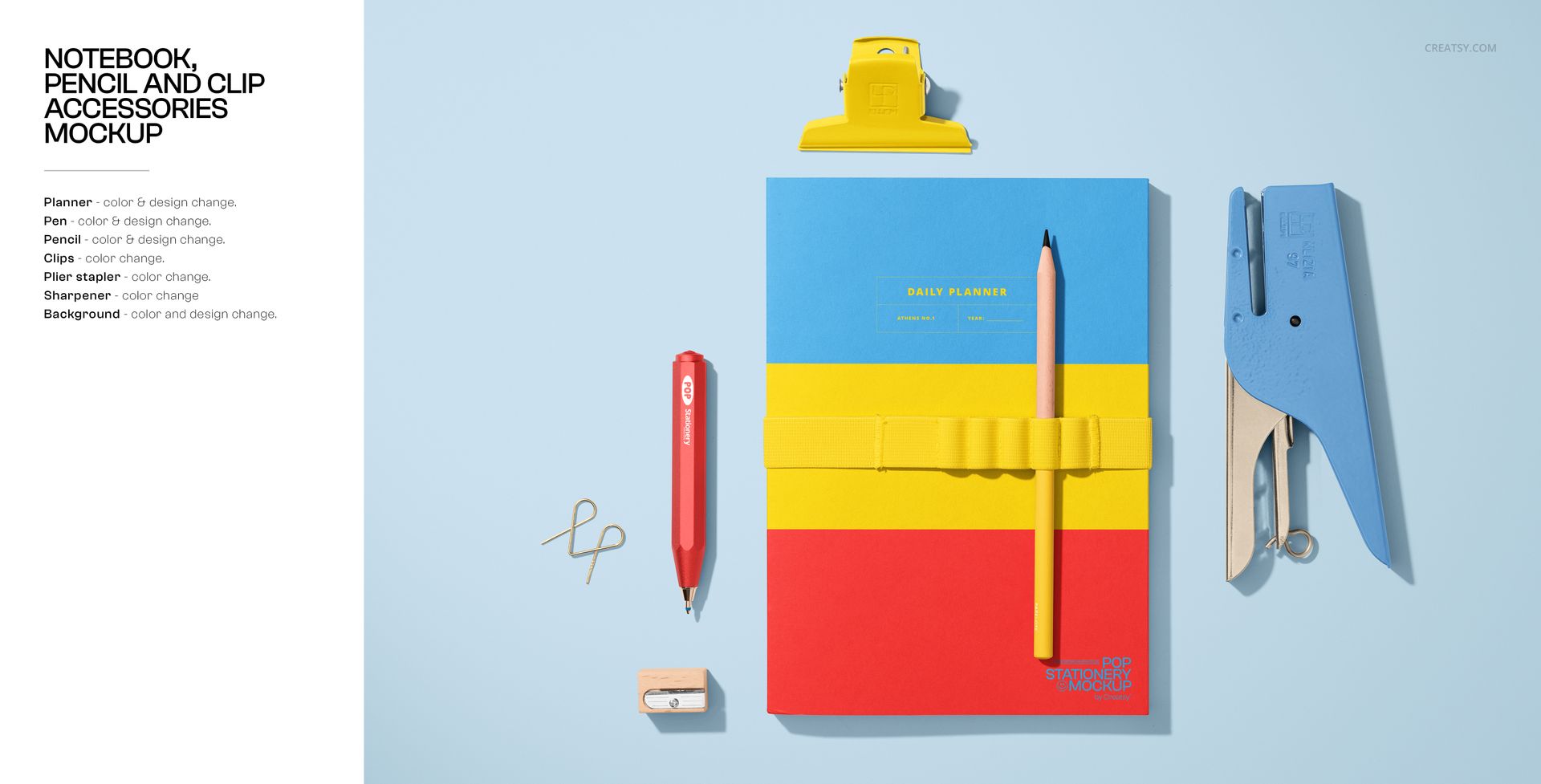
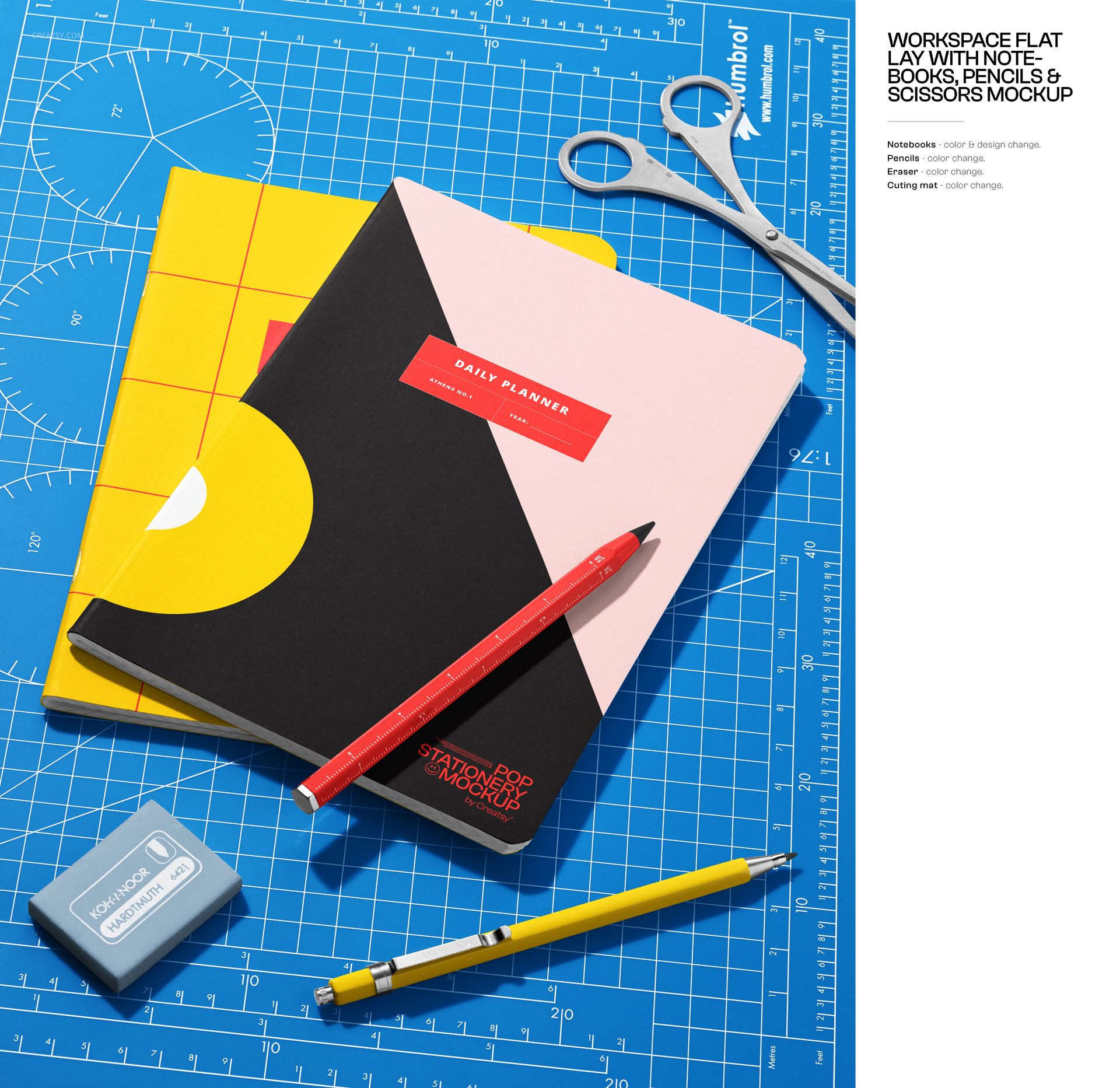
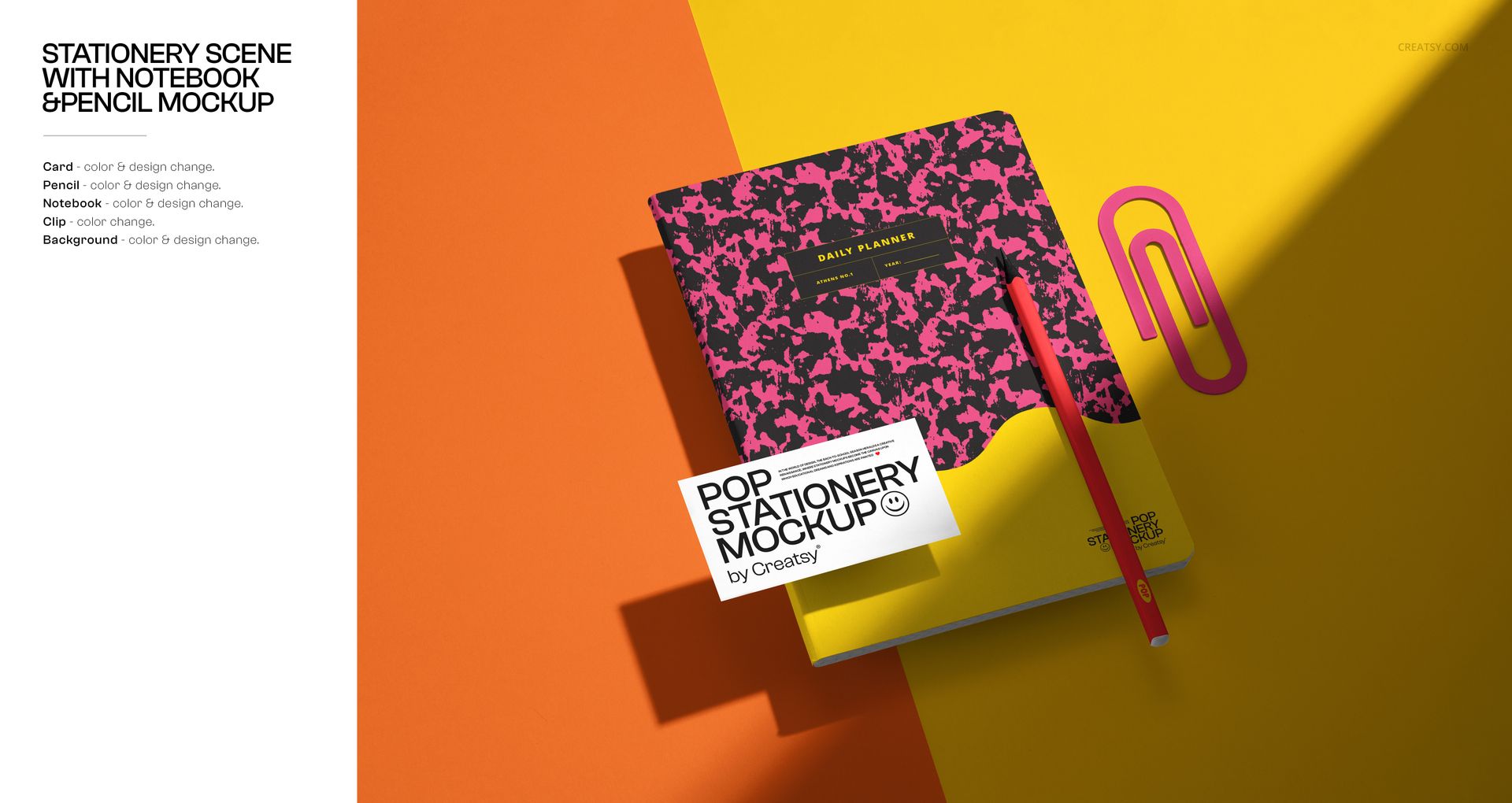
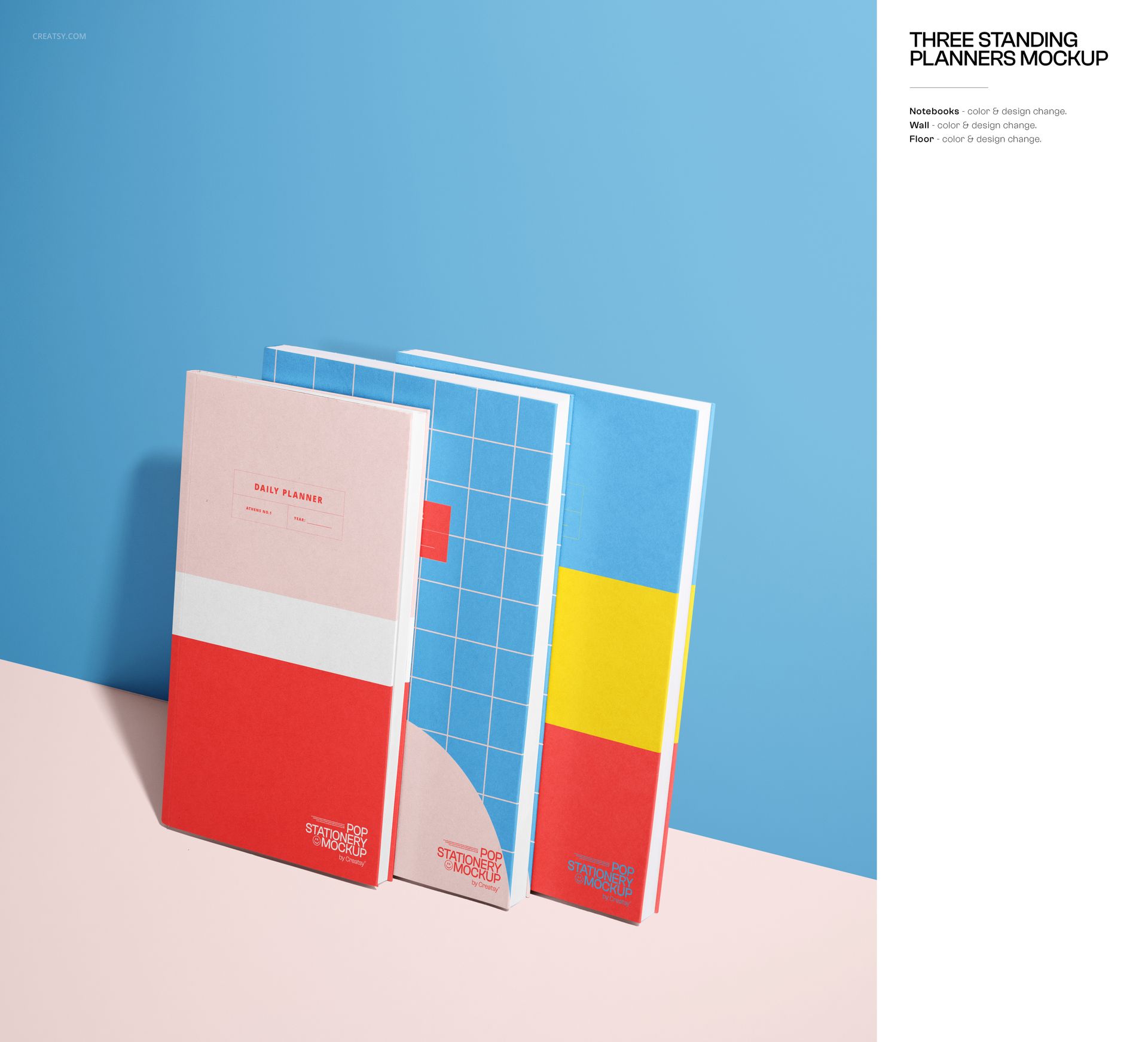
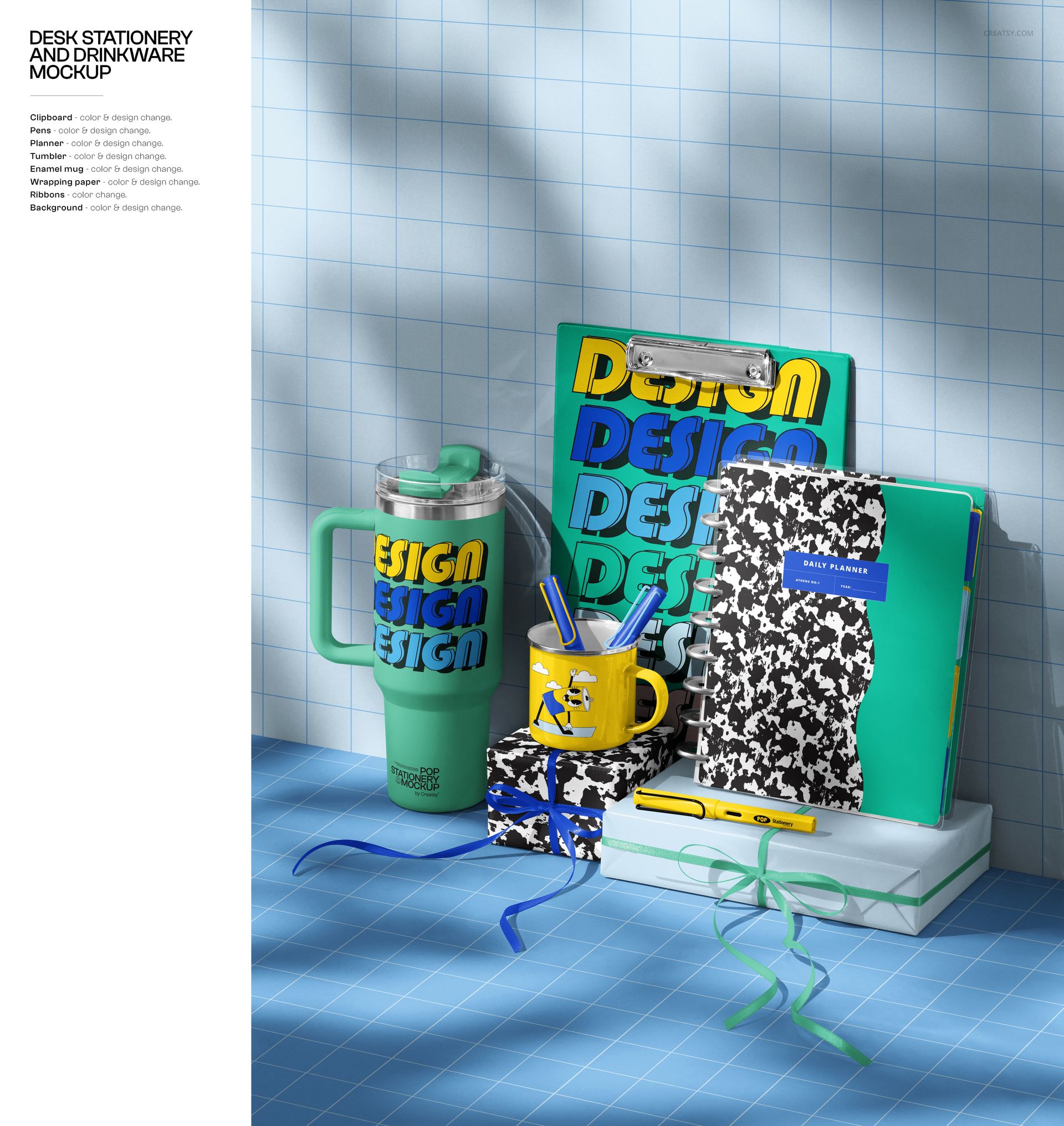
Create a complete back-to-school product launch with a colorful PSD mockup bundle made for stationery brands, surface pattern designers, print-on-demand sellers, teachers, educational shops and creative studios. This collection helps you turn flat artwork into bright, realistic product visuals for notebooks, planners, pencils, pens, crayons, cards, posters, folders, clips, rulers, erasers, sharpeners, backpacks and other school essentials.
Instead of showing your design as a plain digital file, place it into ready-made stationery scenes that feel playful, polished and easy to sell. Use the mockups for Etsy listings, Shopify product pages, social media campaigns, Pinterest graphics, printable product previews, school supply collections, brand presentations and seasonal back-to-school marketing.
Why This Back-to-School Mockup Bundle Works
Back-to-school shoppers respond to visuals that feel energetic, organized and full of personality. A notebook cover, planner layout or pencil pattern becomes much more appealing when it is shown inside a complete school-inspired scene with matching accessories, bold colors and professional composition.
This bundle gives you a fast way to build a cohesive product gallery without arranging physical samples or booking a photoshoot. Add your artwork, adjust editable elements, export the final images and create a consistent visual campaign across your store, ads, email banners and social media posts.
The scenes are designed to work for both playful kids’ designs and more polished stationery collections. You can use them for bright classroom graphics, teacher resources, student planners, desk accessories, school branding, educational printables, creative business stationery and seasonal product launches.
What You Can Create
Use this back-to-school stationery mockup bundle to present:
Custom notebook covers
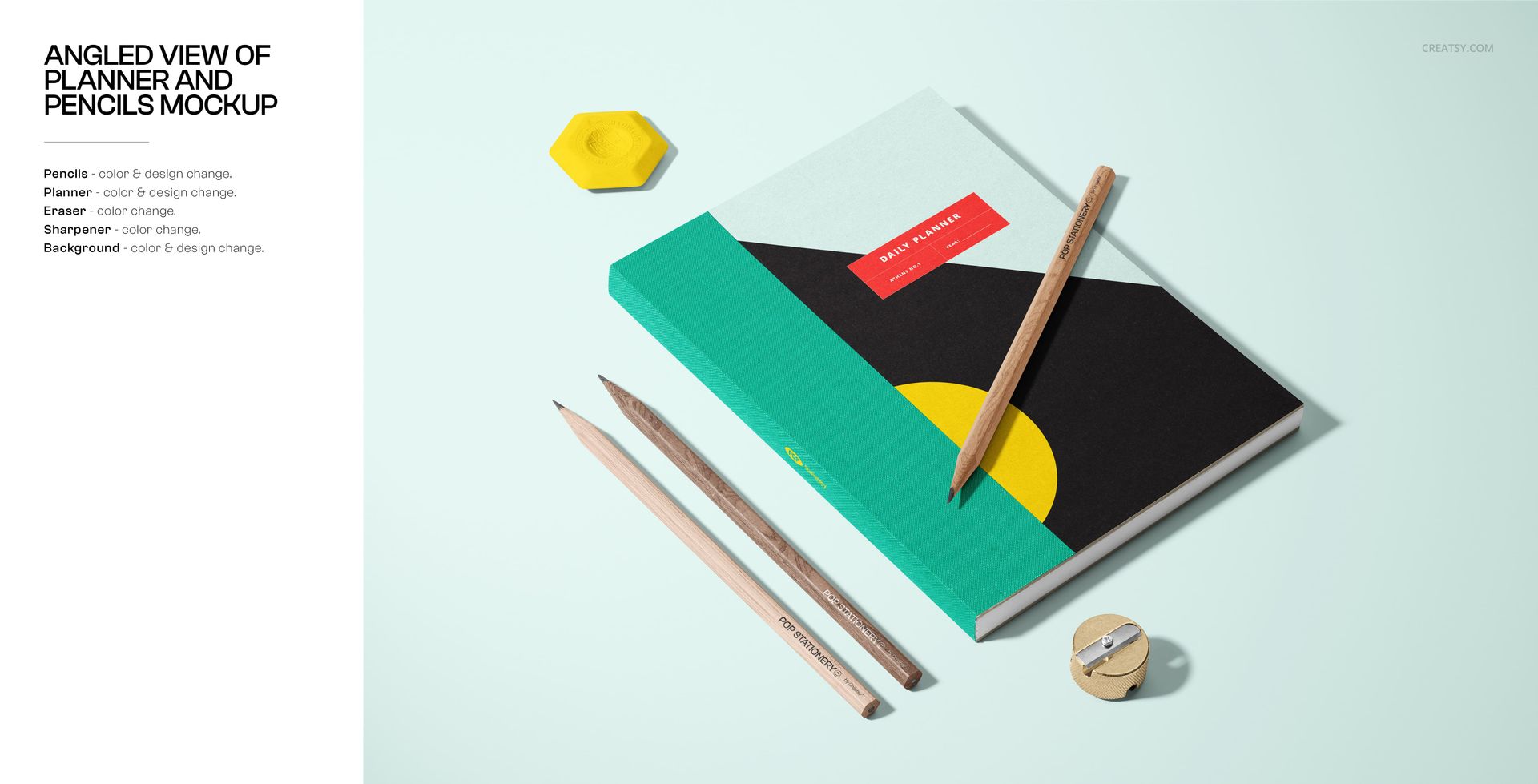
Student planners and academic calendars
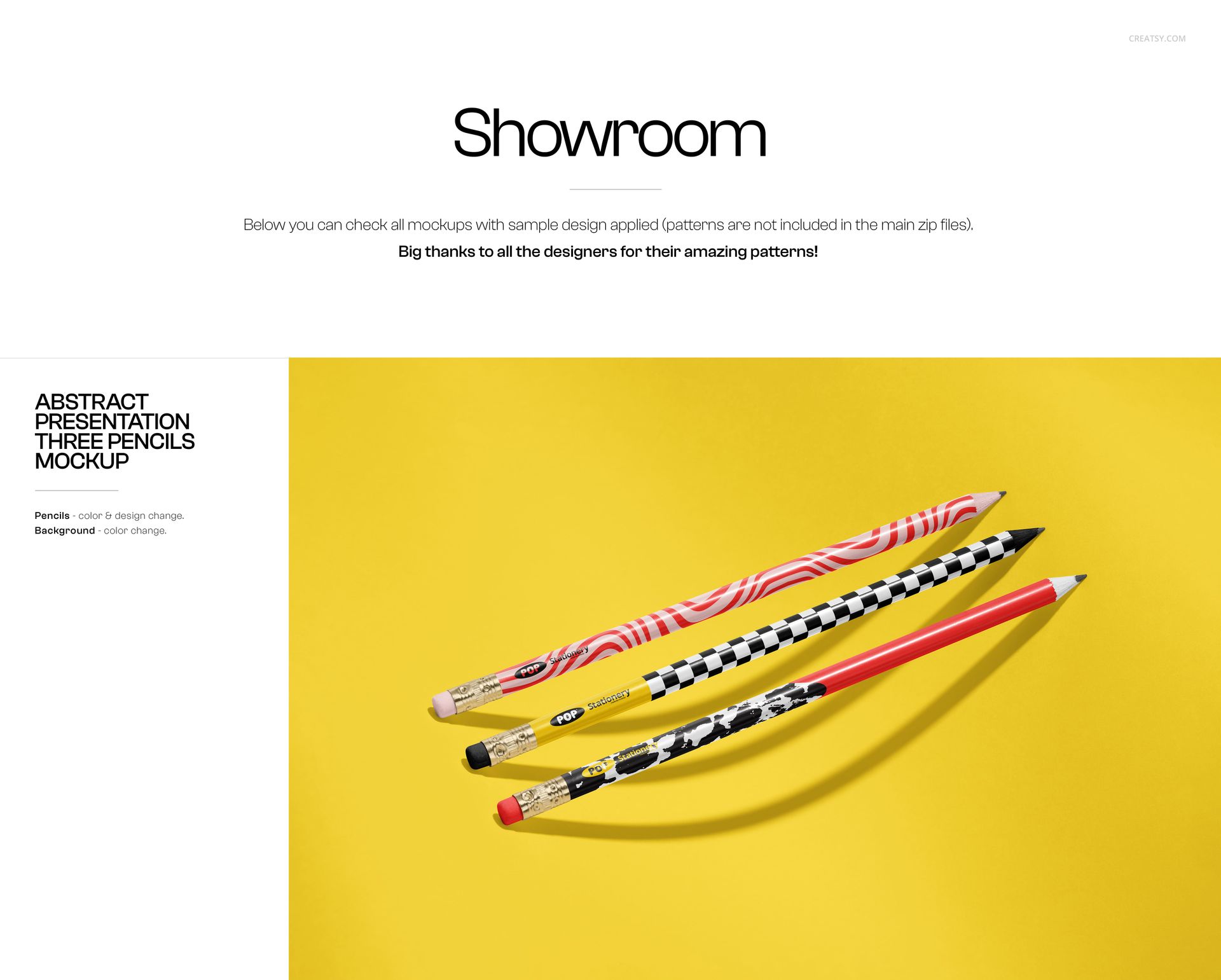
Pencil, pen and crayon designs
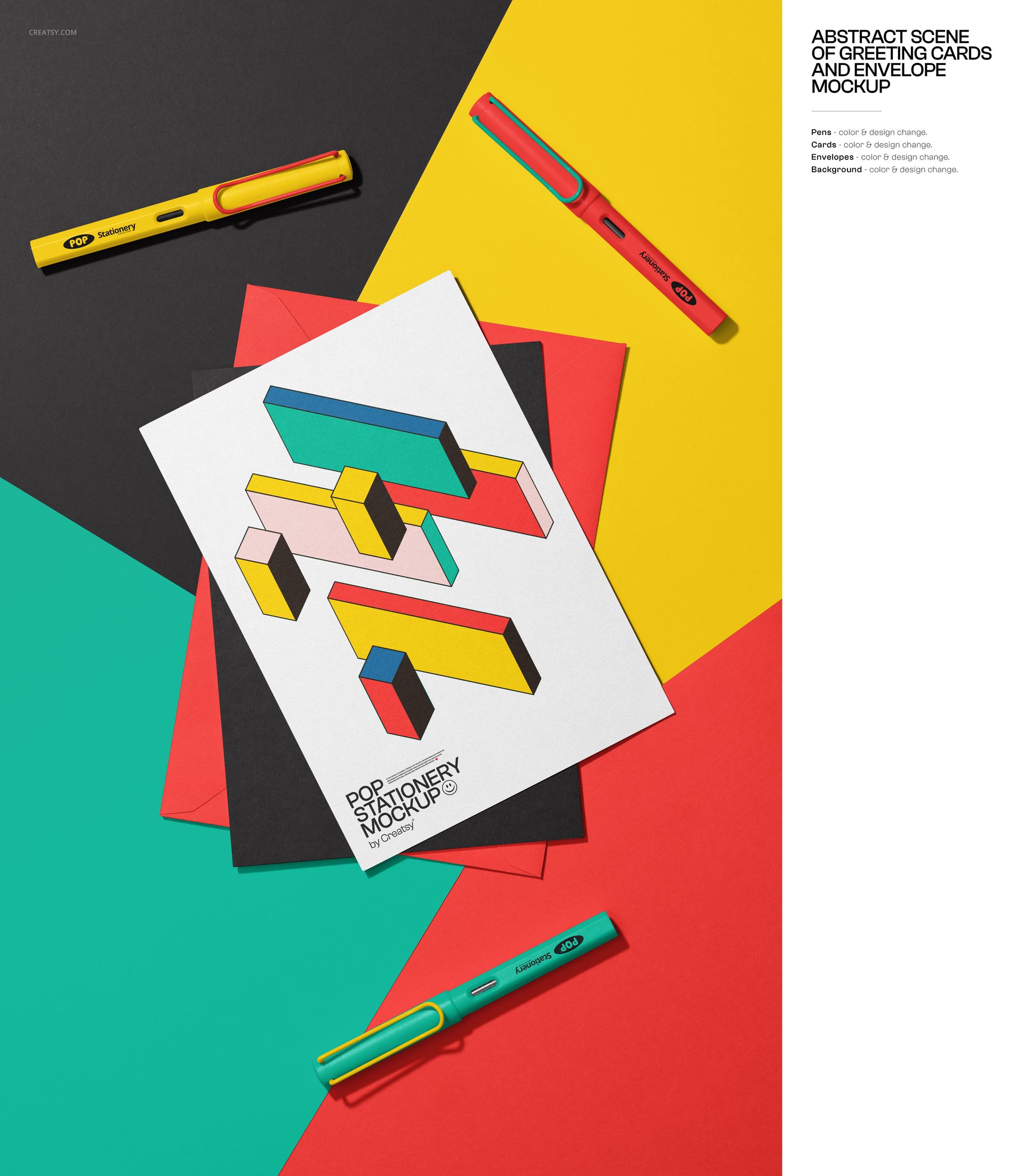
Poster and card artwork
School folder and paper goods designs
Backpack and school accessory visuals
Educational branding projects
Kids’ stationery collections
Teacher shop product previews
Etsy and Shopify listing images
Pinterest pins and social media graphics
Back-to-school campaign banners
Each mockup helps your product look more finished, more professional and more ready to buy.
Easy Customization for Designers and Sellers
The layered PSD files are built for a smooth editing workflow in Adobe Photoshop and Photopea. Place your design into the editable areas, adjust colors where available, customize the background and create a product image that fits your brand style. Many elements can be moved or adapted, giving you flexibility when building a cohesive set of images for one collection.
Use the same artwork across multiple scenes for a polished product launch, or test different colorways and patterns to see which version looks best before publishing your listing. This is especially useful for stationery designers, pattern artists and print-on-demand sellers who need professional visuals before ordering samples.
Perfect For
This mockup bundle is a strong fit for designers and businesses creating back-to-school products, school supplies, stationery collections, printable resources and educational branding. It is especially useful for:
Stationery designers creating notebooks, planners and paper goods
Surface pattern designers presenting repeat patterns on school products
Print-on-demand sellers building Etsy, Shopify or Amazon listings
Teachers and educational creators selling printable resources
Kids’ brands launching school-themed collections
Marketing teams creating seasonal back-to-school campaigns
Small businesses that need professional product visuals without a photoshoot
File Specifications
Includes layered PSD and JPG files
Current product page shows 66 included products
Designed as a large back-to-school mockup bundle with an estimated final bundle size of around 100 files
File size: 6000x4000 px
Resolution: 300 DPI
Compatible with Adobe Photoshop CC2020 and newer
Compatible with Photopea
Editable design and color elements
Example artwork shown in previews is for display only and is not included
File details
- Compatibility


- Products in bundle
- 66
- Package size
- 18.8 GB
 |20.2 GB
- Files type
- .psd, .jpg
- Files size
- 6000x4000
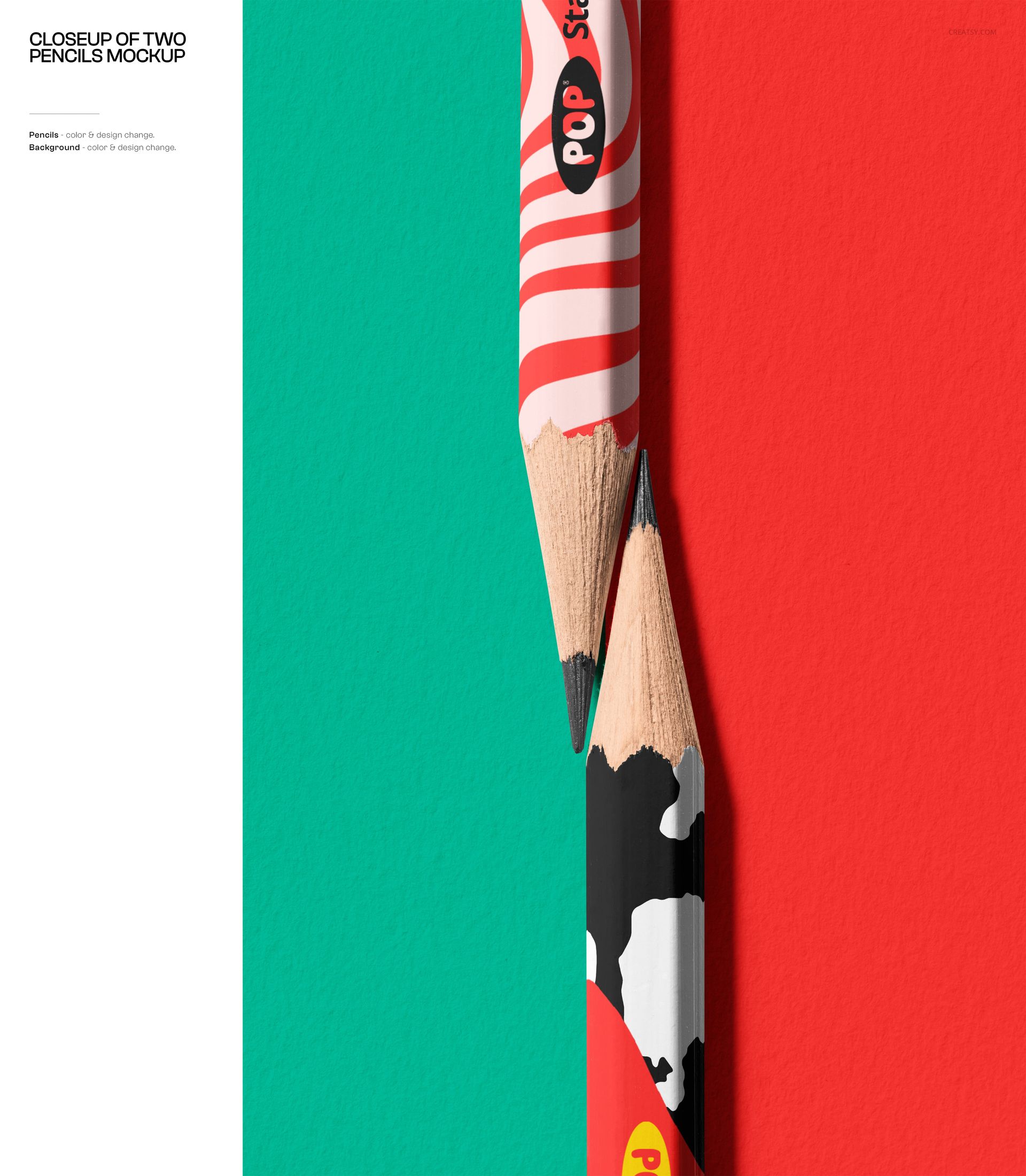
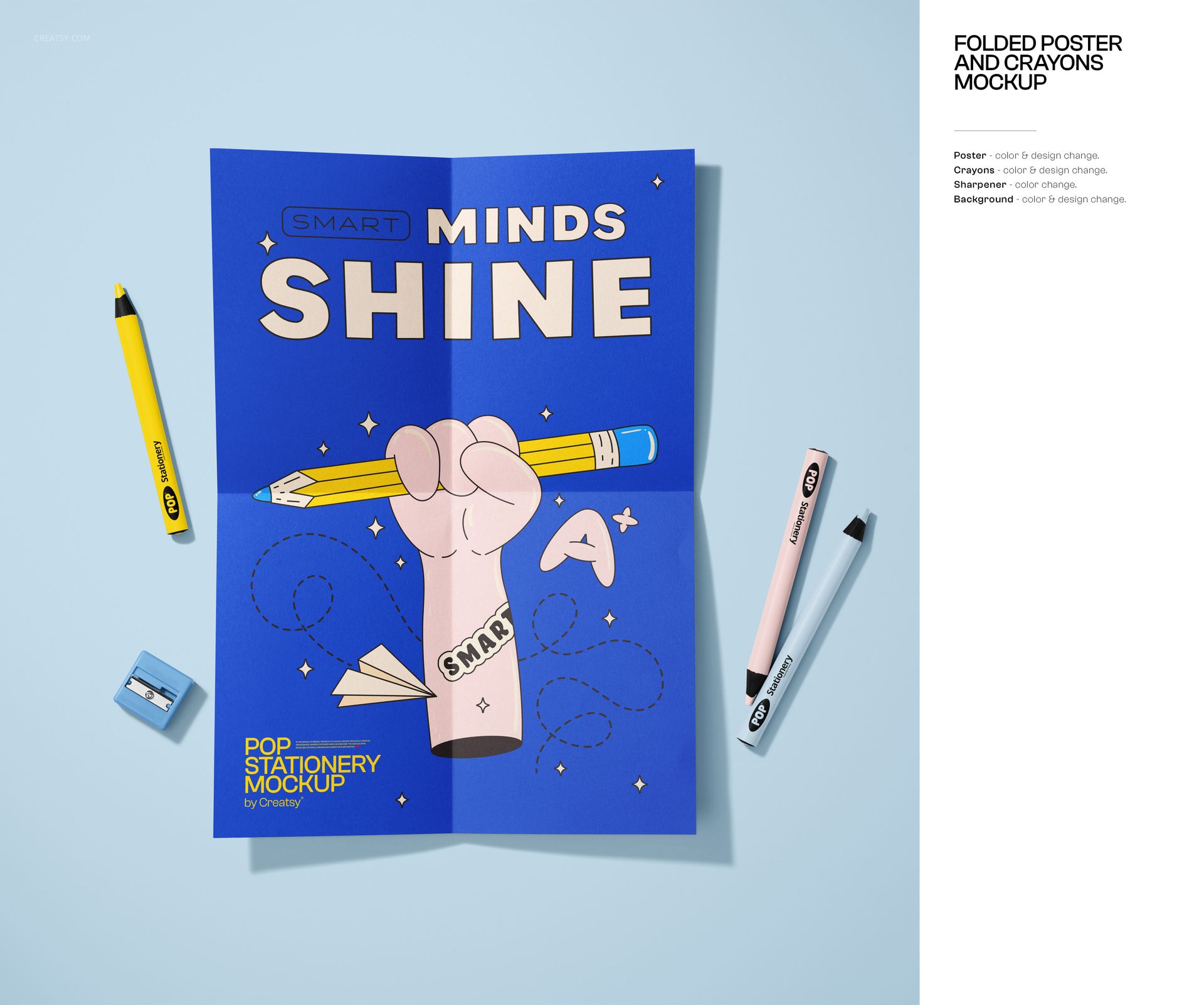
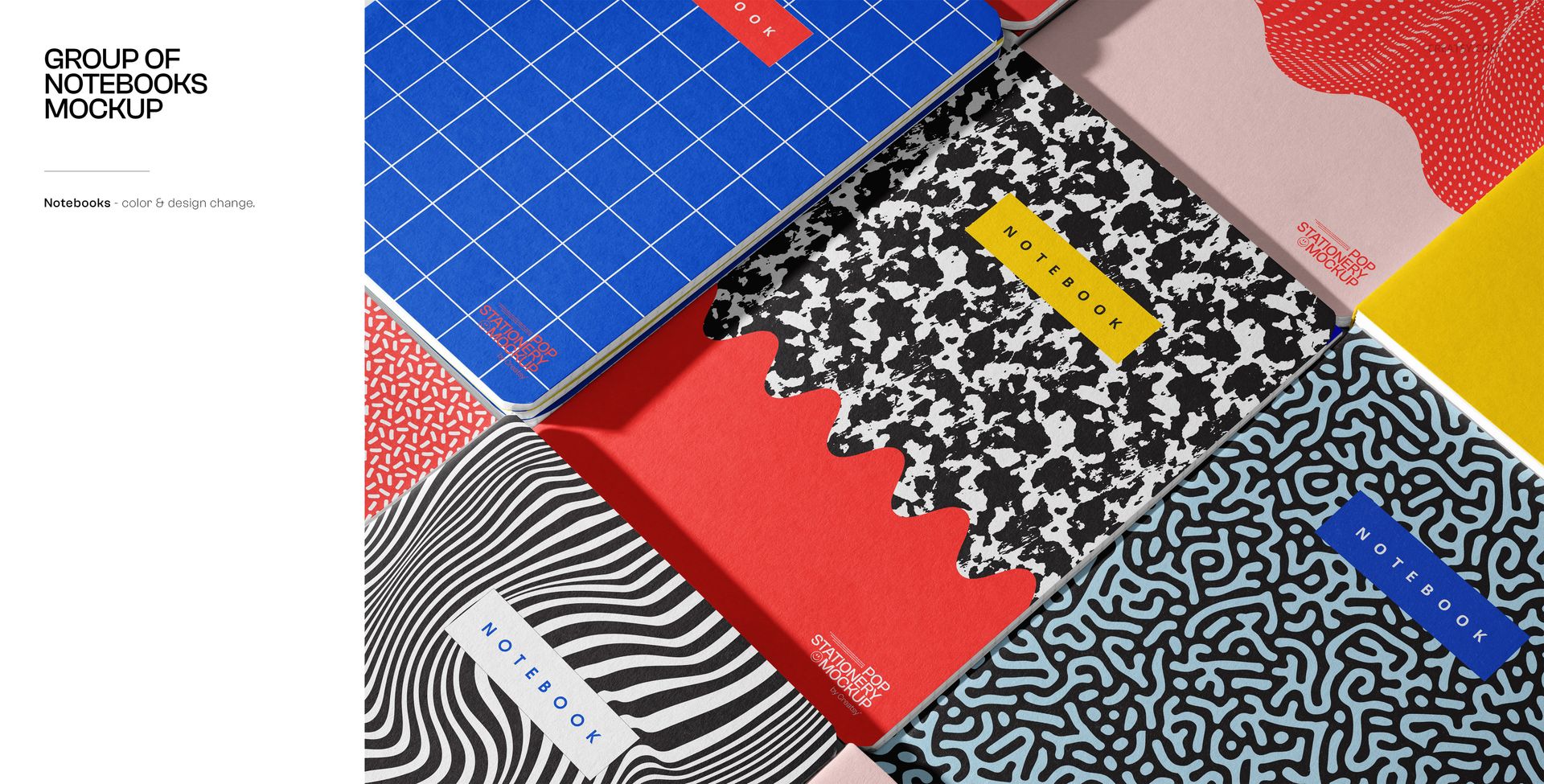
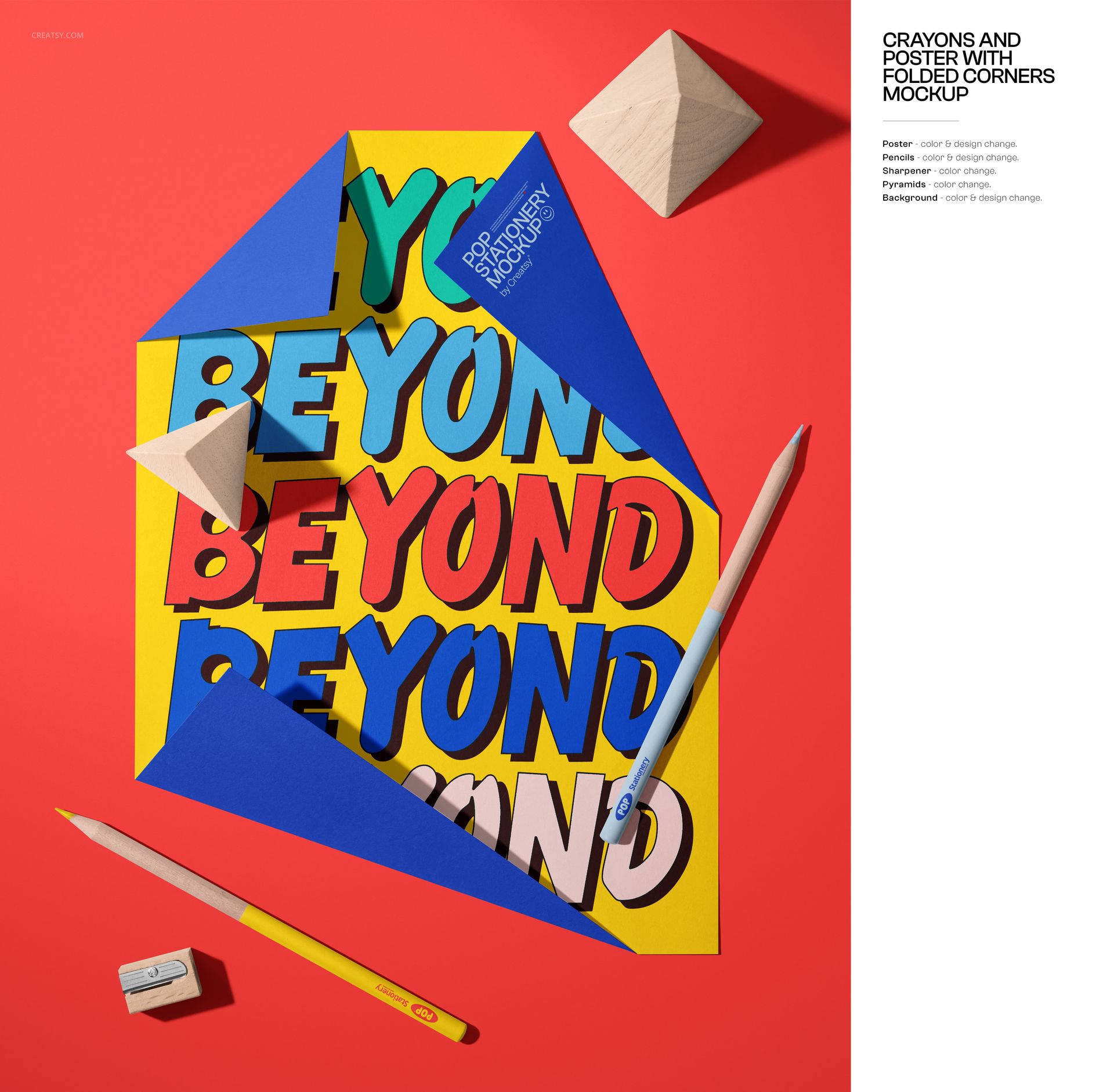
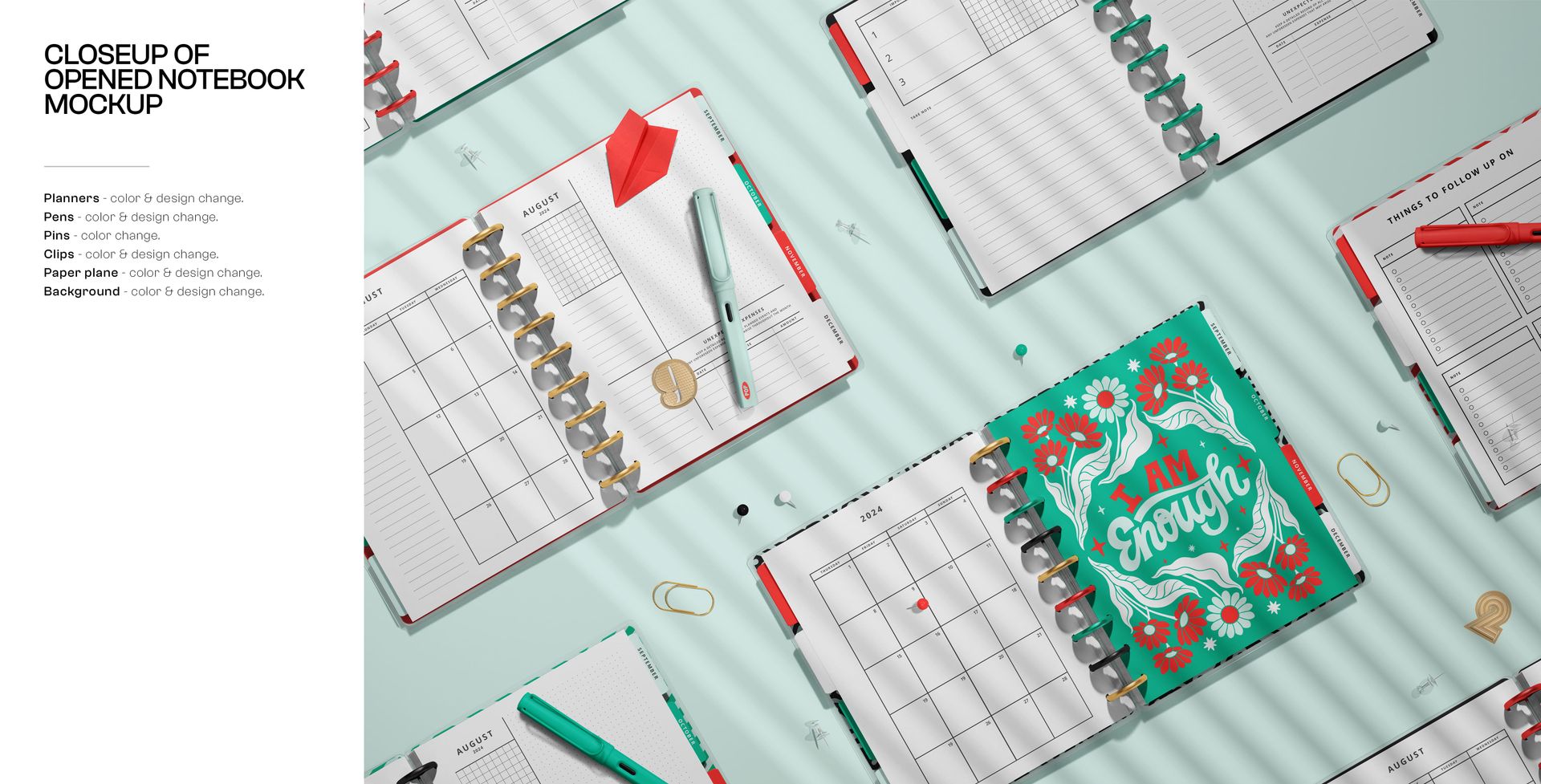
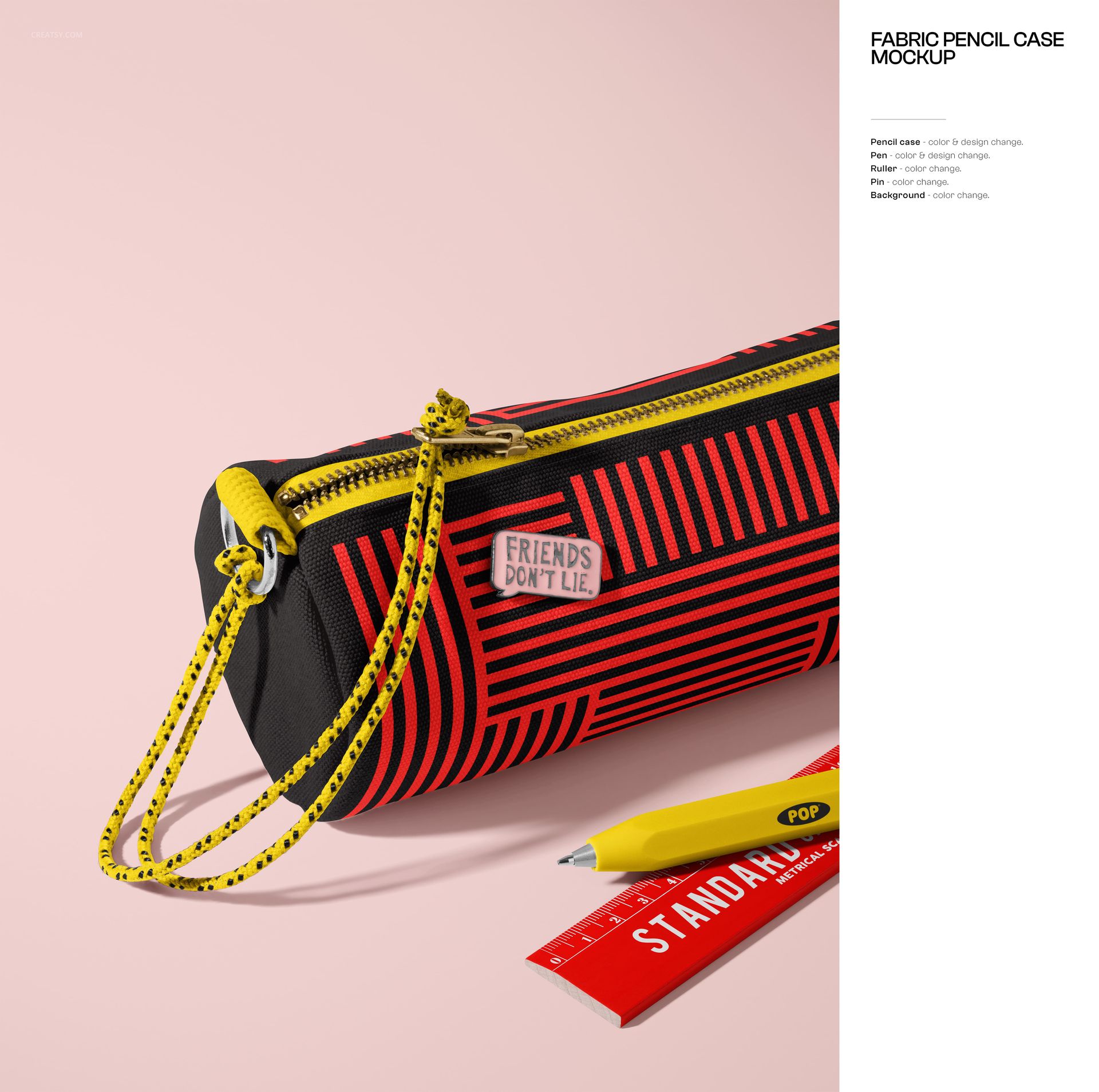
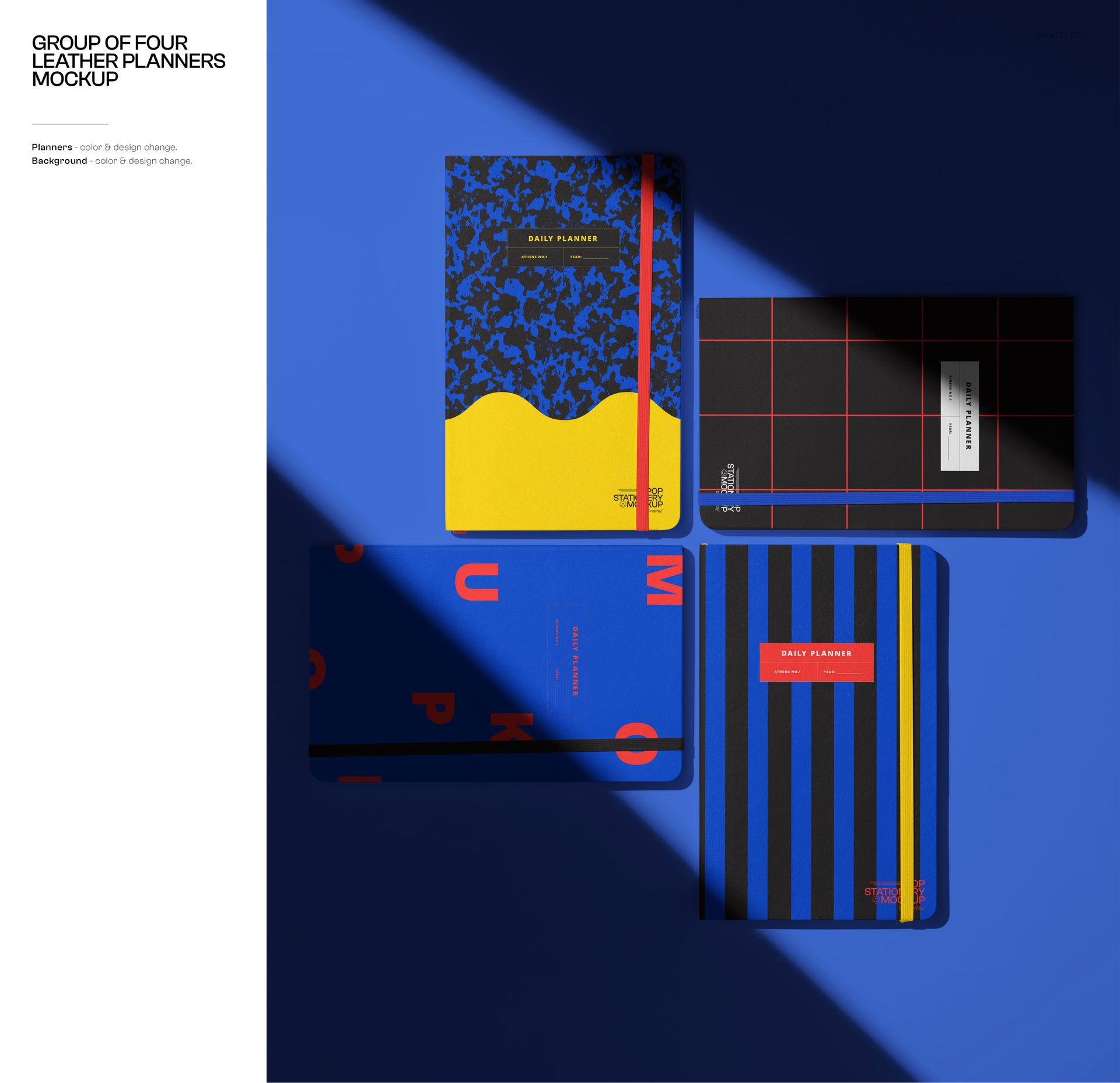
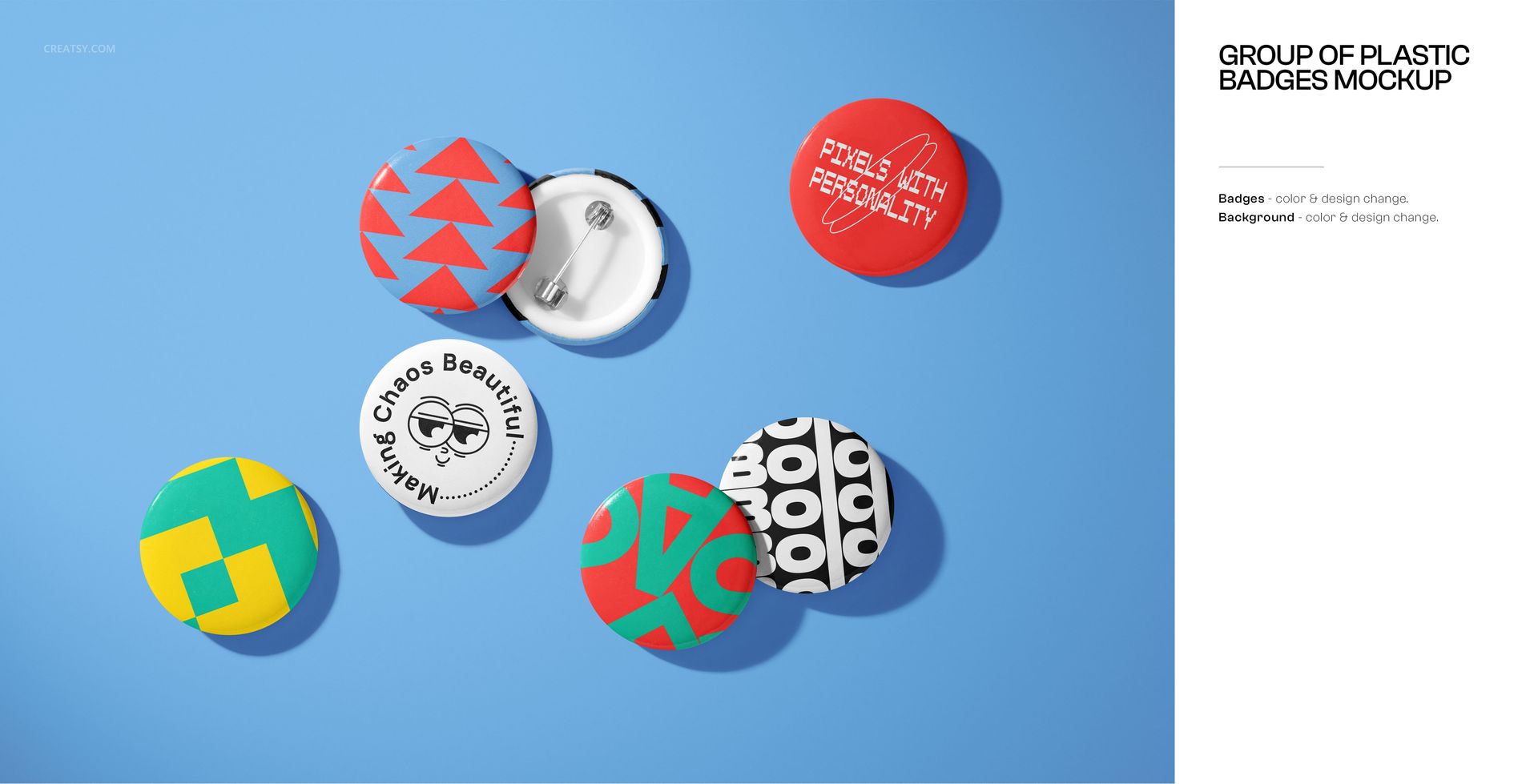
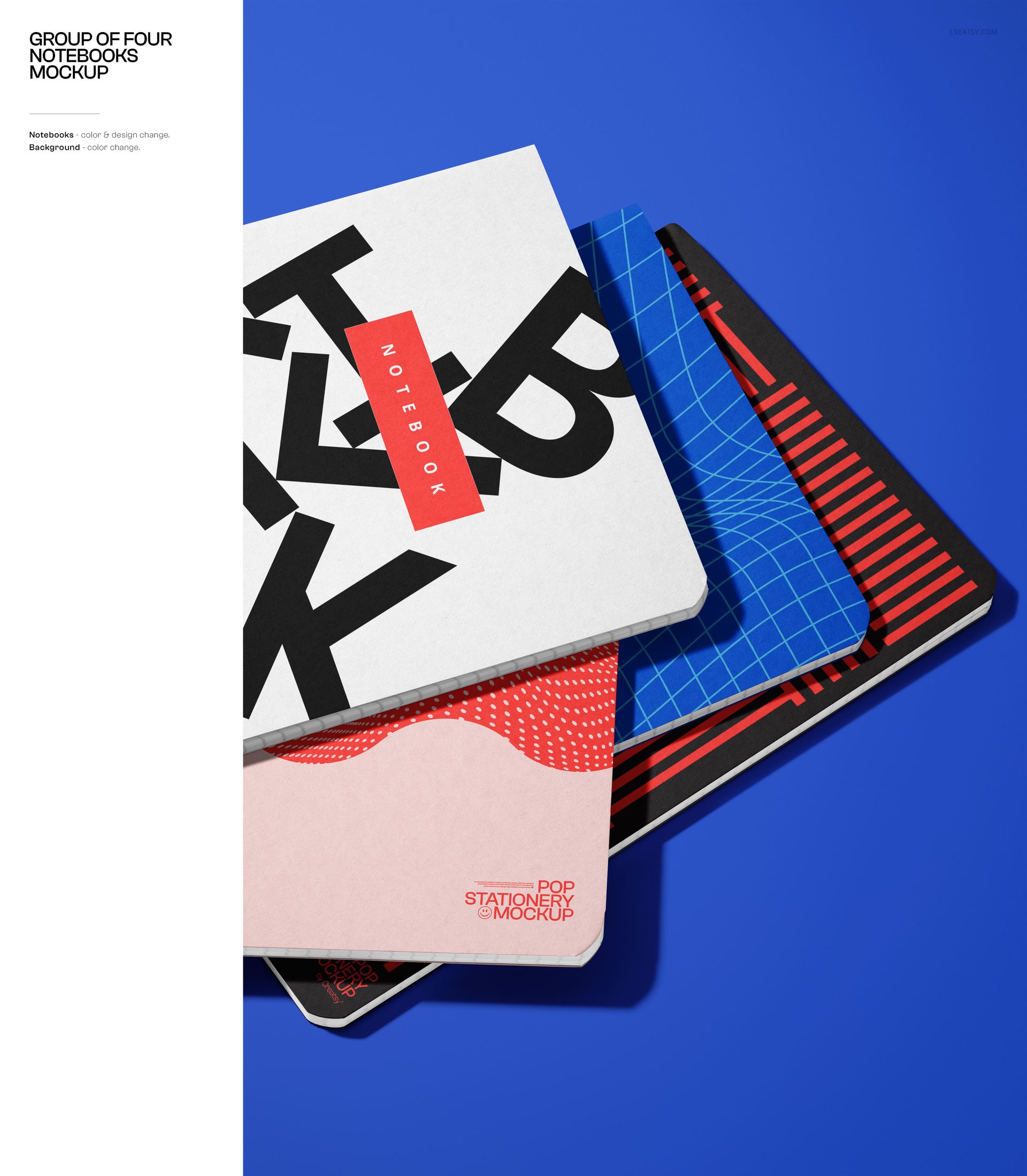
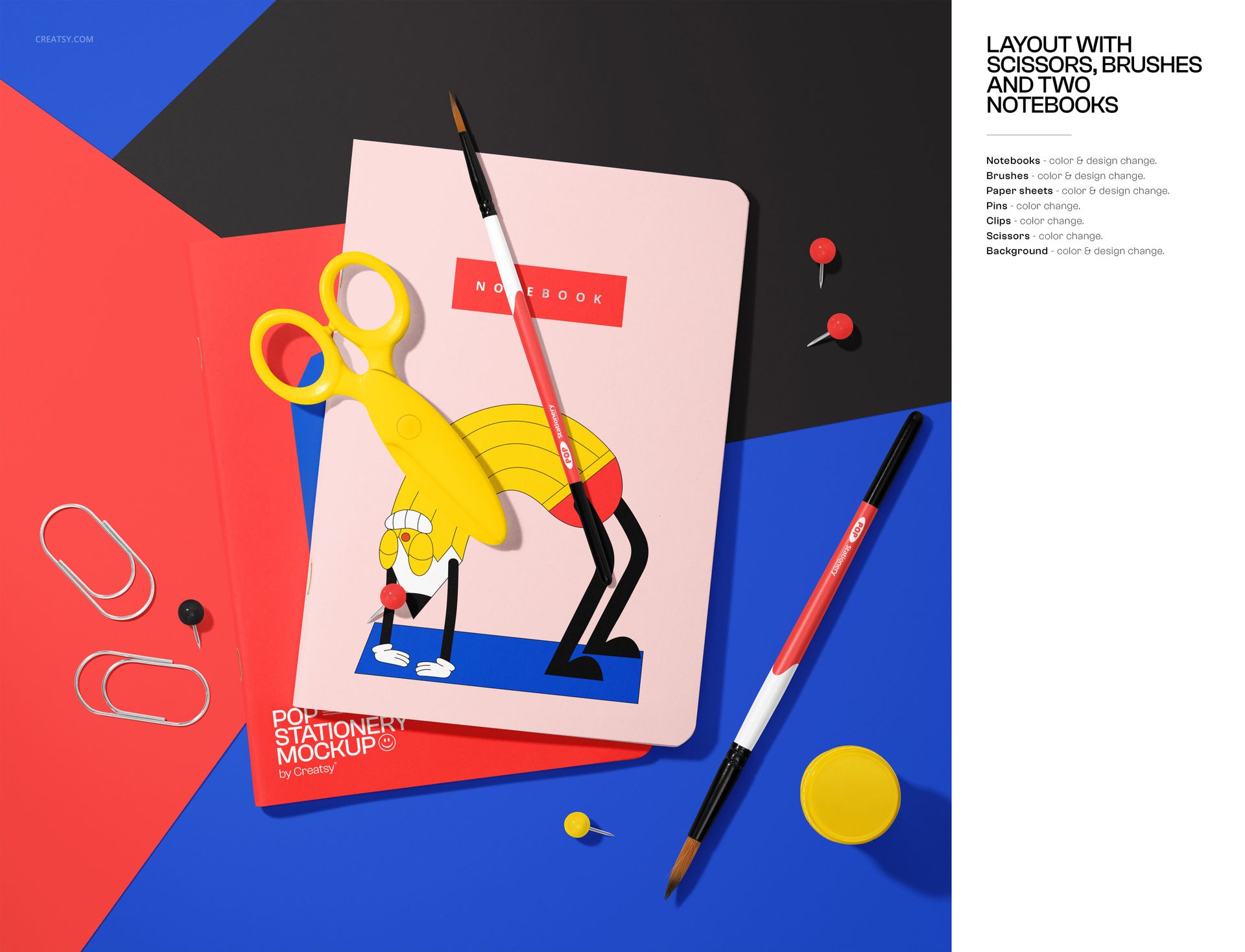
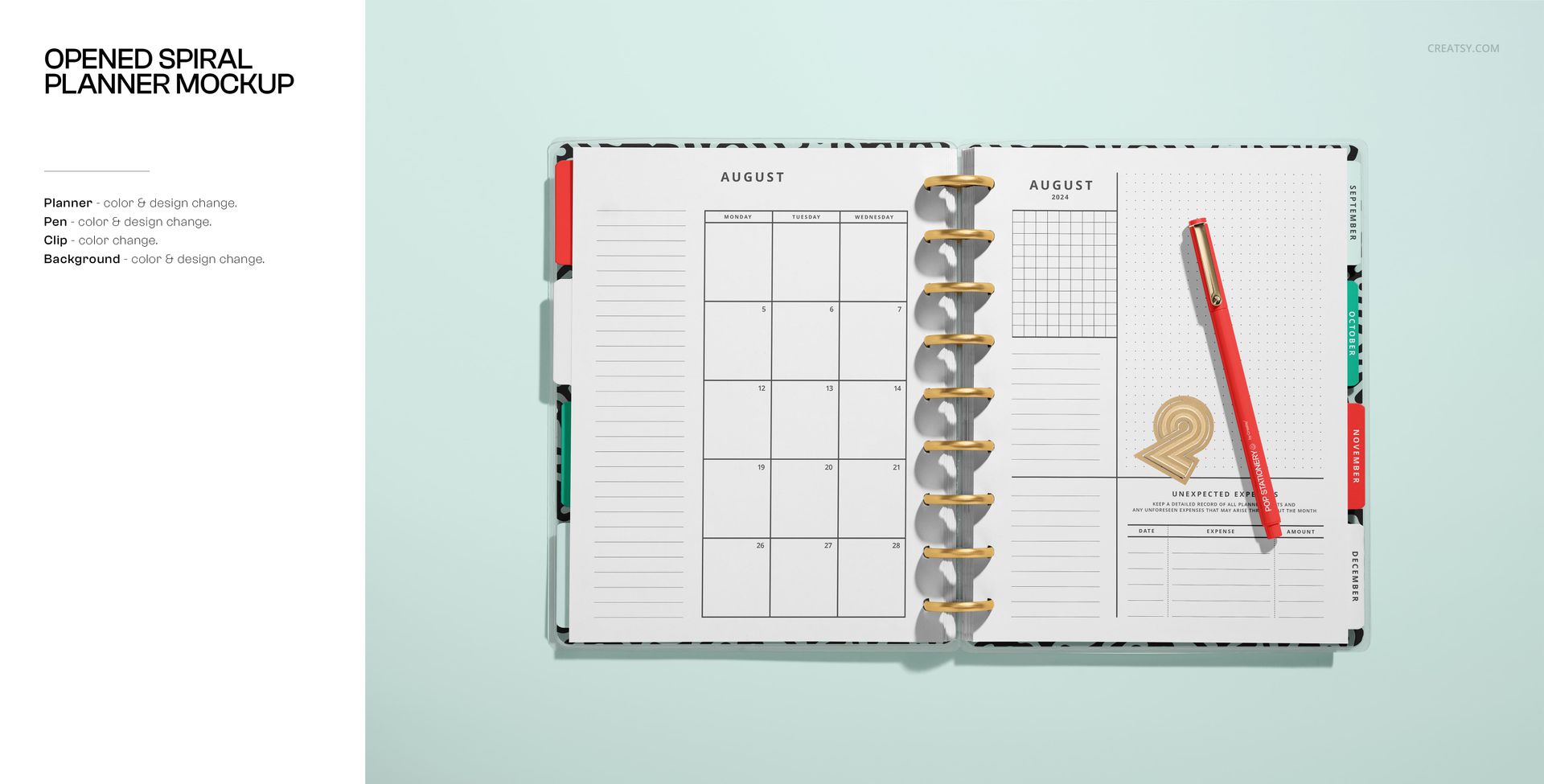
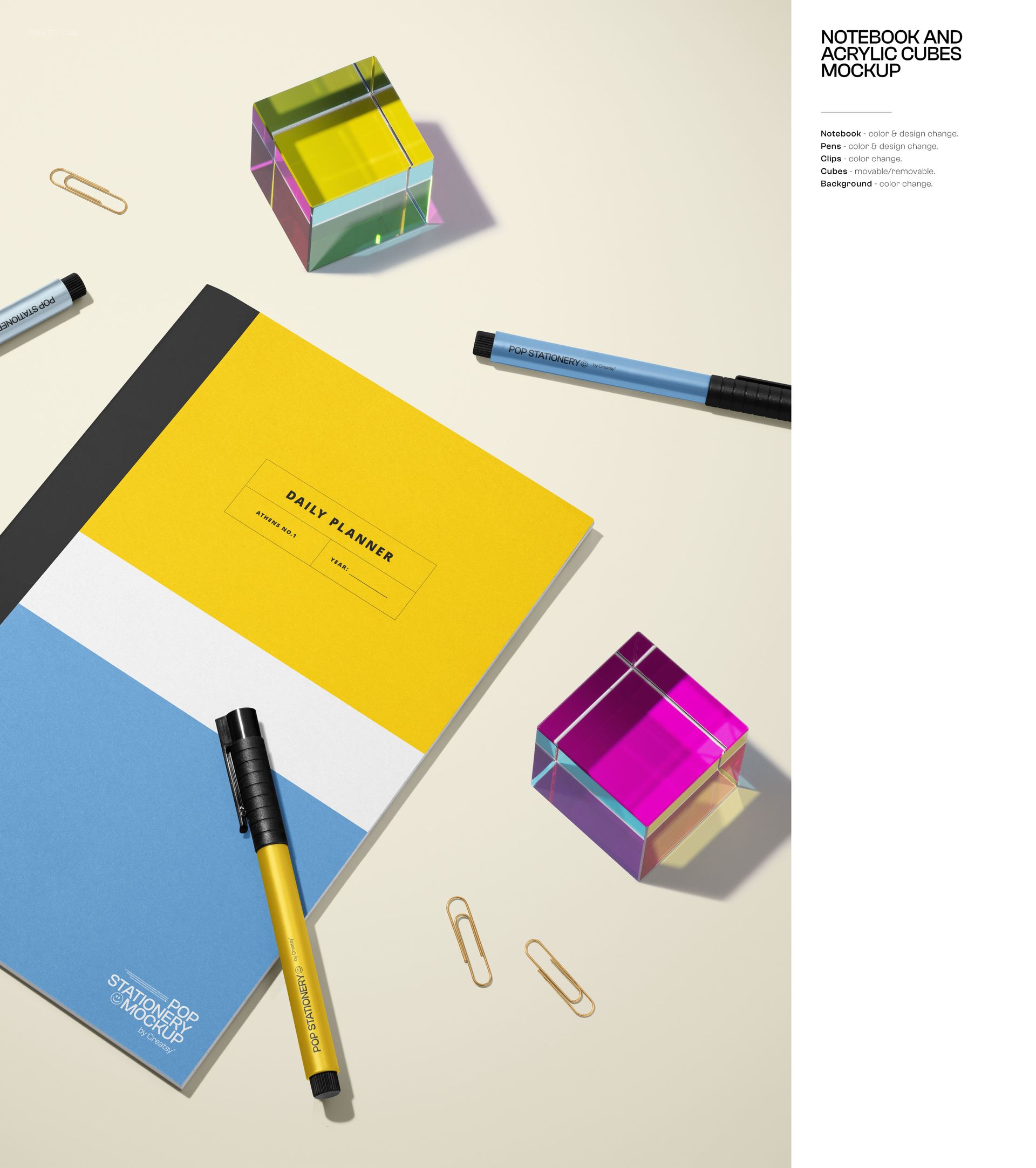
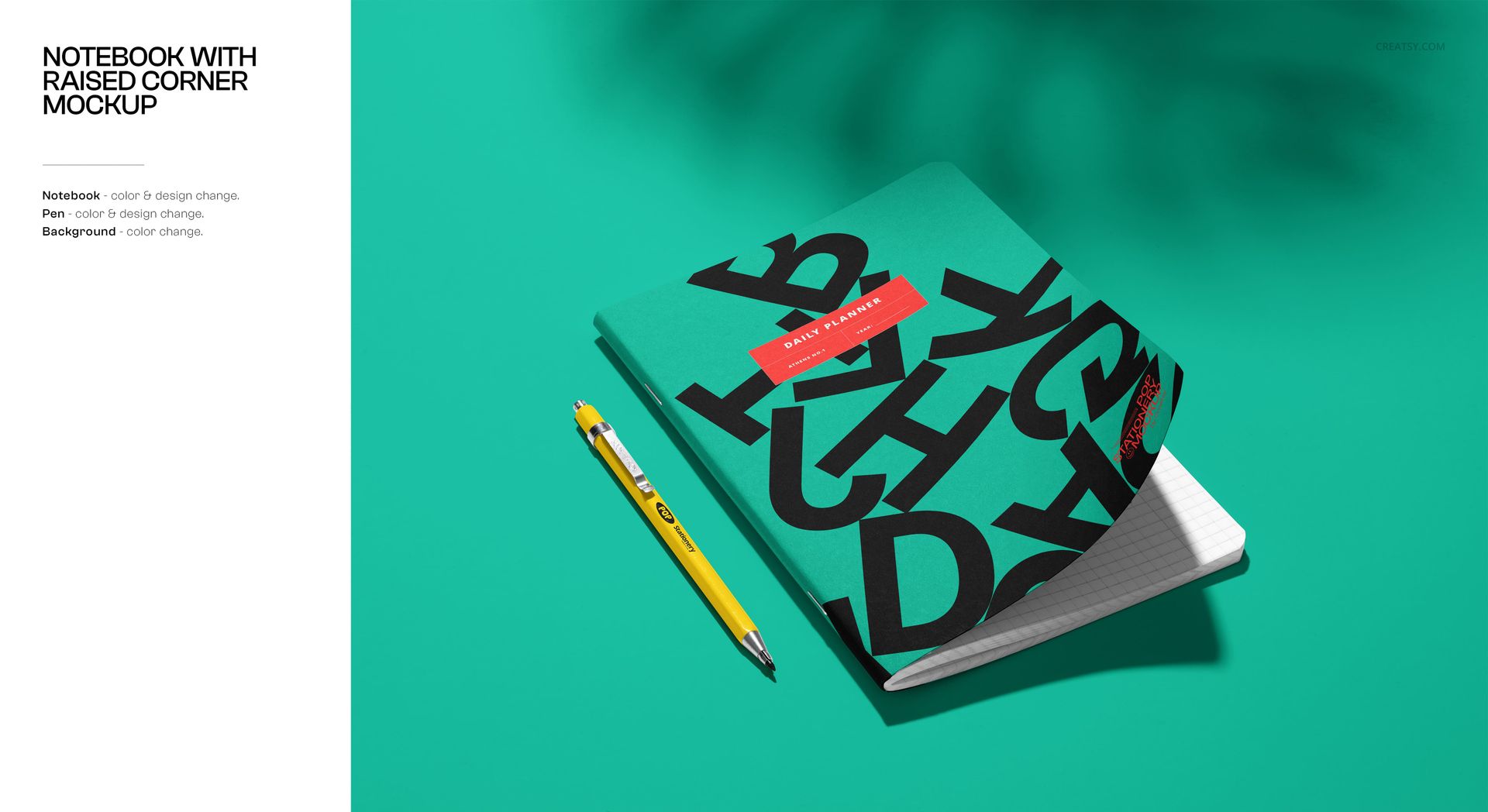
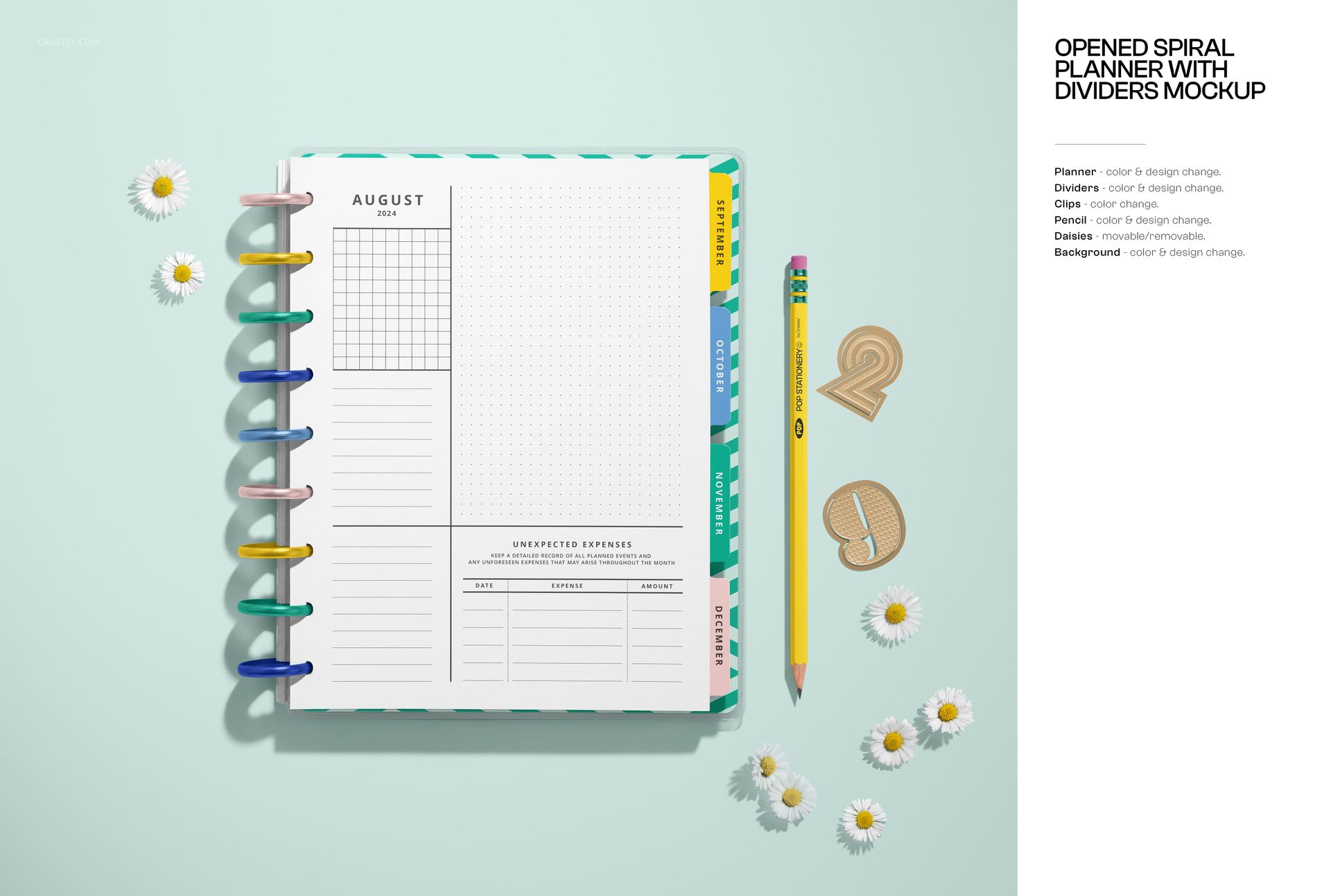
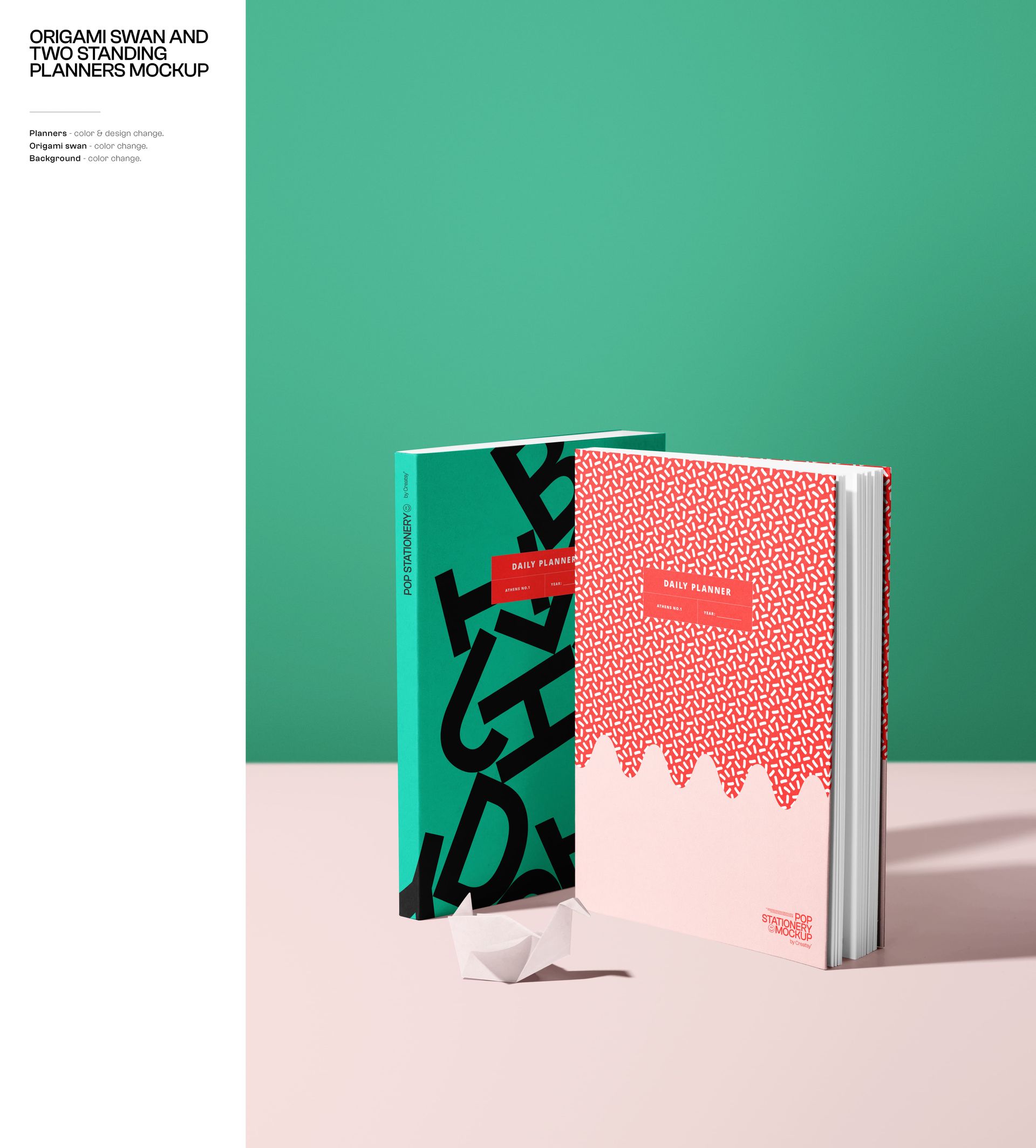
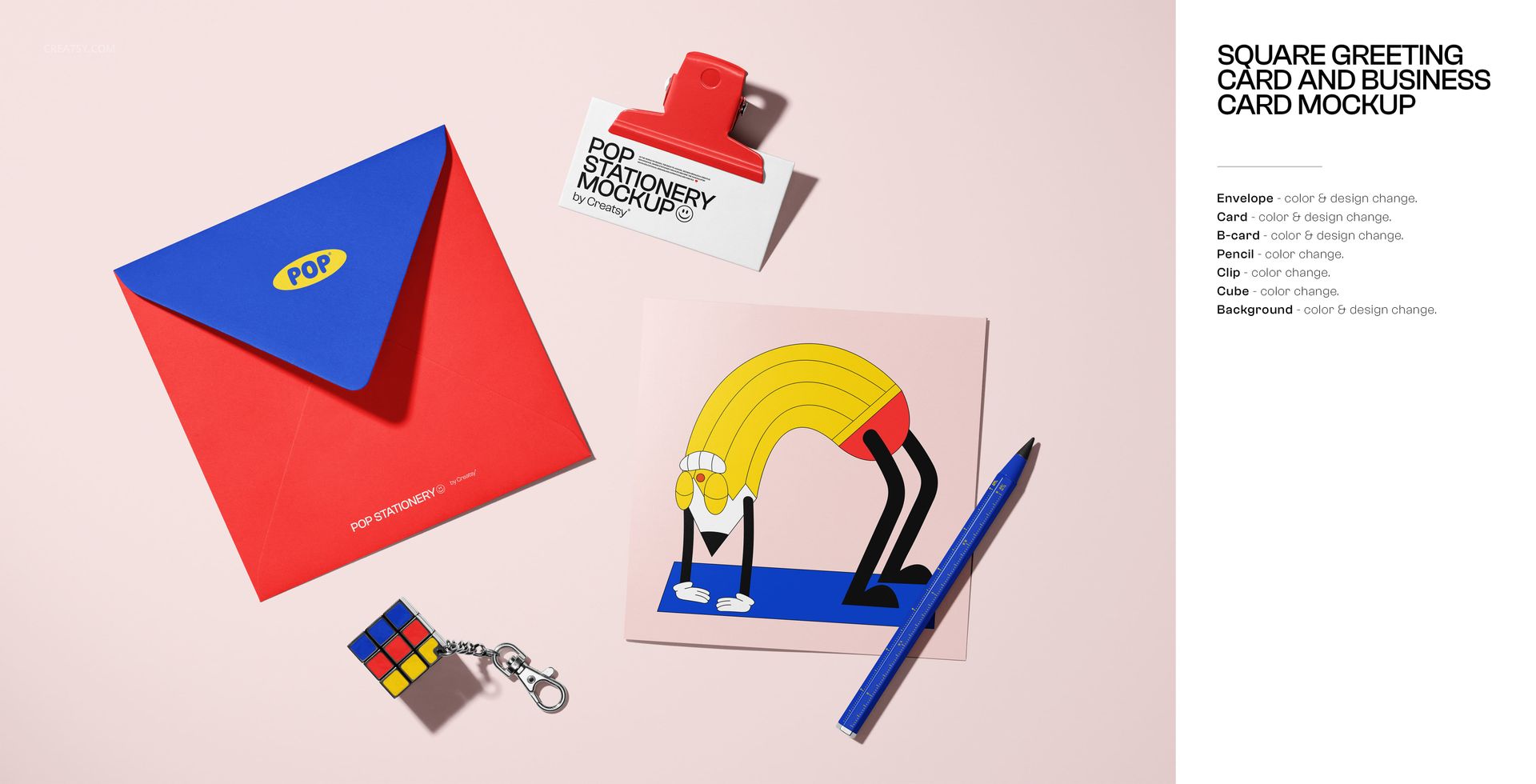
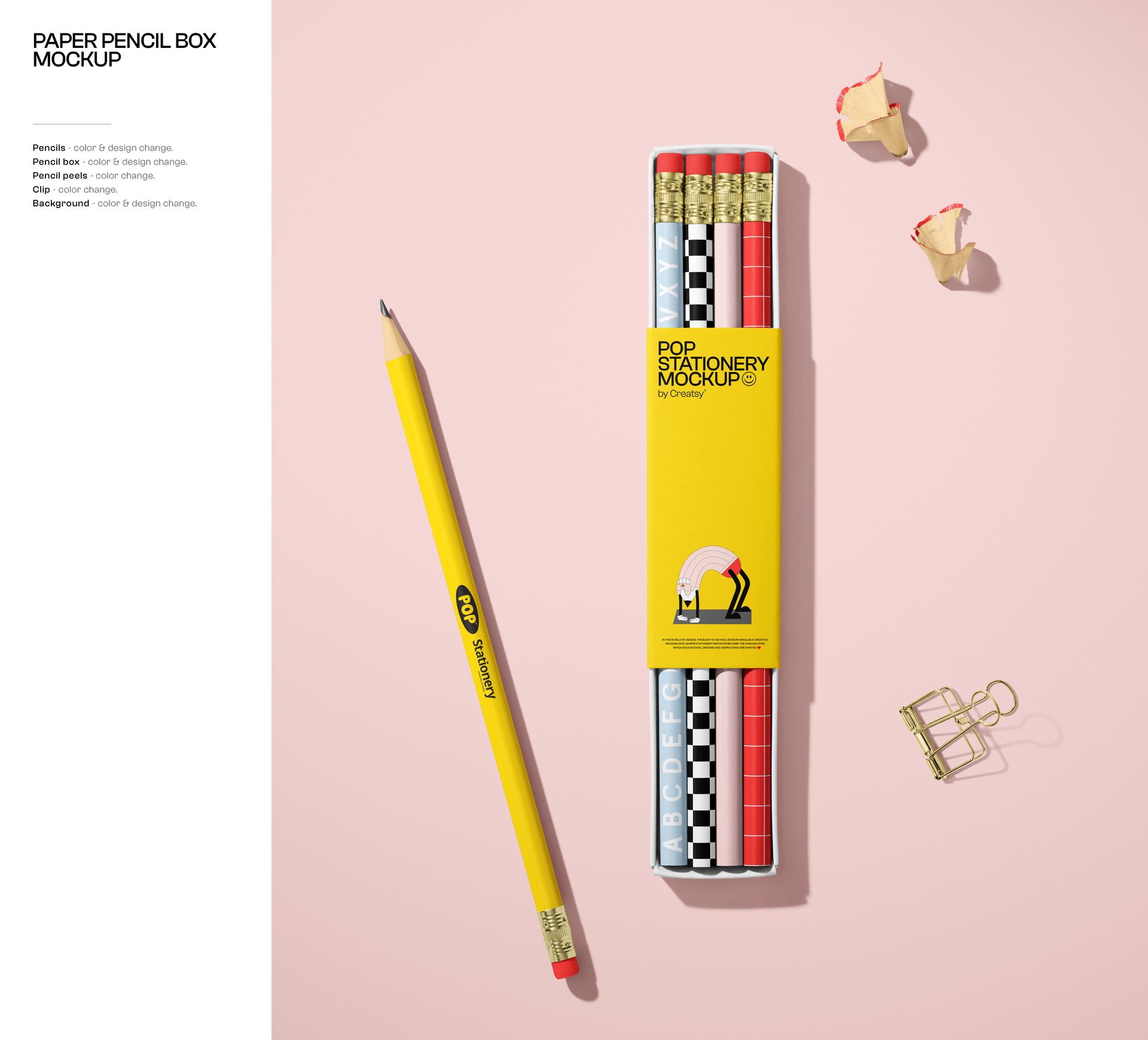
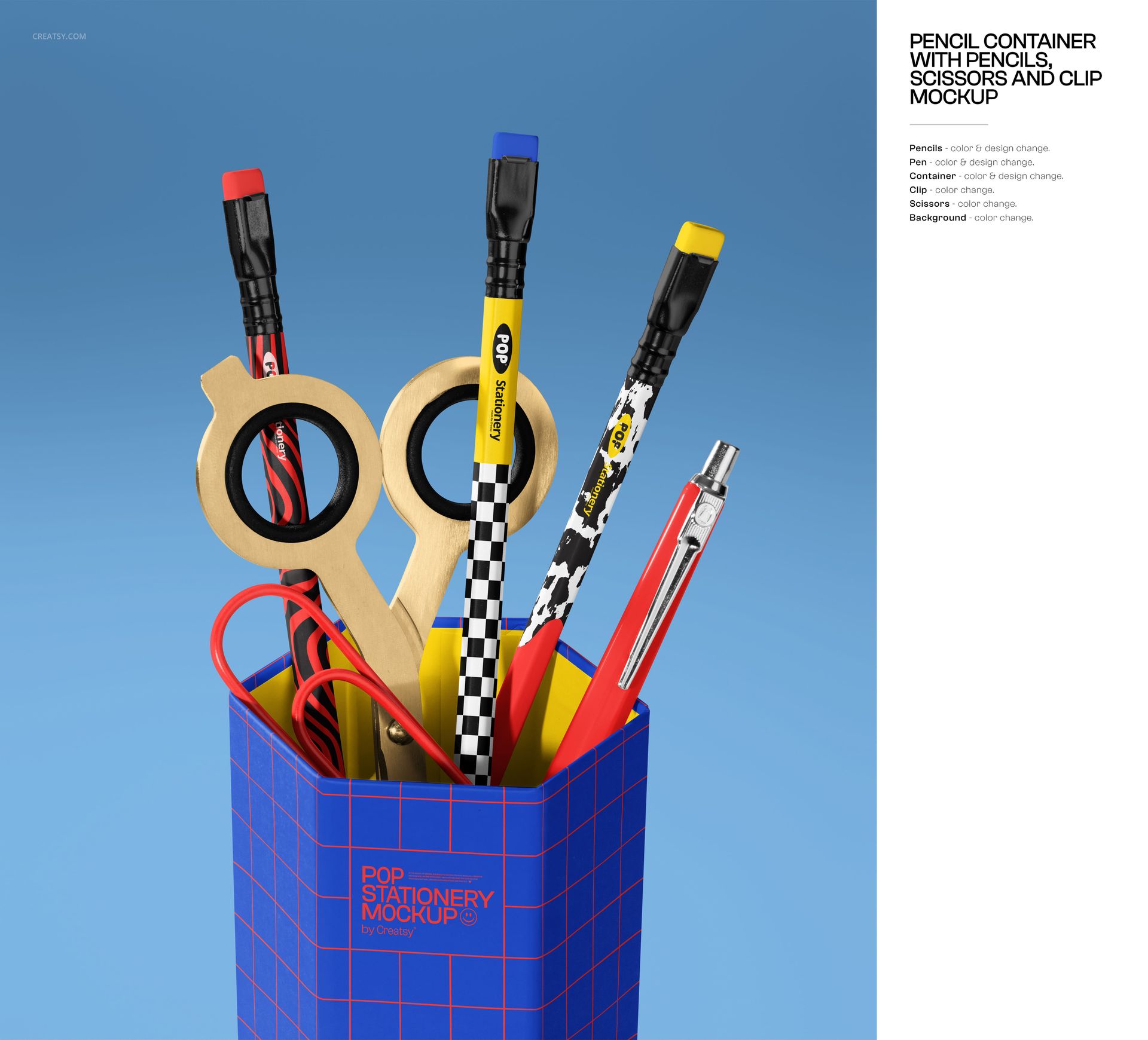
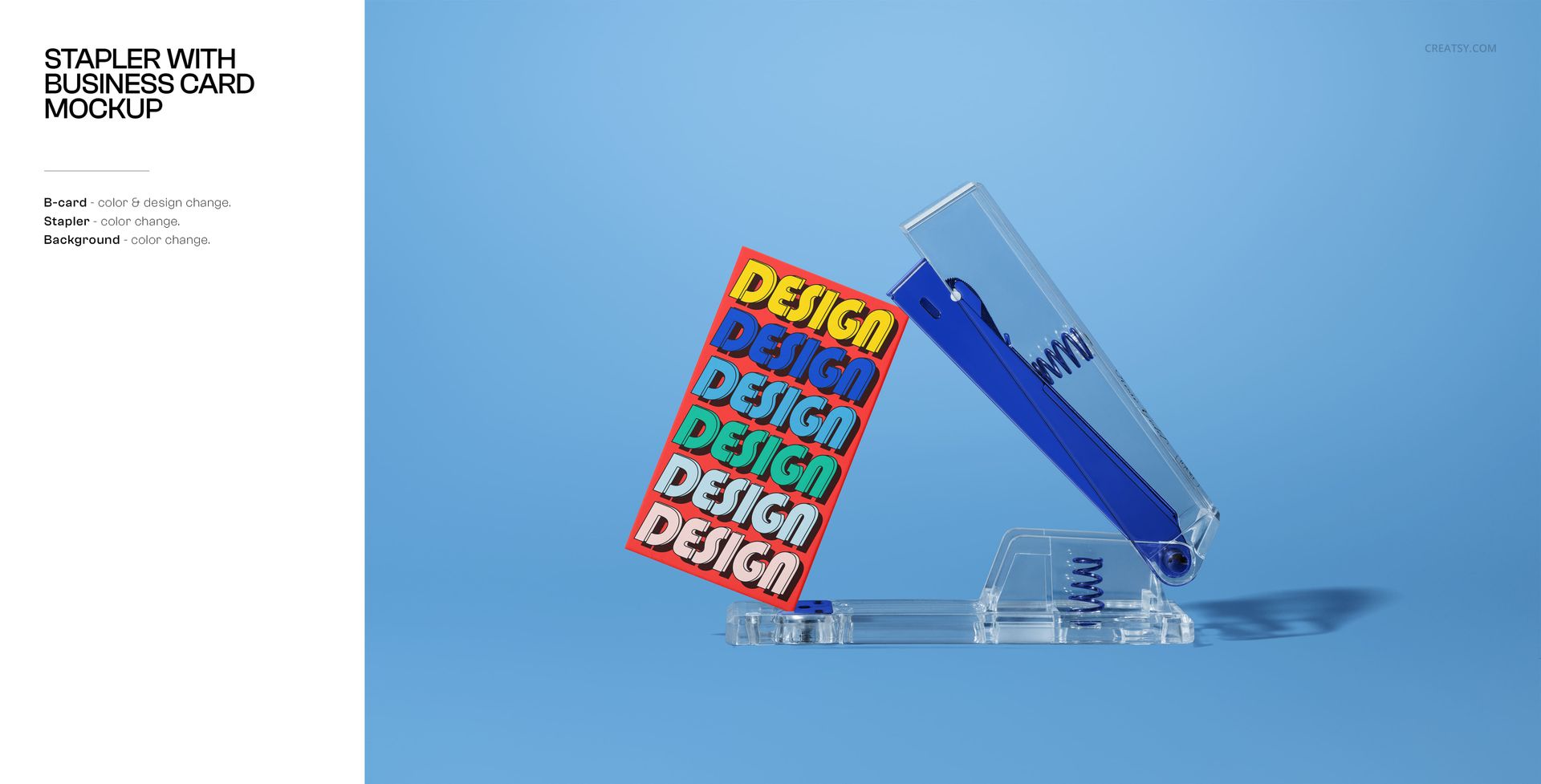
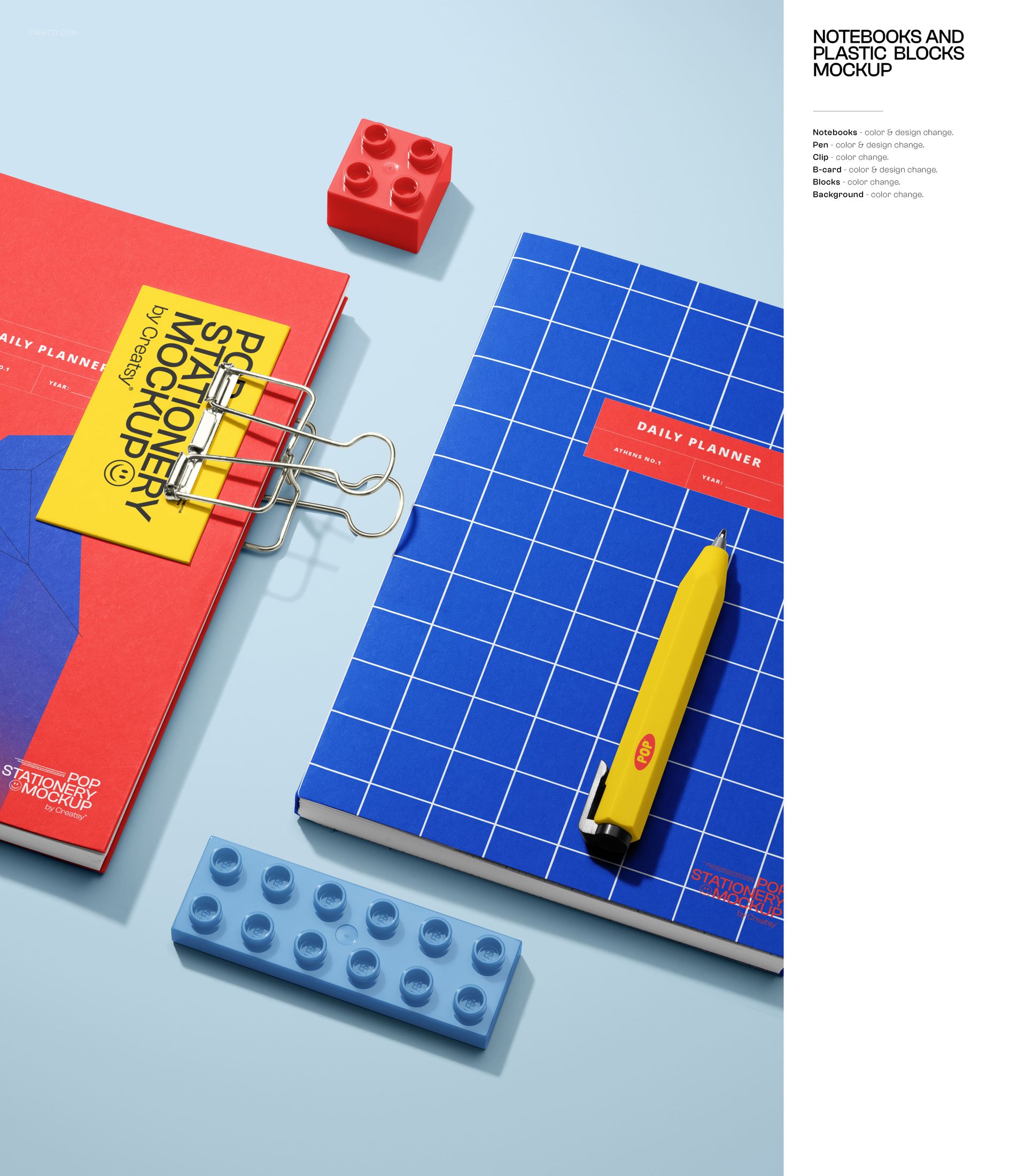
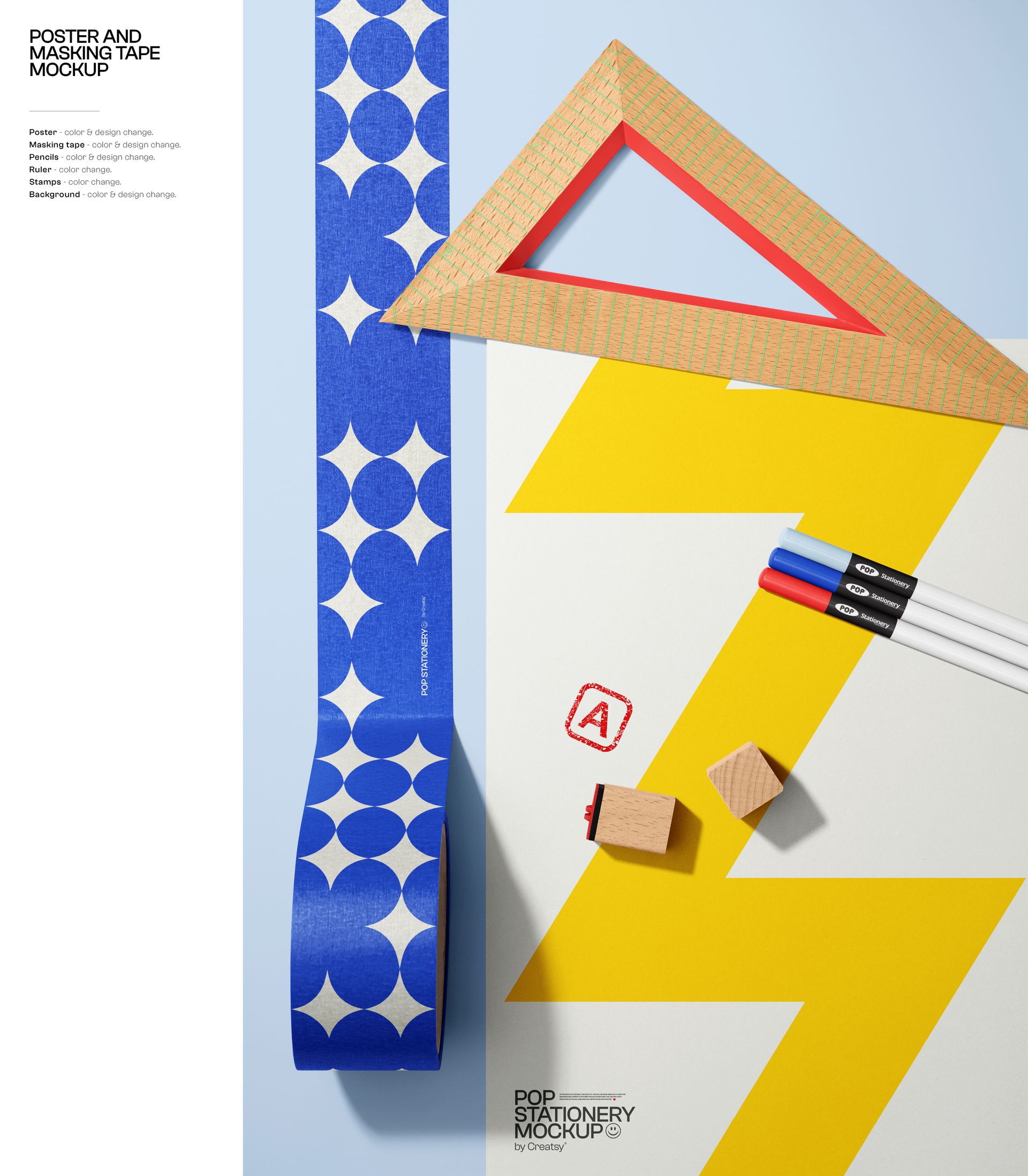
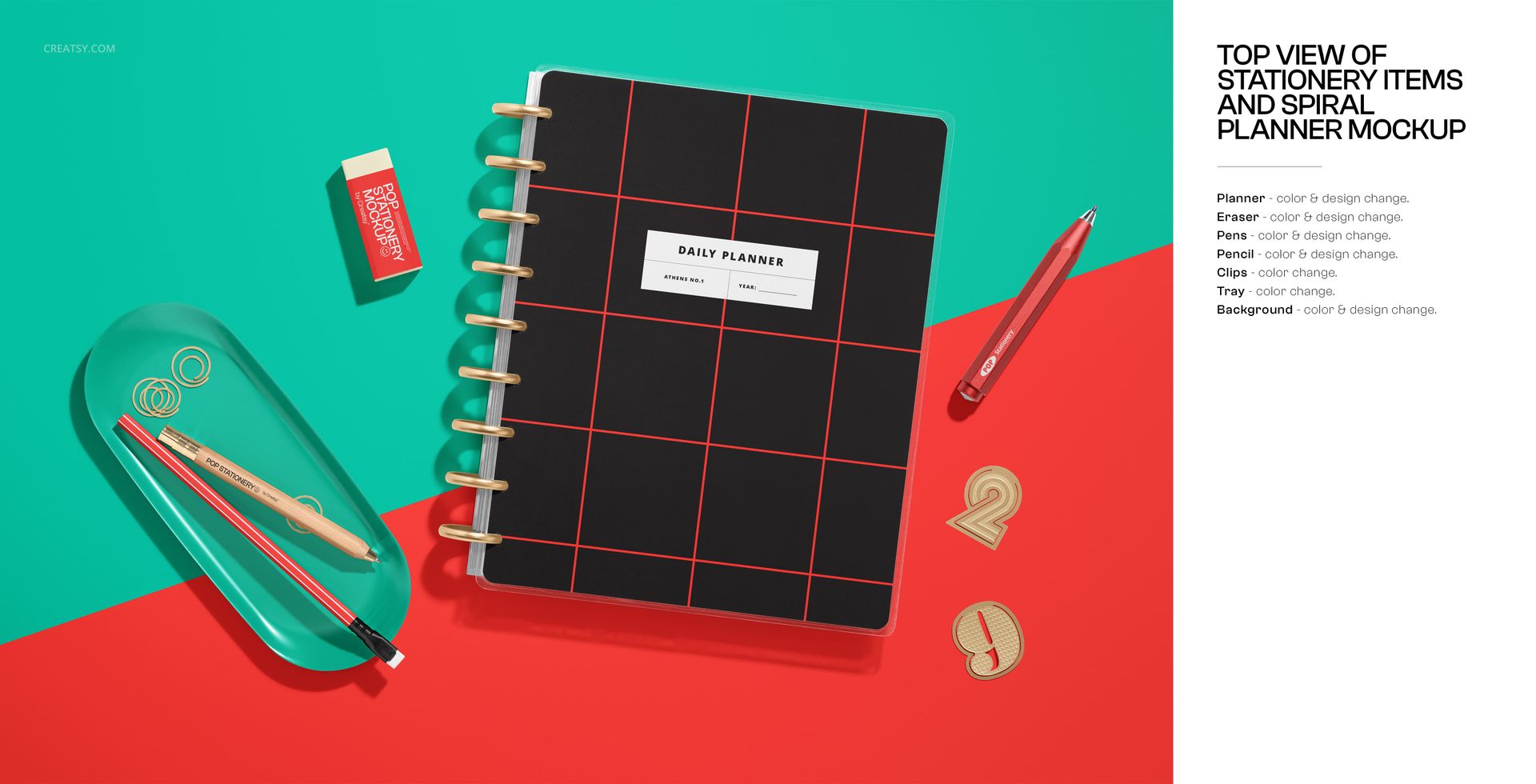
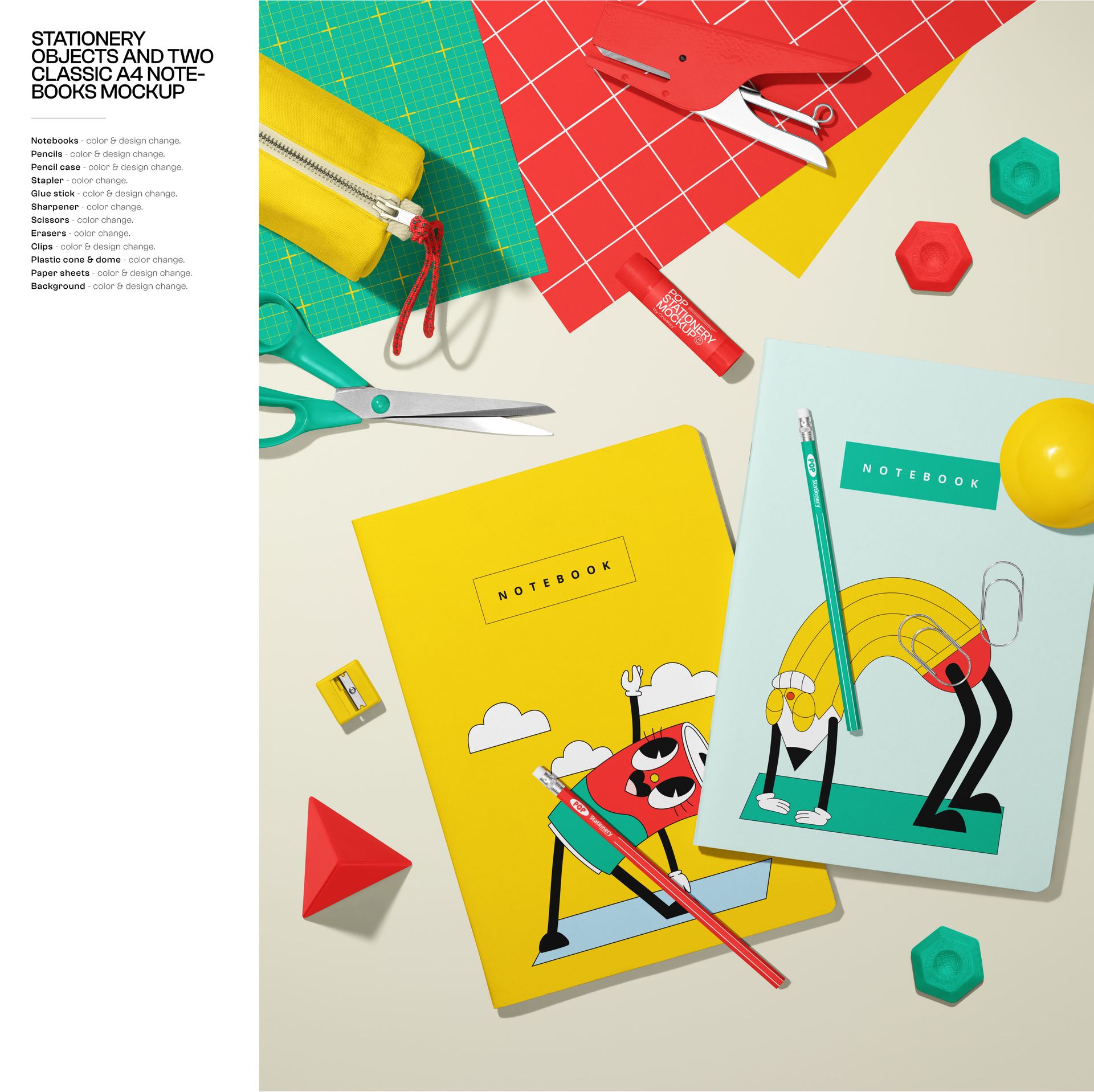
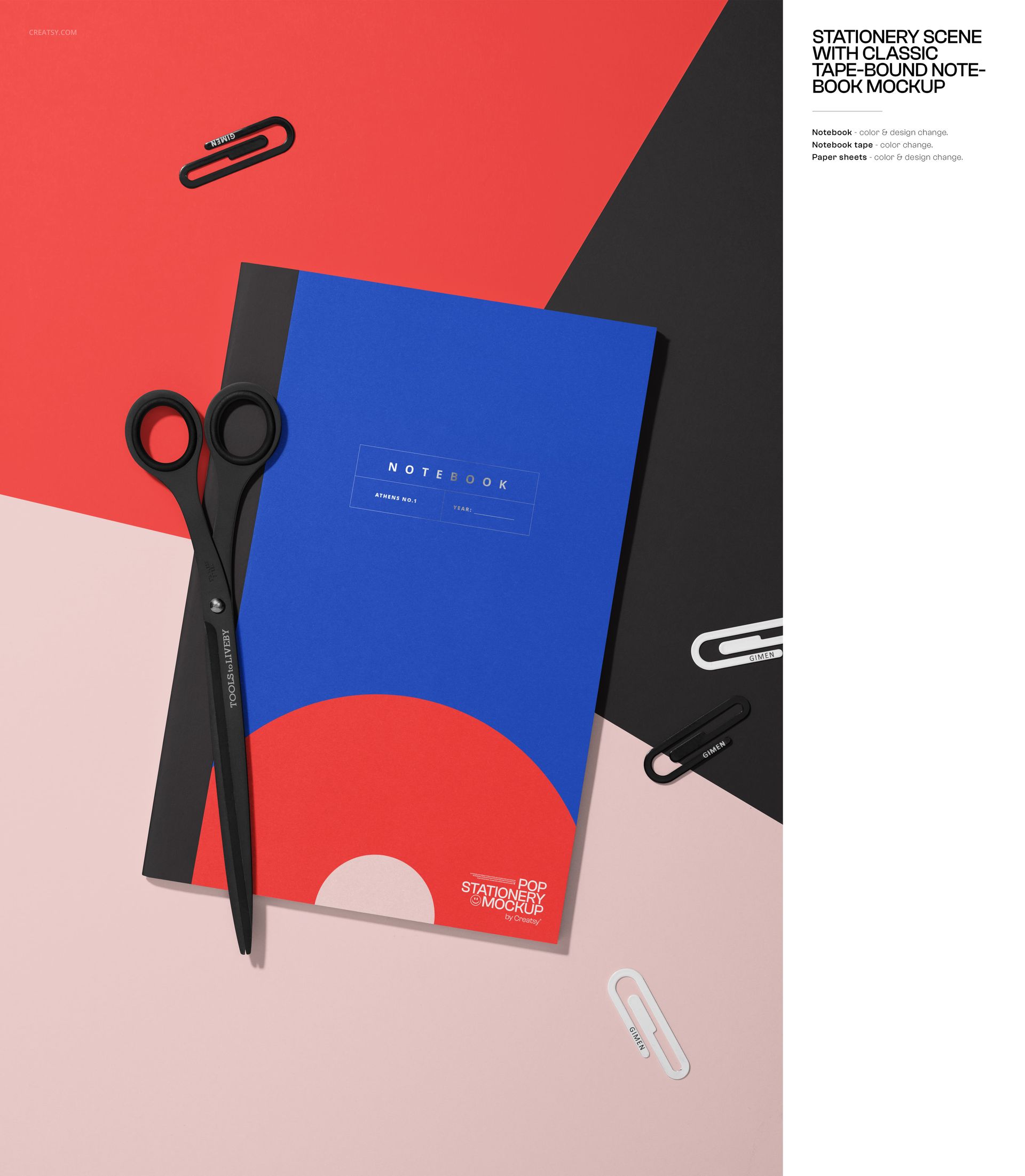
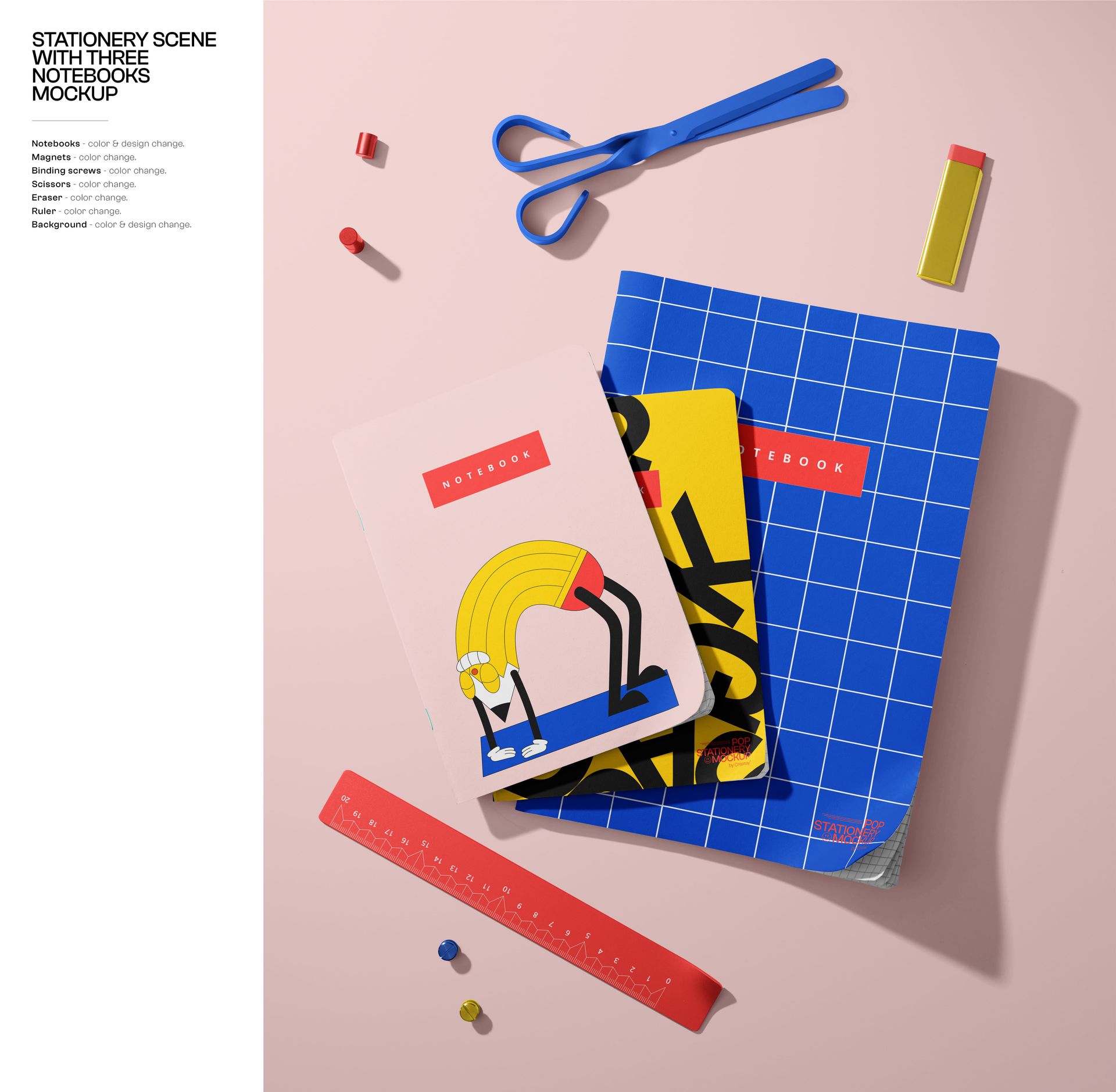
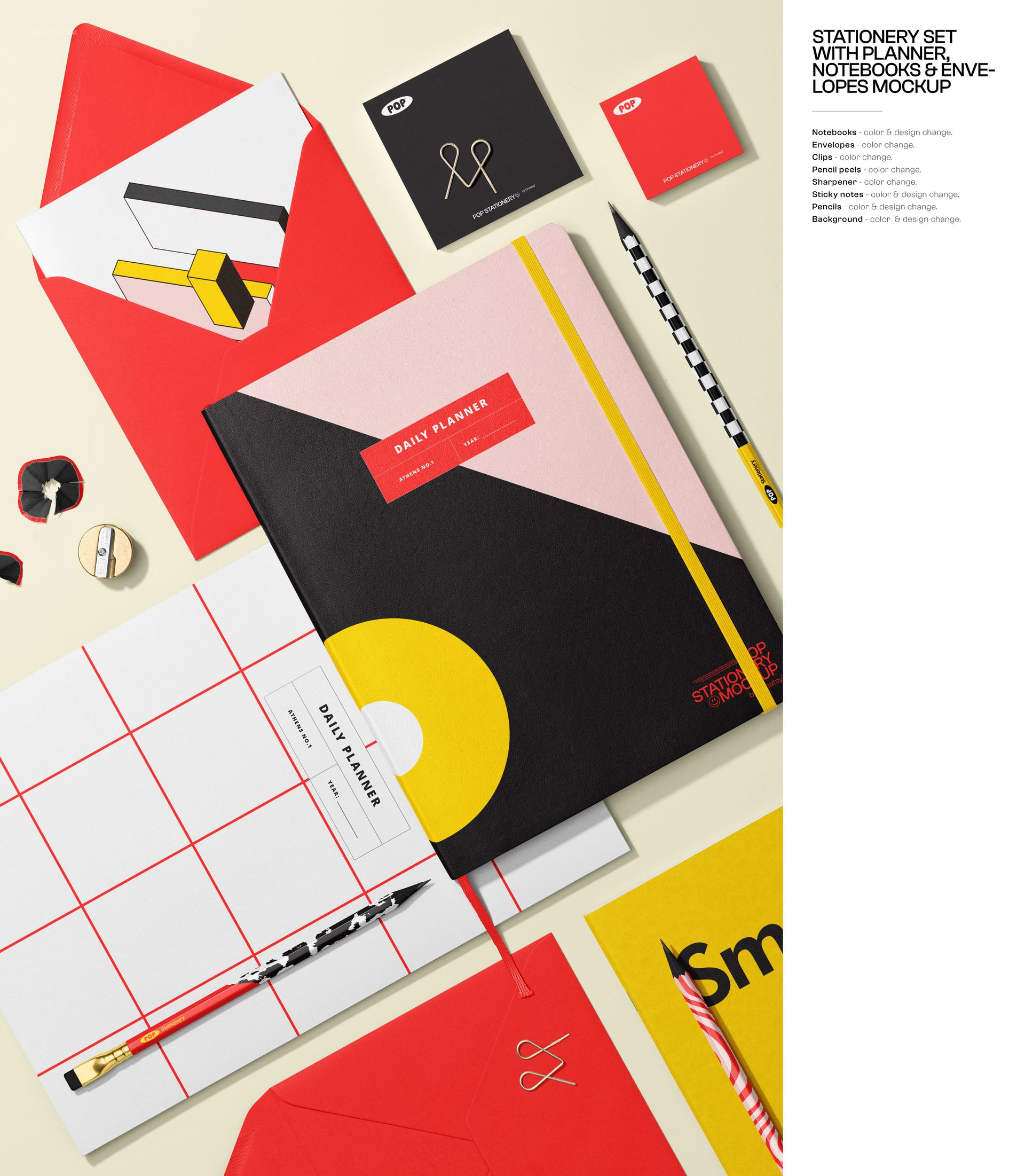
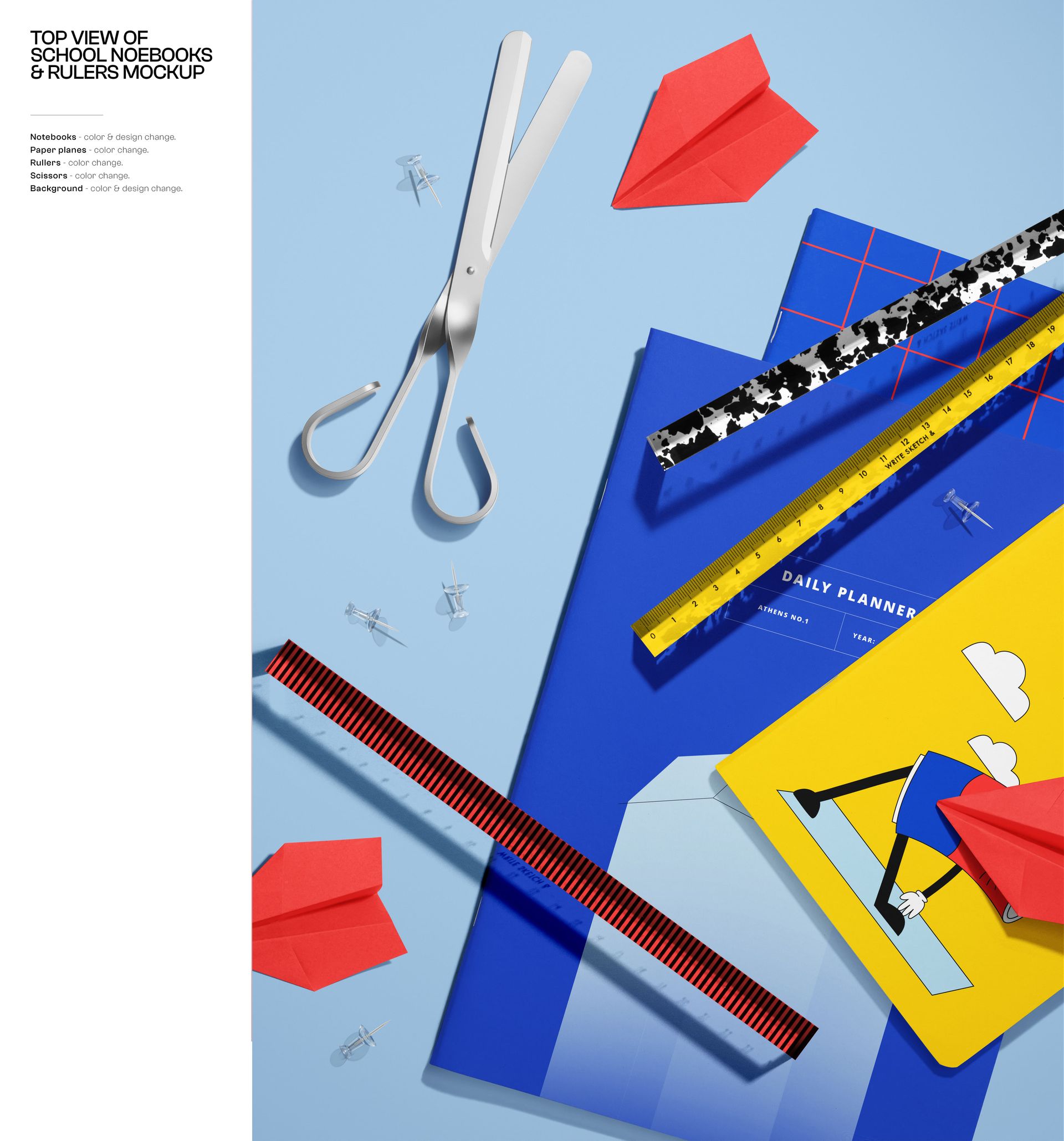
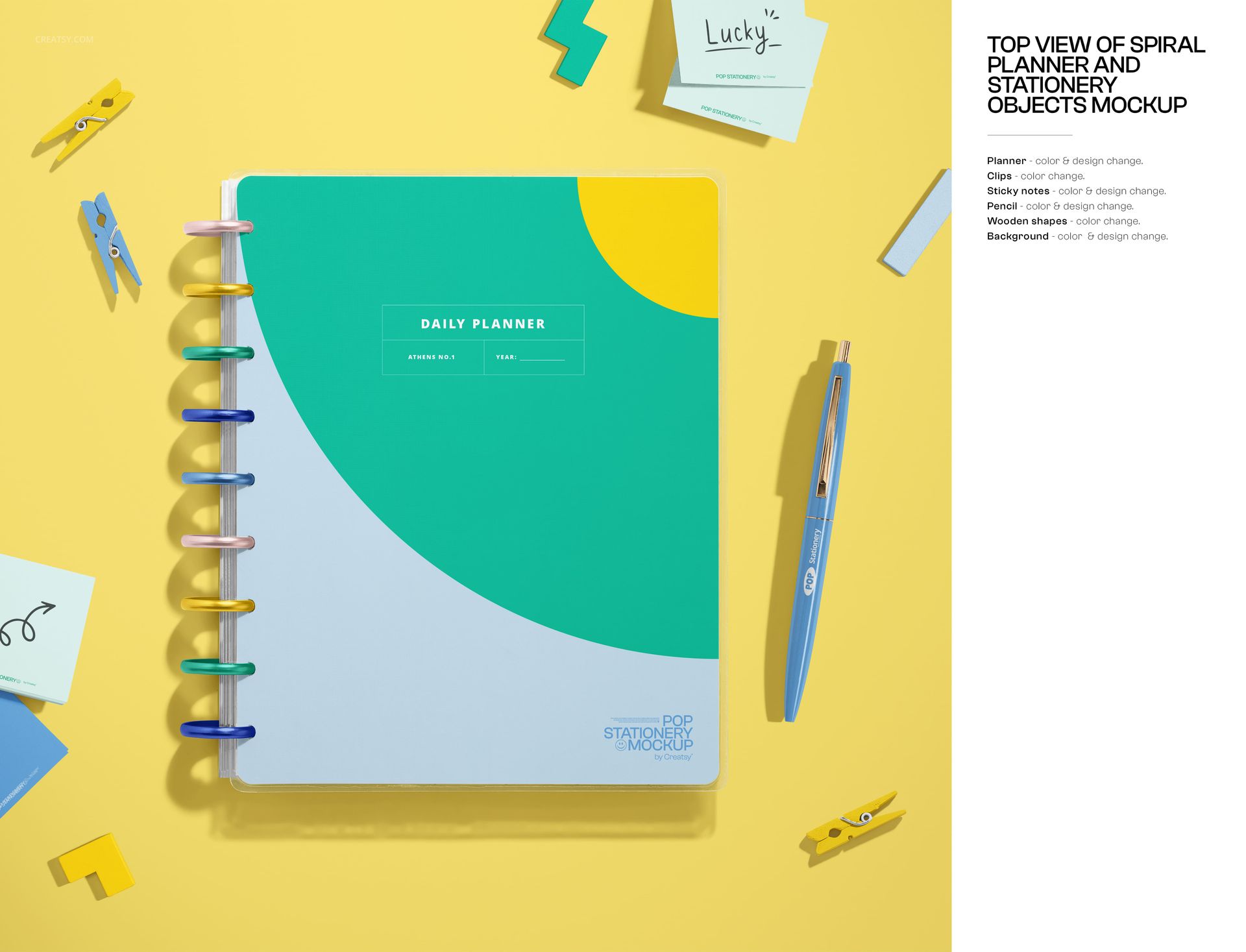
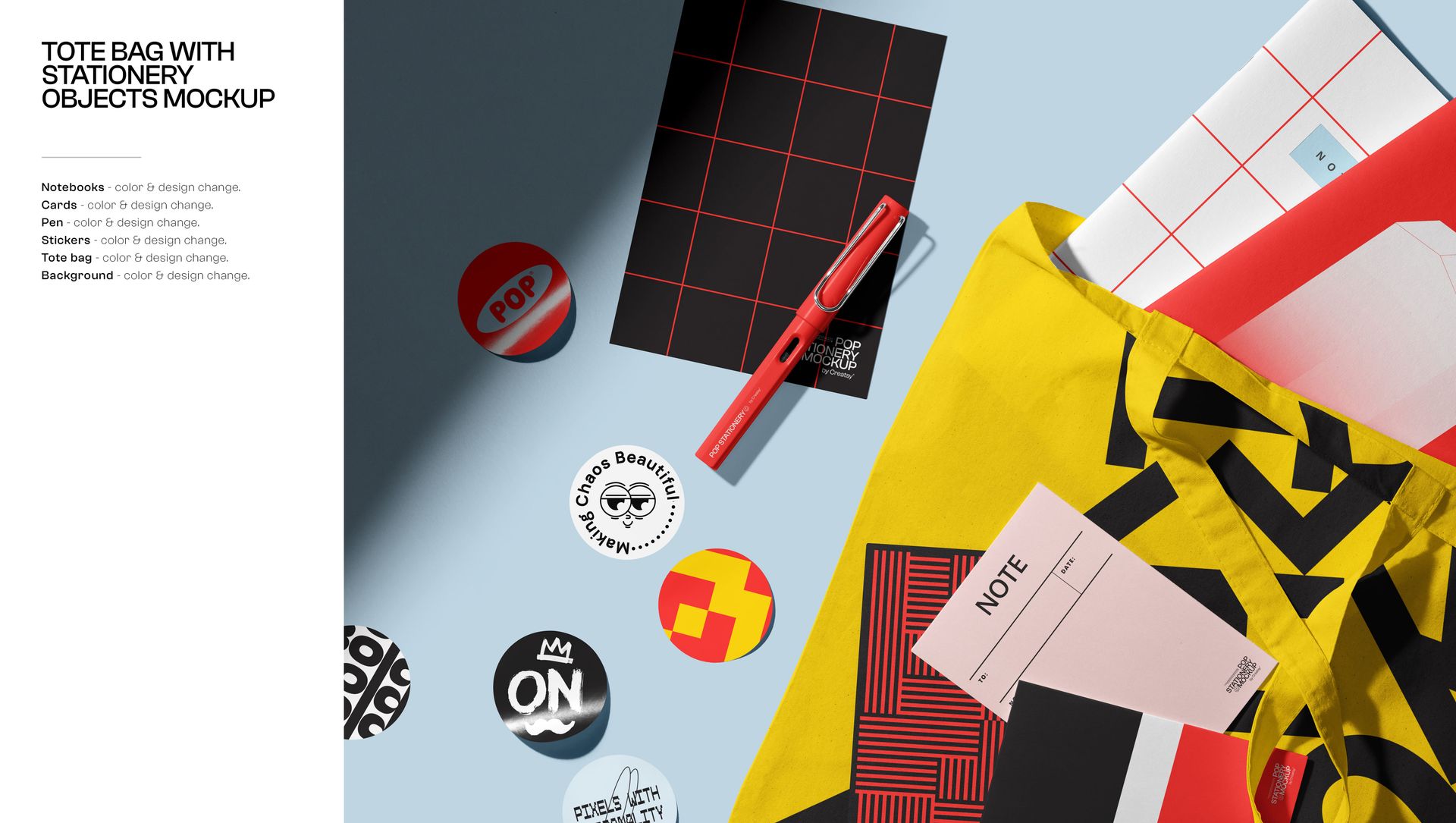
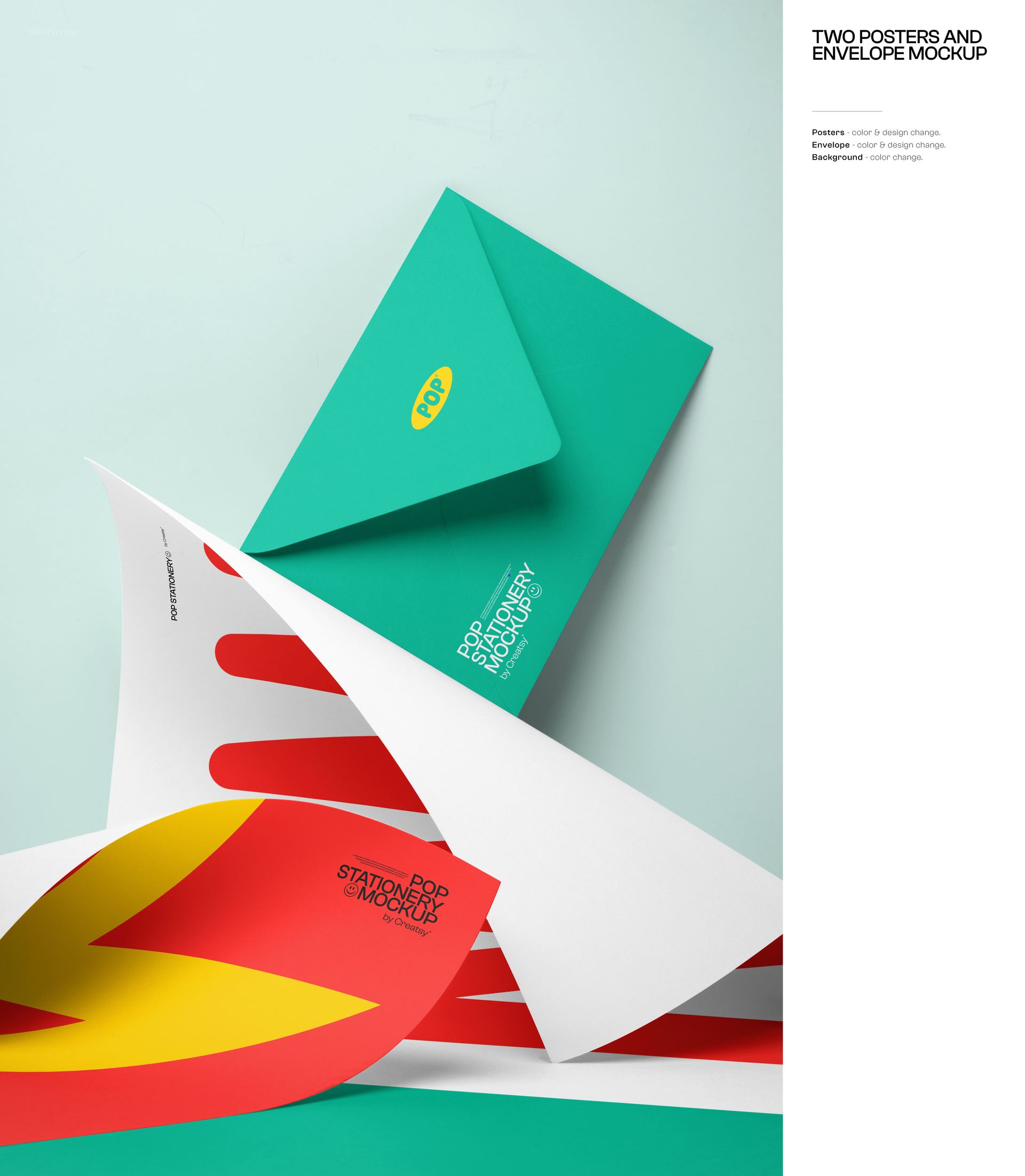
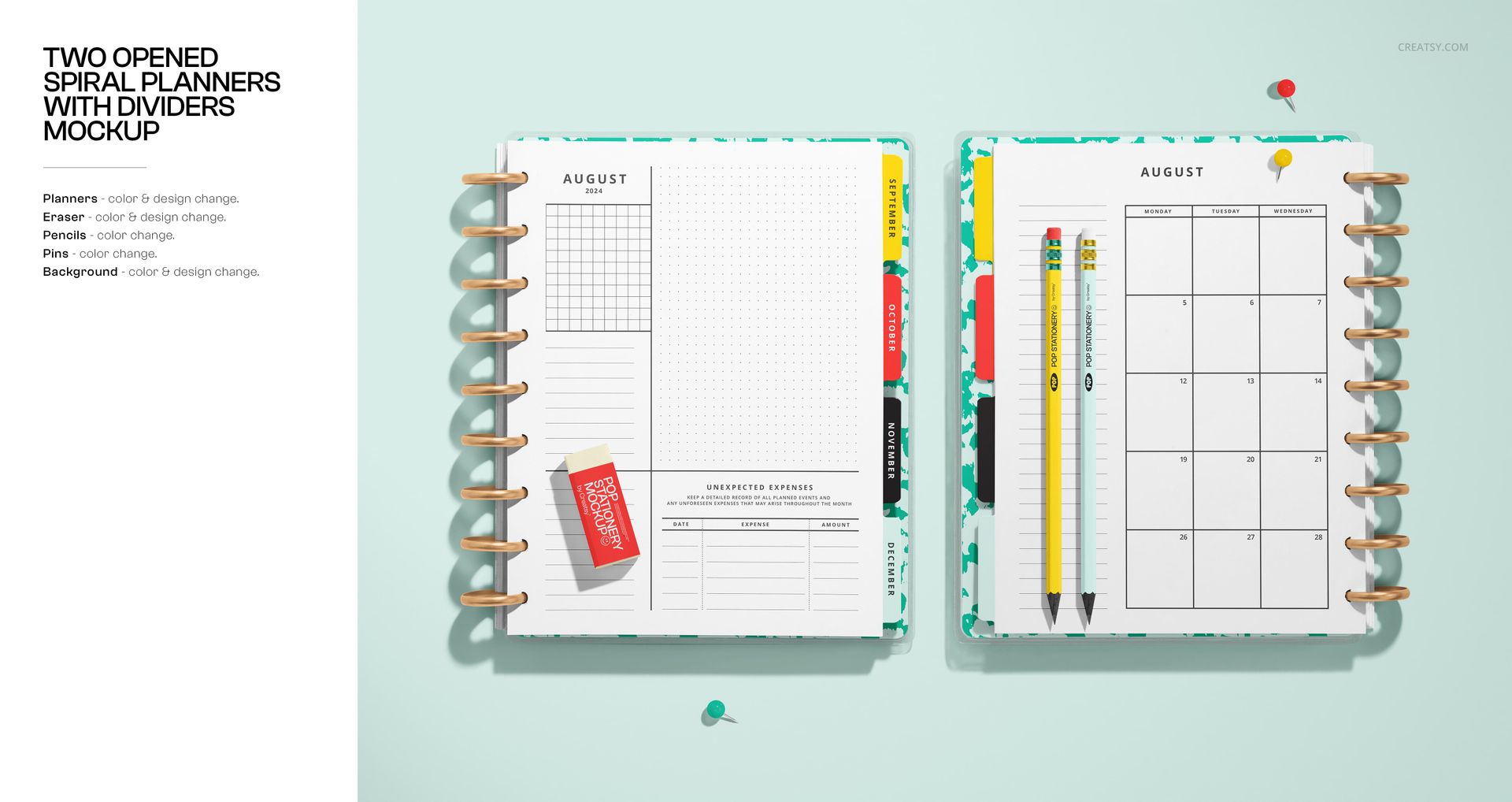
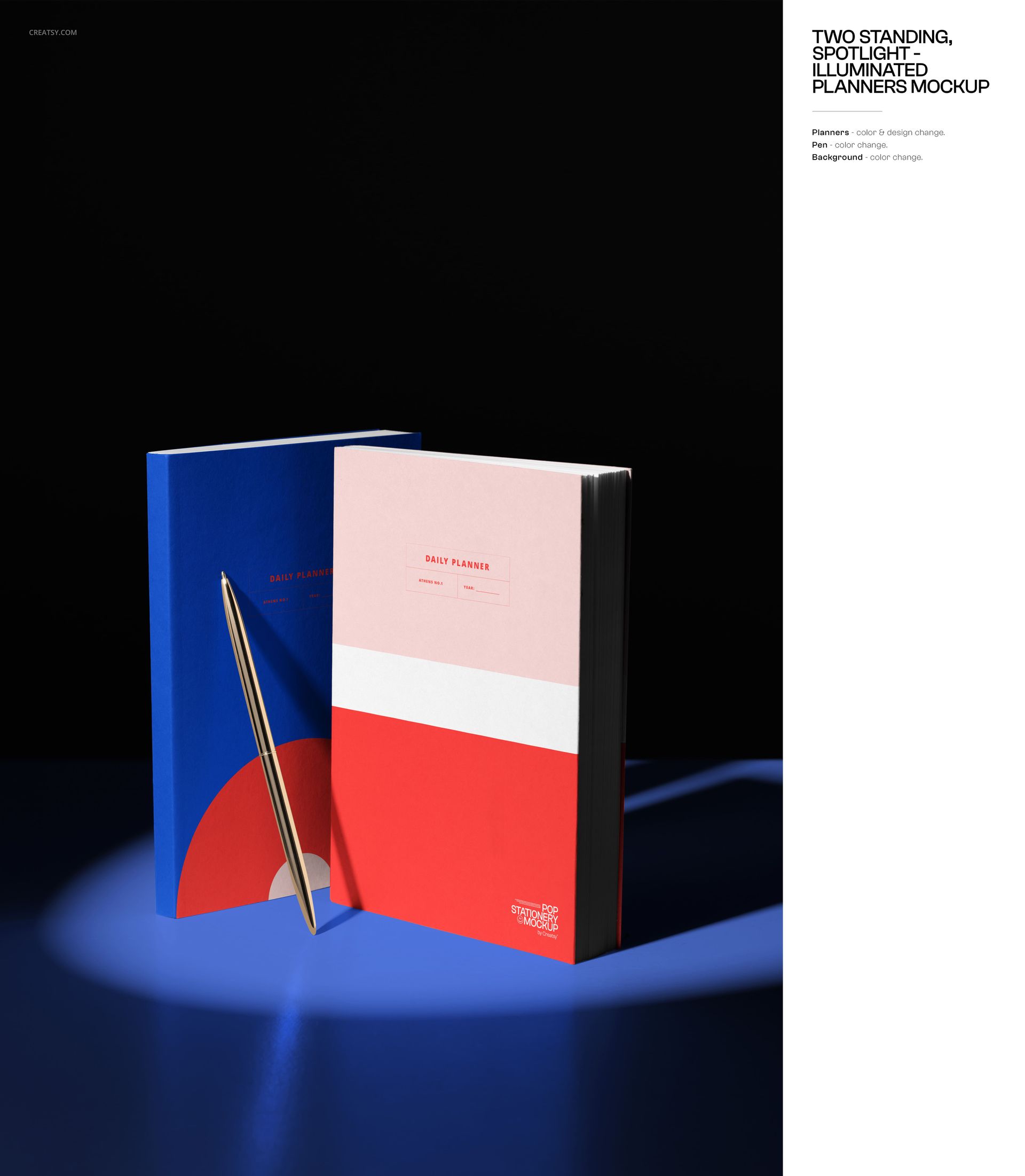
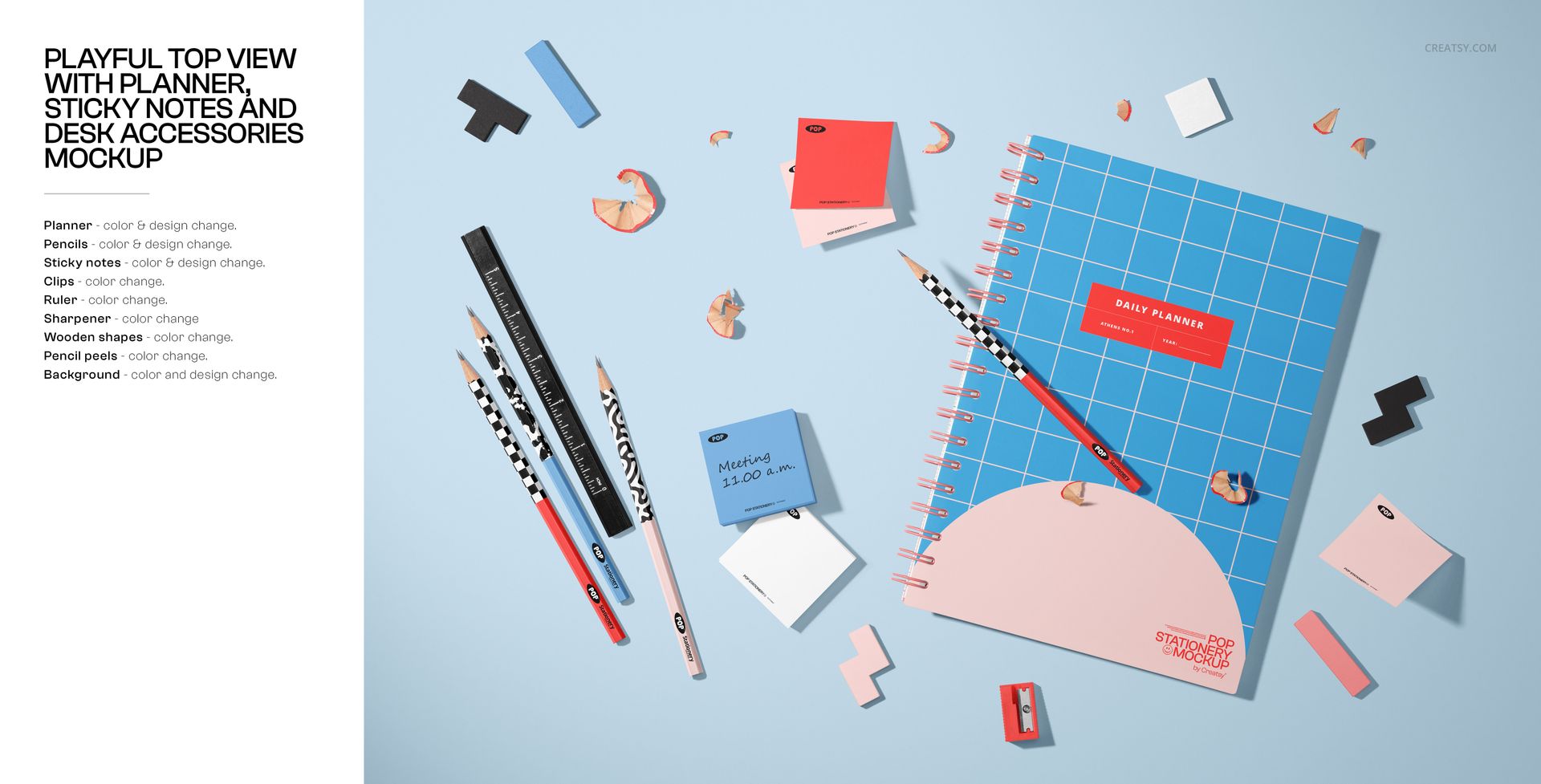
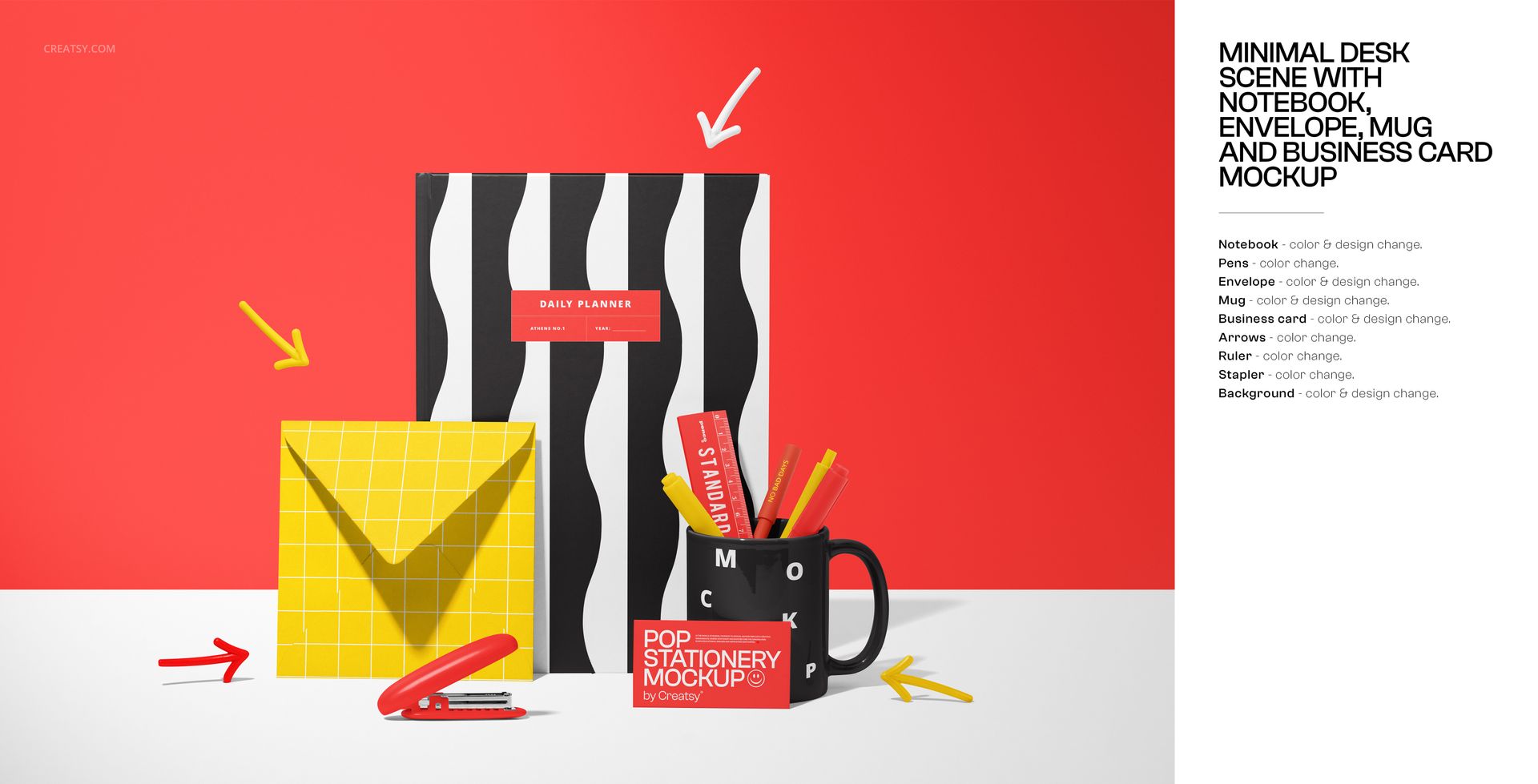
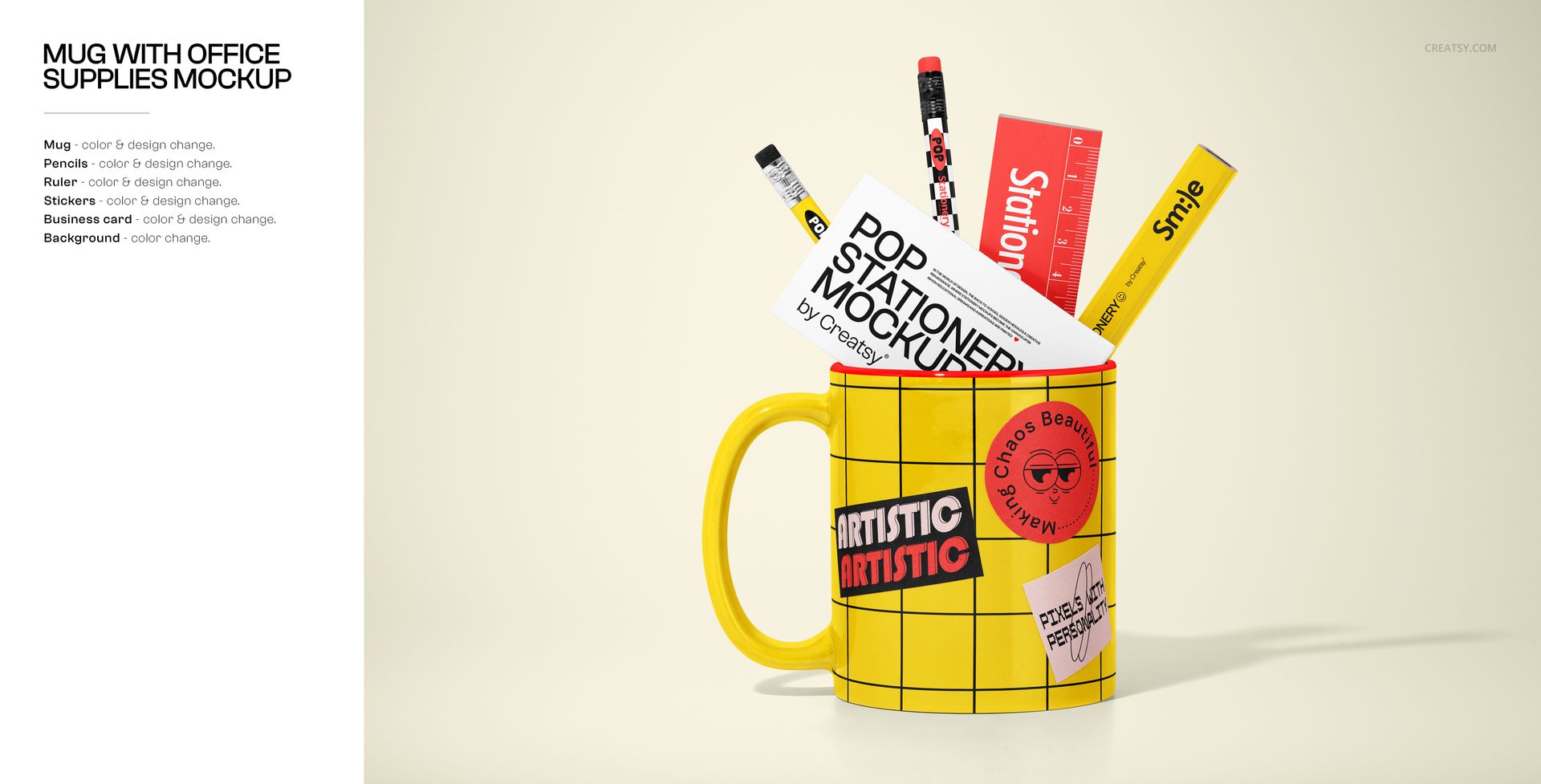
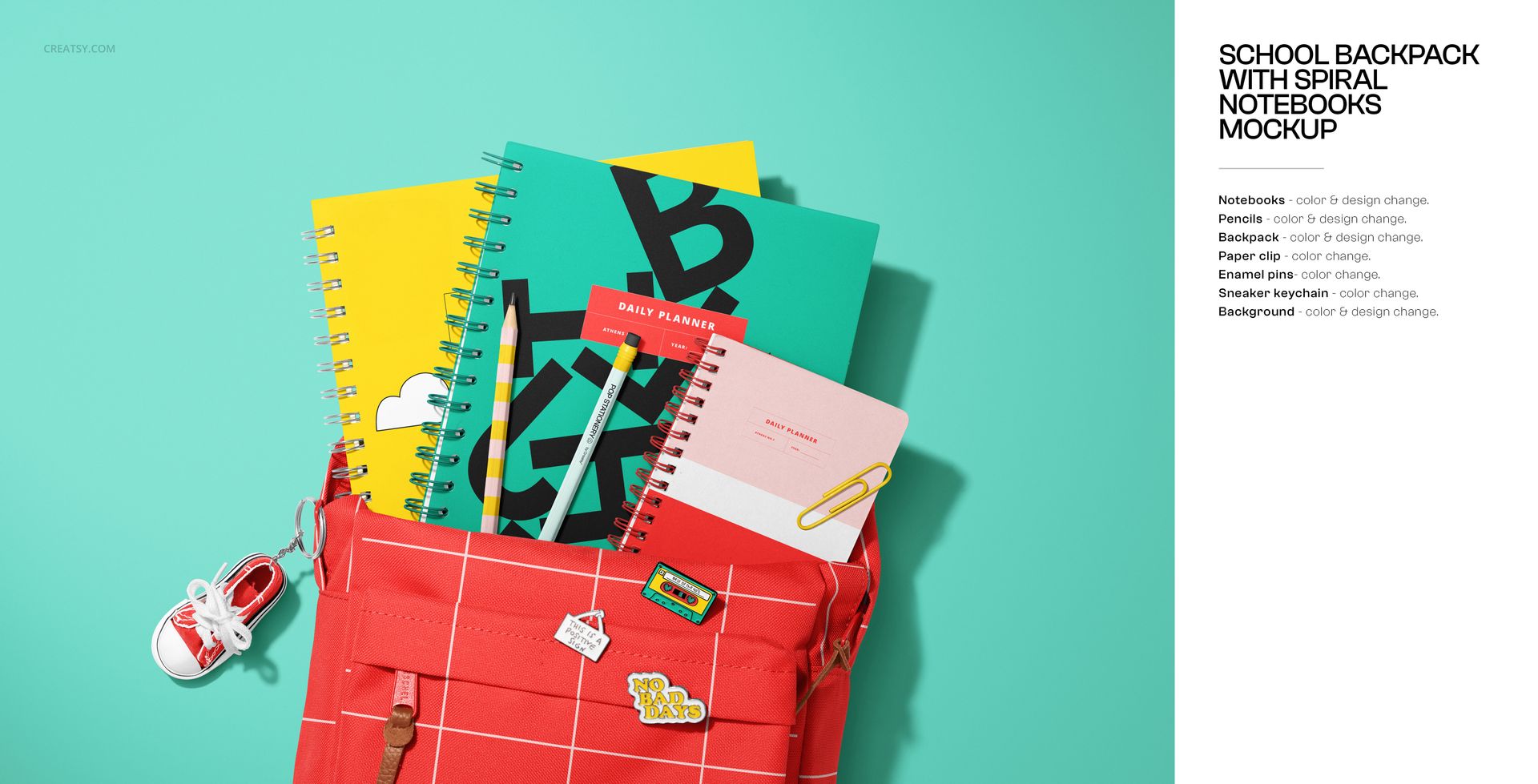
INCLUDED/66
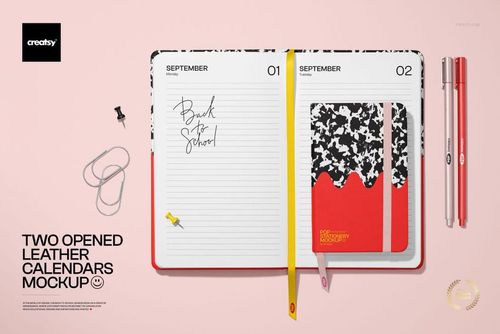
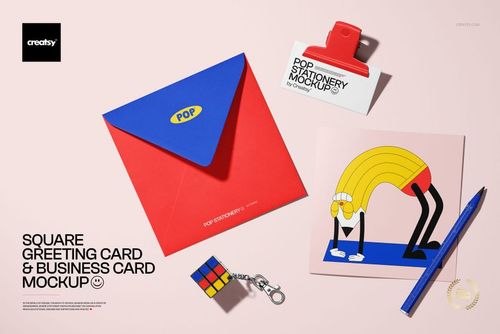
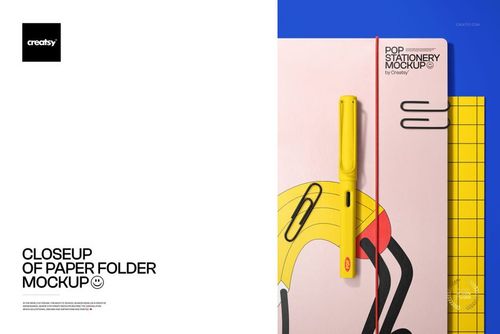
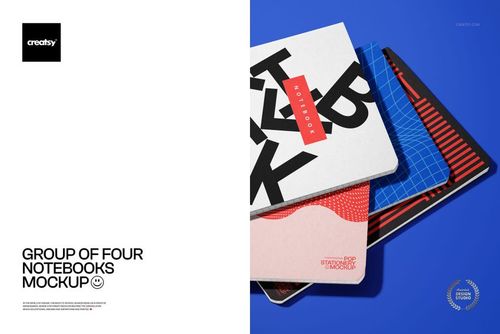
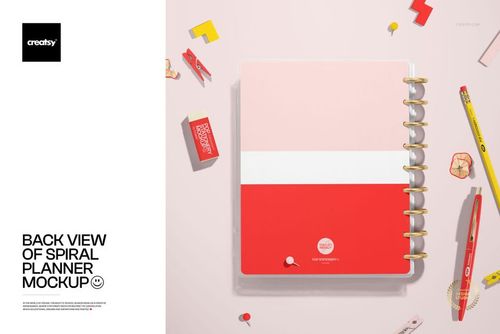
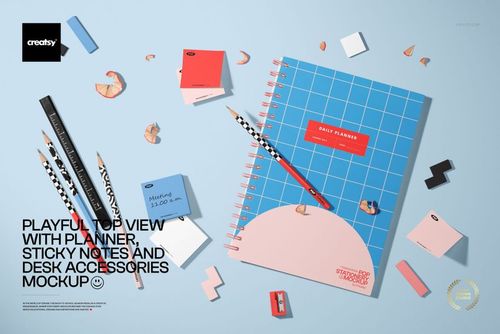
All 66 products in this bundle
Made with Creatsy
Real designs. Real customers. See how creatives use Creatsy mockups to turn their artwork, branding, and product ideas into polished visuals.
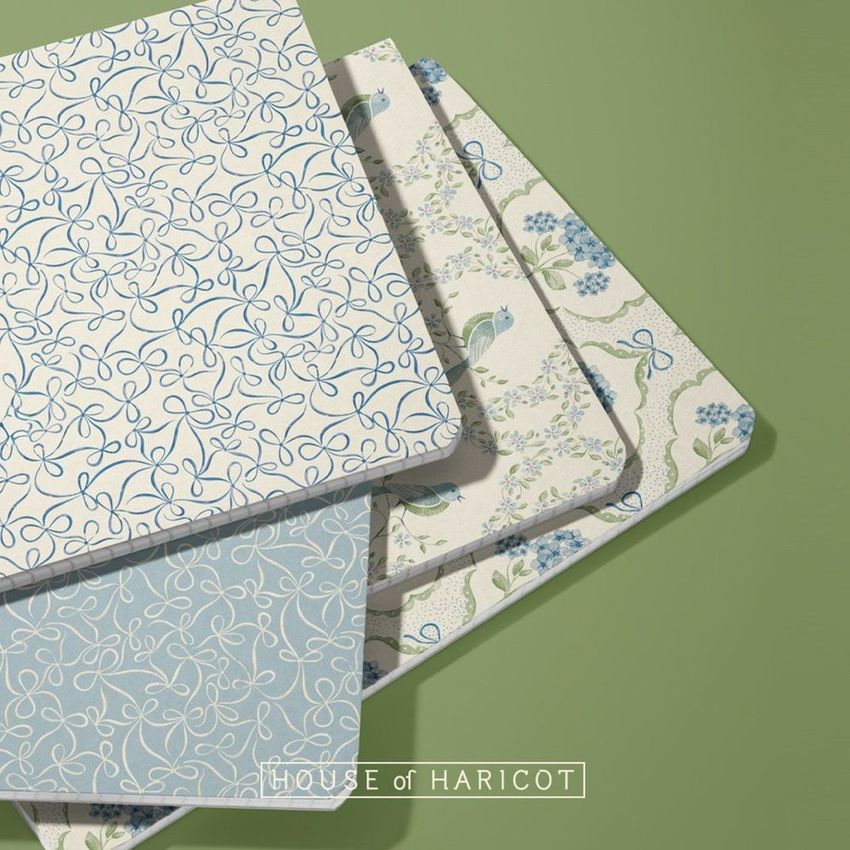


MEET THE SHOP

Creatsy
Poland
Bring your ideas to life.
We're a family-run studio in Katowice, Poland, making PSD mockups by hand since 2016. Everything in this shop starts in our own studio. We shoot the photography, build the 3D, and put together every Smart Object PSD ourselves - then we test it, organize the layers, and only ship it once it actually works...
 15$1870$22.00
 15$1615$19.00
 15$2040$24.00
 15$1955$23.00

HOW IT WORKS
3 clicks. That's it.
No tutorial needed. If you can copy-paste, you can use this.
- 1OpenDouble-click the smart object inside the PSD - in Adobe Photoshop, or free in your browser with Photopea.
- 2PasteDrop in your pattern, print, or artwork. Any design, any style.
- 3SaveHit save and the mockup wraps it in for you - shadows, folds, and lighting included.
FROM IDEA TO IMAGE
Built for real workflows
Pitch the whole brand in one scene Lay the cards, tags, and labels out together so the client sees the identity as a set, not separate flat files.
See it on the product, not a swatch Drop your file into the smart object and the scene's lighting and folds wrap around it, so you judge the real thing before you commit.
Smart Objects
Edit once and you're done. Your artwork drops into a smart object and the mockup updates itself - no masking, no warping by hand.
Perfectly Organized
Named layers and folders you can actually navigate. Find what you need, change what you want, and get out fast.
Print-Ready
High-resolution files built to hold up on screen and in print. Exact size and DPI are in this product's Details above.