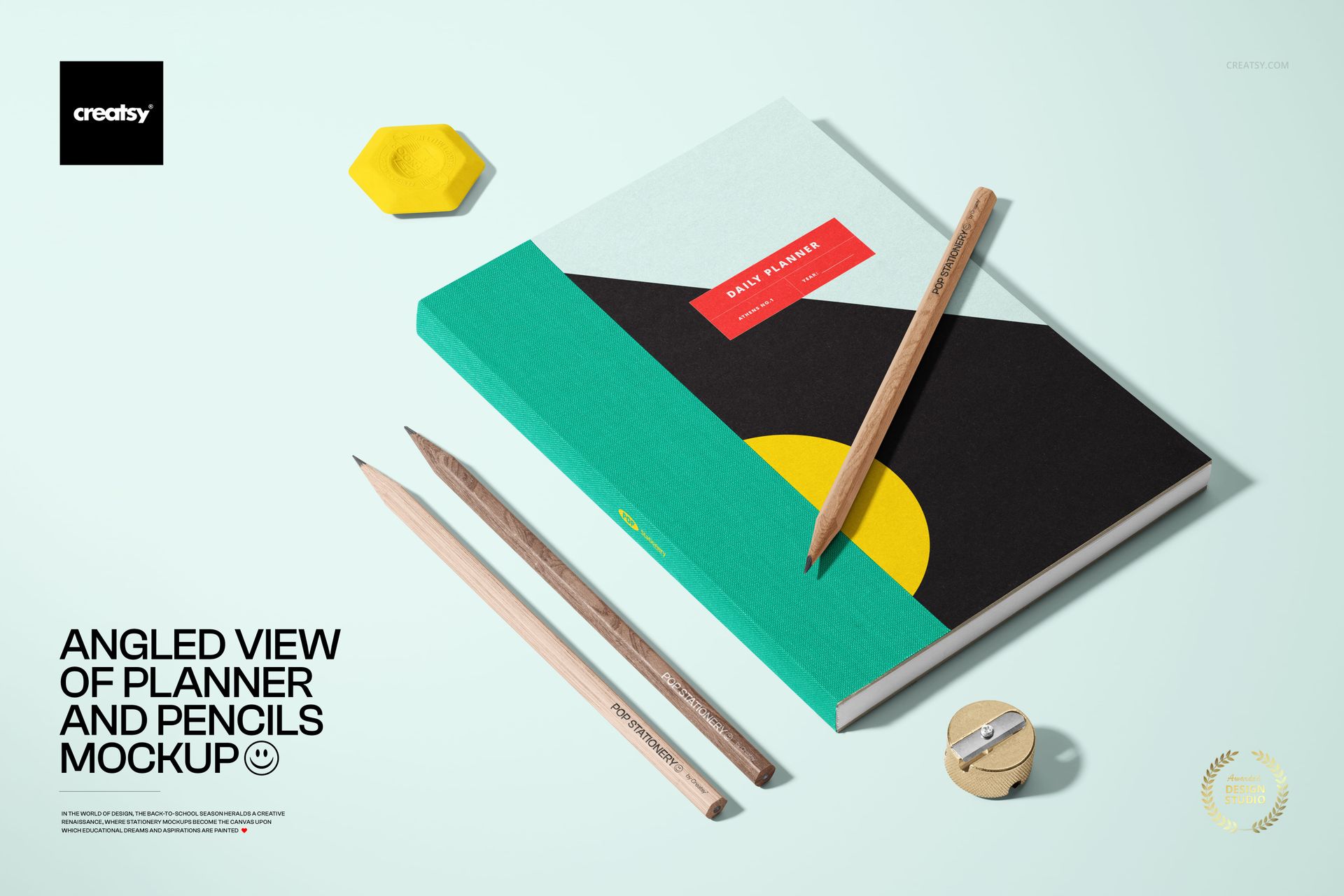
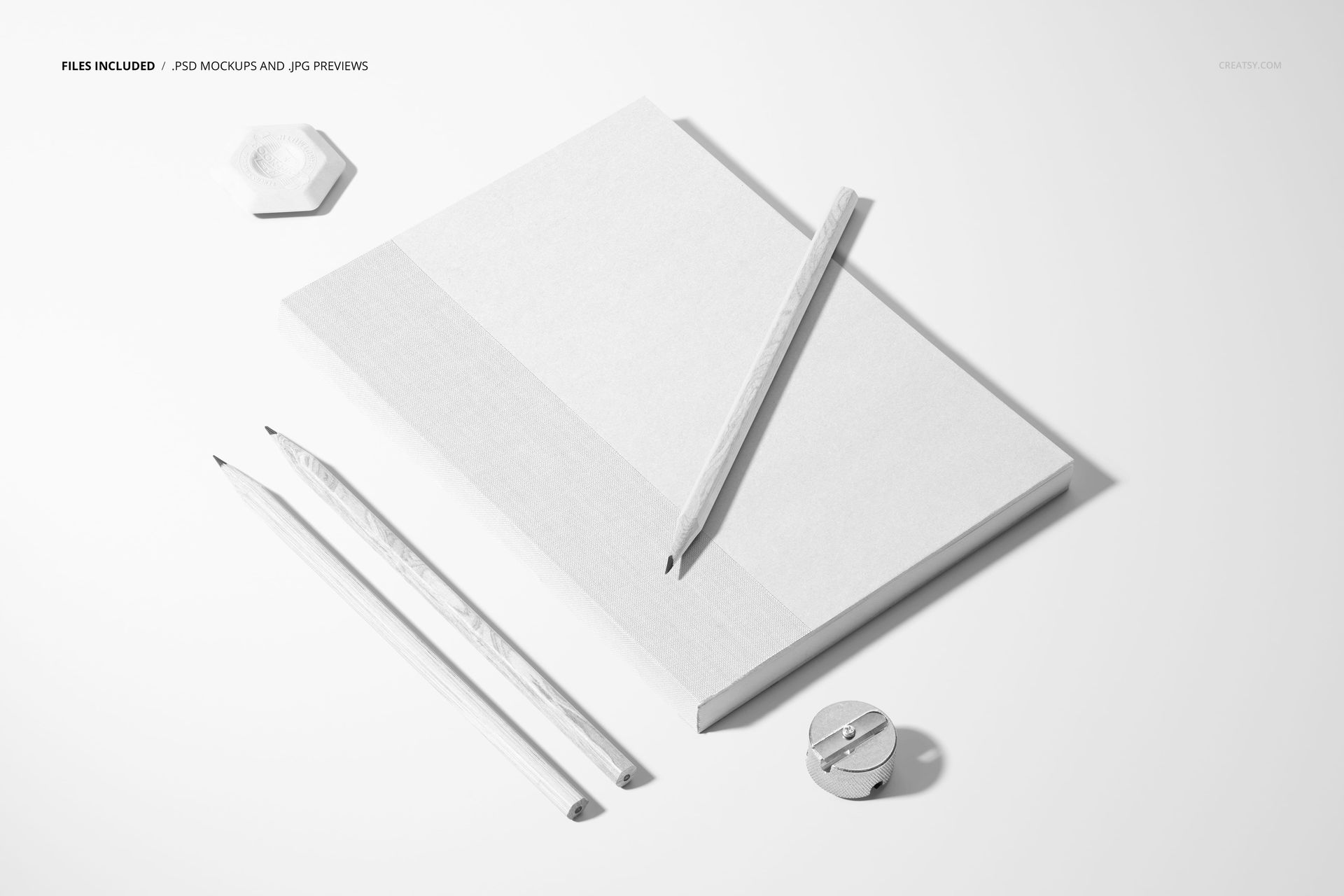
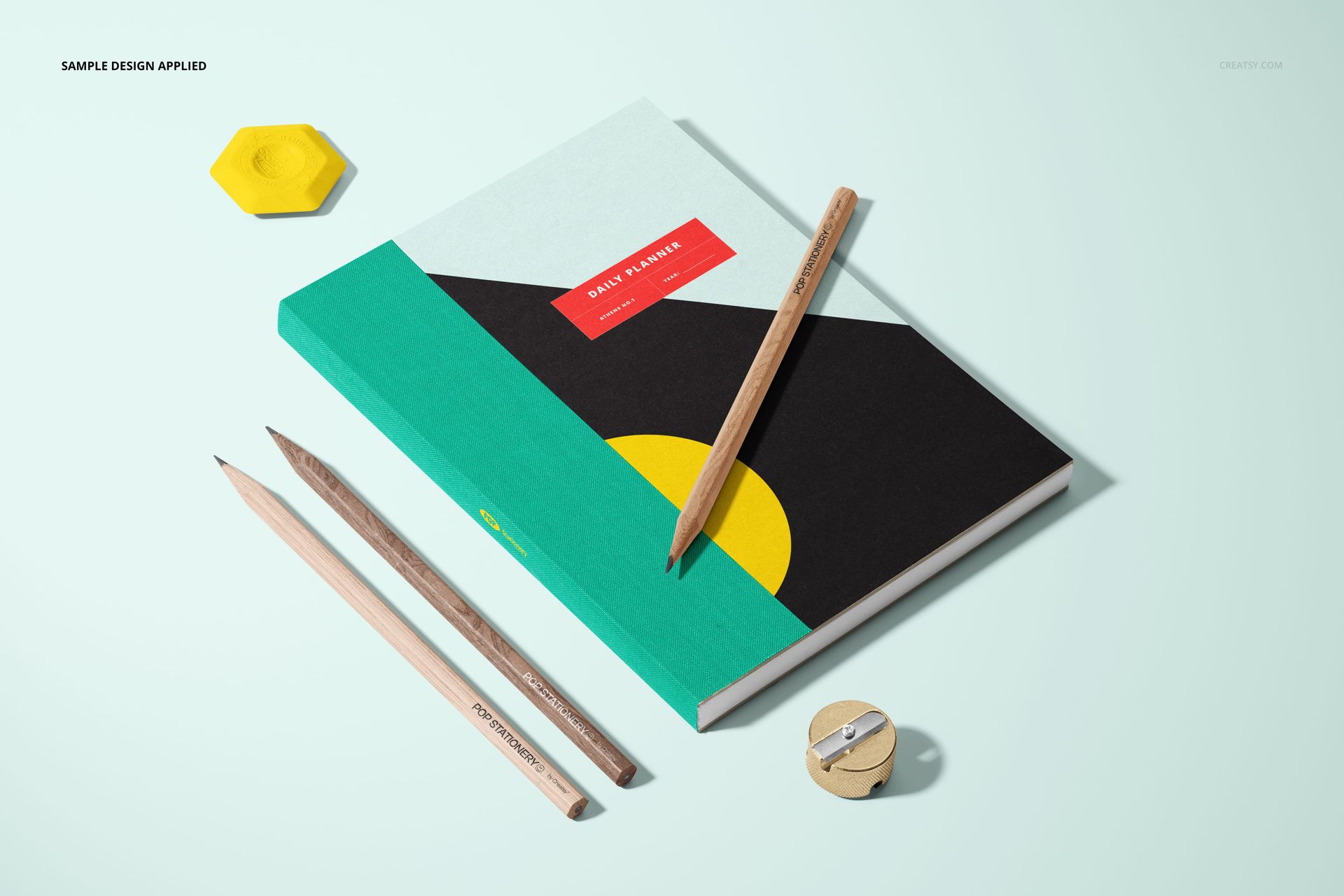
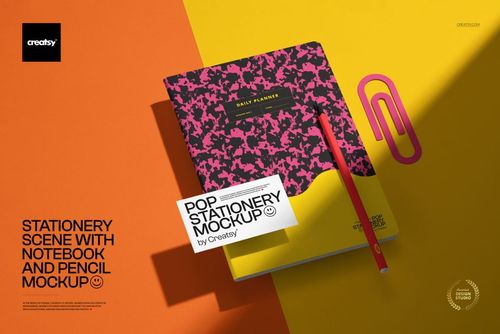
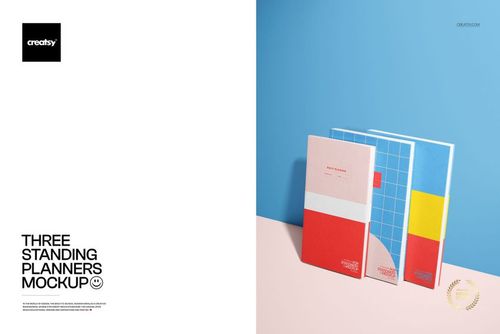
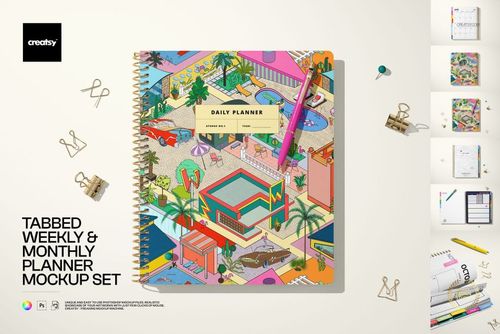
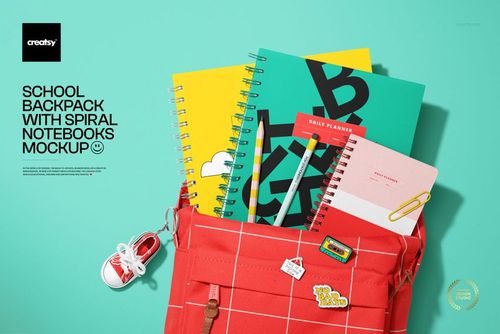
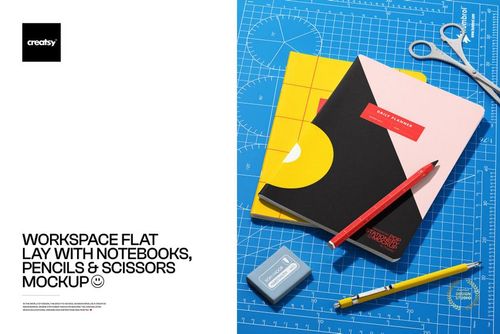
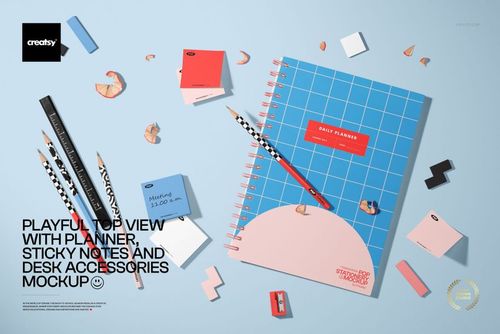
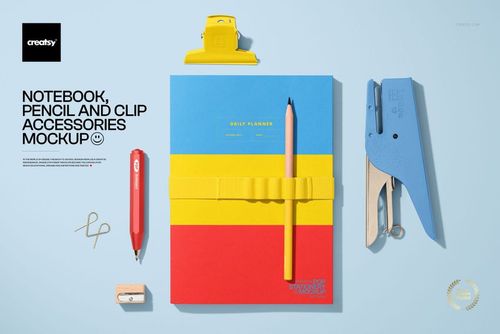
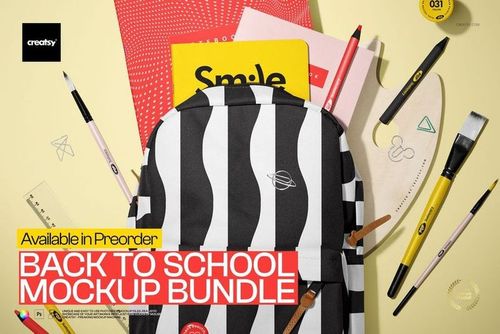
The Angled View of Planner and Pencils Mockup shows a planner from an elevated angle with pencils placed alongside it as styling props. The portrait-format PSD file is rendered at 4000 x 6000 px and 300 DPI, capturing the planner cover, binding detail, and surrounding props in sharp, high-resolution detail. This file is designed for stationery designers, planner cover artists, graphic designers, and e-commerce sellers who need to present planner and notebook cover designs in a styled, professional context.
Why This Mockup Works
A straight-on flat lay of a planner cover tells you what the design looks like, but an angled perspective adds dimension and visual interest that flat shots miss. This mockup presents the planner at a dynamic angle that shows the cover surface, the spine or binding edge, and the overall product form in a single image. The pencils add a workspace context that makes the scene feel natural and purposeful. The result is a product image that works equally well as a portfolio piece, a social media post, or an e-commerce listing photo that catches attention in crowded search results.
What Is Included
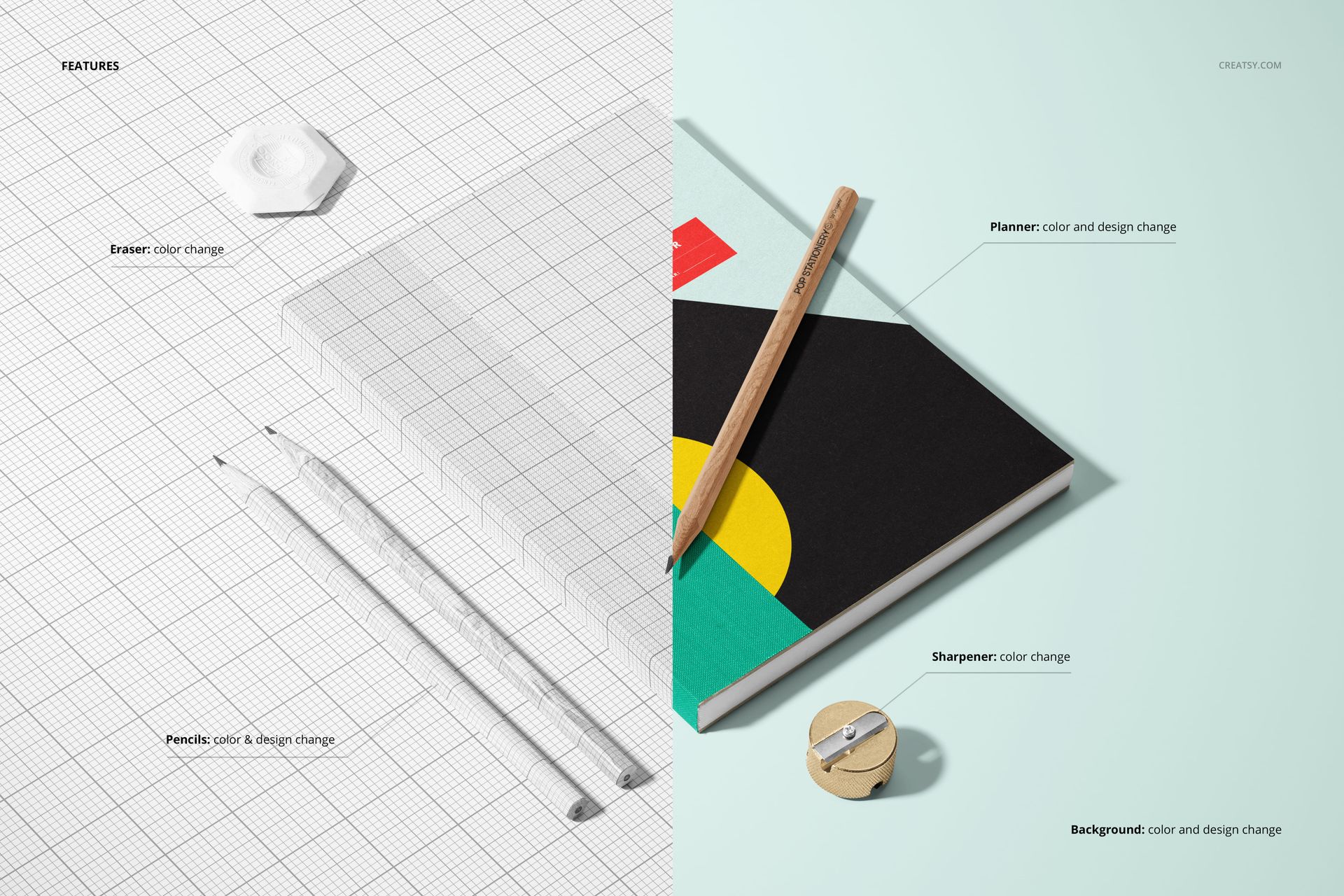
You receive a high-resolution PSD file with organized layers and smart object placement for the planner cover. Drop your cover artwork into the smart object layer and the displacement mapping applies your design to the planner surface with proper perspective distortion, shadow gradients, and surface detail. The pencils and background elements are styled into the scene to create a complete workspace composition without needing additional props or photography equipment. No additional plugins or third-party tools are required.
What You Can Customize
Place any planner cover design, pattern, illustration, typography layout, or solid color into the smart object layer. The mockup handles perspective alignment and surface rendering automatically. Change the background color to match your brand palette or keep the existing setting for a clean presentation. Test different cover designs, colorways, and branding options by swapping the smart object content. Export at full 4000 x 6000 px resolution for print catalogs and large-format displays, or resize for web, social media stories, and marketplace listing images.
Who This Mockup Is For
Stationery designers use this mockup to present planner cover concepts in a professional, styled context that clients and retailers can immediately evaluate. Graphic designers showcase notebook and planner branding work in portfolio pieces that demonstrate real-world product application. Planner cover artists and illustrators display their artwork applied to a physical product with perspective and depth. E-commerce sellers on Etsy, Shopify, and Amazon create product listing images that show the planner at an attractive angle with workspace styling, increasing visual appeal and click-through rates. Print-on-demand sellers generate ready-to-use listing photos for custom planner products without photographing physical samples. Marketing teams and social media managers create branded stationery content for Instagram, Pinterest, and advertising campaigns.
File Specifications
Format: PSD (Adobe Photoshop). Dimensions: 4000 x 6000 pixels (portrait orientation). Resolution: 300 DPI. Organized layers with smart object placement for planner cover. Styled with pencils and workspace props. Compatible with Adobe Photoshop CC and later versions.