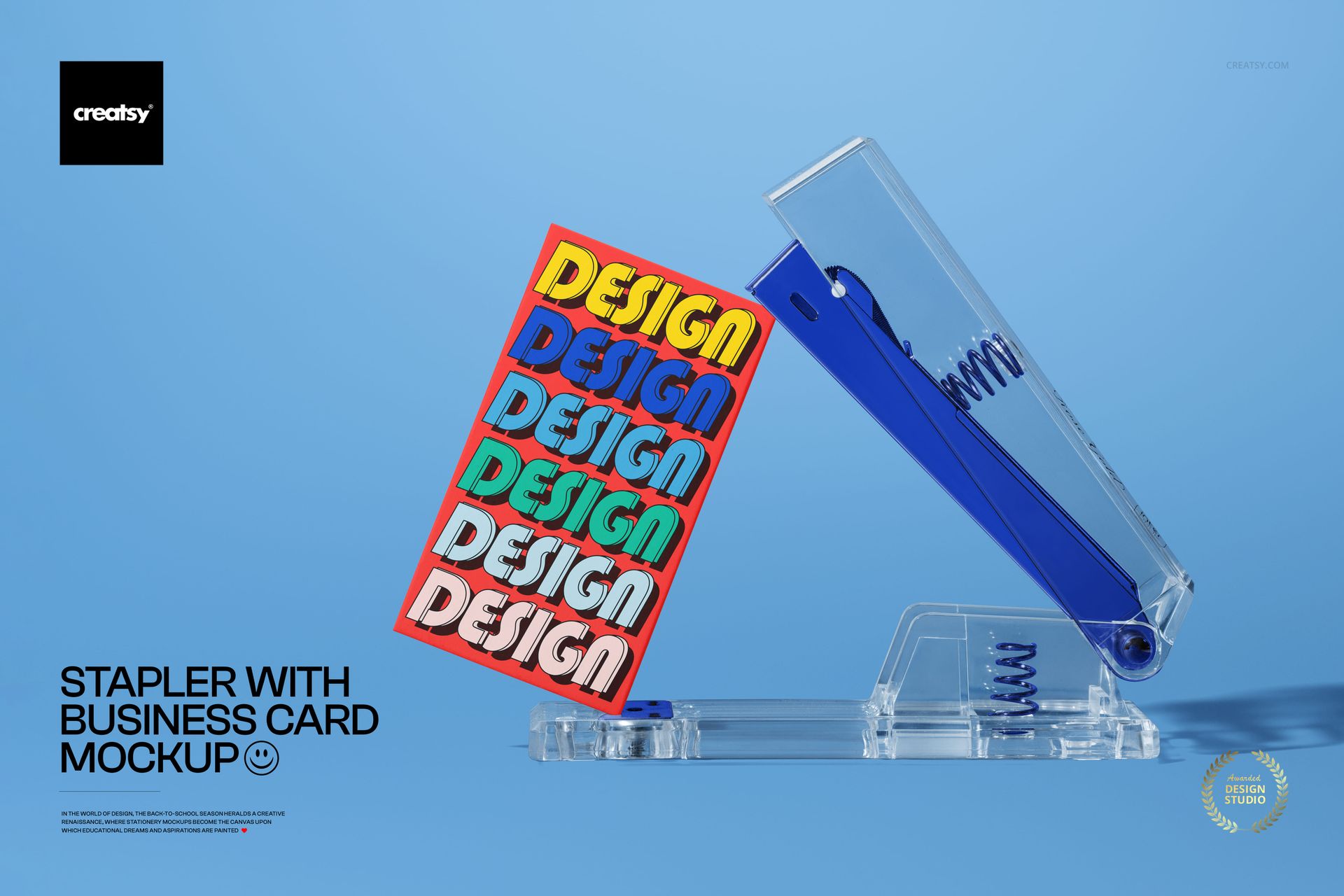
One PSD file at 6000 x 4000 pixels and 300 DPI showing a stapler positioned alongside business cards on a colored background. The composition places two objects that never appear together in traditional stationery mockups into a single frame, creating a scene that reads as a working desk surface rather than a design portfolio layout. The stapler grounds the image in office reality. The business cards carry the brand. Together, they produce the specific impression that this brand identity exists in a functional workspace where things get done - not in a mood board where things get admired. Files open in Adobe Photoshop CC and in Photopea, the free browser-based PSD editor.
Why the Stapler Matters
Every brand stationery mockup on the market shows business cards arranged on marble surfaces, leather desk pads, or neutral linen textures. These compositions present the card as a precious design object. The stapler changes the context entirely. It introduces utility, mechanical function, and workplace pragmatism into the frame. A business card next to a stapler is a business card that was just handed to someone at a meeting, set down on a desk, and left beside whatever tool happened to be there. This casual realism is the visual language that brands targeting professional services, corporate clients, and B2B audiences need - a language that says operational rather than aspirational.
Composition and Scene Design
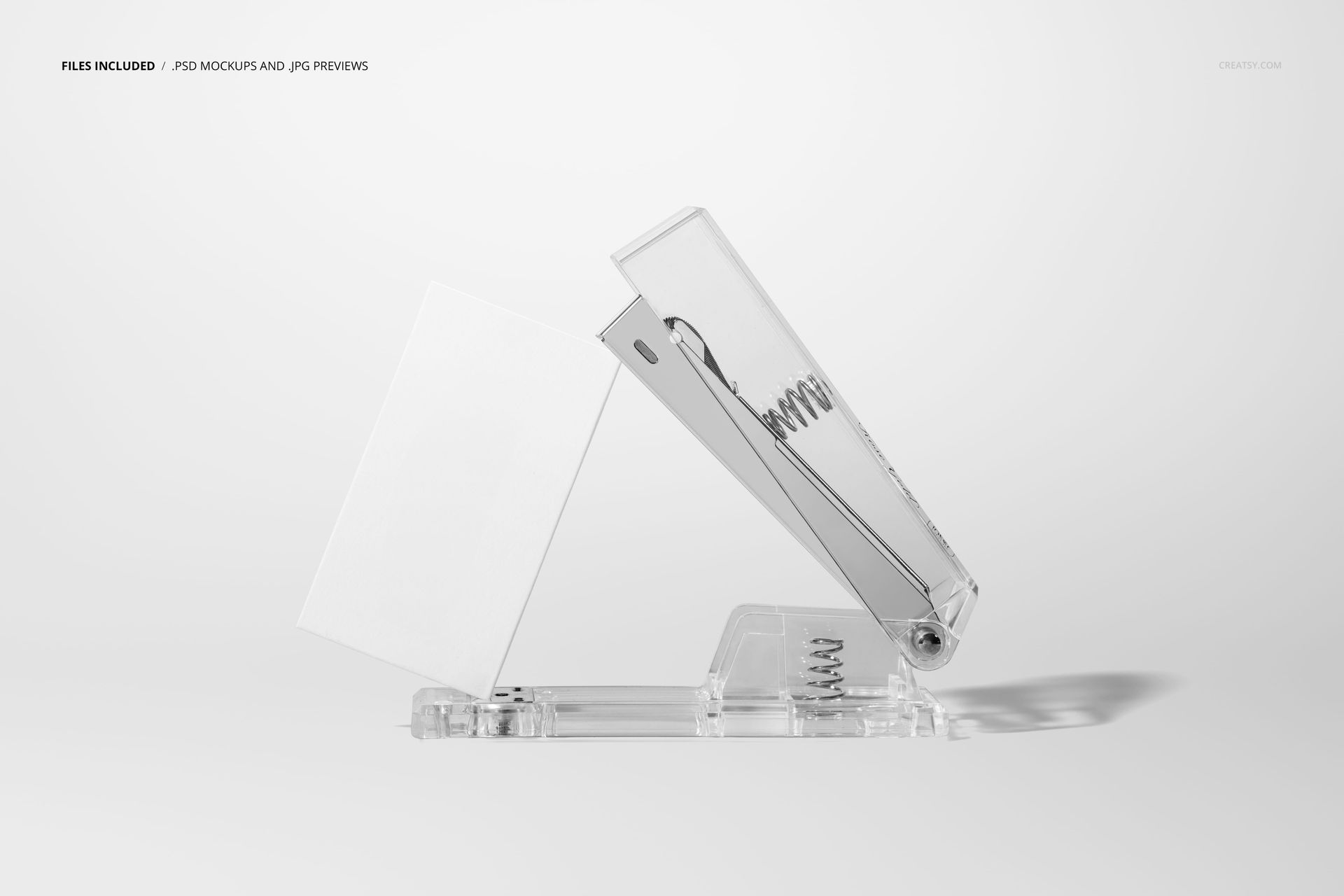
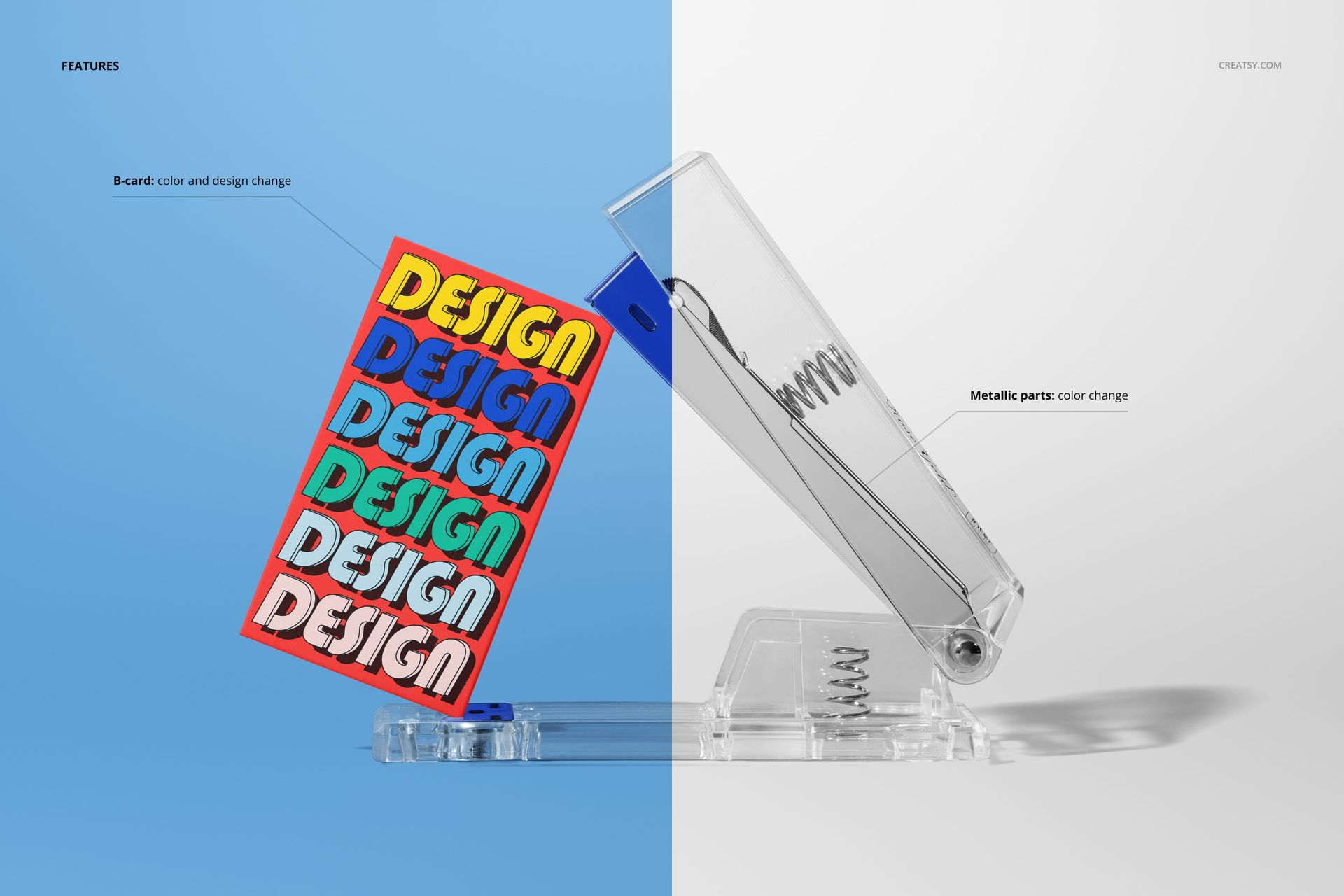
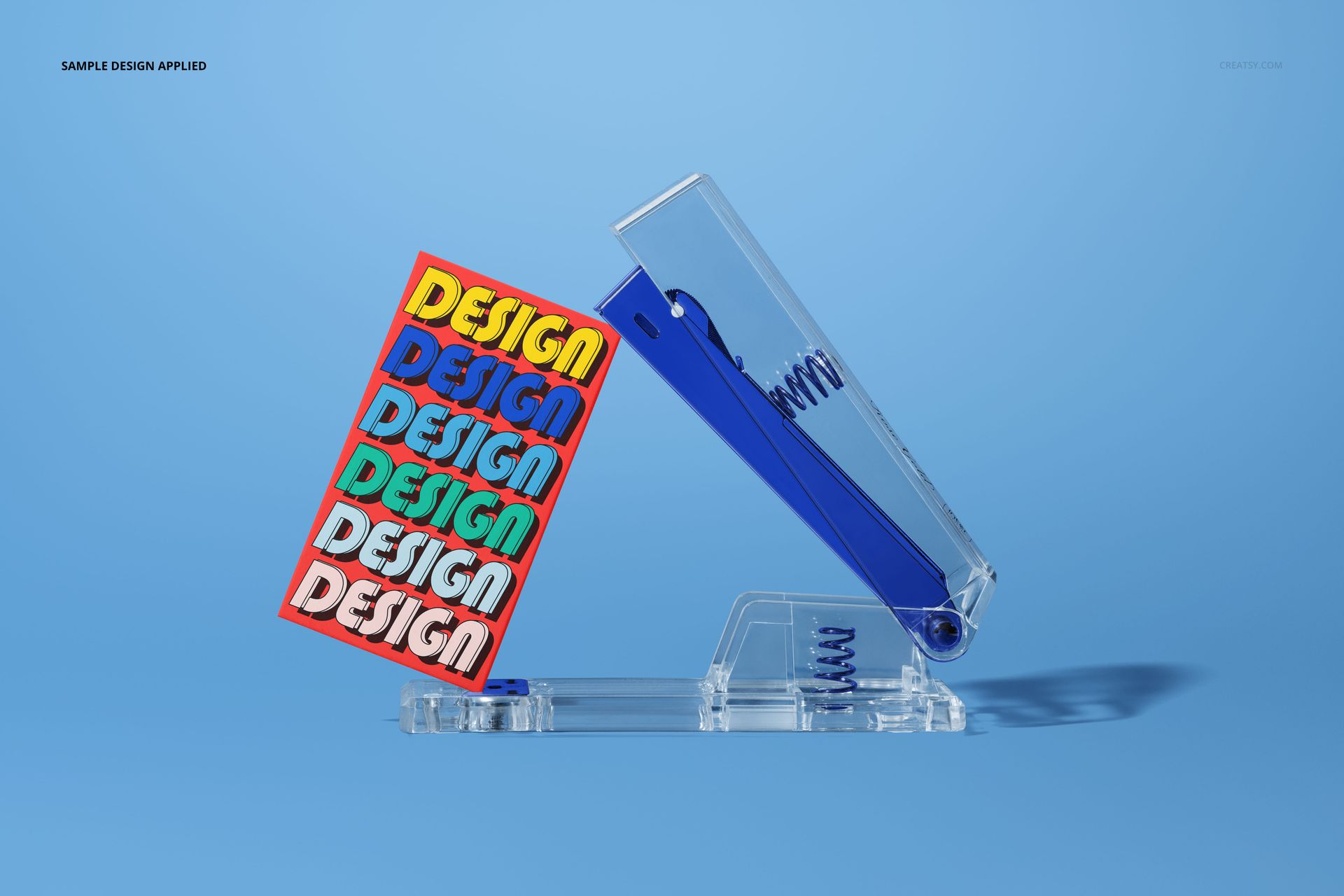
The product screenshots show the scene from multiple angles and crop variations, all generated from the single PSD file through smart object placement and layer visibility controls. The blue background creates a unified color environment that can be changed to match any brand palette through the editable background layer. The stapler and business cards are arranged with deliberate spatial relationships that leave enough visual breathing room for the card design to remain legible while the stapler provides contextual weight to the overall composition.
Business Card Placement and Readability
The business cards in the scene are positioned at angles and orientations that show the printed surface clearly enough for a viewer to evaluate typography, color choices, logo placement, and overall design hierarchy. This readability is critical for stationery mockups where the primary purpose is demonstrating design work to clients, portfolio reviewers, or social media audiences. The card surfaces accept your design through the smart object workflow: double-click the smart object thumbnail in Photoshop or Photopea, place your business card design, save, and the main document updates with your artwork mapped onto the card surfaces with accurate perspective, shadow interaction, and lighting consistency.
Brand Identity Presentation Context
Graphic designers presenting brand identity packages to clients typically need mockup scenes that range from isolated product shots to contextual lifestyle presentations. This mockup occupies the middle ground - more contextual than a business card floating on a blank background, but more controlled than a full desk scene with multiple competing objects. That controlled context makes it suitable for brand guideline documents, identity case studies on Behance or Dribbble, client approval presentations, and social media portfolio posts where the business card design needs to be the clear focal point while still appearing as part of a larger professional environment.
Technical Specifications
The single PSD file measures 6000 x 4000 pixels at 300 DPI in landscape orientation. The download size is 107.06 MB. Layers are organized and labeled for efficient navigation between the background, stapler elements, business card smart objects, and shadow layers. The file opens in Adobe Photoshop CC (any version) and in Photopea at photopea.com, making it accessible to designers working without a Photoshop subscription.