Planners and Plastic Blocks Mockup
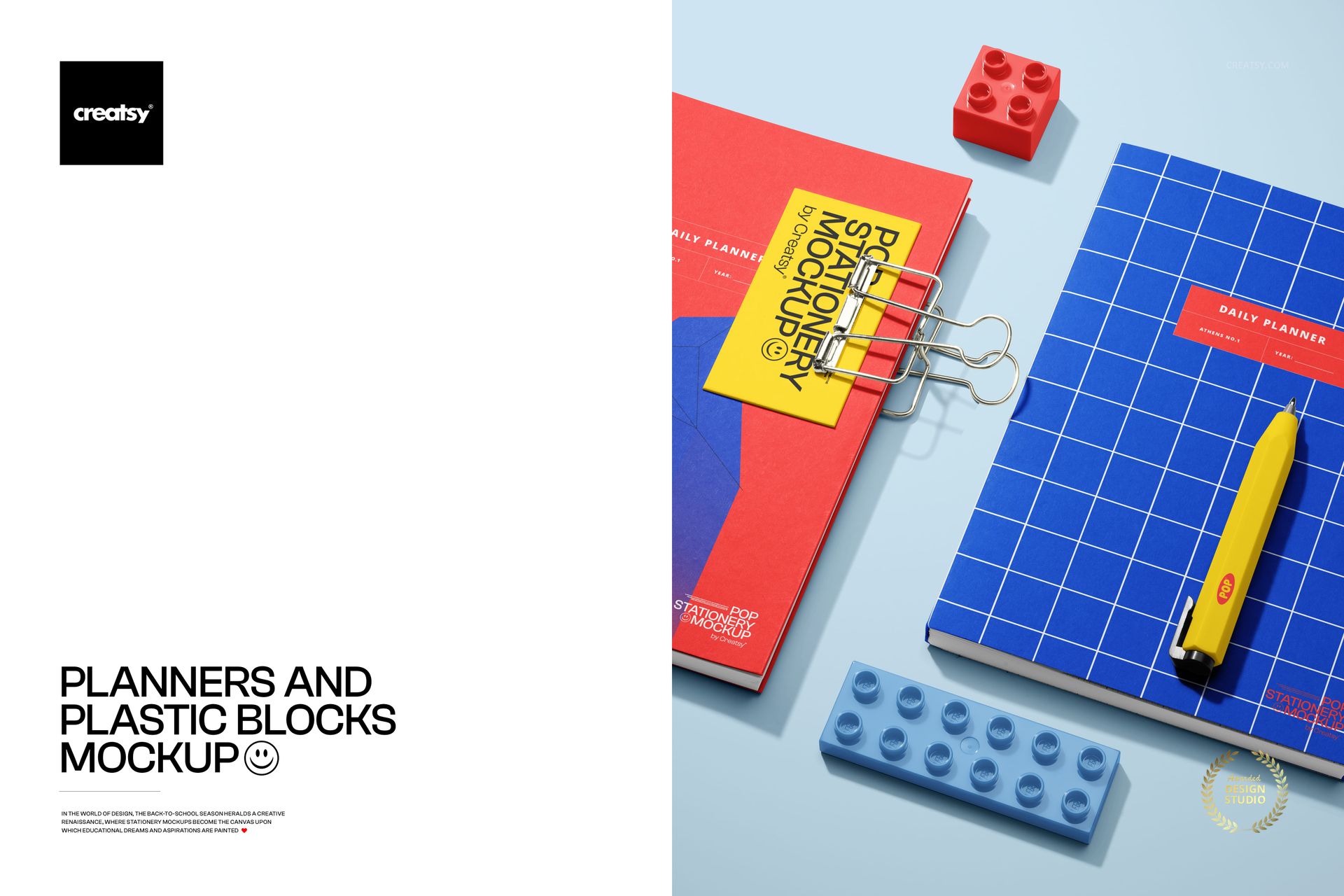
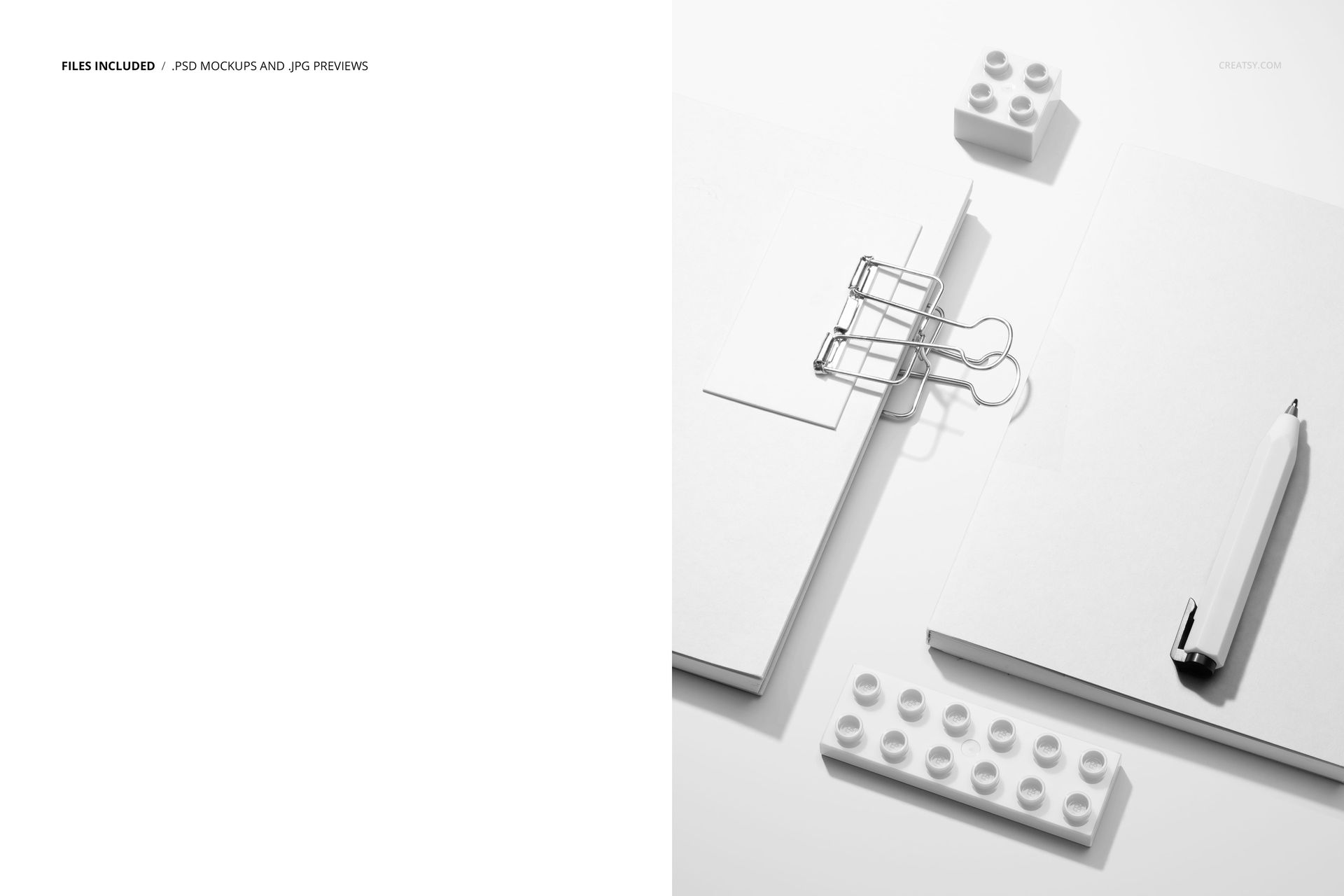
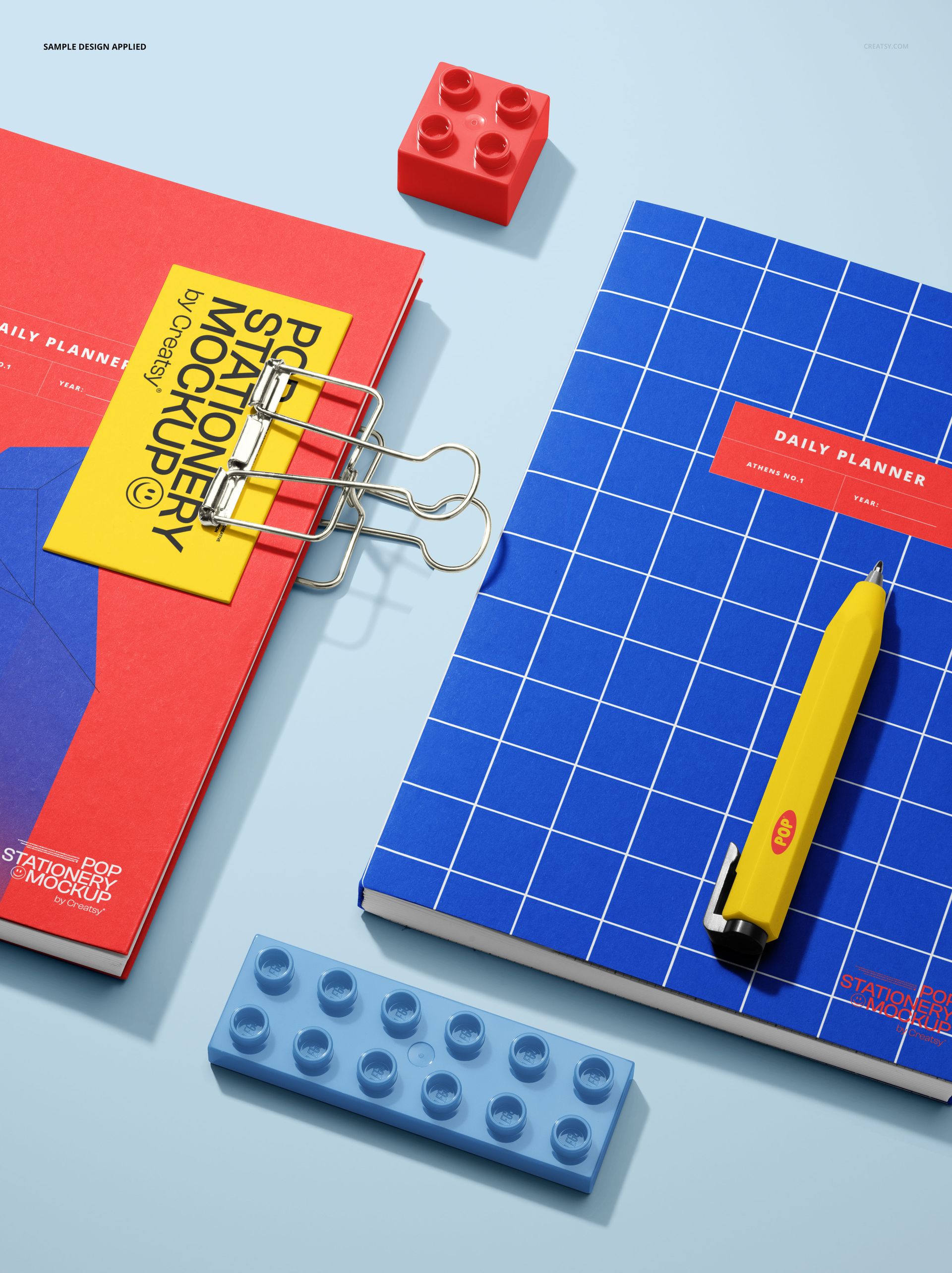
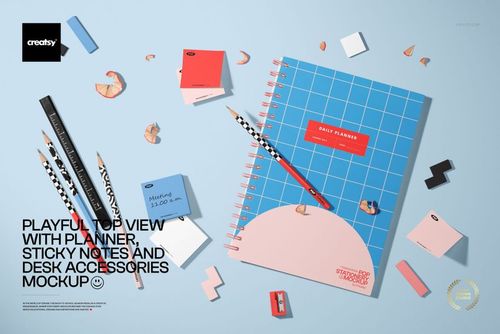
Present coordinated planner artwork in a top-view flat-lay scene featuring two C5 planners, a pen, two binder clips, a small B-card, and colorful plastic blocks on a pale background. The balanced overhead composition keeps the main cover designs prominent while the geometric props add a playful stationery context.
Use the paired layout to compare related patterns, colorways, illustrations, or branded planner covers in one polished image.
What Is Included
1 organized, layered PSD mockup file
1 JPG preview image
2 files in total
1 editable scene featuring two planners
C5 planner format
6000 x 4000 px resolution
300 DPI
Package size: 320 MB for Windows and 335 MB for macOS
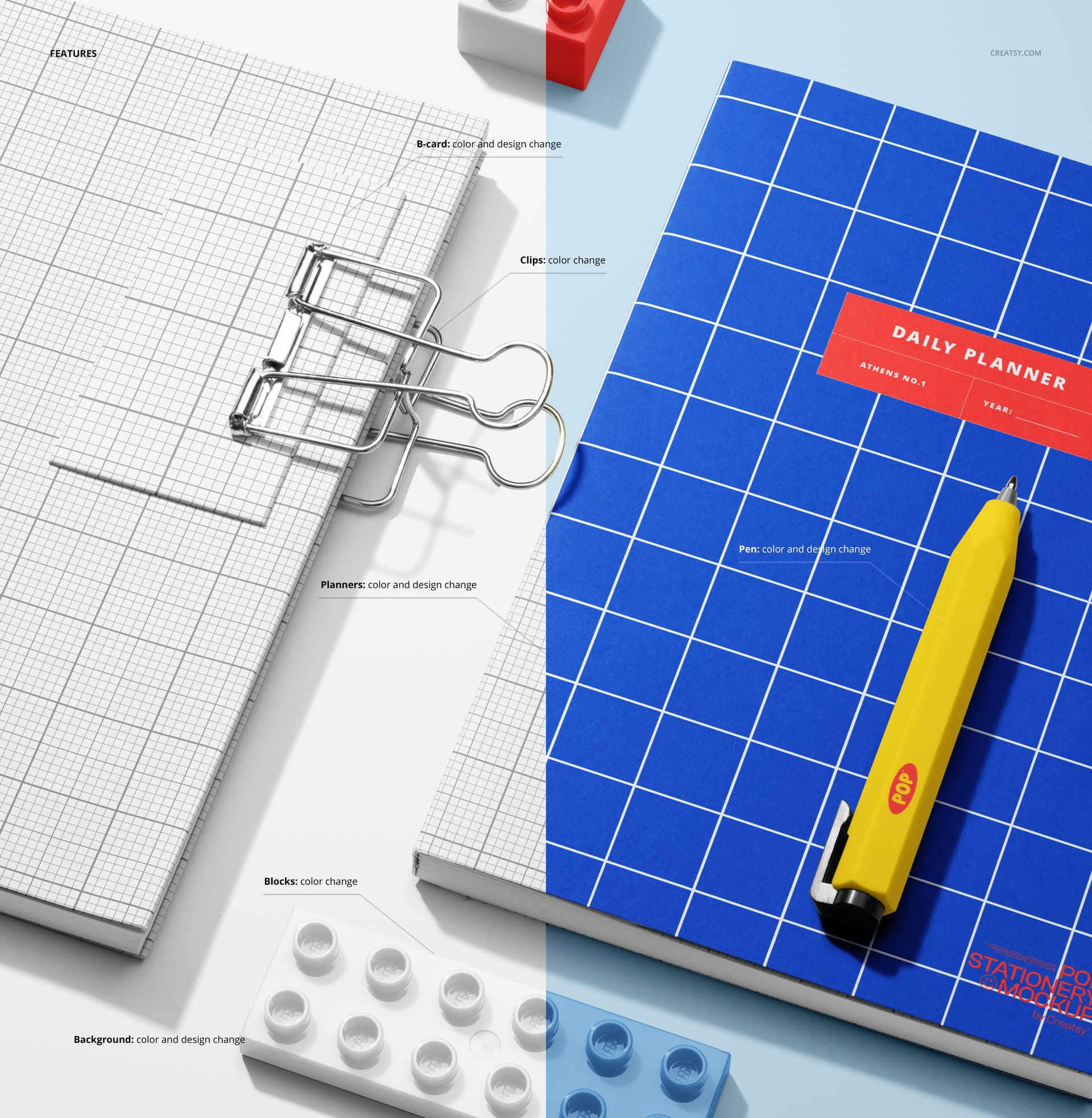
Customizable Scene Elements
Change the B-card color and design
Change the binder clip colors
Change the planner colors and designs
Change the plastic block colors
Change the background color and design
Change the pen color and design
Easy Smart Object Editing
The organized PSD uses Smart Objects for supported artwork changes. Work in Adobe Photoshop or Photopea, coordinate the editable scene elements, and export the complete planner flat lay for your project.
Perfect For
C5 planner cover presentations
Coordinated stationery branding
Pattern and illustration showcases
Back-to-school campaign graphics
Portfolio and client presentations
Bundle Information
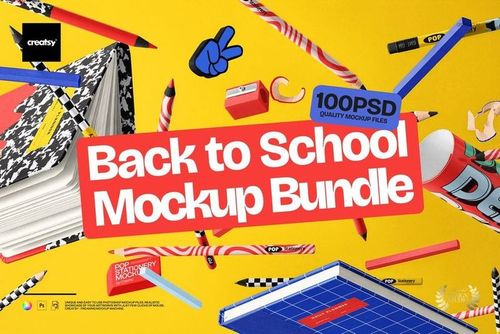
This mockup is also part of the Back to School Mockup Bundle.
Important Information
This is a digital product. No physical item will be shipped. The sample artwork shown in the previews is for presentation purposes only and is not included.