Two Posters and Envelope Mockup
Two related designs are often more meaningful when viewers can see how they work together.
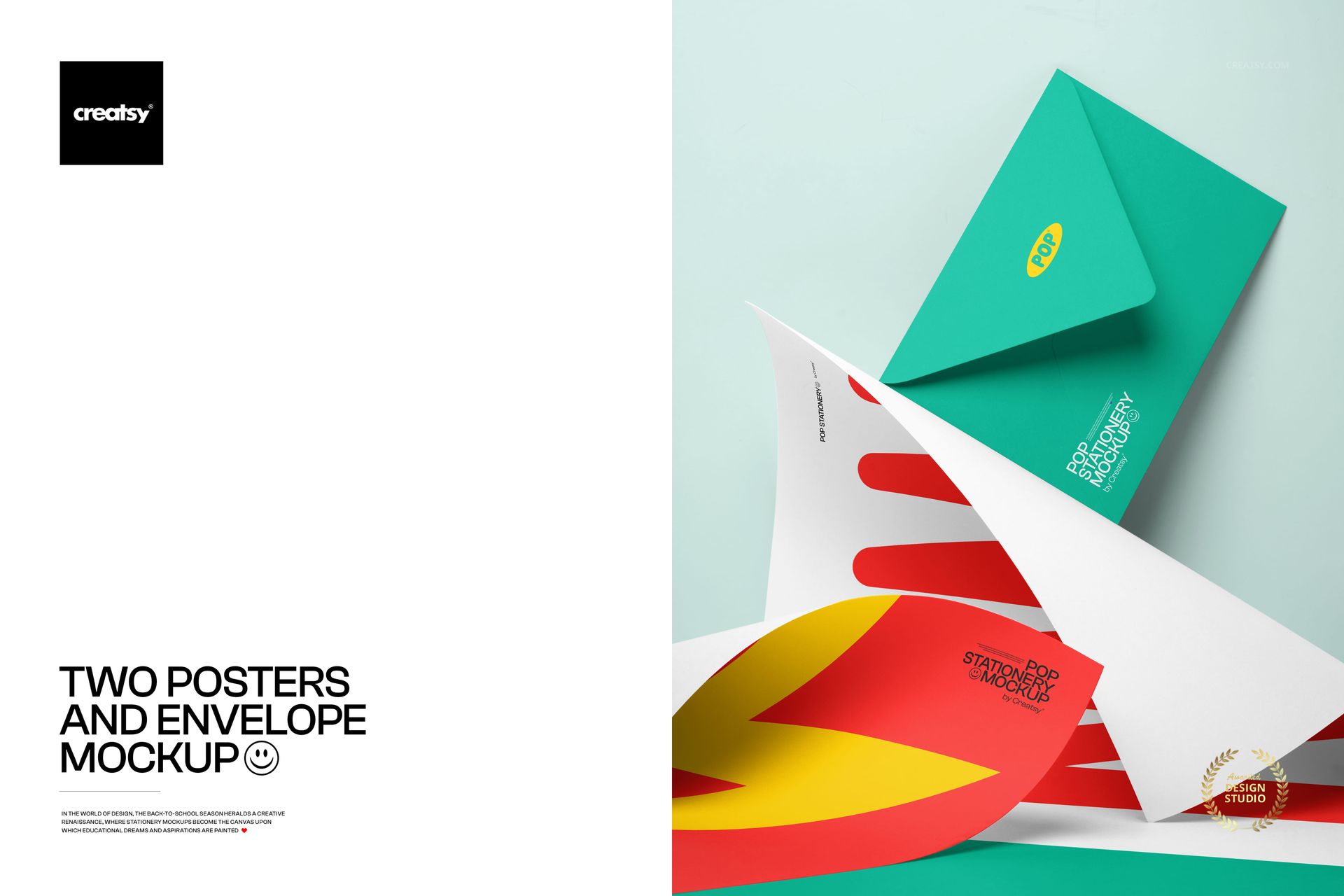
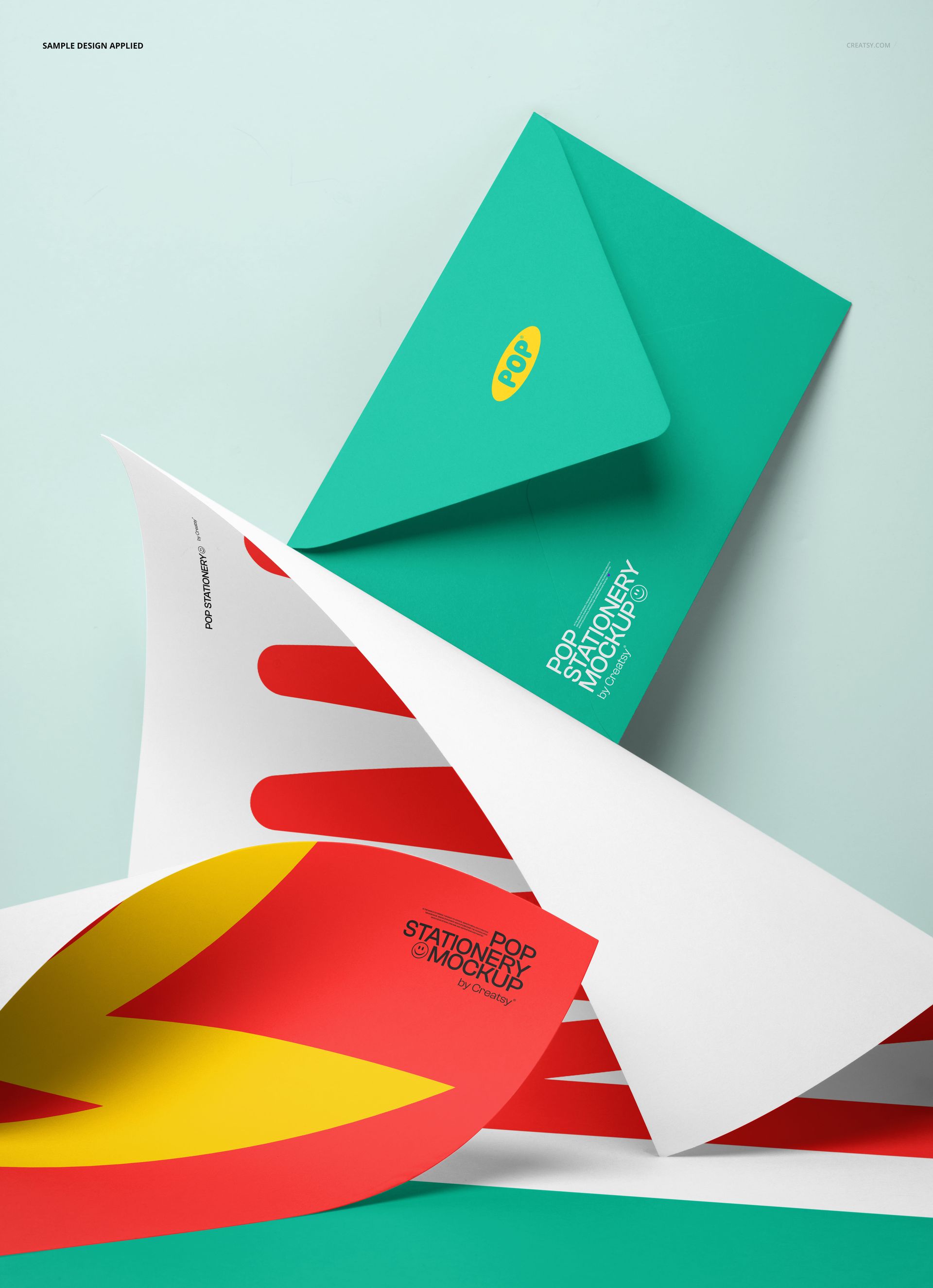
The Two Posters and Envelope Mockup brings two poster-style prints and a closed envelope into one clean portrait composition. The layered arrangement gives both artworks visible space, while the envelope adds a practical stationery element and helps the scene feel like a complete print collection rather than two unrelated graphics.
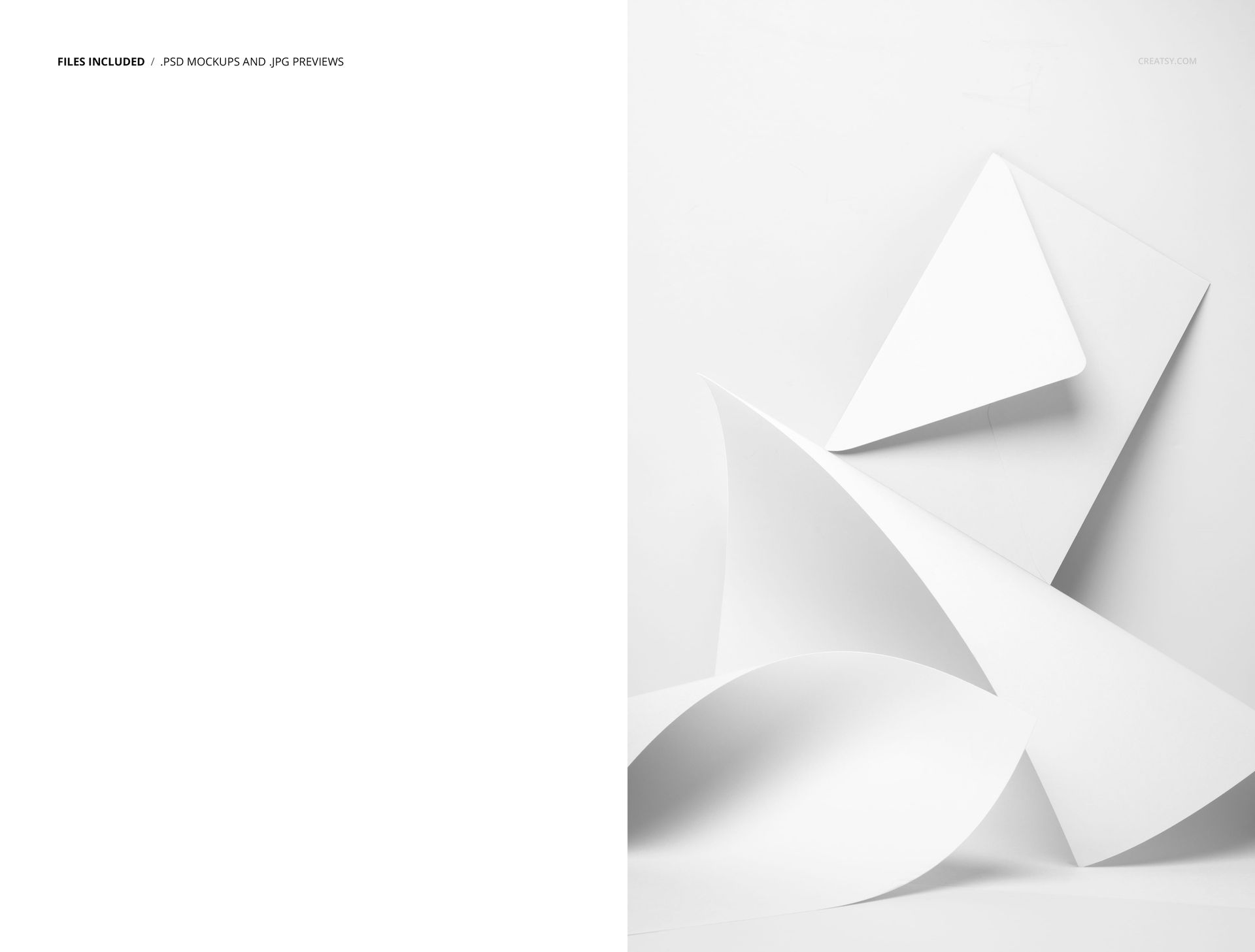
The product previews show the composition with blank white surfaces, structured geometric artwork and a vivid red and yellow design pair accompanied by a teal envelope on a pale blue background.
Present Two Designs as One Collection
A single poster can introduce an idea. A pair can show how that idea develops.
Use the two print areas to present a hero design together with a supporting artwork, two complementary patterns or alternative color directions from the same collection. The mockup makes it easier to judge whether the designs feel connected before they are printed, published or shown to a client.
It can help you present:
Two coordinating poster designs
A hero print and supporting graphic
Two colorways of the same artwork
A pair of educational posters
Complementary surface patterns
An illustration mini collection
Two campaign graphics
A matching print and insert
A primary and secondary brand visual
Several artworks from one portfolio project
The posters can share the same typography and palette, or deliberately contrast while remaining part of one creative direction.
Use the Envelope to Complete the Story
The envelope gives the scene more context than a standard two-poster presentation.
It can suggest that the prints belong to a mailed stationery set, a promotional package, an artist correspondence kit, a school collection or a carefully prepared client presentation. Depending on the editable options available in the PSD, the envelope can also help connect the artwork through color, branding or a supporting pattern.
Use the envelope to reinforce:
The main collection color
A logo or monogram
A campaign identity
An artist or studio name
A school or educational brand
A product range title
A short message or label
A matching stationery pattern
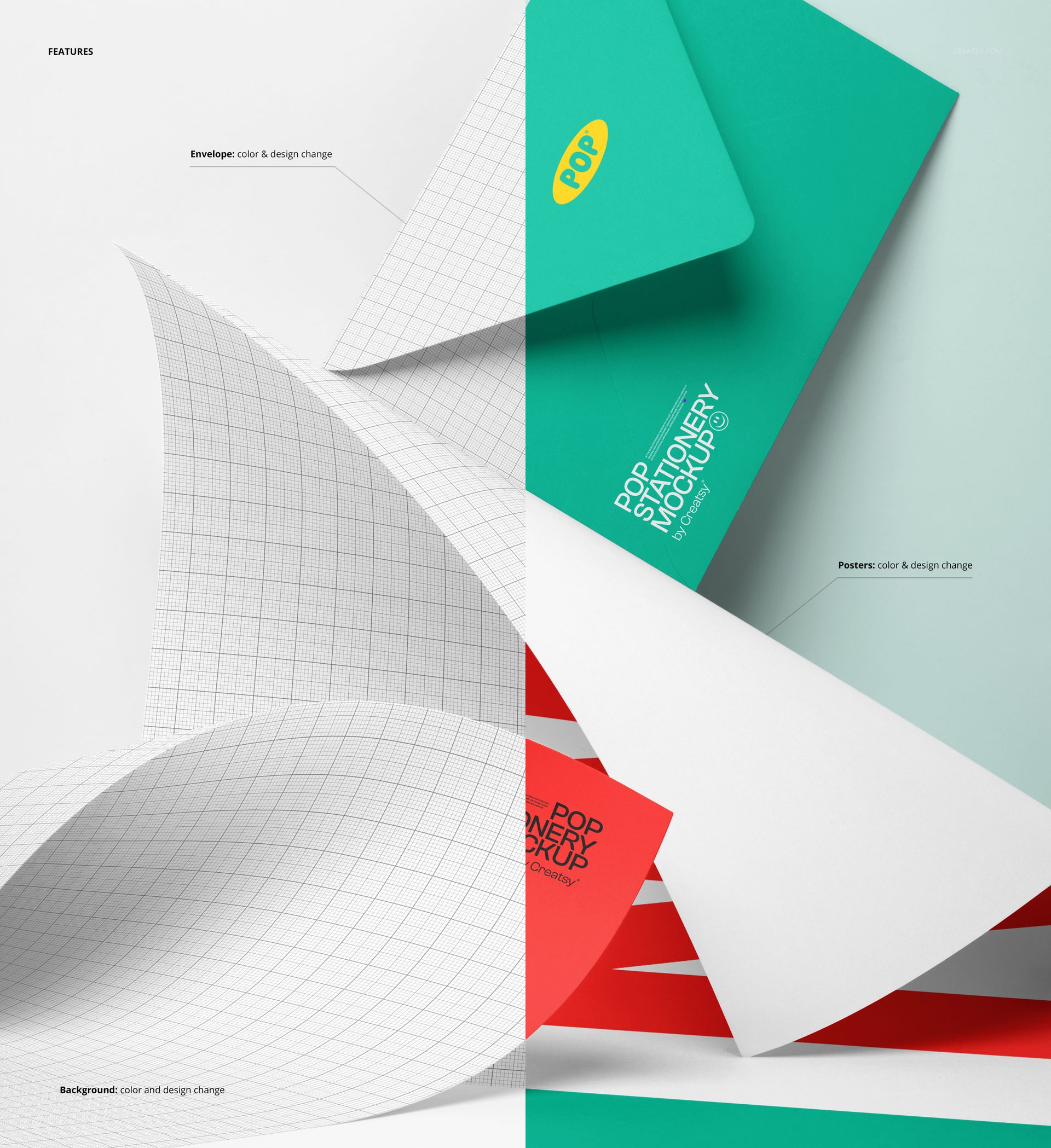
Check the product screenshots for the exact envelope color and design controls included in the file.
Show Relationships Between Artwork, Not Only Individual Designs
When two graphics are presented separately, clients may focus on each design in isolation. This mockup helps show the relationship between them.
It can make it easier to review:
Whether both artworks belong to the same collection
Which design should become the main visual
Whether the colors feel balanced together
How pattern scales compare
Whether typography remains consistent
How much contrast the pair needs
Whether the envelope supports the wider palette
How the complete set may look in a portfolio or product gallery
This is especially useful during client reviews, when several concepts need to be compared without placing them in unrelated scenes.
A Useful Scene for Surface Pattern Designers
Surface pattern collections often include one hero print and several coordinates. The two poster areas provide a simple way to introduce that relationship.
Place a detailed repeat on one poster and a quieter coordinate on the other. Show the same motif at two different scales. Compare two seasonal colorways. Pair an illustration with a supporting geometric pattern.
Creative directions can include:
Floral and botanical repeats
Geometric patterns
Abstract compositions
Children’s illustrations
Educational graphics
Typography-led posters
Hand-drawn motifs
Folk-inspired artwork
Color-blocked designs
Travel and destination prints
Seasonal collections
Minimal line artwork
The clean paper surfaces allow the designs to remain easy to read, while the surrounding stationery styling gives them a more realistic context.
Made for Stationery, Education and Creative Portfolios
The mockup is part of Creatsy’s Back to School Mockup Bundle, but its use is not limited to school-related designs. It can support a wide range of paper goods, illustration and branding projects.
It is particularly useful for:
Stationery designers presenting coordinated print products.
Surface pattern designers showing hero and supporting artwork together.
Illustrators building small art print collections.
Educational creators presenting classroom posters or printable learning resources.
Teacher shops creating polished previews for downloadable materials.
Brand designers showing two campaign graphics with matching stationery.
Artists preparing portfolio images or collection announcements.
Print sellers creating product visuals before producing physical samples.
Create a Strong Collection Overview Image
This scene can work as the first image in a wider product gallery.
Start with the paired poster composition to introduce the collection. Follow it with individual close-ups, clean poster views, envelope details or other stationery mockups that reveal each piece more clearly.
A complete gallery could include:
The two-poster collection overview
A close-up of the first artwork
A close-up of the coordinating design
The envelope or mailing presentation
A clean flat artwork preview
A wider stationery lifestyle scene
This gives viewers both the overall concept and the detail needed to evaluate each design.
Useful for Product Launches and Client Presentations
The portrait composition can support both internal design reviews and outward-facing marketing content.
Use the edited mockup in:
Stationery collection launches
Artist portfolio projects
Client approval decks
Educational product listings
Teacher resource previews
Instagram and Pinterest content
Behance case studies
Online shop graphics
Newsletter announcements
Digital catalogs
Licensing presentations
Brand identity projects
Back-to-school campaigns
Print collection lookbooks
The two visible poster areas also make the image useful for announcing a small series rather than promoting only one design.
Preview the Pair Before Printing
Producing multiple printed samples can be expensive when the artwork is still being refined.
This mockup allows you to test how two designs work together before ordering physical prints. You can compare colorways, adjust pattern scale and decide whether the envelope should blend with the artwork or create stronger contrast.
Use it to answer questions such as:
Do the two designs feel like one collection?
Is one poster visually overpowering the other?
Does the palette remain balanced?
Should both prints use the same scale?
Does the envelope color support the artwork?
Which design should appear in front?
Is the pair ready for a product launch or client review?
The mockup is intended for visual presentation. Final poster dimensions, bleed, print profiles and production requirements should still be confirmed with the printer.
Easy Editing in Photoshop or Photopea
Open the PSD in Adobe Photoshop CC or Photopea, locate the editable Smart Object areas and add your own artwork. Save the Smart Objects to update the posters within the original scene lighting, perspective and shadows.
The product page lists compatibility with Photoshop CC and Photopea and describes the layers as well organized. Check the screenshots for all available design, color and visibility controls.
This workflow allows you to:
Test several poster combinations
Compare alternative colorways
Reuse the scene for multiple collections
Prepare client review images
Create product listing visuals
Build a coordinated stationery portfolio
Export campaign-ready graphics without arranging a photoshoot
What You Can Showcase
Use the Two Posters and Envelope Mockup to present:
Paired poster designs
Coordinated art prints
Surface pattern collections
Educational posters
Classroom printables
Illustration series
Typography designs
Stationery branding
Print and envelope sets
Student artwork collections
Campaign graphics
Portfolio projects
Colorway variations
Client design options
Back-to-school print products
File Specifications
Part of: Back to School Mockup Bundle
Editable mockups: 1 PSD file
Supporting preview: 1 JPG file
Total number of files: 2
Resolution: 300 DPI
Compatibility: Adobe Photoshop CC and Photopea
File formats: PSD and JPG
Layers: well organized
Compressed package size: approximately 571 MB for Windows and 598 MB for macOS
PSD file size: approximately 1.09 GB for Windows and 1.17 GB for macOS
Exact editable features: shown in the product screenshots
PSD dimensions need to be verified before publishing. The current Product Details section lists 5500x6000 px, while File Details displays 6000x4000 px. The gallery and preview file indicate a portrait composition, so the actual PSD canvas should be opened and checked before adding one final dimension to the public description.
Bring Two Designs into One Clear Presentation
A paired artwork collection should feel intentional before a viewer reads the individual titles.
The Two Posters and Envelope Mockup helps you show that connection in one simple scene. Two print areas provide space for variety, while the envelope and layered composition make the presentation feel complete.
Use it when a single poster mockup does not tell enough of the story and your collection needs one polished image that shows how the designs belong together.