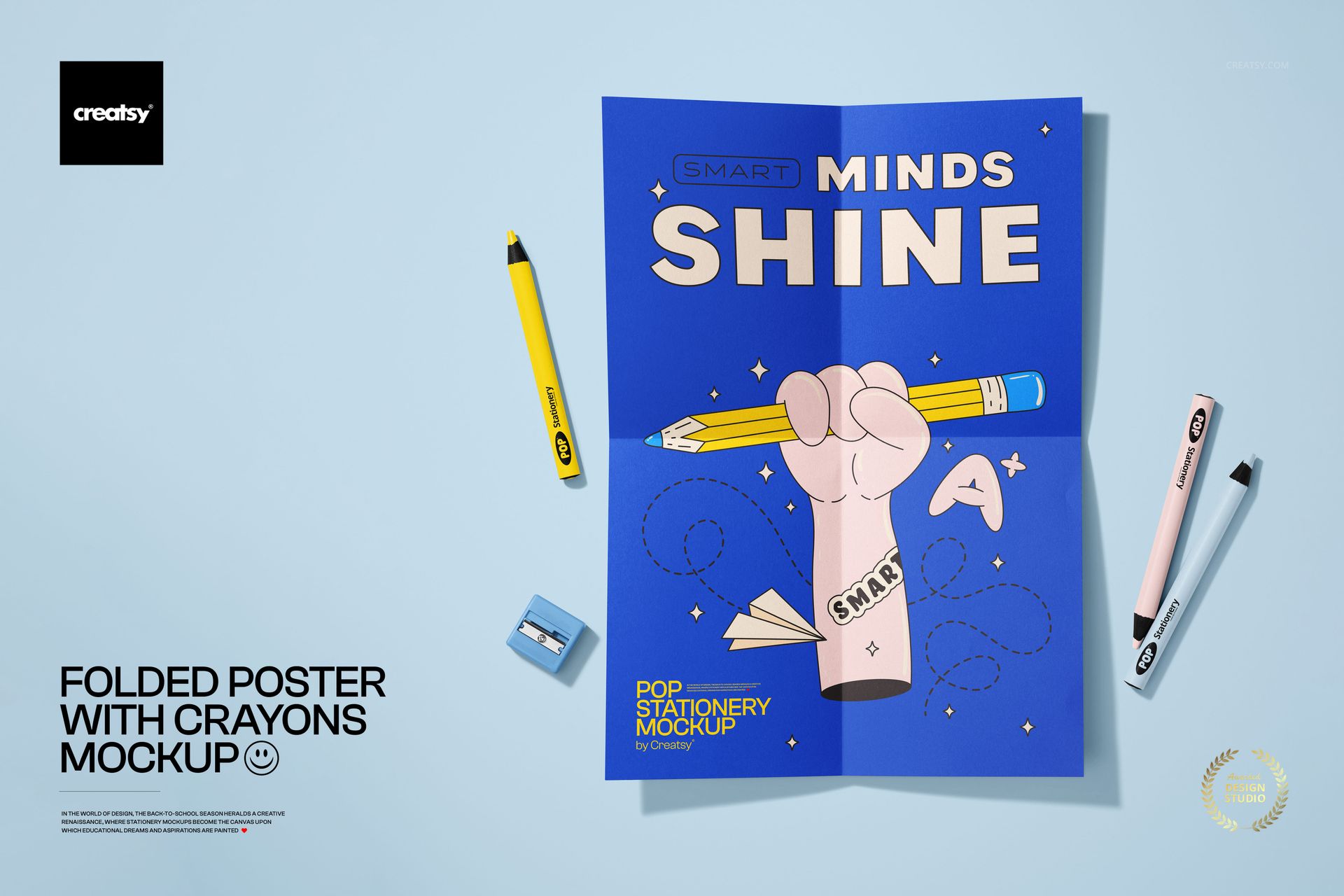
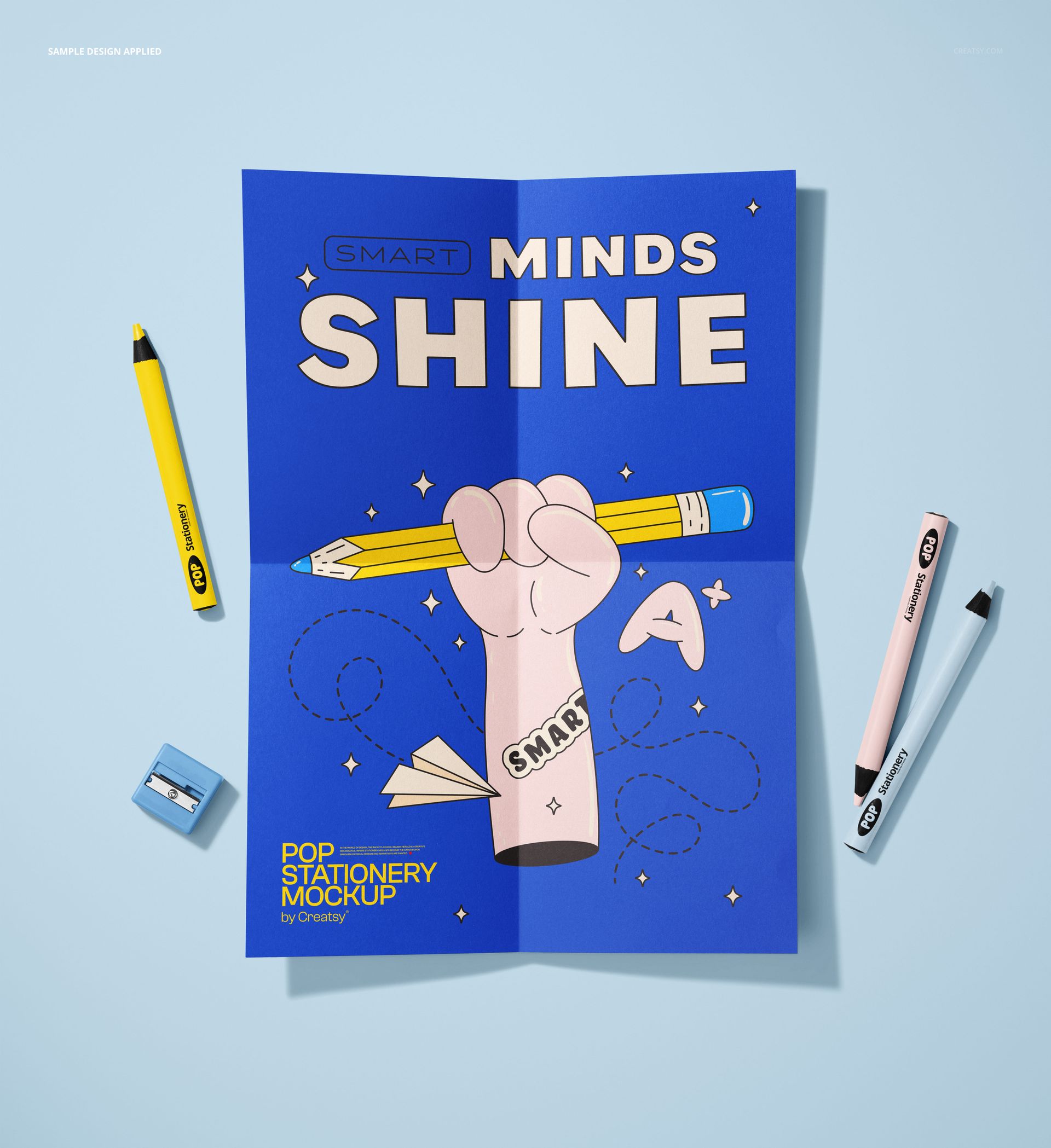
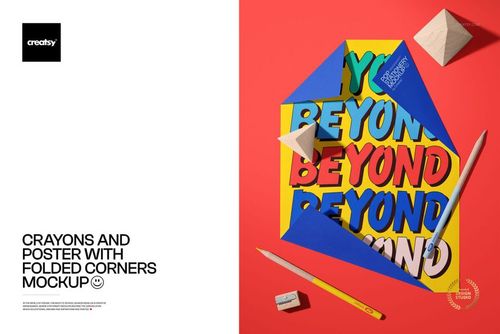
Crayons on a table next to a folded poster. That is the entire scene, and it is the entire point. The poster has been folded - deliberately, with visible crease lines that cross the artwork - and placed on a flat surface alongside scattered crayons, a pencil, and a pencil sharpener. The composition reads as a snapshot from a classroom, a craft table, a child's workspace, or a creative studio where printed materials exist alongside drawing tools. The poster is not pristine. It has been handled, folded for storage or transport, and set down casually. That lived-in quality makes the presentation feel real rather than staged.
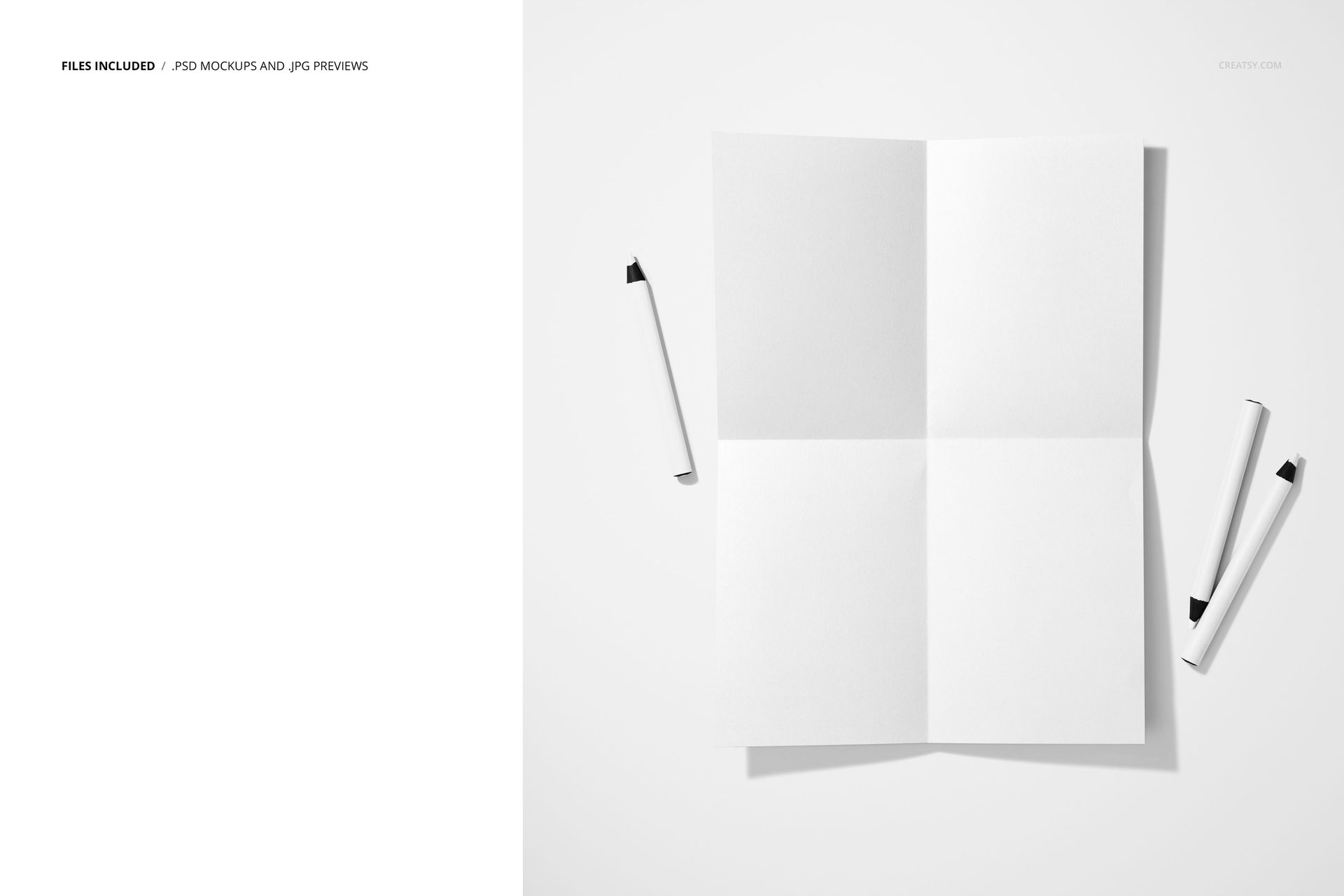
This PSD mockup presents a folded poster from a top-down perspective with colorful art supplies arranged around it. The folded corners create natural shadow and dimension on the paper surface, adding visual depth that a flat poster presentation lacks. The crayons and pencil provide scale reference and creative context. Multiple background color options are available through the layer structure, allowing you to shift the entire mood of the presentation from bold and saturated to clean and minimal.
The Fold as a Feature
Most poster mockups show paper in perfect condition - flat, unwrinkled, evenly lit. That works for formal presentations but communicates nothing about how the poster actually exists in the world. Folded posters tell a different story. They have been printed, picked up, carried somewhere, opened, looked at. The fold lines across the artwork create a sense of physical reality and practical use that resonates with buyers looking for products meant for real-world distribution rather than gallery display. Educational posters, event flyers, promotional prints, classroom materials, and informational sheets all get folded, and showing them folded in a mockup matches how the end user will actually encounter them.
Art Supplies as Context
The crayons and pencil surrounding the poster anchor the composition in creative and educational environments. This prop selection communicates specific use cases before the viewer reads any product description: back-to-school materials, children's educational content, art class resources, creative workshop handouts, craft activity instructions. The combination of printed poster and drawing tools suggests a space where consuming visual content and creating visual content happen side by side.
Technical Specifications
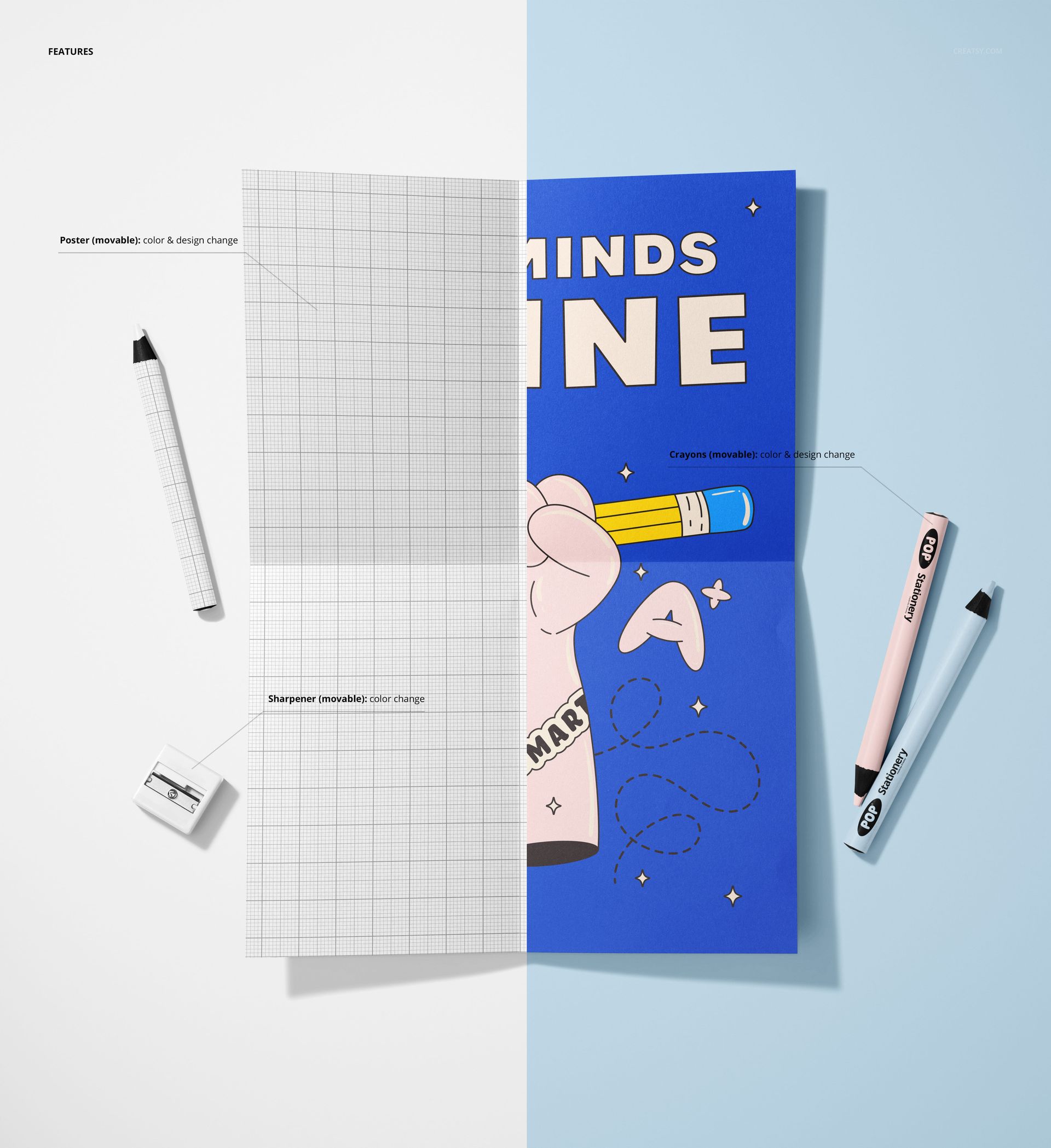
One PSD file at 5500 x 6000 pixels, 300 DPI. Near-square format from a top-down camera angle. File size approximately 359 MB. The poster surface and background are editable through smart object layers. Double-click the poster smart object, place your artwork, save, and the design renders onto the folded paper with correct fold shadows and crease effects. Background color is changeable through the layer structure. All layers organized and labeled. Compatible with Adobe Photoshop CC and newer. Also opens and edits in Photopea (photopea.com). This product is also available as part of the Back to School Mockup Bundle.
Who Needs This
Educational publishers and teachers creating classroom poster designs, lesson plan visuals, and instructional materials. Children's brand designers previewing product packaging art, activity sheet designs, and promotional poster layouts. Event organizers for school fairs, workshops, and children's activities. Art supply brands showing their products alongside printed materials. Craft kit designers demonstrating printed components of their kits. Print-on-demand sellers targeting the education and children's market segments.