Group of Four Notebooks Mockup
One notebook can show a design. Four notebooks can show how the entire collection works together.
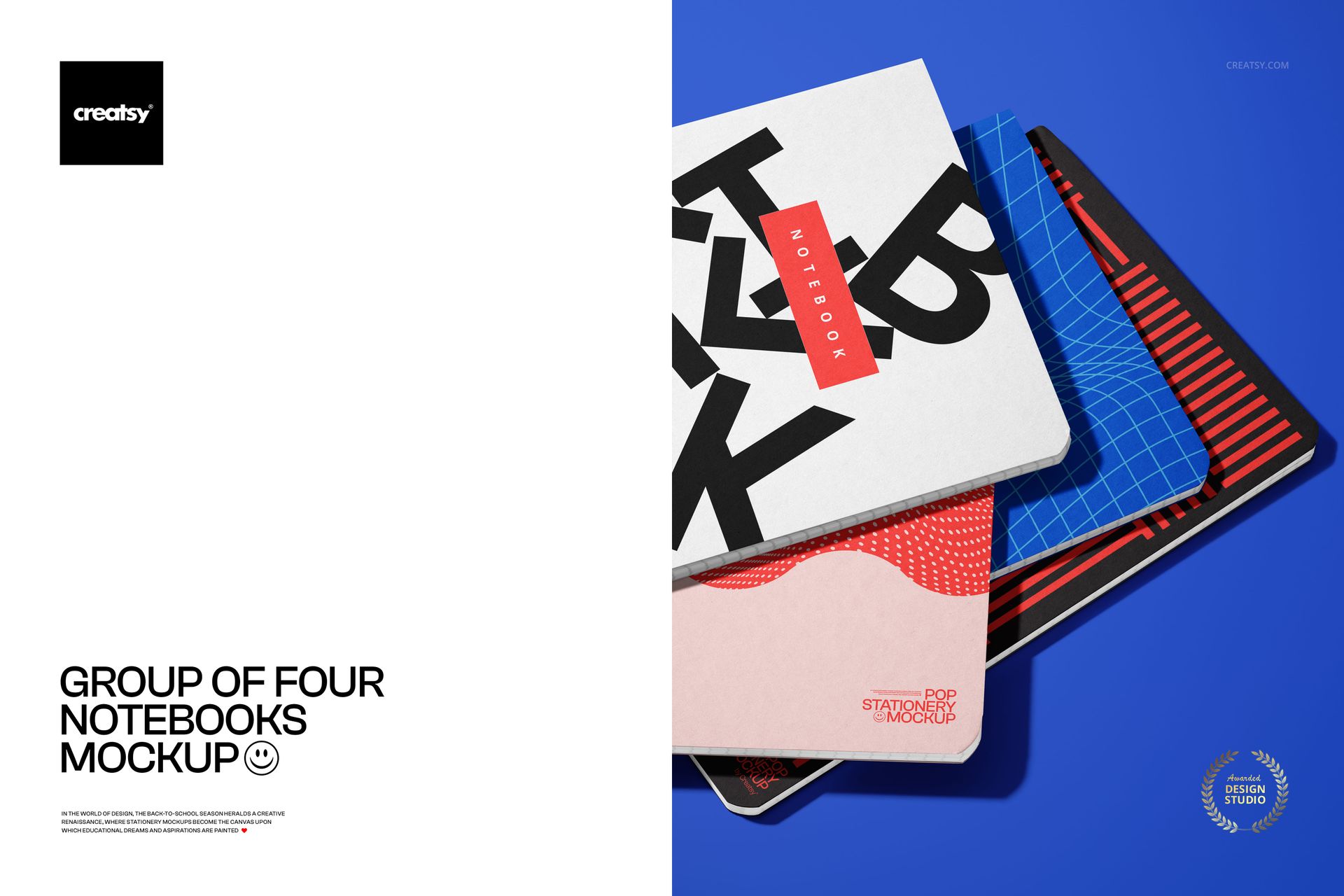
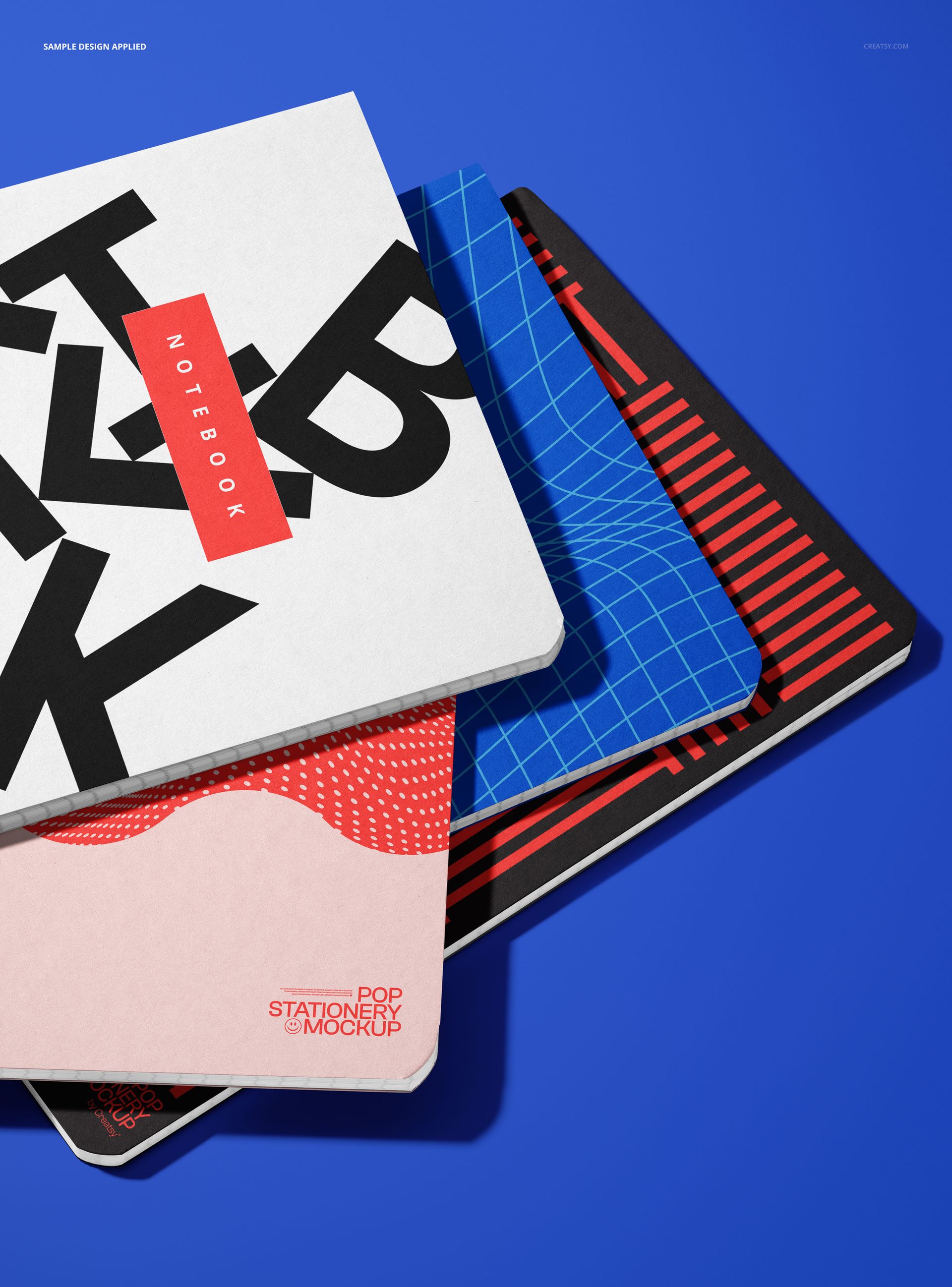
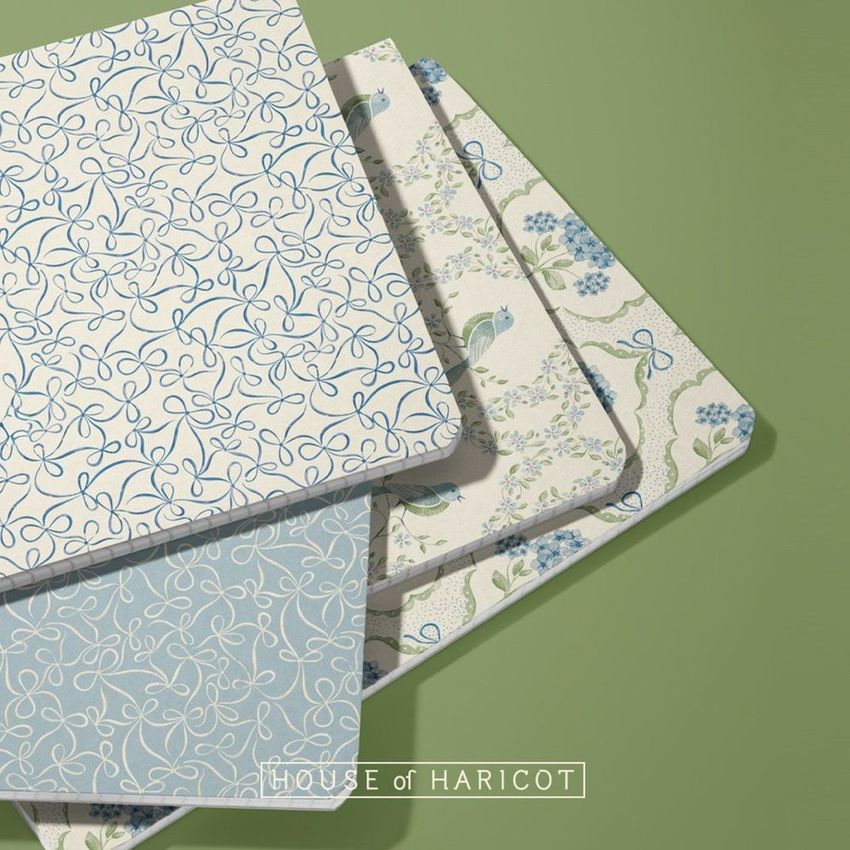
The Group of Four Notebooks Mockup presents four closed notebooks in an overlapping, angled arrangement. The layered composition gives every cover its own visible area while keeping the full group visually connected.
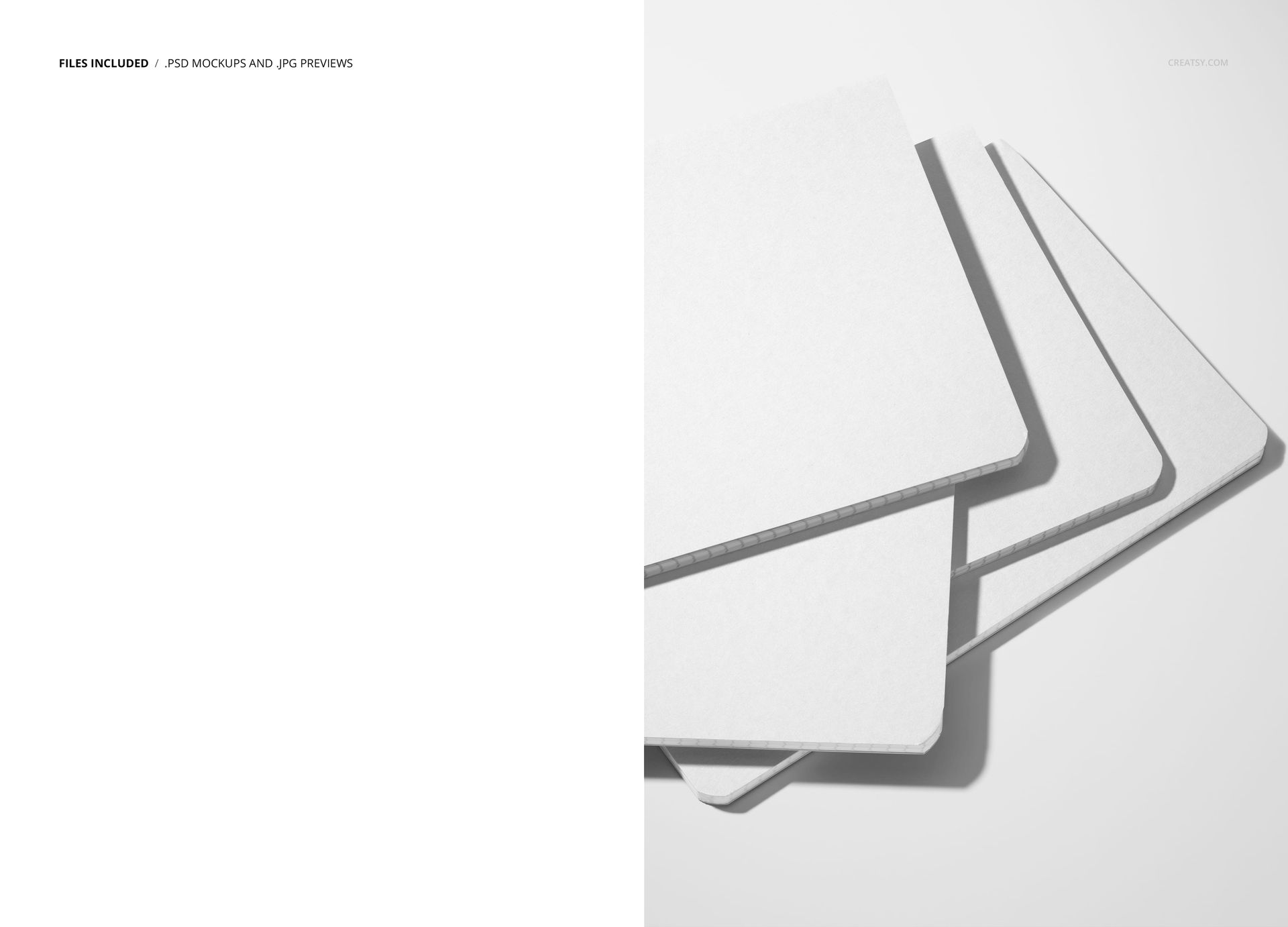
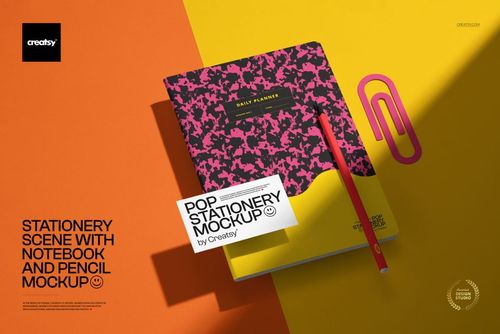
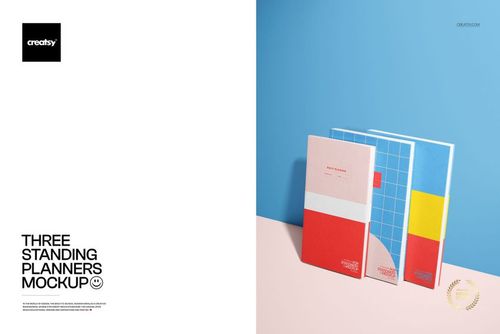
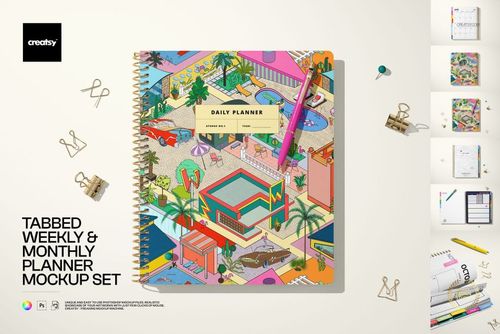
The preview gallery demonstrates the scene with plain white covers and with several grid, geometric and graphic designs arranged against a vivid background. This makes the mockup especially useful for comparing multiple cover concepts or presenting a coordinated stationery range within one image.
Present a Complete Notebook Collection
A stationery collection usually includes more than one cover.
You may have a hero design, supporting patterns, several colorways or a group of notebooks created for different subjects, seasons or audiences. Showing each one separately does not always communicate that they belong to the same range.
This mockup gives you a simple way to place four designs together and check whether they feel visually connected.
Use it to present:
Four coordinated notebook covers
A hero pattern with three supporting designs
Several colorways from one collection
School notebooks for different subjects
A seasonal stationery range
Matching journals and notebooks
A licensing collection
A branded notebook product family
Several design directions for client review
A new stationery launch
The overlapping arrangement creates a clear hierarchy without making the notebooks look isolated from one another.
Compare Four Cover Directions in One Scene
Presenting several designs in the same composition makes comparison easier.
A client can quickly see which cover has the strongest visual impact, whether the colors work together and whether the collection feels balanced. You can also use the mockup to decide which pattern should lead the range and which designs should play a supporting role.
It can help you review:
Pattern scale
Color balance
Logo placement
Typography size
Contrast between covers
Consistency across the collection
The relationship between hero and coordinate patterns
Whether the four designs appeal to the same audience
How the range reads from a distance
This is often more useful than sending four unrelated flat artwork files.
Made for Stationery and Surface Pattern Designers
The large visible cover areas make this scene a practical choice for patterns, illustrations and graphic notebook designs.
Try it with:
Floral and botanical repeats
Geometric patterns
Abstract artwork
Children’s illustrations
School-themed graphics
Minimal typography
Bold color blocking
Hand-drawn motifs
Seasonal collections
Travel-inspired artwork
Character designs
Folk and heritage patterns
Logo-led stationery branding
Surface pattern designers can use the four notebooks to introduce a small coordinated collection. Illustrators can show several artworks from one theme. Branding designers can present how a stationery identity adapts across multiple products.
Show Variety Without Losing Consistency
A strong collection needs enough variety to remain interesting, but enough consistency to feel intentional.
Use the same color palette across all four notebooks while changing the artwork.
Place one detailed pattern beside simpler coordinating designs.
Create four notebook covers for different school subjects while keeping the same logo and typography system.
Use one illustration in several colorways to demonstrate product variation.
Combine a logo-led cover with patterns and supporting graphics from the wider brand identity.
The mockup makes these relationships visible immediately, helping the collection feel like a planned product line rather than four separate designs.
Useful for Back-to-School Collections
Although the scene can be used throughout the year, it is particularly well suited to back-to-school stationery.
Use it to present:
Student notebook collections
Subject notebook covers
Academic stationery ranges
Teacher shop products
School supply branding
Kids’ pattern collections
Classroom-themed illustrations
Study and productivity stationery
Seasonal school launches
Educational brand concepts
Because the composition focuses only on the notebooks, it can also be combined with more detailed school scenes from the wider Back to School Mockup Bundle. The product is listed as part of that bundle on Creatsy.
Build Better Product Galleries and Campaigns
This mockup can function as a strong collection overview image.
Use it as the first visual in a product gallery, then follow it with individual notebook scenes, close-ups or lifestyle compositions. The group image introduces the full range, while additional mockups can provide more detailed views of each design.
The edited scene can be used for:
Stationery product pages
Collection launch graphics
Instagram and Pinterest posts
Ecommerce category banners
Wholesale catalogs
Licensing presentations
Client approval decks
Behance portfolio projects
Website hero images
Newsletter announcements
Digital lookbooks
Back-to-school campaigns
Its clear arrangement also makes it useful for social media posts where several products need to be understood quickly.
Preview a Product Range Before Printing
Producing four physical notebook samples can be expensive when the designs are still being reviewed.
This mockup lets you place the collection into a realistic presentation first. You can test several directions, compare pattern scales and adjust the palette before preparing the final print files.
Use it to decide:
Which four designs should form the final collection
Whether the colors feel balanced together
Which cover should become the hero product
Whether the artwork needs a larger or smaller scale
How much variation the range needs
Whether the collection feels suitable for its intended audience
The mockup is intended for visual presentation. Final notebook dimensions, bleed, spine placement and production requirements should still be confirmed with the manufacturer or printer.
Easy Editing in Photoshop or Photopea
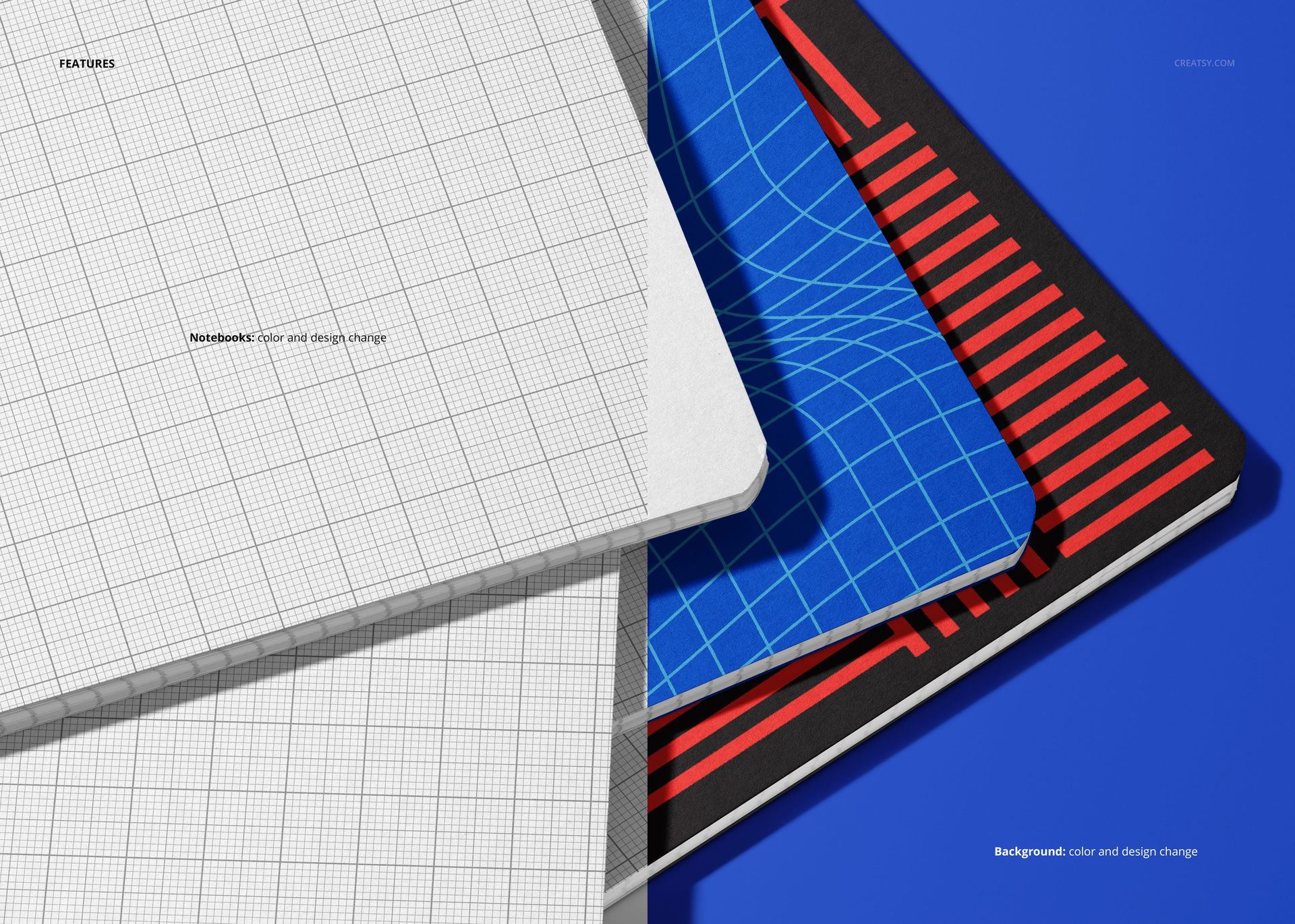
Open the PSD in Photoshop CC or Photopea, locate the editable areas and add your own cover artwork. Save the file to update the notebook presentation within the original composition, lighting and shadows.
The product page lists well-organized layers and compatibility with both Photoshop CC and Photopea. Check the product screenshots for the exact editable components available in the PSD.
This workflow allows you to reuse the scene for several collections, test different colorways and create professional presentation images without arranging a stationery photoshoot.
What You Can Showcase
Use the Group of Four Notebooks Mockup to present:
Notebook cover designs
Coordinated stationery collections
Surface pattern ranges
Journal cover artwork
School notebook collections
Multiple product colorways
Illustration series
Stationery branding systems
Back-to-school products
Licensing portfolio collections
Student stationery concepts
Custom notebook products
Client design options
Ecommerce collection images
Seasonal stationery launches
File Specifications
Part of: Back to School Mockup Bundle
Editable mockups: 1 PSD file
Supporting preview: 1 JPG file
Total number of files: 2
PSD dimensions: 6000x4000 px
Resolution: 300 DPI
Compatibility: Photoshop CC and Photopea
File formats: PSD and JPG
Layers: well organized
Package size: approximately 348 MB for Windows and 365 MB for macOS
PSD file size: approximately 650 MB for Windows and 682 MB for macOS
Exact customization features: shown in the product screenshots
Give the Whole Collection One Clear Visual
A notebook range should feel connected before the customer reads the product names or compares the individual listings.
The Group of Four Notebooks Mockup helps you show that connection in one clean composition. Four visible covers provide enough space for variety, while the overlapping arrangement keeps the range cohesive.
Use it when you need to present several notebook designs together, compare creative directions or introduce a complete stationery collection with one polished image.