The Geometry Set
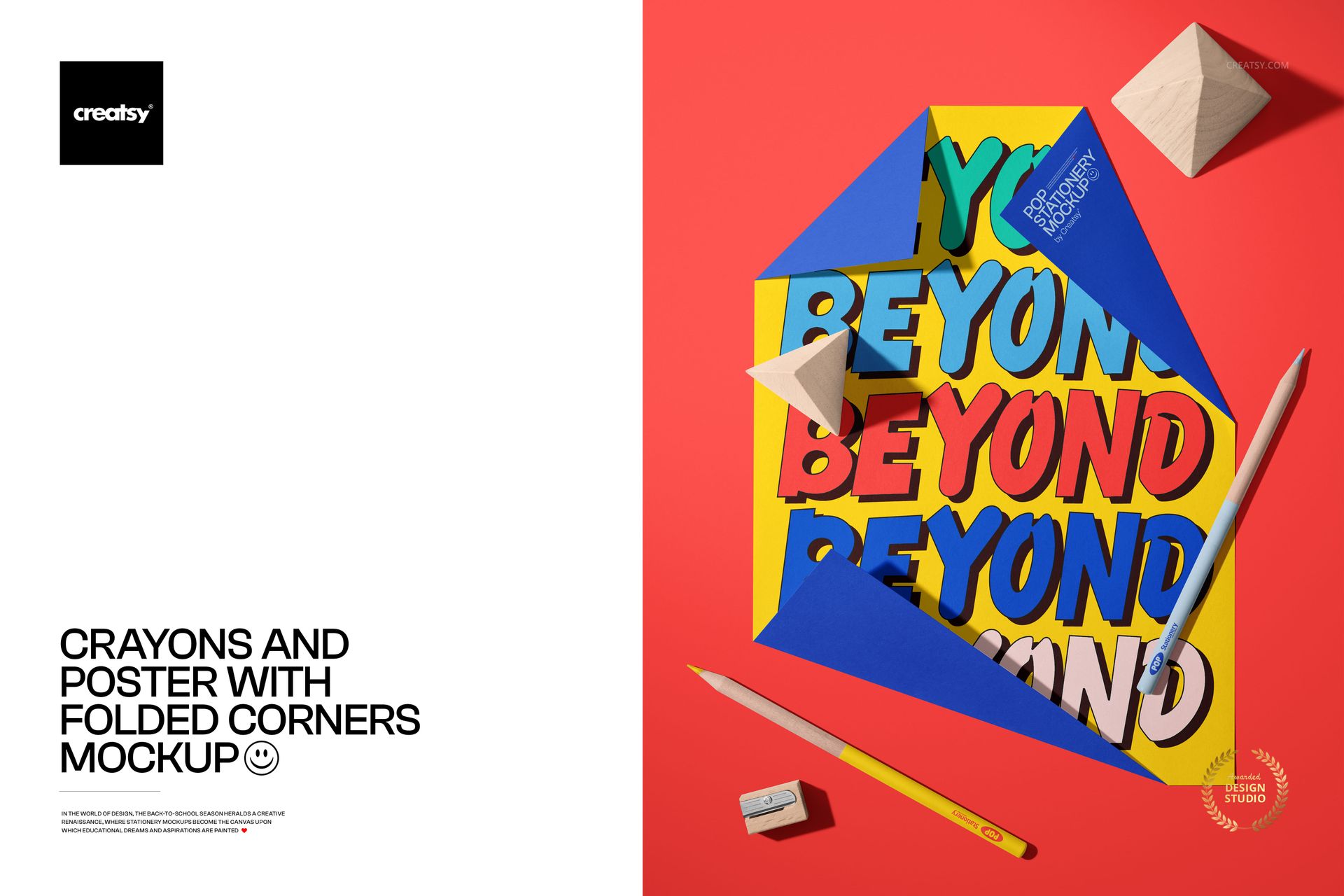
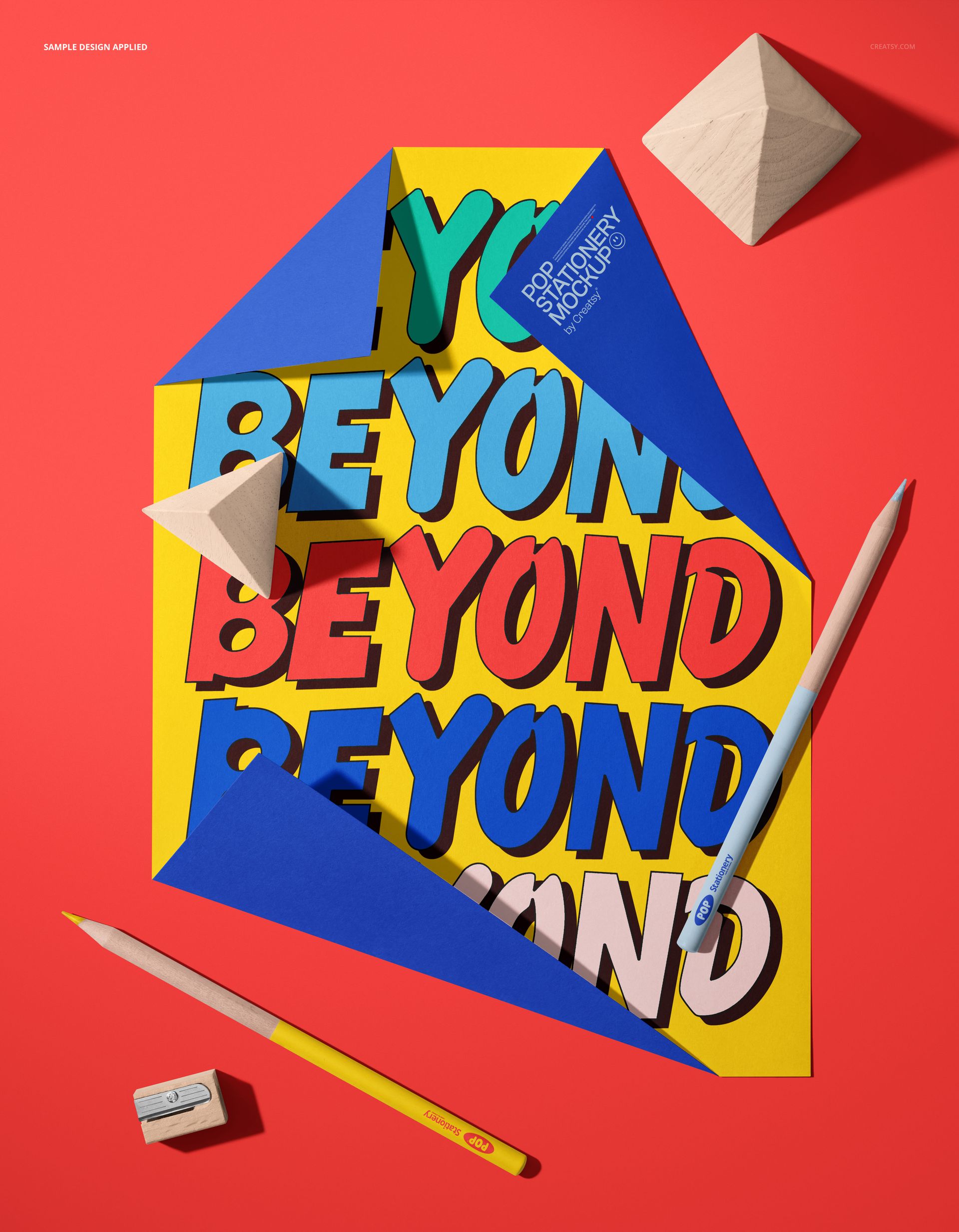
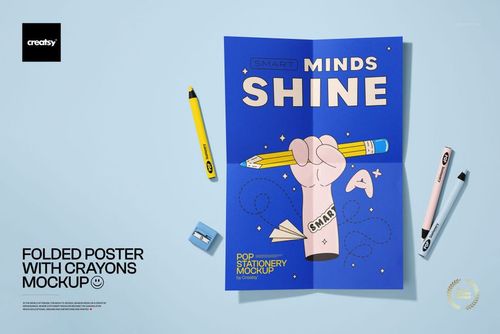
A poster with folded corners sits among crayons, a pencil, and hand-cut wooden geometric shapes - triangles, cubes, half-cylinders - arranged across colored paper surfaces. The folded corners are real creases in the paper, not digital effects, and they catch light at angles that give the poster physical depth your viewer registers instantly.
This PSD was built for designers presenting to education brands, children's publishers, art supply companies, and anyone whose audience associates bright colors with creativity. The props surrounding the poster are not random decorations. They are deliberate compositional anchors: the crayons introduce color, the wooden blocks introduce geometry, and the poster itself becomes the surface where those two ideas meet.
What the File Contains
One PSD at 5400 by 7000 pixels, 300 DPI. That resolution means your artwork reproduces cleanly on printed posters, classroom displays, and any screen size used for online portfolios or marketplace listings. The file weighs 138 MB and opens in both Adobe Photoshop CC and Photopea, the free browser-based editor.
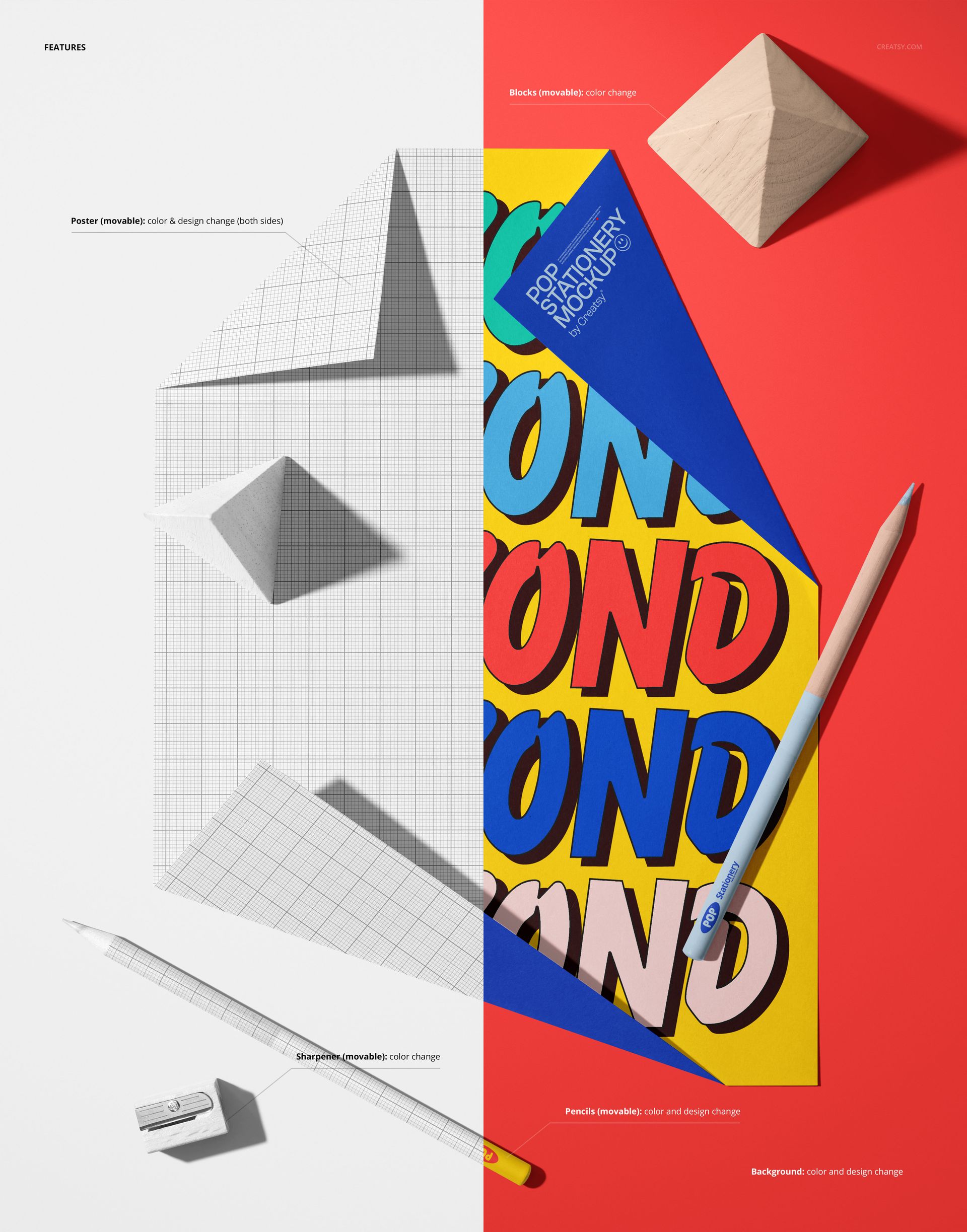
The smart object layer accepts your design in one step. Drop your illustration, pattern, or typography into the marked layer, save, and the mockup wraps it around the poster - including the folded corners, where your artwork bends realistically with the paper. Shadows under the folds update automatically.
Background Options
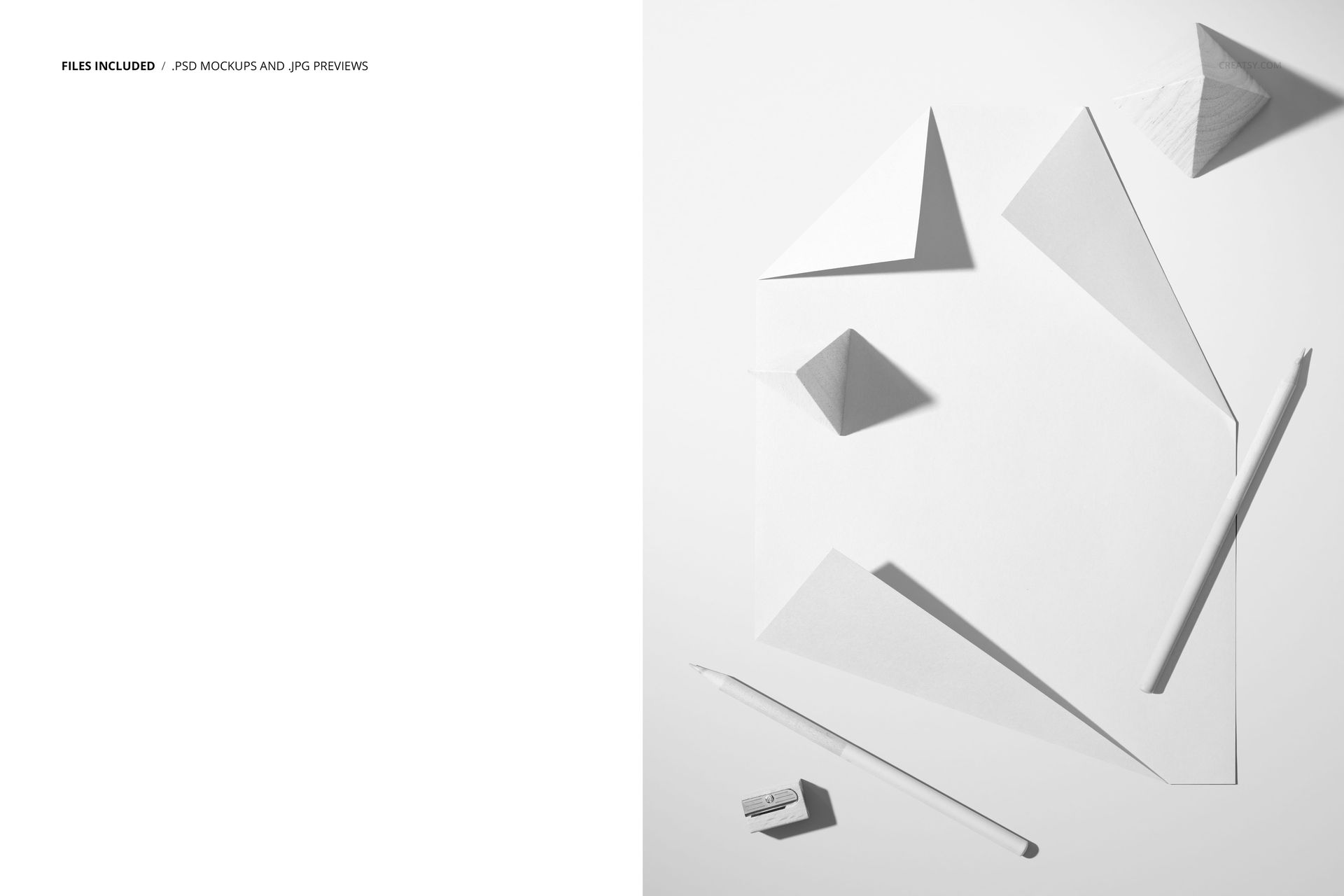
The scene ships with multiple background variations. A deep red surface makes bright artwork pop against warm tones. A clean white surface keeps attention on the inserted design alone. A split-scene composition divides the backdrop into two contrasting color fields, which is useful when you want the mockup itself to carry visual tension without relying entirely on the inserted artwork.
Every background change happens through organized layer folders. No masking, no manual color picking required. Toggle the folder on, toggle the others off, and the scene updates with shadows and lighting preserved.
The Props Tell a Story
Crayons and geometric blocks belong to a specific visual vocabulary. Buyers browsing mockups for kids' educational materials, back-to-school campaigns, or art supply branding will see this scene and immediately understand the context. That recognition shortens the decision from browsing to purchase. They do not need to imagine how the mockup fits their project - the props handle that framing already.
The pencil resting at an angle beside the poster completes the "work in progress" narrative. This is not a finished gallery display. It is a sketch session, a planning moment, a classroom table. That casual energy reads as approachable, and for the education and children's product markets, approachable sells.
Who Uses This
Illustrators showing children's book artwork in context. Pattern designers presenting prints destined for school supplies and stationery. Graphic designers pitching poster campaigns to educational institutions. Branding agencies building visual identity systems for kids' brands. Teachers and educators creating classroom materials who need a professional preview before sending files to print.