Back to School Greeting Card on the Tray Mockup
Back-to-school artwork usually needs two things: a clear view of the card and a setting that immediately feels connected to the new school year.
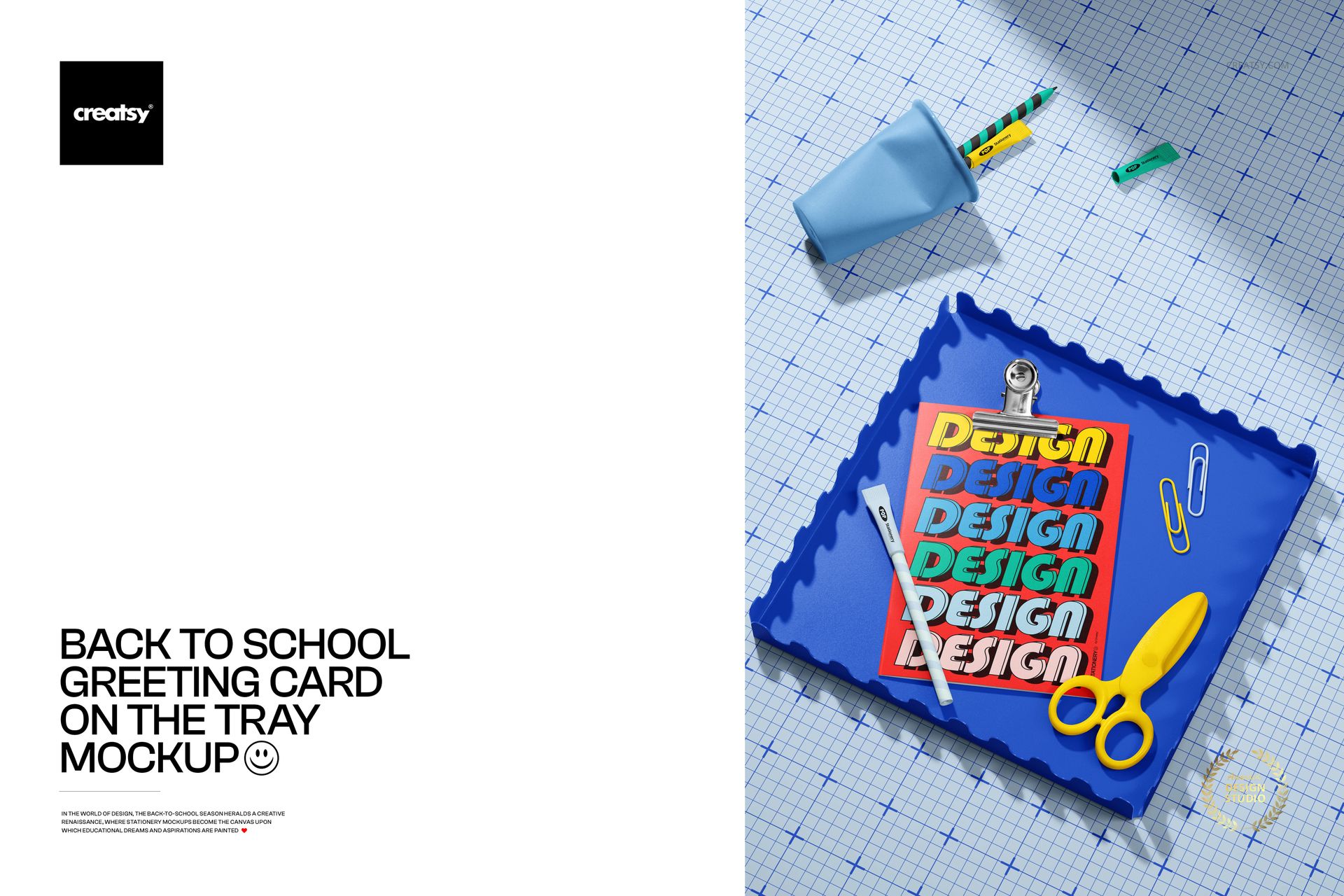
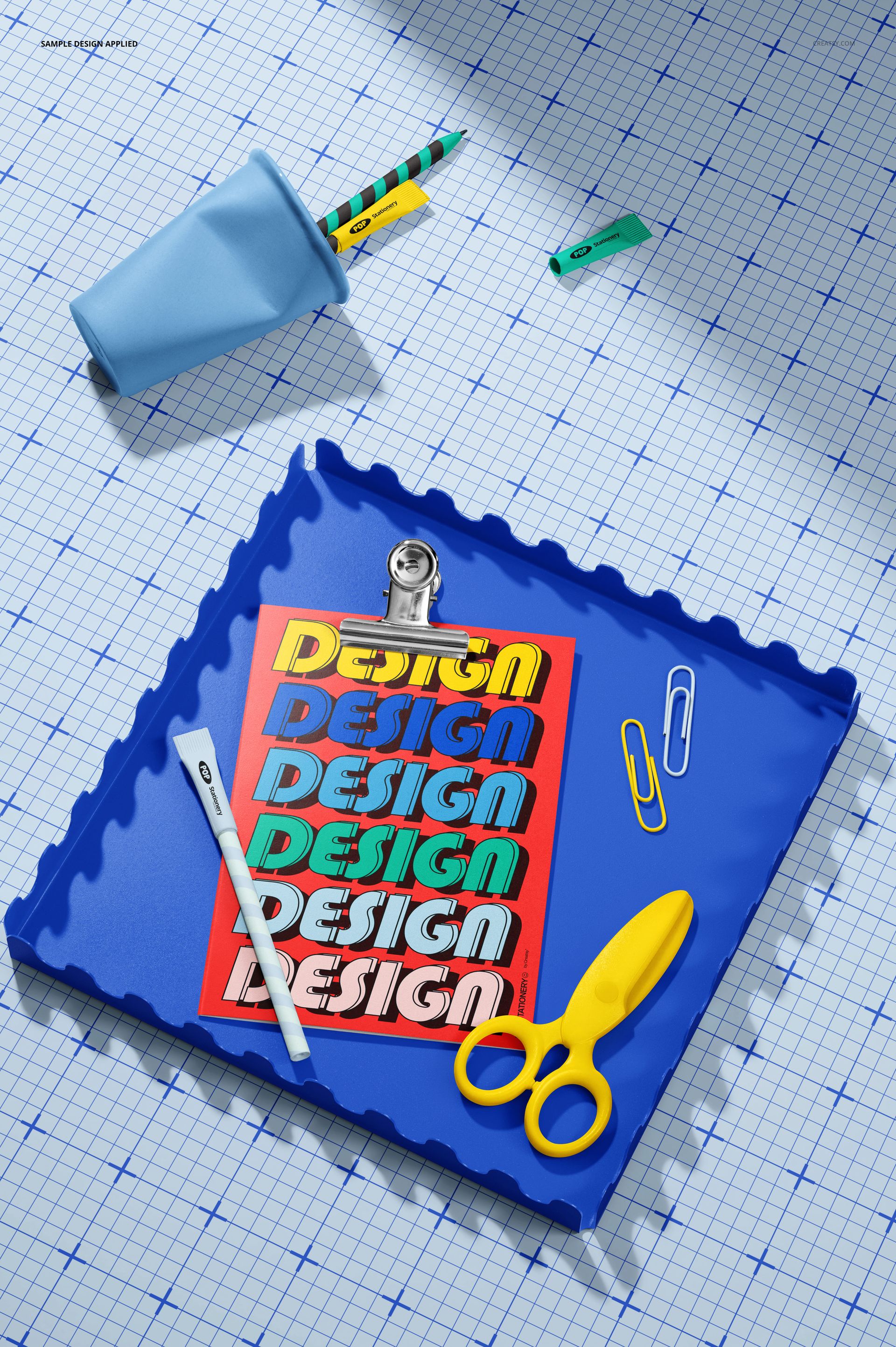
The Back to School Greeting Card on the Tray Mockup brings both into one playful top-view composition. The card is displayed on a decorative scalloped tray and surrounded by recognizable stationery details, including scissors, a pen, paper clips and graph paper elements.
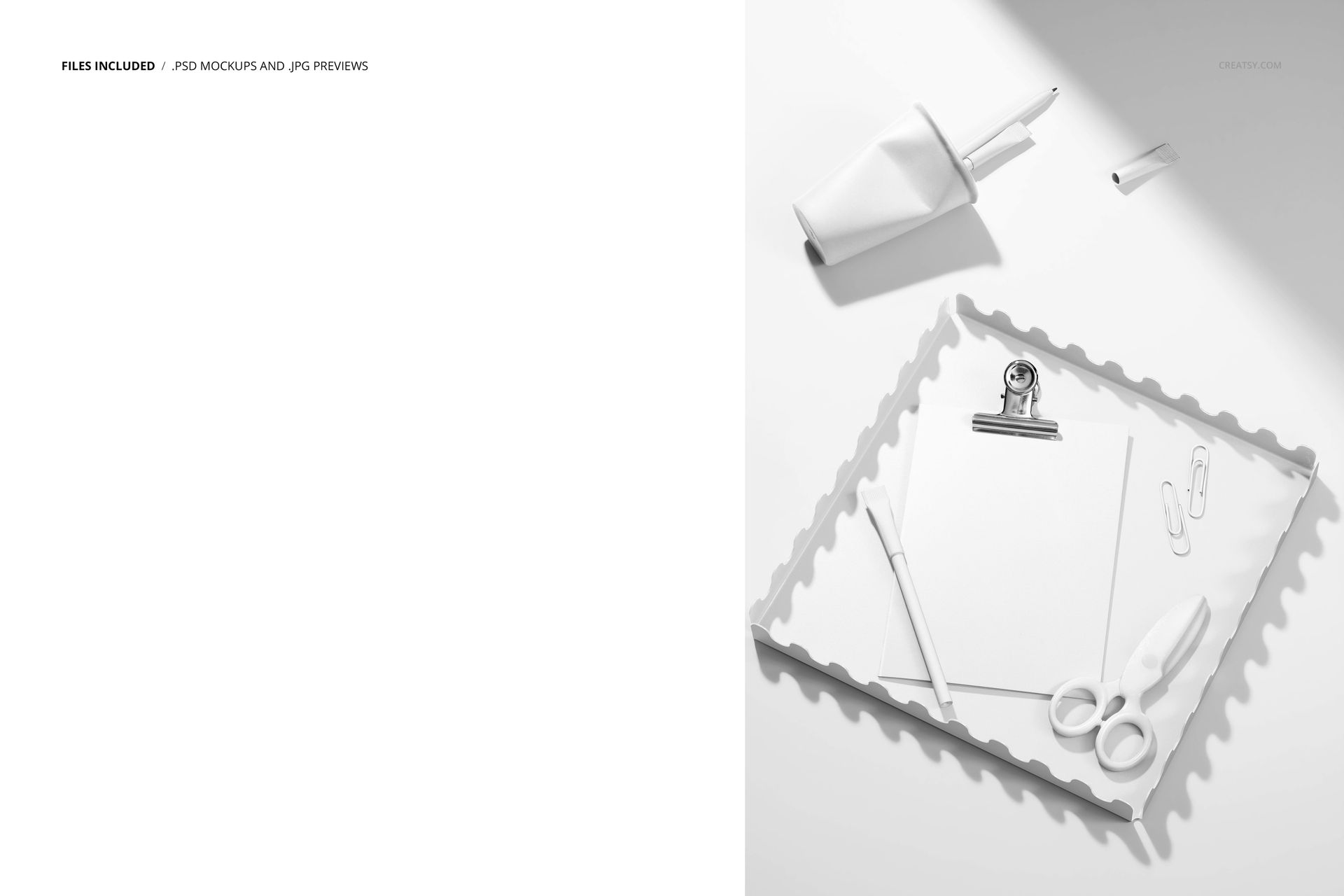
The tray gives the card a clear visual frame, while the surrounding props add enough school context to make the scene feel engaging without covering the artwork. Preview variations show white and blue tray treatments, neutral stationery and brighter school-inspired color combinations.
Give School-Themed Artwork the Right Context
A plain card on a blank background can show the design, but it does not always communicate the occasion.
This scene instantly suggests a desk prepared for a new term, a creative classroom activity or a fresh stationery collection. That makes it useful for designs connected with:
Welcome-back messages
First-day-of-school cards
Teacher appreciation notes
Student encouragement cards
Classroom thank-you cards
School event invitations
Educational brand announcements
Teacher shop products
Printable classroom resources
Back-to-school stationery collections
The school accessories create the mood, while the card remains the main subject.
One Card Gets the Full Attention
This mockup focuses on a single card rather than a larger stationery set.
That makes it a good choice when you want to present one hero design, introduce a new greeting card or highlight the front artwork in more detail. The card has enough space to display typography, illustration, branding or a decorative pattern without competing with several other printed pieces.
Use it to showcase:
Illustrated greeting cards
Typography-led school cards
Teacher and student messages
Educational graphics
Classroom announcements
School club invitations
Children’s artwork
Geometric card designs
Surface patterns
School branding concepts
Seasonal stationery launches
The clear composition also makes it easier for clients and customers to understand the design quickly.
The Tray Creates a Natural Frame
The scalloped tray is more than a decorative prop.
Its shape separates the card from the wider background and creates a clear area around the artwork. This helps the card stand out even when the surrounding scene includes several stationery accessories.
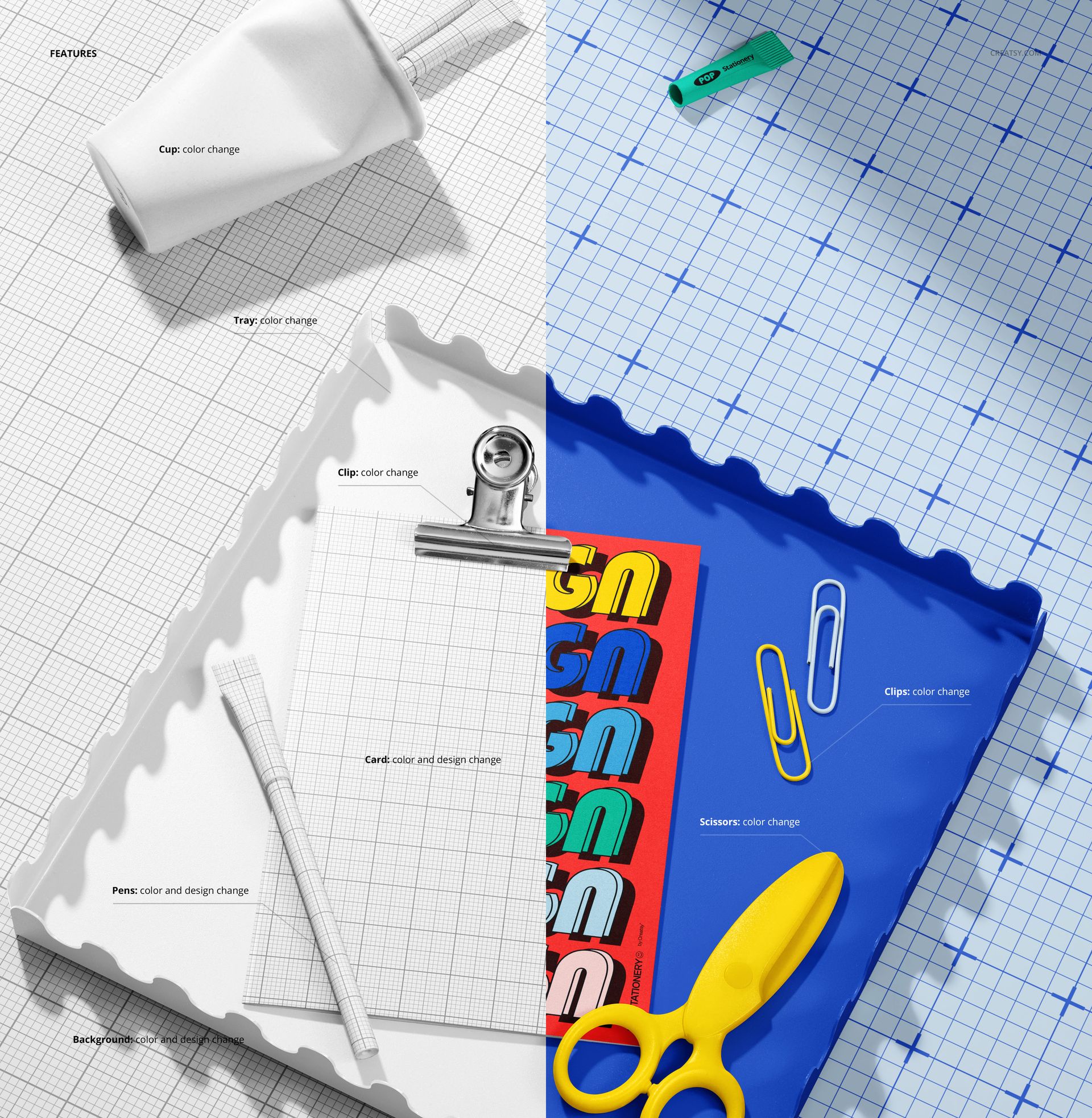
The tray can also support the mood of the design. A light treatment keeps the scene soft and minimal, while a stronger blue presentation gives it a more colorful school-supply feel. The exact tray, background and prop controls should be shown in the product screenshots so customers know which elements can be customized.
Useful for Teachers and Educational Creators
The mockup can support more than traditional retail greeting cards.
Teachers and educational creators can use it to present:
Welcome cards for students
Classroom reward cards
Positive affirmation cards
Teacher thank-you notes
School event announcements
Printable educational cards
Parent communication cards
Library and reading club materials
Classroom activity prompts
Student milestone cards
A realistic mockup can help printable resources feel more polished and easier to understand in an online listing.
Made for Stationery Designers and Illustrators
The large visible card surface works well for detailed artwork and simpler graphic systems.
Illustrators can use the scene to present children’s characters, school motifs, hand-drawn lettering or educational graphics.
Surface pattern designers can show a repeat pattern on the card while using the surrounding stationery to reinforce the collection theme.
Brand designers can present a school, tutoring business, educational platform or teacher brand identity in a friendly product context.
Stationery shops can use the mockup to build product images before physical samples are printed or photographed.
A Portrait Format for Vertical Content
The PSD has a portrait canvas measuring 4480 × 6720 px, making the scene particularly useful for vertical presentations.
The format can be adapted for:
Pinterest pins
Portrait Instagram posts
Instagram Stories
Online product galleries
Digital catalogs
Newsletter graphics
Educational shop listings
Client presentation slides
Portfolio pages
Back-to-school campaign content
The tall layout gives the card, tray and stationery details enough space without making the composition feel compressed.
Create a Complete Product Gallery
This scene can serve as the lifestyle or seasonal image within a wider greeting card gallery.
A complete presentation might include:
A clean front-facing card mockup
The card displayed on the scalloped tray
A close-up of the typography or illustration
A matching envelope presentation
A group of coordinating school stationery products
A printable artwork preview
The tray scene introduces personality and context, while the cleaner views can communicate the design and product details more directly.
Preview the Card Before Printing
Printing several card samples can take time, especially when the artwork or color direction is still being reviewed.
This mockup can help you evaluate:
The scale of the main illustration
Typography size and placement
The visual balance of the card
Contrast between the design and tray
How the artwork works beside school accessories
Whether the card feels playful, educational or professional
How the design may look in an ecommerce listing
Which version should become the main campaign image
The mockup is intended for presentation. Final dimensions, bleed, folding, paper stock and print profiles should still be confirmed with the printer.
Easy Smart Object Editing
Open the PSD in Adobe Photoshop CC or Photopea, double-click the editable Smart Object, place your card artwork and save the file. The mockup updates the card inside the existing composition while preserving the lighting, perspective and natural shadows.
The product page lists well-organized layers and compatibility with both Photoshop CC and Photopea. Creatsy’s Smart Object workflow is designed to let users add artwork without manually rebuilding the scene or warping the design.
Use the same PSD to:
Compare several card designs
Create different school-year campaigns
Test alternative color palettes
Prepare client review images
Build educational product listings
Produce social media content
Create stationery portfolio visuals
What You Can Showcase
Use the Back to School Greeting Card on the Tray Mockup to present:
Back-to-school greeting cards
Welcome-back cards
First-day-of-school artwork
Teacher appreciation designs
Student encouragement cards
Classroom invitations
Educational printables
School announcements
Children’s illustrations
Surface patterns
Stationery branding
Teacher shop products
School event cards
Printable note cards
Client design concepts
File Specifications
Product title: Back to School Greeting Card on the Tray Mockup
Category: Stationery / Greeting Cards & Envelopes
Part of: Back to School Mockup Bundle
Editable mockups: 1 PSD file
Supporting preview: 1 JPG file
Total number of files: 2
PSD dimensions: 4480 × 6720 px
Orientation: portrait
Resolution: 300 DPI
Compatibility: Adobe Photoshop CC and Photopea
File formats: PSD and JPG
Layers: well organized
Compressed package size: approximately 203 MB for Windows and 213 MB for macOS
PSD file size: approximately 367 MB for Windows and 385 MB for macOS
Exact customization features: shown in the product screenshots
Make a School Card Feel Ready for the New Term
A strong back-to-school presentation should feel cheerful, organized and immediately connected with the classroom.
The Back to School Greeting Card on the Tray Mockup gives card artwork that context without turning the scene into a crowded school desk. The decorative tray frames the design, while the stationery accessories add a recognizable educational mood.
Use it when a plain card preview feels too neutral and the artwork needs a more distinctive, season-specific presentation.