Closeup of Three Notebooks Mockup
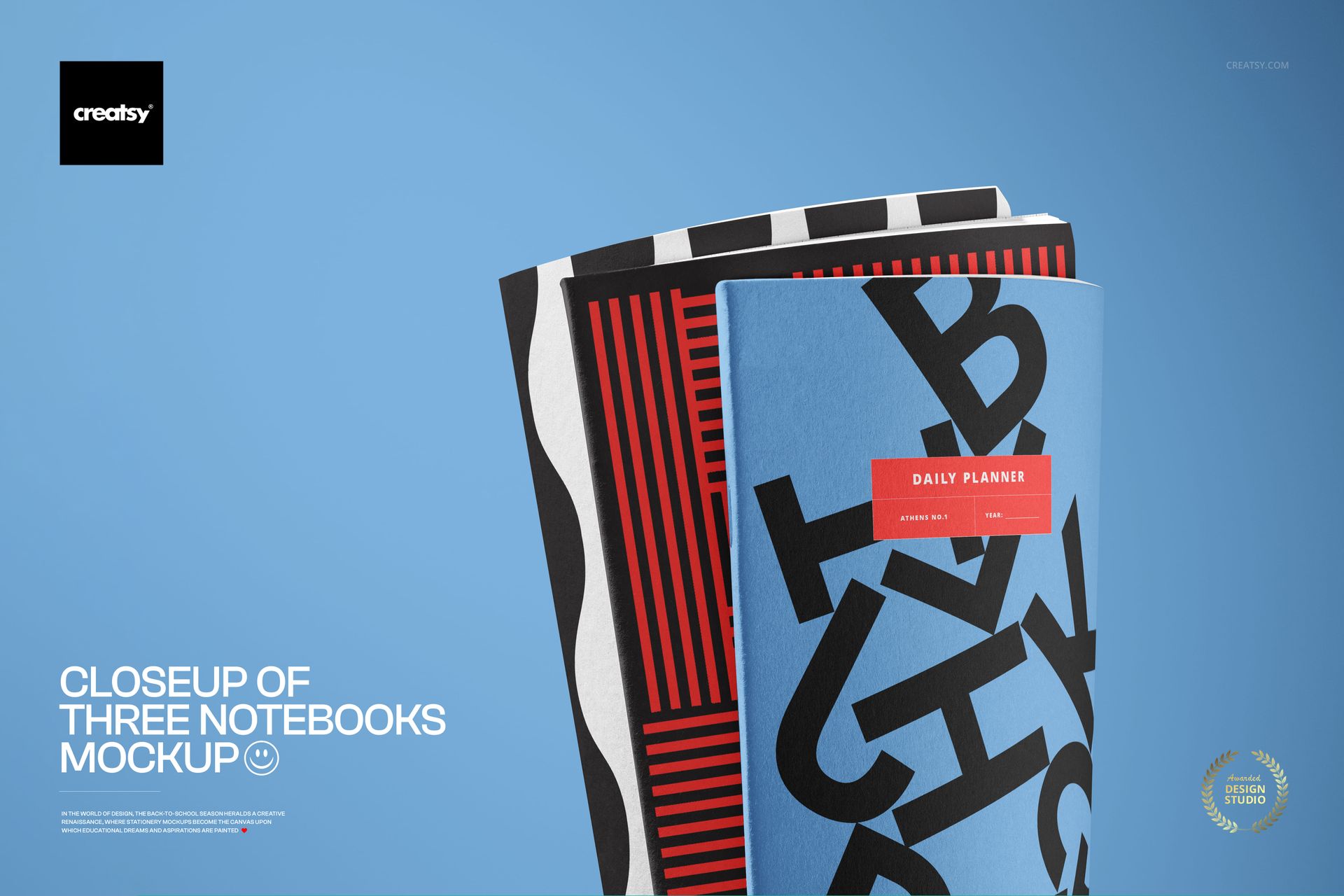
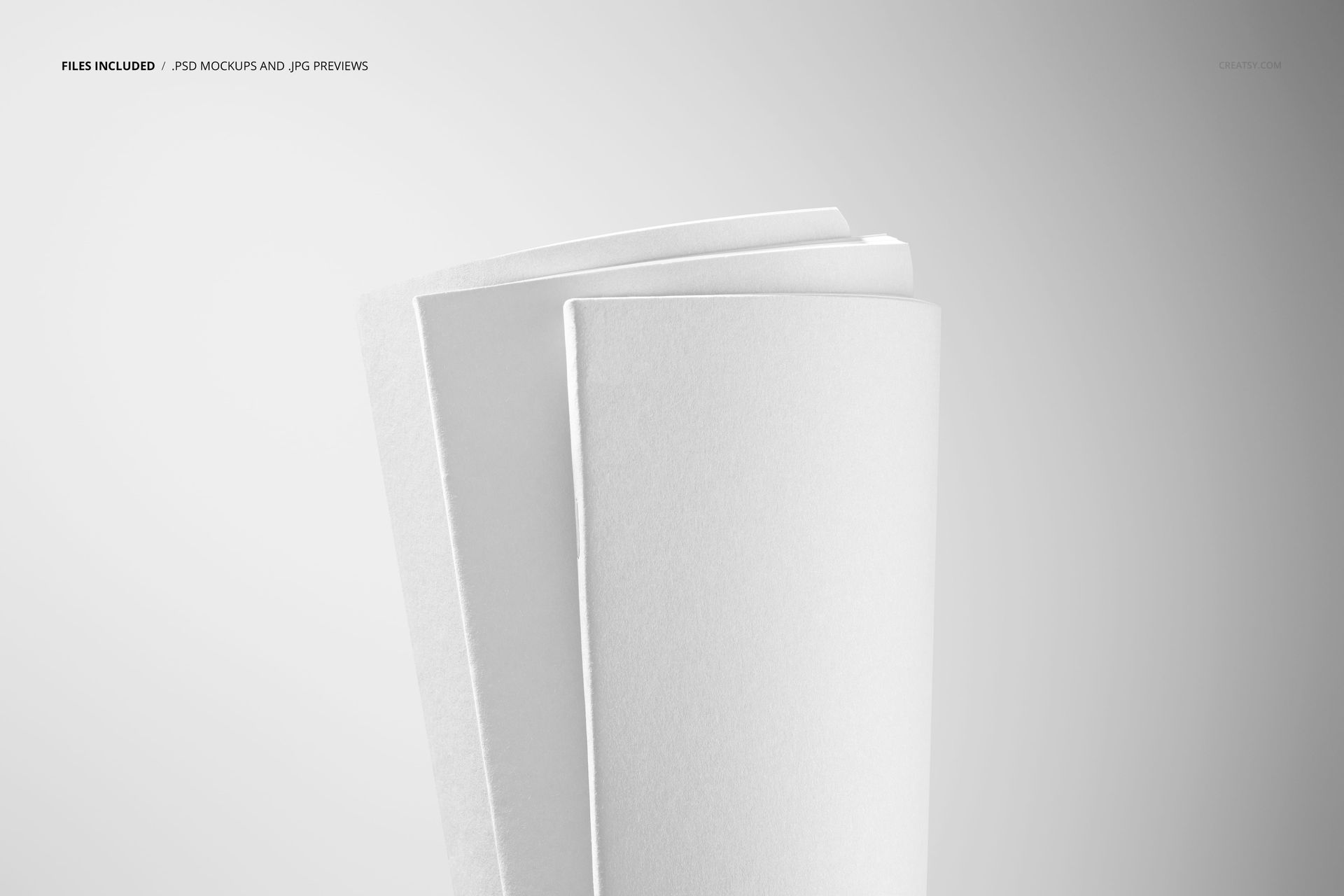
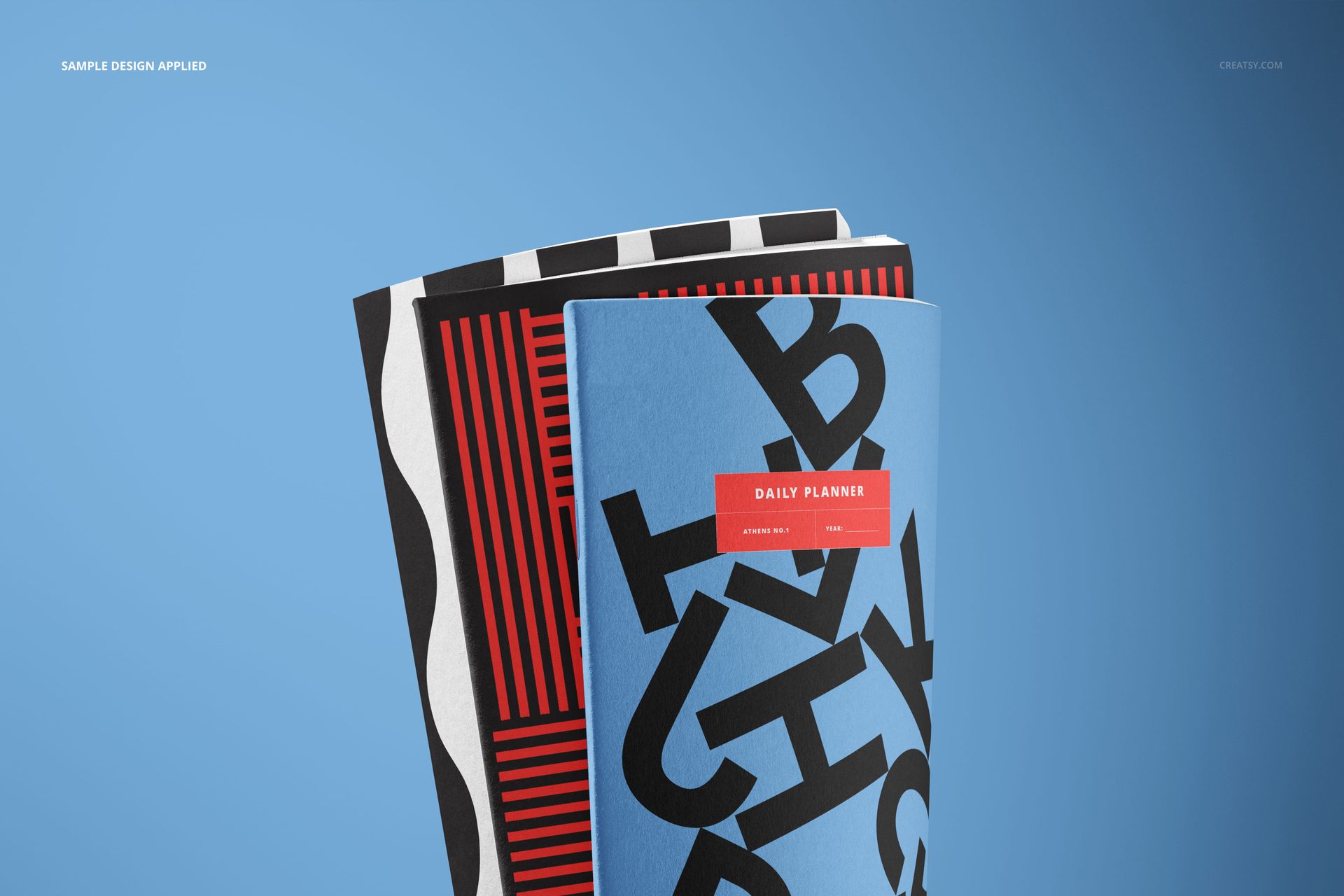
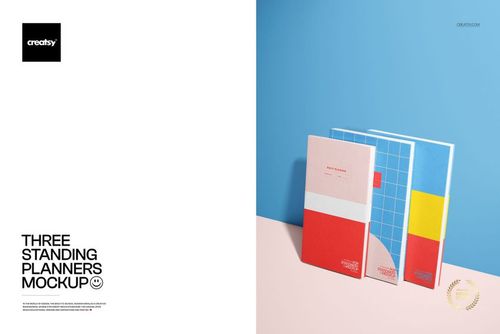
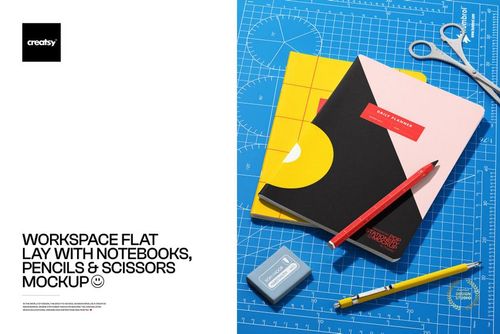
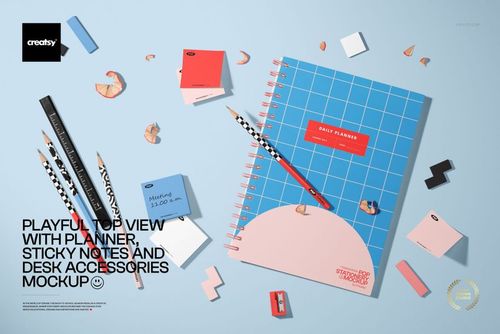
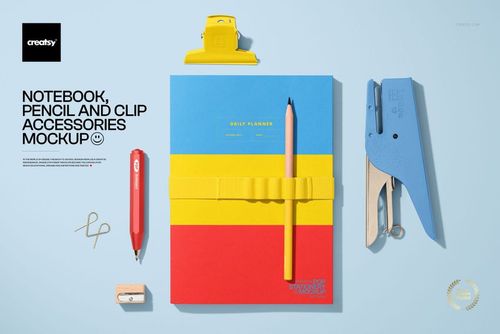
Present a coordinated C5 notebook collection in a close-up front view. The scene features three upright, overlapping notebooks with curved edges and visible paper texture, creating a focused presentation for cover artwork and stationery branding.
Use the staggered arrangement to compare related patterns, alternate colorways, branded covers, or a small notebook series in one compact composition.
What Is Included
1 organized, layered PSD mockup file
1 JPG preview image
2 files in total
1 editable scene featuring three notebooks
C5 notebook format
6000 x 4000 px resolution
300 DPI
Package size: 204 MB for Windows and 214 MB for macOS
Front-View Close-Up Detail
The upright composition highlights the notebooks' curved edges, overlapping forms, and paper texture. Different depths keep all three covers visible while giving the group a realistic sense of dimension.
Confirmed Customization Options
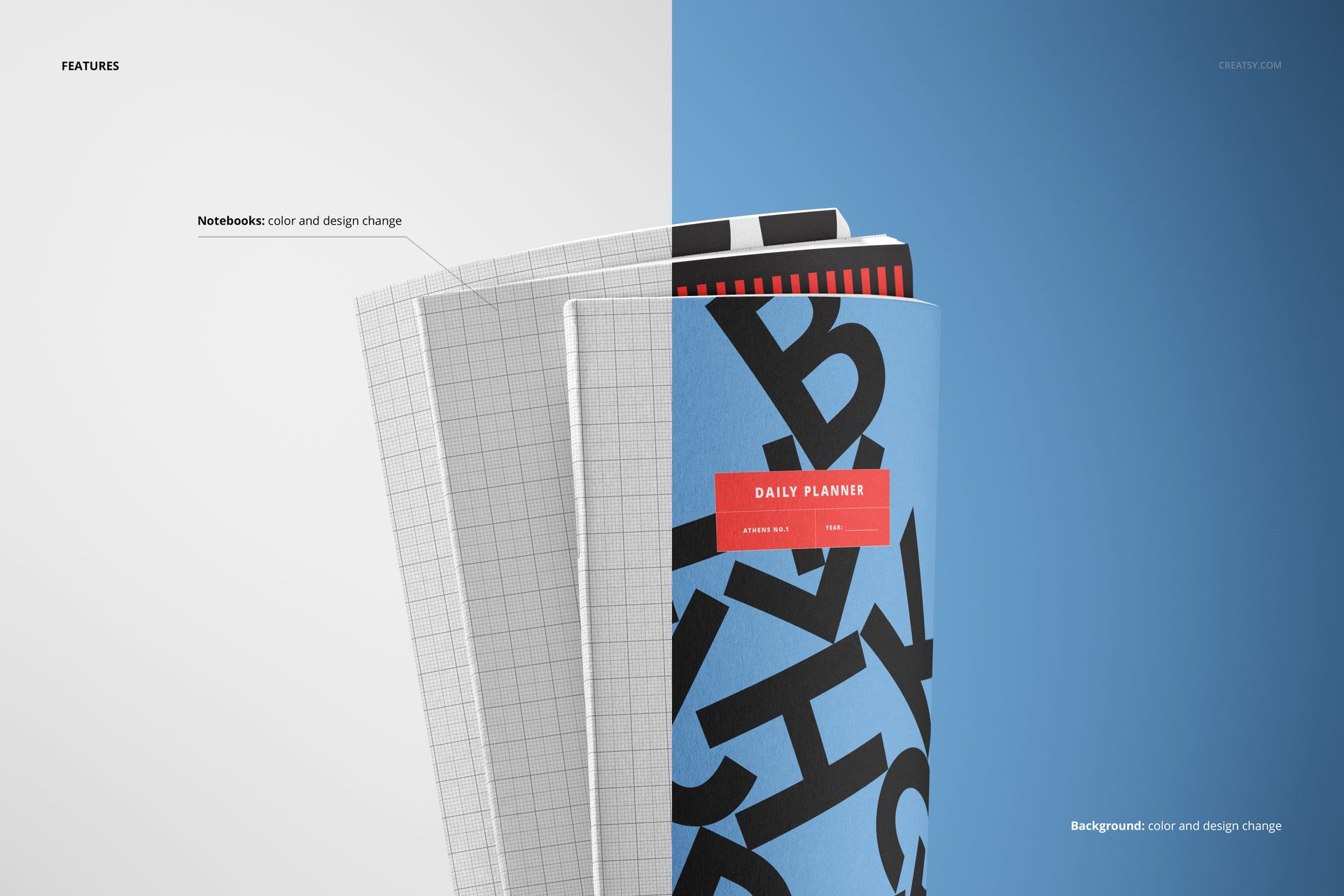
Easy Smart Object Editing
The PSD uses Smart Objects for supported artwork changes, while organized layers keep editable elements easy to locate. Work in Adobe Photoshop or Photopea, review the complete three-notebook composition, and export a polished presentation.
Perfect For
Coordinated notebook collections
C5 cover design showcases
Stationery branding projects
Pattern and illustration series
Portfolio and client presentations
Bundle Information
This mockup is also part of the Back to School Mockup Bundle.
Important Information
This is a digital product. No physical item will be shipped. The sample artwork shown in the previews is for presentation purposes only and is not included.