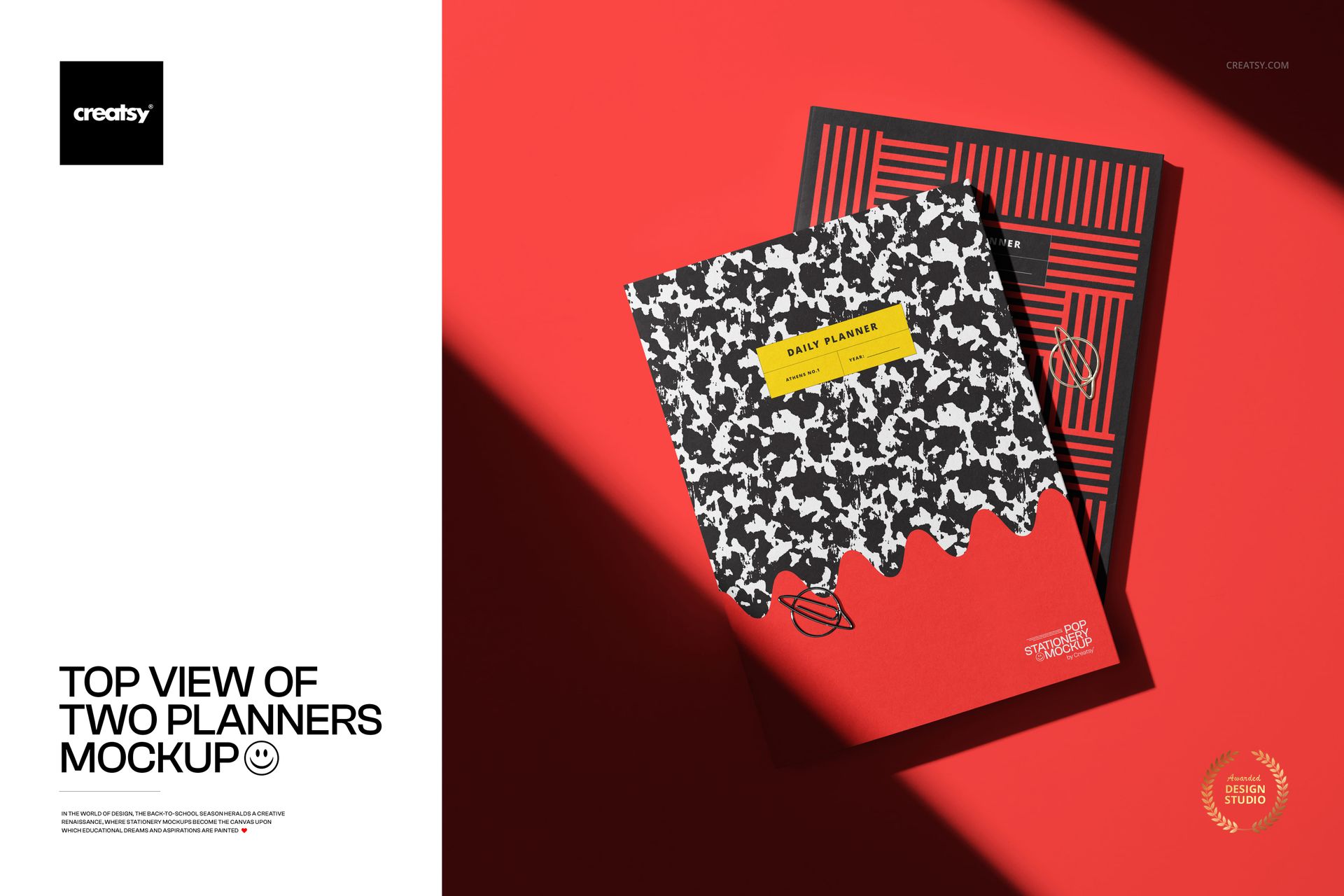
Top View of Two Planners Mockup
This product is a part of Back to School Mockup Bundle
Product Details
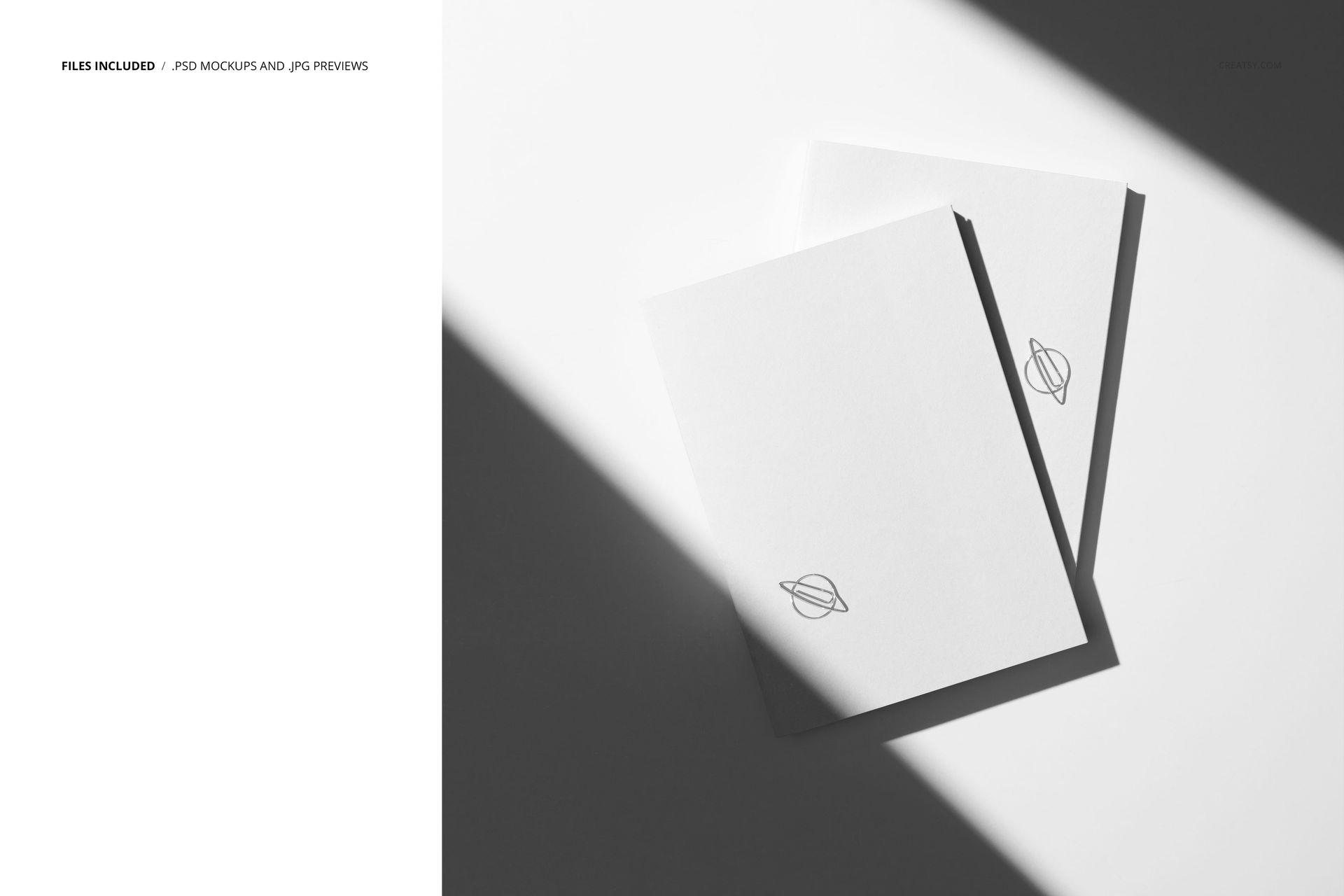
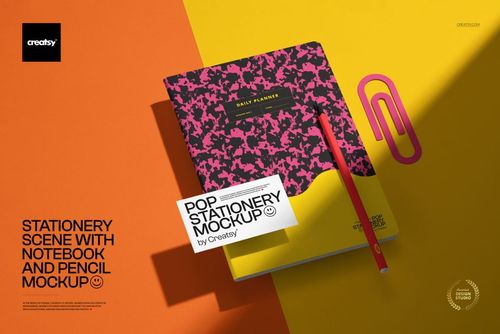
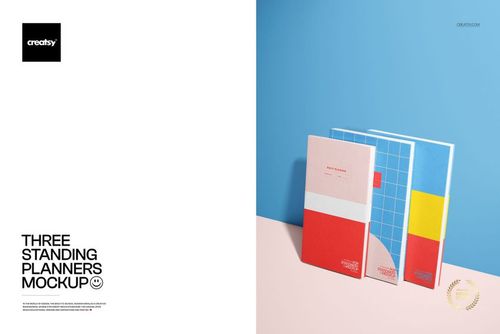
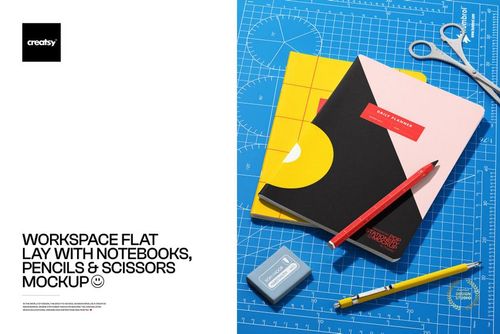
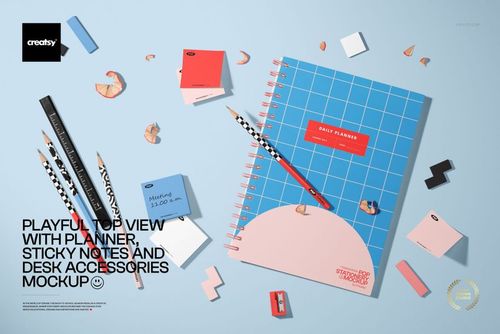
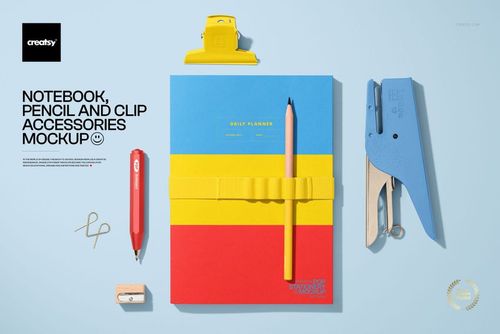
One planner on a surface shows a cover design. Two planners on a surface show a collection. The shift from singular product shot to paired composition changes what the viewer reads into the image - instead of evaluating one pattern, they start seeing a brand range, a seasonal line, a gift set, or a coordinated desk aesthetic. This top-view PSD mockup positions two planners side by side on a clean surface, giving you a ready-made layout for presenting design pairs, cover variations, or complementary patterns without building the scene from scratch.
The Composition Advantage
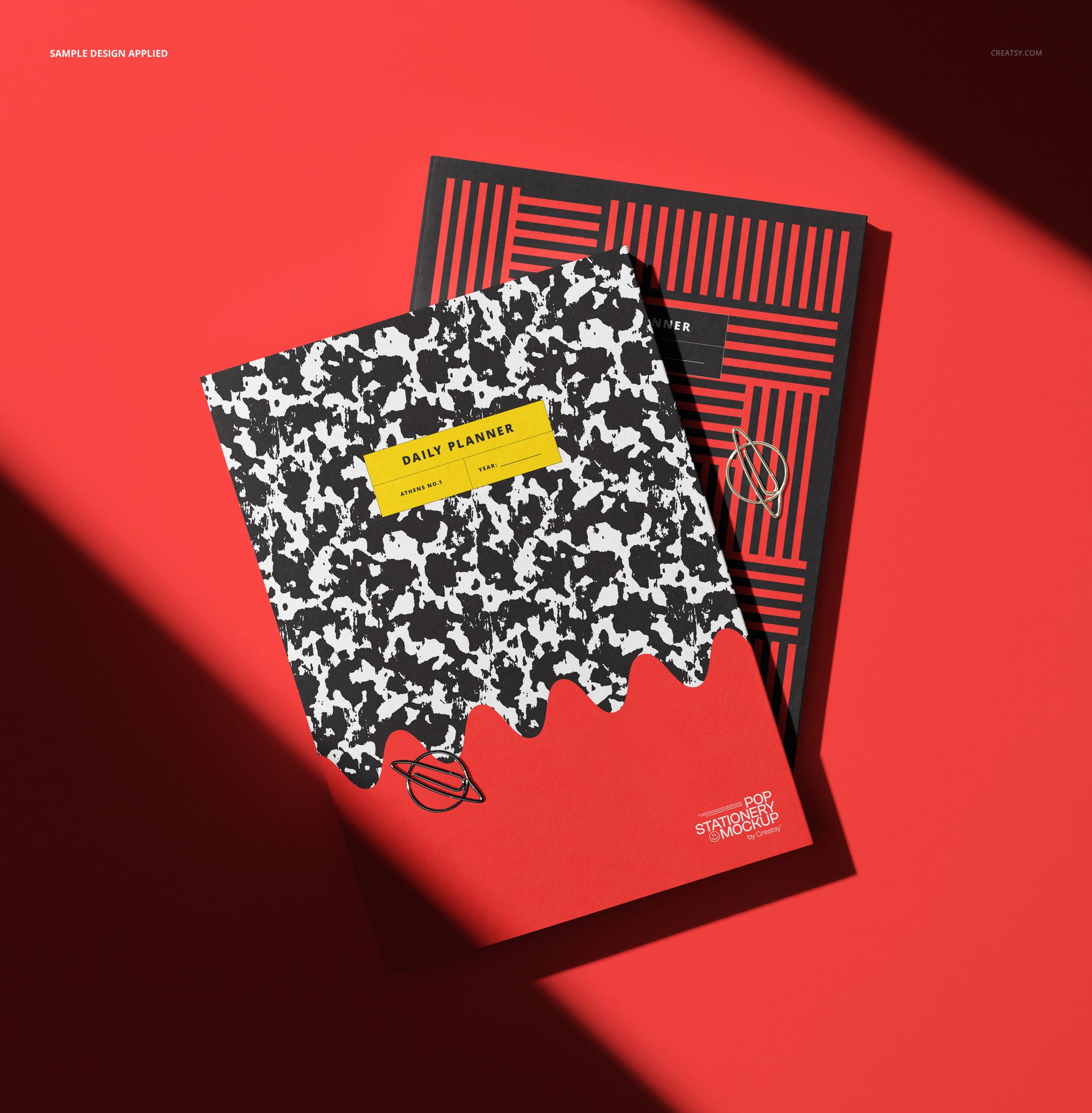
Flat-lay photography of two objects creates natural visual tension. The viewer's eye moves between the planners, comparing surfaces, registering similarities and differences. For designers selling cover templates or surface patterns, this comparison format does the selling work automatically. Place a floral version next to a geometric version and the buyer sees range. Place two colorways of the same pattern and the buyer sees intentional coordination. Place a front cover next to a back cover and the buyer sees the complete product before it ships.
File Specifications
The download contains a single PSD file built at approximately 3900 x 4000 pixels and 300 DPI - a nearly square canvas that crops well for Instagram feed posts, Pinterest square pins, and e-commerce product listing thumbnails. At 30 MB, the file loads quickly in both Adobe Photoshop CC and Photopea, the free browser-based PSD editor. Smart object layers for each planner cover accept your designs independently, so you can place different artwork on each planner or duplicate the same design across both for a unified look.
Independent Smart Objects
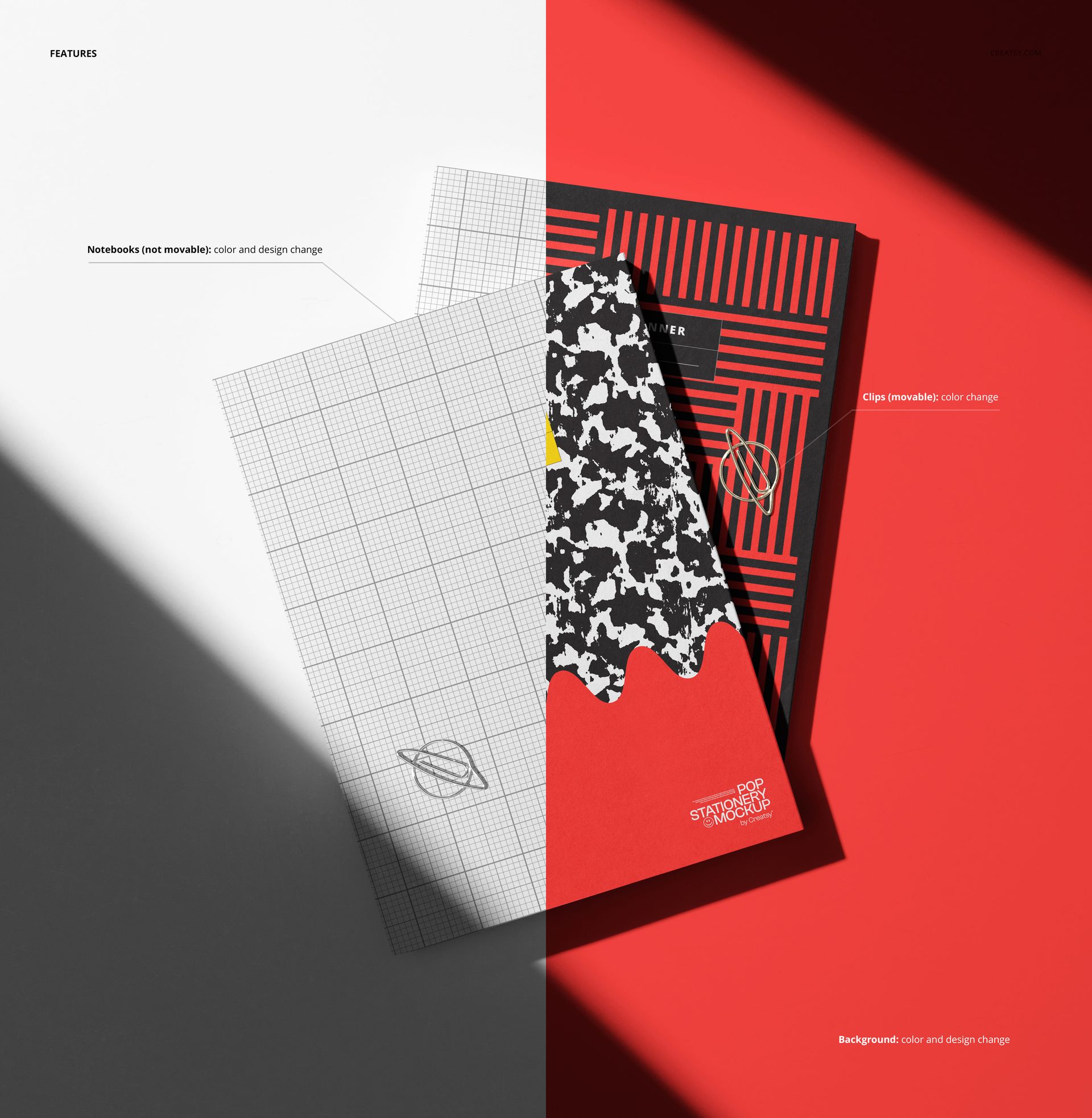
Each planner in the composition has its own smart object layer. This separation is the key functional difference between this mockup and single-planner alternatives. You control each cover independently - different patterns, different colors, different typography treatments - without affecting the other. This makes the file equally useful for showing a single design in two colorways, presenting a front-and-back cover pair, comparing a rough draft against a polished revision, or displaying two entirely unrelated products from the same product line.
Who Presents Planners in Pairs
Stationery brands launching seasonal collections show the full cover lineup in grouped compositions rather than isolated shots. Etsy sellers listing planner cover design files include mockup images showing multiple variations to demonstrate the versatility of their digital download. Print-on-demand sellers on Amazon KDP present front and back covers together to give buyers a complete picture of what arrives in the mail. Graphic design students building portfolio case studies pair concepts side by side to show the range of their exploration process. In each case, the two-planner format communicates more information per image than a single-planner mockup can deliver.
Top-View Perspective
The overhead angle eliminates perspective distortion that can make cover typography difficult to read in angled or three-quarter views. Every letter, illustration element, and pattern repeat on both covers renders at full legibility, which matters when the design includes small text, detailed illustrations, or intricate pattern work. For designers who need clients to evaluate fine details during the approval process, the top-view format removes visual obstacles that tilt-angle mockups introduce.
The clean background and controlled studio lighting keep the focus on the planner covers without environmental distractions. No desk clutter, no props fighting for attention, no competing textures underneath the products - just two planners and the designs on them.
File details
- Compatibility
- Number of files included
- 2
- Package size
- 30.3 MB
|31.8 MB
- Files type
- .psd, .jpg
- Files size
- 3900x4000


Made with Creatsy
Real designs. Real customers. See how creatives use Creatsy mockups to turn their artwork, branding, and product ideas into polished visuals.
MEET THE SHOP
- $1540$22.00
- $1330$19.00
- $1750$25.00

HOW IT WORKS
3 clicks. That's it.
No tutorial needed. If you can copy-paste, you can use this.
- 1OpenDouble-click the smart object inside the PSD - in Adobe Photoshop, or free in your browser with Photopea.
- 2PasteDrop in your pattern, print, or artwork. Any design, any style.
- 3SaveHit save and the mockup wraps it in for you - shadows, folds, and lighting included.
FROM IDEA TO IMAGE
Built for real workflows
Pitch the whole brand in one scene Lay the cards, tags, and labels out together so the client sees the identity as a set, not separate flat files.
See it on the product, not a swatch Drop your file into the smart object and the scene's lighting and folds wrap around it, so you judge the real thing before you commit.
Smart Objects
Edit once and you're done. Your artwork drops into a smart object and the mockup updates itself - no masking, no warping by hand.
Perfectly Organized
Named layers and folders you can actually navigate. Find what you need, change what you want, and get out fast.
Print-Ready
High-resolution files built to hold up on screen and in print. Exact size and DPI are in this product's Details above.