Flat Lay of Six Colored Pencils Mockup
This product is a part of Back to School Mockup Bundle
Product Details
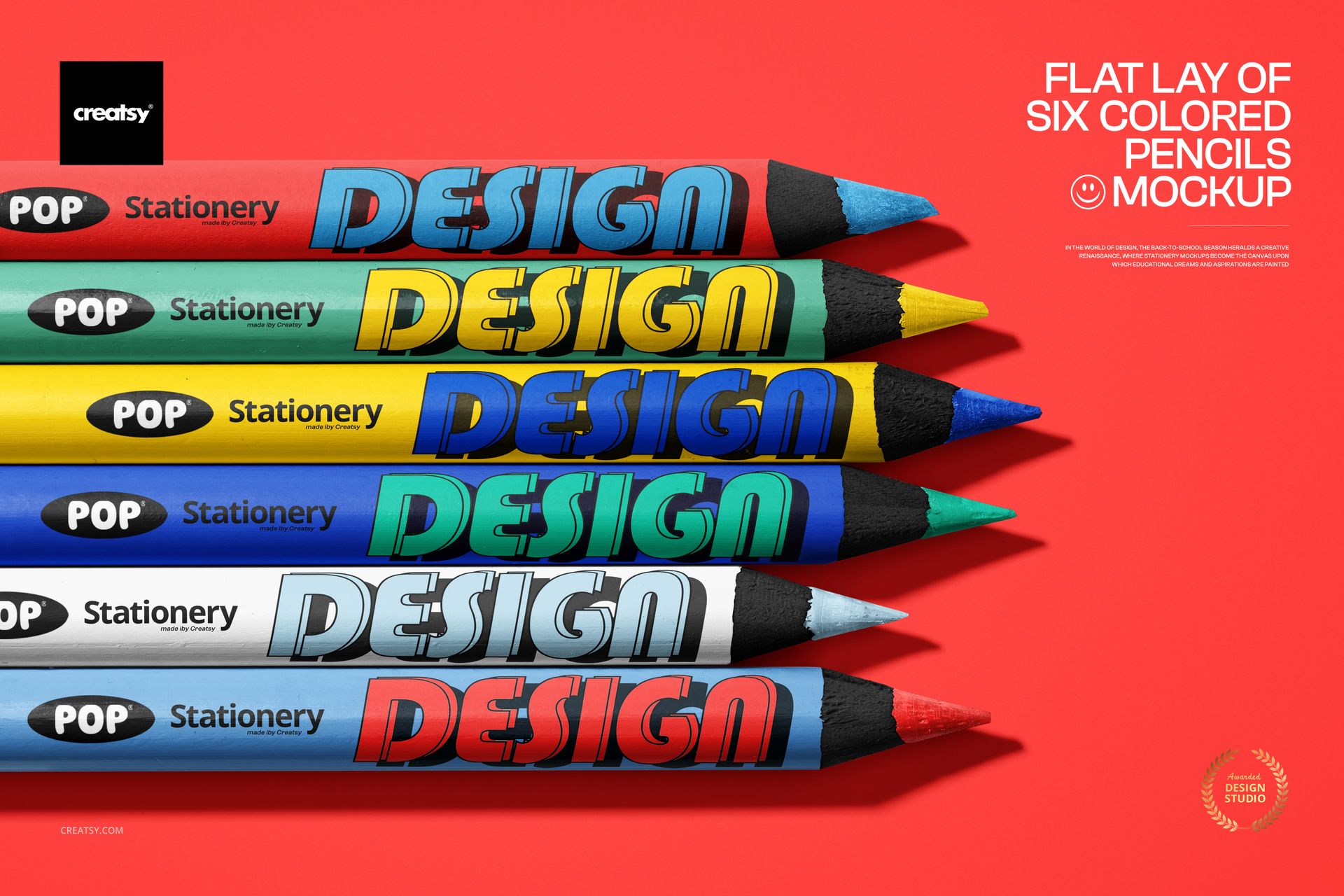
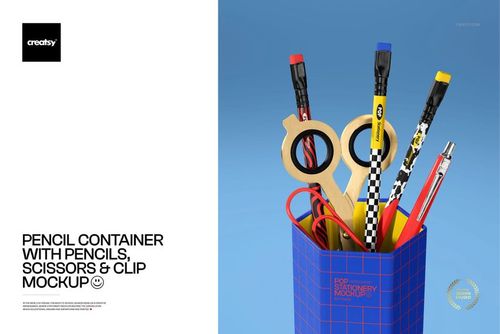
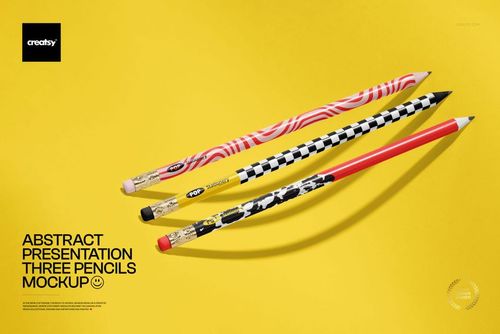
Colored pencil mockup with six pencils in a flat lay
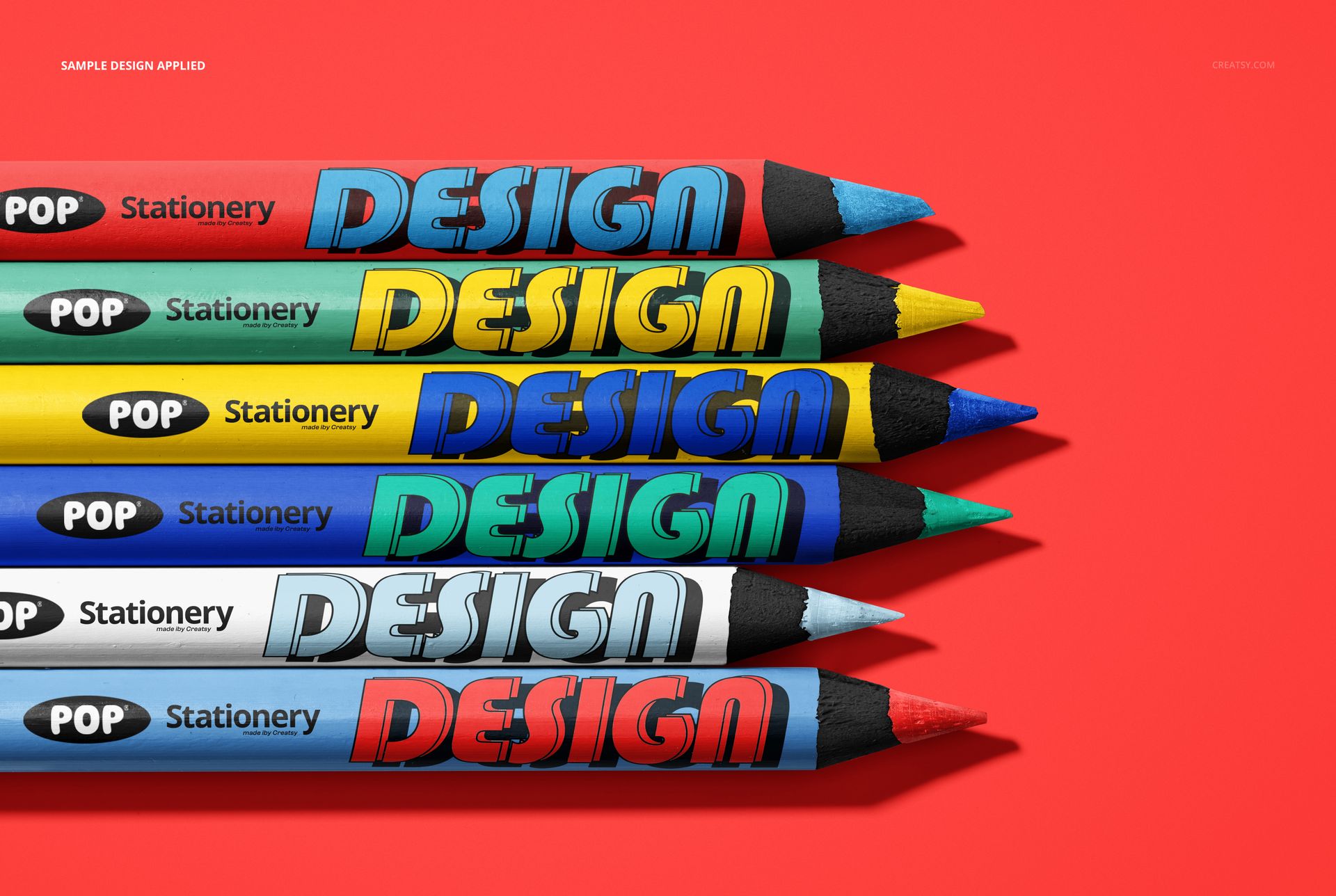
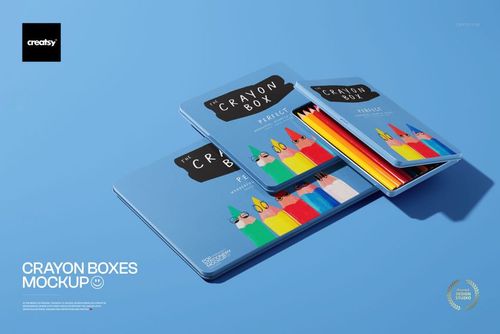
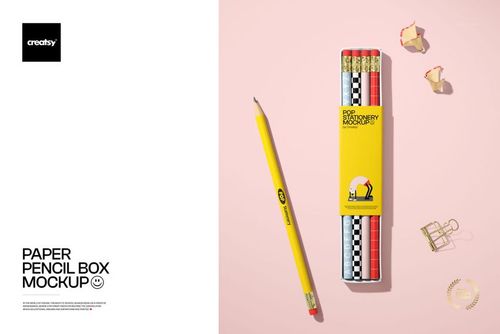
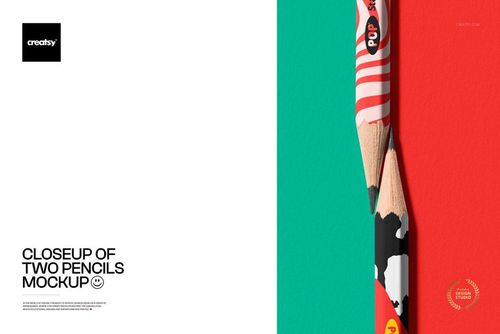
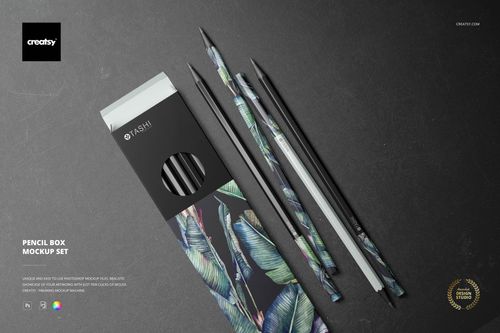
This is a colored pencil mockup: six sharpened pencils lie in a clean top-down row, ready for your branding. Add your design to the barrels through smart objects, recolor the pencils, the wood, and the background, and you have a bright, tidy product shot for a stationery or school-supply line, with no printing and no photographer. Nearly everything in the frame bends to your palette.
The scene
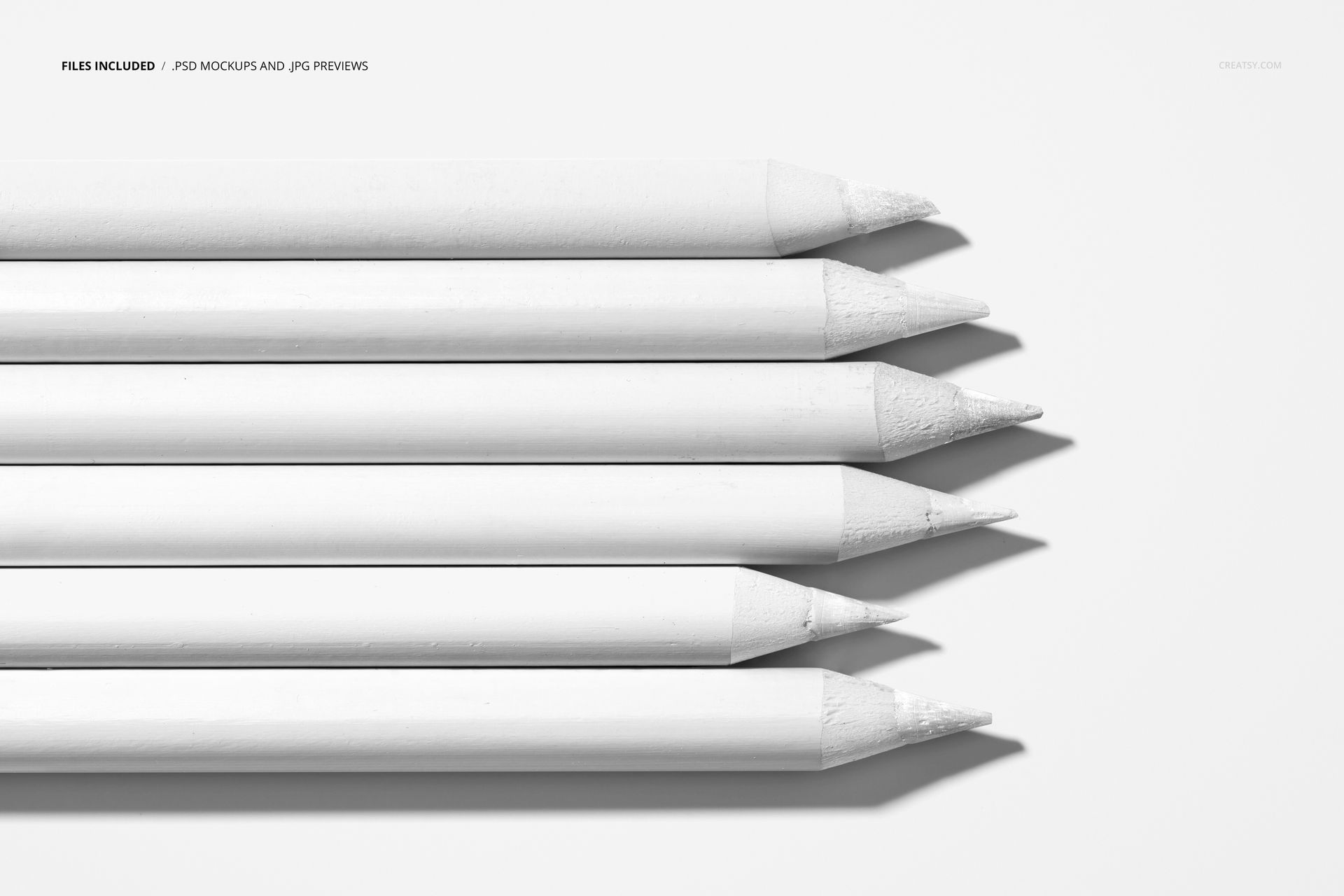
Six pencils sit side by side, sharpened to show the wood and the colored tip, on a solid backdrop that fills the frame. The look is clean, playful, and a little bold, the kind of flat lay that suits kids stationery, back-to-school ranges, art supplies, and craft brands. Because the arrangement is fixed, every design you load lands in the same neat row, so a set of pencils reads as one coordinated product.
What you can edit
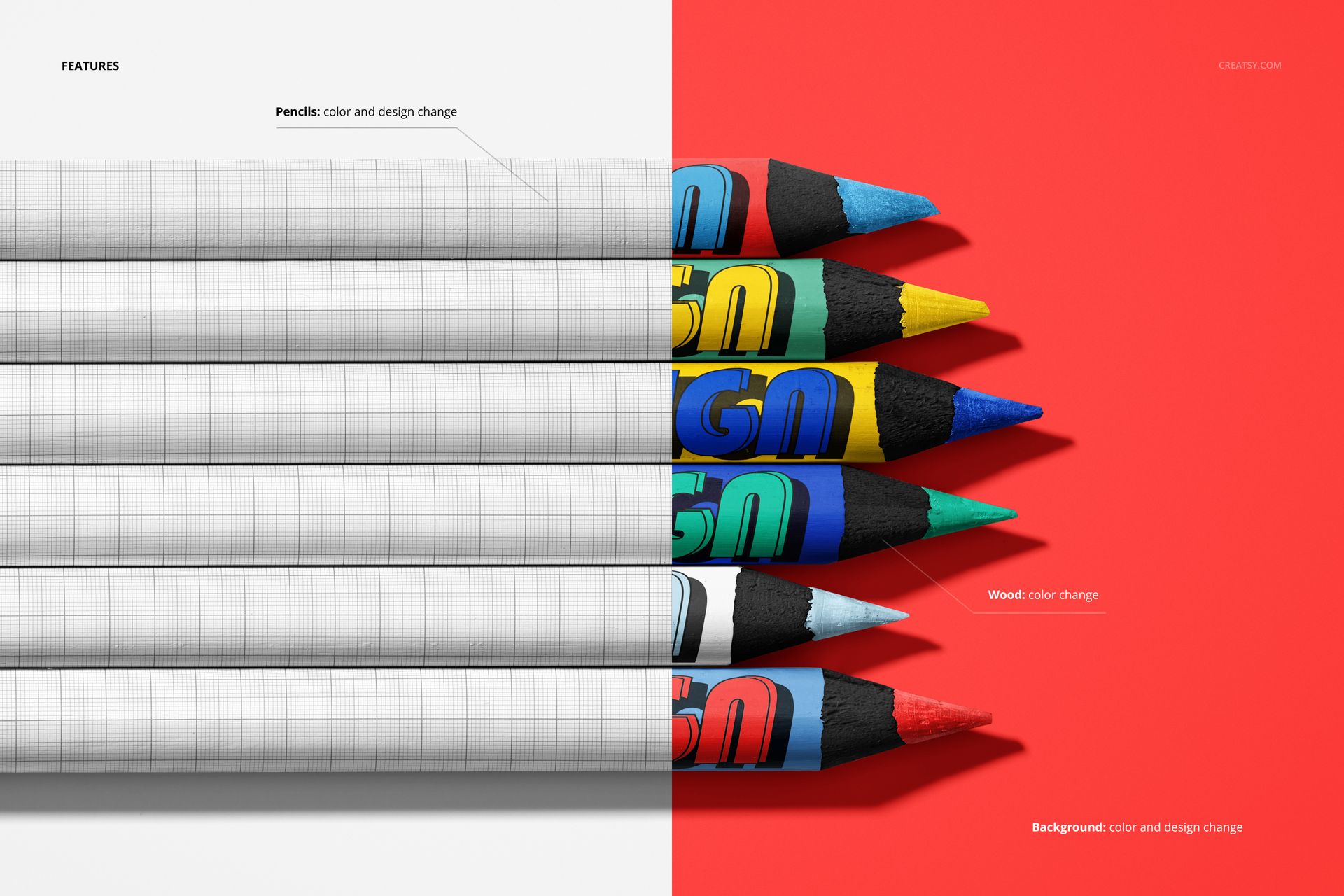
You control the whole scene. Each pencil barrel takes a color and a design change through a smart object, so you can wrap a logo, a name, a pattern, or a full print around all six or give every pencil its own look. The wood tip changes color, and the background changes color and design too, so you can set a brand backdrop behind the set. The pencils stay in their flat-lay arrangement, so this is one clean, repeatable layout rather than a scene you restage.
Brand the whole set
Because the barrels, the wood, and the background are all editable, you can build a fully branded pencil set instead of dropping a logo onto a stock photo. Run one design across the six for a uniform pack, or vary the color per pencil to show a range, then drop your brand color or pattern behind them. It is the fast way to present a stationery product as a finished, shelf-ready set.
Made for bright, bold branding
Pencils are a colorful product, so the mockup leans into that. Strong barrel colors, crisp printed designs, and a fully editable backdrop let you build an image that pops in a thumbnail, which matters for kids and craft ranges where color is the first thing a buyer notices. Load a bright palette and the set looks lively, or keep it soft and it reads calm and premium. The choice stays with you.
How it works
Open the PSD in Photoshop or in Photopea, the free browser editor. Double-click a pencil smart object, drop in your artwork, and save, and it wraps onto the barrel with the shading and highlights already in place. Recolor the wood and the background to match, export a JPG or PNG, and the shot is ready for an Etsy listing, a product page, an ad, or a catalog.
One layout, a whole range
Since the row, the light, and the angle never change, a set of shots made from this file all match. Swap the designs and colors for each product or each collection, export, and your shop shows a tidy, on-brand stationery line rather than a pile of mismatched photos. That consistency reads as professional in a busy marketplace, and it costs nothing once the file is set up.
Specifications
1 layered PSD file
4000 x 6000 px, 300 dpi
Six editable pencil barrels (color and design) through smart objects
Editable wood color
Editable background color and design
Fixed flat-lay arrangement
Well organized, clearly named layers
Works in Adobe Photoshop CC and in Photopea
Package size about 185 MB
Who it is for
It fits stationery and school-supply brands, kids and craft labels, art-supply makers, and print-on-demand sellers building a pencil or coloring set. Designers can use it to present a packaging or branding concept to a client without ordering samples. If you want a clean, colorful pencil shot in a few minutes, this delivers it and keeps working for every new design.
File details
- Compatibility
- Number of files included
- 2
- Package size
- 184 MB
|193 MB
- Files type
- .psd, .jpg
- Files size
- 4000x6000


Made with Creatsy
Real designs. Real customers. See how creatives use Creatsy mockups to turn their artwork, branding, and product ideas into polished visuals.
MEET THE SHOP
- $1615$19.00
- $1615$19.00
- $1700$20.00

HOW IT WORKS
3 clicks. That's it.
No tutorial needed. If you can copy-paste, you can use this.
- 1OpenDouble-click the smart object inside the PSD - in Adobe Photoshop, or free in your browser with Photopea.
- 2PasteDrop in your pattern, print, or artwork. Any design, any style.
- 3SaveHit save and the mockup wraps it in for you - shadows, folds, and lighting included.
FROM IDEA TO IMAGE
Built for real workflows
Skip the photo shoot Show your artwork on the real product type for approvals or listings - no studio, no model, no sample.
See it on the product, not a swatch Drop your file into the smart object and the scene's lighting and folds wrap around it, so you judge the real thing before you commit.
Smart Objects
Edit once and you're done. Your artwork drops into a smart object and the mockup updates itself - no masking, no warping by hand.
Perfectly Organized
Named layers and folders you can actually navigate. Find what you need, change what you want, and get out fast.
Print-Ready
High-resolution files built to hold up on screen and in print. Exact size and DPI are in this product's Details above.