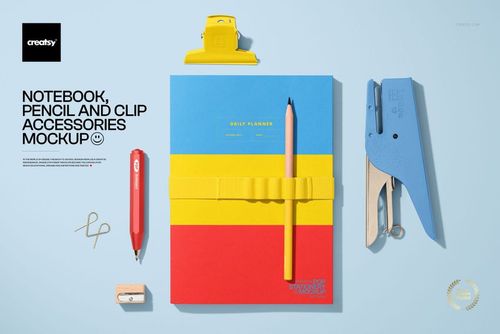
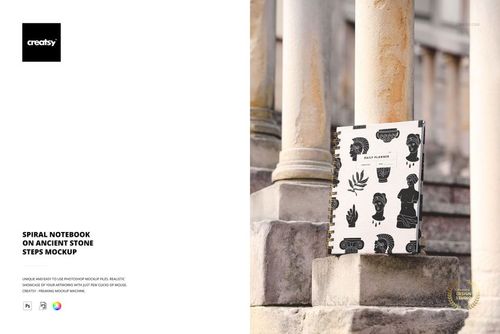
Tabbed Weekly and Monthly Planner Mockup Set
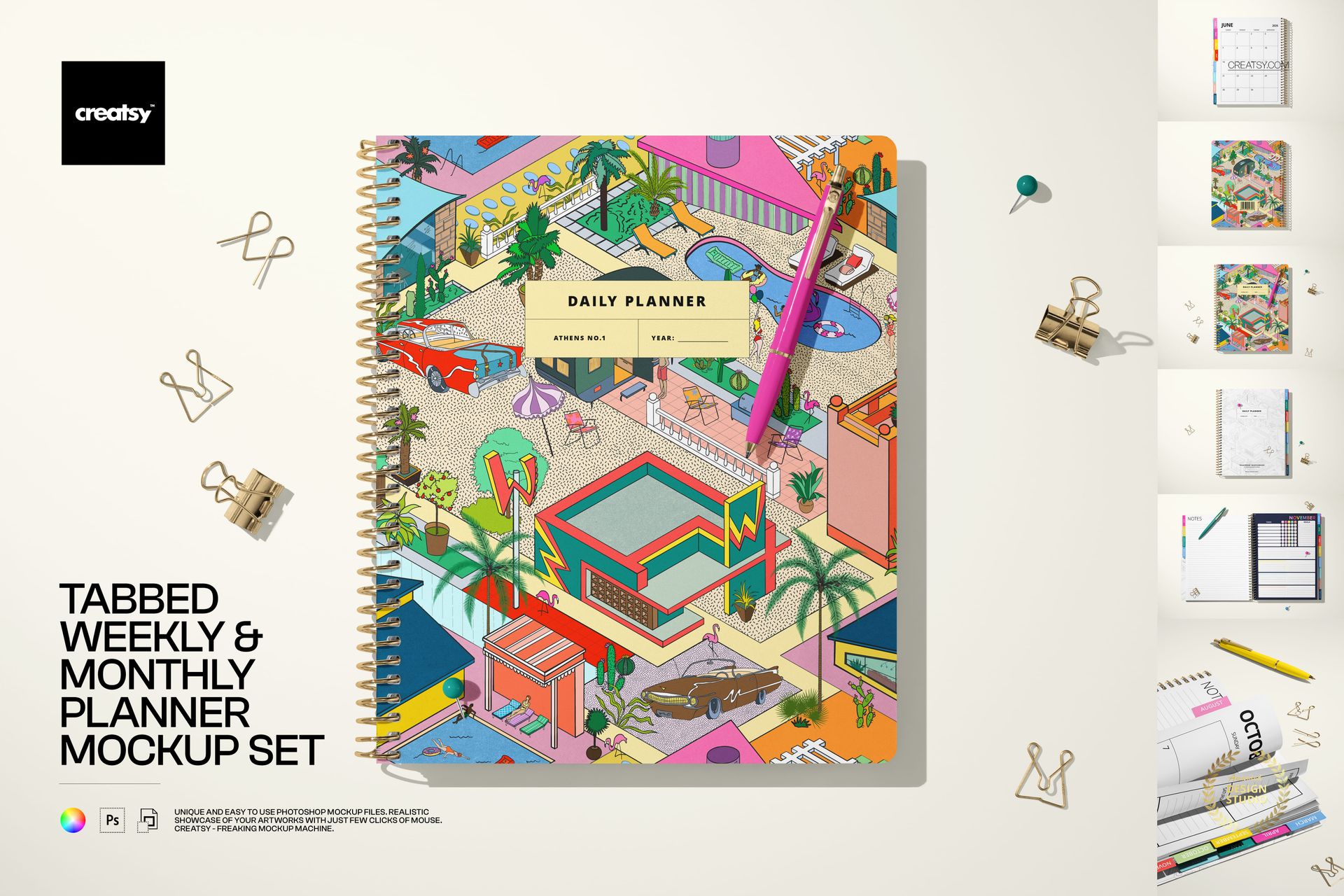
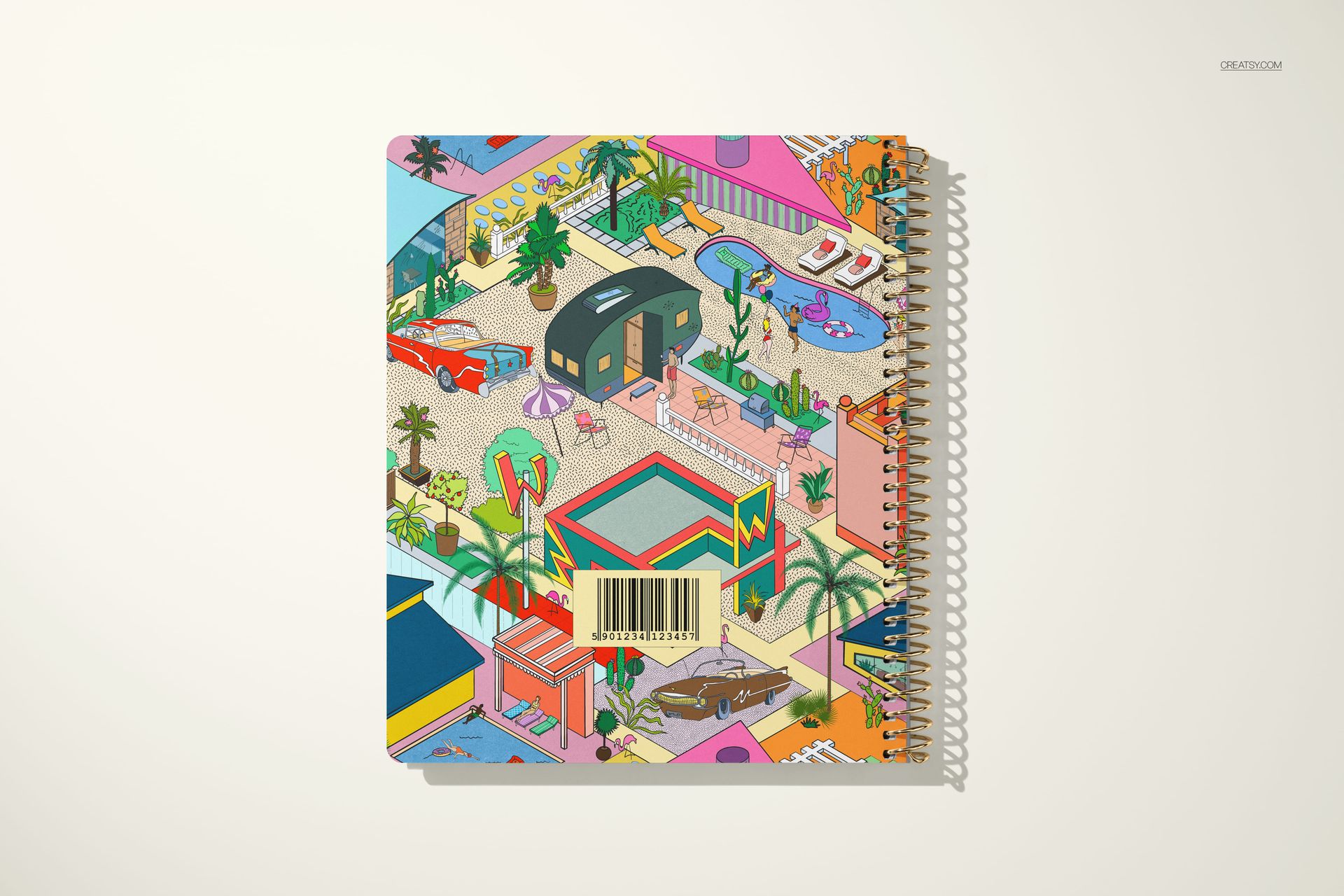
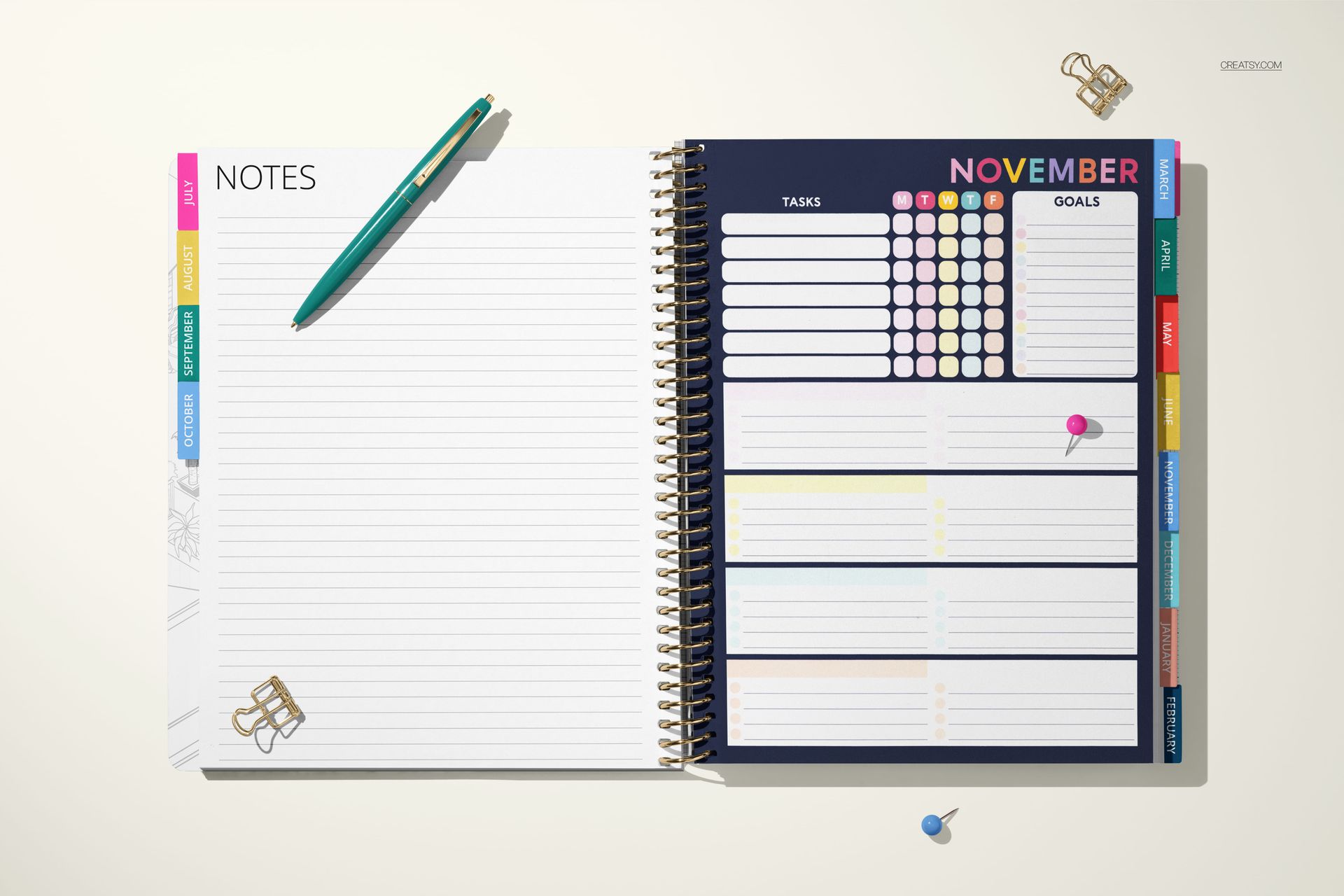
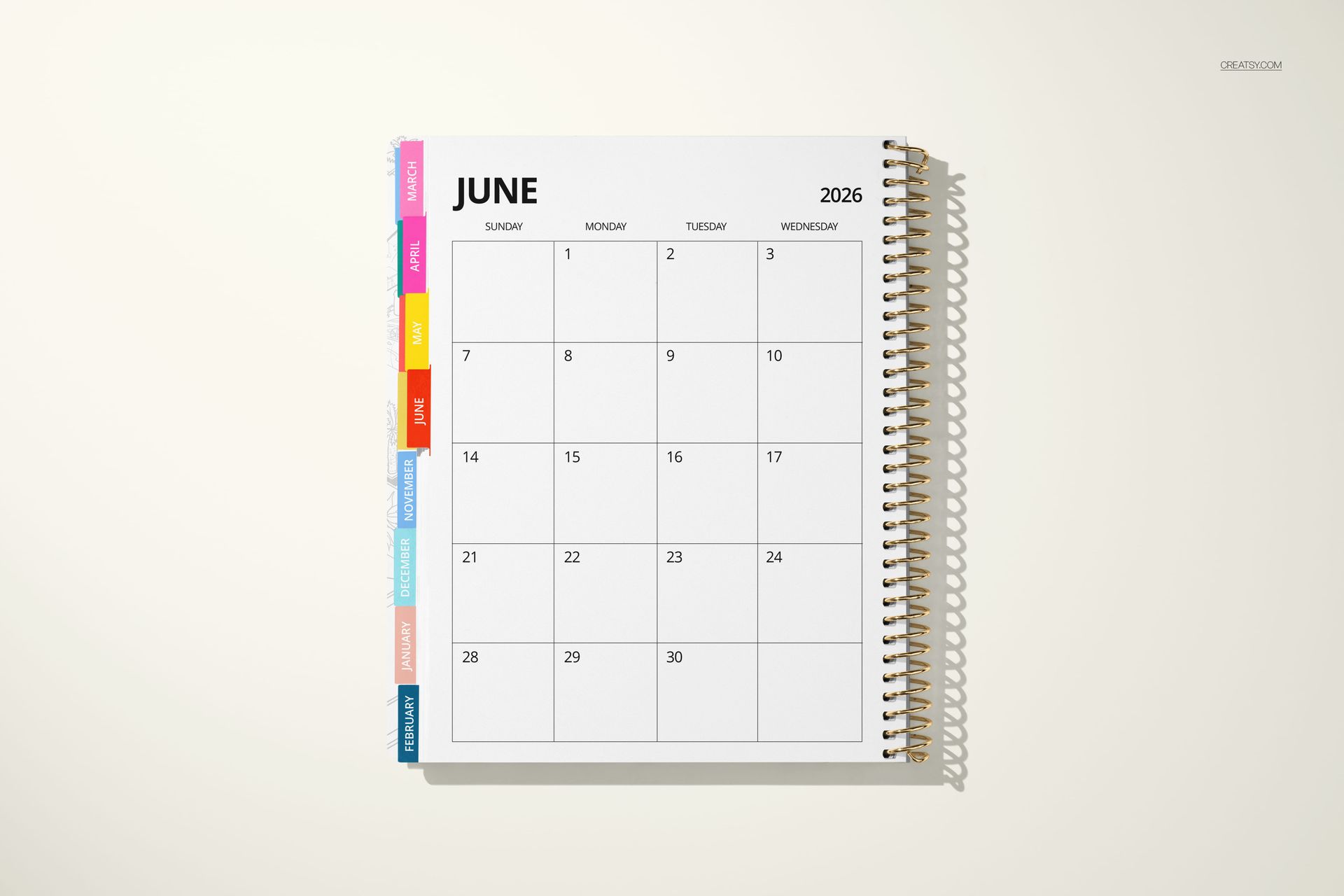
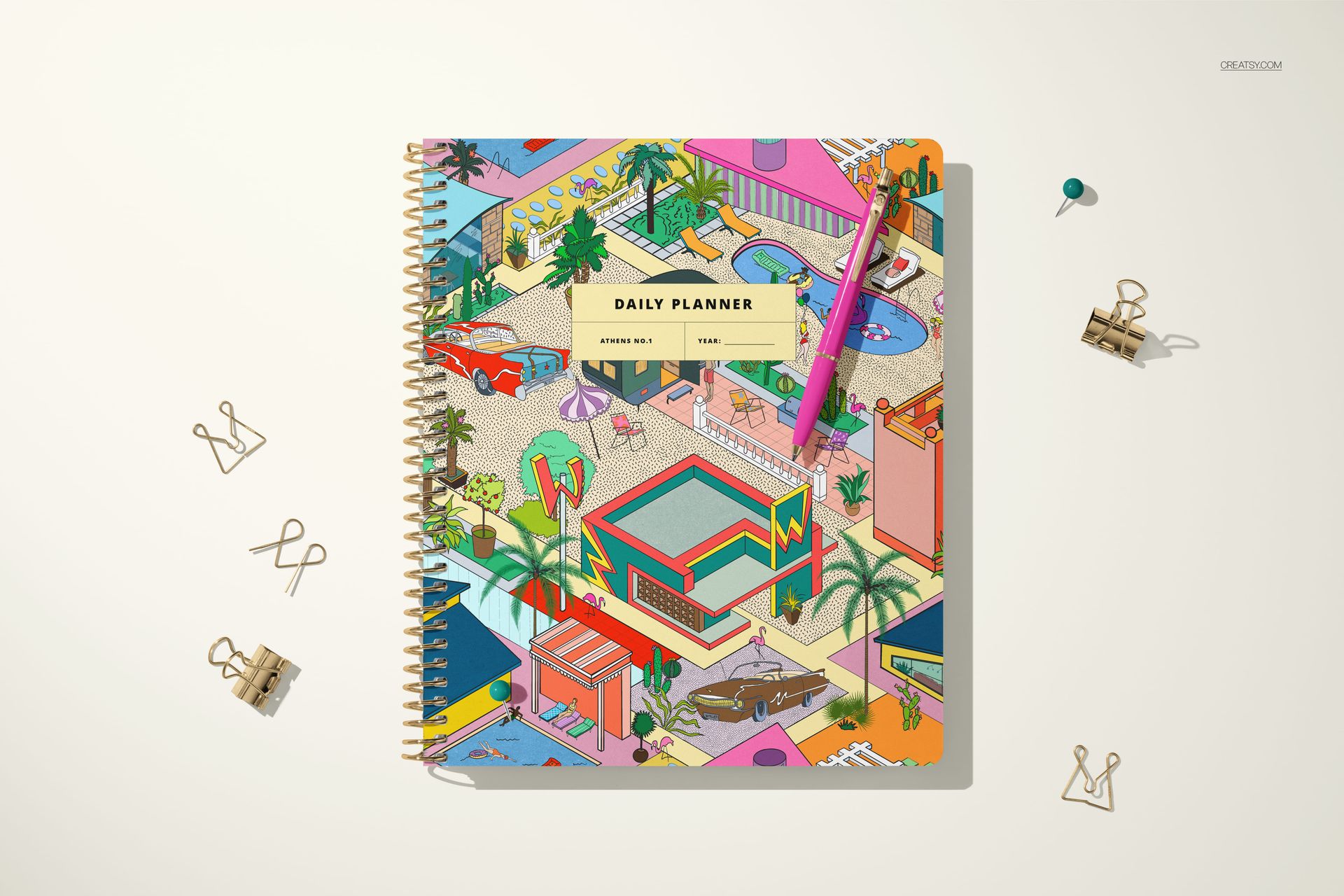
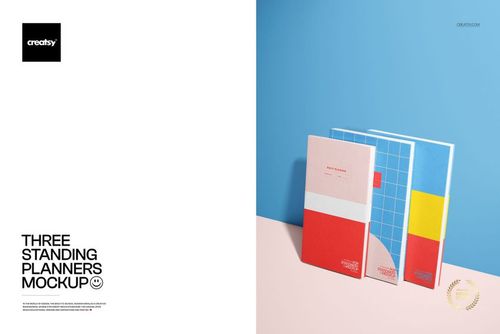
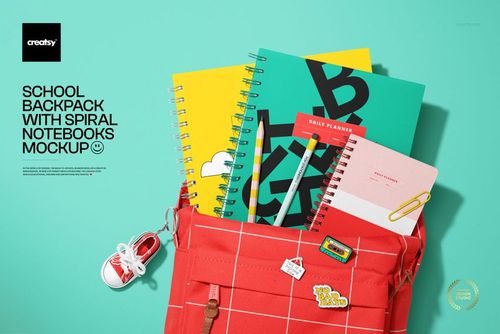
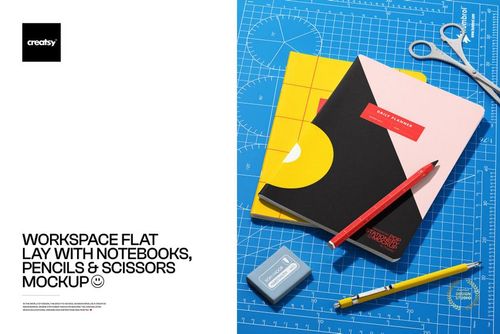
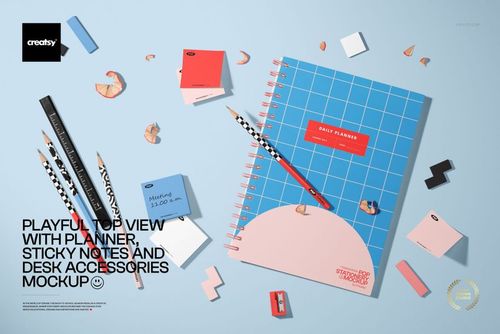
Build a complete planner presentation with six coordinated mockup scenes. The set moves from closed cover views to open weekly and monthly spreads, overhead arrangements, and close-up details, so customers or clients can understand both the overall product and its navigation system.
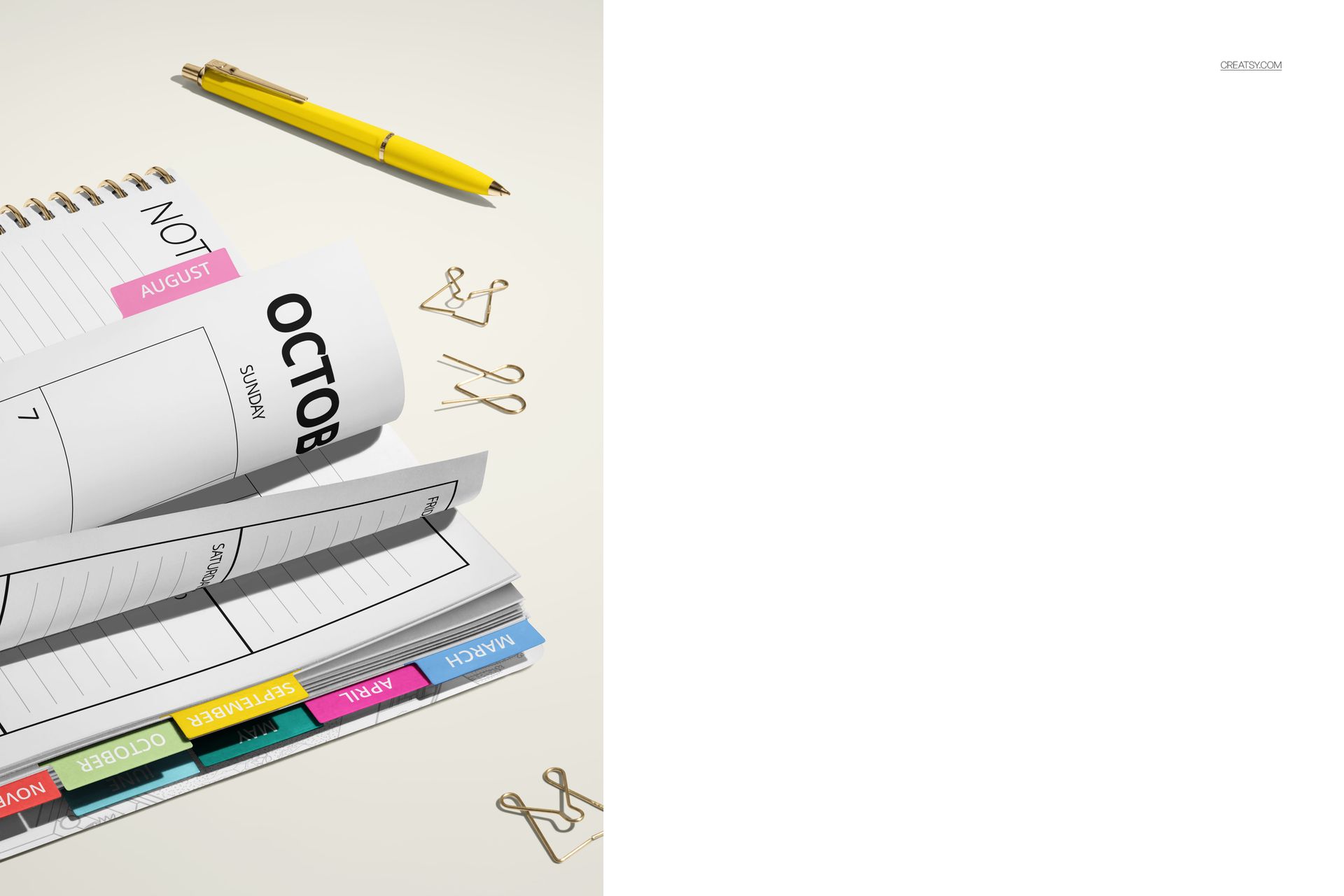
Use the different perspectives to compare cover artwork, page layouts, monthly color coding, and tab treatments without photographing a physical sample.
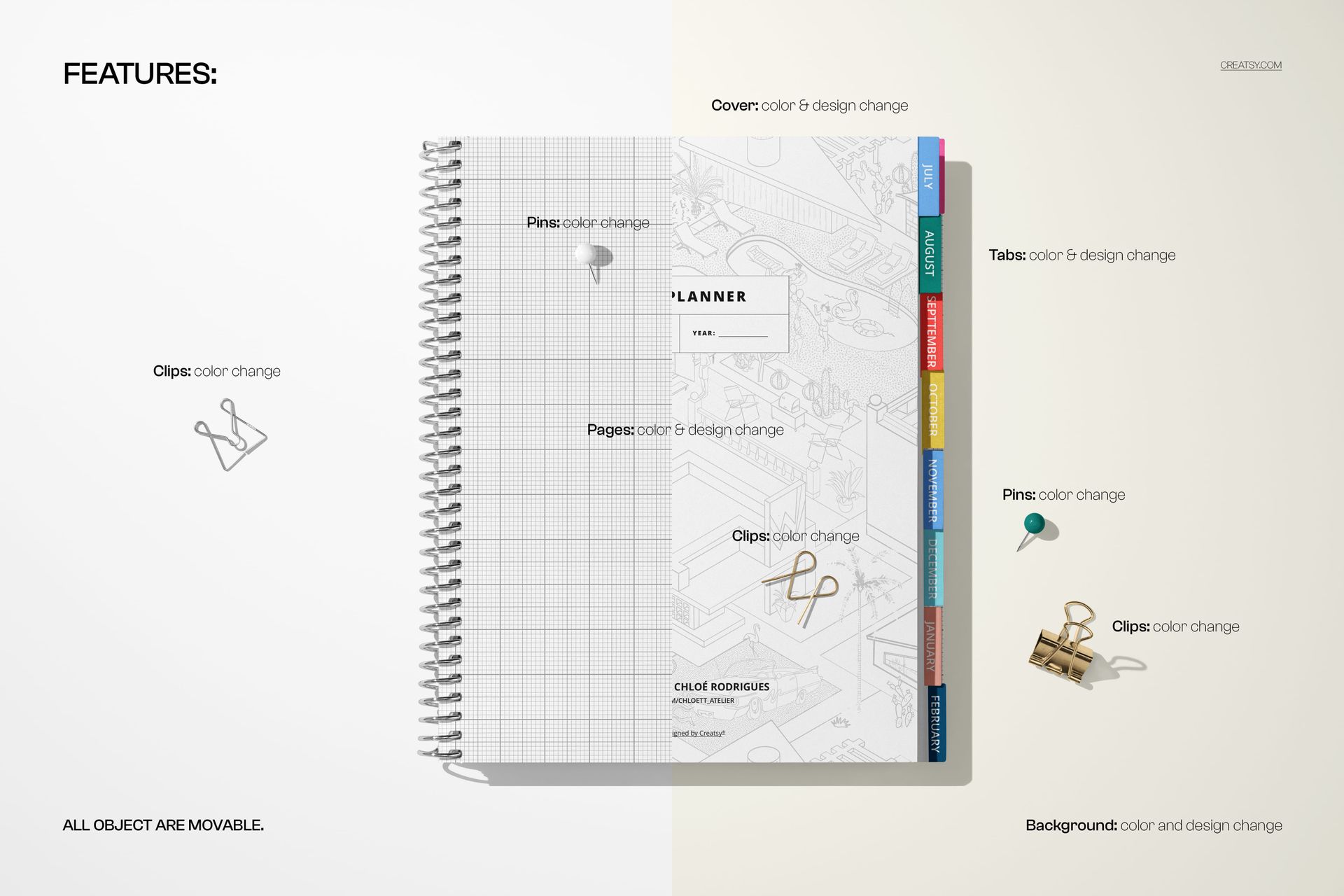
Customize the Planner Details
Change the color and design of the cover
Change the color and design of the tabs and pages
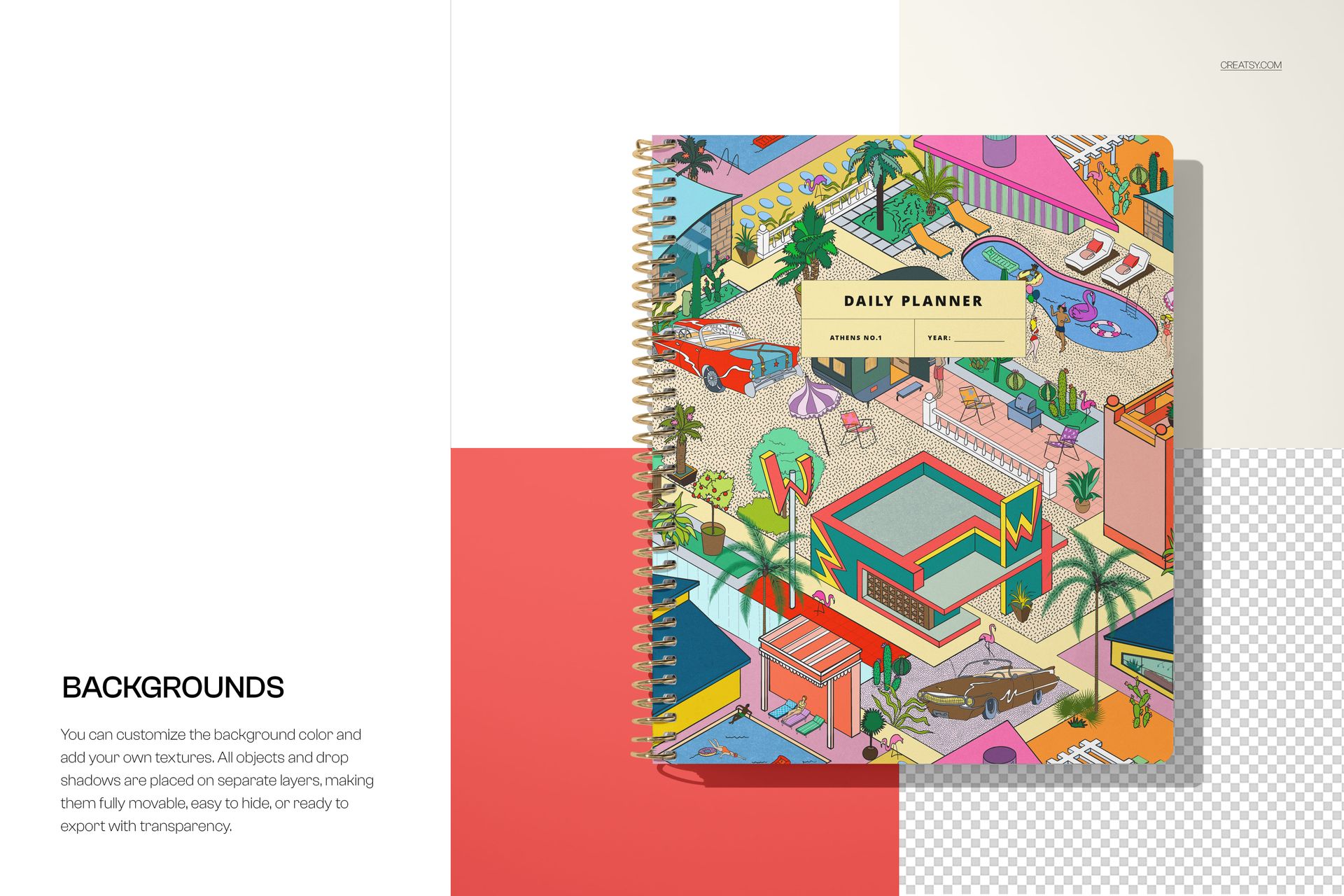
Change the color and design of the background
Change the colors of the pins and clips
Move all scene objects to refine the composition
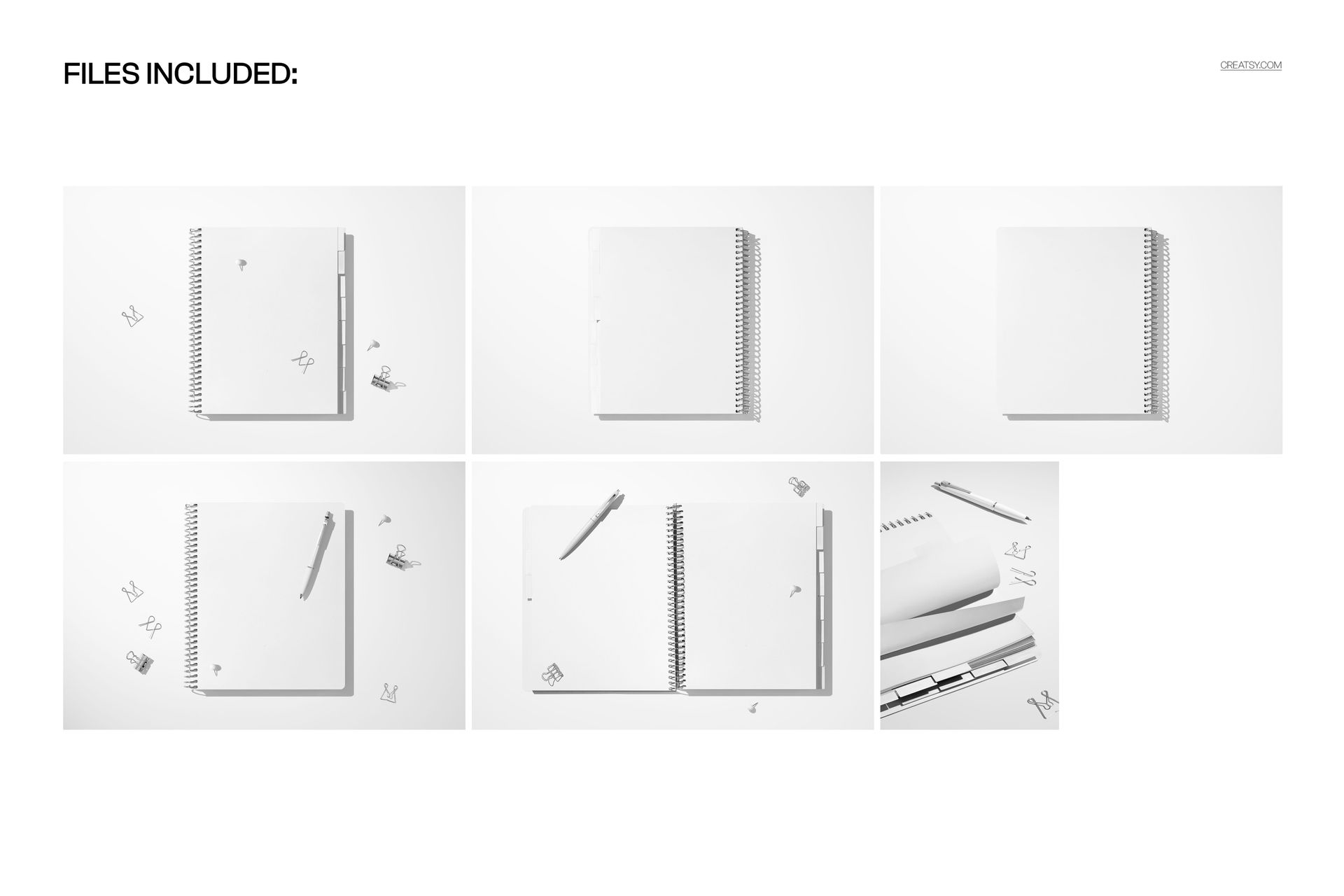
Six Coordinated Mockup Scenes
Closed-cover and open-spread presentations
Top-down views for complete planner layouts
Close-up angles for tabs, pages, and binding details
A mix of landscape and portrait preview orientations
Included Files
Easy Smart Object Editing
Place artwork through Smart Objects and use the well-organized layers to update each scene. The layered structure keeps cover, page, tab, background, and accessory adjustments easy to locate.
Software Compatibility
Edit the PSD files in Adobe Photoshop CC2020 or newer, or use the Photopea online mockup editor.
Please Note
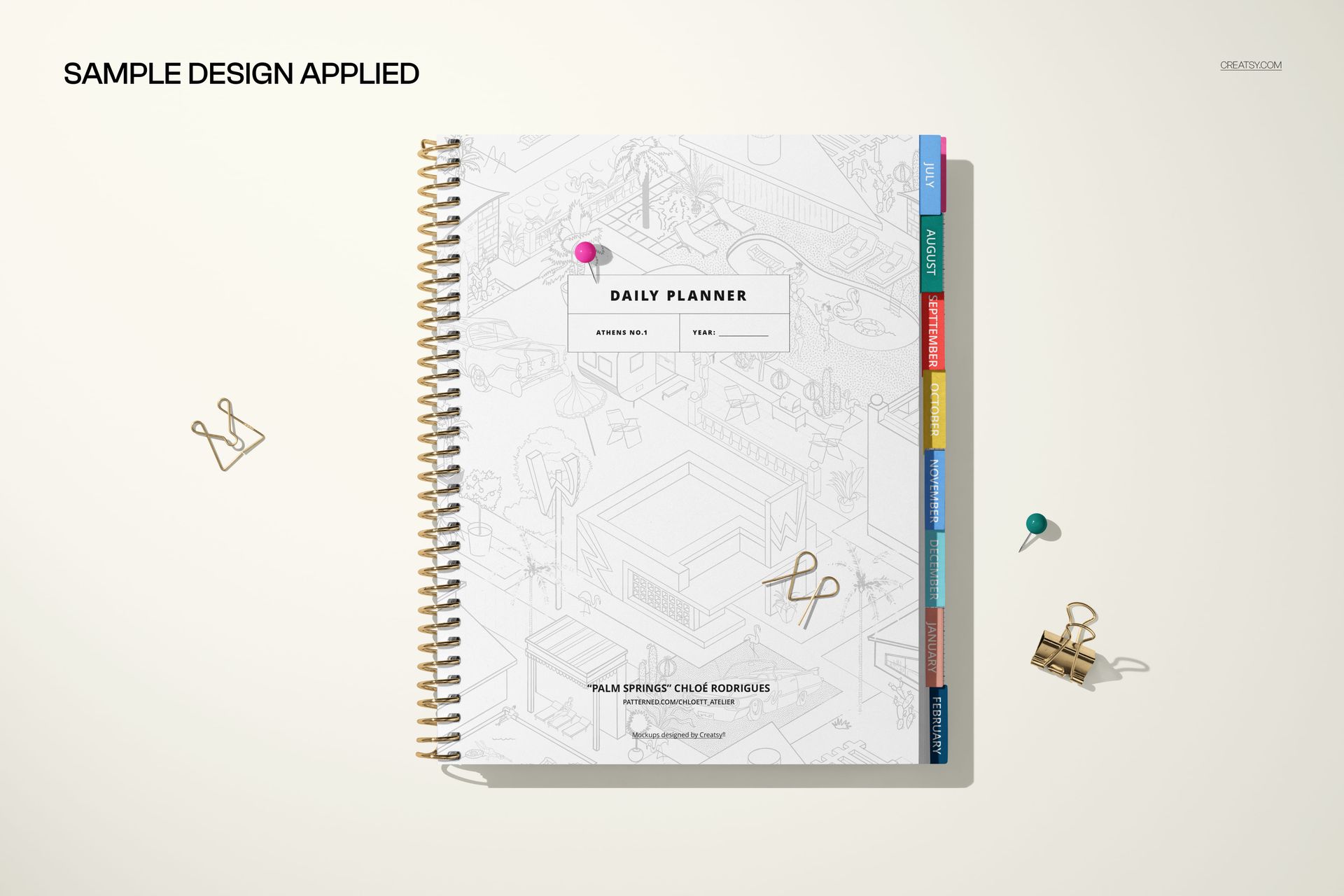
This is a digital mockup set. No physical planner or stationery props are included or shipped. Sample artwork shown in the previews is for demonstration and is not included.