Closeup of Paper Folder Mockup
When a folder design depends on precise pattern scale, logo placement or carefully selected color details, a distant product shot may not show enough.
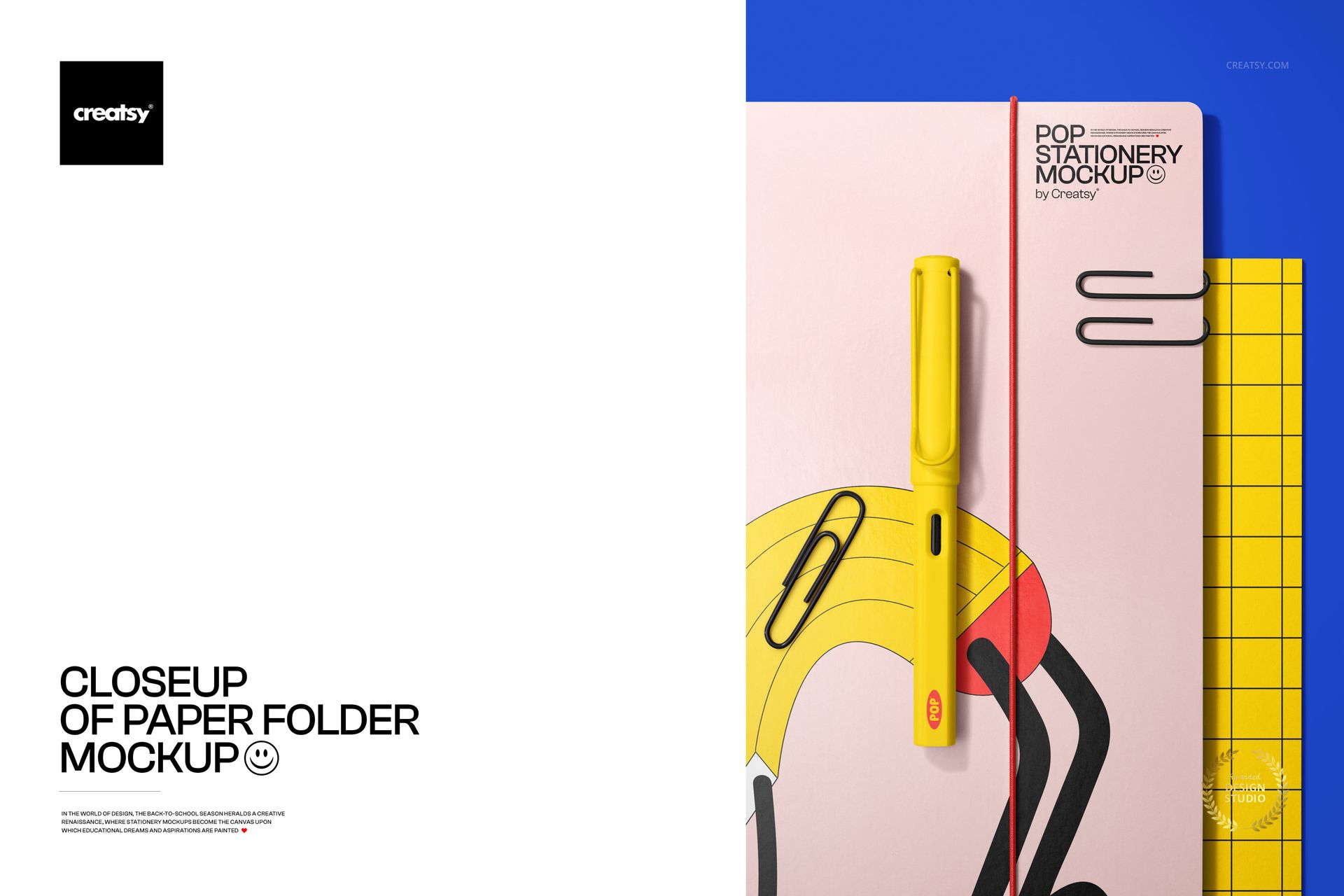
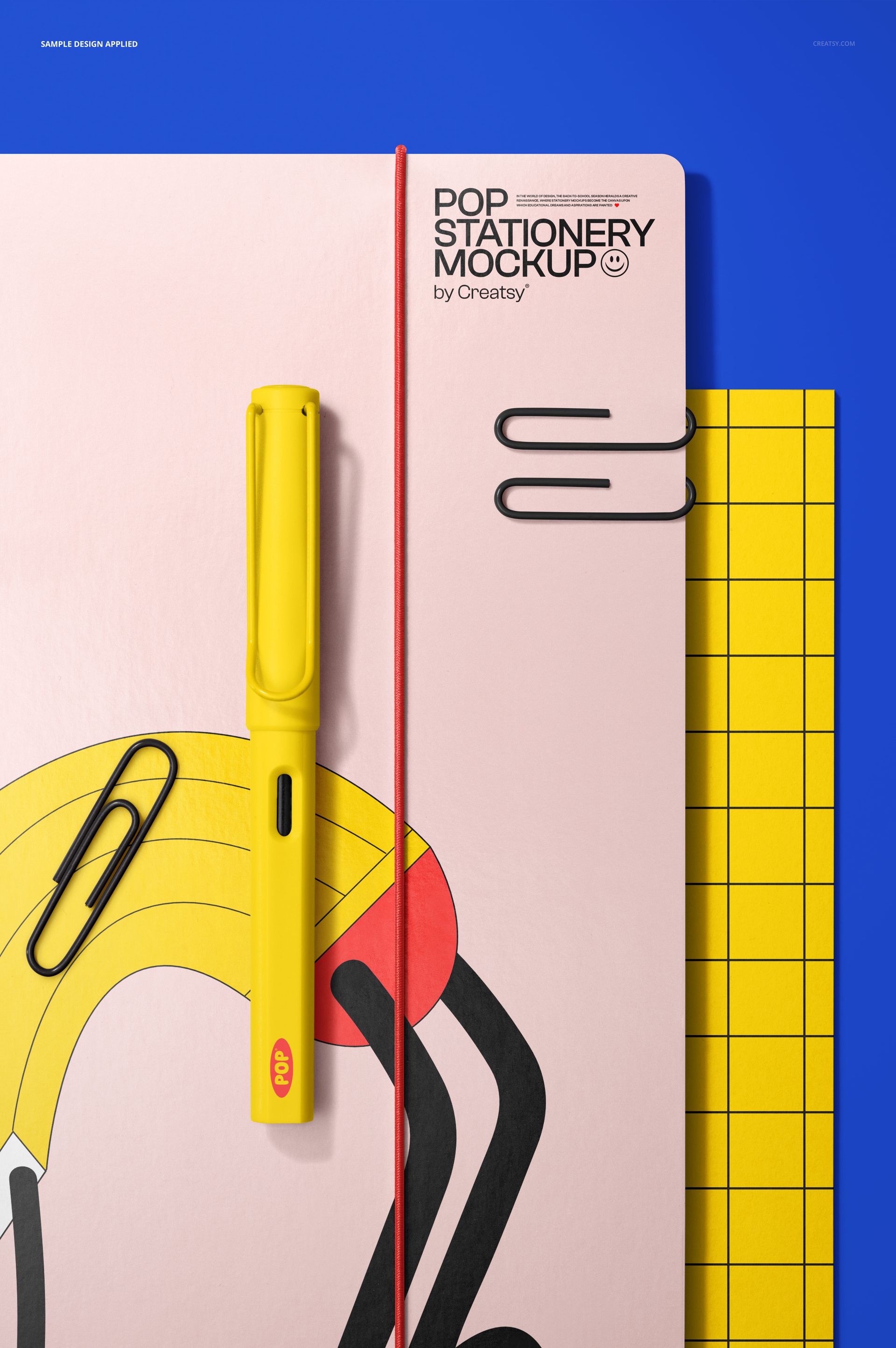
The Closeup of Paper Folder Mockup brings the camera closer to the product, giving the folder cover more space within the composition. A pen, metal paper clips and graphic stationery details complete the scene without taking attention away from the main artwork.
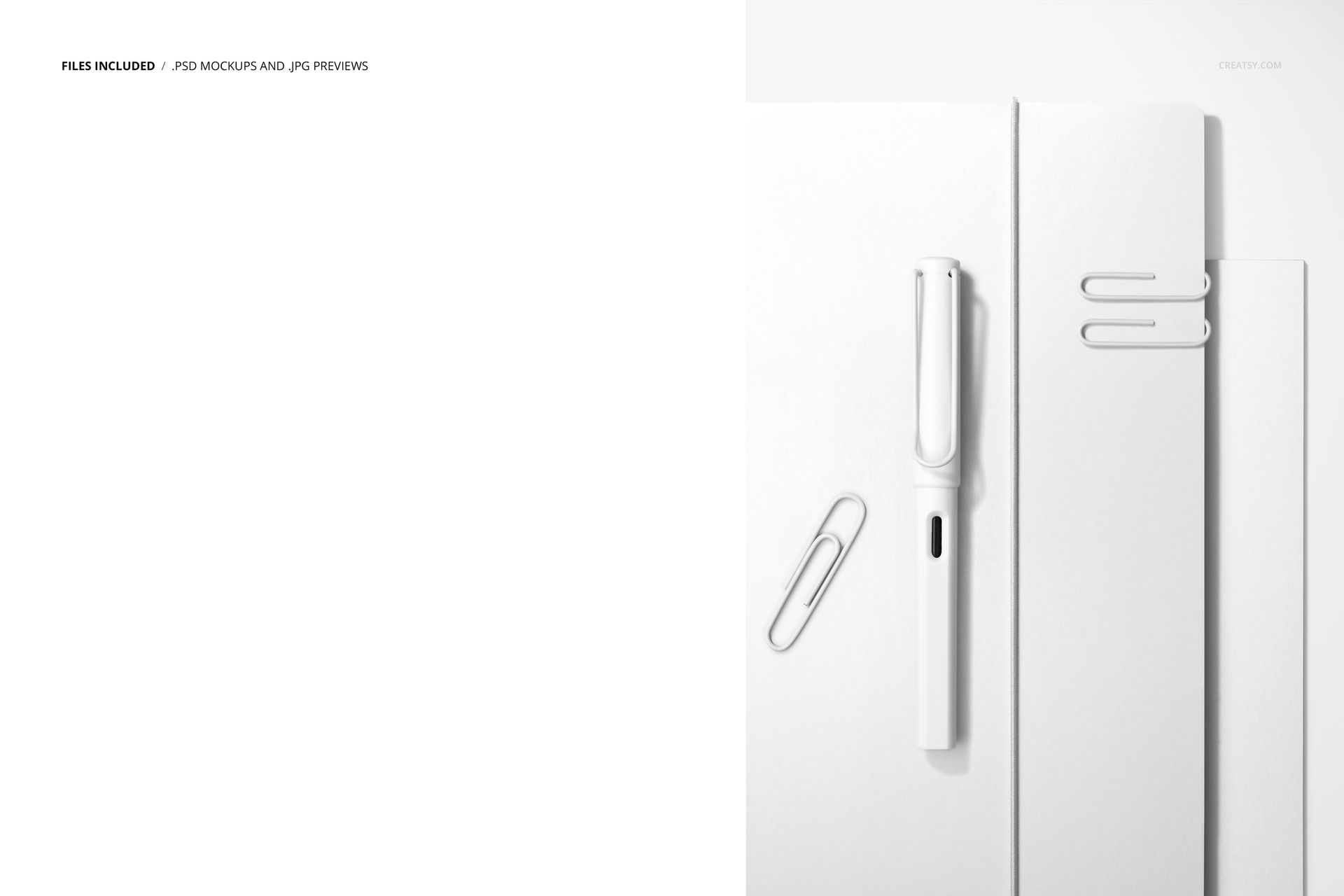
The portrait layout works particularly well when you need a detailed supporting image for a stationery collection, school product range or branding presentation. Preview variations show a clean white folder, grid-based artwork and a brighter design with a contrasting elastic closure.
Focus on the Details That Shape the Product
A folder cover may look simple, but several design decisions affect the finished result.
The size of a repeat pattern determines whether the artwork feels bold or subtle. The position of a logo changes the visual hierarchy. A contrasting elastic closure can become part of the brand palette, while a divided color treatment can create a completely different character from an all-over print.
This close-up scene helps you review:
Pattern scale
Logo placement
Color blocking
Artwork near the edges
Contrast with the elastic closure
The relationship between the folder and surrounding stationery
Whether the design remains clear in a vertical composition
How the product may look in a catalog or campaign image
Instead of judging the cover only as a flat rectangle, you can see it as part of a realistic stationery setup.
Present One Strong Cover Design
This mockup is not intended to show an entire collection at once. Its strength is concentration.
The composition gives one folder enough visual space to become the main subject. This makes it useful when you want to introduce a hero design, highlight a new colorway or show the details of a pattern already presented in a wider collection image.
It can work as:
A detailed product gallery image
A hero image for one folder design
A close-up inside a stationery case study
A client approval visual
A supporting image for a back-to-school campaign
A portfolio slide focused on pattern scale
A promotional image for branded school supplies
A catalog visual for a stationery collection
Pair it with a wider scene showing several products to create a more complete presentation.
Suitable for School and Office Stationery
The folder can support a broad range of visual identities.
For school-focused collections, use colorful patterns, educational graphics, subject labels, geometric artwork or playful illustrations.
For office and corporate stationery, try restrained typography, brand colors, a centered logo or a subtle repeat pattern.
For creative shops and independent designers, the mockup can show bold artwork, limited-edition covers or coordinated designs created alongside notebooks, planners and writing instruments.
The scene works well for:
Student folders
Academic stationery
Teacher resources
Office document folders
Creative studio stationery
Corporate organization products
School supply collections
Branded file holders
Art and design portfolios
Back-to-school product ranges
Because the styling is clean, the same mockup can move between playful school designs and more formal brand identities.
A Useful View for Surface Pattern Designers
Folder covers provide a broad surface for repeats and illustrations, but the artwork still needs to work around real product details.
This mockup can help surface pattern designers understand whether the scale is suitable for the folder and whether important motifs remain visible within the crop.
Try it with:
Geometric repeats
Abstract compositions
Floral patterns
Hand-drawn illustrations
Children’s artwork
Minimal line patterns
Grid systems
Bold typography
Color-blocked designs
School-themed graphics
Brand logo repeats
Seasonal stationery artwork
The close crop makes small problems easier to notice. A motif placed too near an edge, an overly dense repeat or a logo that disappears within the pattern may be more obvious here than in a distant lifestyle image.
Show How the Closure Works with the Artwork
The elastic band can become an important visual element rather than a purely practical detail.
A matching elastic color can create a coordinated, understated product. A contrasting color can add energy and help the folder stand out. The artwork can also be designed so the elastic passes through a quieter area, preventing it from covering the most important part of the design.
Use the mockup to compare:
Matching and contrasting closure colors
Minimal and highly patterned covers
Light and dark folder designs
Artwork with centered and offset focal points
Different background colors
Several branding directions
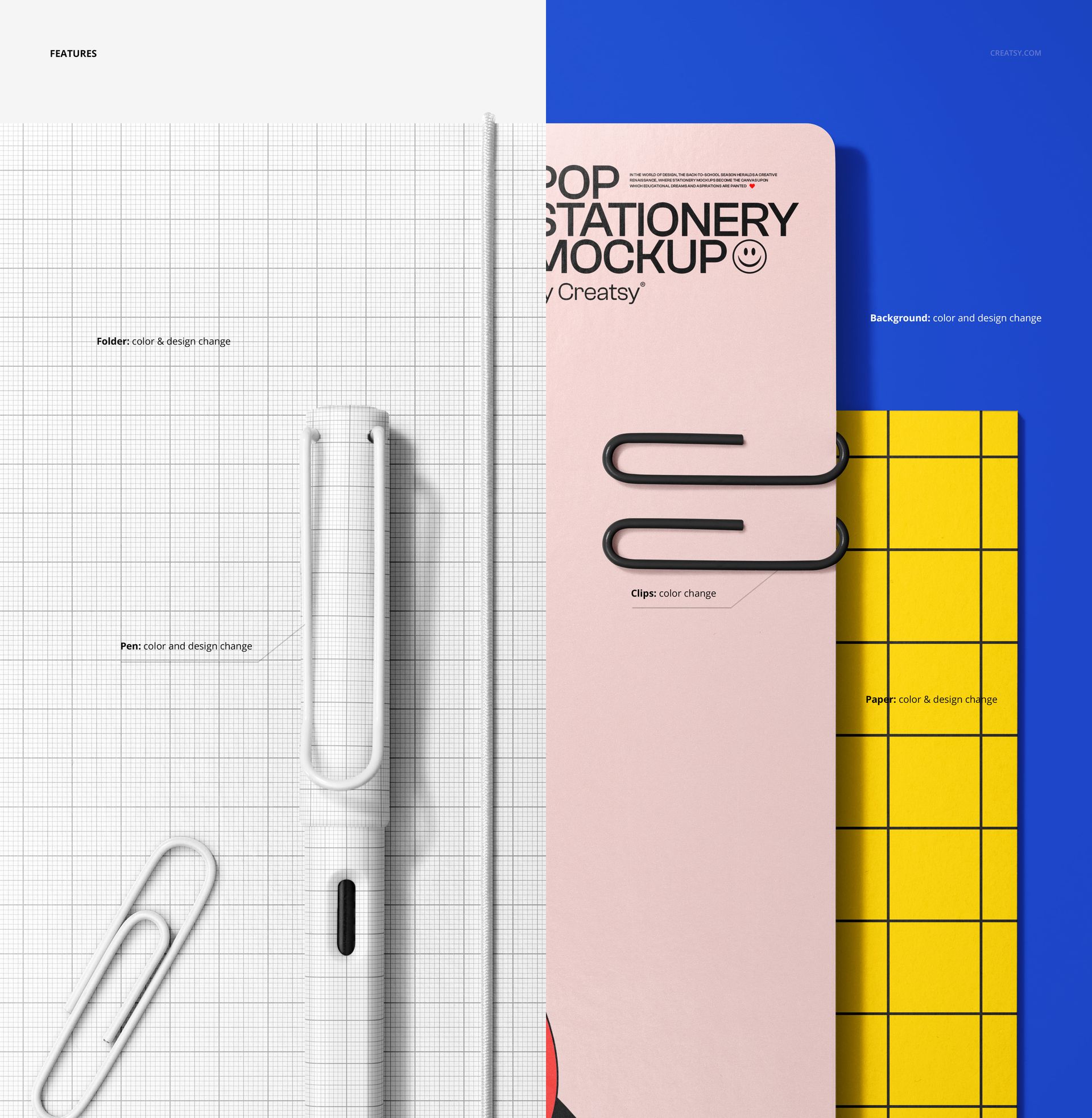
Check the product screenshots and PSD layers for the exact controls available for the folder, design and surrounding scene.
Build a More Complete Stationery Presentation
A strong stationery product page benefits from a mix of image types.
A wider mockup can introduce the whole collection. A group scene can show several coordinated covers. This close-up mockup can then reveal the detail, surface treatment and styling of one design.
A useful image sequence could include:
A collection overview
The close-up paper folder scene
A folder shown with matching notebooks or planners
A clean product view
A detail of the pattern or closure
A lifestyle or back-to-school composition
This gives customers or clients both the overall concept and the closer product information they need.
Preview the Folder Before Printing
Physical stationery samples take time to prepare, especially when several design directions are still being considered.
The mockup allows you to compare concepts before production. You can review the artwork, adjust its scale and prepare a client presentation without photographing a printed folder first.
It can help answer questions such as:
Is the logo large enough?
Does the pattern feel too dense?
Does the elastic color support the design?
Does the artwork remain balanced in portrait format?
Will the folder coordinate with the rest of the stationery range?
Which version should become the hero product?
The PSD is intended for visual presentation. Final dimensions, bleed, folds, fastening positions and print requirements should still be confirmed with the manufacturer.
Simple Editing in Photoshop or Photopea
Open the PSD in Adobe Photoshop CC or Photopea, locate the editable Smart Object and add your folder artwork. Save the Smart Object to update the presentation within the original lighting, perspective and shadows.
The file is built with organized layers, helping you move from artwork to a finished product visual without manually recreating the scene. The exact editable features are shown in the product screenshots.
Use the same PSD to:
Compare cover variations
Test several pattern scales
Create alternative colorways
Prepare client review images
Build product gallery visuals
Create coordinated back-to-school content
What You Can Showcase
Use the Closeup of Paper Folder Mockup to present:
Paper folder cover designs
Elastic-band folders
Document folder branding
School stationery artwork
Office organization products
Surface pattern collections
Geometric and abstract designs
Student supply collections
Corporate stationery systems
Logo-based folder artwork
Back-to-school campaigns
Colorway variations
Client design concepts
Stationery portfolio projects
Product launch visuals
File Specifications
Part of: Back to School Mockup Bundle
Editable mockups: 1 PSD file
Supporting preview: 1 JPG file
Total number of files: 2
PSD dimensions: 4000x6000 px
Orientation: portrait
Resolution: 300 DPI
Compatibility: Adobe Photoshop CC and Photopea
File formats: PSD and JPG
Layers: well organized
Compressed package size: approximately 131 MB for Windows and 137 MB for macOS
PSD file size: approximately 748 MB for Windows and 784 MB for macOS
Exact customization features: shown in the product screenshots
Bring the Folder Design Closer
A collection overview is useful, but sometimes the design needs more room.
The Closeup of Paper Folder Mockup gives one folder cover the attention it deserves. The portrait crop, practical stationery details and realistic product context make it easier to present patterns, branding and color decisions clearly.
Use it when you want customers or clients to notice the design itself, not only the wider scene around it.