Opened Spiral Planner Mockup
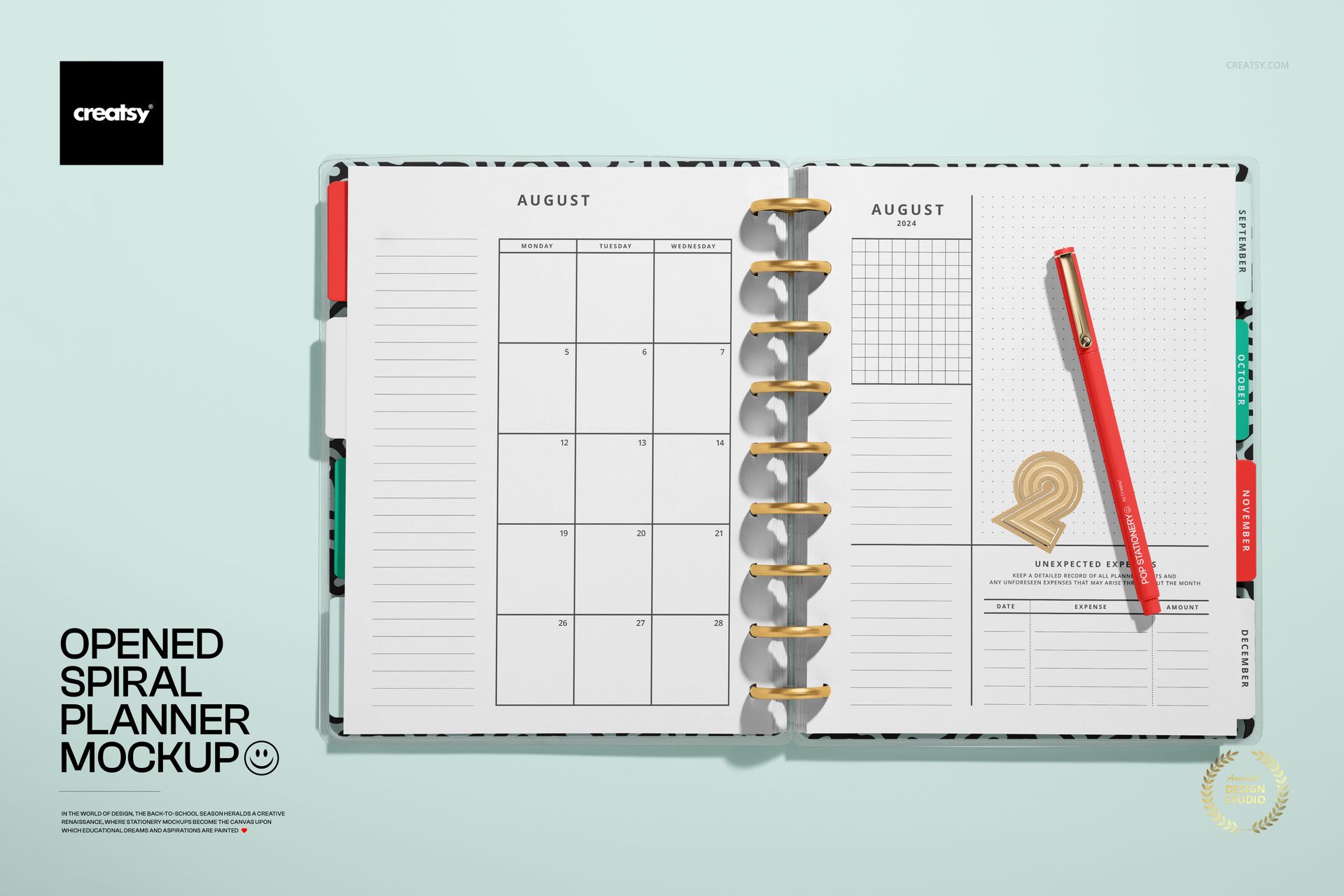
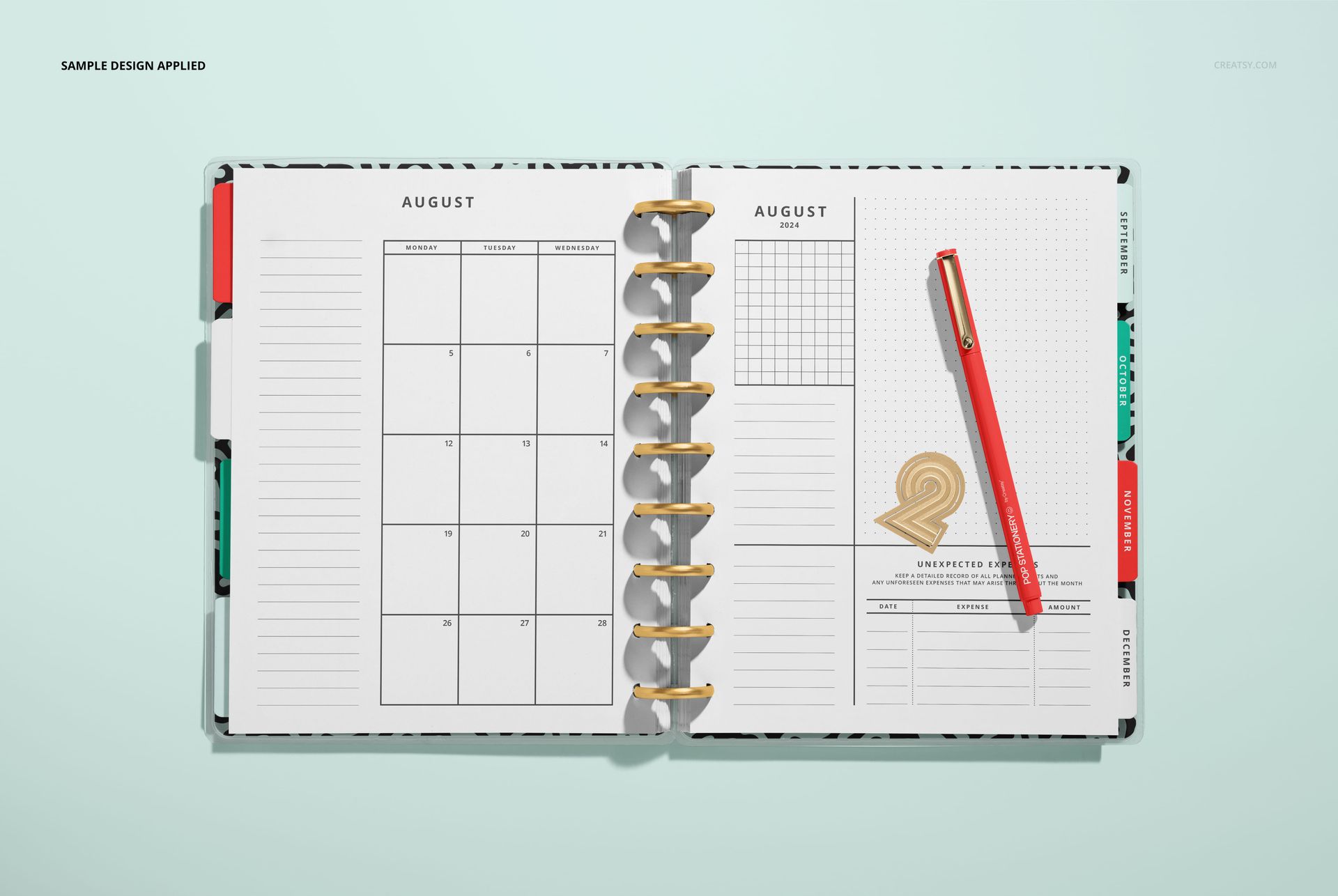
Bring the planner interior into focus with a landscape, top-down view of an open spiral-bound spread. The composition keeps a monthly calendar, notes and grid areas, an expense section, dated divider tabs, a pen, and a decorative numeral-shaped clip visible in one clean scene.
This open view helps you assess page hierarchy, spacing, typography, and the relationship between planning and note-taking layouts before presenting the concept to a client or preparing it for print.
What Is Included
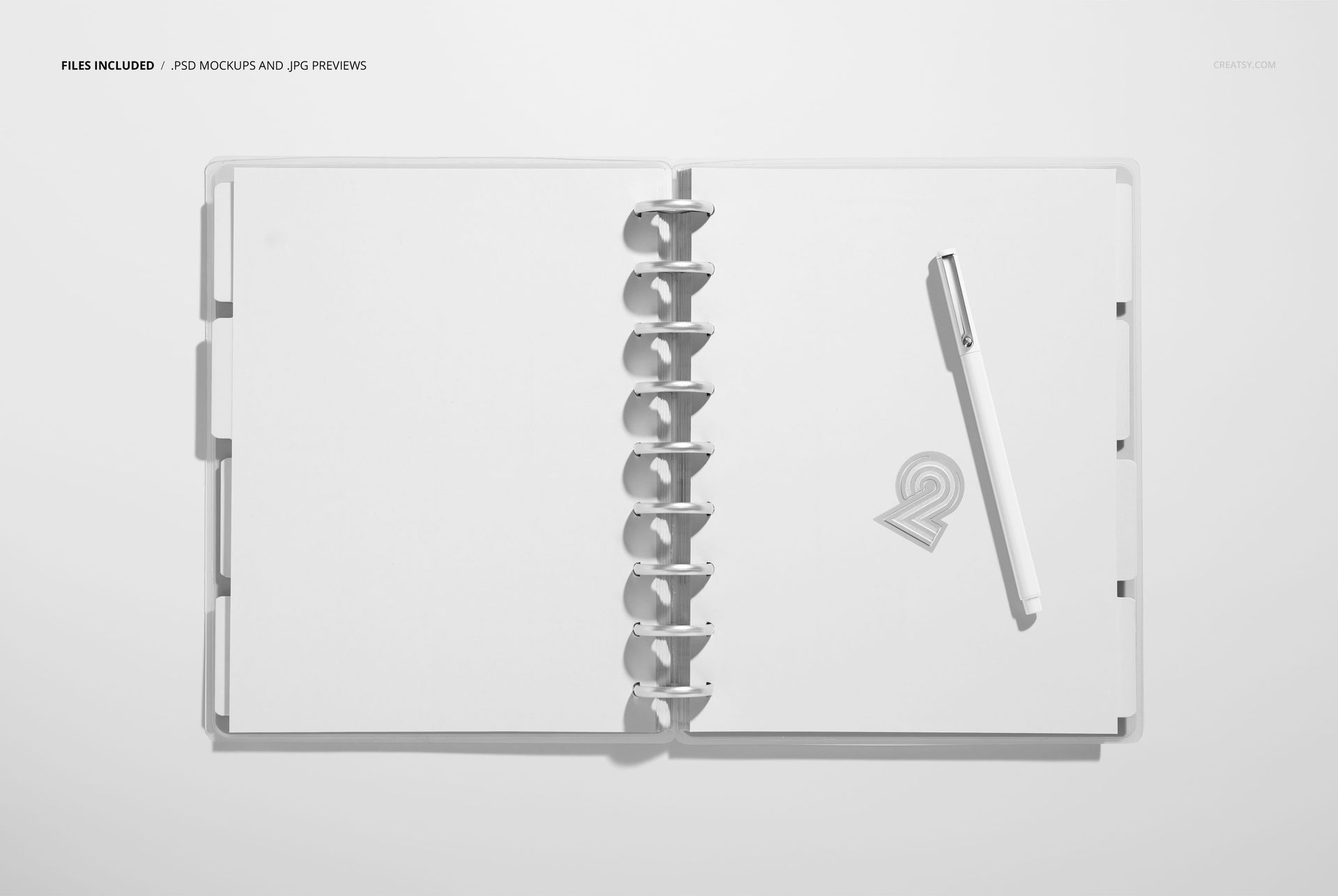
1 layered PSD mockup file
1 JPG preview image
2 files in total
PSD dimensions: 6000 x 4000 px
Resolution: 300 DPI
JPG preview dimensions: 512 x 341 px
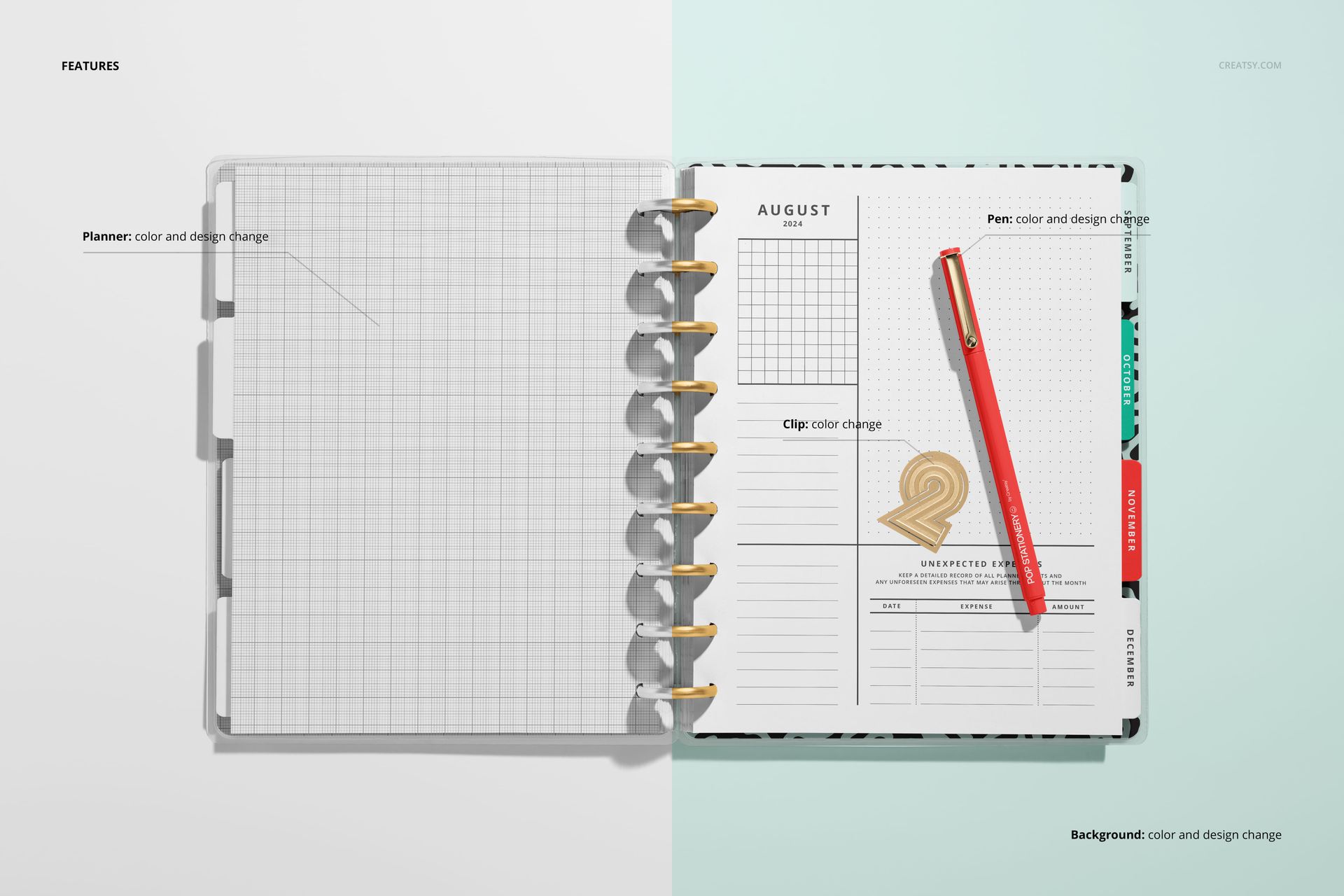
Editable Planner and Scene Details
The well-organized PSD layers work in Adobe Photoshop CC and Photopea. You can customize:
Why the Open Spread Matters
An interior view gives calendar grids, note sections, and supporting page elements enough space to be reviewed together. It is useful for comparing layout directions, checking visual rhythm across both pages, and building a product gallery that goes beyond the exterior cover.
Perfect For
Monthly calendar and planner page presentations
Stationery and publishing design reviews
Notes, grid, and expense layout concepts
Back-to-school stationery collections
Online shop galleries, portfolios, and client approvals
Digital Product
This is a digital product, and no physical item will be shipped. Sample artwork shown in the previews is for presentation purposes only and is not included.