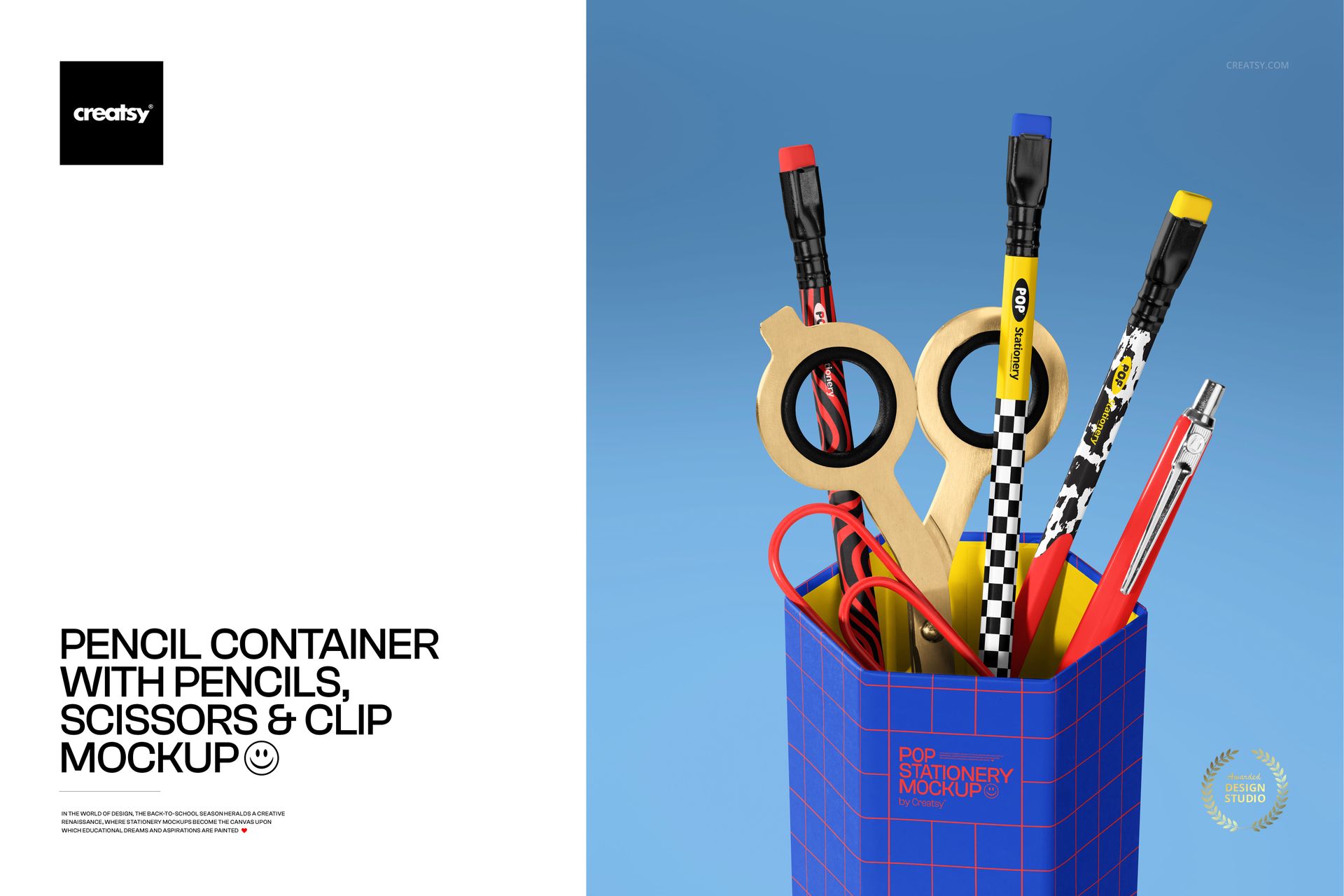
Pencil Container with Pencils, Scissors and Clip Mockup
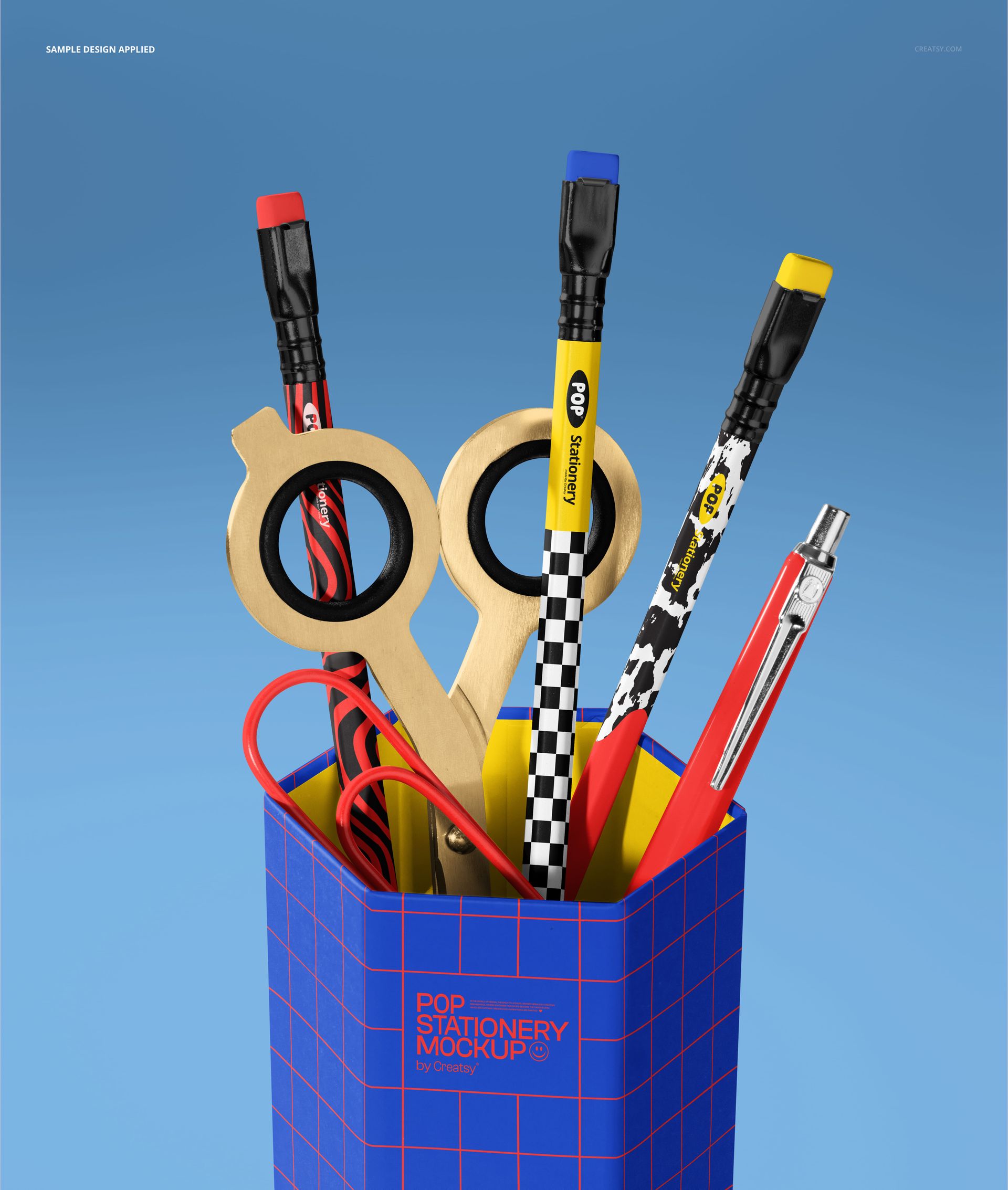
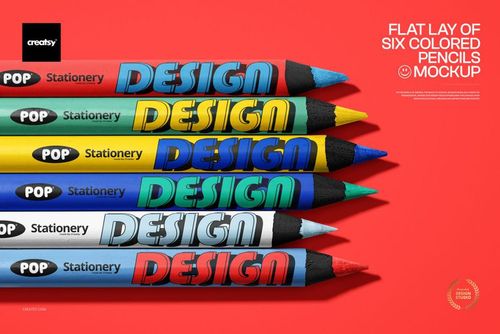
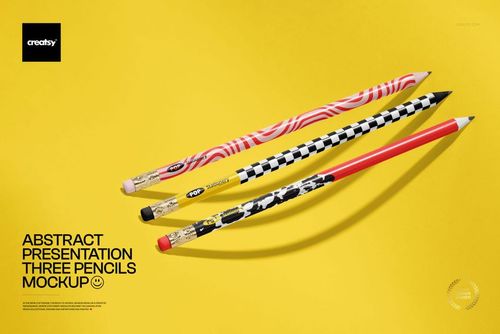
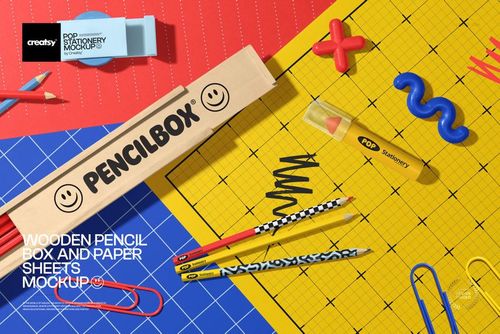
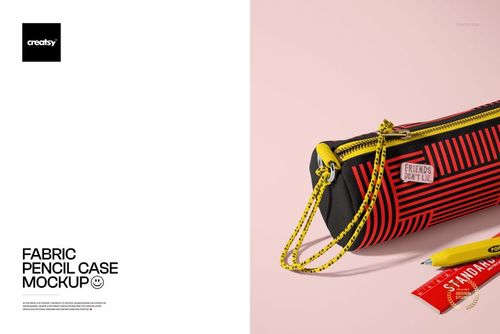
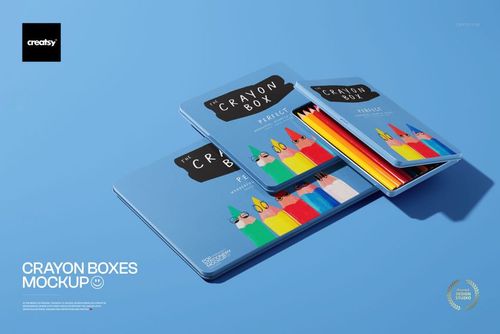
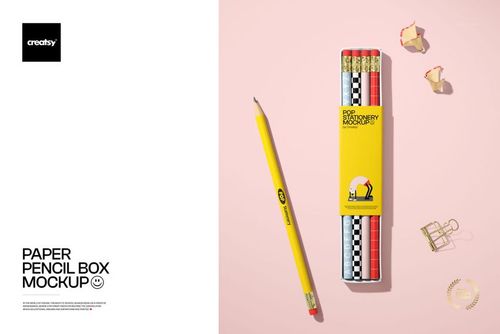
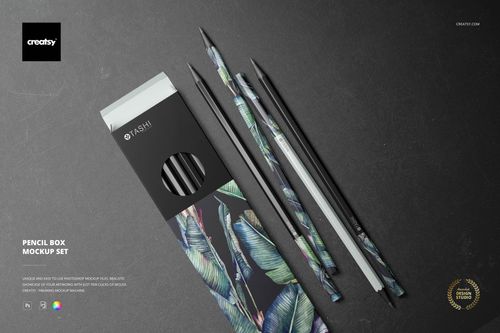
Turn stationery artwork into a polished desk scene with a front-facing container filled with pencils, scissors, and a clip. This focused composition gives patterns, logos, and school-themed graphics a clear real-world context while keeping the presentation playful and organized.
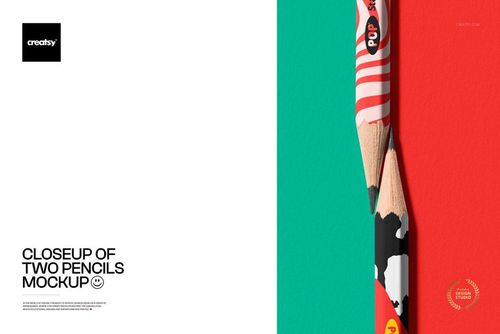
Use the scene to preview how artwork reads across the container and writing instruments, prepare client approvals, or create a high-resolution campaign image without arranging and photographing physical samples.
What Is Included
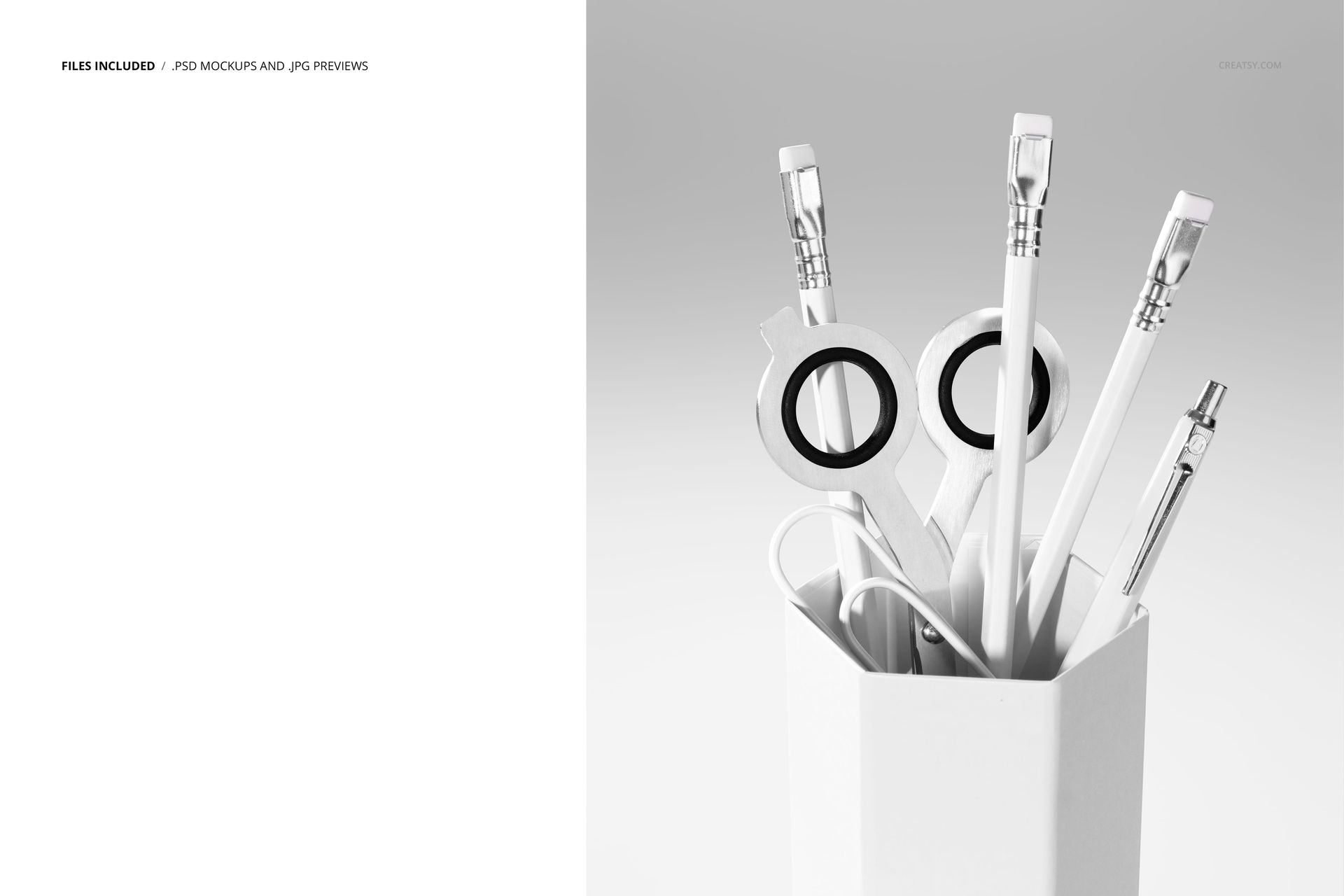
1 layered PSD mockup file
1 JPG preview
5400 × 6400 px at 300 DPI
Compatibility with Adobe Photoshop CC and Photopea
A Complete Stationery Scene in One View
The upright composition brings several familiar desk essentials together in a single visual. It is especially useful for presenting coordinated school collections, stationery branding, surface patterns, and colorful identity systems.
Easy Smart Object Editing
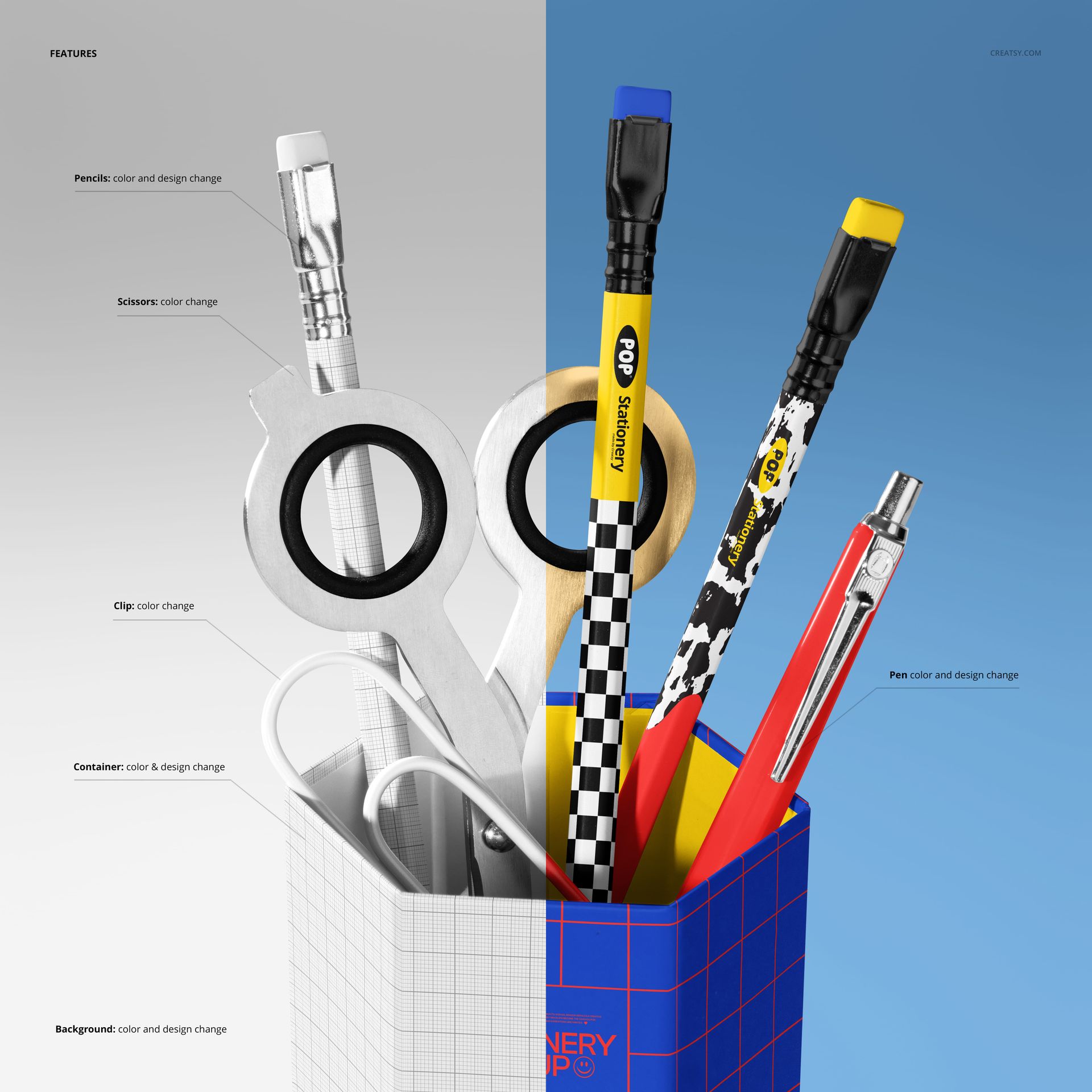
Place your artwork through Smart Objects, save the changes, and let the prepared scene handle the presentation. Well-organized layers make the file straightforward to navigate in Photoshop CC or Photopea.
Perfect For
Back-to-school campaigns and school supply branding
Stationery collections and surface pattern previews
Portfolio pieces, client presentations, and promotional graphics
Testing coordinated artwork before production
This is a digital product. The sample artwork shown in the previews is for demonstration only and is not included.