Fabric Pencil Case Mockup
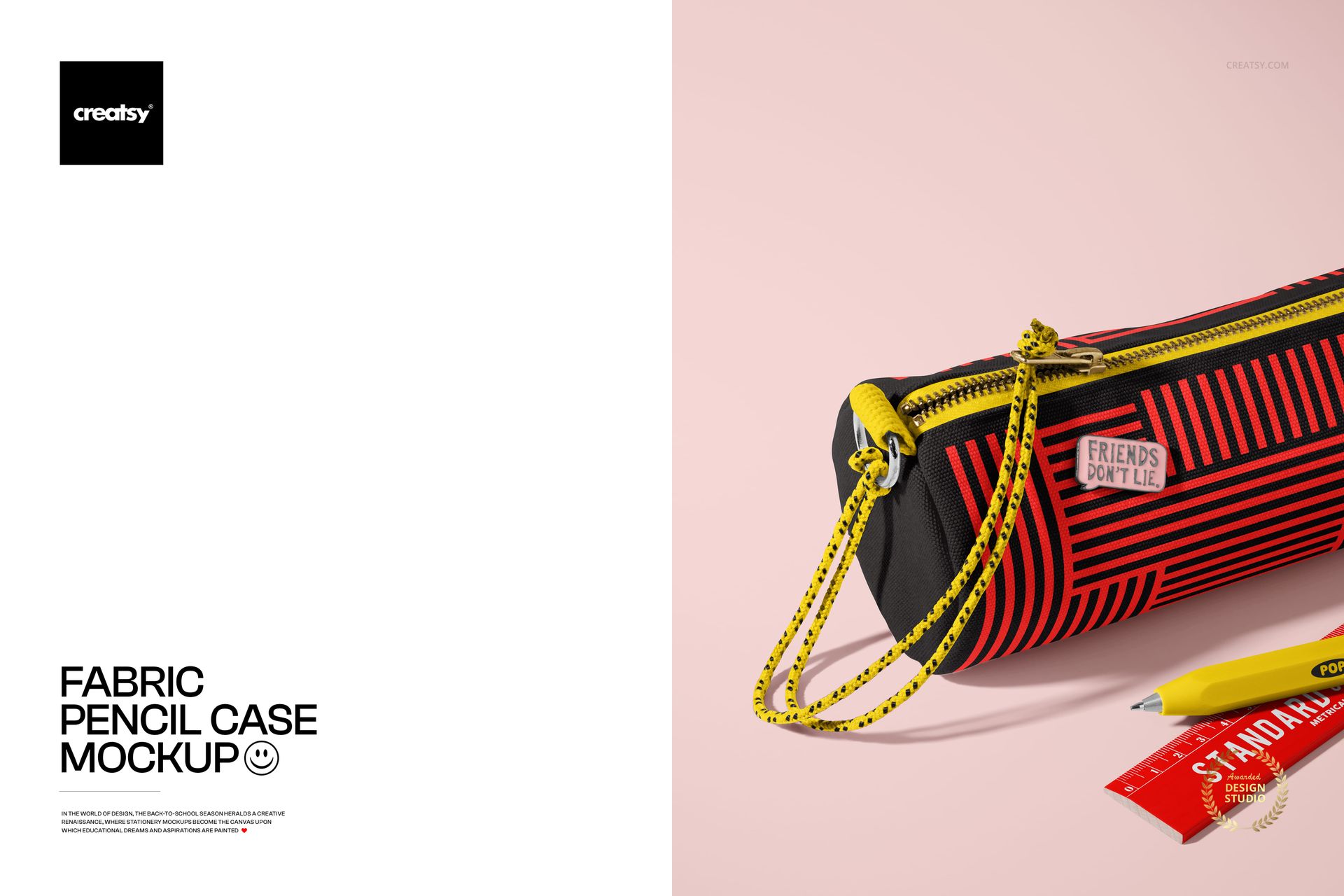
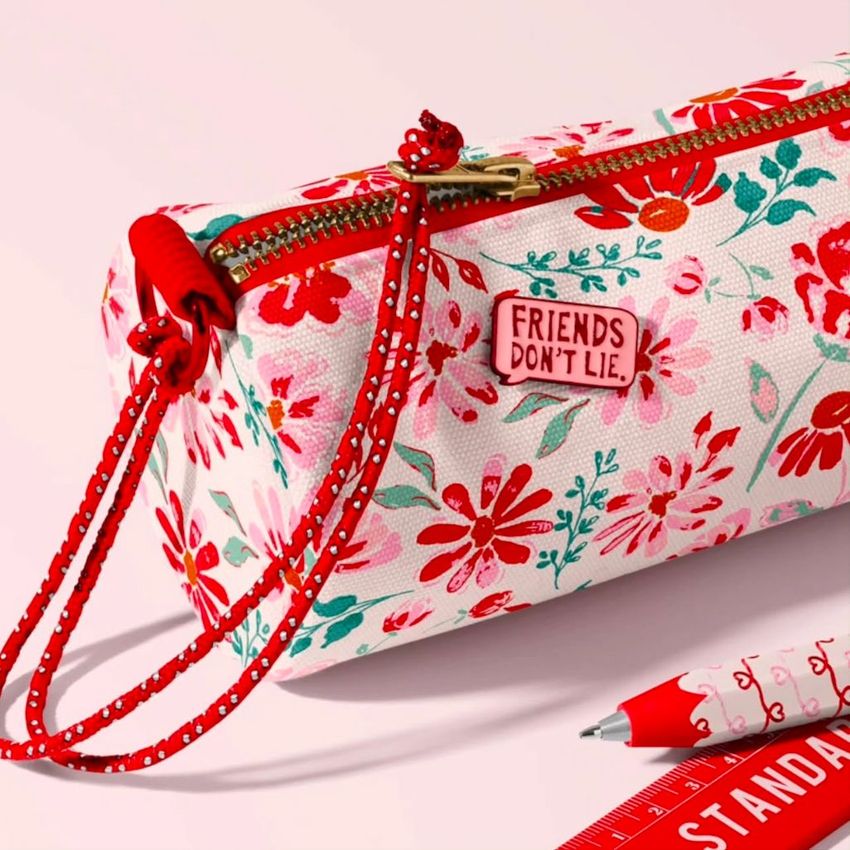
See how artwork wraps a soft fabric pencil case in a clean front-view scene with a visible zipper, cord, and familiar stationery props. The close presentation gives repeating patterns and illustrations plenty of room to stand out while preserving the tactile character of the material.
This mockup helps turn a flat pattern tile into a believable school accessory preview. Use it to judge scale, demonstrate a collection to clients, or prepare polished imagery before arranging product photography or ordering a physical sample.
What Is Included
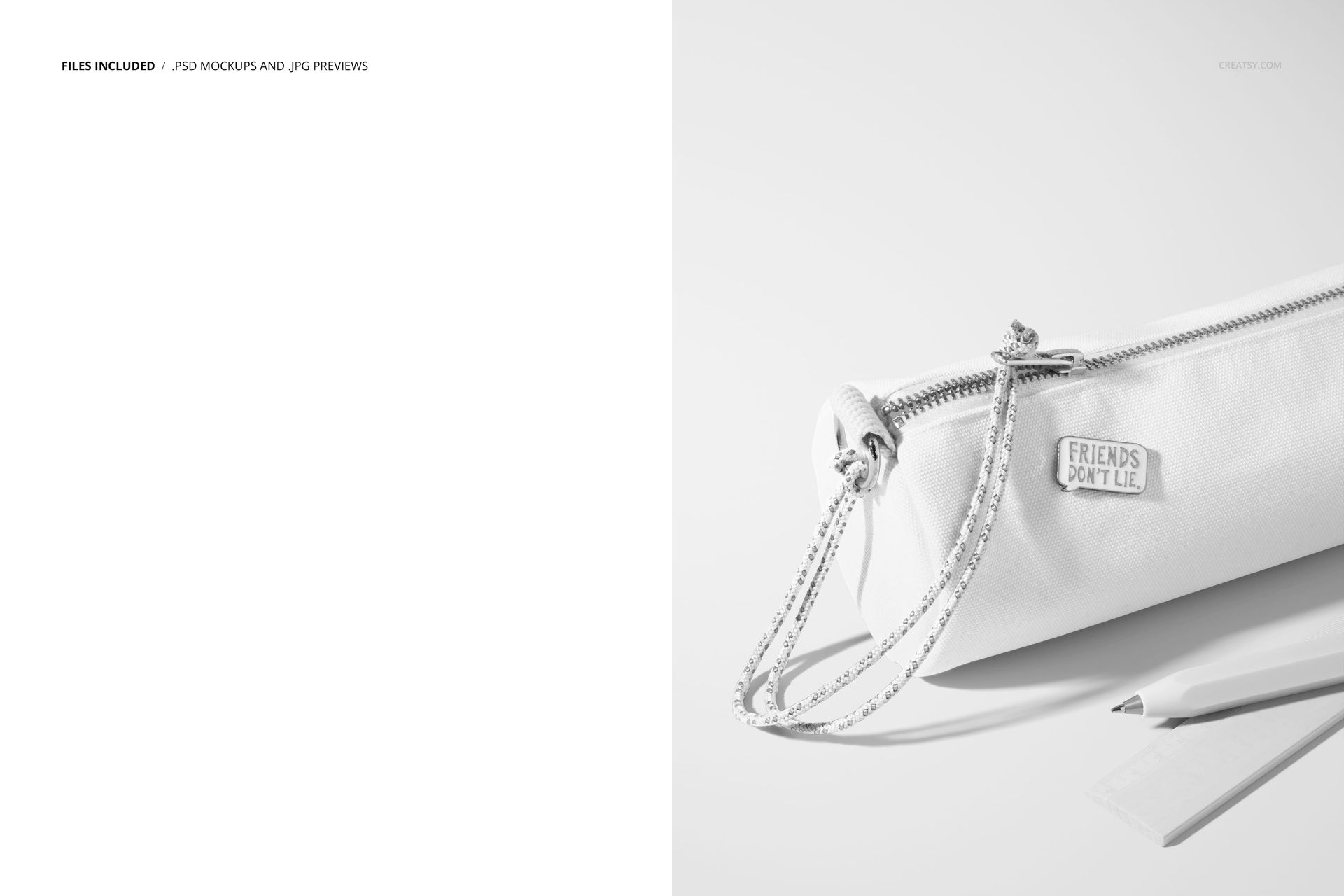
1 layered PSD mockup file
1 JPG preview
5000 × 6500 px at 300 DPI
Compatibility with Adobe Photoshop CC and Photopea
A Close View of Fabric and Pattern
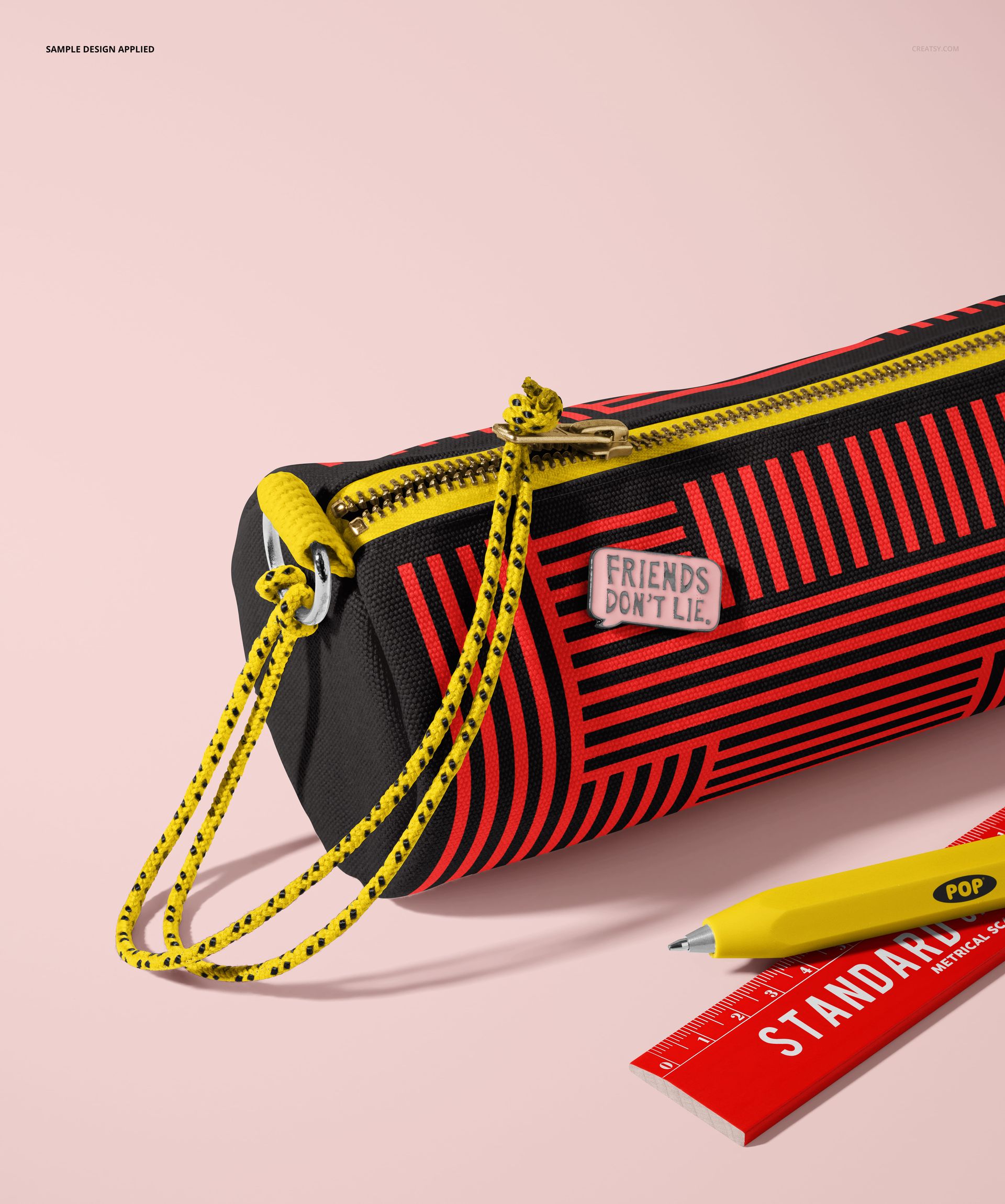
The upright composition keeps attention on the pencil case surface, making it useful for florals, geometric repeats, character artwork, and coordinated school graphics. The zipper and surrounding props add context without distracting from the featured design.
Easy Smart Object Editing
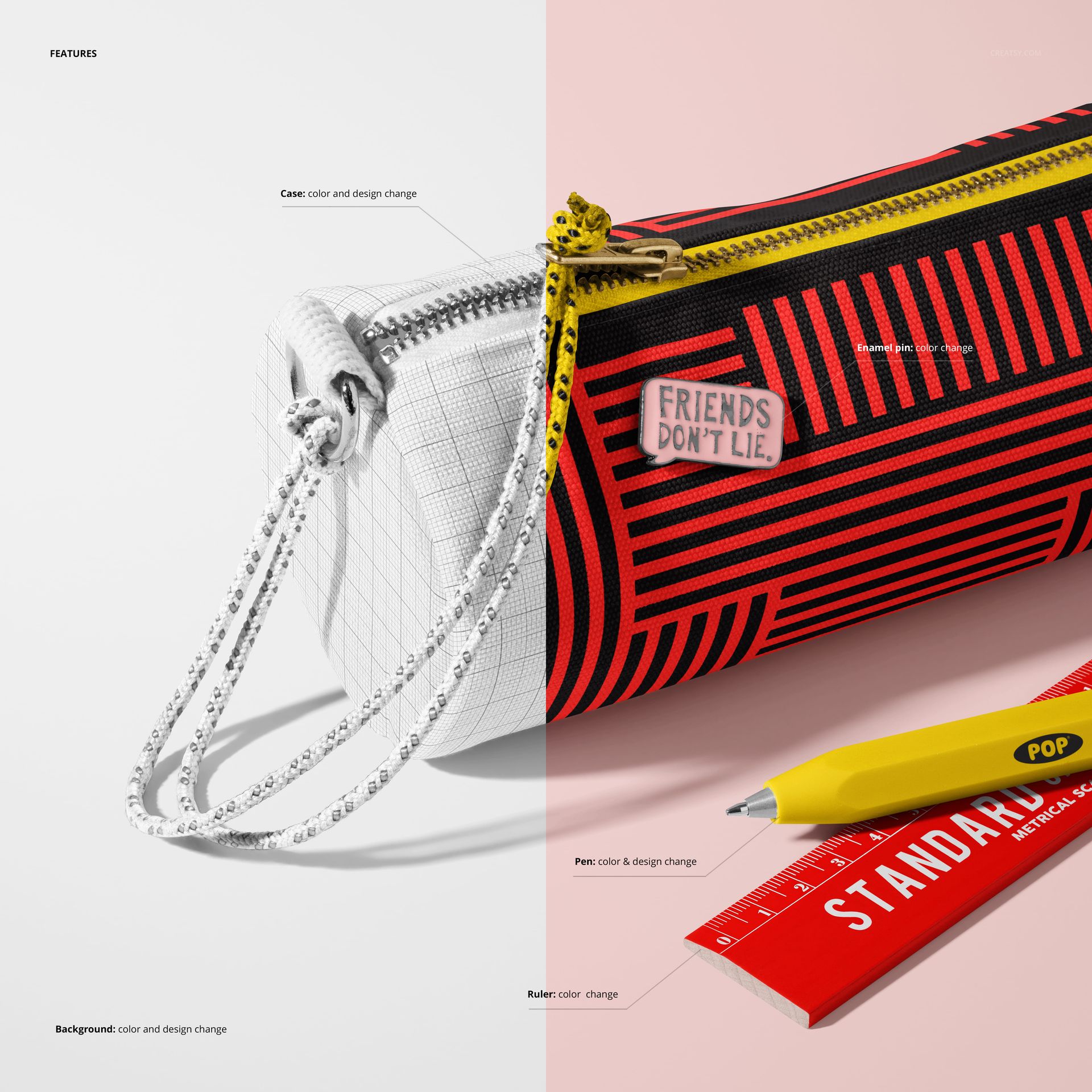
Place your artwork through Smart Objects, save it, and review the result in the prepared scene. Well-organized layers support an efficient workflow in Photoshop CC or Photopea.
Perfect For
Surface pattern and textile design presentations
Children’s stationery and back-to-school collections
Portfolio images, client approvals, and campaign graphics
Online product galleries and promotional content
This is a digital product. The sample artwork shown in the previews is for demonstration only and is not included.