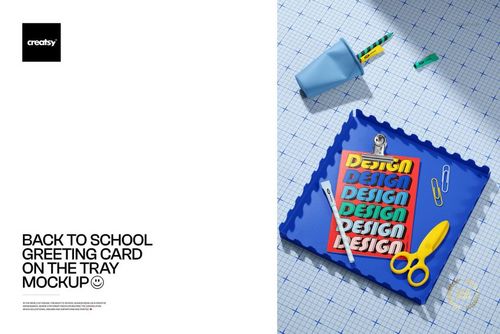
Back to School Abstract Layout Poster Card Mockup
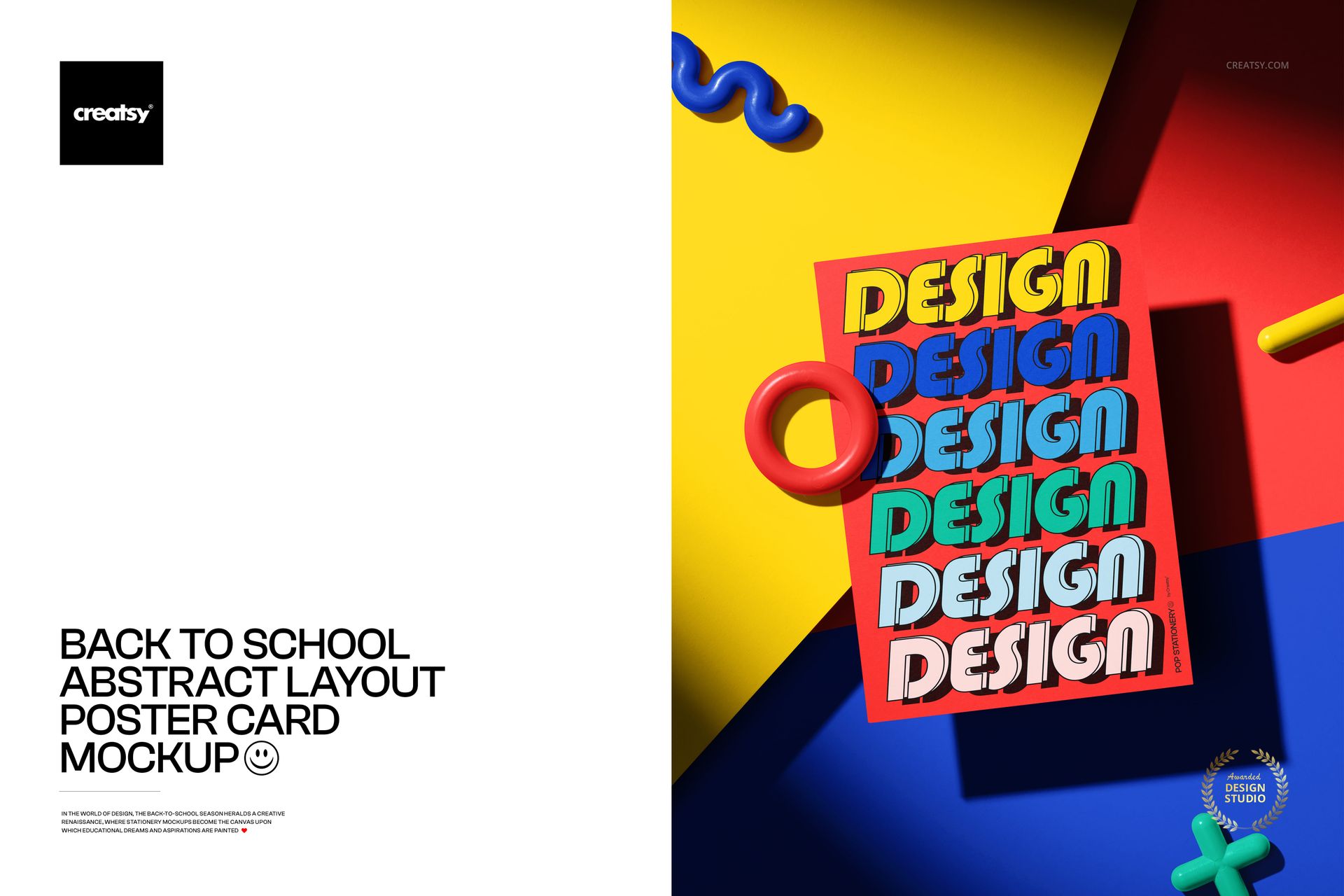
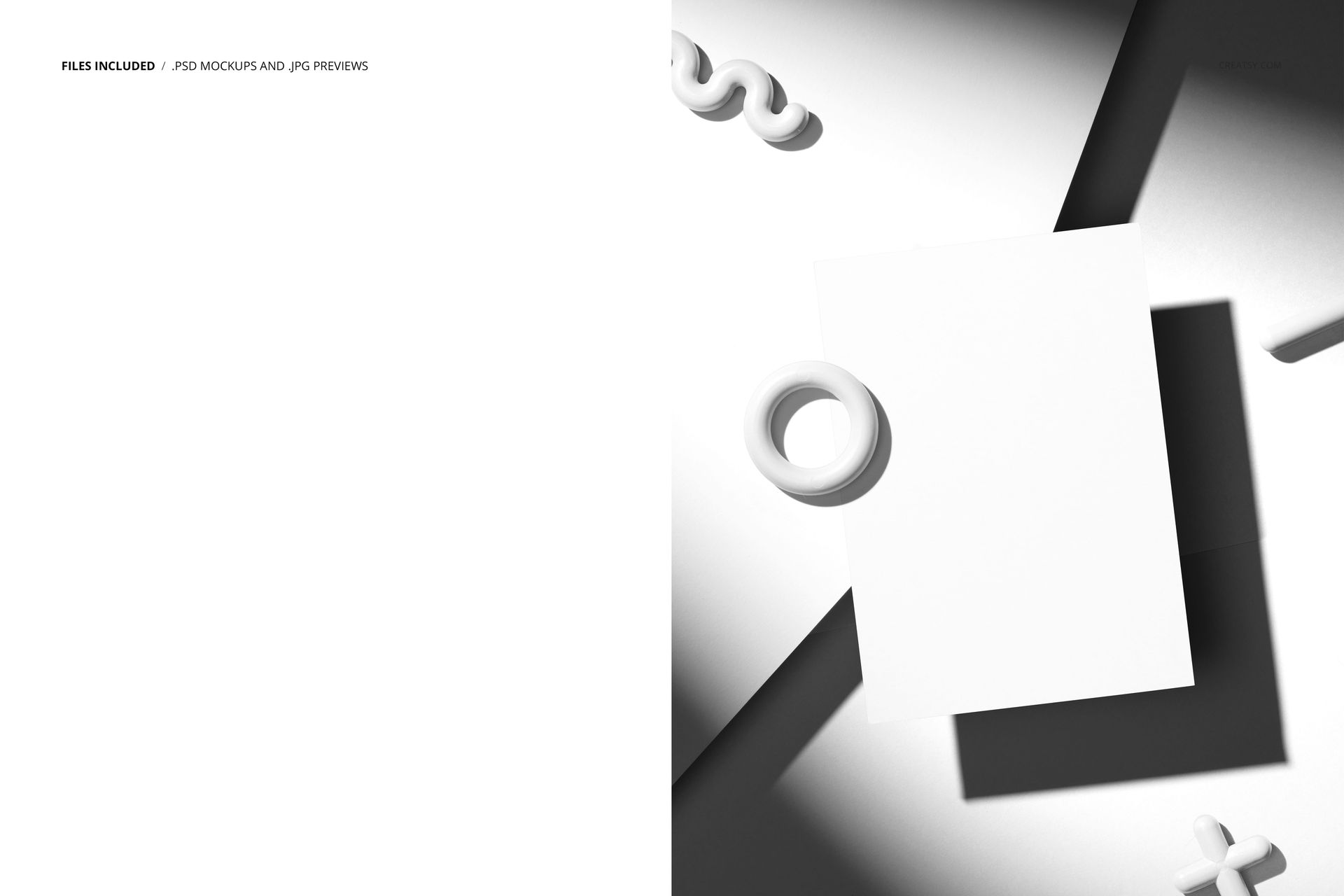
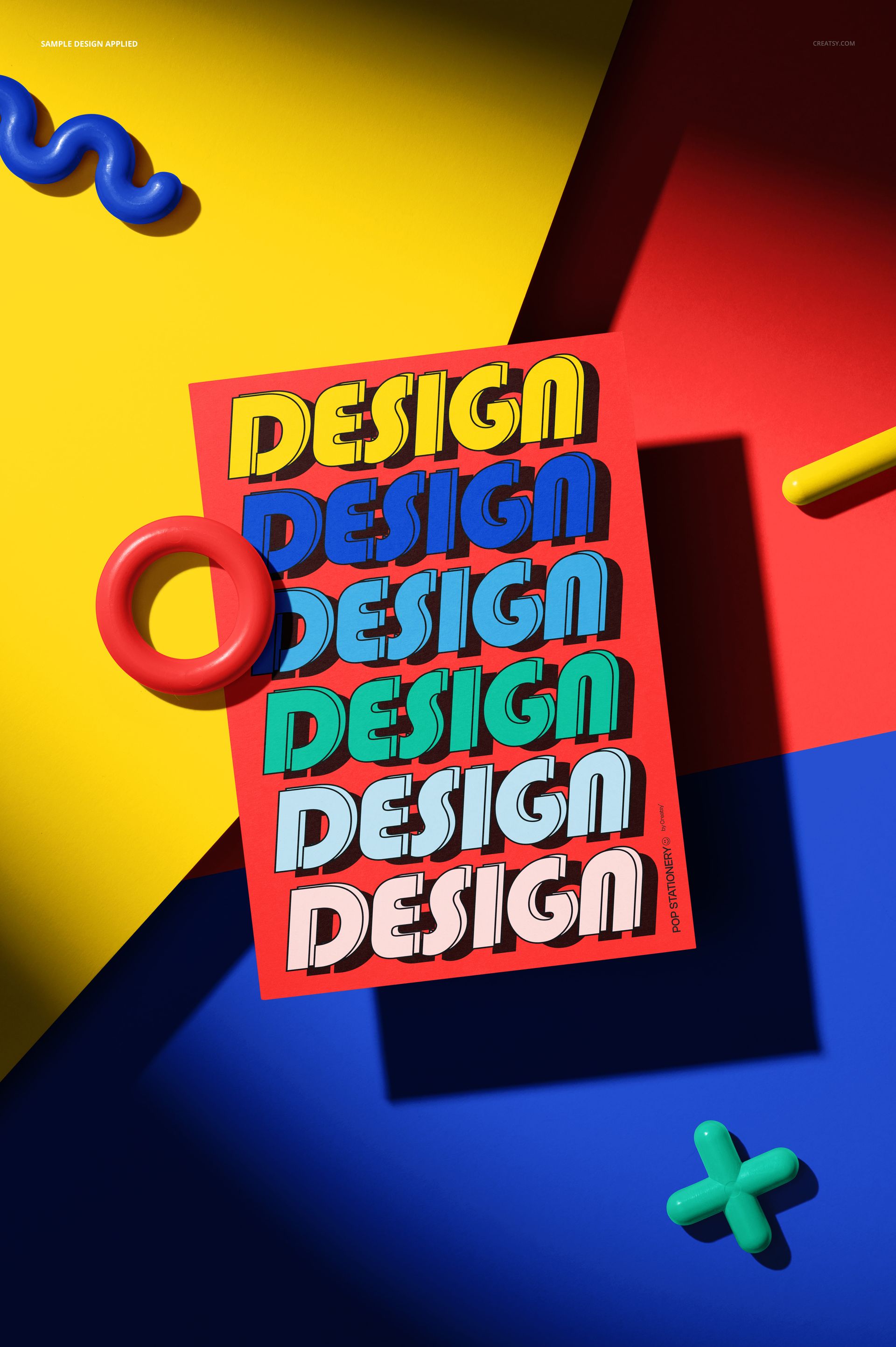
Present poster artwork, school campaign graphics, announcements, and print designs in a bold front-facing composition. The portrait card stands against a vivid geometric background in yellow, red, blue, and black, surrounded by playful three-dimensional forms including a ring, squiggle, cross, and bar.
What Is Included
1 well-organized layered PSD with Smart Objects
1 JPG preview image
2 digital files in total
High-resolution PSD at 4480 × 6720 px and 300 DPI
Compatibility with Adobe Photoshop CC and Photopea
Easy Card and Scene Editing
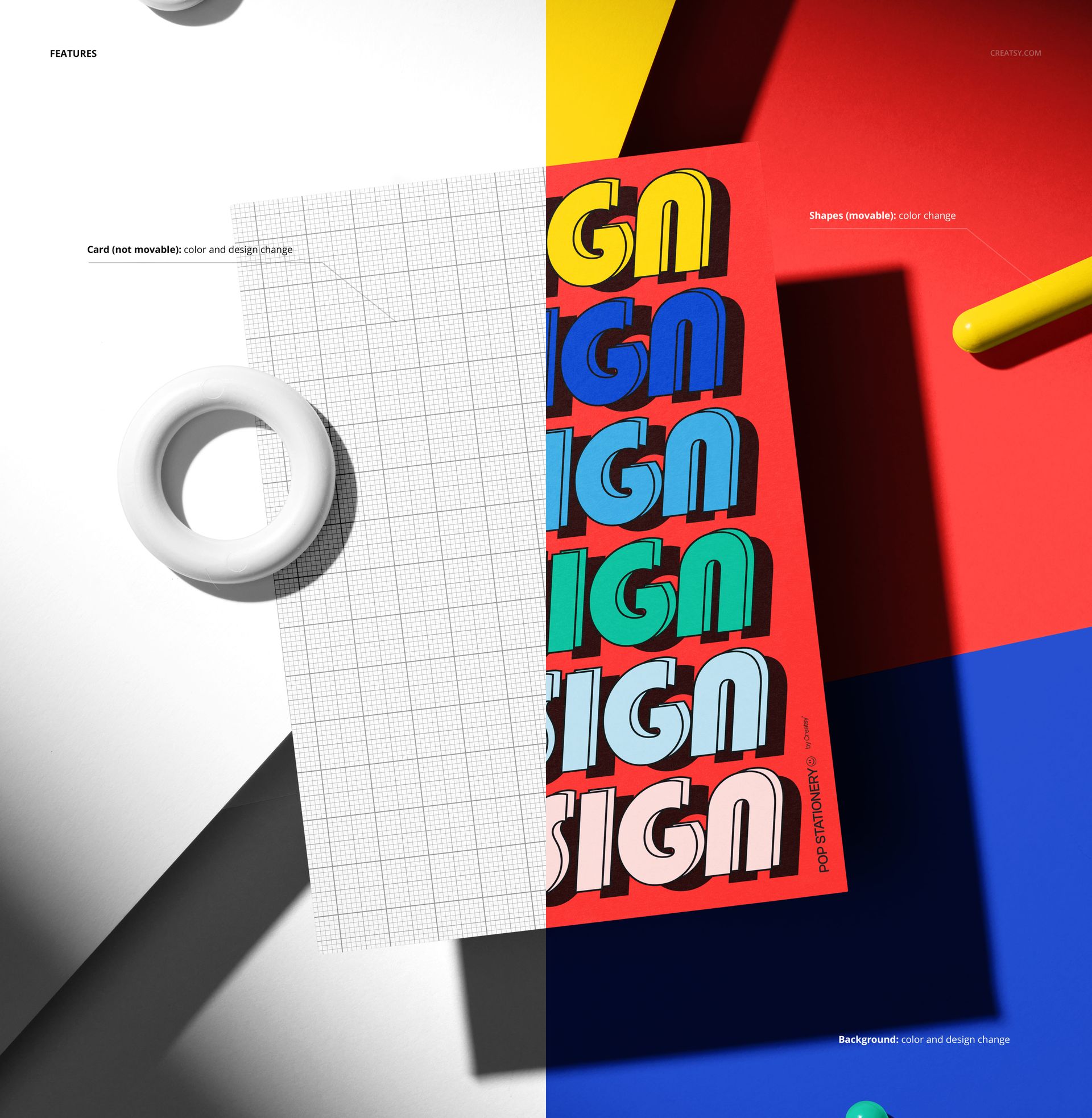
Replace the card artwork through the Smart Object, coordinate the colors with your design, and customize the surrounding scene using clearly organized layers.
Change the card color and design
Move the abstract shapes and adjust their colors
Change the background color or replace its design
Please note that the card remains fixed in its original position
You can also explore the Creatsy Online Mockup Editor for another browser-based creative option.
A Bold Abstract Presentation
The strong primary-color palette and geometric props create an energetic setting for school-themed visuals while keeping the card artwork at the center of the composition. Movable shapes allow you to adjust the surrounding layout without changing the established perspective of the card.
Perfect For
Back-to-school posters and announcements
Greeting cards, invitations, and classroom prints
School event and education campaign graphics
Typography, illustration, and abstract artwork
Portfolio images, marketplace listings, and social media content
Digital product notice: This listing includes downloadable PSD and JPG files only. No physical card, decoration, or other item will be shipped.