ID: 1151588693 | Updated: Jun 22, 2024

Product Details

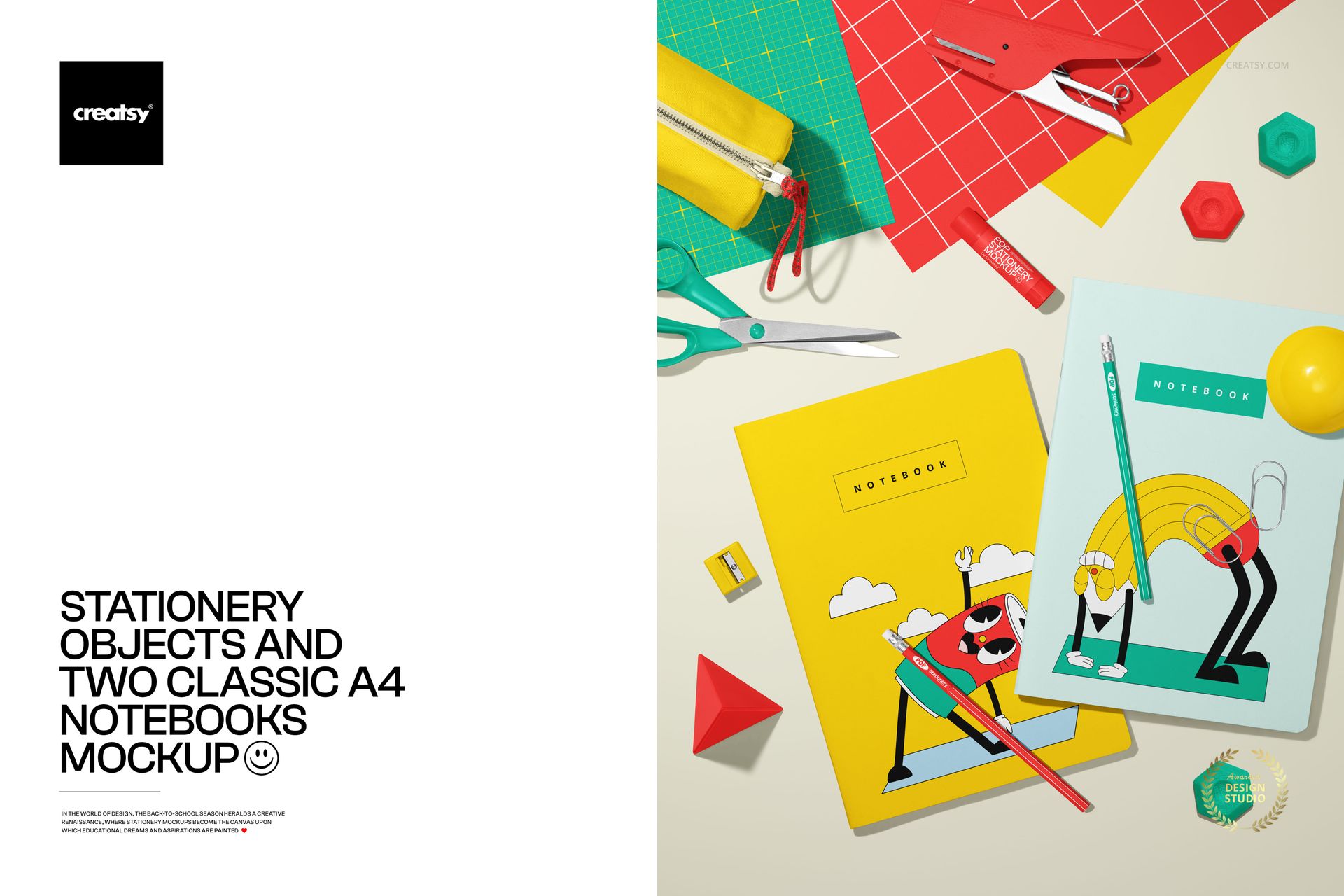
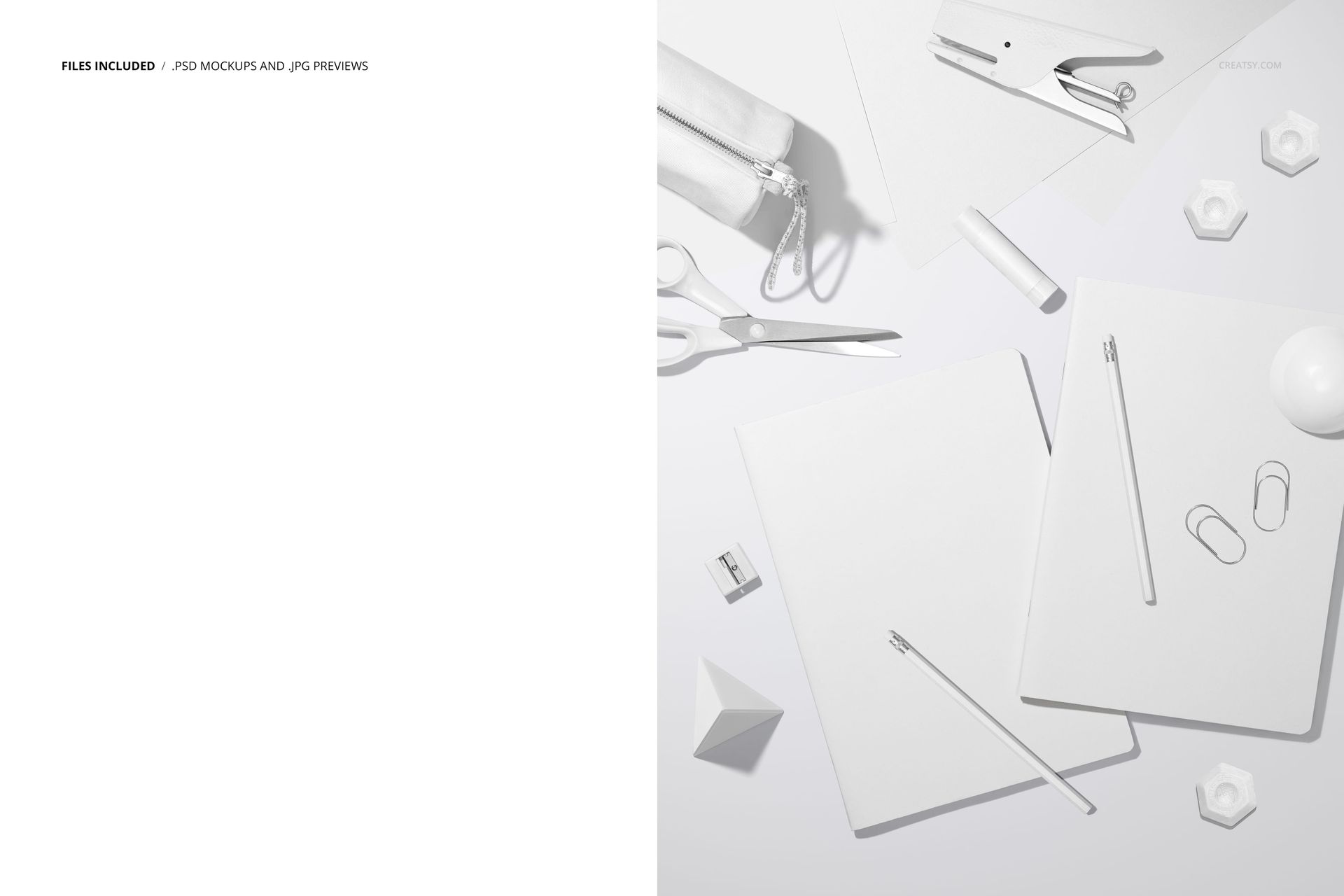
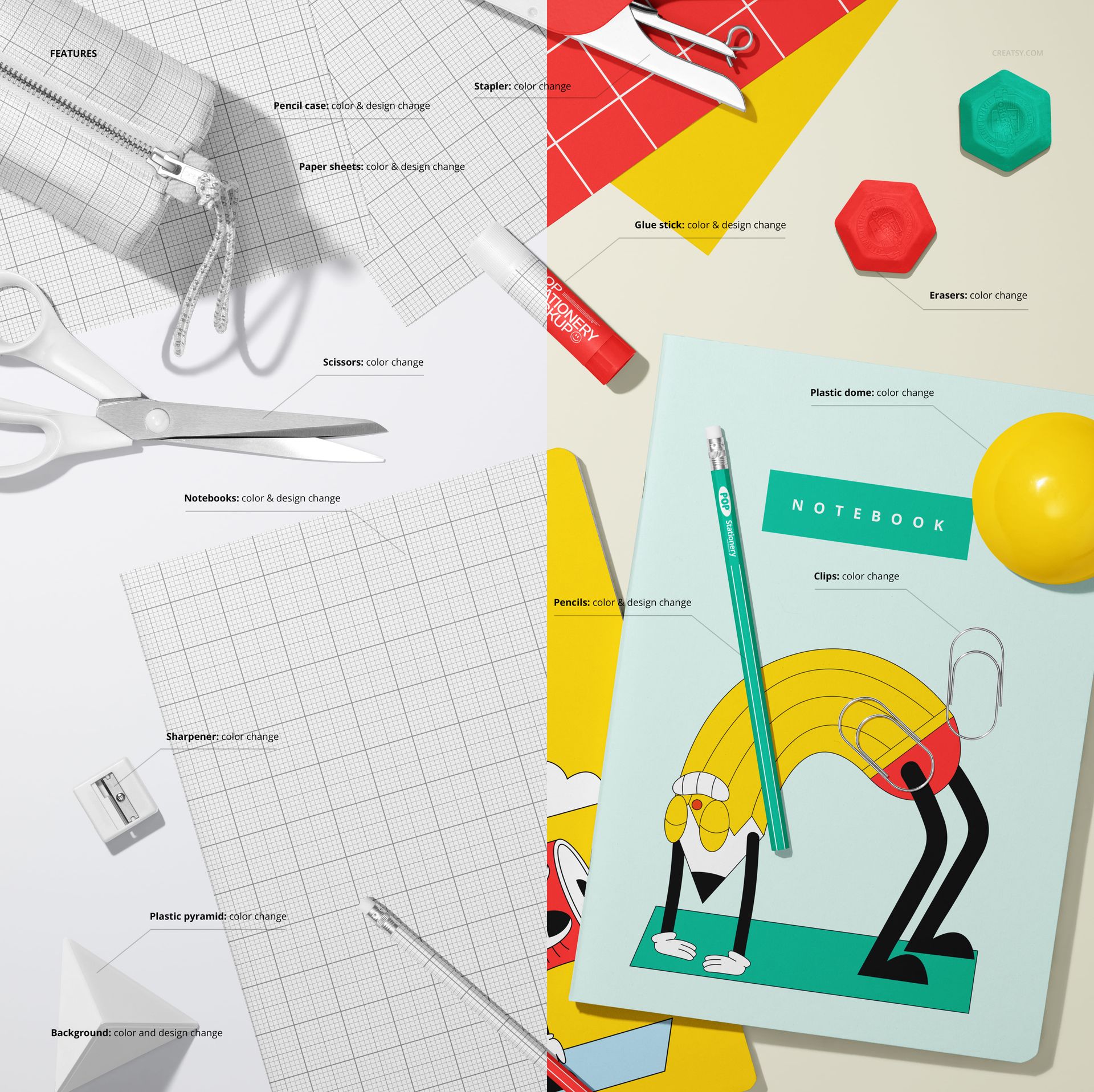
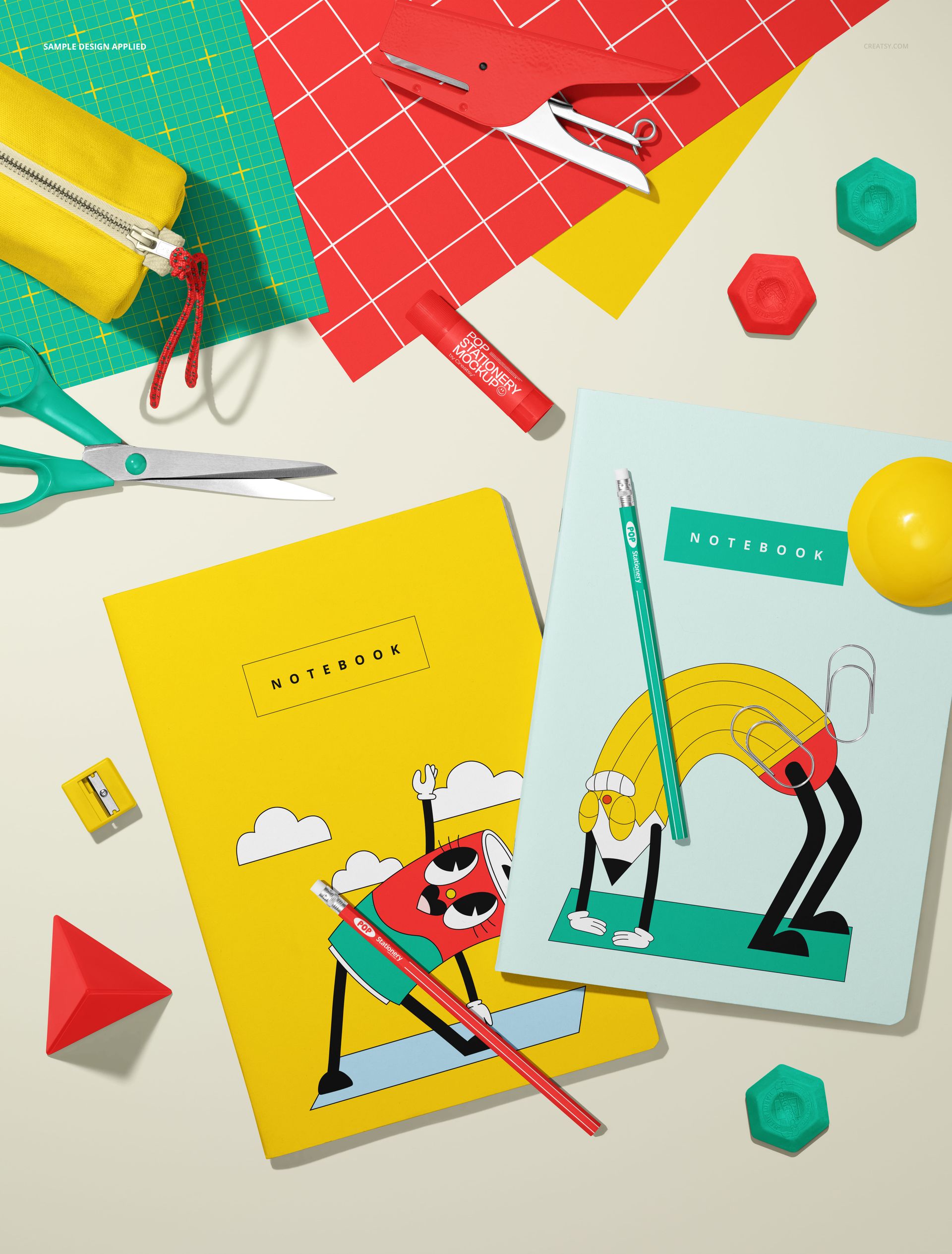
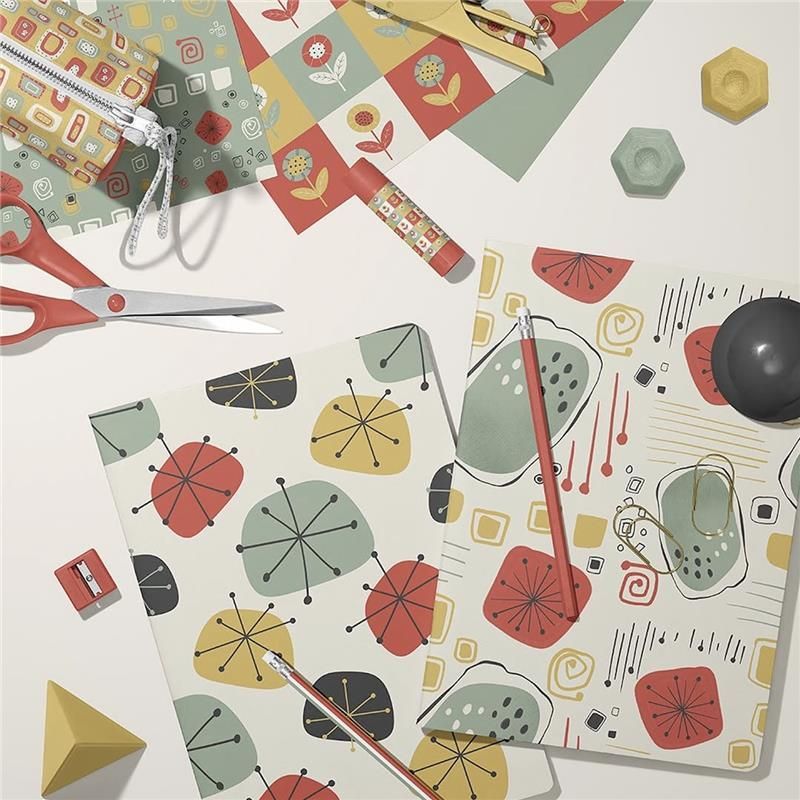
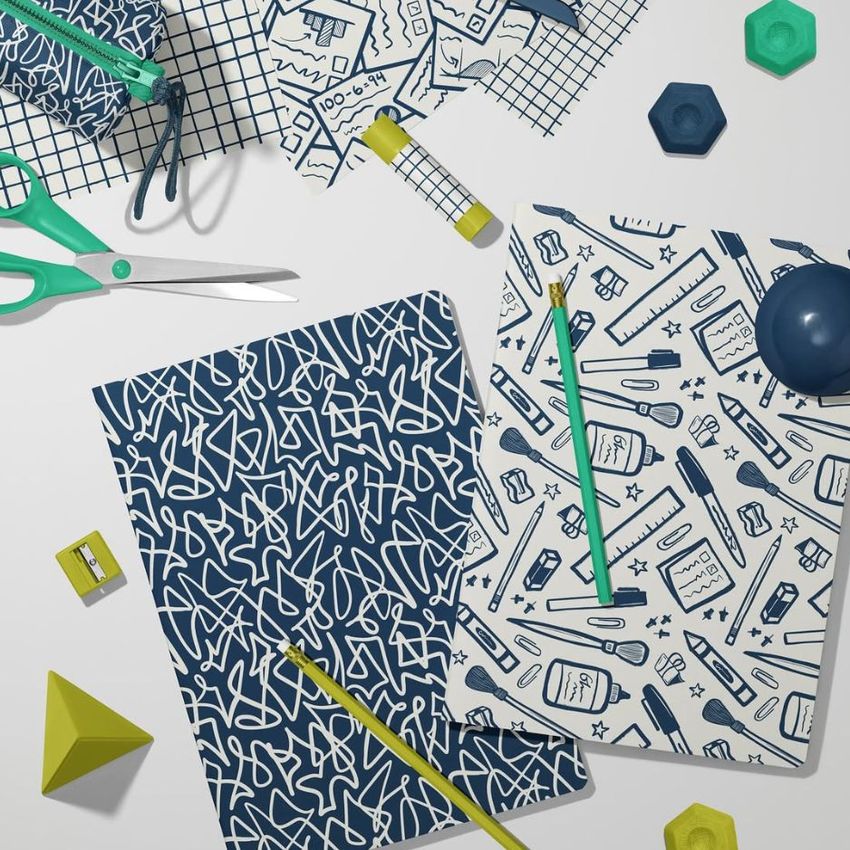
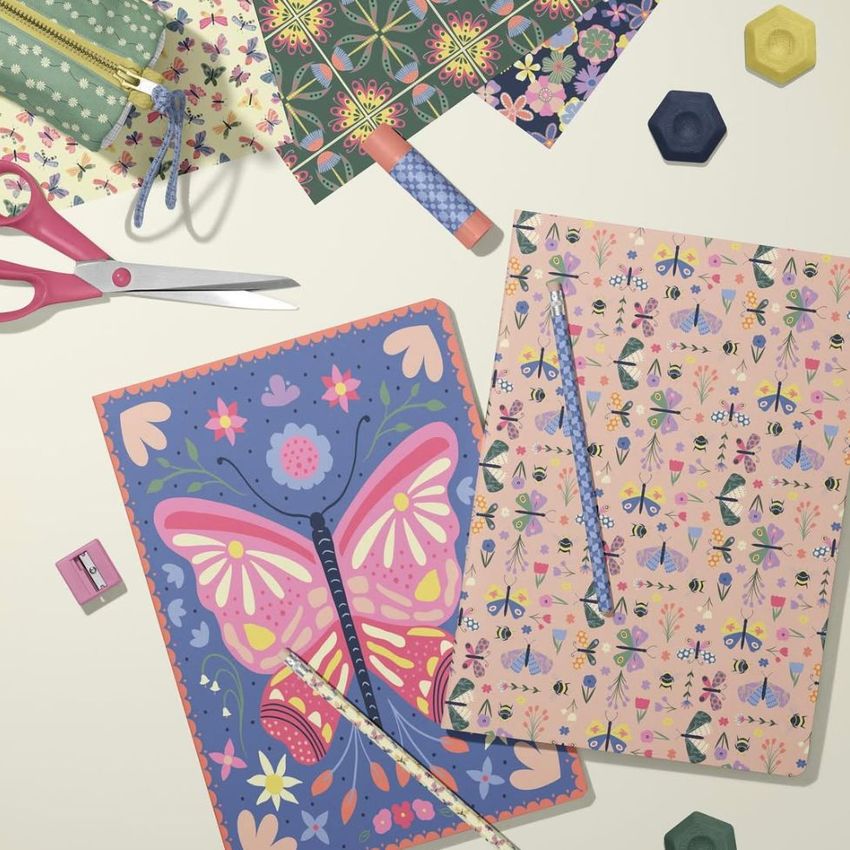
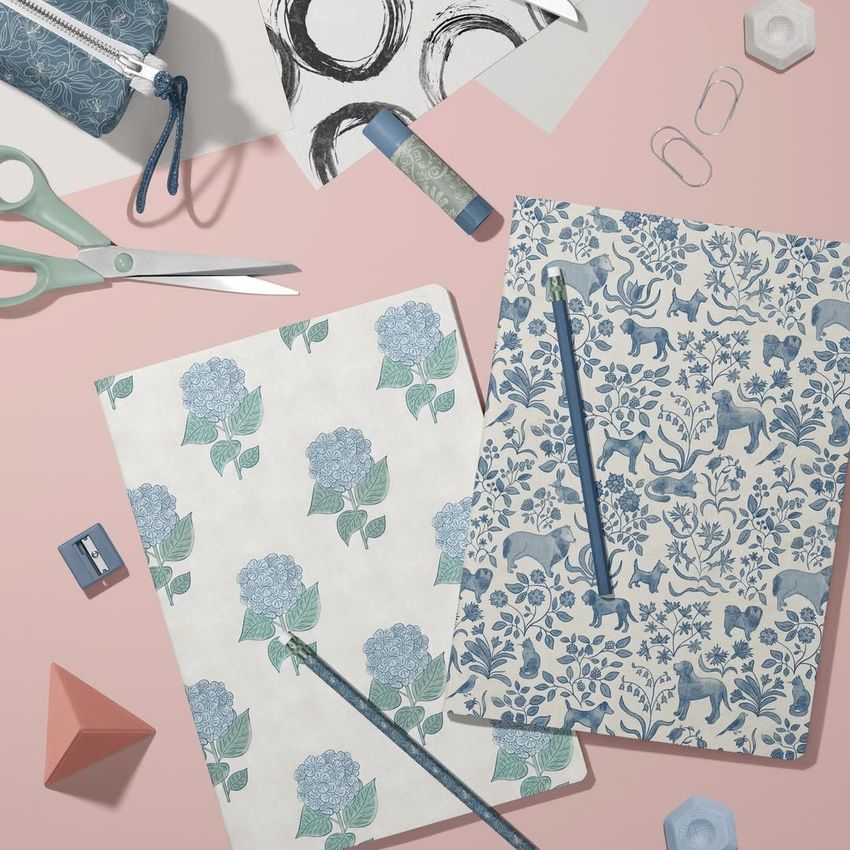
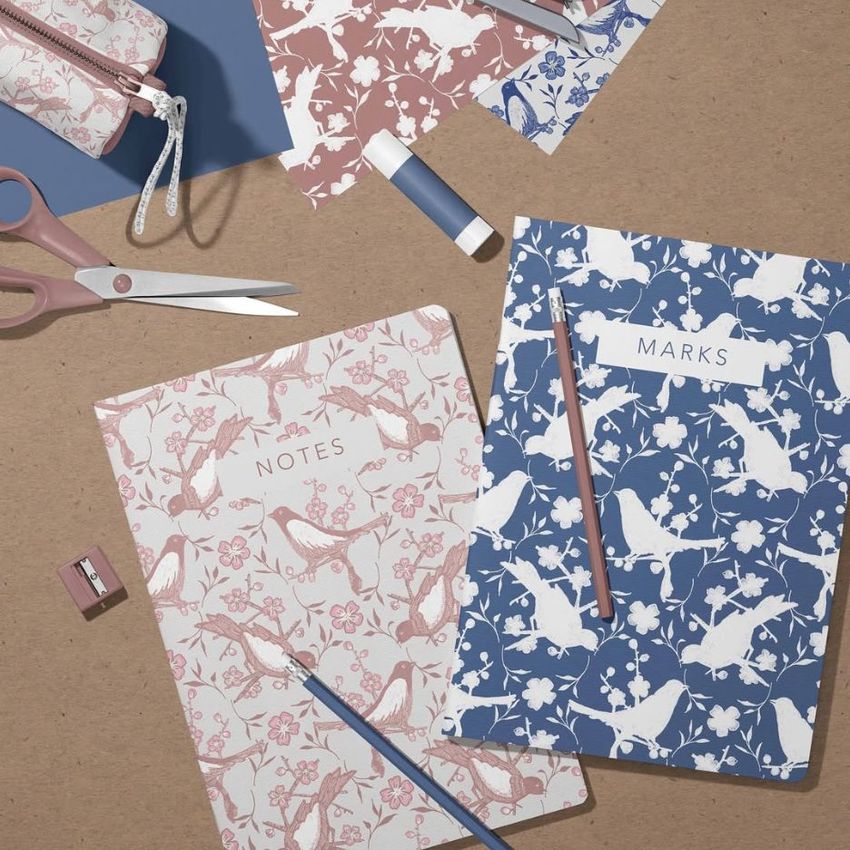
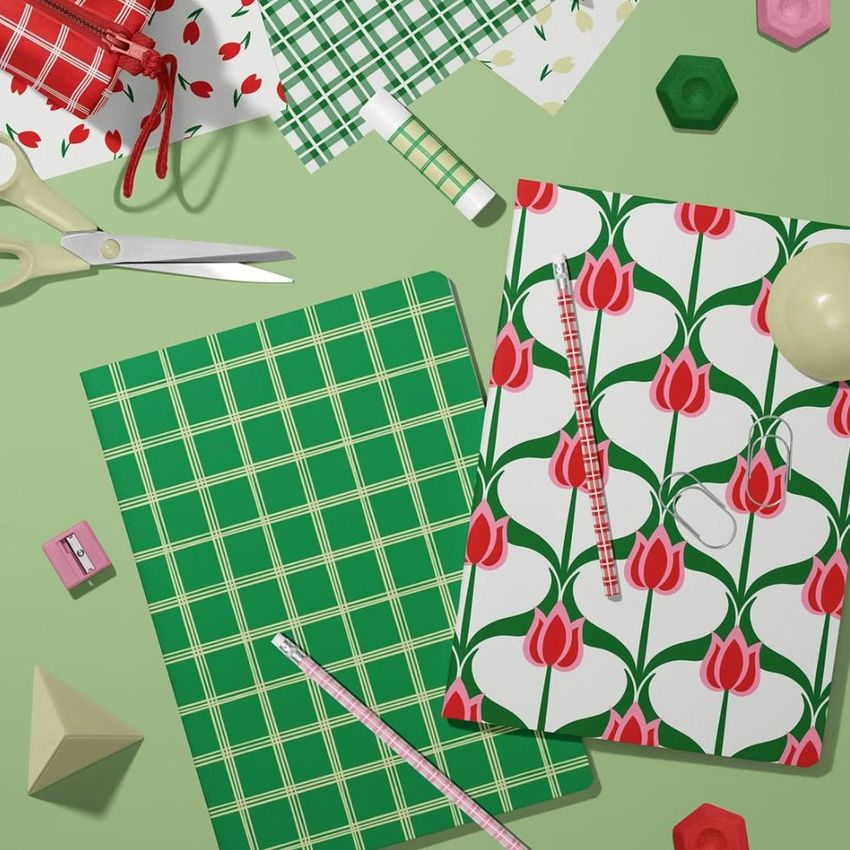
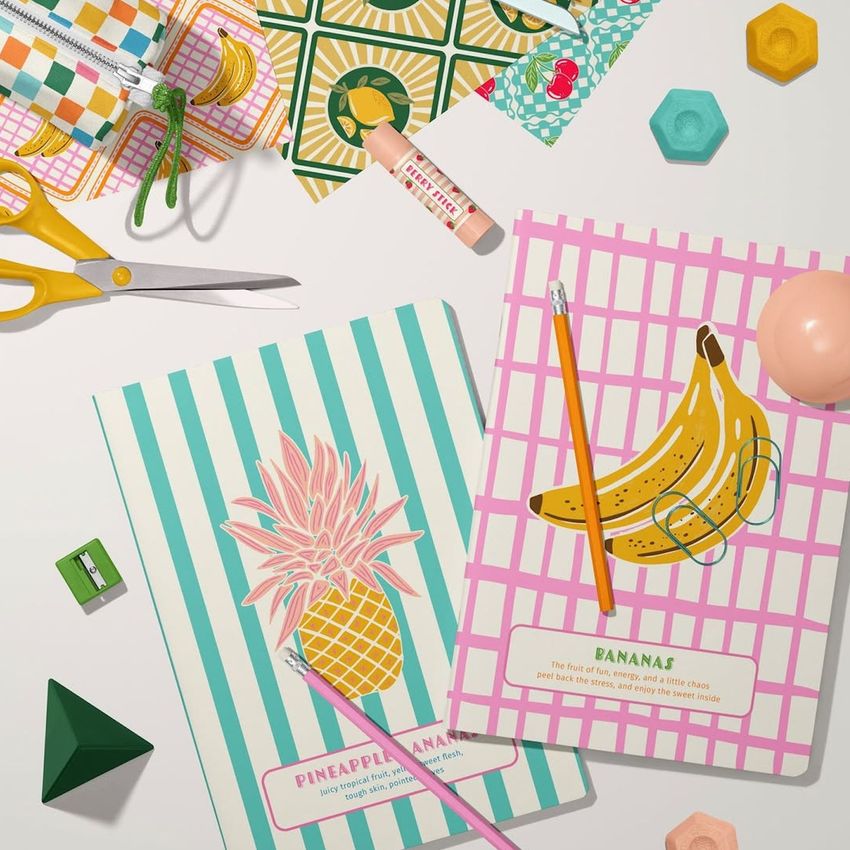
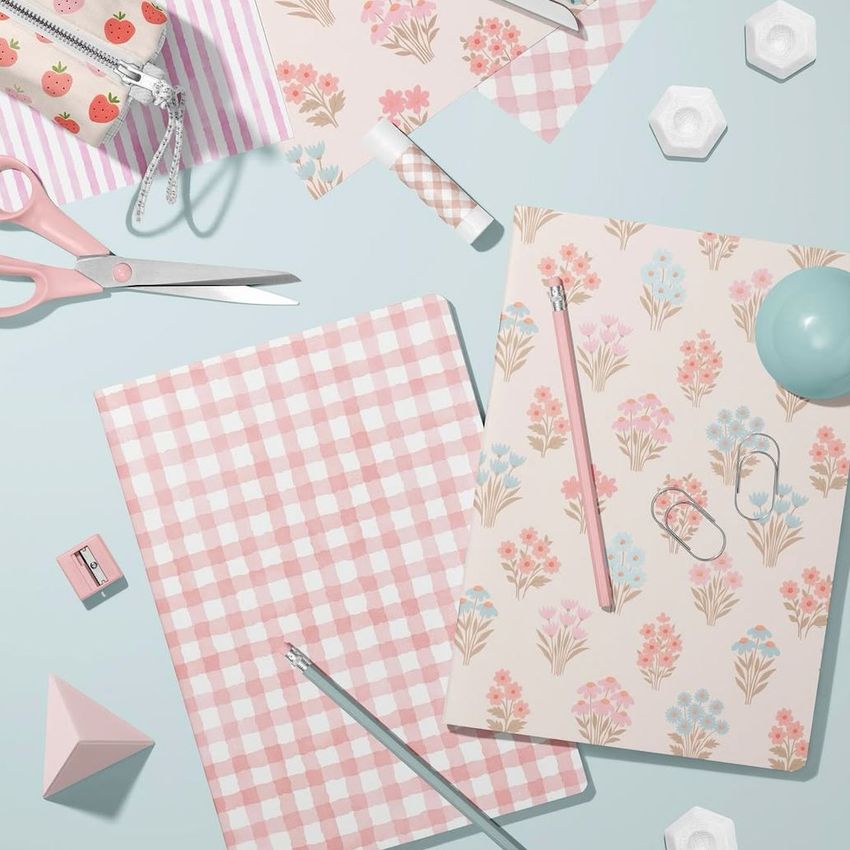
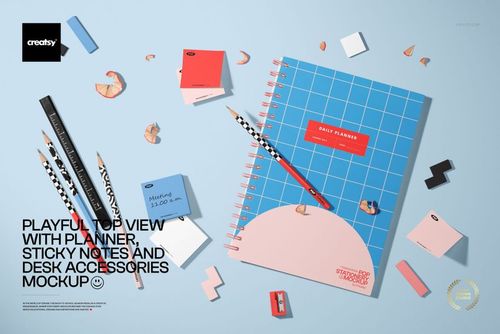
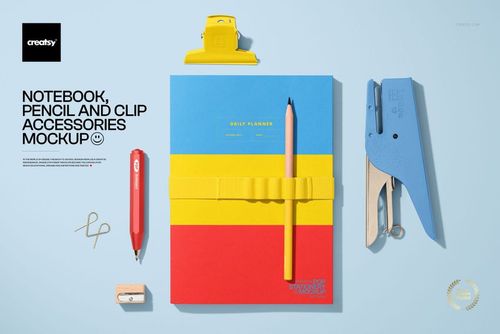
- file works in Photoshop CC and in Photopea (free online editor);

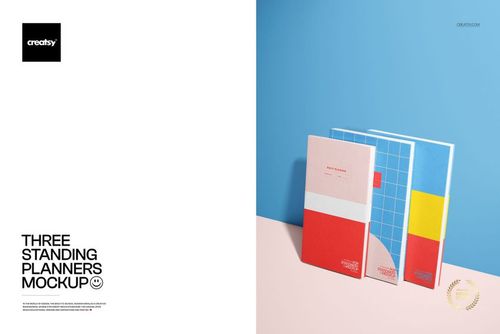
- pack includes 1 .psd file: 4480x5856 px, 300dpi;

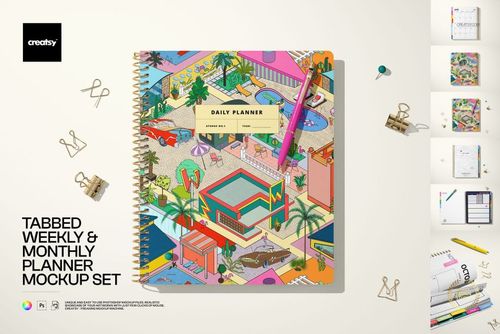
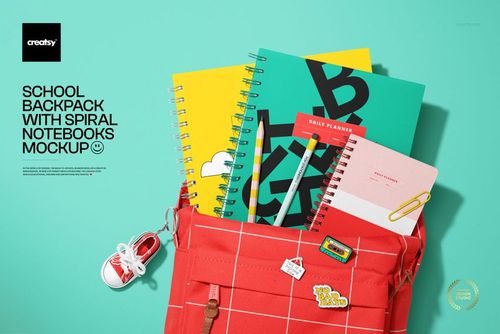
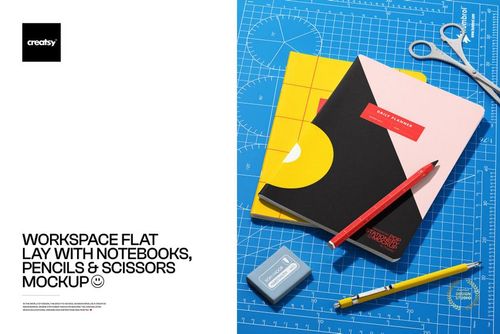
- check screenshots for all the features;

- well organized layers.

File details

Compatibility
PhotopeaAdobe Photoshop
Number of files included
2
Package size
339 MB339 MB|356 MB356 MB
Files type
.psd, .jpg
Files size
4480x5856
TEST FOR FREE

Reviews

Professional PSD mockups built in-house - editable, realistic, high-resolution, and supported by real people.

5 (5 ratings)
Sort by:

marushabelle avatar
marushabelle
Jul 24, 2025

What a fun mockup, it's easy to use, all layers are well organised and it elevates my presentation. Thank you!


Visualised Designs NZ_ avatar
Visualised Designs NZ_
Jul 20, 2025

Lots of elements to add your designs onto; easy to move them around to arrange to your liking (or use in the already beautifully laid out composition). With so many elements within the mock-up it can provide different looks, making it a very useful and adaptable mock-up. Well labelled and organised layers make this a joy to use.


Paulene_Longley avatar
Paulene_Longley
Jul 19, 2025

Easy Mockup to use and display my patterns


unblinkstudio avatar
unblinkstudio
Jul 17, 2025

Love this mockup! It is fun with lots of options to add designs, lots of details! Easy to use and looks great...Will use this one over and over again! Thanks Creatsy!


LK.Havroshka_Kozlova avatar
LK.Havroshka_Kozlova
Jul 6, 2025

Cool mockup


Made with Creatsy

Real designs. Real customers. See how creatives use Creatsy mockups to turn their artwork, branding, and product ideas into polished visuals.

MEET THE SHOP

Creatsy logo

Creatsy

Poland
4.7 (642)

Bring your ideas to life.

We're a family-run studio in Katowice, Poland, making PSD mockups by hand since 2016. Everything in this shop starts in our own studio. We shoot the photography, build the 3D, and put together every Smart Object PSD ourselves - then we test it, organize the layers, and only ship it once it actually works...
GO TO SHOP

HOW IT WORKS

3 clicks. That's it.

No tutorial needed. If you can copy-paste, you can use this.

  1. 1OpenDouble-click the smart object inside the PSD - in Adobe Photoshop, or free in your browser with Photopea.
  2. 2PasteDrop in your pattern, print, or artwork. Any design, any style.
  3. 3SaveHit save and the mockup wraps it in for you - shadows, folds, and lighting included.
FROM IDEA TO IMAGE

Built for real workflows

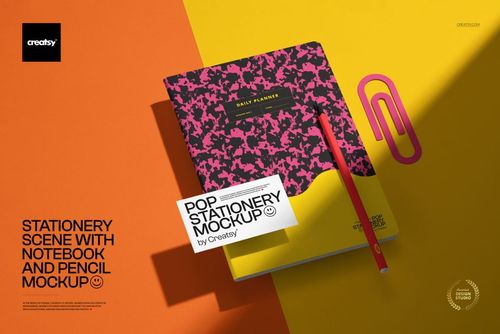
Pitch the whole brand in one scene Lay the cards, tags, and labels out together so the client sees the identity as a set, not separate flat files.

See it on the product, not a swatch Drop your file into the smart object and the scene's lighting and folds wrap around it, so you judge the real thing before you commit.

Smart Objects

Edit once and you're done. Your artwork drops into a smart object and the mockup updates itself - no masking, no warping by hand.

Perfectly Organized

Named layers and folders you can actually navigate. Find what you need, change what you want, and get out fast.

Print-Ready

High-resolution files built to hold up on screen and in print. Exact size and DPI are in this product's Details above.