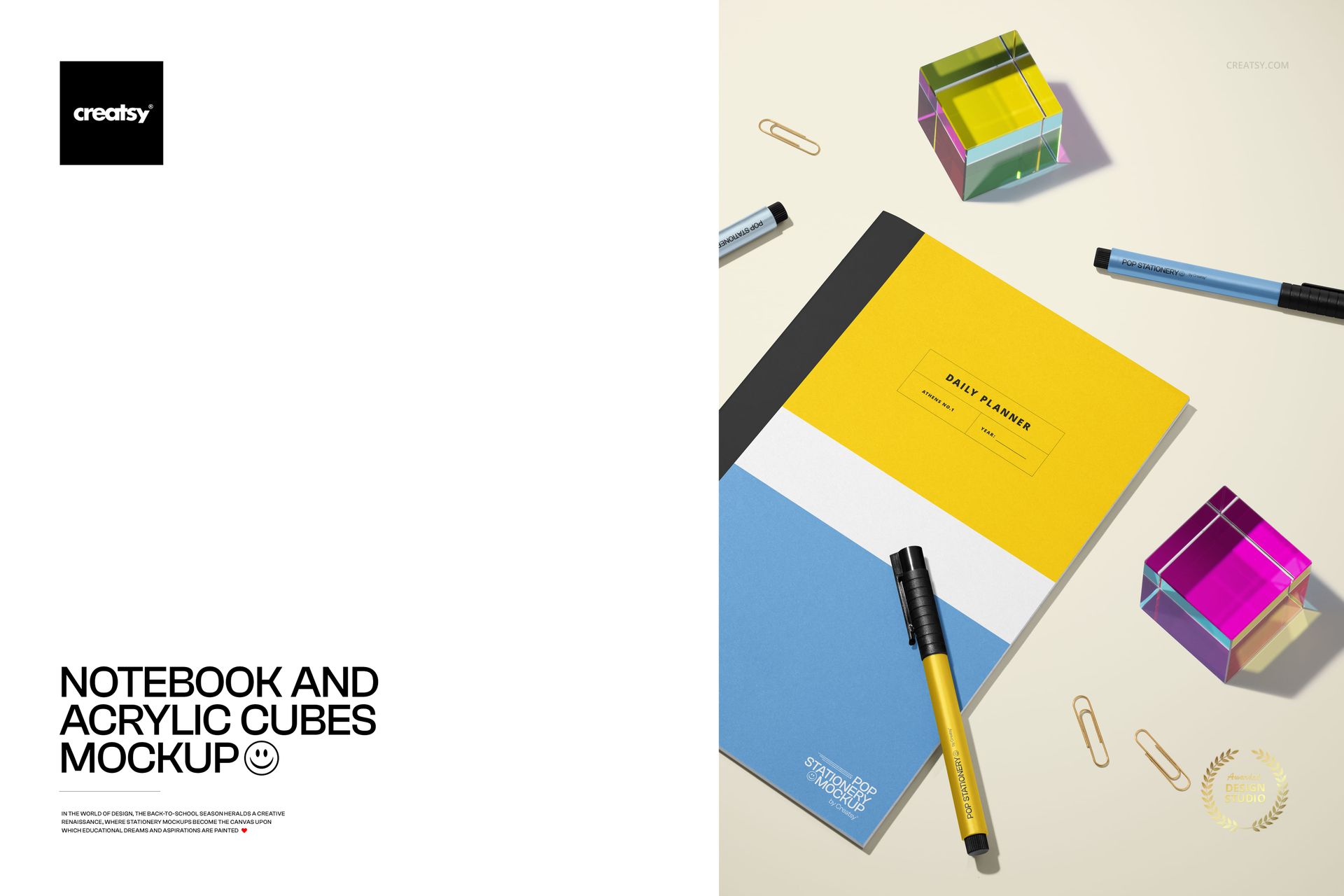
Notebook and Acrylic Cubes Mockup
This product is a part of Back to School Mockup Bundle
Product Details
Notebook and Acrylic Cubes Mockup
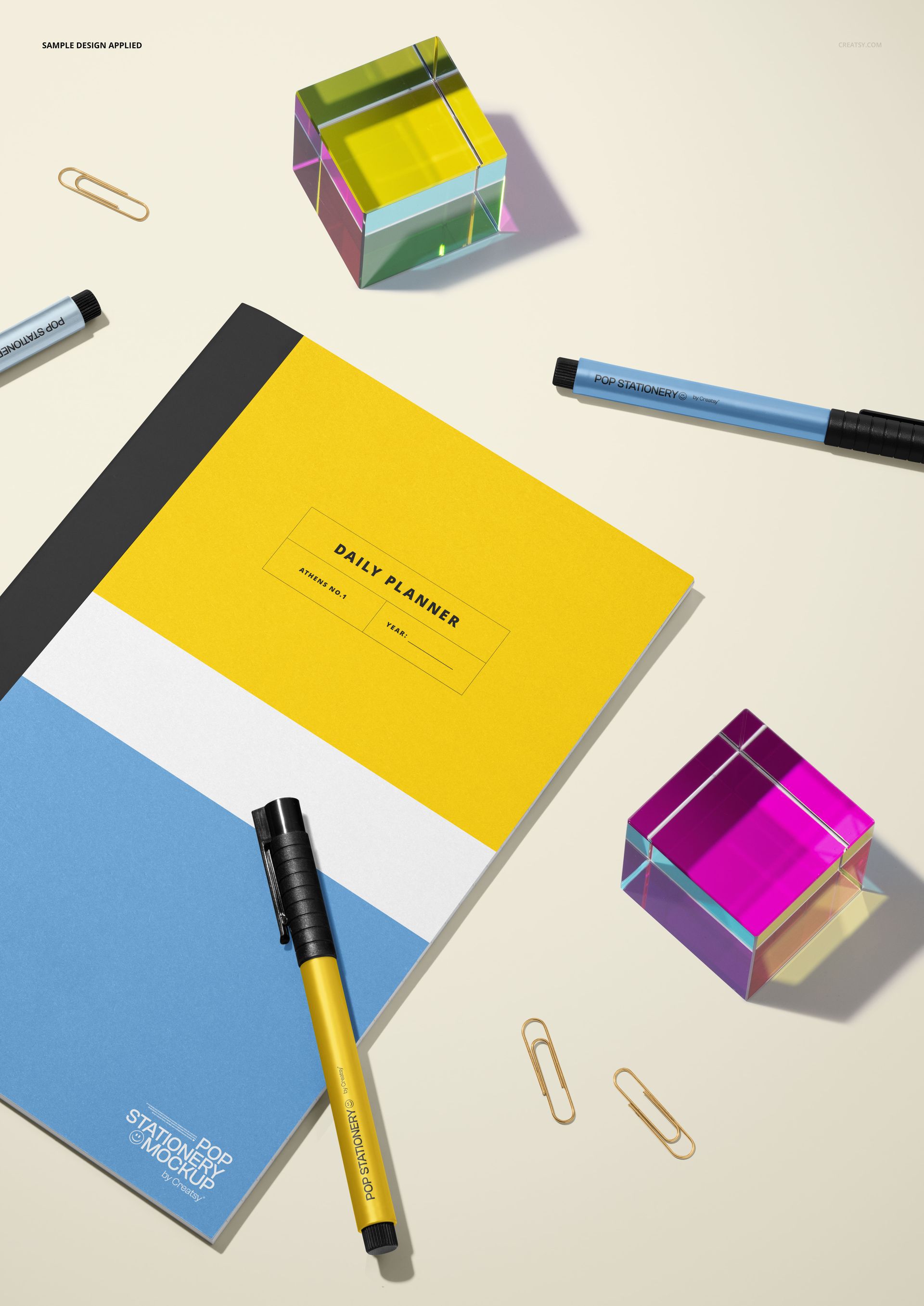
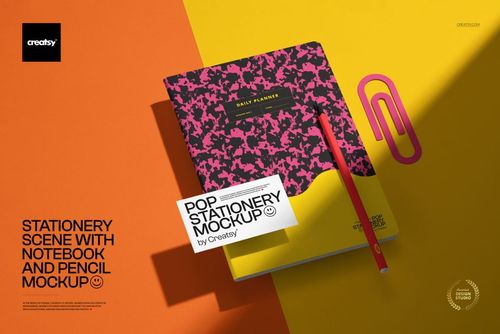
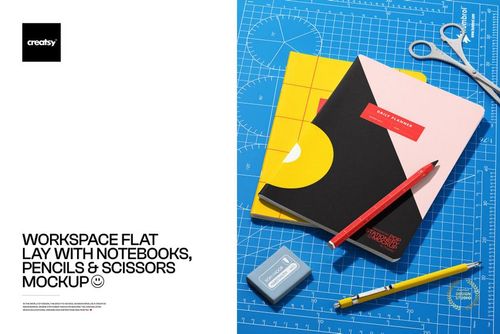
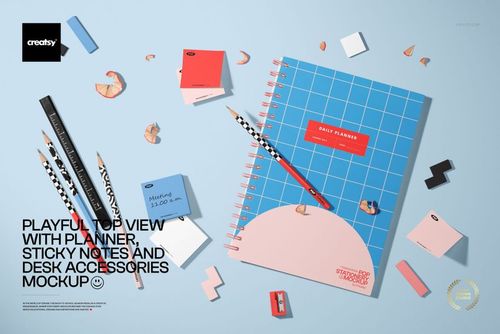
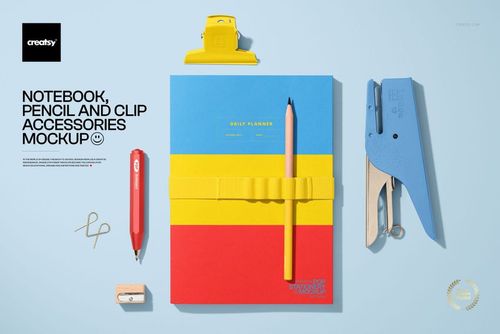
Frame notebook cover artwork in a polished top-down stationery scene with one closed notebook, two pens, gold paper clips, and two translucent acrylic cubes. The pale surface and defined studio shadows give the composition a crisp, contemporary look while keeping the cover design easy to read.
What Is Included
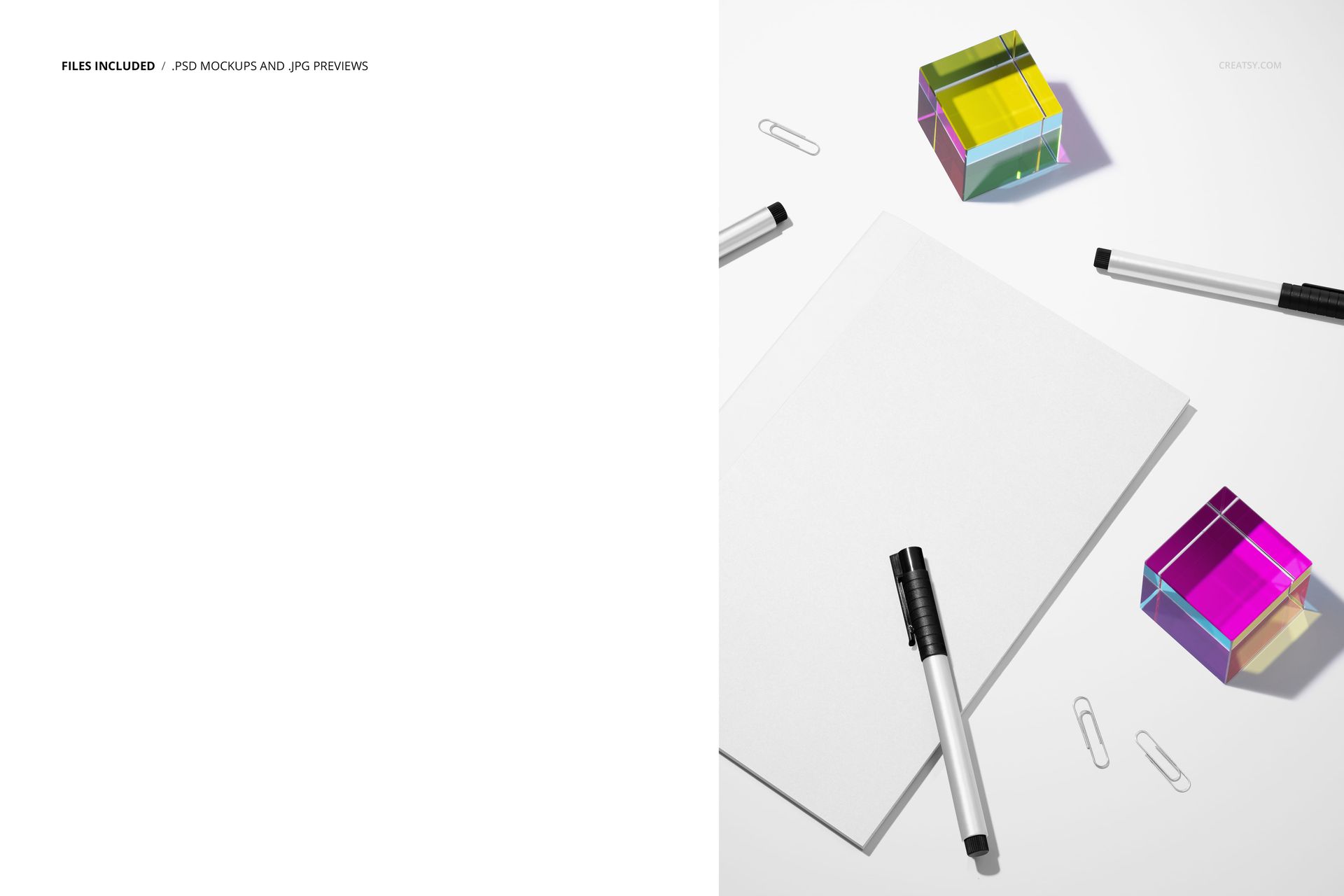
1 layered PSD mockup file
1 JPG preview image
2 files in total
300 DPI resolution
A Graphic Flat Lay with Color Control
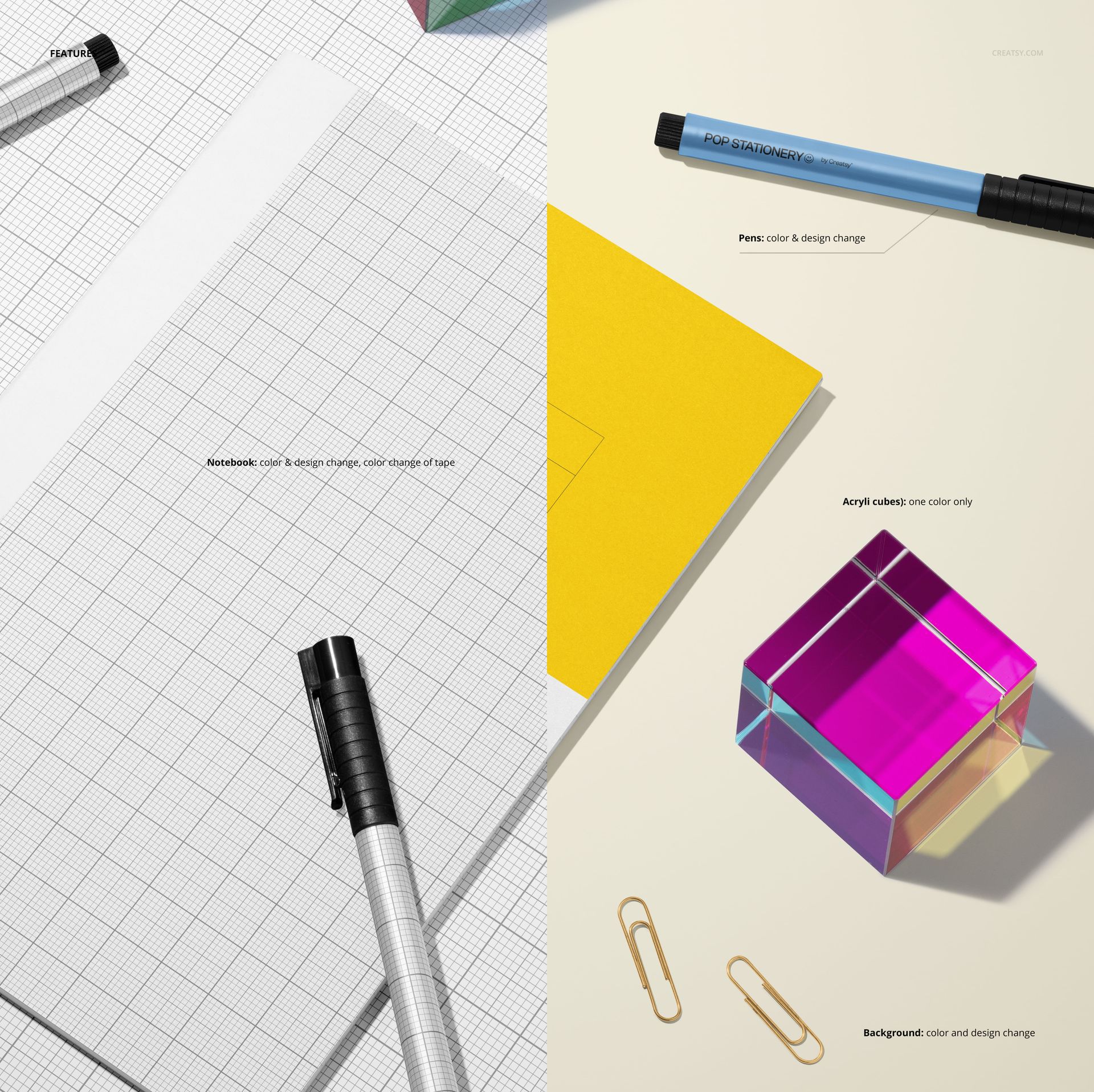
Adjust the notebook color and design, change the tape color, customize the colors and designs of the pens, and coordinate the background color and design. The acrylic cubes add saturated color and transparent depth without competing with the notebook.
Easy Smart Object Editing
Place your artwork through the Smart Object workflow in Adobe Photoshop or Photopea. Organized layers make the supported design and color controls straightforward to find, so you can prepare a clean presentation without arranging and photographing physical props.
Perfect For
Notebook cover and pattern presentations
Stationery branding and campaign visuals
Portfolio, catalog, and client review images
Online shop listings and social media graphics
Please note: This is a digital product. No physical item will be shipped. Sample artwork shown in the previews is not included.
File details
- Compatibility
- Package size
- 258 MB
|271 MB
- Files type
- .psd, .jpg
- Files size
- 6000x4000


MEET THE SHOP
- $1615$19.00
- $1615$19.00
- $2890$34.00

HOW IT WORKS
3 clicks. That's it.
No tutorial needed. If you can copy-paste, you can use this.
- 1OpenDouble-click the smart object inside the PSD - in Adobe Photoshop, or free in your browser with Photopea.
- 2PasteDrop in your pattern, print, or artwork. Any design, any style.
- 3SaveHit save and the mockup wraps it in for you - shadows, folds, and lighting included.
FROM IDEA TO IMAGE
Built for real workflows
Pitch the whole brand in one scene Lay the cards, tags, and labels out together so the client sees the identity as a set, not separate flat files.
See it on the product, not a swatch Drop your file into the smart object and the scene's lighting and folds wrap around it, so you judge the real thing before you commit.
Smart Objects
Edit once and you're done. Your artwork drops into a smart object and the mockup updates itself - no masking, no warping by hand.
Perfectly Organized
Named layers and folders you can actually navigate. Find what you need, change what you want, and get out fast.
Print-Ready
High-resolution files built to hold up on screen and in print. Exact size and DPI are in this product's Details above.