School Backpack with Spiral Notebooks Mockup
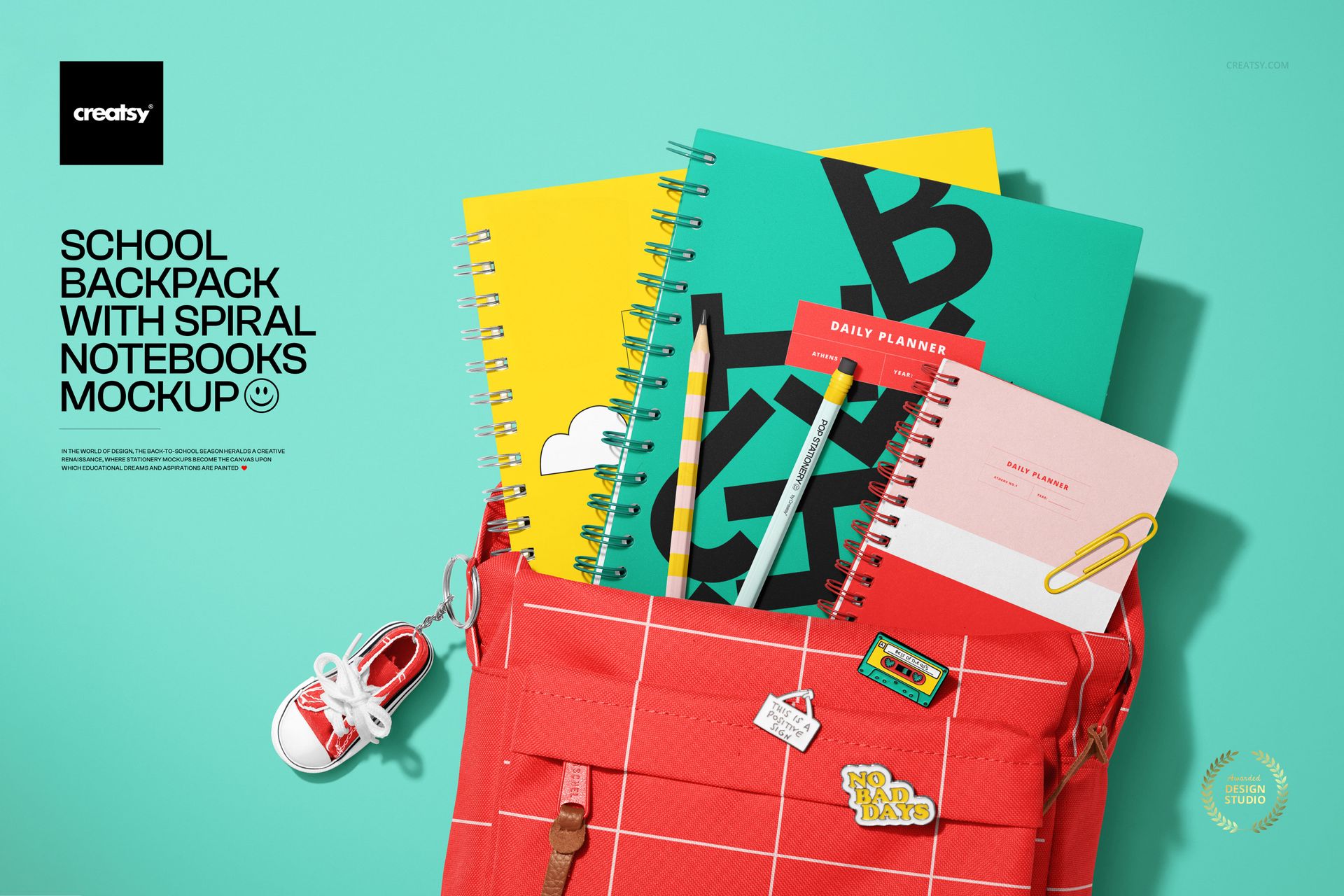
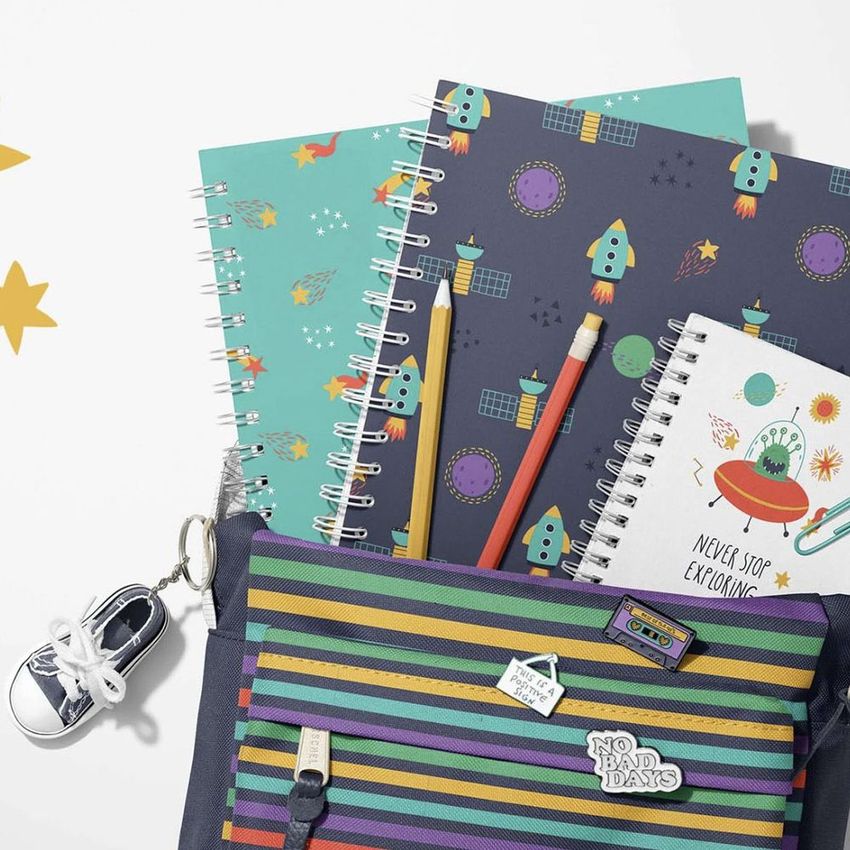
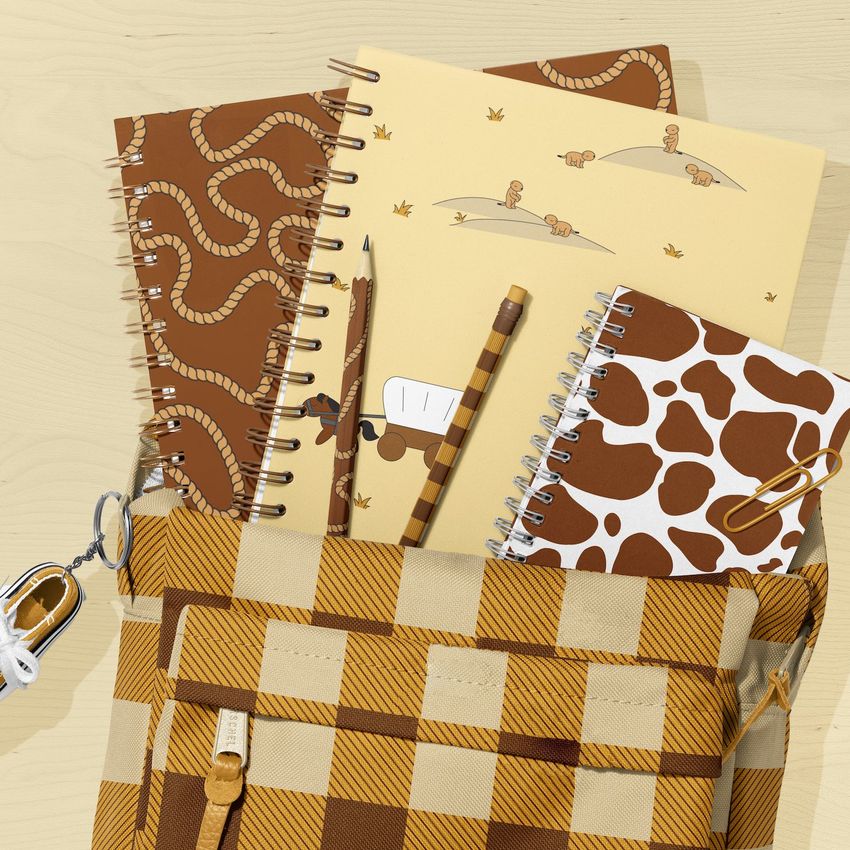
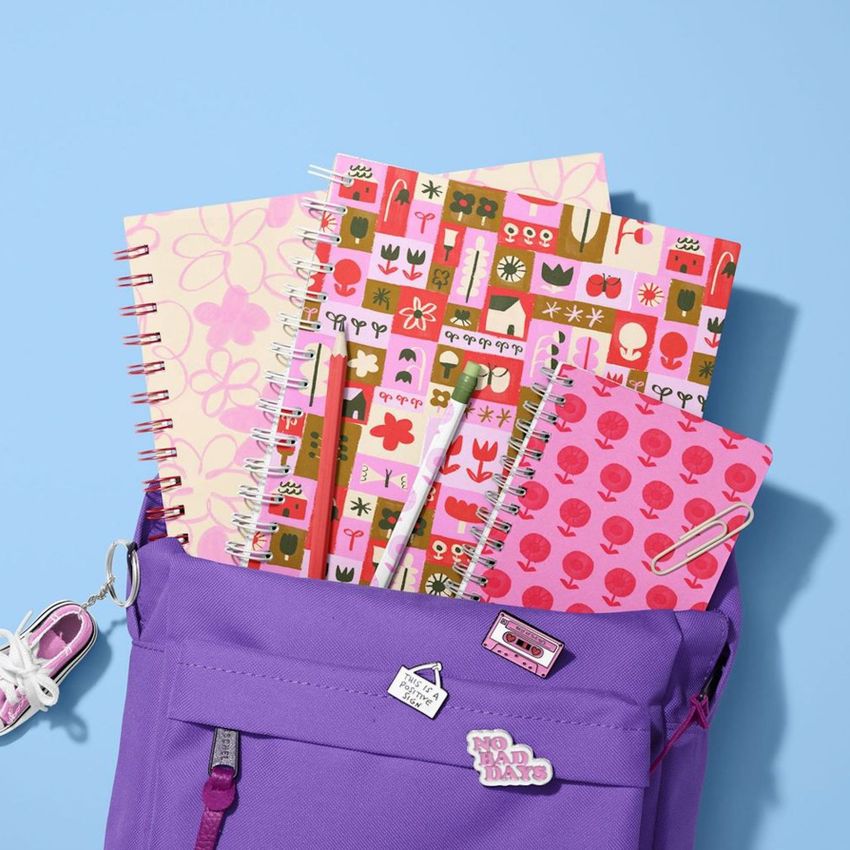
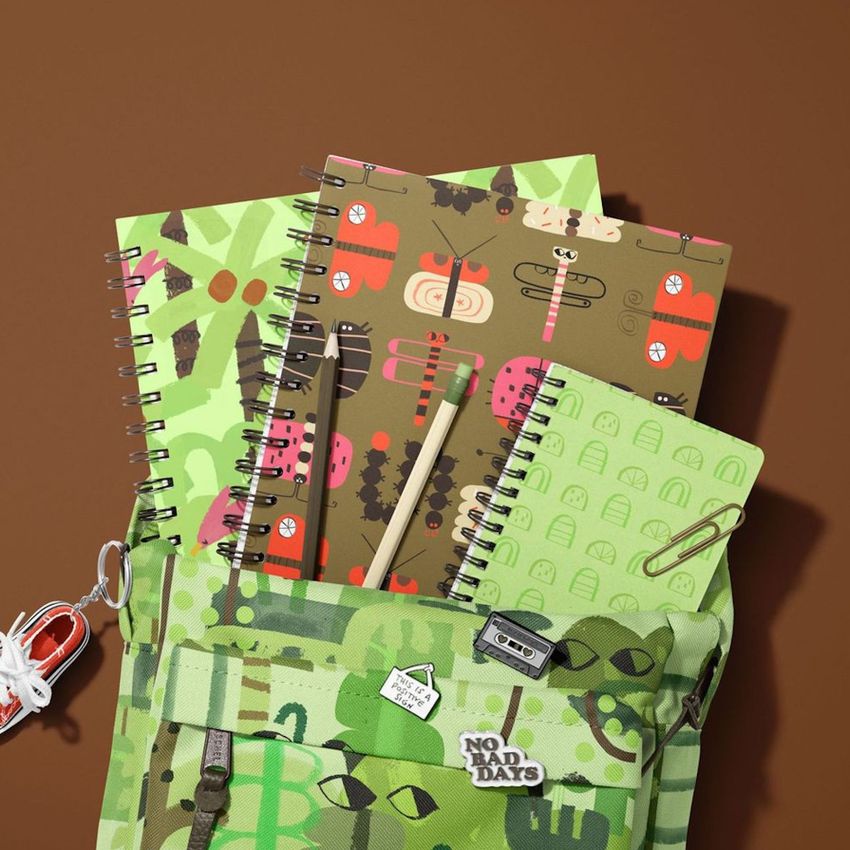
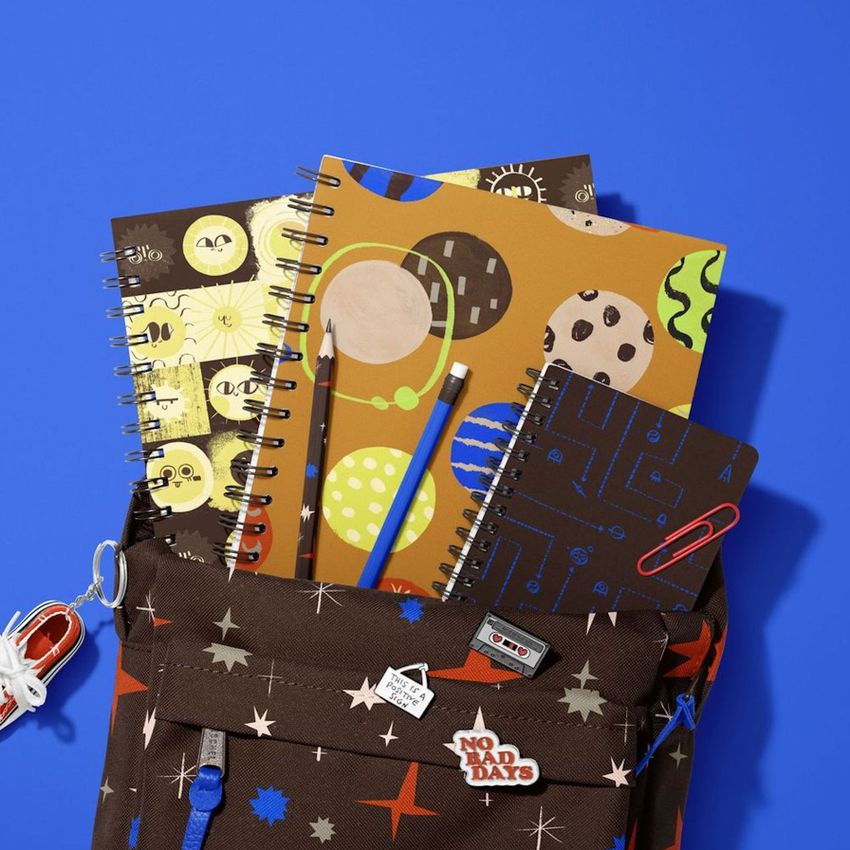
Present your school-inspired artwork in a bright, realistic and ready-to-sell scene with this School Backpack with Spiral Notebooks Mockup. Designed for stationery brands, surface pattern designers, print-on-demand sellers and creative shops, this PSD mockup helps you turn flat artwork into a polished product visual for back-to-school collections, kids’ patterns, notebook covers, backpack designs and educational branding.
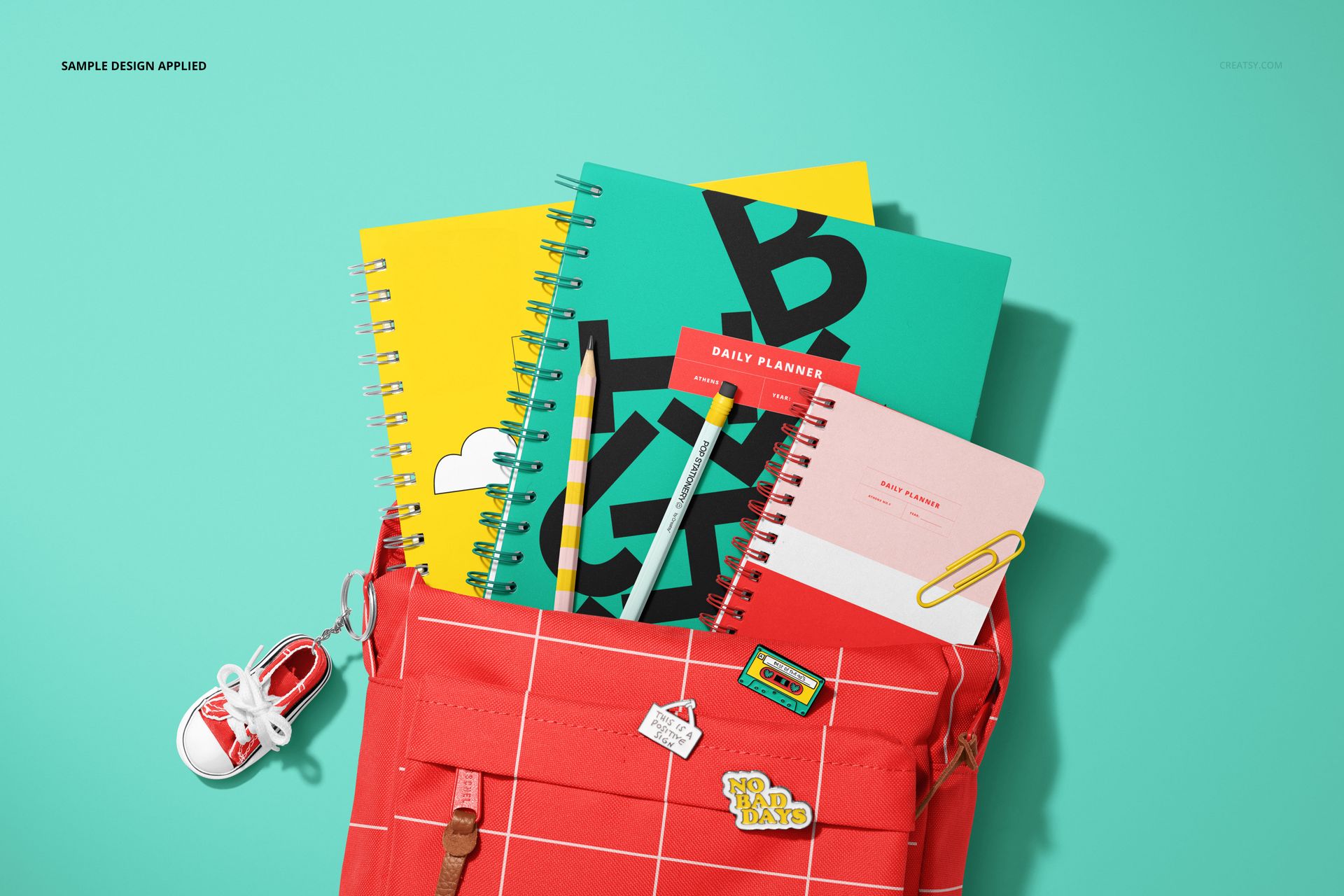
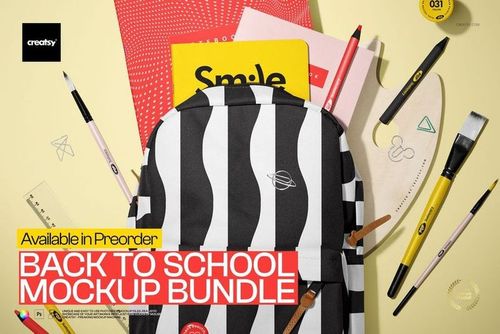
The scene features a school backpack styled with spiral notebooks and stationery details, making it ideal for showcasing coordinated designs in one professional composition. Use it to display backpack prints, notebook artwork, repeat patterns, character illustrations, classroom themes, student accessories, school supply collections and seasonal product launches.
This mockup is especially useful when you want your design to feel more complete than a simple flat preview. Instead of showing artwork alone, you can place it into a realistic school product scene that helps customers imagine the final item in everyday use.
Why This Mockup Works
Back-to-school products need visuals that feel colorful, practical and full of personality. A backpack design or notebook cover becomes much more attractive when it is shown together with matching school supplies, spiral notebooks and playful styling.
This mockup gives your product presentation a clear seasonal context. It works well for school collections, teacher resources, kids’ stationery, student accessories, classroom-themed products, pattern portfolios and ecommerce listings. The composition is clean enough for professional shops, but still playful enough for children’s designs and educational brands.
Use it to create product images for Etsy, Shopify, Creative Market-style shops, print-on-demand listings, social media posts, Pinterest pins, digital catalogs, launch graphics and client presentations.
Perfect For
This school backpack mockup is a strong choice for:
Stationery designers creating notebook and planner collections
Surface pattern designers presenting kids’ prints and repeat patterns
Print-on-demand sellers creating backpack and school supply listings
Teachers and educational creators selling classroom-themed products
Kids’ brands preparing back-to-school campaigns
Illustrators showcasing playful artwork on real products
Etsy and Shopify sellers who need professional listing images
Designers building seasonal school product collections
Easy Editing with Smart Objects
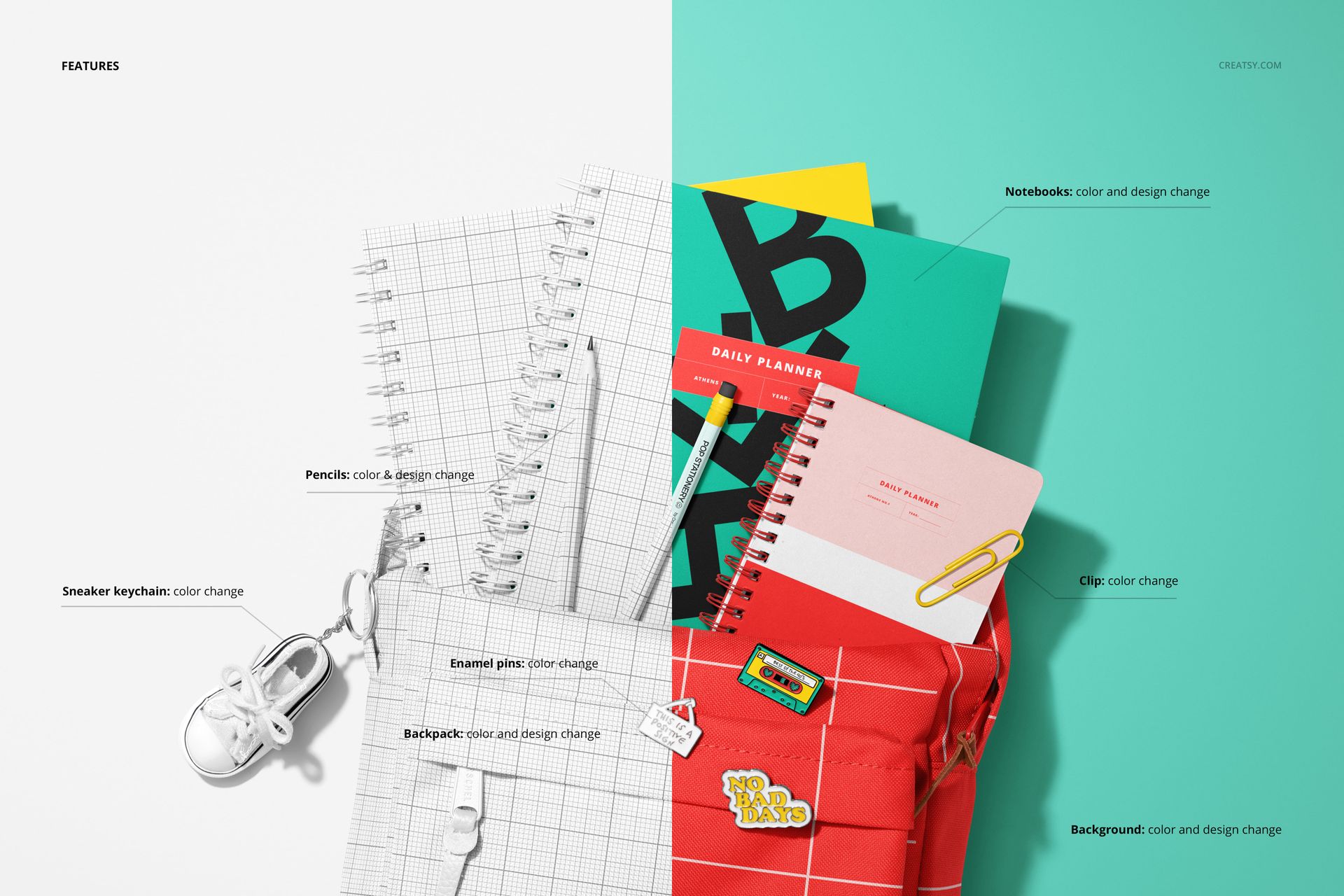
Customize the PSD file by placing your artwork into the editable smart object areas. Add your pattern, illustration, logo, notebook cover or backpack design, then save the file to generate a realistic product preview with the original lighting, shadows and perspective.
The mockup is built for a smooth workflow in Adobe Photoshop and Photopea, so you can create polished visuals without arranging physical samples or booking a photoshoot. The layered file structure helps you navigate the design quickly and prepare multiple product images for one cohesive collection.
What You Can Showcase
Use this mockup to present:
Backpack prints and all-over patterns
Spiral notebook cover designs
Coordinated school stationery collections
Kids’ illustrations and character artwork
Back-to-school product launches
Teacher shop product previews
Student accessories and classroom branding
Etsy and Shopify product listing images
Pinterest graphics and social media content
Pattern portfolio presentations
File Specifications
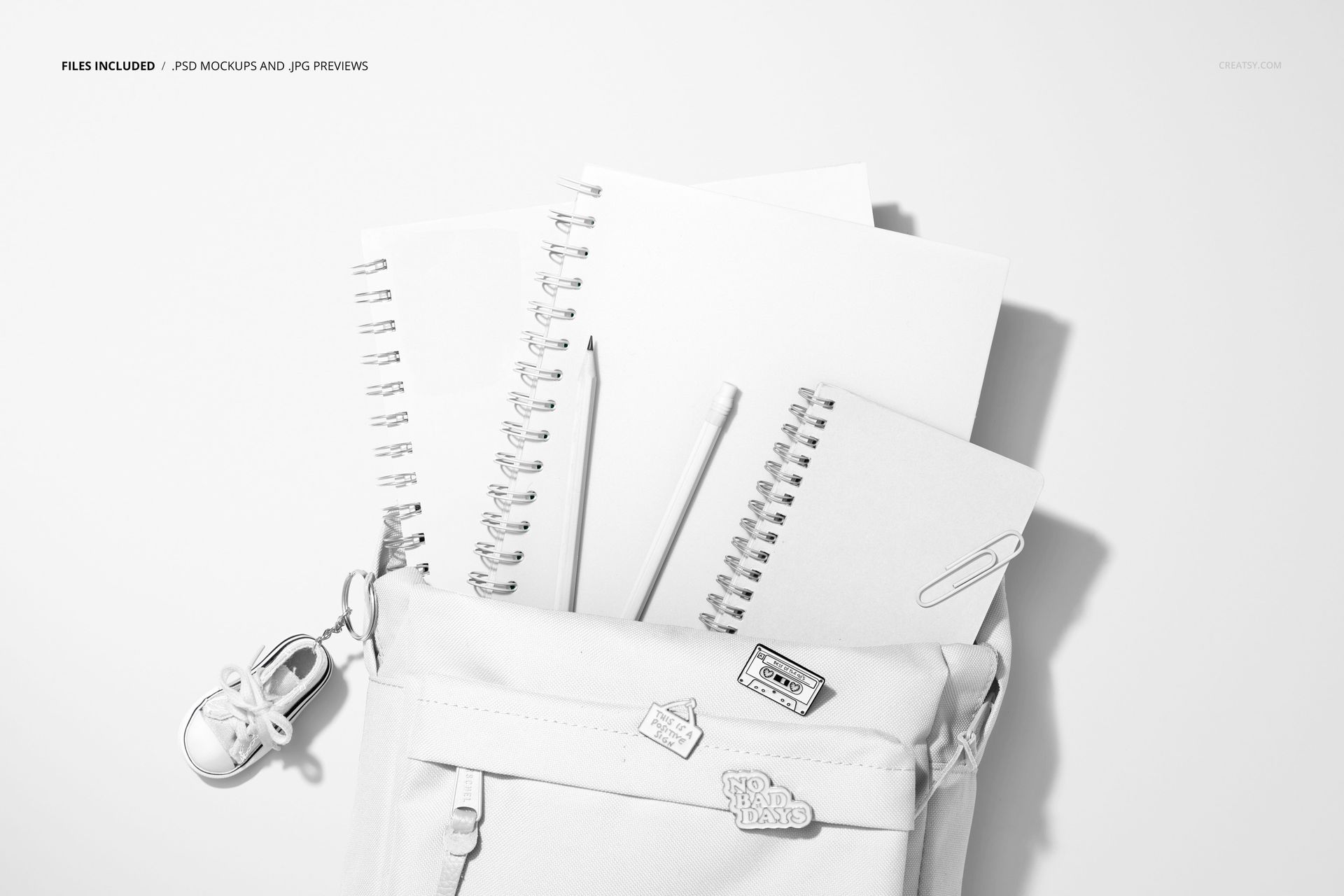
Includes PSD and JPG files
2 files included
PSD file size: 4000x6000 px
Resolution: 300 DPI
Compatible with Adobe Photoshop CC
Compatible with Photopea
Well organized layers
Part of the Back to School Mockup Bundle
Example artwork shown in previews is for display only and is not included














great mockup
Thank you so much for your lovely review! We’re happy to hear you enjoyed the mockup and hope it helps you create beautiful back-to-school product visuals.