Notebook mockup with two standing planners and a paper swan
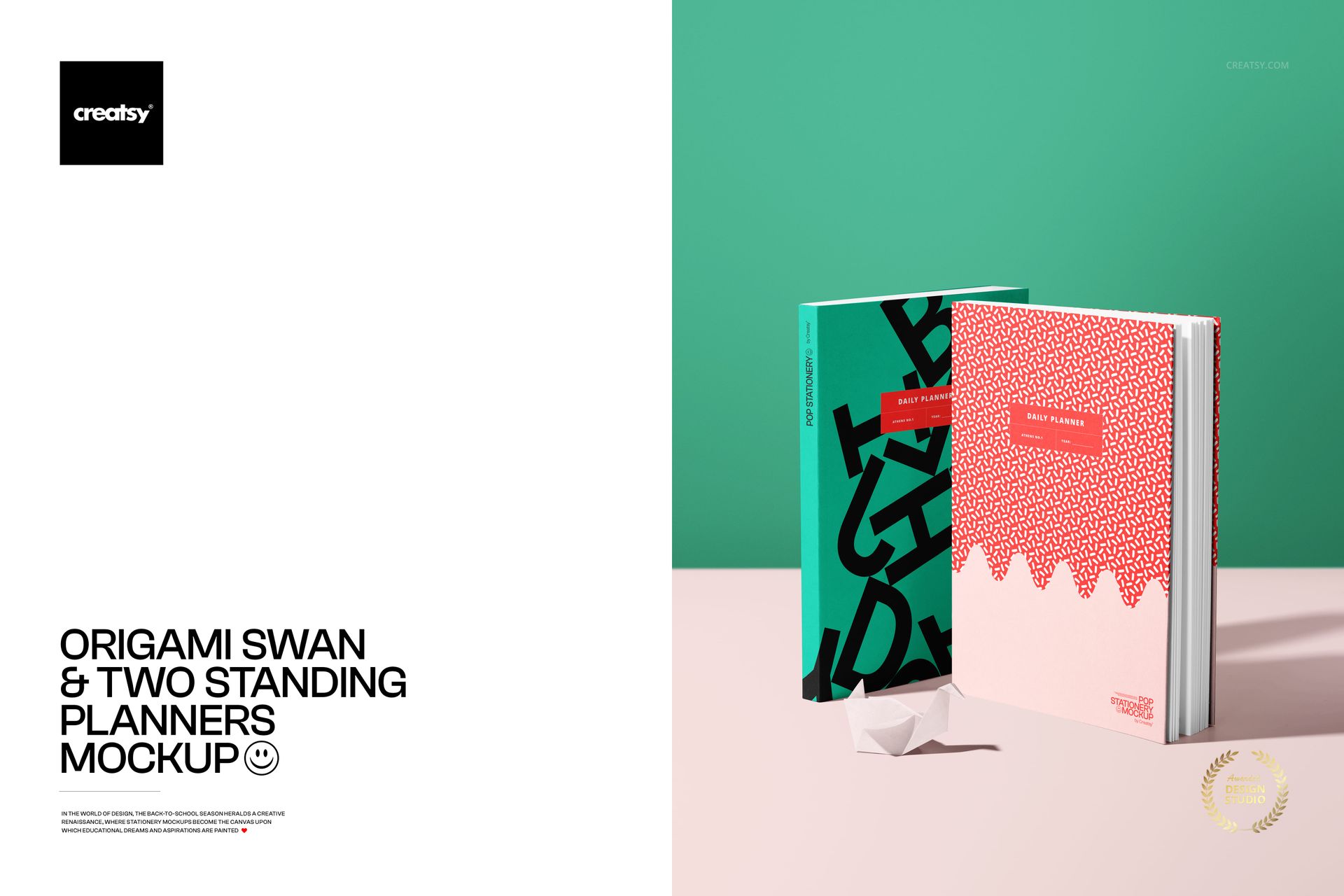
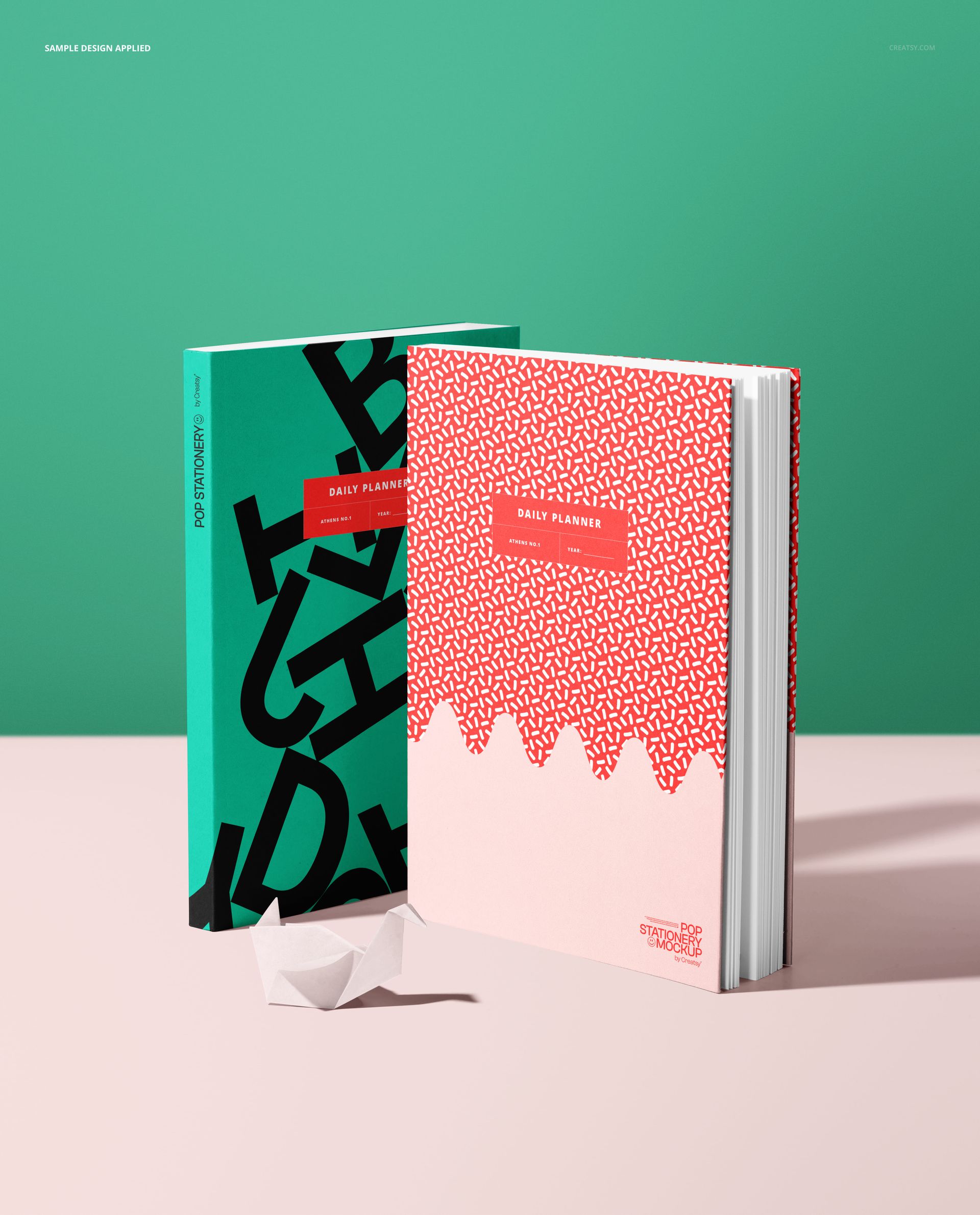
This is a notebook mockup: two hardcover planners stand upright, with a small origami swan resting at the base, on a soft two-tone studio backdrop. Add your cover art through the smart objects, recolor the books and the background, and you have a clean, modern stationery shot for a planner or journal line, with no printing and no photographer. It is built to show a cover design the way it looks on a real shelf.
The scene
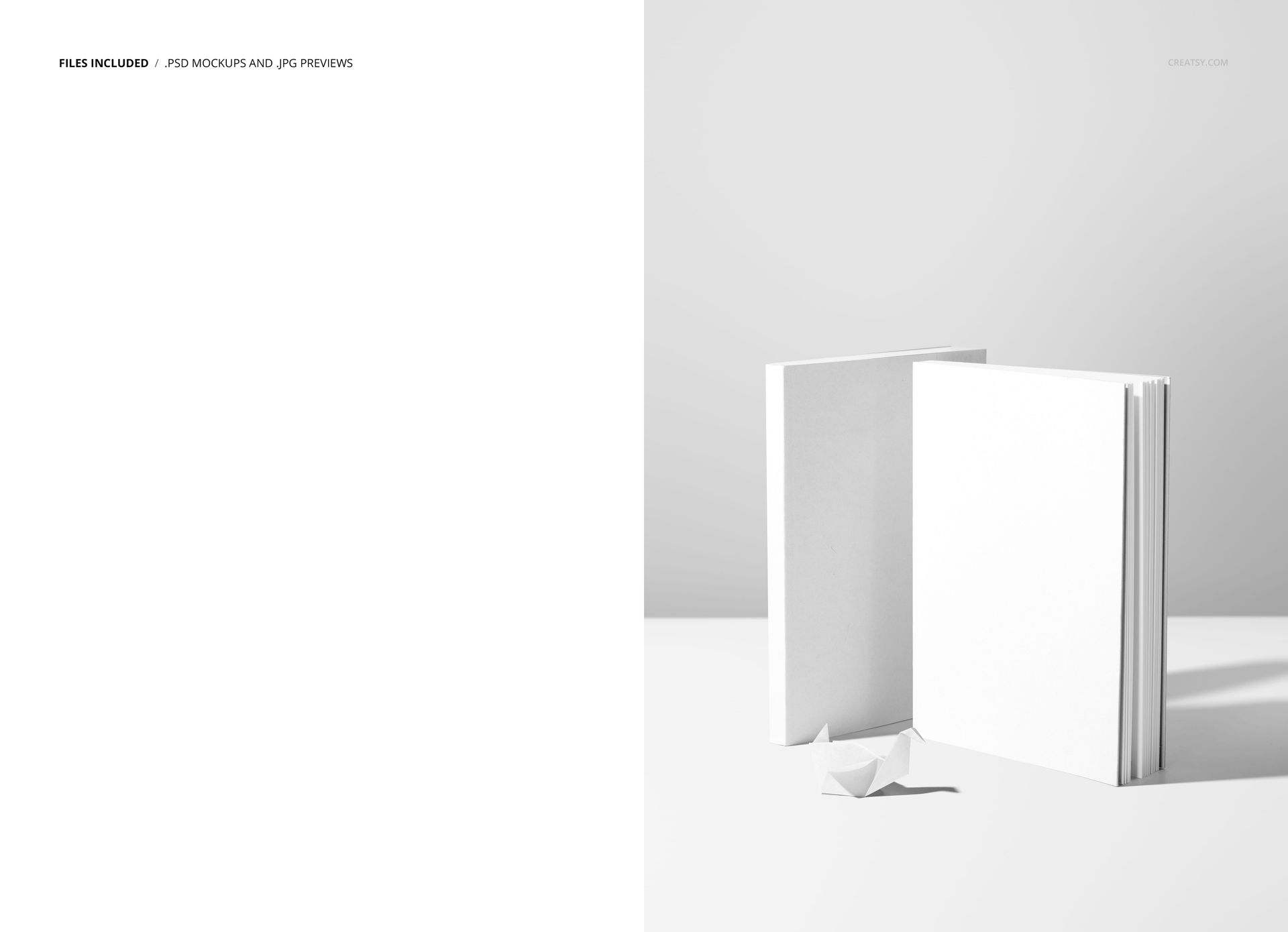
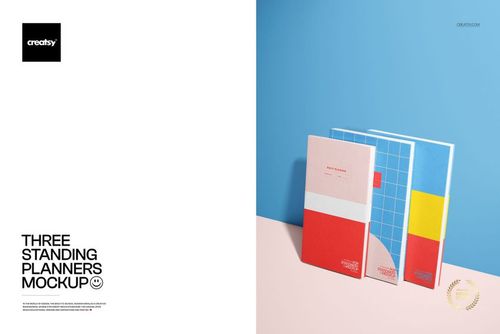
Two books stand side by side, one turned to show the cover and one angled to show the spine and pages, with a folded paper swan as a soft decorative accent. The look is bright, minimal, and design-forward, the kind of frame that suits planners, journals, notebooks, and stationery sets. Because the books hold their position, every cover you load lands in the same tidy composition, so a range reads as one collection.
What you can edit
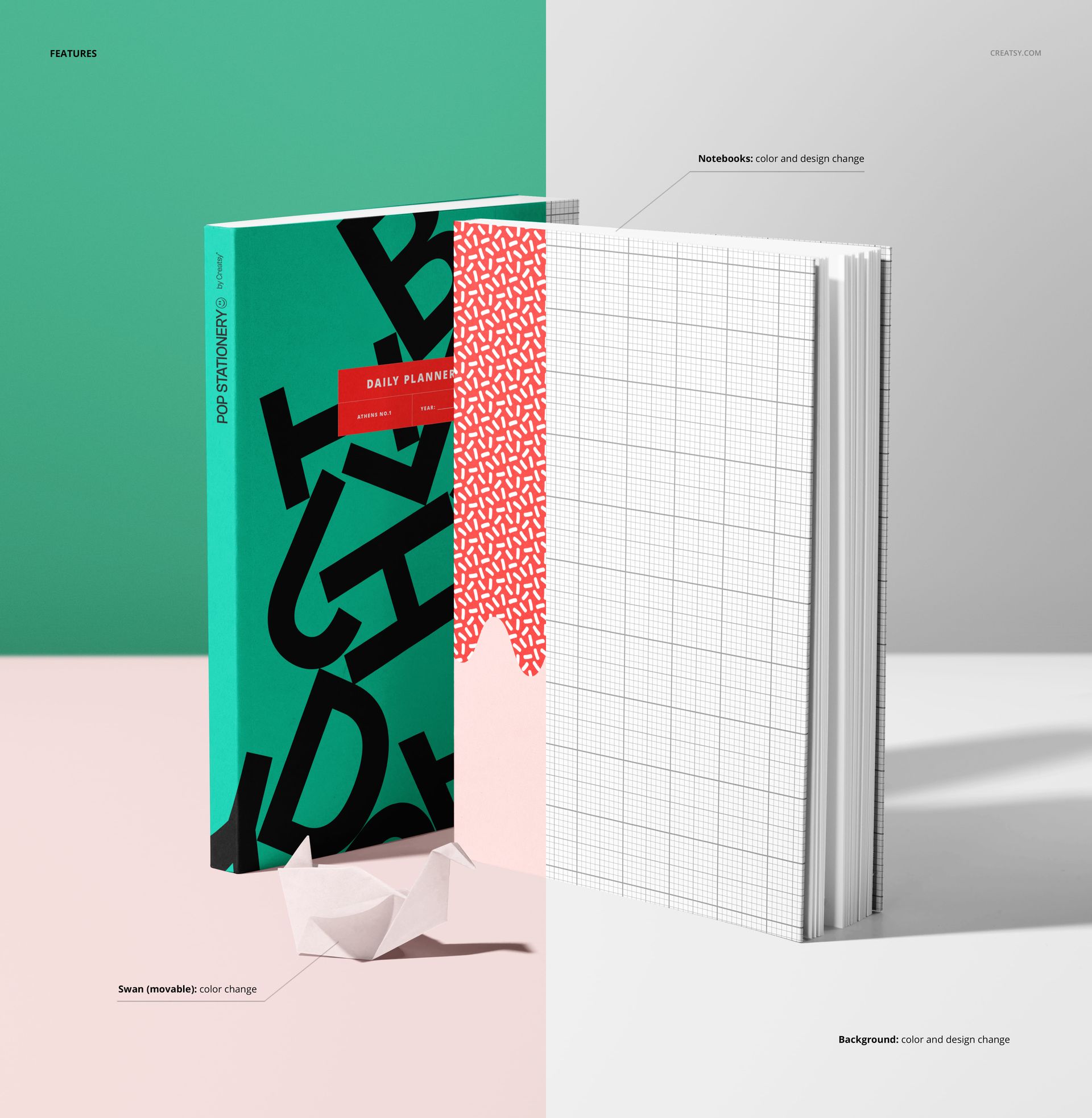
You control the books, the accent, and the backdrop. Each notebook takes a color and a design change through a smart object, so your cover art, pattern, or branding wraps the standing book with real shading and edge. The origami swan changes color and can be moved, so you can reposition it or take it out of the frame. The background changes color and design too, so you can set a brand backdrop behind the set. The books stay standing, so this is one clean, product-style angle.
Show a cover in context
A standing book shows a cover the way a shopper meets it: upright, catching light along the edge, with a hint of the pages and spine. That reads as a real product rather than a flat front, and the second book lets you show a back, a spine, or a companion design at the same time. For a planner or notebook brand it is a quick way to present a cover as a finished, shelf-ready piece.
How it works
Open the PSD in Photoshop or in Photopea, the free browser editor. Double-click a notebook smart object, drop in your cover art, and save, and it appears on the standing book with the shading and edges already in place. Recolor the books, move or recolor the swan, and set the background, then export a JPG or PNG for an Etsy listing, a product page, an ad, or a catalog.
One scene, a whole range
Since the books, the light, and the angle stay put, a set of shots made from this file all match. Swap the covers and colors for each product or each collection, export, and your shop shows a tidy, on-brand stationery line rather than a pile of mismatched photos. That consistency reads as professional in a busy marketplace, and it costs nothing once the file is set up.
Specifications
1 layered PSD file
4400 x 6500 px, 300 dpi
Two editable standing notebooks (color and design) through smart objects
Origami swan with editable color, and it can be moved
Editable background color and design
Well organized, clearly named layers
Works in Adobe Photoshop CC and in Photopea
Package size about 47 MB
Who it is for
It fits planner and journal brands, notebook and stationery sellers, and Etsy or Shopify shops launching a cover or a set. Designers can use it to present a cover concept to a client without a print run. If you want a clean, modern notebook shot in a few minutes, this delivers it and keeps working for every new cover and collection.
A designed, not generic, scene
The paper swan and the two-tone backdrop give the mockup a styled, editorial feel rather than a plain product-on-white look. That styling helps a cover read as a considered brand piece, which matters in a crowded stationery market, and because the swan moves and the background recolors, you can dial the styling up or down to fit your shop. Keep it playful, or strip it back for something minimal.