Washi Masking Tapes with Tape Cutters Mockup
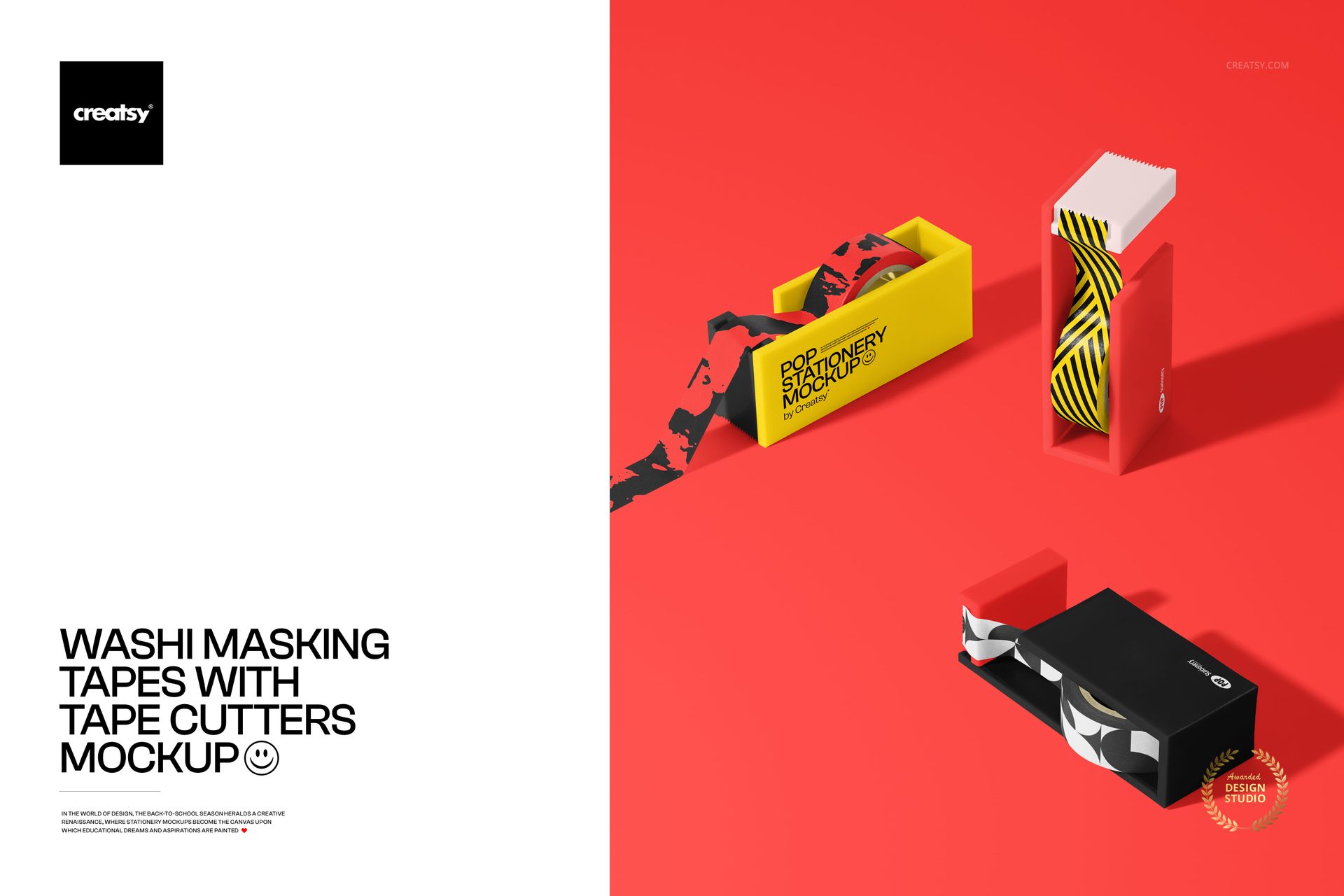
Let the tape and its cutter tell the same design story. Three dispensers, shown in different positions with loose tape ends, give a stationery collection a practical setting beyond a flat pattern swatch. This washi tape with cutter mockup pairs curved printed surfaces with broad dispenser sides, making it useful for coordinating decorative tape artwork and accessory branding.
What Is Included
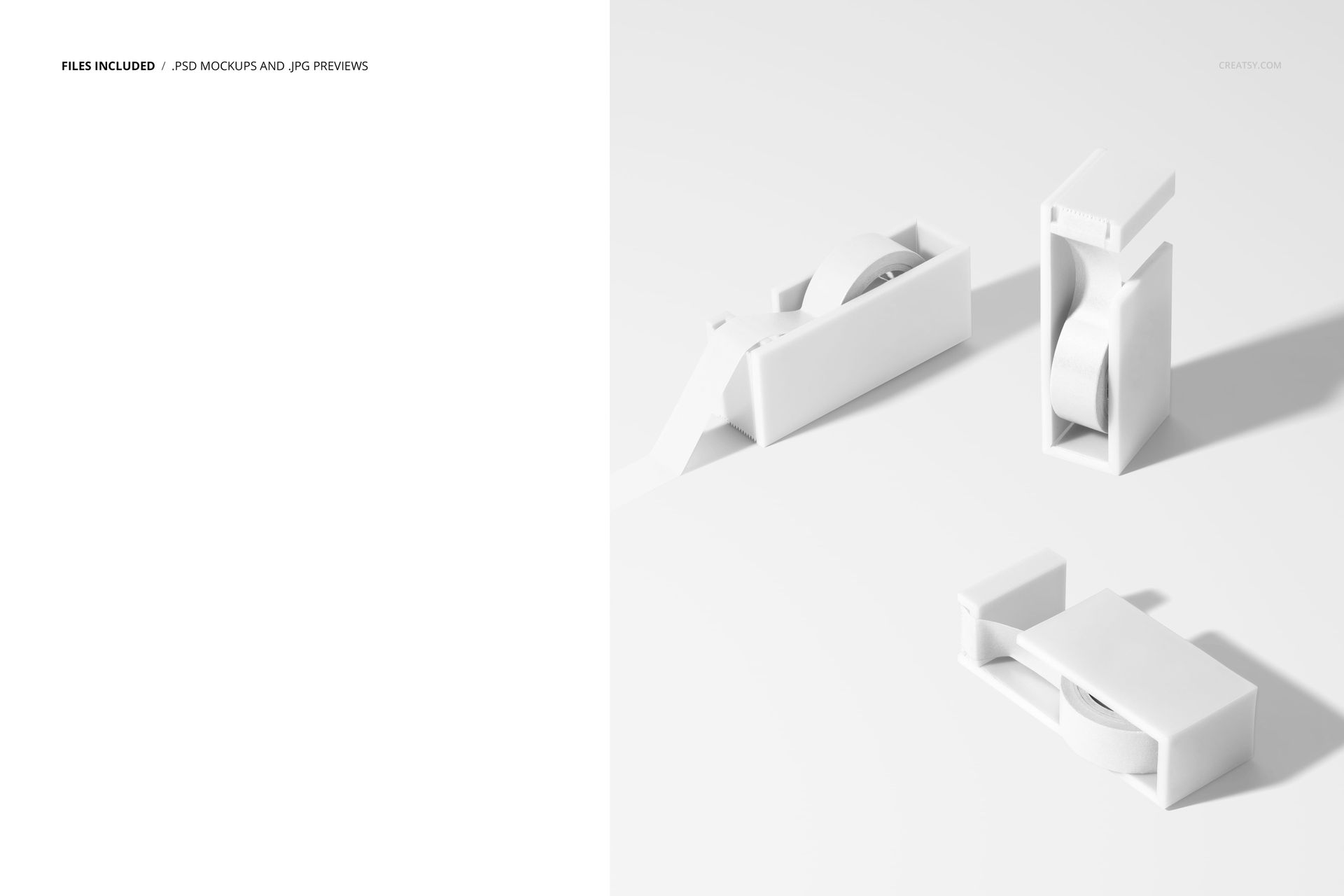
1 layered PSD containing one scene with three tape cutters and washi masking tape rolls.
5000 × 6000 px at 300 DPI in a portrait layout.
1 JPG preview, 2 files in total.
Well-organized layers, compatible with Adobe Photoshop CC and Photopea.
Brand the Tape and Its Cutter
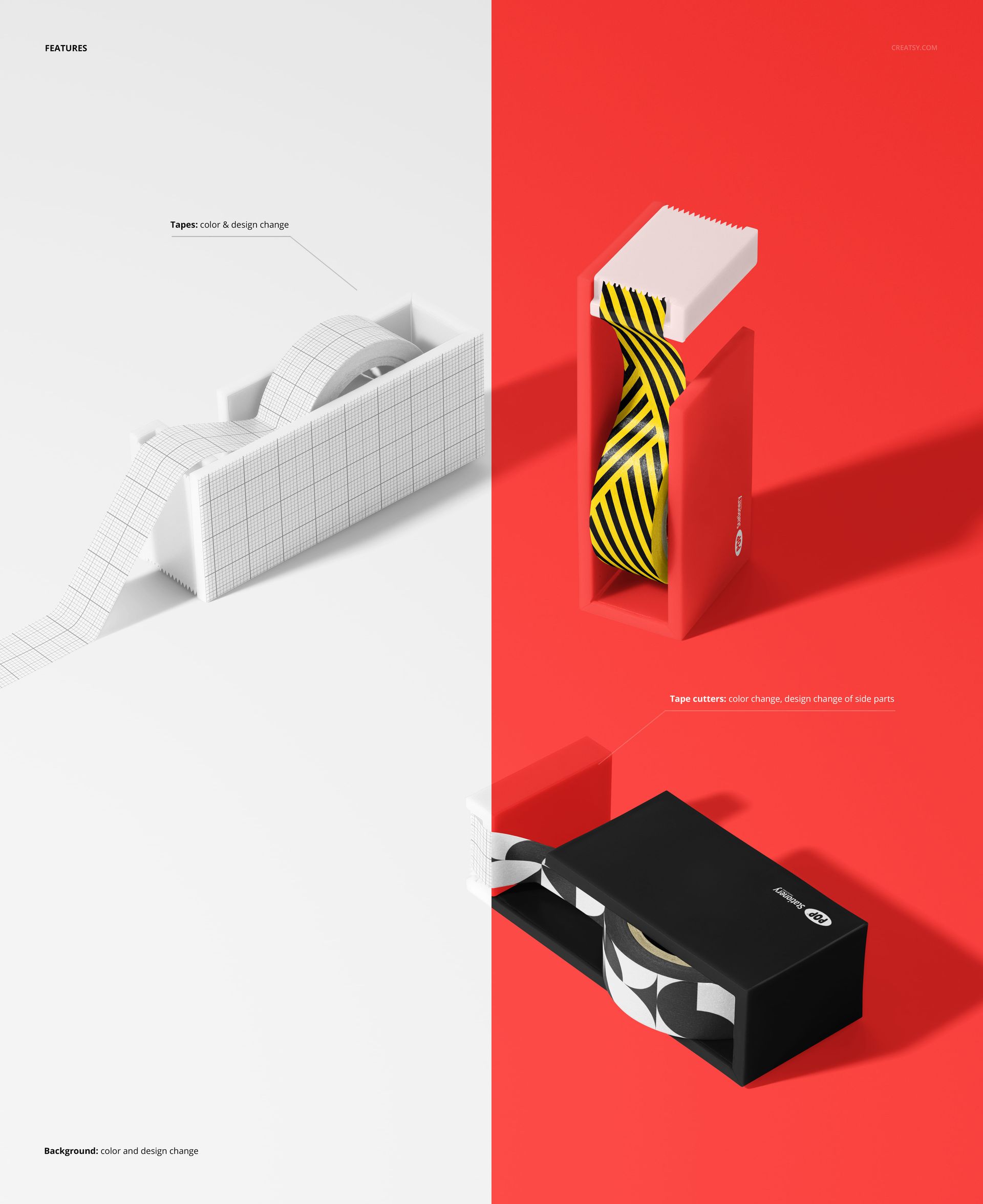
Change the colors and designs of the tapes, adjust the cutter colors and add artwork to the cutters' side parts. Background color and design are editable too. Use these surfaces to connect a repeat pattern with a matching logo, a collection name or a simple color accent.
Easy Smart Object Editing
Open the PSD in Photoshop CC or Photopea, place your artwork in the Smart Objects and save those edits to update the scene. Work through the organized layers to refine the supported color and design options, then export a preview for your stationery presentation.
Perfect For
Present decorative tape collections, craft accessories, back-to-school stationery and illustrated desk products. The three positions help show tape artwork alongside the dispenser branding in one image. This is a digital mockup, not a physical tape or cutter product. Sample artwork is not included.