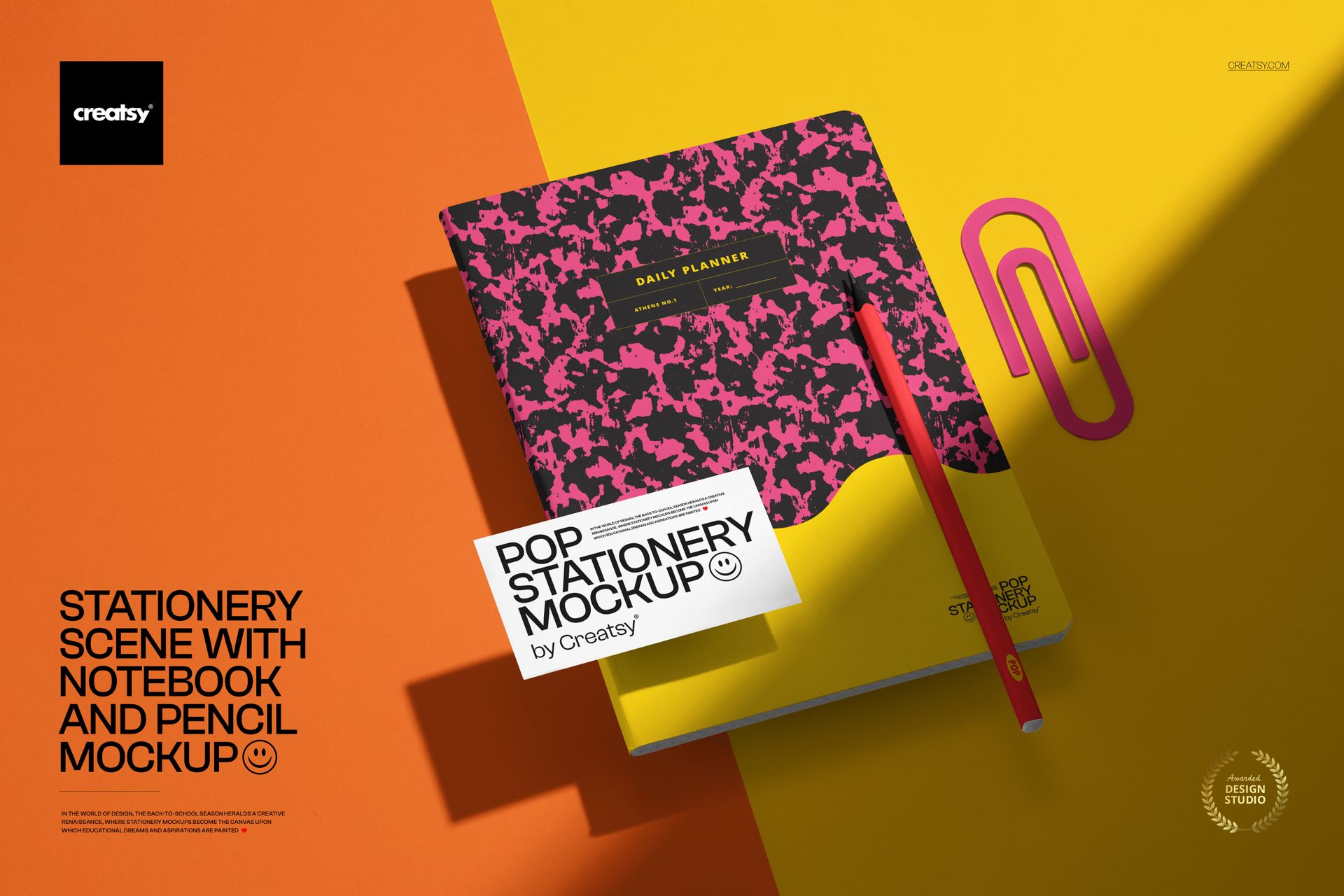
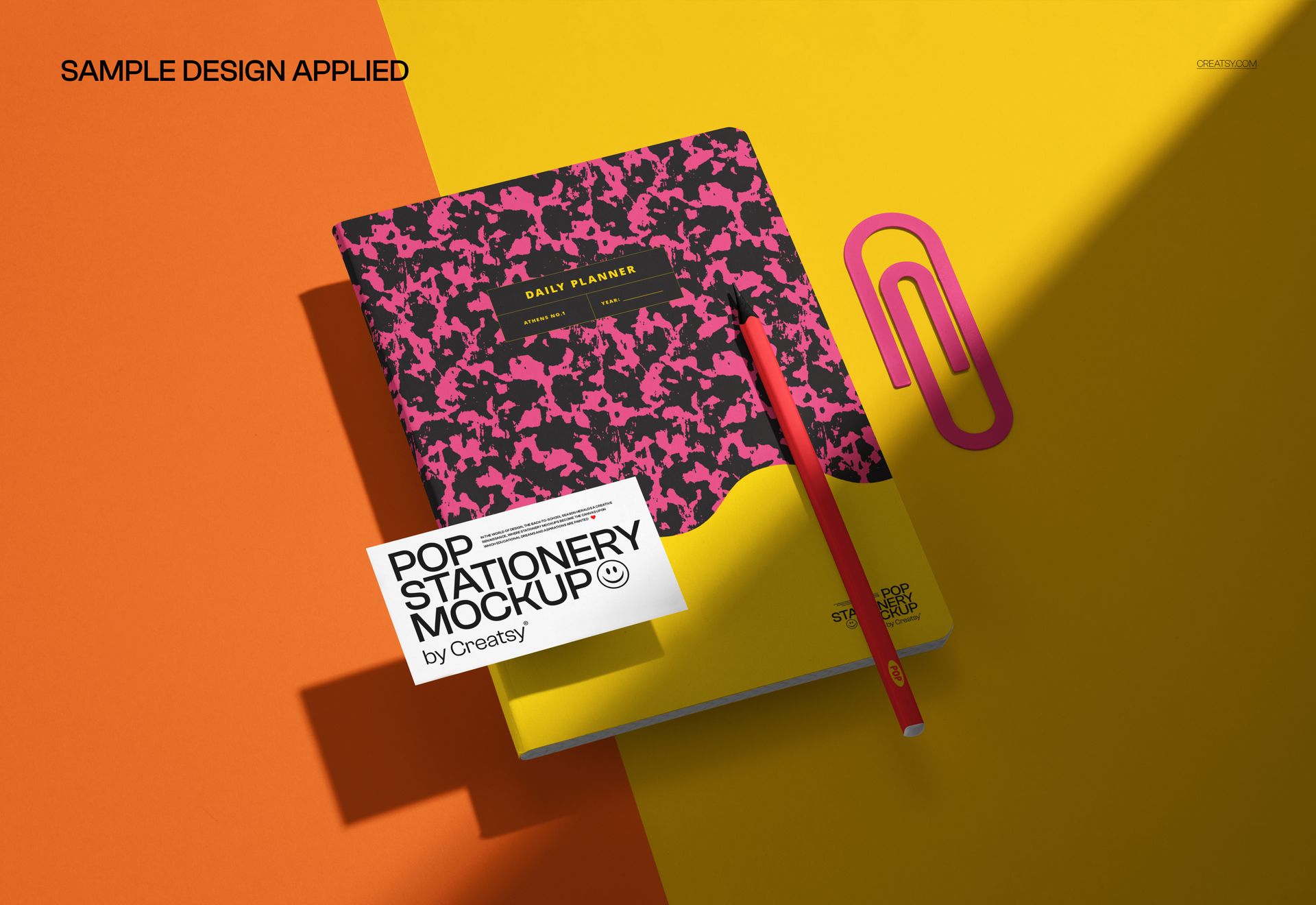
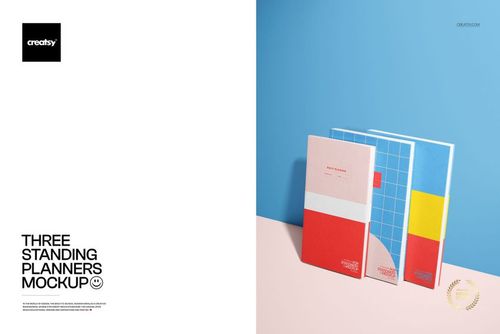
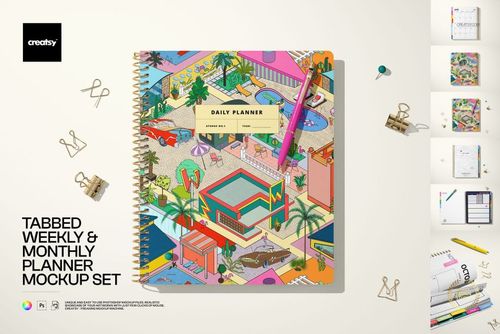
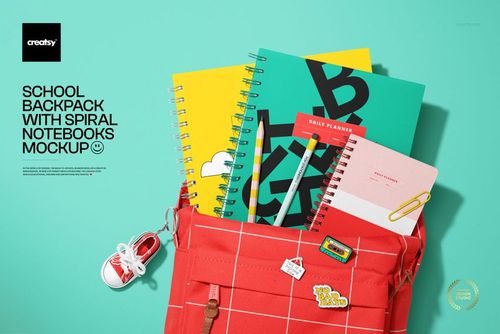
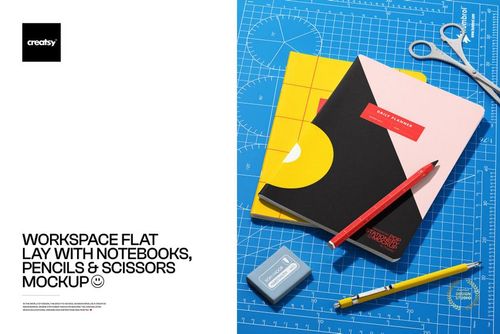
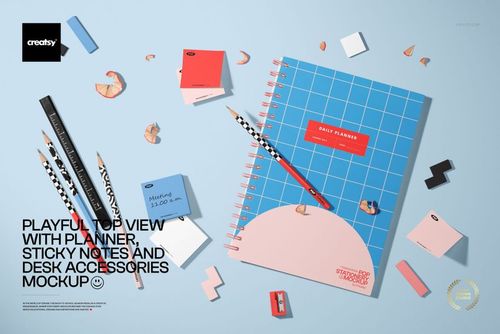
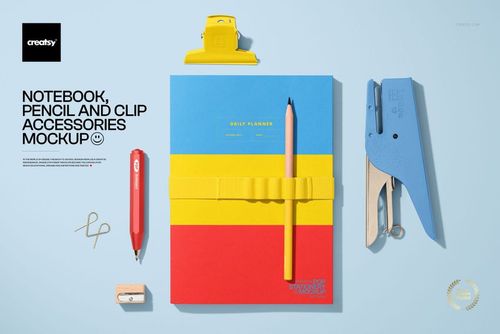
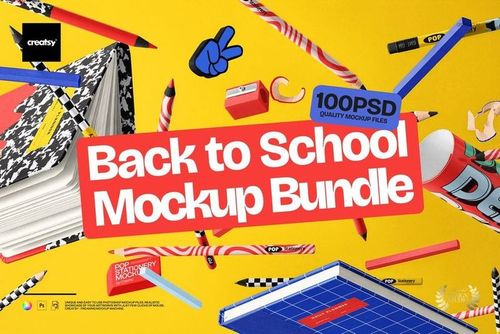
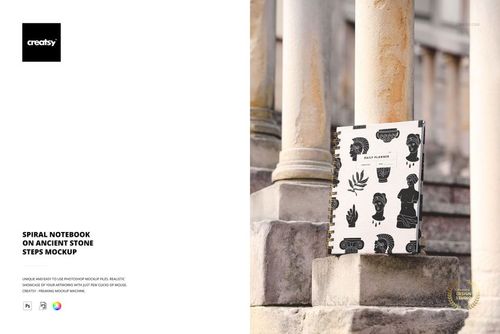
A notebook sitting on a white surface is a product. A notebook lying at an angle on a saturated yellow background next to a sharp pencil is a scene - and scenes sell differently than products. The background color sets the emotional register before the viewer's eye reaches the cover design. The pencil adds implied use: this notebook is about to be opened, written in, carried somewhere. This PSD mockup builds that narrative staging into a single editable file, so your cover design arrives inside a ready-made visual story rather than floating in blank space.
The Background as a Casting Decision
The background color in a stationery mockup is not decoration. It is the first thing the viewer registers, and it creates the emotional frame through which they interpret the notebook design. A warm yellow backdrop reads as energetic, optimistic, and creative - which is why the default setup works for planners, sketchbooks, journals, and productivity-focused stationery. But the background layer in this PSD sits separately from the notebook and pencil elements, which means you can swap it for any color that matches your brand identity or seasonal campaign. Muted sage for a wellness journal. Deep navy for a corporate planner. Dusty rose for a wedding guest book. The notebook and pencil remain perfectly lit and shadowed regardless of the background change.
The Pencil as Narrative Prop
Mockups without props show a product. Mockups with props show a product in use. The pencil in this scene is a small addition with outsized impact on how the viewer reads the image. It signals that this notebook belongs to someone, that writing is about to happen or just happened, and that the cover design exists in a lived context rather than a retail display. For stationery brands selling through Instagram, Etsy, or their own Shopify store, this implied-use context increases the likelihood that a casual browser imagines the notebook on their own desk, which is the perceptual shift that converts scrolling into purchasing.
File Specifications
The download contains a single PSD file at 6000 x 4000 pixels and 300 DPI - landscape format optimized for website hero banners, Facebook and Twitter ad placements, email header images, and wide-format portfolio presentations. At 218 MB, the file contains dense layer data covering the notebook surface, pencil geometry, shadow mapping, background fill, and lighting effects. The file opens in Adobe Photoshop CC and in Photopea, the free browser-based PSD editor, with full smart object functionality in both applications.
Smart Object Workflow
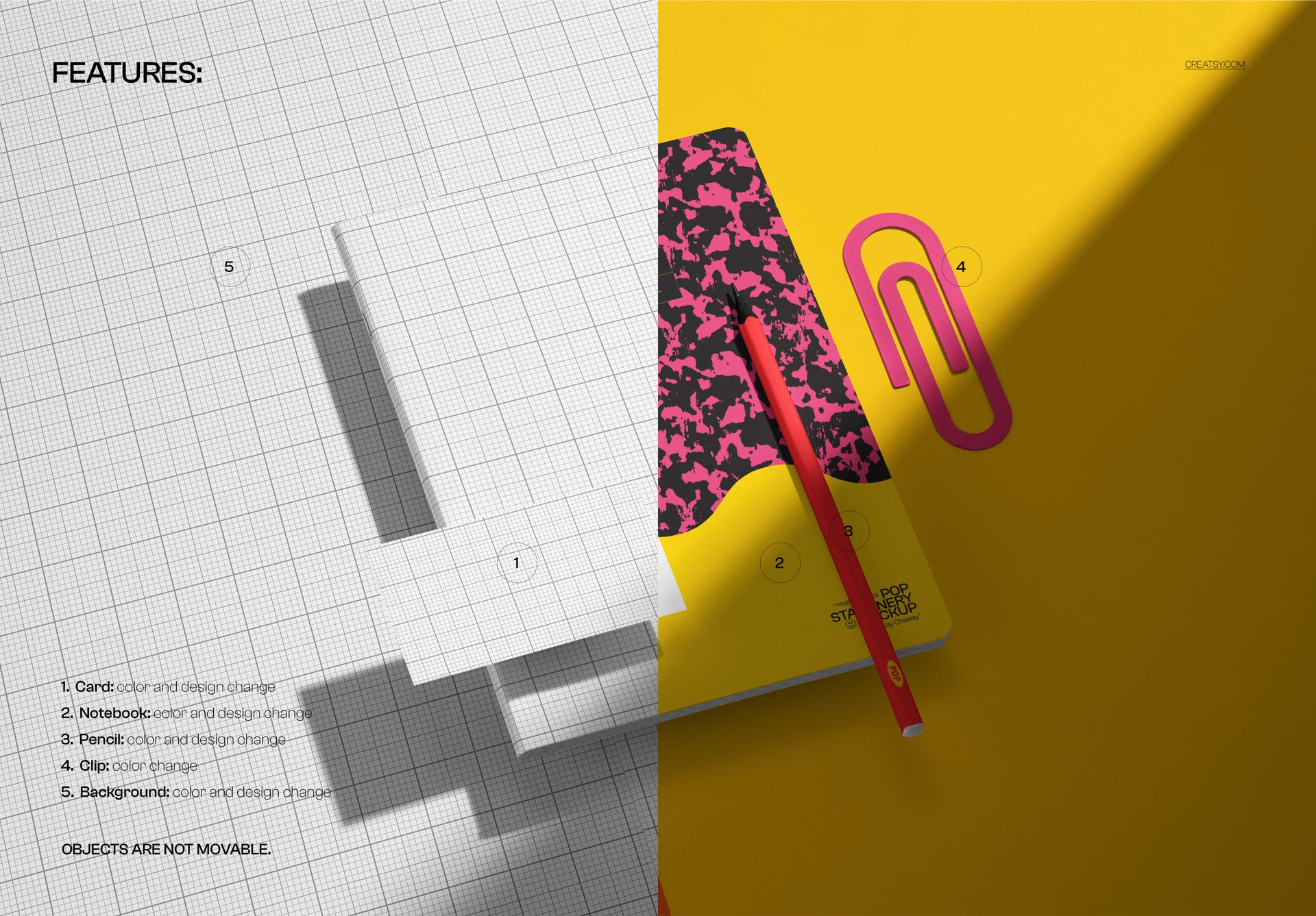
The notebook cover is controlled through a smart object layer. Double-click the smart object thumbnail in the layers panel to open the embedded canvas. Place your cover design - a pattern, logo, typography layout, or illustration - into the canvas and save. The main document updates with your artwork mapped onto the notebook surface with accurate perspective, shadow interaction, and ambient lighting response. The pencil, background, and shadow layers remain untouched during this process, so you can swap cover designs rapidly without rebuilding the scene each time.
Landscape Format Applications
The 6000 x 4000 pixel landscape canvas matches the standard 3:2 aspect ratio used across website headers, email banners, and social media cover images. For Facebook ads, the format crops cleanly to the platform's recommended 1200 x 628 pixel ad image ratio. For website hero sections, it stretches across full-width containers without leaving empty bars on widescreen monitors. For product listing hero images on Etsy or Shopify, the landscape orientation places the notebook in a wider contextual frame that communicates lifestyle rather than just displaying a product thumbnail.
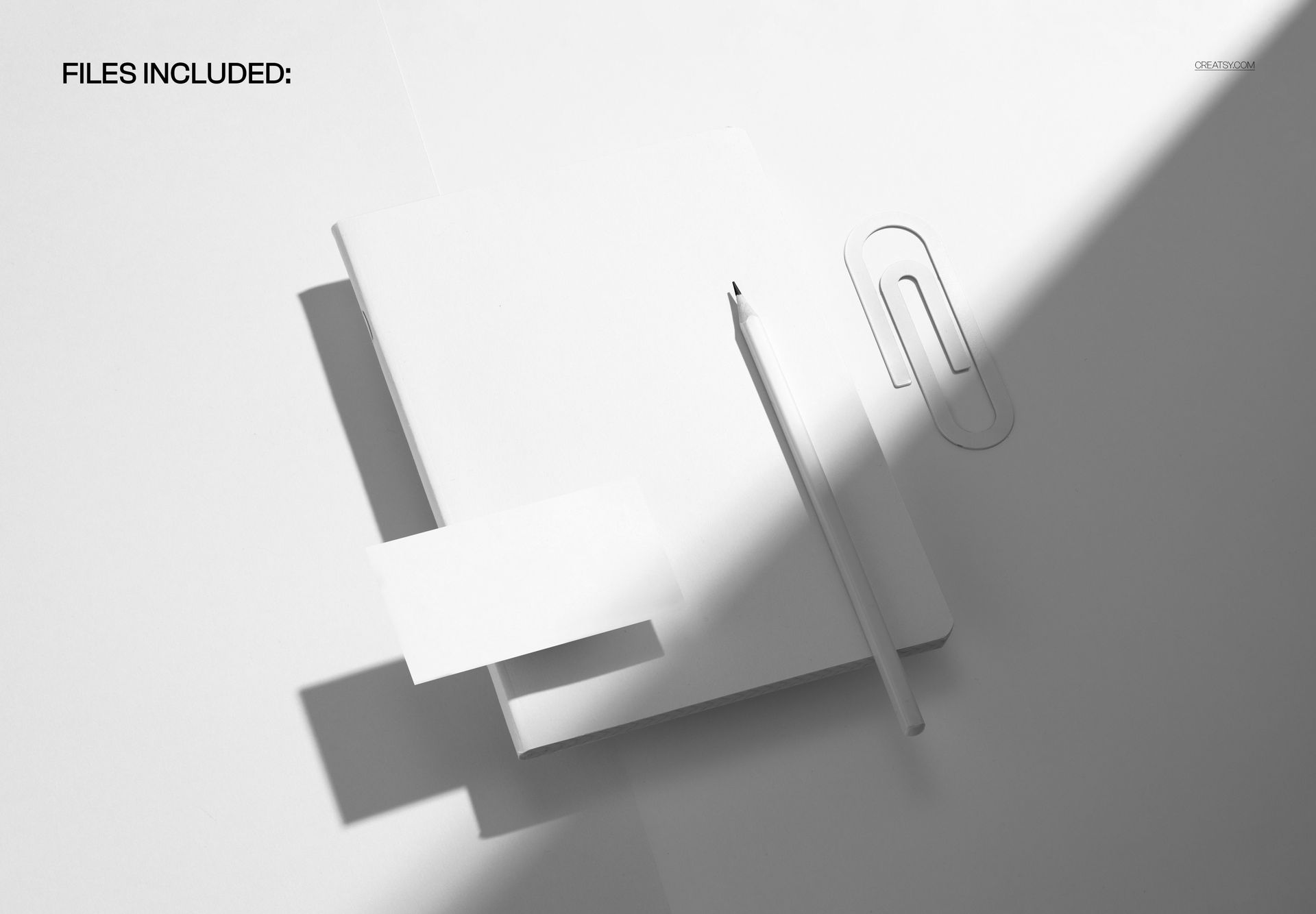
Well-organized layers give you independent control over every element in the scene. Toggle the pencil on or off, adjust shadow opacity, modify background brightness, or fine-tune the lighting intensity on the notebook surface without affecting other components.