Luxury Console Canvas Print Many Sizes Mockup Set
This product is a part of Fabric Factory v.12 Mockup Bundle - Upholsteries, Wallpapers & Canvas Prints
Product Details
Luxury Console Canvas Print Many Sizes Mockup Set
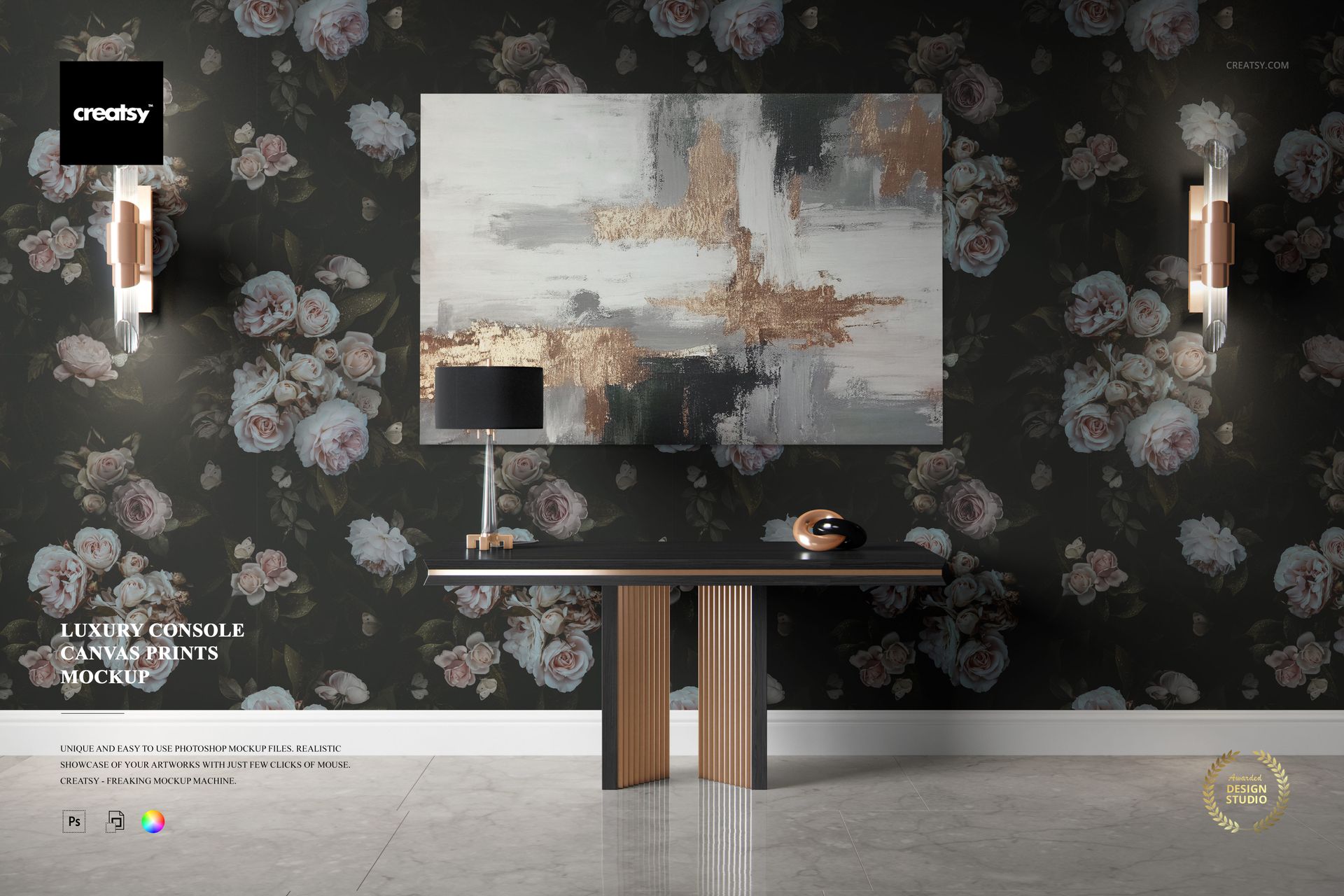
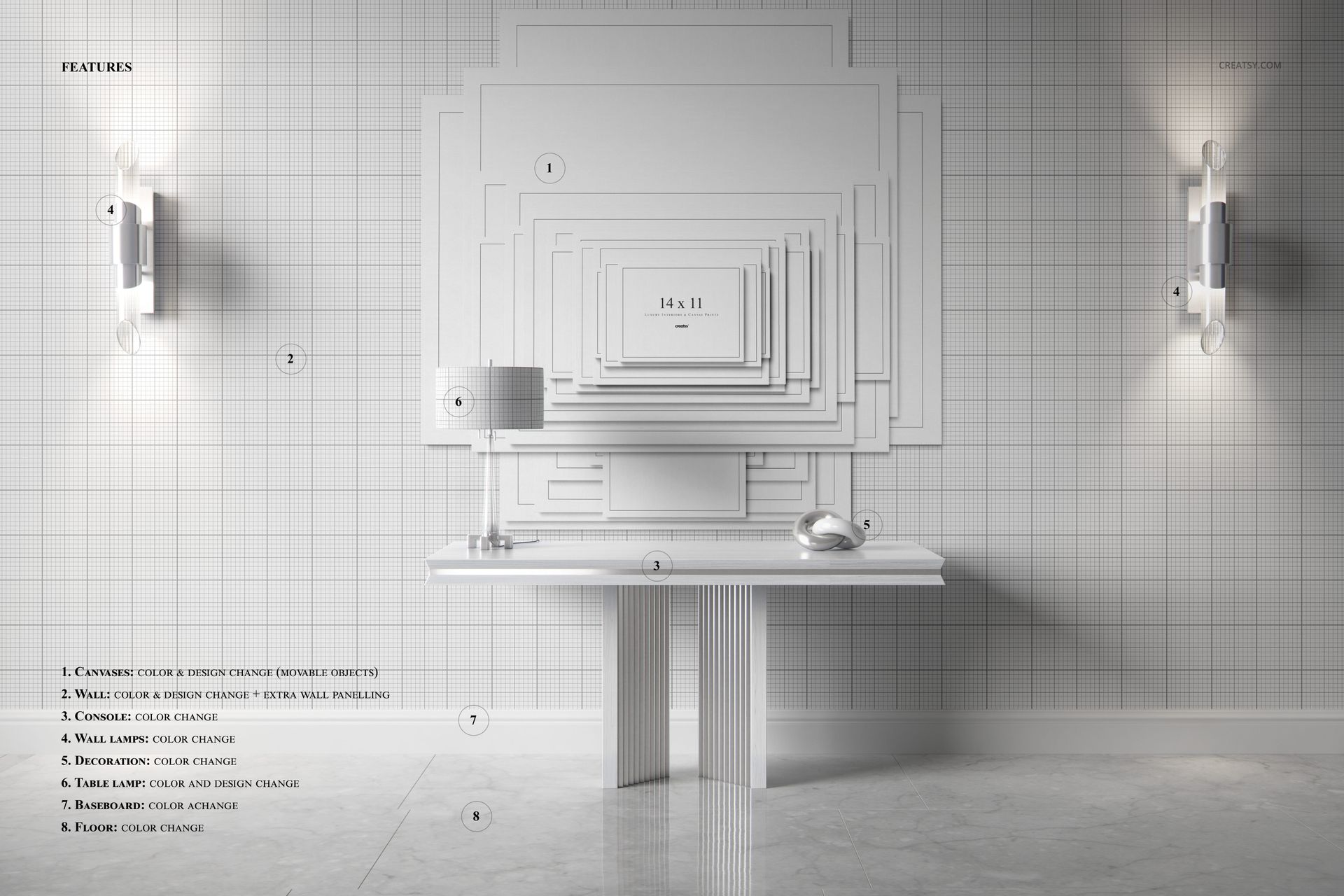
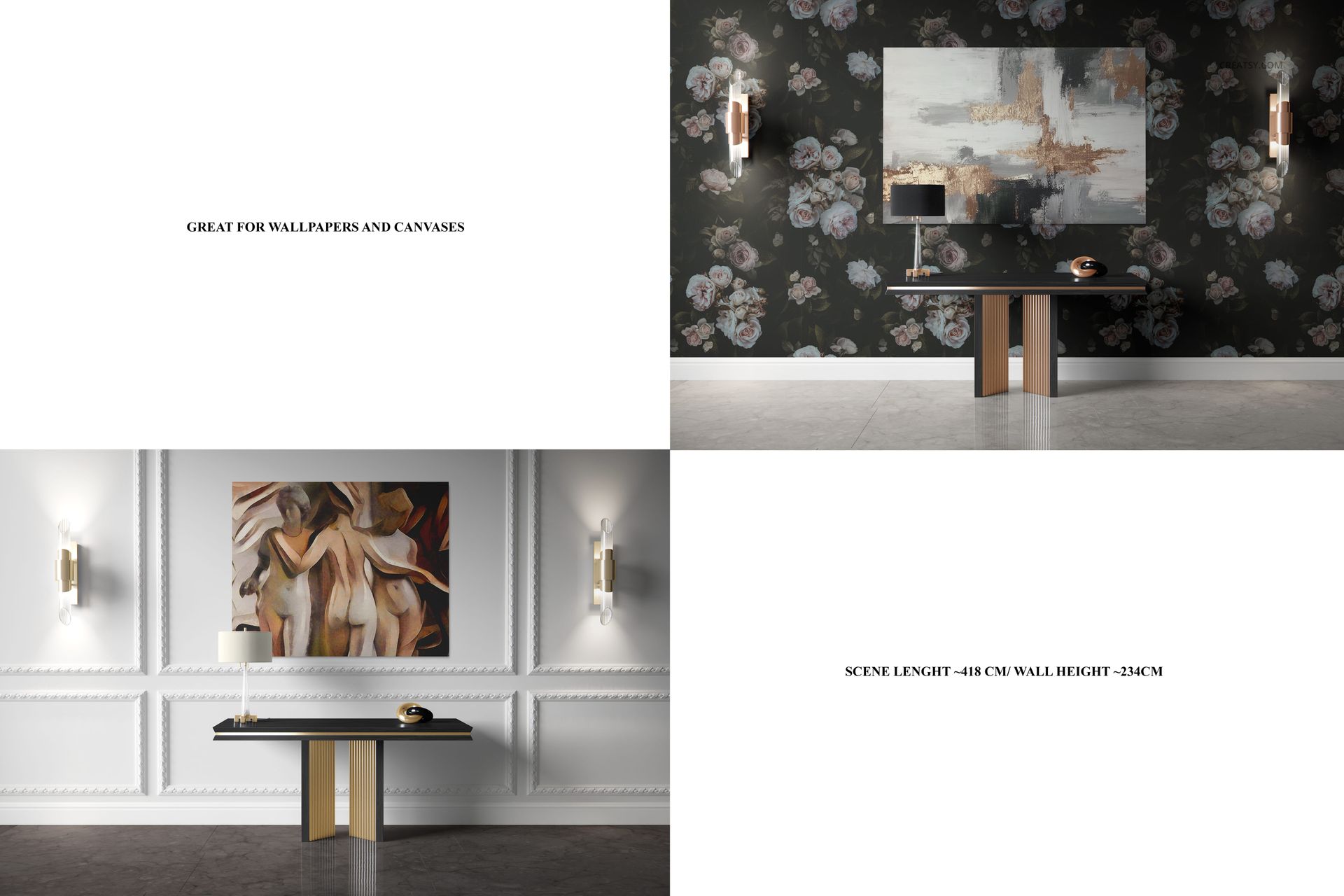
Elevate your art to museum-worthy status with our Luxury Console Canvas Print Many Sizes Mockup Set. This exceptional collection includes two mockups designed to showcase your work in the grandeur of a luxury museum or aristocratic exhibition. Our mockup set will enable you to customize your canvas prints with precision. You can choose the color and design of the canvas print to make sure it perfectly embodies your artistic vision. Choose between options with or without colored lighting to create different moods and atmospheres.
Canvas in the Spotlight: Prestigious Exhibition Scene
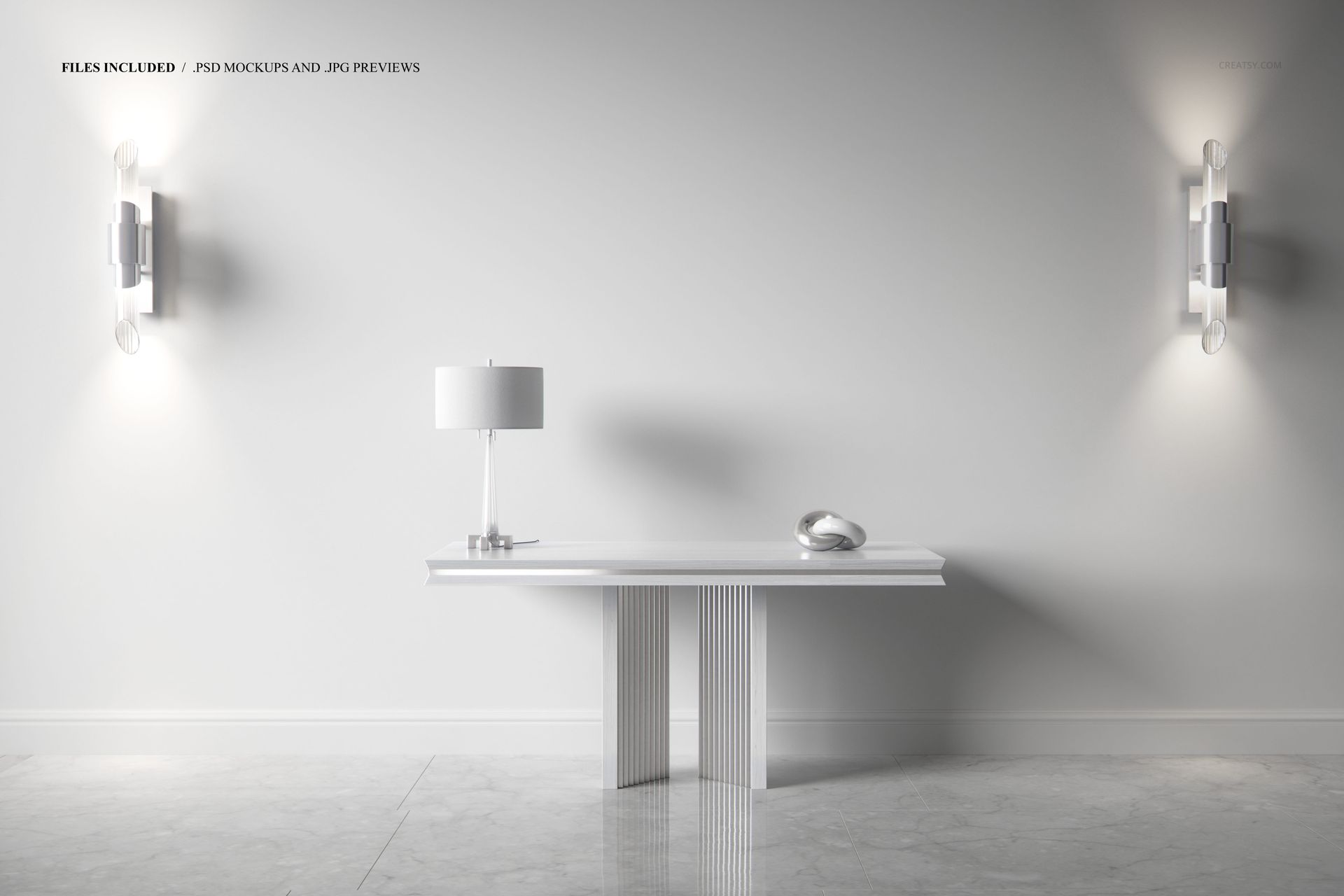
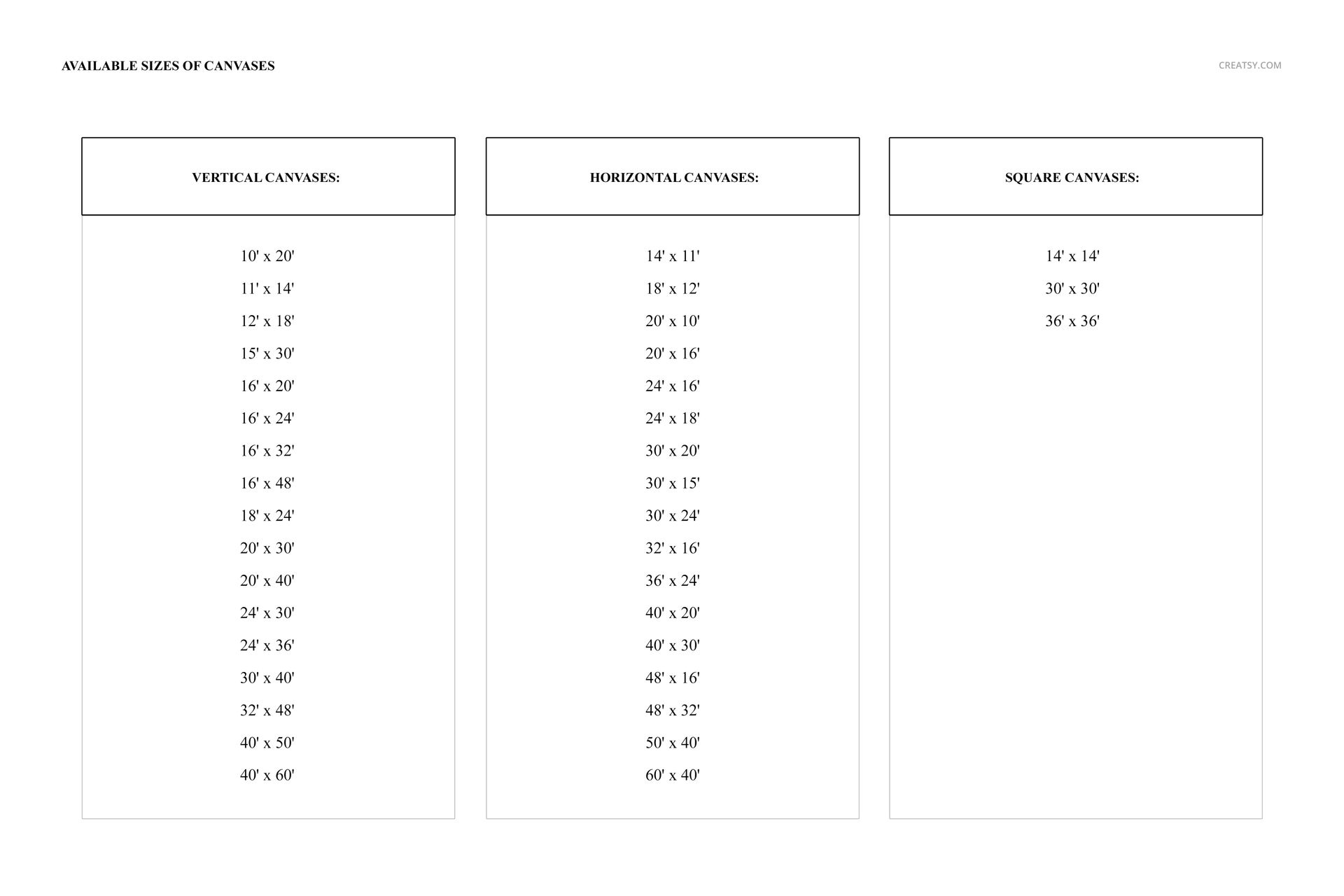
The first mockup places your art in a setting reminiscent of a luxurious museum or aristocratic home. The opulent interior serves as a backdrop for your canvas, allowing you to present your work as if it were hanging in the most prestigious art space. The ambiance of this mockup exudes sophistication and grandeur. The second mockup offers a comprehensive canvas size and shape showcase, allowing you to explore a range of options. From horizontal and vertical canvases to square canvases and dozens of different canvas sizes, this mockup allows you to highlight the diversity of your artwork.
Files works only in Photoshop (min. PS CC2015), Photopea;
The pack includes: 2 PSD files, one with the scene: 6000x4000 px, and second with all canvases 2900x2900 px, both 300dpi;
Scene elements (like wall, furnitures, floor) are not editable;
Check screenshots for all the features;
Designs are NOT included, this product is a mockup intended for you to add your own artwork.
File details
- Compatibility
- Number of files included
- 2
- Package size
- 654 MB
|686 MB
- Files type
- .psd, .jpg
- Files size
- 6000x4000


MEET THE SHOP

HOW IT WORKS
3 clicks. That's it.
No tutorial needed. If you can copy-paste, you can use this.
- 1OpenDouble-click the smart object inside the PSD - in Adobe Photoshop, or free in your browser with Photopea.
- 2PasteDrop in your pattern, print, or artwork. Any design, any style.
- 3SaveHit save and the mockup wraps it in for you - shadows, folds, and lighting included.
FROM IDEA TO IMAGE
Built for real workflows
Skip the photo shoot Show your artwork on the real product type for approvals or listings - no studio, no model, no sample.
See it on the product, not a swatch Drop your file into the smart object and the scene's lighting and folds wrap around it, so you judge the real thing before you commit.
Smart Objects
Edit once and you're done. Your artwork drops into a smart object and the mockup updates itself - no masking, no warping by hand.
Perfectly Organized
Named layers and folders you can actually navigate. Find what you need, change what you want, and get out fast.
Print-Ready
High-resolution files built to hold up on screen and in print. Exact size and DPI are in this product's Details above.