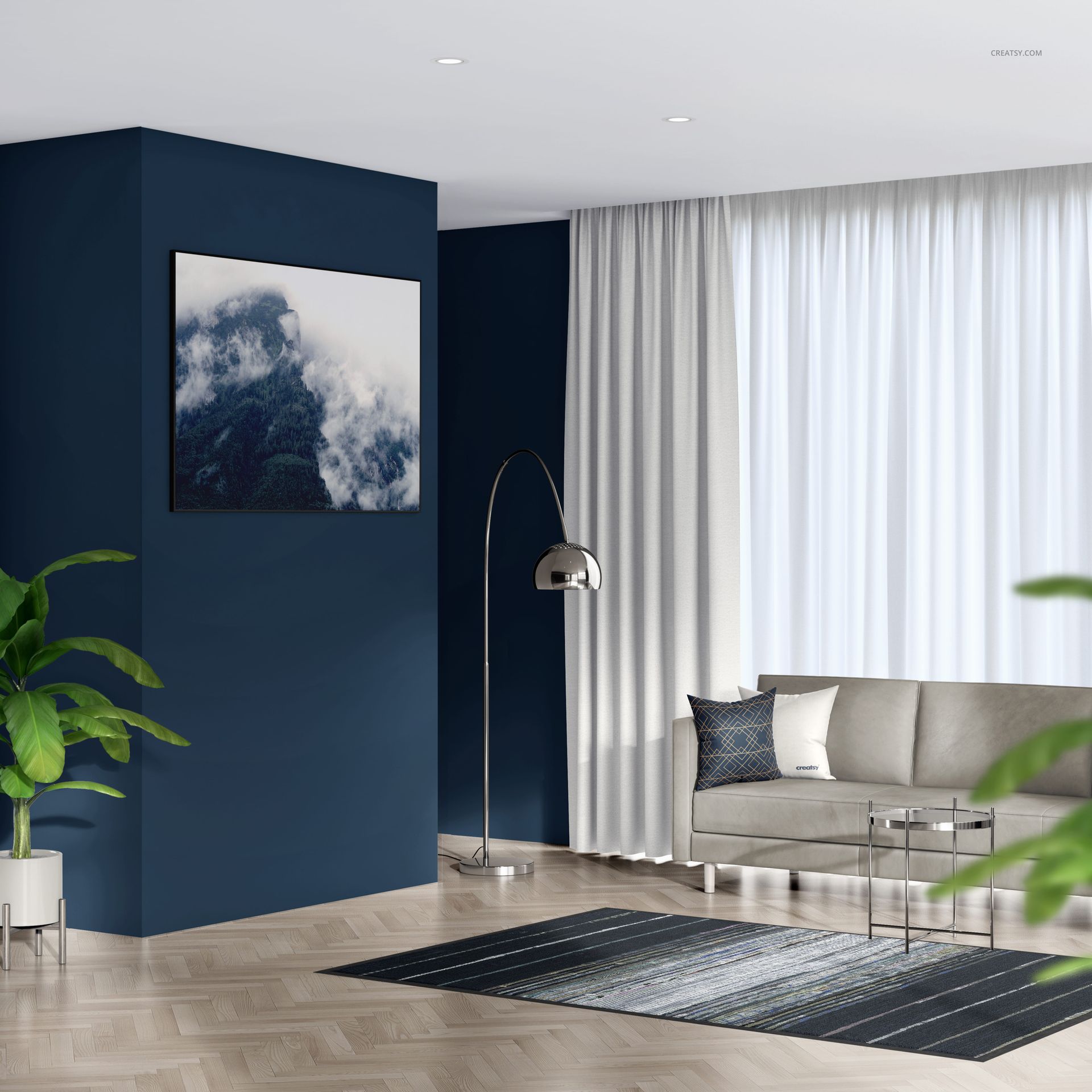
Living Room with Textile Frames Mockup

ID: 1989173589 | Updated: Oct 3, 2025

Product Details

What is Living Room with Textile Frames Mockup?

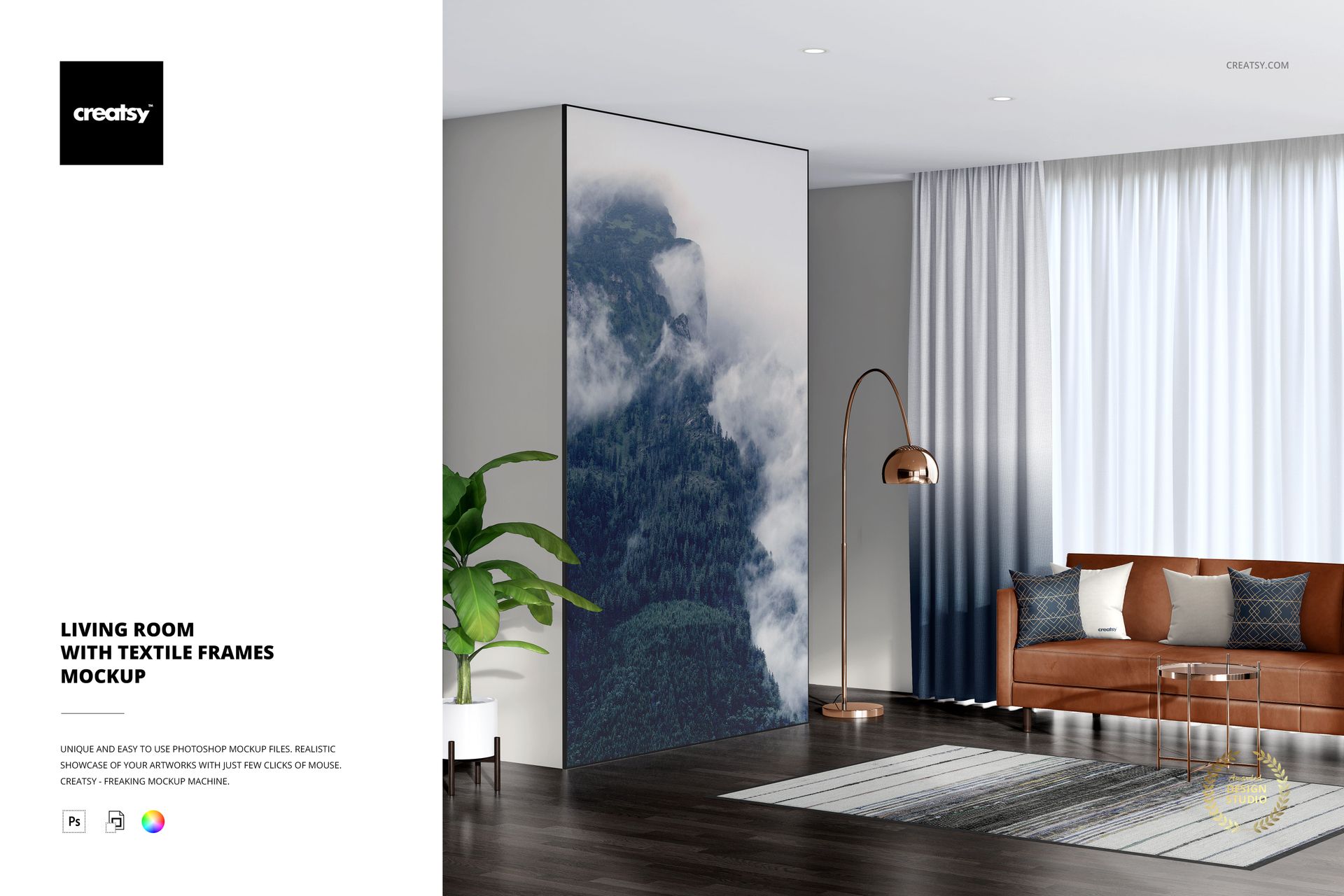
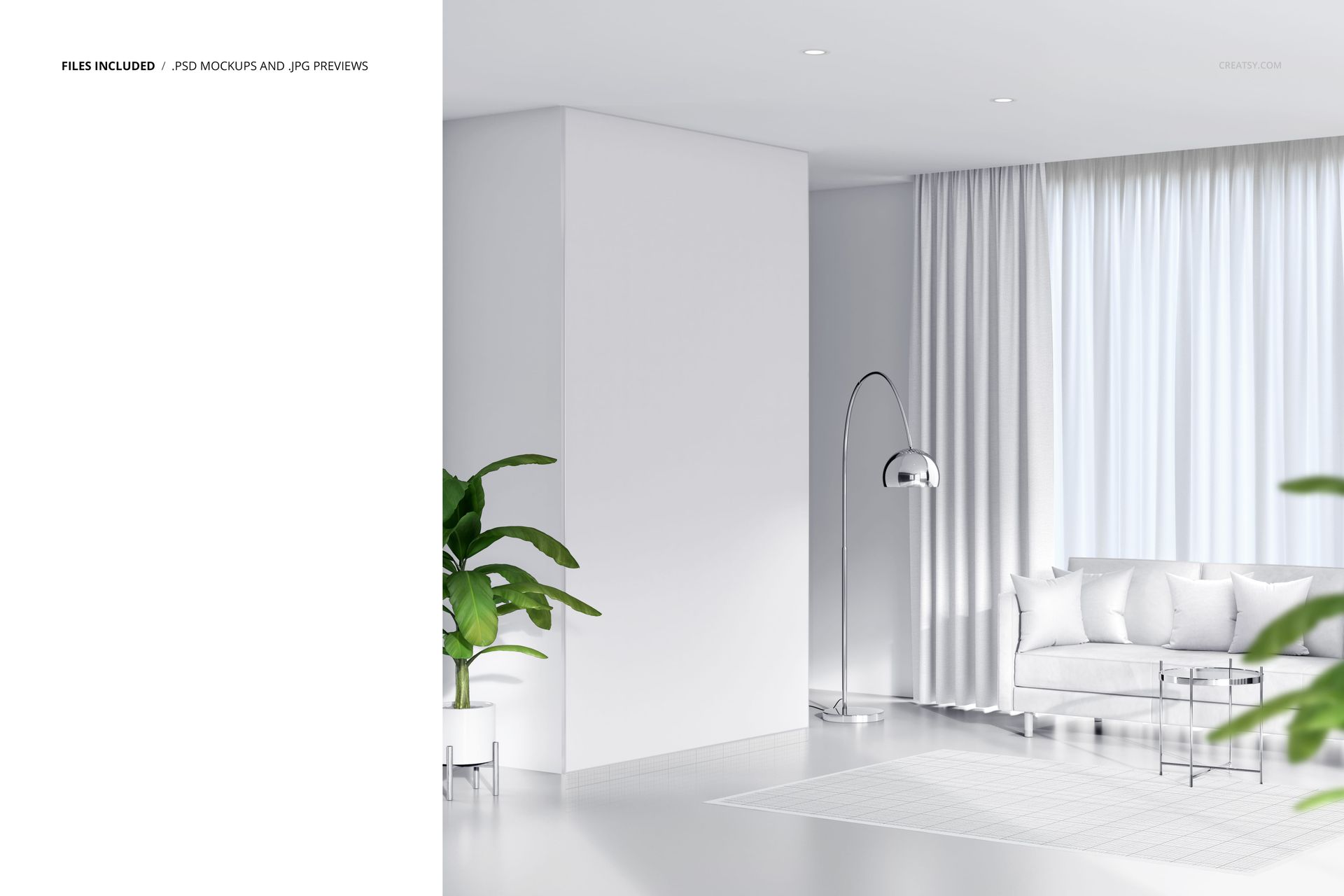
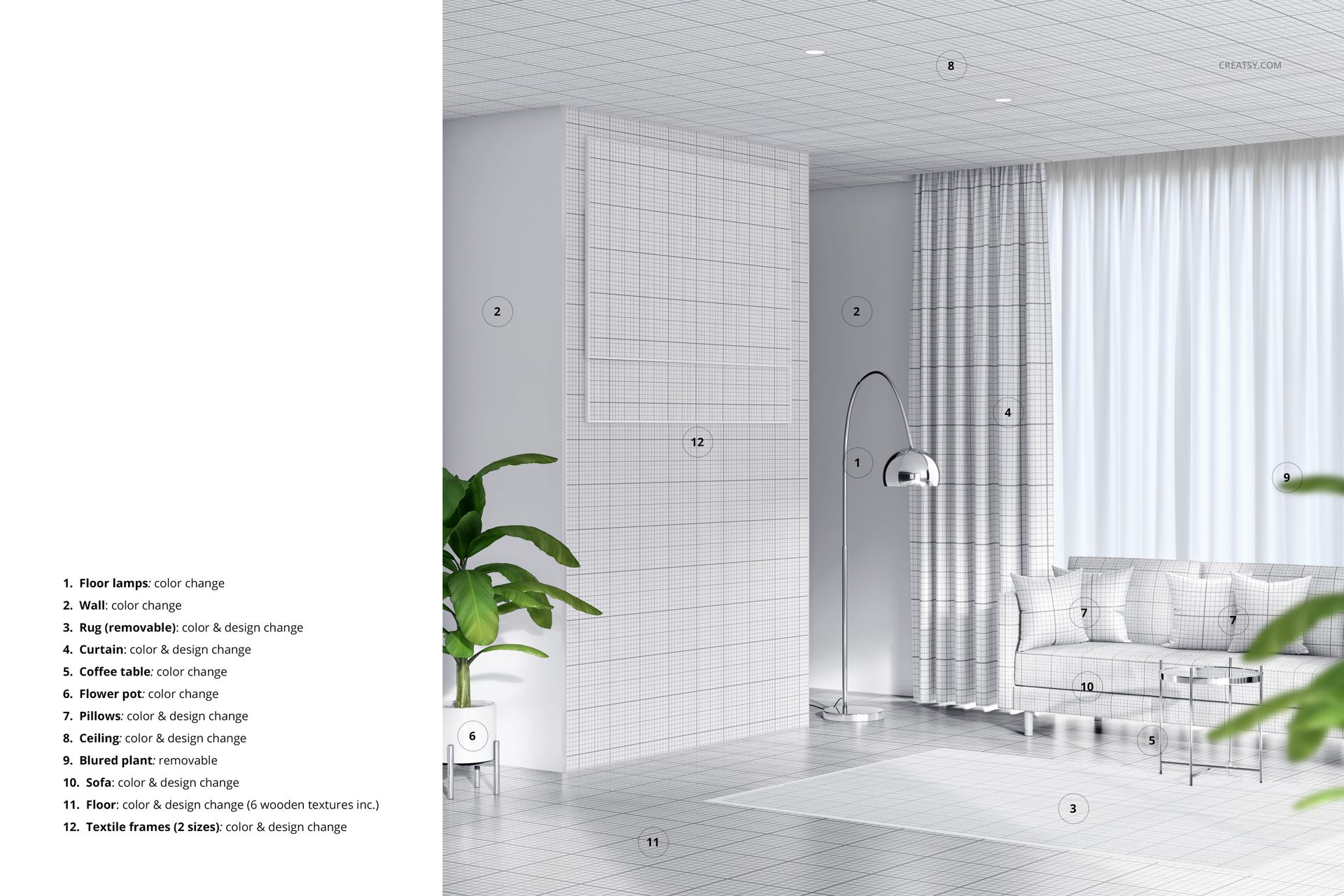
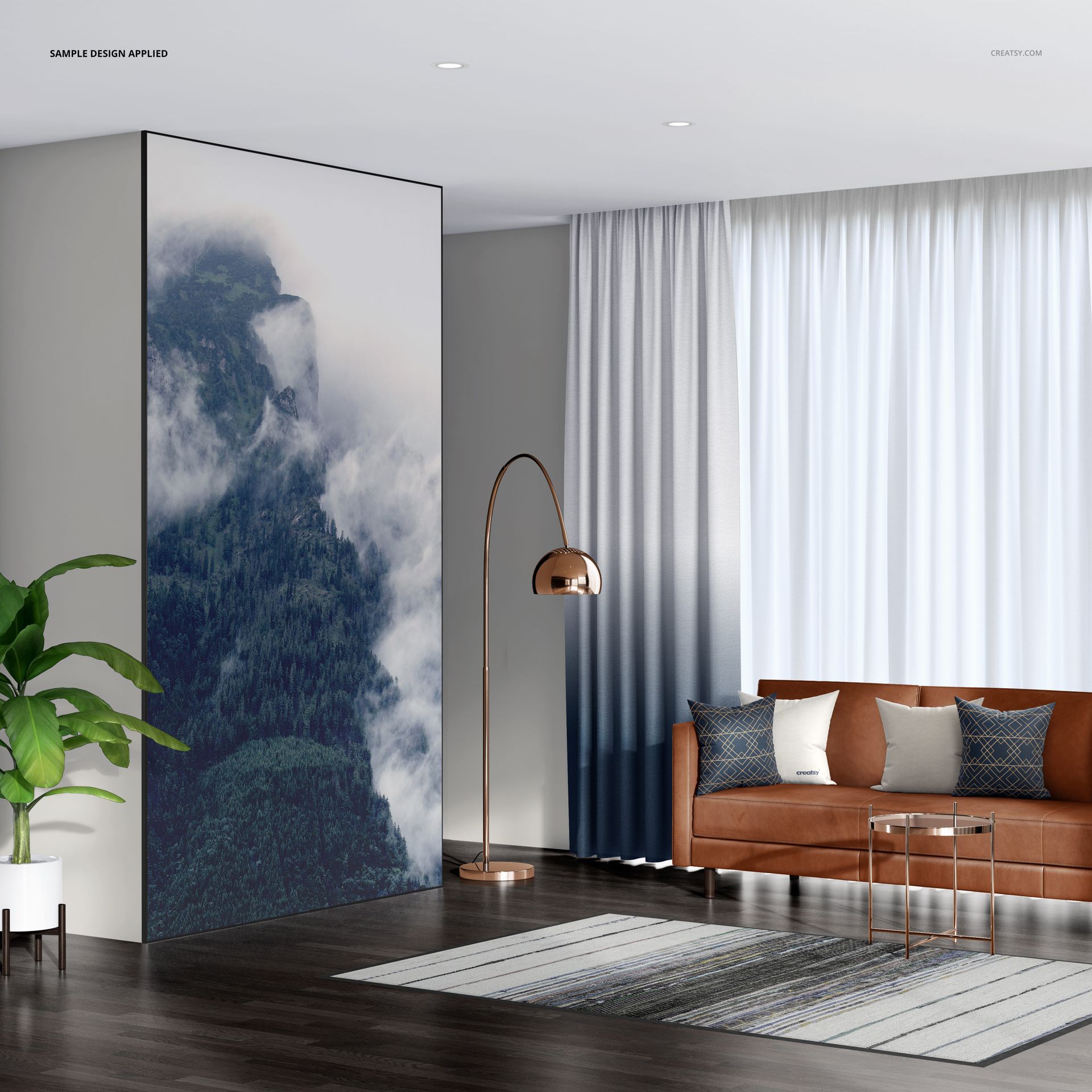
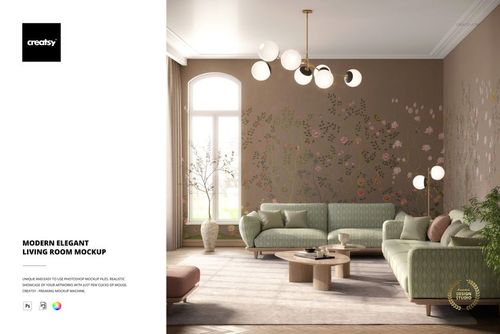
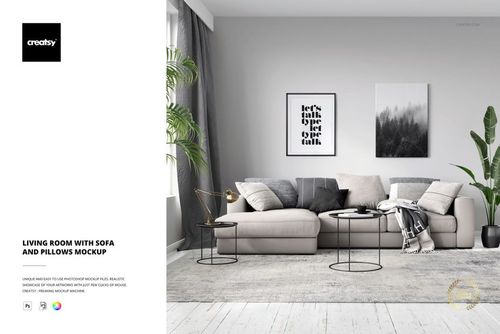
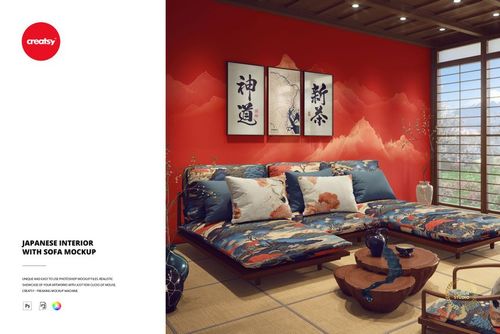
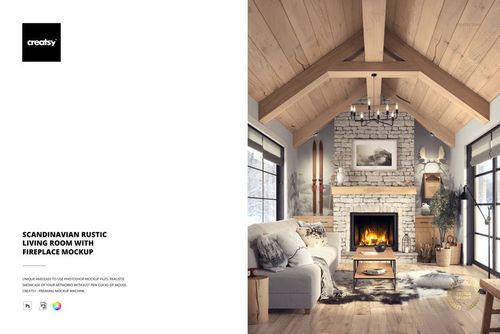
Living Room with Textile Frames Mockup is a mockup template by Creatsy that provides you with editable elements to showcase your design in a single Adobe Photoshop interior scene mockup file. This digital asset features a modern living room This Living Room with Textile Frames Mockup is entirely customizable. You can edit the interior scene to complement your design perfectly. The well-organized color layers and smart objects allow you to hide objects and drop-shadows to save your mockup file with transparency, making it a great way to show off your design skills and enhance your portfolio.  


Why should you choose Creatsy mockups for your designs?

Creatsy delivers only the best in every product and scene mockup we create. We love providing a variety of product mockups and interior and exterior scenes to help you express yourself and put your designs in the best light possible. All our mockups come with well-organized layers, making them easy to edit quickly. We look forward to seeing your designs come to life on our mockups! Feel free to tag us on Instagram at #CreatsyOfficial for a chance to be featured in an upcoming blog! 


  • Compatibility: Adobe Photoshop min. version PS CC2020, Photopea,

  • Includes: 1 PSD file with well-organized layers: 4000x4000 px, 300 dpi

  • Editable components: color and design change,

  • (patterns are NOT included, this product is a mockup intended for you to add your own designs).

File details

Compatibility
PhotopeaAdobe Photoshop
Number of files included
2
Package size
306 MB306 MB|321 MB321 MB
Files type
.psd, .jpg
Files size
4000x4000
TEST FOR FREE

MEET THE SHOP

Creatsy logo

Creatsy

Poland
4.7 (641)

Bring your ideas to life.

We're a family-run studio in Katowice, Poland, making PSD mockups by hand since 2016. Everything in this shop starts in our own studio. We shoot the photography, build the 3D, and put together every Smart Object PSD ourselves - then we test it, organize the layers, and only ship it once it actually works...
GO TO SHOP

HOW IT WORKS

3 clicks. That's it.

No tutorial needed. If you can copy-paste, you can use this.

  1. 1OpenDouble-click the smart object inside the PSD - in Adobe Photoshop, or free in your browser with Photopea.
  2. 2PasteDrop in your pattern, print, or artwork. Any design, any style.
  3. 3SaveHit save and the mockup wraps it in for you - shadows, folds, and lighting included.

FROM IDEA TO IMAGE

Built for real workflows

Skip the photo shoot Show your artwork on the real product type for approvals or listings - no studio, no model, no sample.

See it on the product, not a swatch Drop your file into the smart object and the scene's lighting and folds wrap around it, so you judge the real thing before you commit.

Smart Objects

Edit once and you're done. Your artwork drops into a smart object and the mockup updates itself - no masking, no warping by hand.

Perfectly Organized

Named layers and folders you can actually navigate. Find what you need, change what you want, and get out fast.

Print-Ready

High-resolution files built to hold up on screen and in print. Exact size and DPI are in this product's Details above.