Room Inventory
A modern living room rendered with warm, natural light falling across a sage-toned accent wall, a neutral-colored sofa with textured cushions, a low coffee table, pendant lighting fixtures, and wall-mounted frames. The composition is square format at 6000 by 6000 pixels, which makes it suitable for Instagram posts, print-ready catalog pages, and portfolio thumbnails without cropping. Every decorative surface in the scene - wall art, cushion fabric, throw blanket, wall texture - is editable through smart object layers in the PSD file. The room is styled to feel inhabited and curated rather than staged and empty, which gives your inserted designs the context of a real living space rather than a sterile showroom. Example designs shown in screenshots are by Dami and Em Design and are not included in the download.
Surfaces You Control
The wall frames accept your artwork, photography prints, or poster designs at full resolution. The cushion and textile surfaces accept your fabric patterns, whether you work in repeating tiles or placement prints. The wall itself can receive a different color, wallpaper pattern, or textured finish through its own smart object. Each editable area is isolated on a separate layer, so changing one surface does not affect the others. This separation matters when you need to present multiple colorway options to a client - duplicate the PSD, swap one pattern, and export a second version in minutes rather than rebuilding the entire scene from scratch.
Why Interior Designers Reach for This
Flat pattern swatches and isolated product shots do not communicate how a design performs in context. A botanical print looks different framed on a sage wall with warm pendant lighting than it does on a white background in a PDF catalog. A linen cushion pattern reads differently when placed on a neutral sofa beside a textured throw than it does as a repeating tile in a design file. This mockup bridges the gap between the design file and the client presentation by placing your work inside a room that has its own personality - materials, lighting, spatial depth, and decorative context that interact with your design the way a real interior would. The square format is a deliberate choice that works equally well on social media feeds and in printed lookbooks.
Who This Serves
Surface pattern designers presenting textile collections to home decor manufacturers. Interior design studios assembling mood boards and client proposals with realistic room visualizations. Art print sellers on Etsy and Shopify who need lifestyle context for their product listings rather than flat scans. Home staging companies demonstrating design concepts to real estate clients before committing to physical furniture and artwork purchases. Wallpaper brands showing how their patterns interact with furniture and lighting in a residential setting.
Compatibility Notice
This file requires Adobe Photoshop CC 2020 or newer. It does not support Photopea or other free PSD editors. The smart object structure and layer effects used in this file depend on Photoshop-specific features that free alternatives cannot render correctly. If you do not have a Photoshop license, this mockup is not compatible with your workflow. Please verify your software before purchasing.
File Specifications
Format: PSD (Adobe Photoshop). Canvas: 6000 x 6000 pixels, square. Resolution: 300 DPI. Color mode: RGB. Download size: 510.1 MB. Layer structure: organized groups with labeled smart objects for each editable surface. Adjustment layers included for lighting and color tuning. Minimum software requirement: Adobe Photoshop CC 2020.


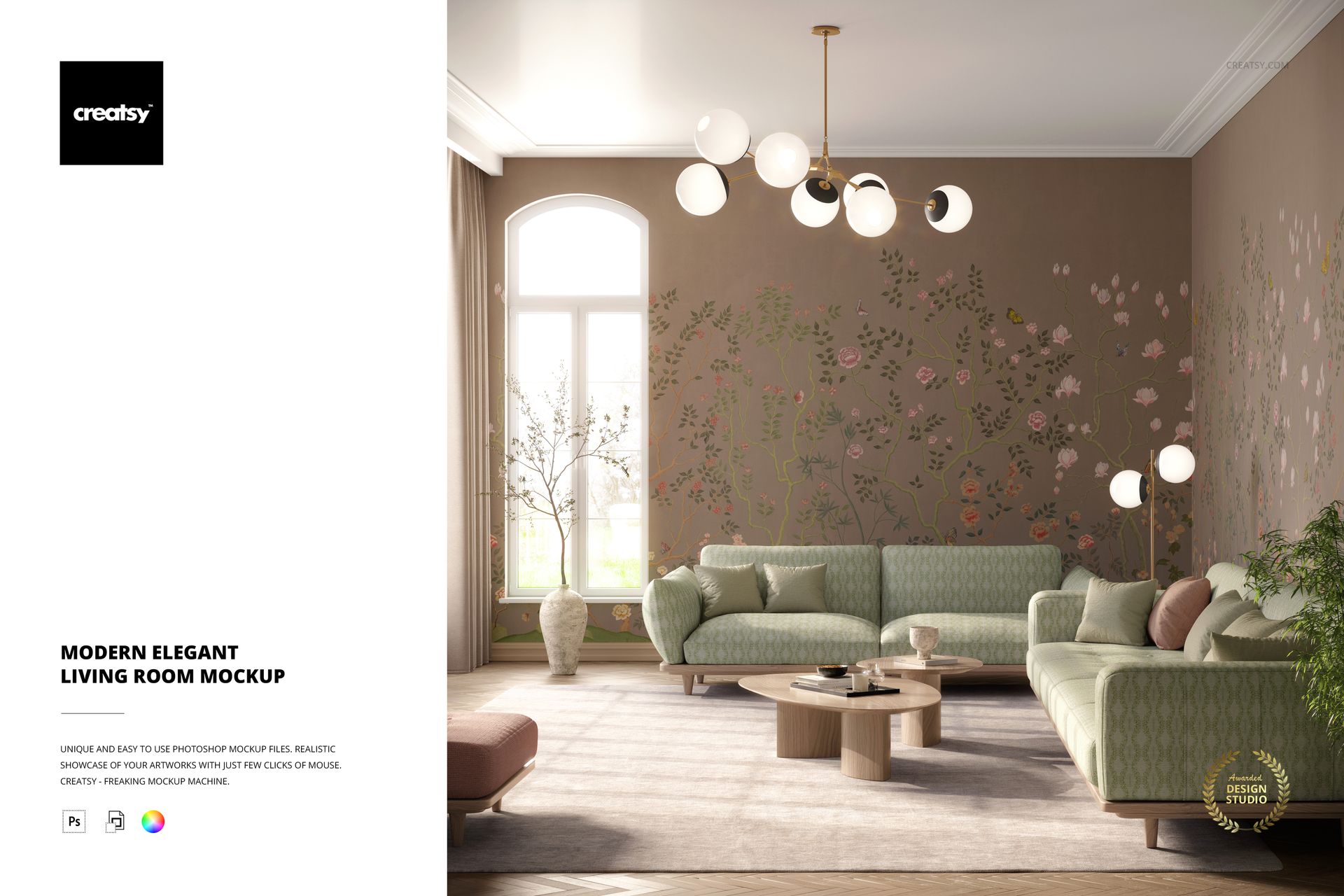



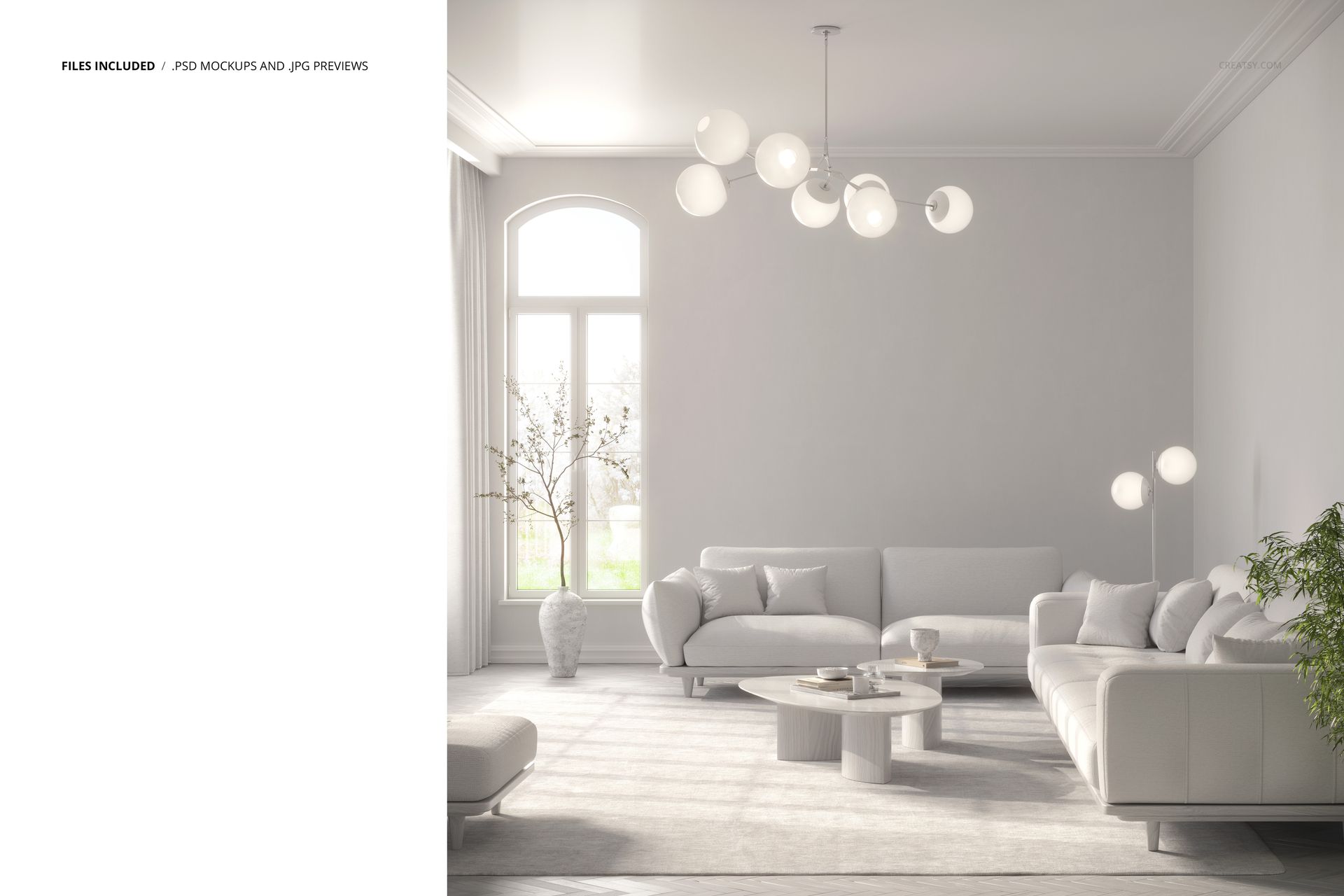
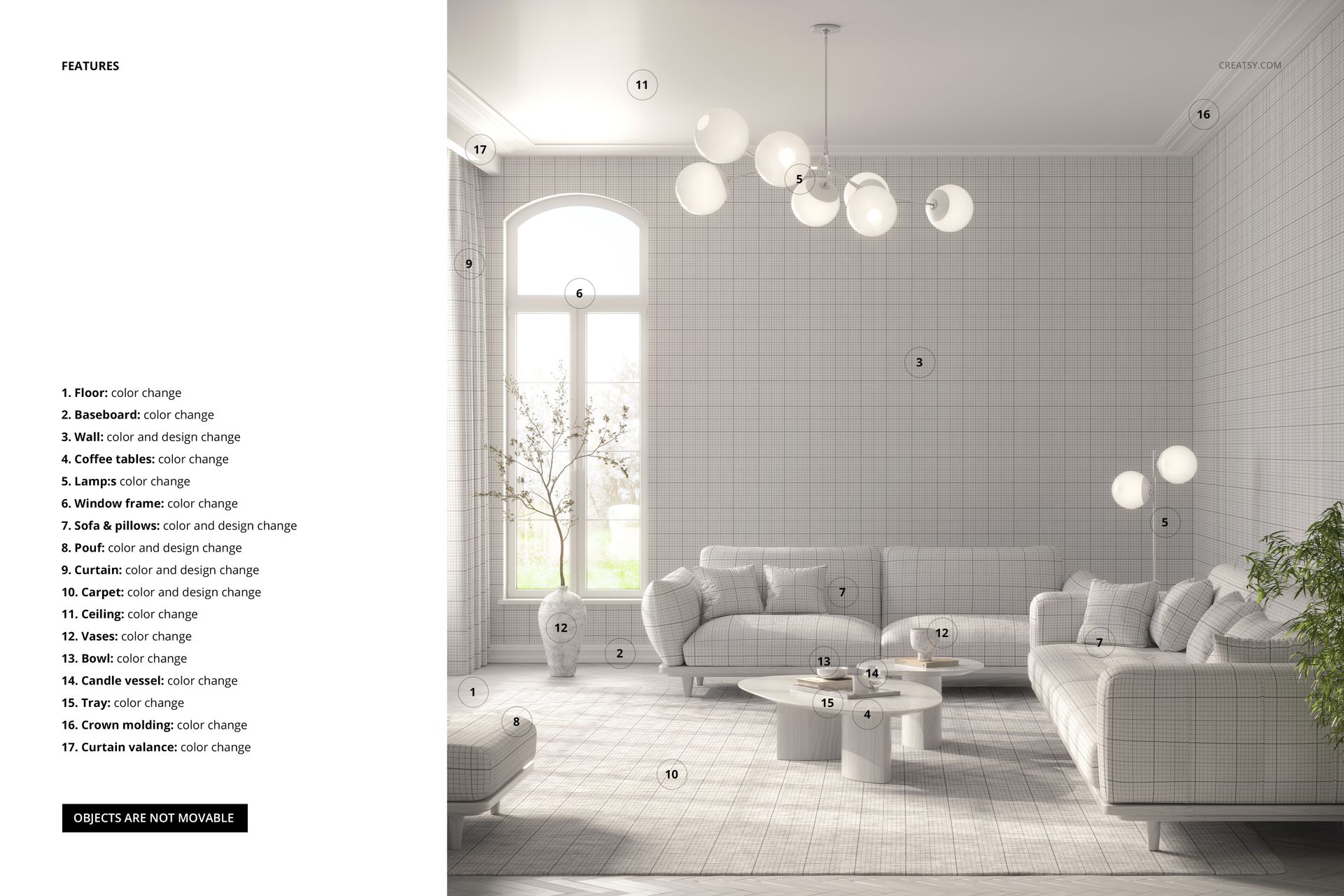
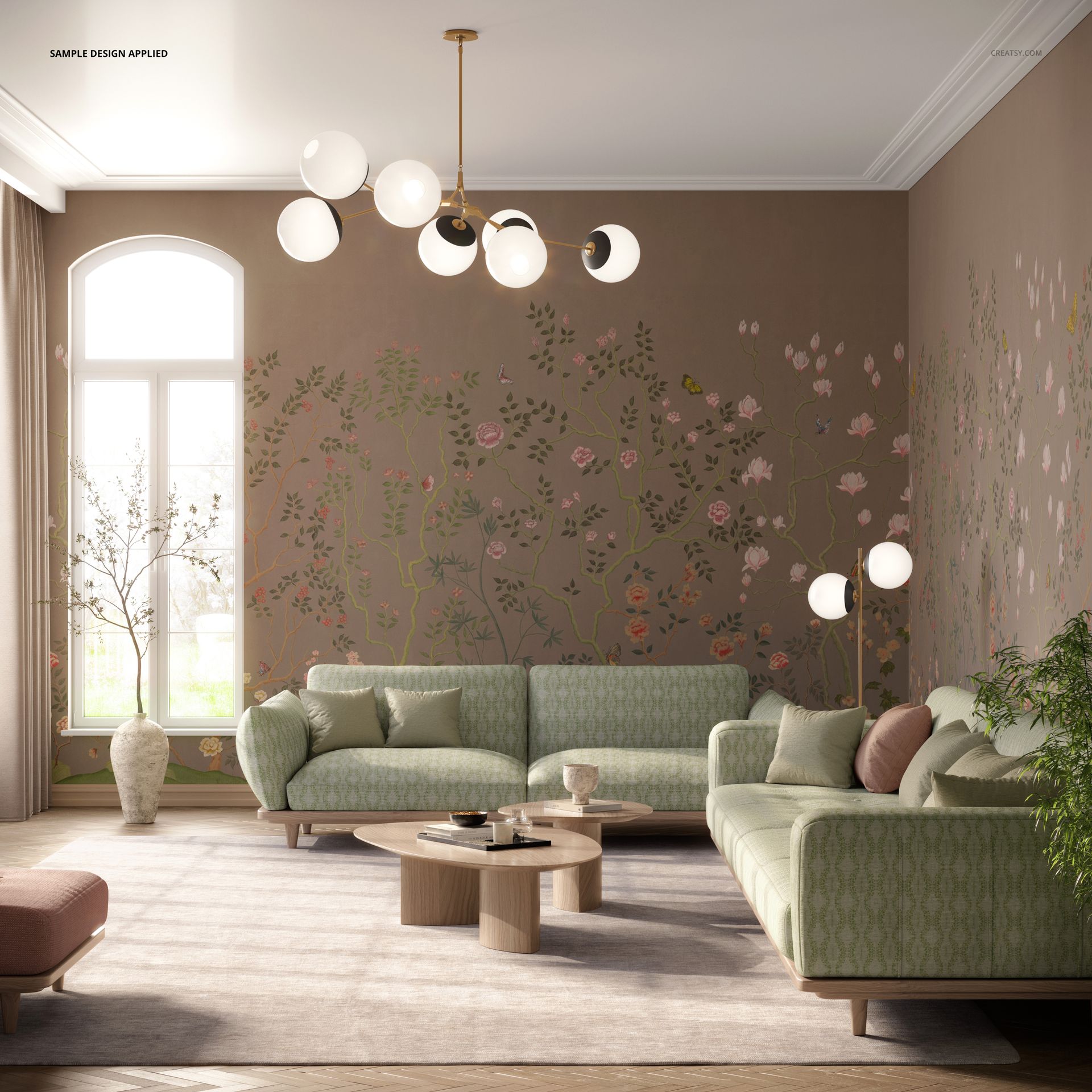
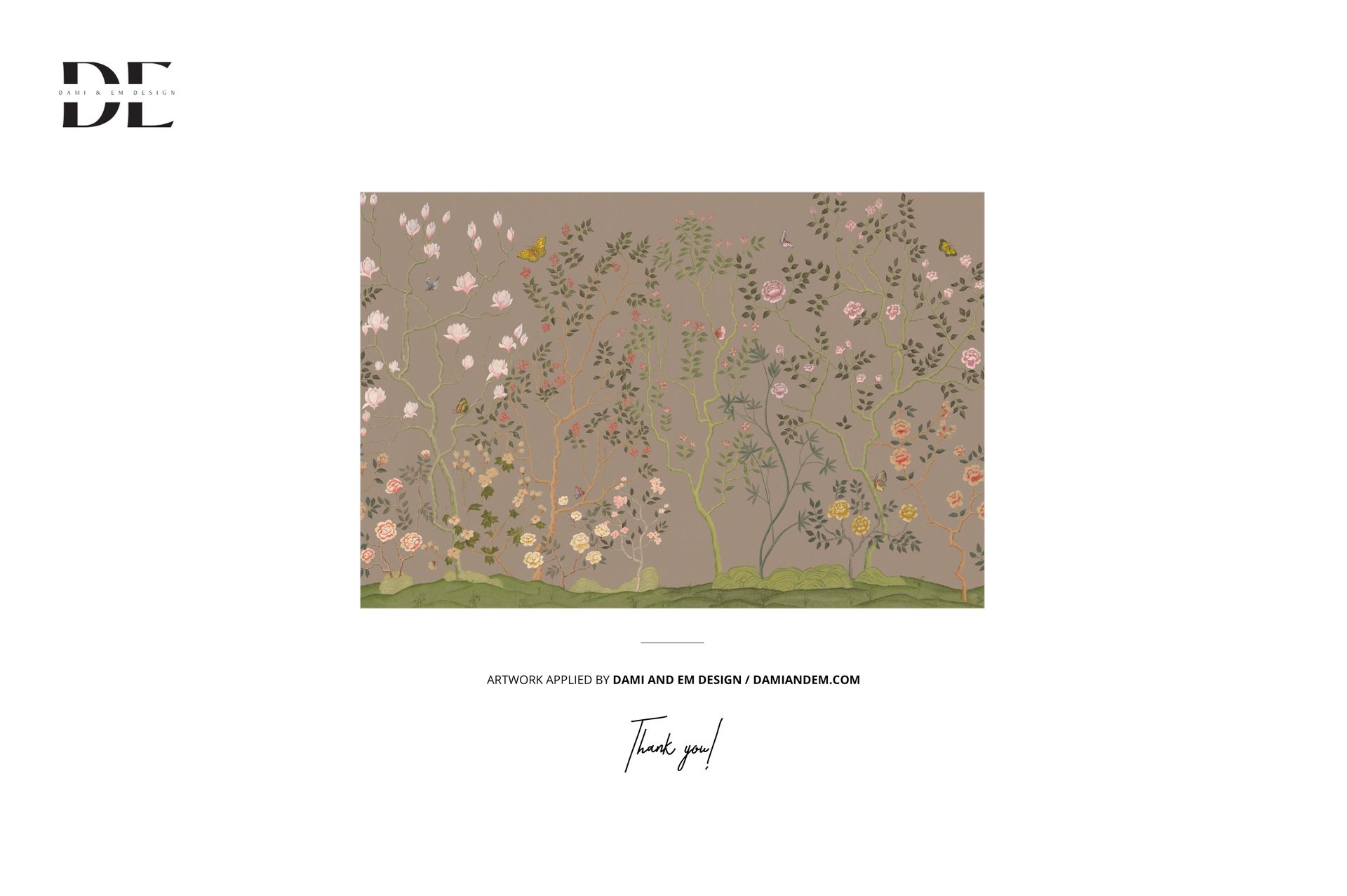








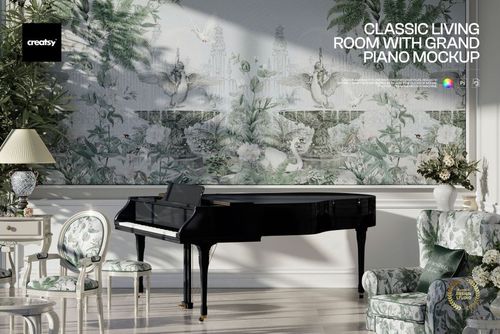
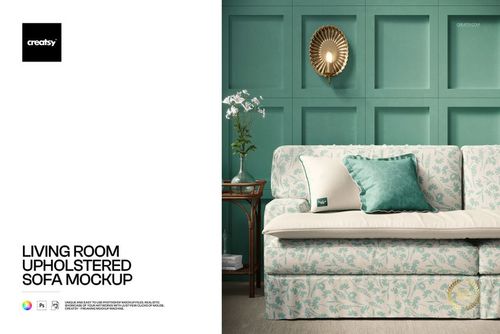
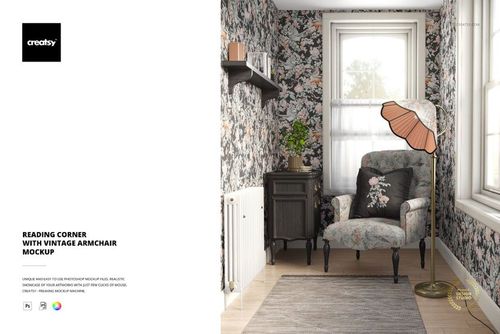
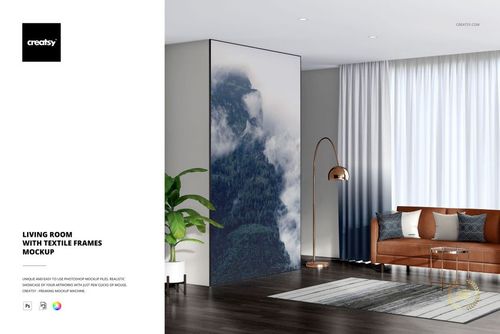
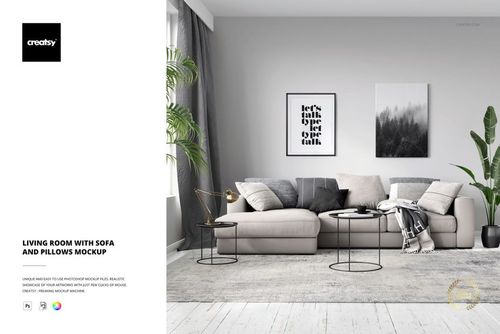
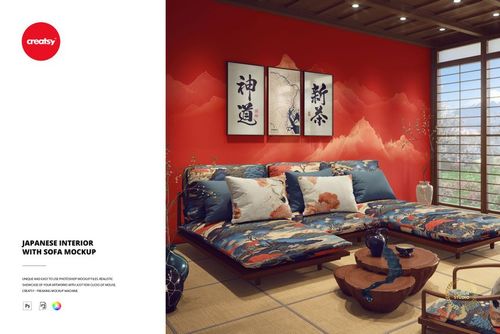
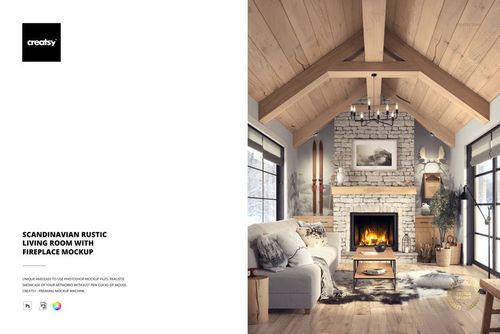
I think this has to be one of my favorite mockups to date! This is easy to edit so you can add your own personality with either Photoshop or, my new preferred program, Photopea. This is eye candy for anyone who creates wallpaper and home decor. For me, I added framed wall prints from another Creatsy mockup set to the wall and couldn't be happier with how it elevates the look of my online shop. I hope we get more warm and cozy mockups like this in the future. Thank you to Creatsy for always making my products shine!
Thank you so much for this wonderful review! We’re thrilled that this mockup has become one of your favorites. We especially love that you combined it with framed prints from another Creatsy set to create your own unique scene. Thank you for choosing Creatsy and for letting our mockups help your products shine! 💖